13

玩具盒中的历史
Enlarge

Example images

玩具盒中的历史

Prompt
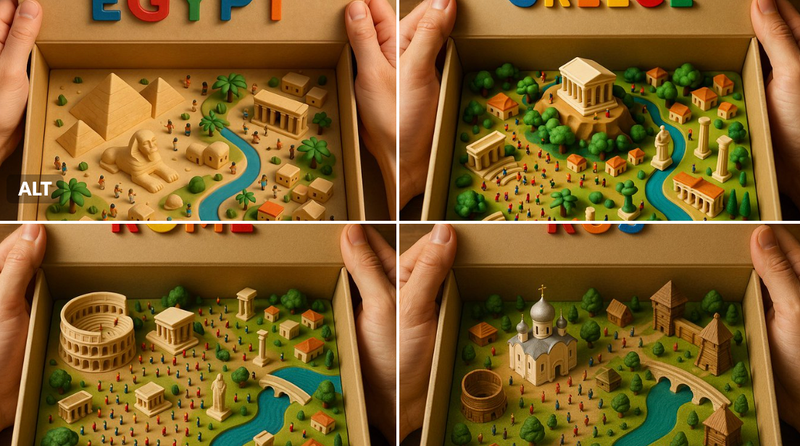
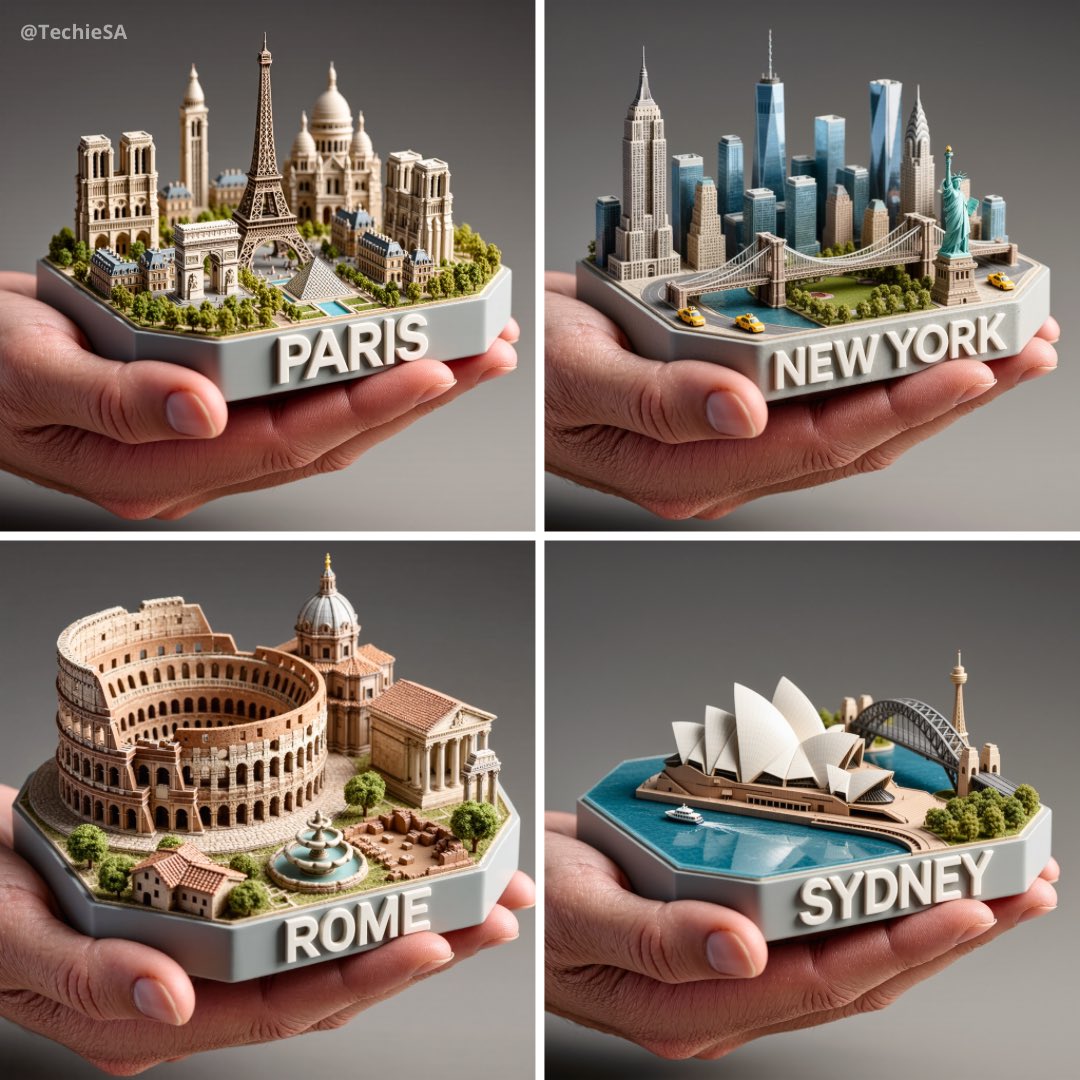
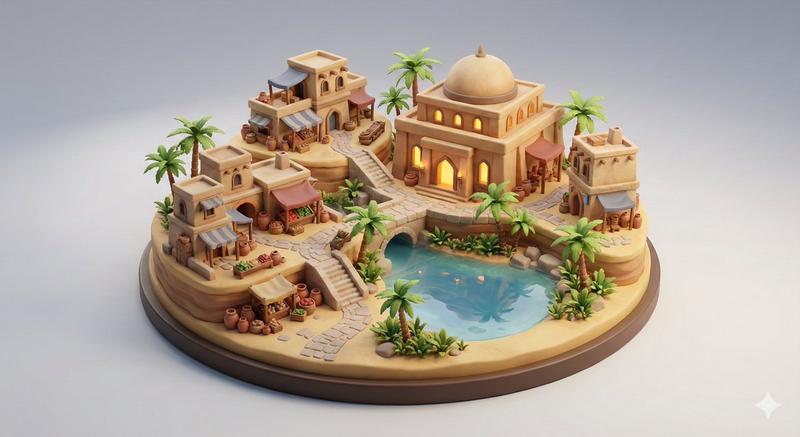
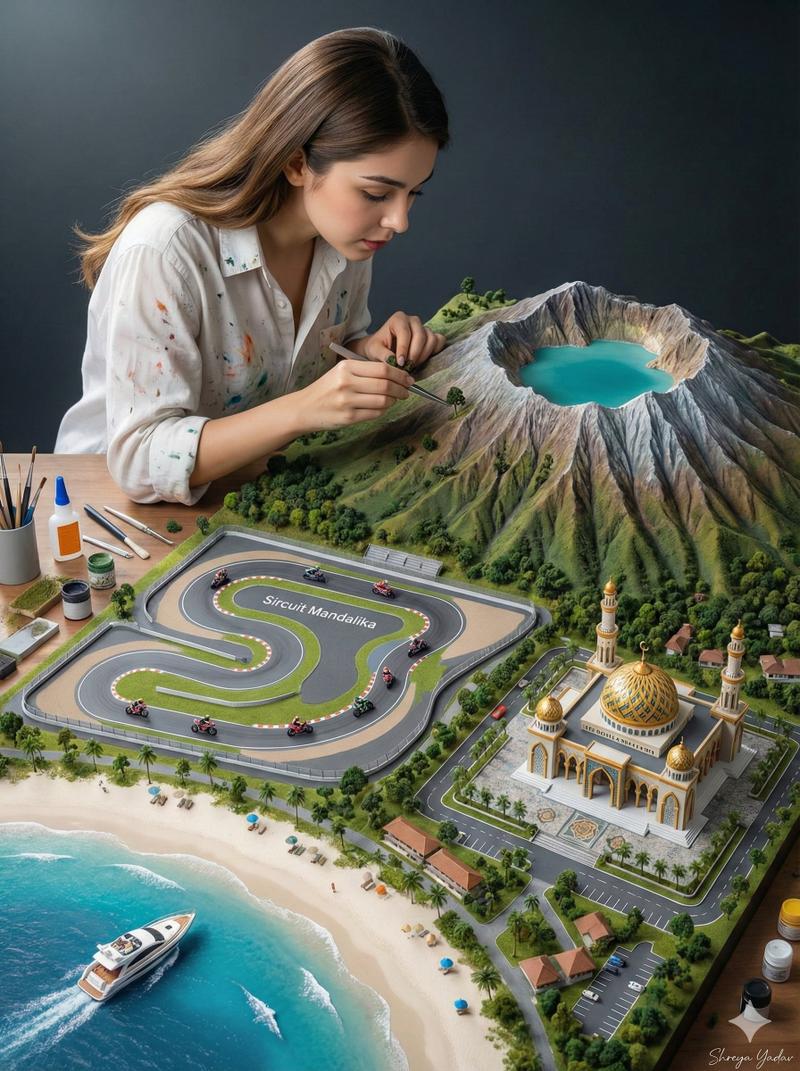
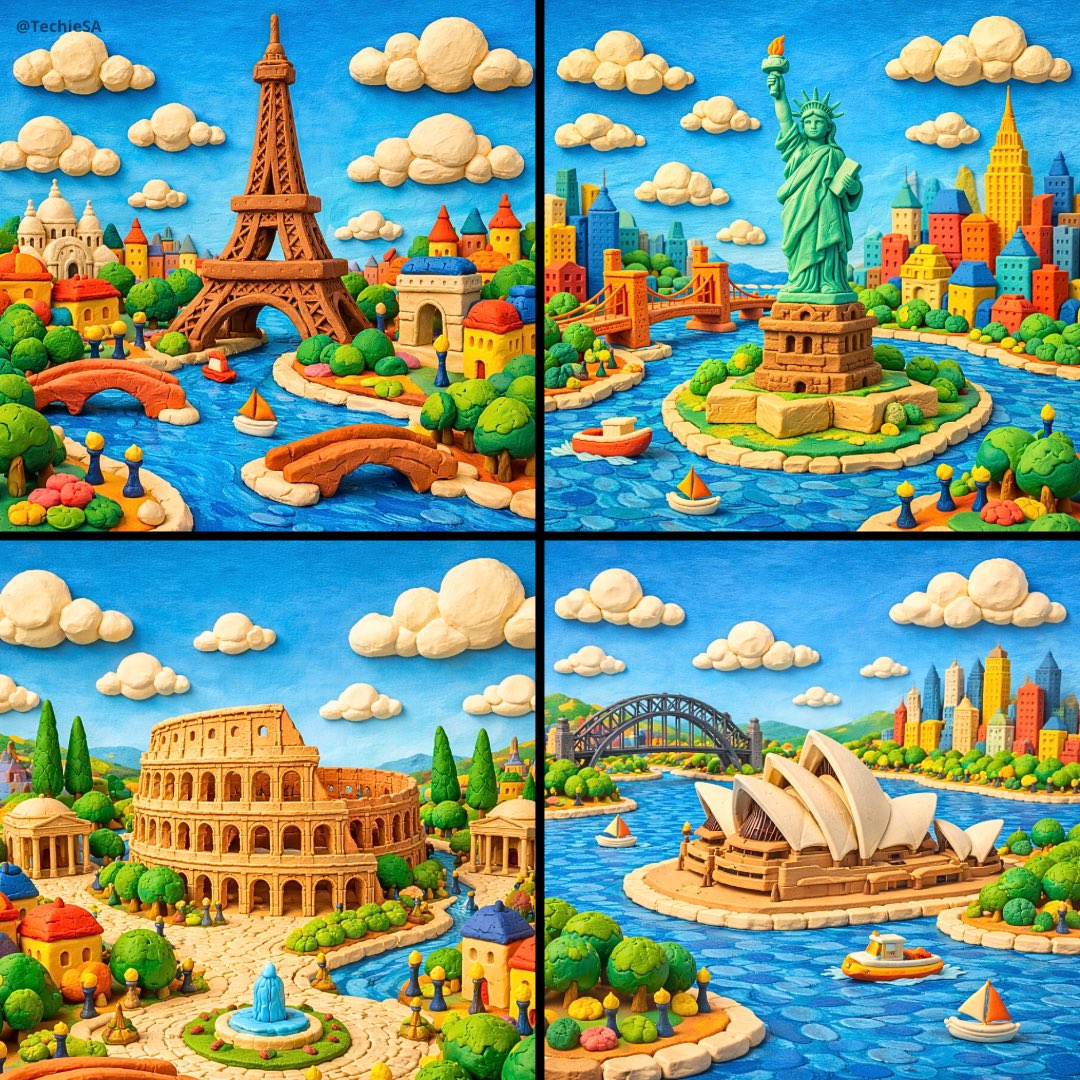
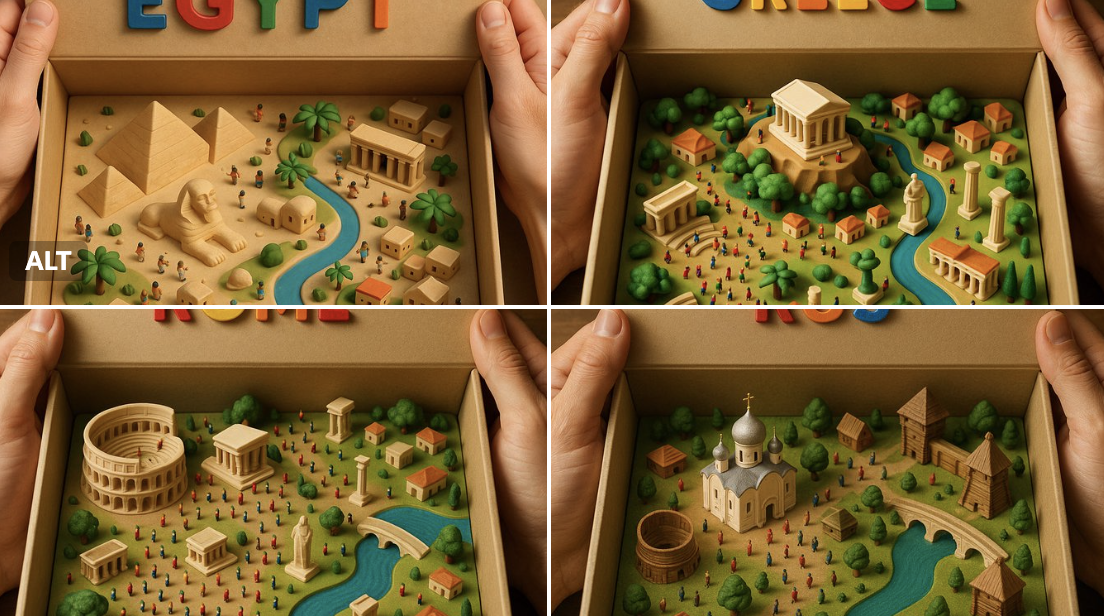
An ultra-realistic top-down photograph of a 3D-printed diorama inside a beige cardboard box, with the lid being held open by two human hands. The interior of the box reveals a miniature landscape of [COUNTRY NAME], featuring iconic landmarks, terrain, buildings, rivers, vegetation, and crowds of tiny, detailed human figures. The diorama is filled with vibrant, geographically appropriate elements, all crafted in a tactile, toy-like style using matte 3D-printed textures with visible layer lines. At the top, the inside of the box lid displays the phrase “[COUNTRY NAME]” in large, colorful, raised plastic letters—each letter in a different bright color. The lighting is warm and cinematic, highlighting the textures and shadows to evoke a sense of realism and charm, as if the viewer is opening a magical miniature version of the natio
Category
创意图片
Model
Nano Banana Pro
Views3
Source ID
3767aaa1-cdc4-4c95-8ee0-63e7cd656878
Published
Dec 27, 2025

Guide

About "玩具盒中的历史"

What is this prompt for?

"玩具盒中的历史" AI image prompt for Nano Banana Pro (创意图片). 创意图片 Copy it on Picva and recreate the look in one click.

The full copyable prompt and example visuals above are ready for AI image generation or one-click recreate in Picva.

How to use this prompt

  1. Step 1

    Open the prompt detail

    Review the example visuals, category, and full prompt text for "玩具盒中的历史".

  2. Step 2

    Copy the prompt

    Copy the prompt body from this page, or load it directly in Studio.

  3. Step 3

    Pick a model (Nano Banana Pro)

    Prefer Nano Banana Pro. If you switch models, keep subject and composition and tweak style terms.

  4. Step 4

    Generate and export

    Recreate the look in Picva, or export into your workflow for editing and publishing.

FAQ

What is the "玩具盒中的历史" prompt?
It is an AI image-generation prompt for Nano Banana Pro in the 创意图片 category. This page includes the full prompt text, example visuals, and a one-click recreate path in Picva.
How do I use this prompt to generate an image?
Copy the prompt from this page, or use Generate / Studio. Paste it into a compatible image model, or recreate the look in Picva with optional reference images.
Which model is this prompt for?
This page lists Nano Banana Pro. Most descriptive prompts also transfer to nearby image models such as GPT Image, Flux, or Midjourney with light style tweaks.
Can I use the result commercially?
You can usually copy the prompt for creation, but commercial use of the final image depends on the model terms, reference-image rights, and the generated content. Follow the source author and platform rules.