18

Prompt Studio: Nano Banana Pro Restoration Chronicle, in Firefly A master rest
Enlarge

Example images

Prompt Studio: Nano Banana Pro Restoration Chronicle, in Firefly A master rest

Prompt
Prompt Studio: Nano Banana Pro Restoration Chronicle, in Firefly

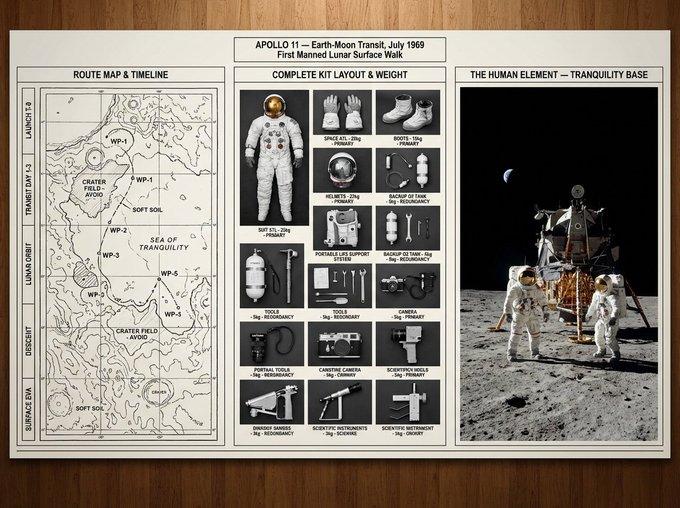
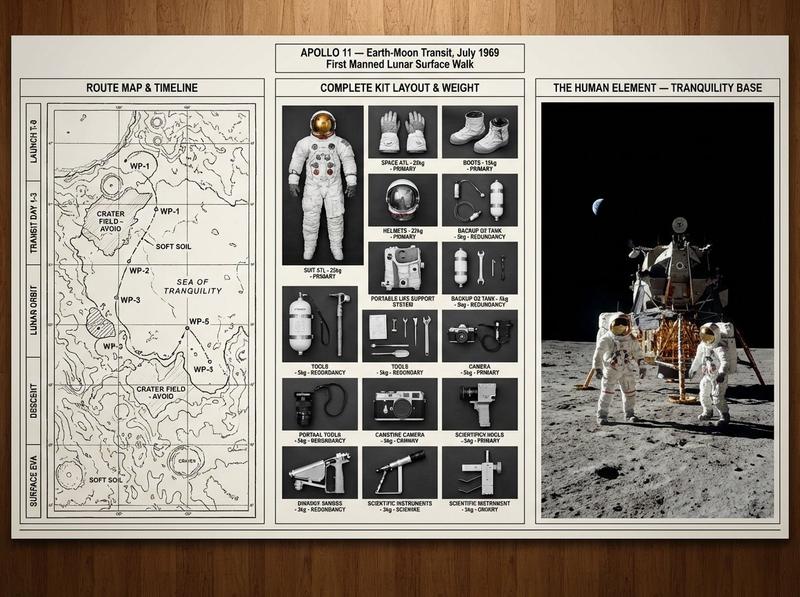
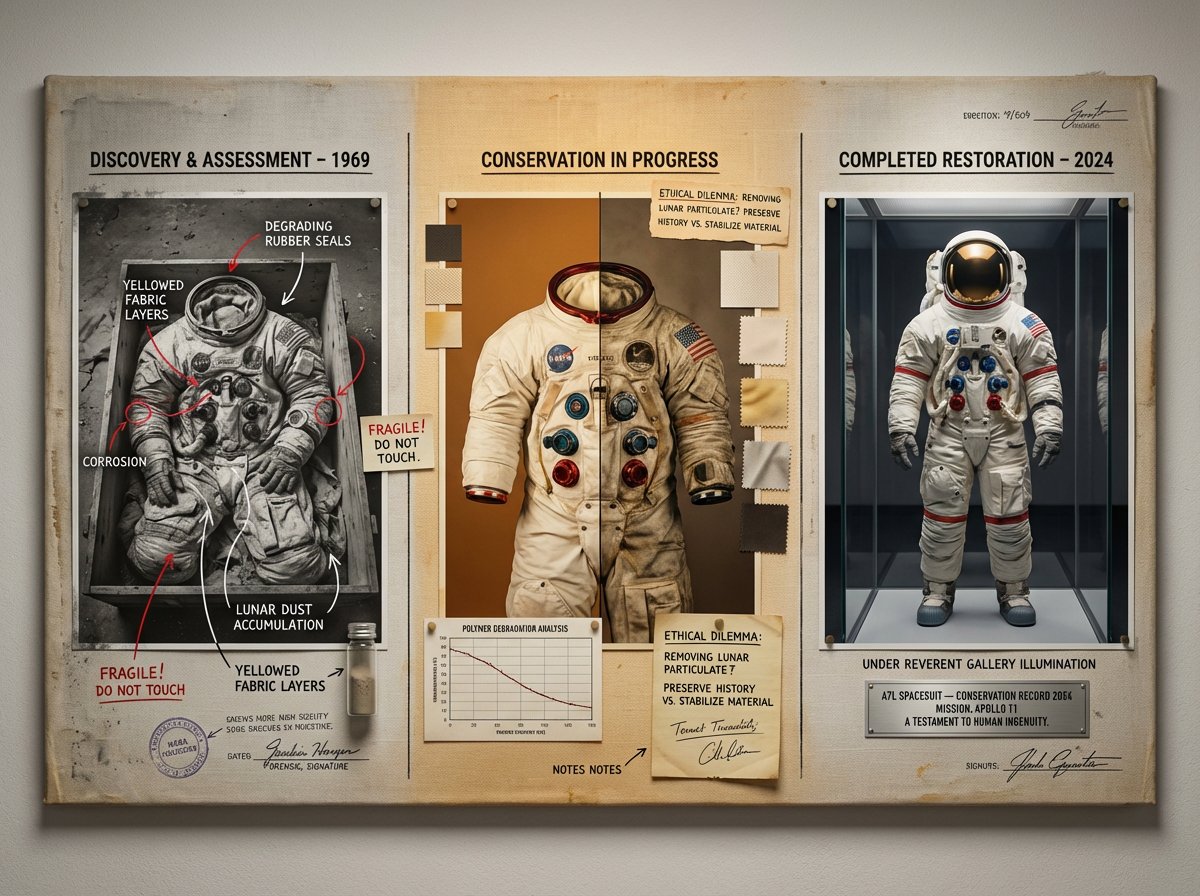
A master restorer's documentation board for [OBJECT] — [ERA / ORIGIN]. The canvas flows left to right: far left shows the object as discovered, photographed in situ with decay, damage, and patina mapped with forensic annotation markers; center shows the restoration in progress, a split view with one half cleaned and one half untouched, surrounded by material analysis swatches, paint cross-sections under microscope, and conservator's handwritten notes; far right shows the completed restoration photographed in museum lighting, the object reborn but bearing honest traces of its journey. Visual style transitions from documentary forensic greys to warm archival amber to reverent gallery illumination. Linen texture background throughout. Title block reading "[OBJECT NAME] — CONSERVATION RECORD [YEAR]".

Check ALTs for ideas 👇 @AdobeFirefly
Category
创意图片
Model
Nano Banana Pro
Views4
Source ID
16a7e809-d1a5-4f43-8b97-b346c729fb9a
Published
Jan 10, 2026

Guide

About "Prompt Studio: Nano Banana Pro Restoration Chronicle, in Firefly A master rest"

What is this prompt for?

"Prompt Studio: Nano Banana Pro Restoration Chronicle, in Firefly A master rest" AI image prompt for Nano Banana Pro (创意图片). 创意图片 Copy it on Picva and recreate…

The full copyable prompt and example visuals above are ready for AI image generation or one-click recreate in Picva.

How to use this prompt

  1. Step 1

    Open the prompt detail

    Review the example visuals, category, and full prompt text for "Prompt Studio: Nano Banana Pro Restoration Chronicle, in Firefly A master rest".

  2. Step 2

    Copy the prompt

    Copy the prompt body from this page, or load it directly in Studio.

  3. Step 3

    Pick a model (Nano Banana Pro)

    Prefer Nano Banana Pro. If you switch models, keep subject and composition and tweak style terms.

  4. Step 4

    Generate and export

    Recreate the look in Picva, or export into your workflow for editing and publishing.

FAQ

What is the "Prompt Studio: Nano Banana Pro Restoration Chronicle, in Firefly A master rest" prompt?
It is an AI image-generation prompt for Nano Banana Pro in the 创意图片 category. This page includes the full prompt text, example visuals, and a one-click recreate path in Picva.
How do I use this prompt to generate an image?
Copy the prompt from this page, or use Generate / Studio. Paste it into a compatible image model, or recreate the look in Picva with optional reference images.
Which model is this prompt for?
This page lists Nano Banana Pro. Most descriptive prompts also transfer to nearby image models such as GPT Image, Flux, or Midjourney with light style tweaks.
Can I use the result commercially?
You can usually copy the prompt for creation, but commercial use of the final image depends on the model terms, reference-image rights, and the generated content. Follow the source author and platform rules.