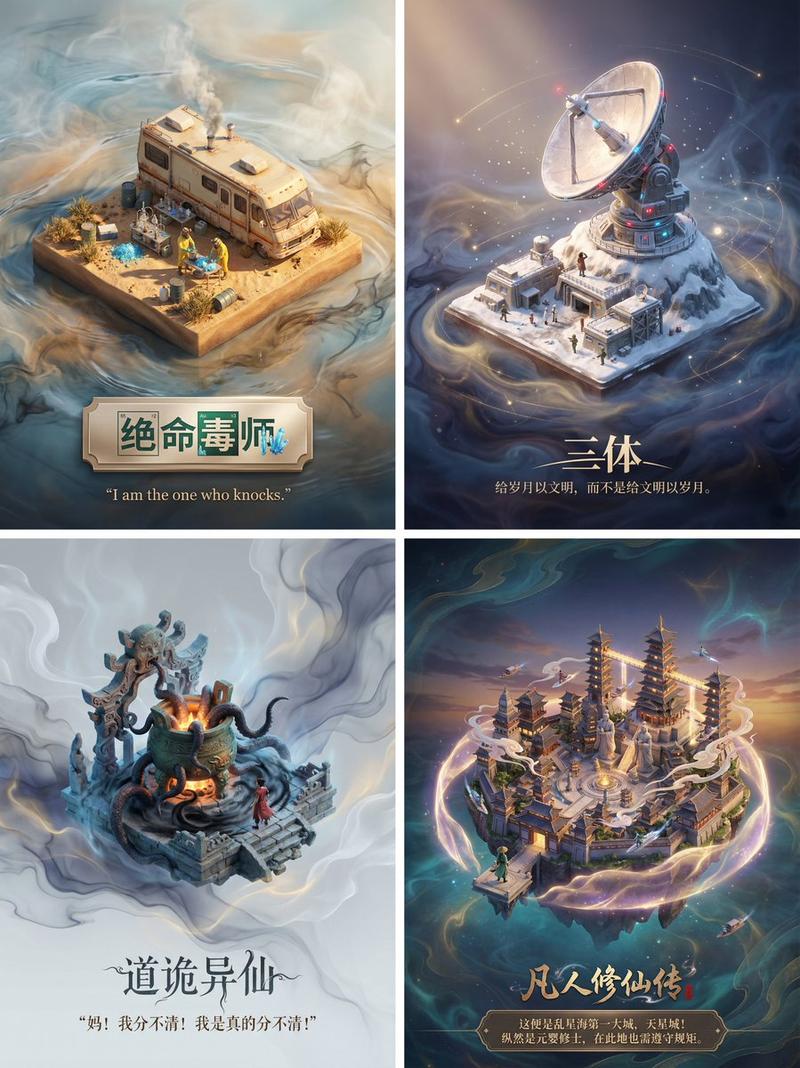
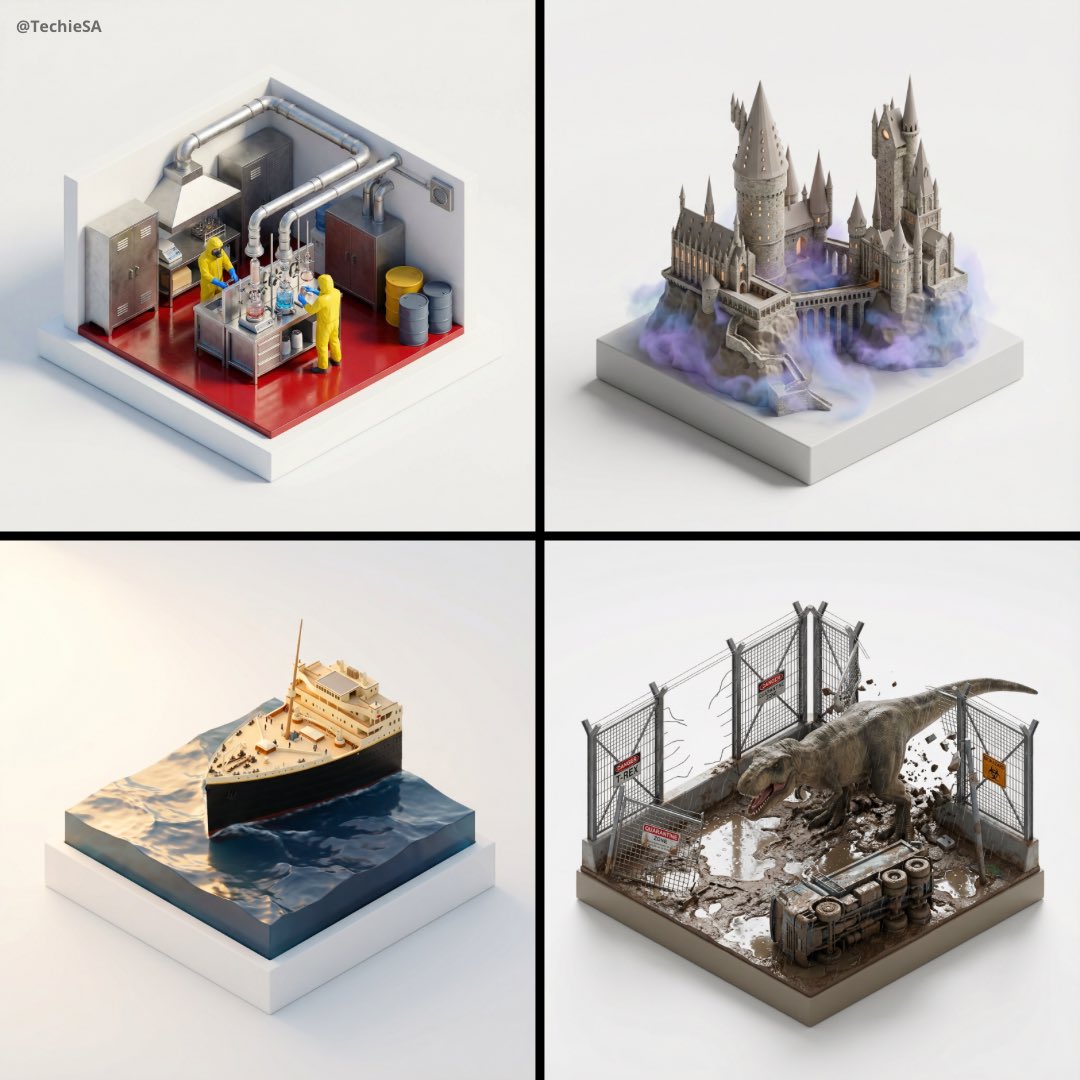
Another way to visualize stories. It's a bit more hard coded for now. Prompt: <
Prompt
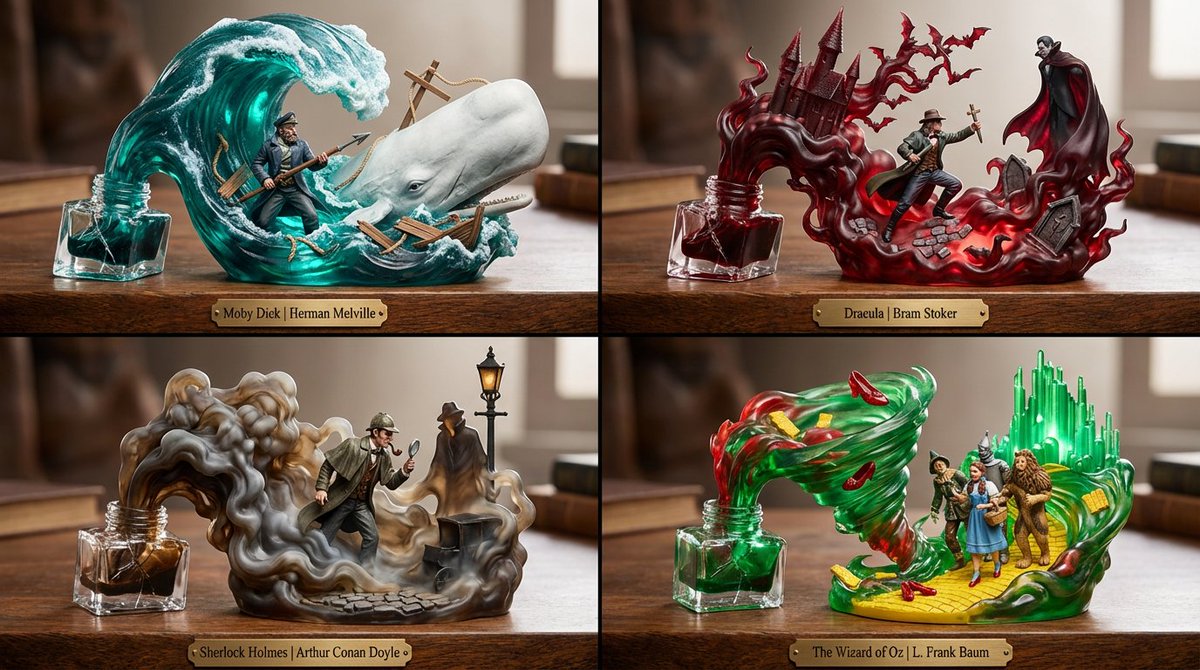
Another way to visualize stories. It's a bit more hard coded for now.

Prompt: <instructions>
Act as a Master Toy Sculptor, Color Theorist, and Fluid FX Artist.
1. Curation: Select 4 Genres/Titles related to input with distinct Color Palettes:
(e.g. Moby Dick: Palette: Deep Teal, Seafoam Green, White. Scene: Ahab vs. The Whale.
Dracula: Palette: Oxblood Red, Charcoal, Gold. Scene: Van Helsing vs. Dracula.
Sherlock Holmes: Palette: Sepia, Tobacco Brown, London Grey. Scene: Holmes in the Fog.
Wizard of Oz: Palette: Emerald Green, Poppy Red, Yellow. Scene: Dorothy & The Witch.?
2. The Container:
The Base: A heavy, ornate wooden desk surface (Walnut or Mahogany texture).
The Source: A spilled Crystal Inkwell. The glass is cracked, and the ink is exploding upwards.
3. The 3D Composition (The "Pop-Out"):
The Hero: A solid, fully painted, hyper-realistic 3D Figure (1:10 scale) leaping from the spill. (e.g., Ahab thrusting a harpoon).
The Fluid Environment: The spilled ink is Translucent Colored Resin. It spirals up to form the background:
(e.g. Moby Dick: The Teal ink forms a massive, translucent wave curling over Ahab. The "foam" of the wave solidifies into the white head of the Whale.
Dracula: The Red ink swirls like smoke, forming the jagged shapes of a Gothic Castle and a swarm of bats behind the vampire.)
Story Background: Physical props embedded in the ink. (e.g., Shattered ship planks in the teal wave; Cobblestones in the red mist; A gas streetlamp rising from the grey fog).
4. Lighting: "Magical Realism." The translucent ink glows from within (Subsurface Scattering), illuminating the solid hero character.
5. Labeling: An engraved brass plate on the wooden desk edge: "[Book Title] | [Author]".
Output: 2x2 Grid, Macro Photography of Resin Statues, Volumetric Lighting, Dynamic Action Pose.
</instructions>
- Category
- 创意图片
- Model
- Nano Banana Pro
- Creator
- @Gdgtify
- Source ID
- b68ab844-6a39-4f5d-9783-3b39ca031a5d
- Published
- Jan 17, 2026
Views3






![请为[乔布斯]创建一个有趣的职业生涯地图,使用[指环王]的主题。需包含相关的隐喻或比喻,将这位名人的职业经历与所选主题连接起来,使职业地图感觉连贯且有意义。中英文案,确保所有文字清晰易读。 乔布...](https://cdn.pixshop.app/prompt-library/nano-banana-1992589073039671607/primary-0-1768409112618-dpsd3wny.jpeg)