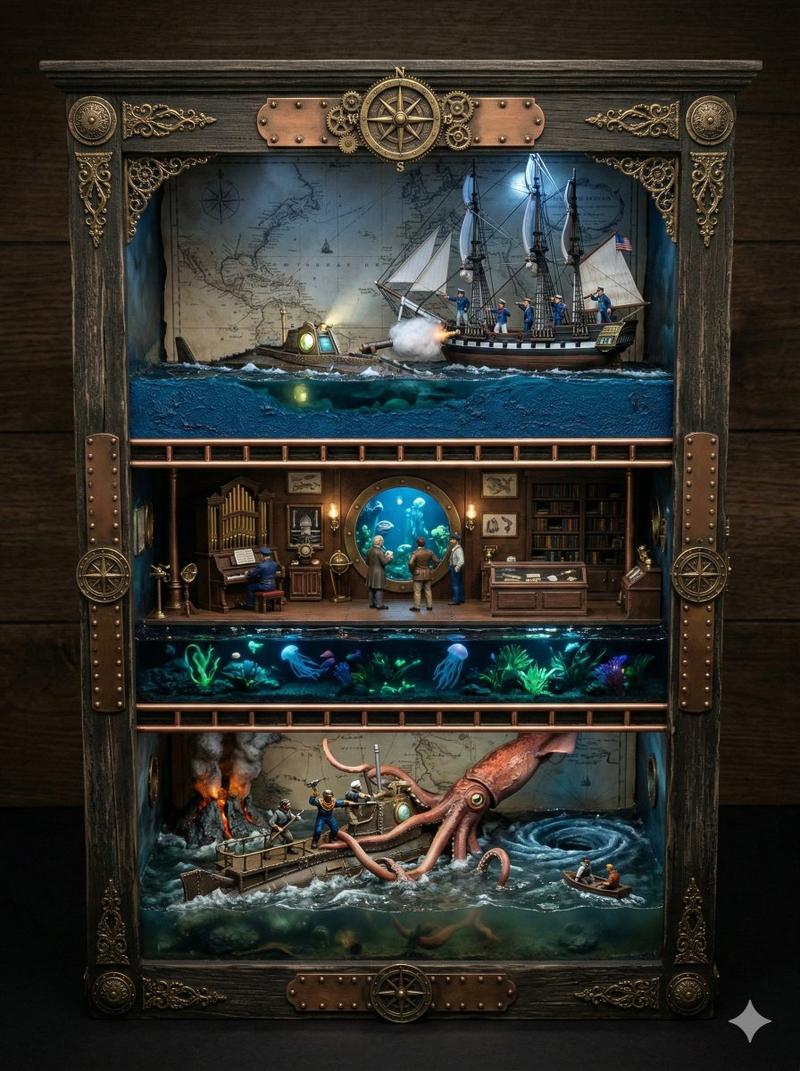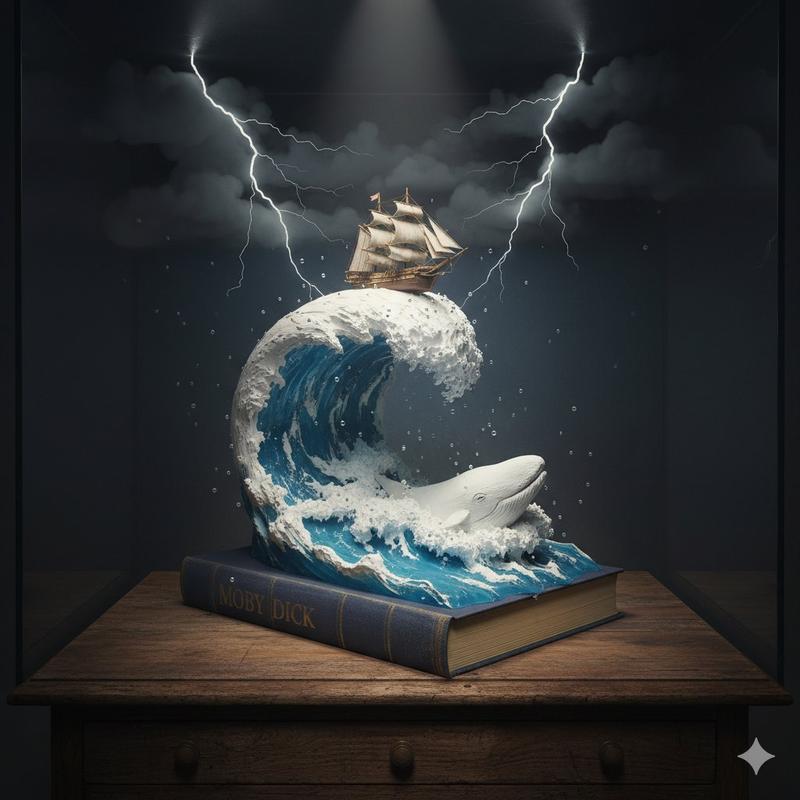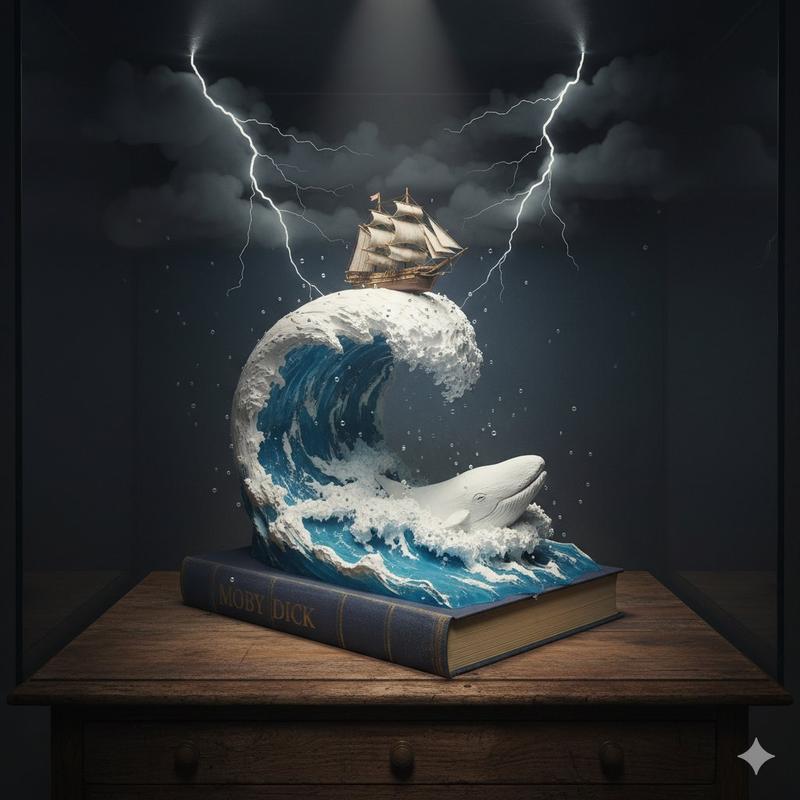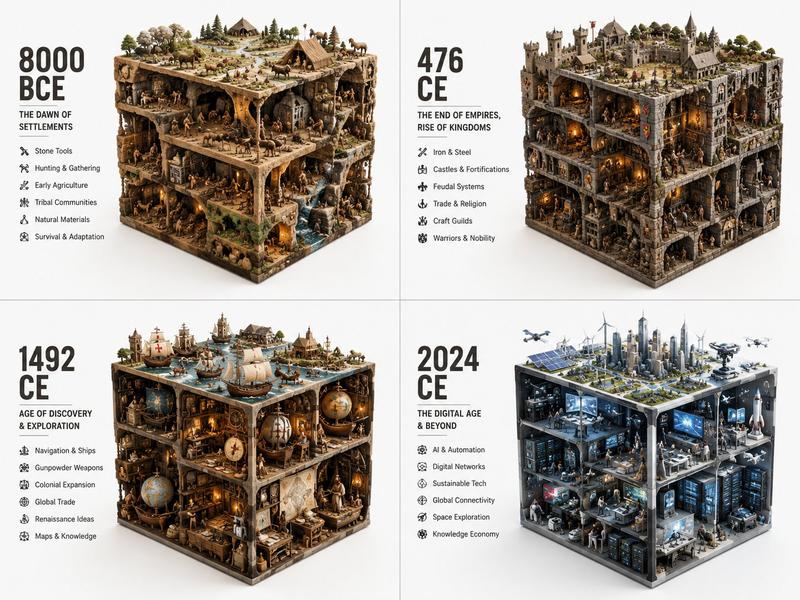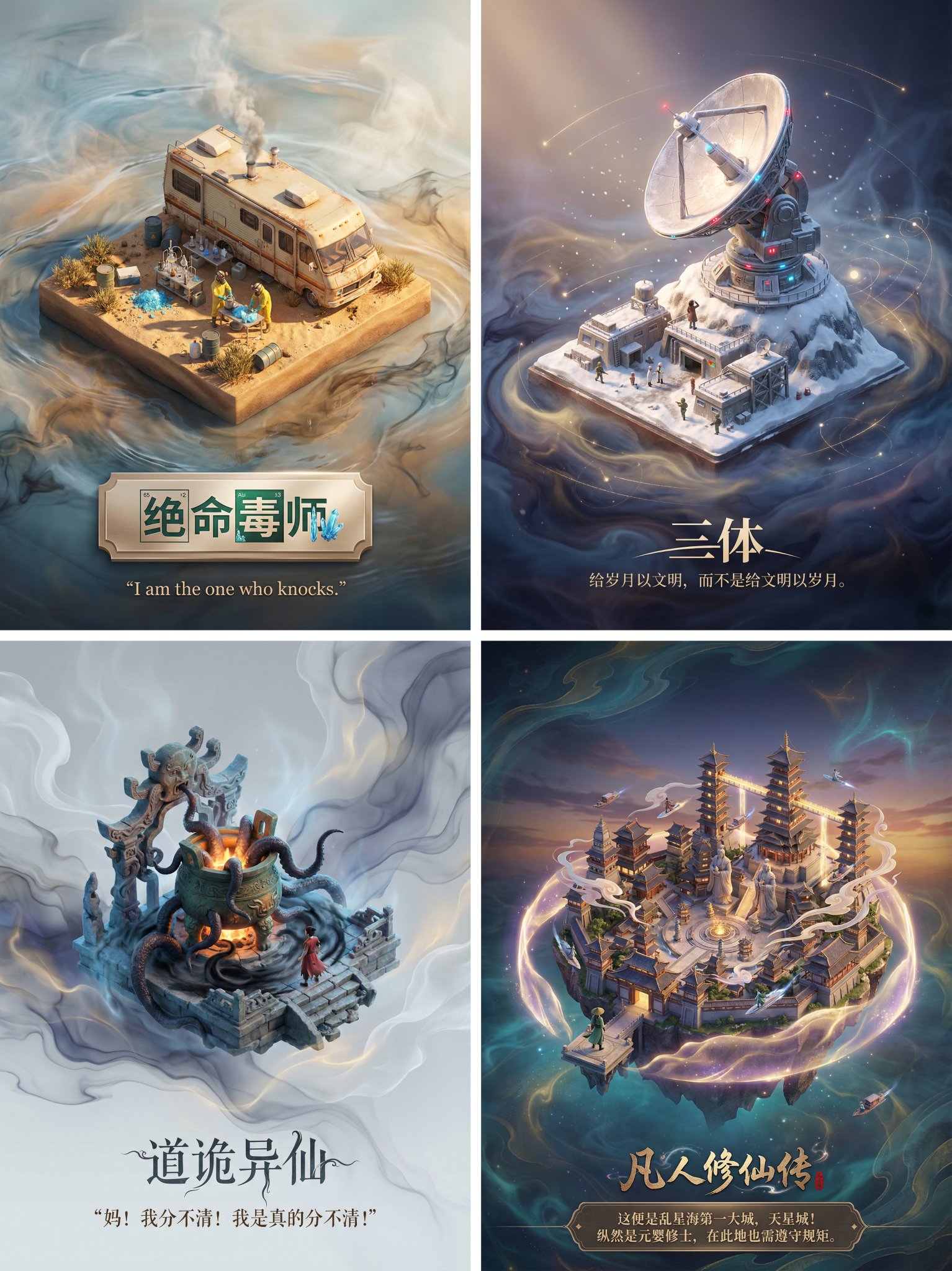
《海底两万里》华丽盒式立体模型提示词
Prompt
Variable Guide
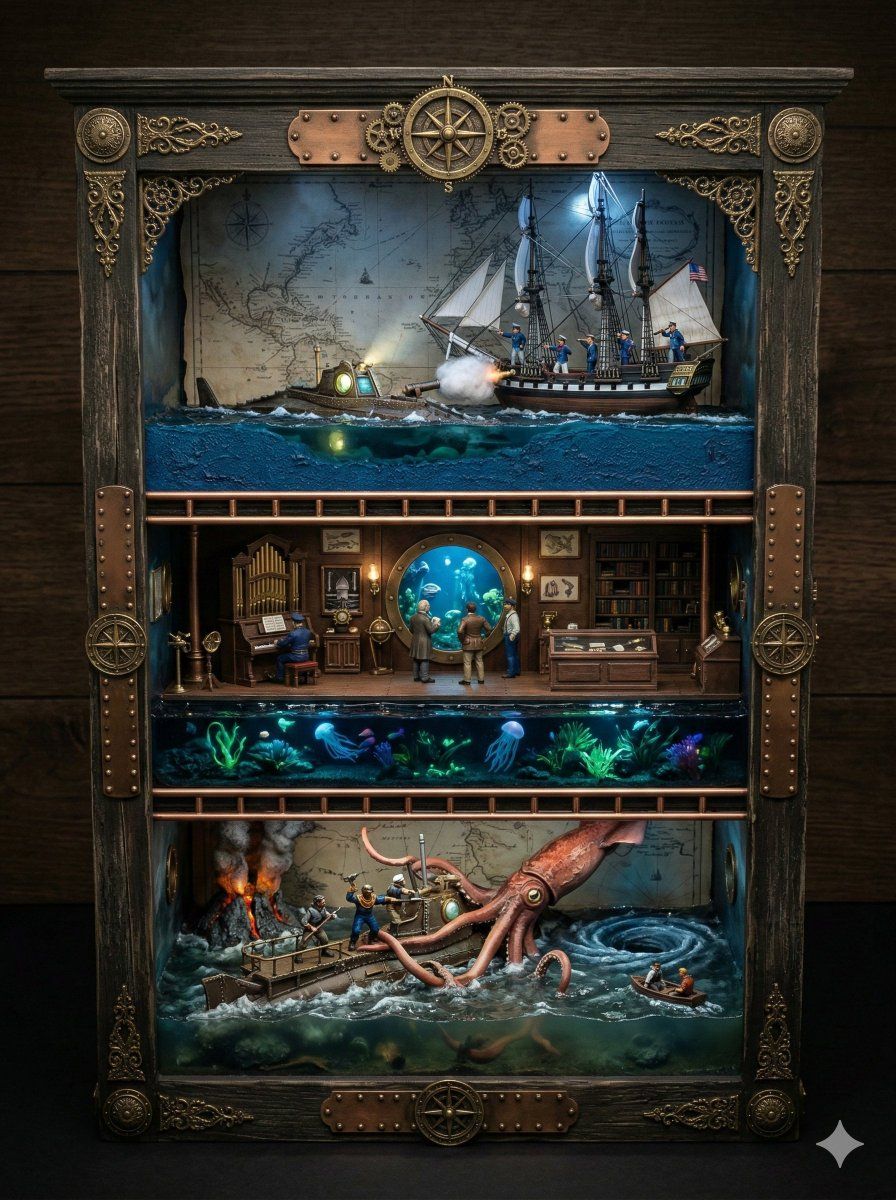
1. OVERALL_DIORAMA_THEME = Scenes from the book  Twenty Thousand leagues under the sea  by Jules Verne, in the order in which they are presented in the book
2. CUPBOARD_BASE_MATERIAL =
3. CUPBOARD_LINING_MATERIAL =
4. RACK_MATERIAL =
5. ORNAMENTATION_STYLE = [e.g., Gothic carved wood, Art Deco brass, Elven interlaced vines]
6. ART_STYLE = Hyper-Realistic Render
7. TOP_SHELF_SCENE = [Describe specific actions of miniature figures defining the scene]
8. MIDDLE_SHELF_SCENE = [Describe specific actions of miniature figures defining the scene]
9. BOTTOM_SHELF_SCENE = [Describe specific actions of miniature figures defining the scene]
10. LIGHTING =
11. CAMERA_ANGLE = A straight-on, front-facing view, captured from a moderately high angle looking distinctly downward.
12. ASPECT_RATIO = 3:4

Generation Directives
(Note: If any variable is left blank, intelligently infer the most appropriate detail based on the OVERALL_DIORAMA_THEME)

Directive 1: Framing & Composition (Highest Priority)
A direct, front-facing photograph captured from CAMERA_ANGLE. The composition must perfectly center the open display structure, looking down at a distinct angle into the shelves to clearly reveal the floor plates and top-down depth of the miniature objects within the dioramas, while ensuring the exterior side panels remain completely hidden. The entire free-standing structure must be completely visible with negative space around it against a simple background. The aspect ratio is 3:4.

Directive 2: The Main Structure (Strict Constraints)
Render the image in the style of ART_STYLE. The central object is a highly detailed, permanently open-front curio display structure. It must not possess doors, hinges, or door frames of any kind. The exterior is constructed from CUPBOARD_BASE_MATERIAL and detailed with ORNAMENTATION_STYLE. The interior back wall is lined with CUPBOARD_LINING_MATERIAL, and the individual shelves are made of RACK_MATERIAL.

Directive 3: The Miniature Dioramas & Figures
The structure houses a cohesive miniature world divided across three shelves, adhering to the OVERALL_DIORAMA_THEME. Crucially, each shelf must contain miniature figures engaged in a specific narrative action.
* Top Shelf: Miniature figures are depicted [TOP_SHELF_SCENE].
* Middle Shelf: Miniature figures are depicted [MIDDLE_SHELF_SCENE].
* Bottom Shelf: Miniature figures are depicted [BOTTOM_SHELF_SCENE].
Ensure the scale clearly reads as miniature dioramas housed within a furniture piece.

Directive 4: Atmosphere & Lighting
The scene is illuminated by LIGHTING. The lighting should cast appropriate micro-shadows within each shelf to emphasize the depth, the figures, and the miniature scale of the dioramas.
- Category
- 创意图片
- Model
- Nano Banana Pro
- Creator
- Artingent
- Source ID
- cd9f7c36-8ee2-4eff-81dd-edca625a605a
- Published
- Mar 8, 2026
Views0