20

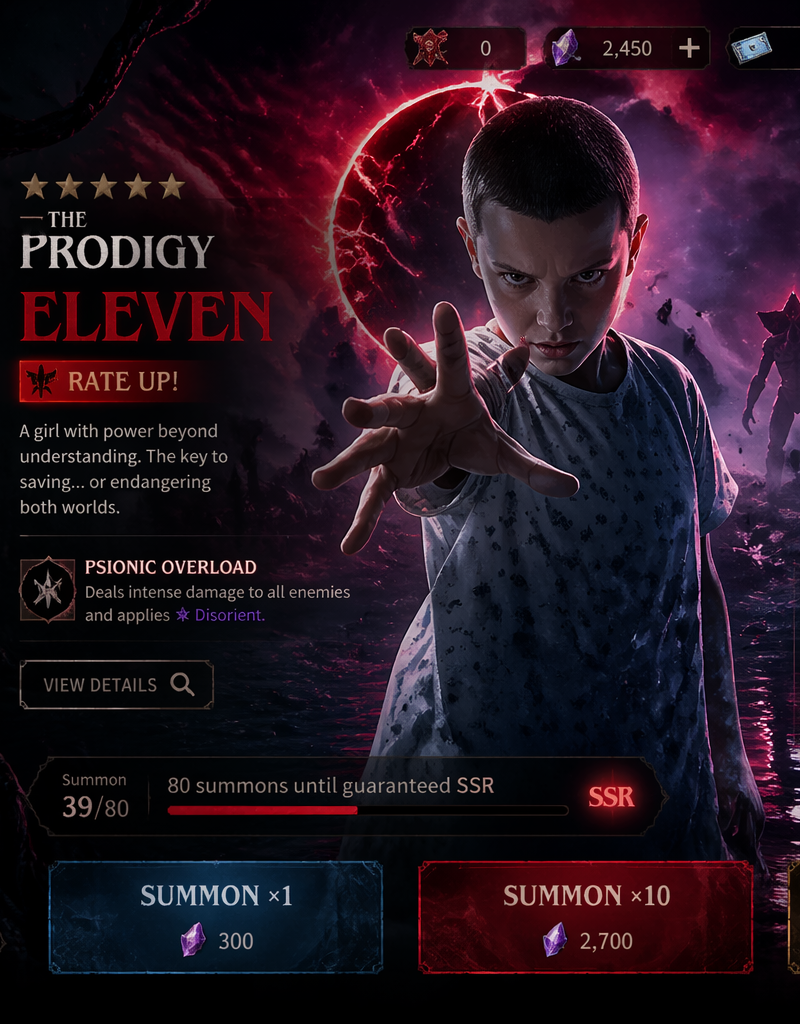
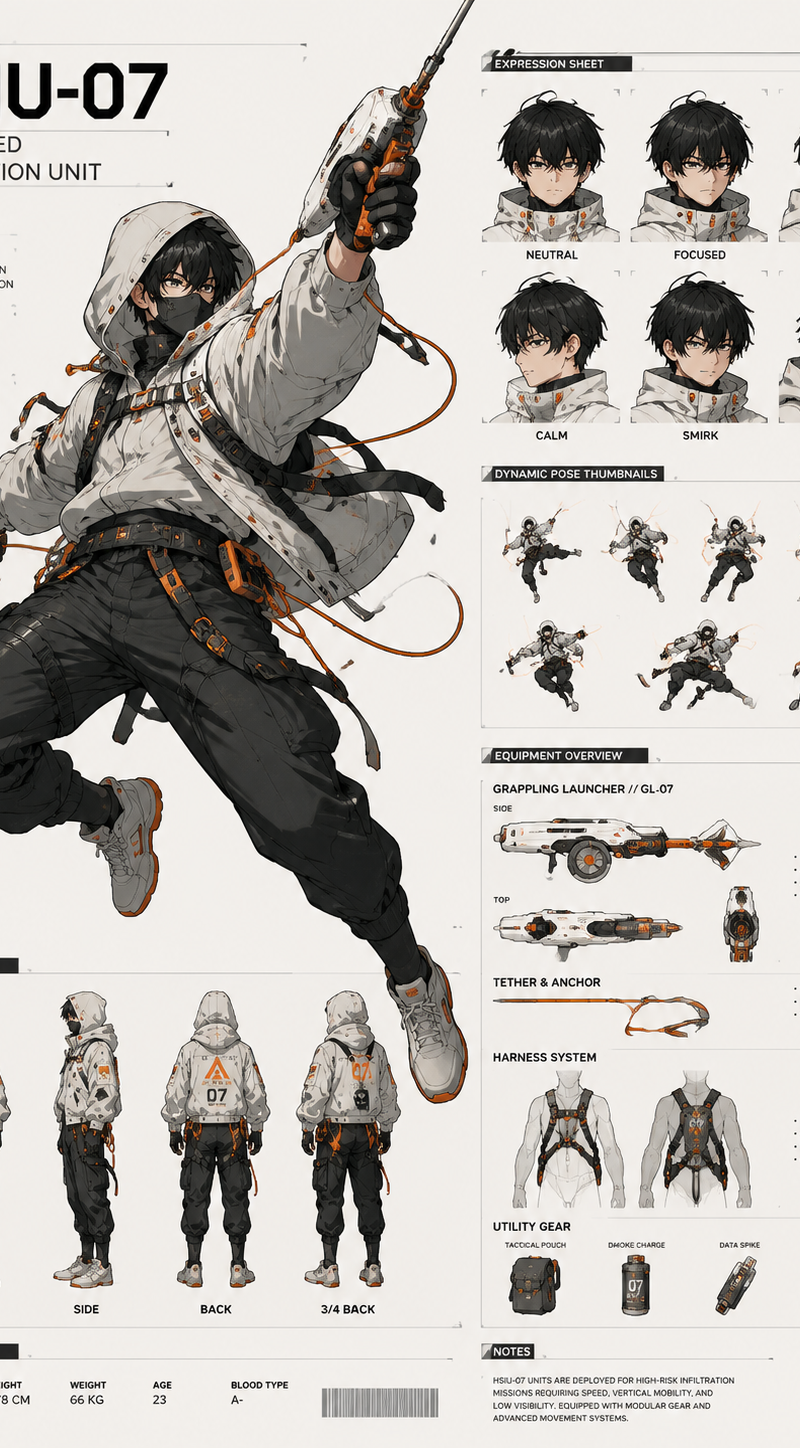
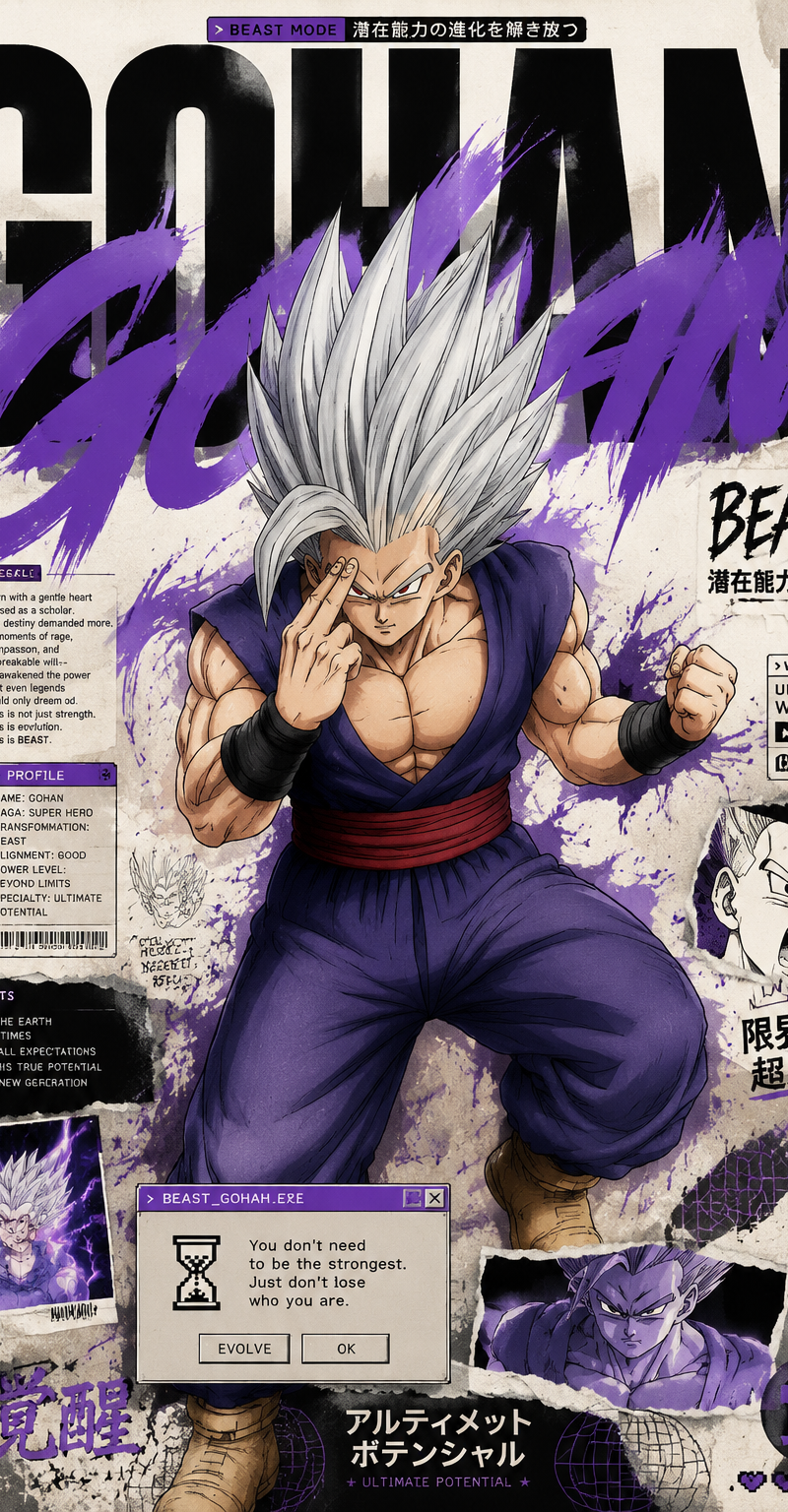
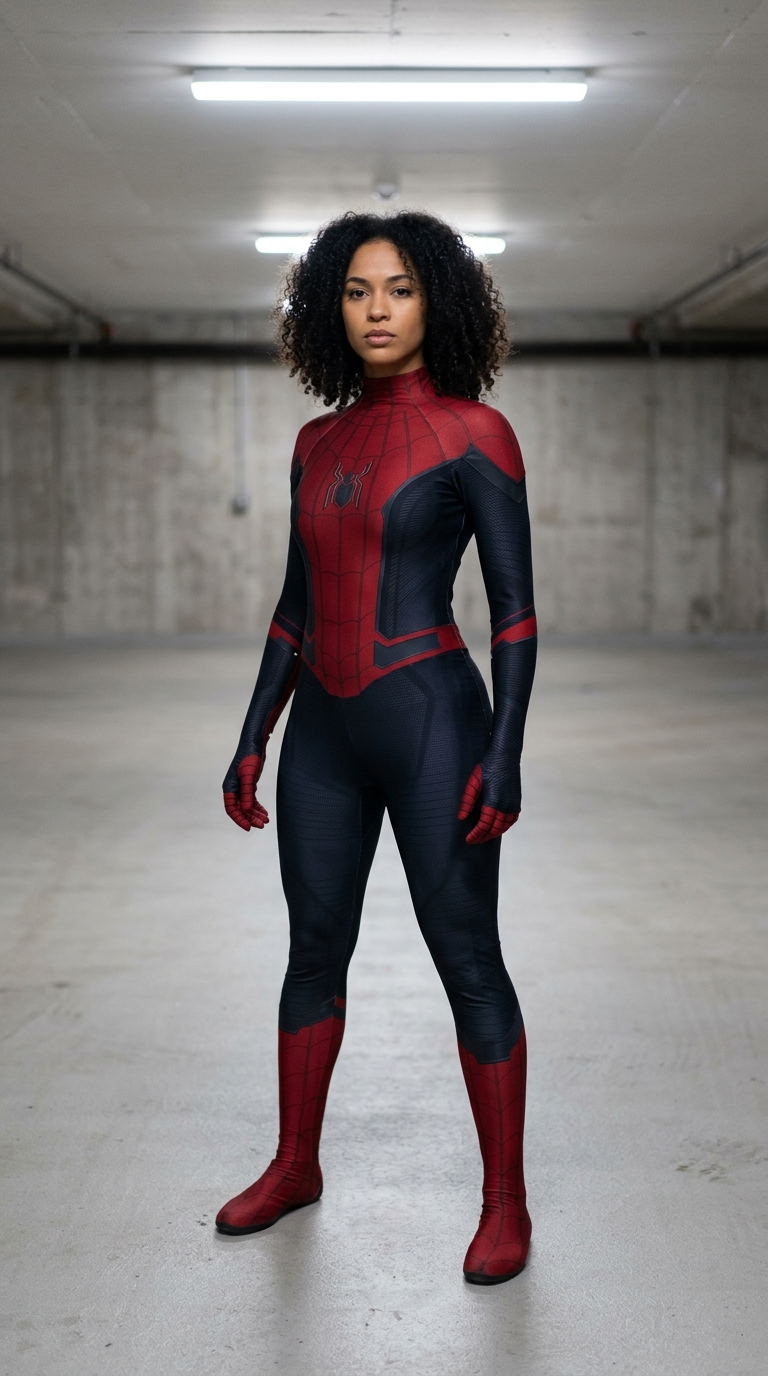
Example images

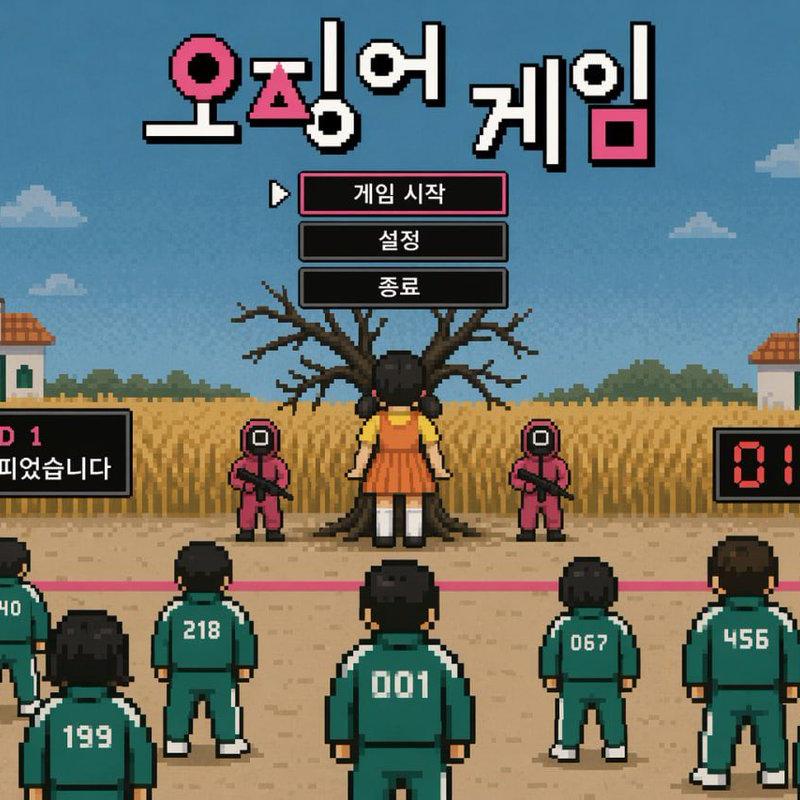
A cinematic 10-second sequence transitioning from a futuristic game UI menu into

Prompt
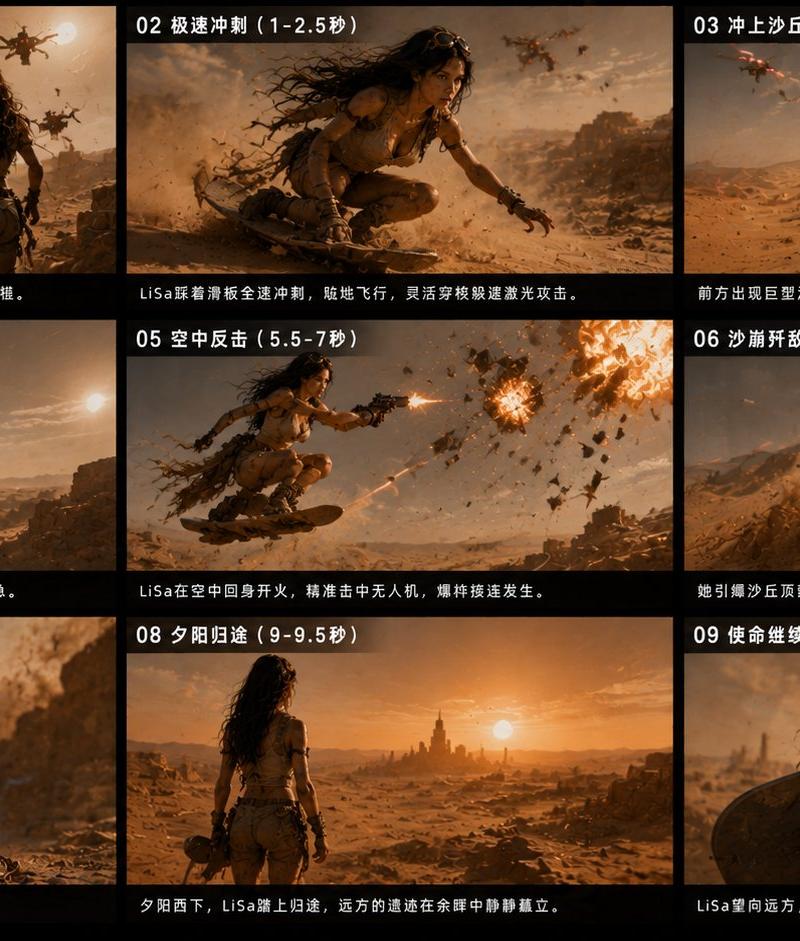
A cinematic 10-second sequence transitioning from a futuristic game UI menu into a first-person shooter gameplay scene, ultra realistic.

Scene 1 (0-2s): A clean sci-fi game menu interface titled "Astro Patrol". A stylized astronaut character stands idle, holding a weapon. Subtle idle animation: breathing motion, slight head tilt, glowing eyes flicker. UI elements gently shimmer. The camera slowly pushes forward with slight handheld motion.

Scene 2 (2-3.5s): A cursor moves and hovers over the "START NEW GAME" button. The button emits a soft blue glow and ripple effect. On click, the button depresses with tactile feedback. The astronaut reacts: tightening grip on weapon, eyes glow brighter.

Scene 3 (3.5-5.5s): Seamless transition from UI into game world. UI elements dissolve into environmental geometry. Light expands into a portal. The astronaut transforms from flat illustration into a fully rendered 3D character. Fast forward camera movement with motion blur and depth of field.

Scene 4 (5.5-7s): First-person view appears. The player raises a futuristic blue rifle. Hands and weapon feel grounded with weight and inertia. HUD fades in: crosshair, health bar, ammo counter.

Scene 5 (7-10s): Combat begins. Three small robots advance in a sci-fi lunar base environment. The player fires the weapon. Realistic muzzle flash, recoil, and camera shake. Bullets hit enemies with sparks and debris. One enemy staggers. UI shows hit markers and XP gain.

Style: ultra realistic lighting, cinematic depth of field, subtle film grain, high-end game engine look (Unreal Engine 5), physically accurate motion and interaction, immersive and grounded.
Category
UI & Interfaces
Model
Seedance 2.0
Creator
xie underwood
Source language
en
Views174
Source ID
2355
Published
Apr 28, 2026
Studio

Guide

About "A cinematic 10-second sequence transitioning from a futuristic game UI menu into"

What is this prompt for?

"A cinematic 10-second sequence transitioning from a futuristic game UI menu into" AI image prompt for Seedance 2.0 (UI & Interfaces). A cinematic 10-second se…

The full copyable prompt and example visuals above are ready for AI image generation or one-click recreate in Picva.

How to use this prompt

  1. Step 1

    Open the prompt detail

    Review the example visuals, category, and full prompt text for "A cinematic 10-second sequence transitioning from a futuristic game UI menu into".

  2. Step 2

    Copy the prompt

    Copy the prompt body from this page, or load it directly in Studio.

  3. Step 3

    Pick a model (Seedance 2.0)

    Prefer Seedance 2.0. If you switch models, keep subject and composition and tweak style terms.

  4. Step 4

    Generate and export

    Recreate the look in Picva, or export into your workflow for editing and publishing.

FAQ

What is the "A cinematic 10-second sequence transitioning from a futuristic game UI menu into" prompt?
It is an AI image-generation prompt for Seedance 2.0 in the UI & Interfaces category. This page includes the full prompt text, example visuals, and a one-click recreate path in Picva.
How do I use this prompt to generate an image?
Copy the prompt from this page, or use Generate / Studio. Paste it into a compatible image model, or recreate the look in Picva with optional reference images.
Which model is this prompt for?
This page lists Seedance 2.0. Most descriptive prompts also transfer to nearby image models such as GPT Image, Flux, or Midjourney with light style tweaks.
Can I use the result commercially?
You can usually copy the prompt for creation, but commercial use of the final image depends on the model terms, reference-image rights, and the generated content. Follow the source author and platform rules.