20

请将这张
Enlarge

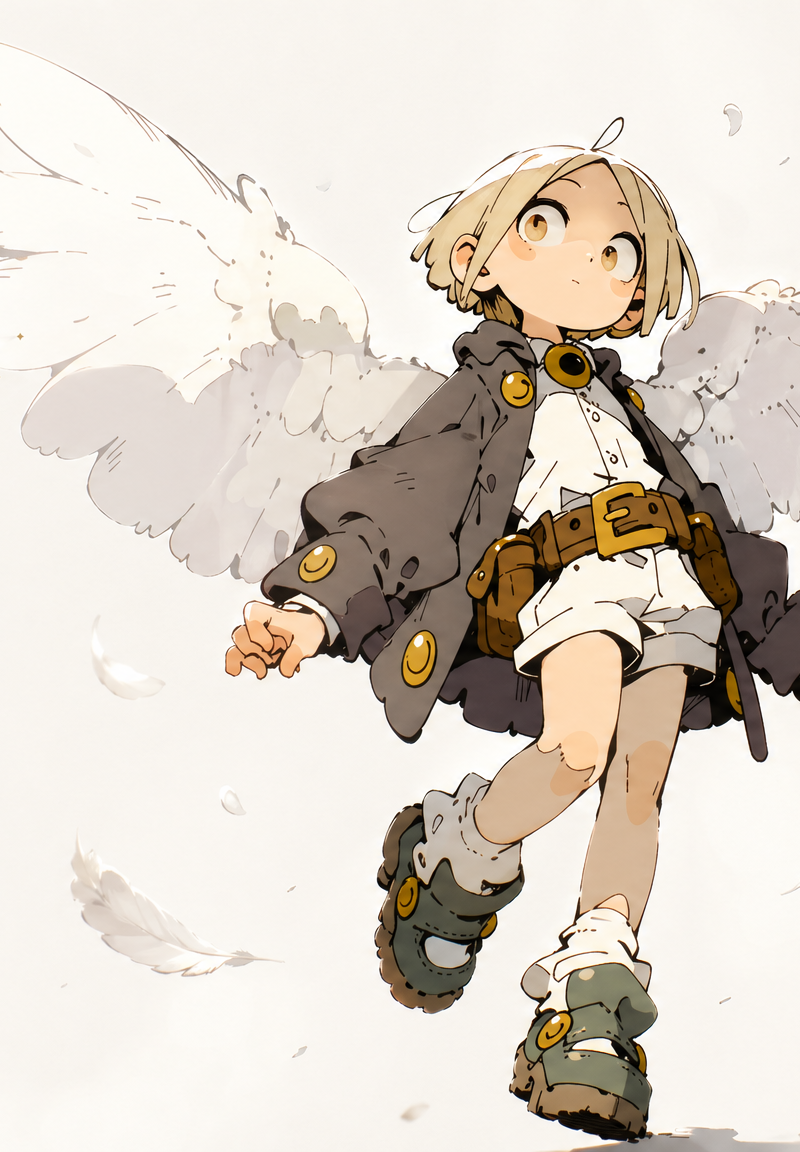
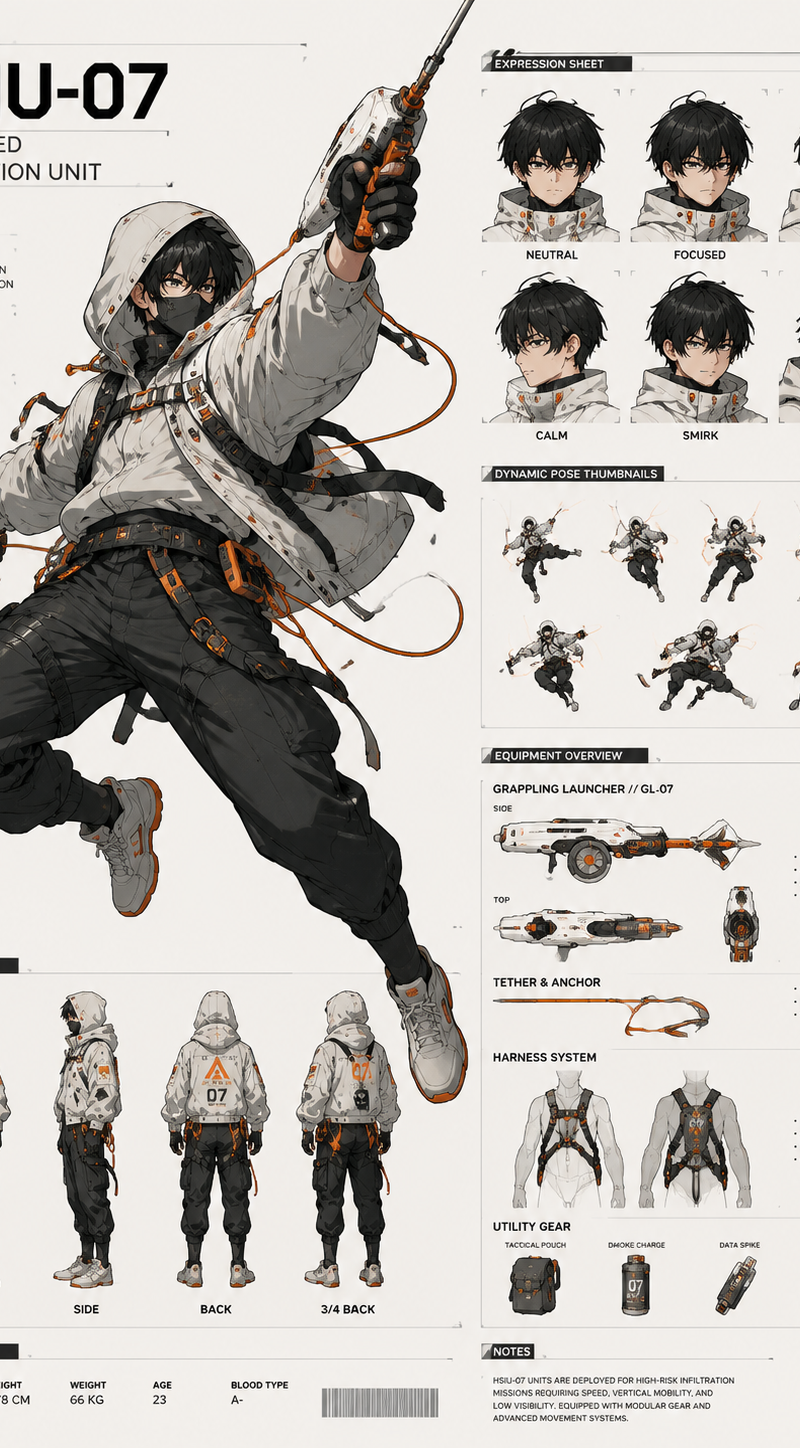
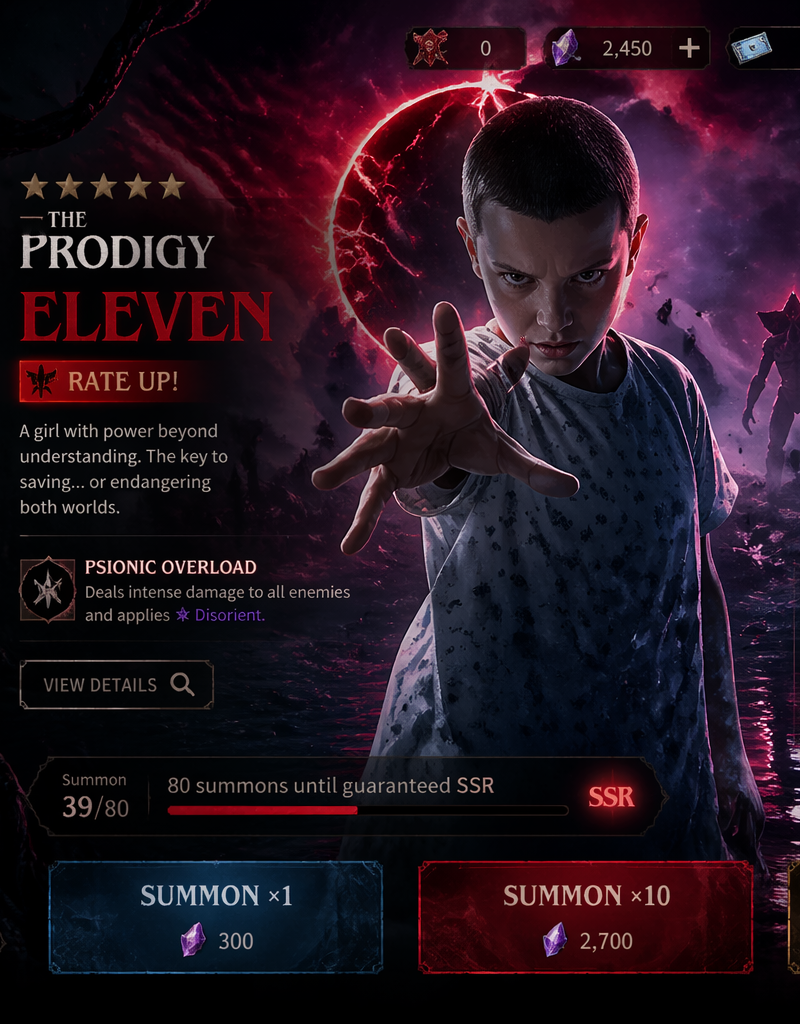
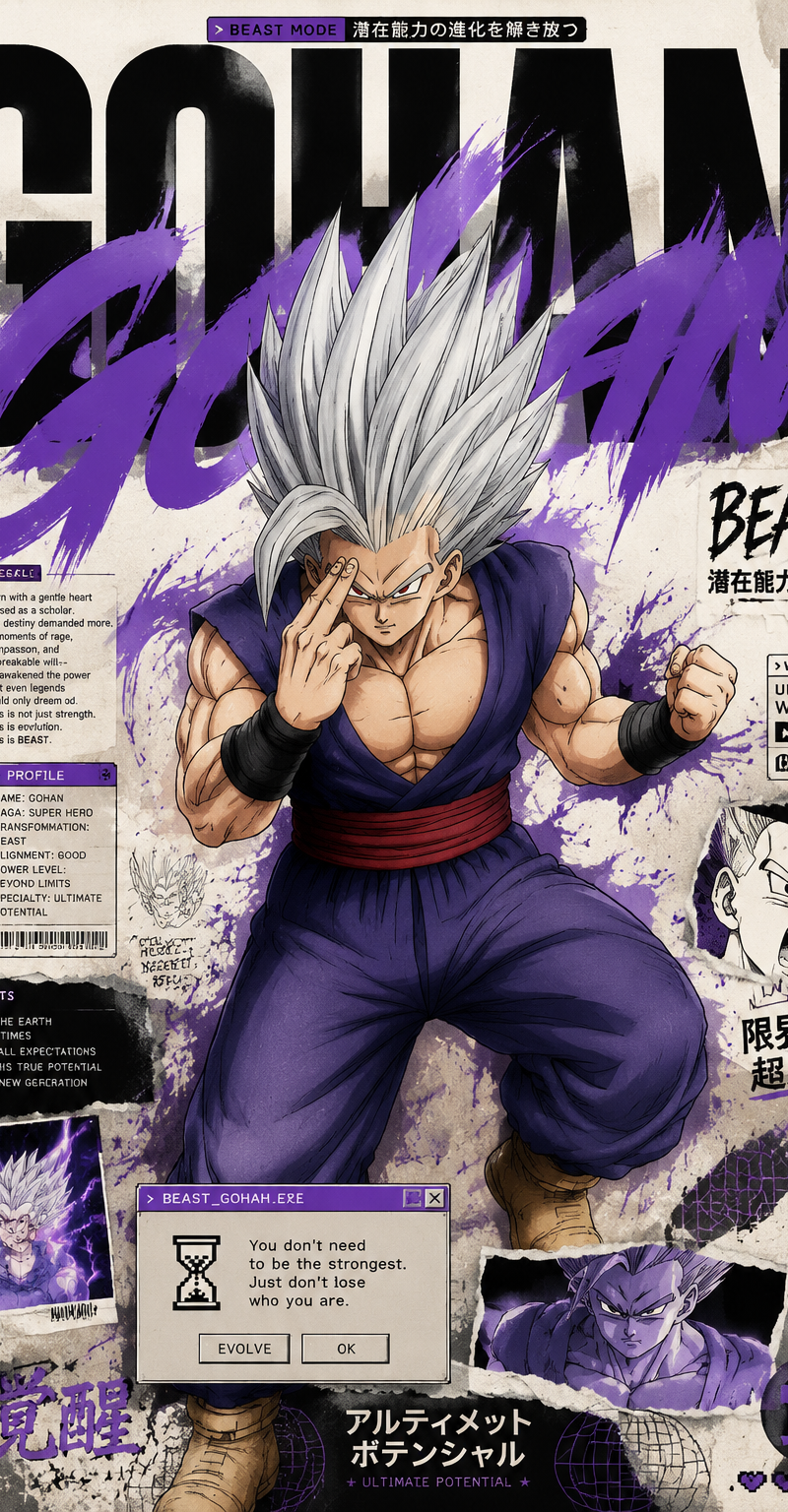
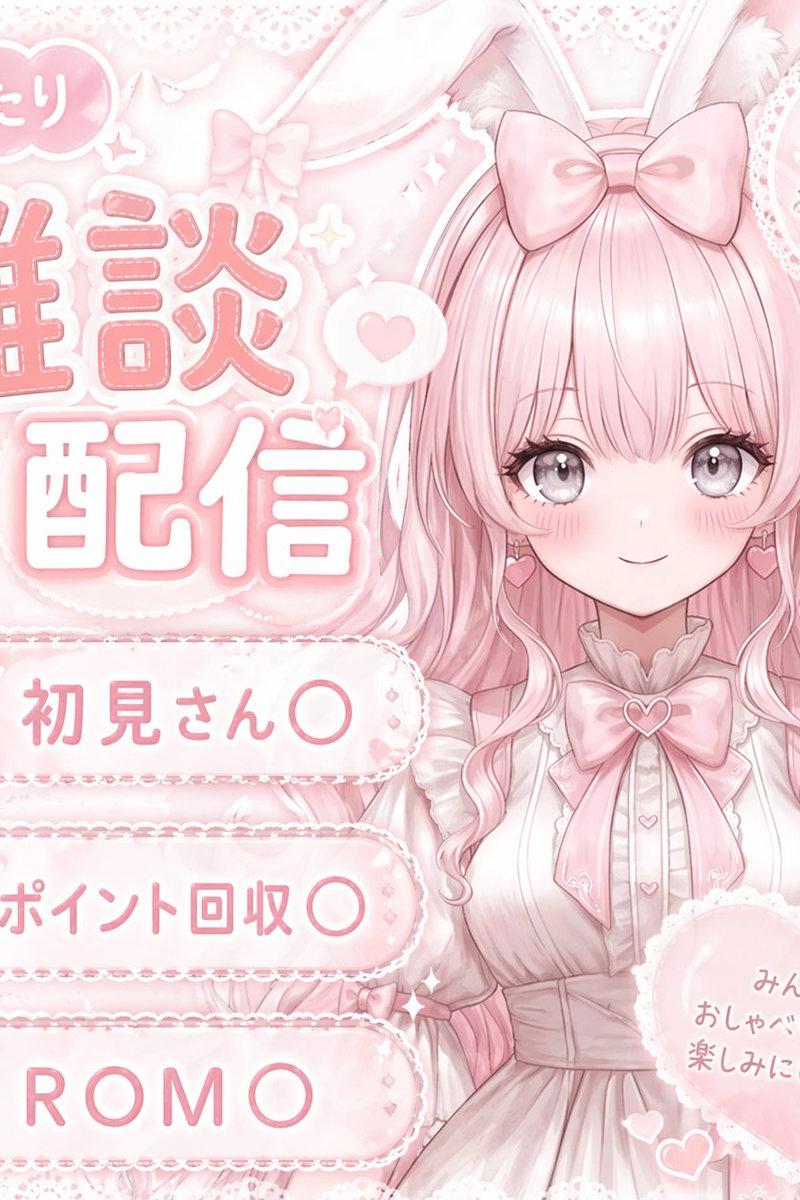
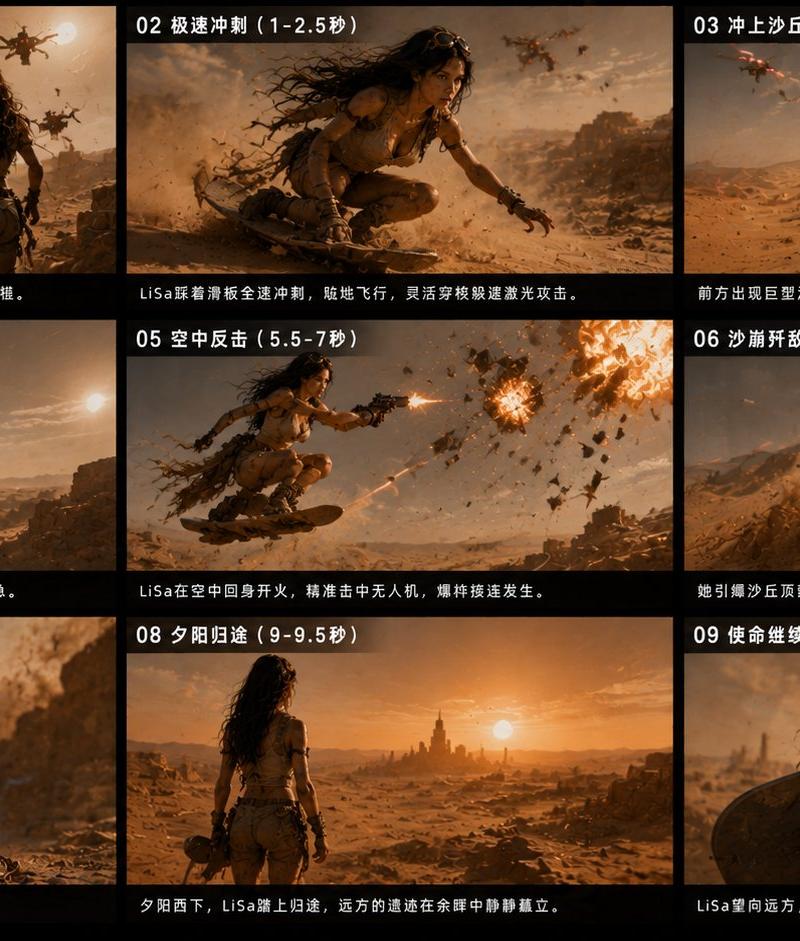
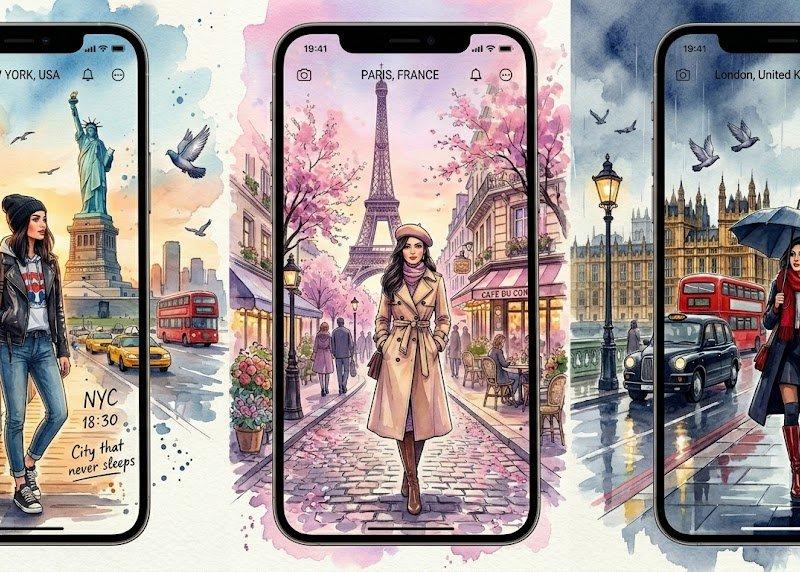
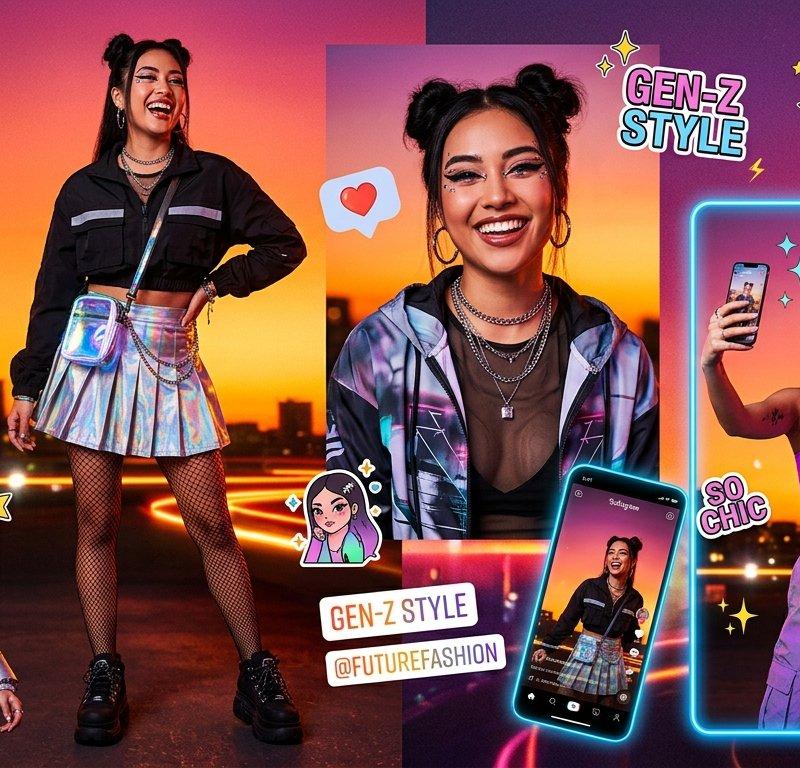
Example images

请将这张

Prompt
<grok:render card_id="4k1AD" card_type="generated_image_card" type="render_edited_image"><argument name="prompt">请将这张手机截图生成一段流畅的视频:从屏幕顶部开始,缓慢向下平滑滚动,依次展示整个页面内容,包括顶部标题“节点计划”、Level 4 返佣比例、四个绿色图标(用户、链接、活动、增长工具)、王者挑战赛部分(预期奖励金 0 USDT)、数据总览区域、返佣金额 99,429.23 USDT、交易额、入金量、受邀人数和交易人数等所有数据。滚动速度适中、自然,像手机屏幕被手指慢慢下拉一样,背景保持原样,添加轻微的手机界面动态效果(例如轻微呼吸或高光),视频时长约8-10秒,竖版比例。</argument><argument name="image_id">Kqncn</argument></grok:render> ```
Category
UI & Interfaces
Model
GPT Image 2
Creator
内向少爷
Source language
zh-CN
Views91
Source ID
2359
Published
Apr 29, 2026
Studio

Guide

About "请将这张"

What is this prompt for?

"请将这张" AI image prompt for GPT Image 2 (UI & Interfaces). 请将这张... Copy it on Picva and recreate the look in one click.

The full copyable prompt and example visuals above are ready for AI image generation or one-click recreate in Picva.

How to use this prompt

  1. Step 1

    Open the prompt detail

    Review the example visuals, category, and full prompt text for "请将这张".

  2. Step 2

    Copy the prompt

    Copy the prompt body from this page, or load it directly in Studio.

  3. Step 3

    Pick a model (GPT Image 2)

    Prefer GPT Image 2. If you switch models, keep subject and composition and tweak style terms.

  4. Step 4

    Generate and export

    Recreate the look in Picva, or export into your workflow for editing and publishing.

FAQ

What is the "请将这张" prompt?
It is an AI image-generation prompt for GPT Image 2 in the UI & Interfaces category. This page includes the full prompt text, example visuals, and a one-click recreate path in Picva.
How do I use this prompt to generate an image?
Copy the prompt from this page, or use Generate / Studio. Paste it into a compatible image model, or recreate the look in Picva with optional reference images.
Which model is this prompt for?
This page lists GPT Image 2. Most descriptive prompts also transfer to nearby image models such as GPT Image, Flux, or Midjourney with light style tweaks.
Can I use the result commercially?
You can usually copy the prompt for creation, but commercial use of the final image depends on the model terms, reference-image rights, and the generated content. Follow the source author and platform rules.