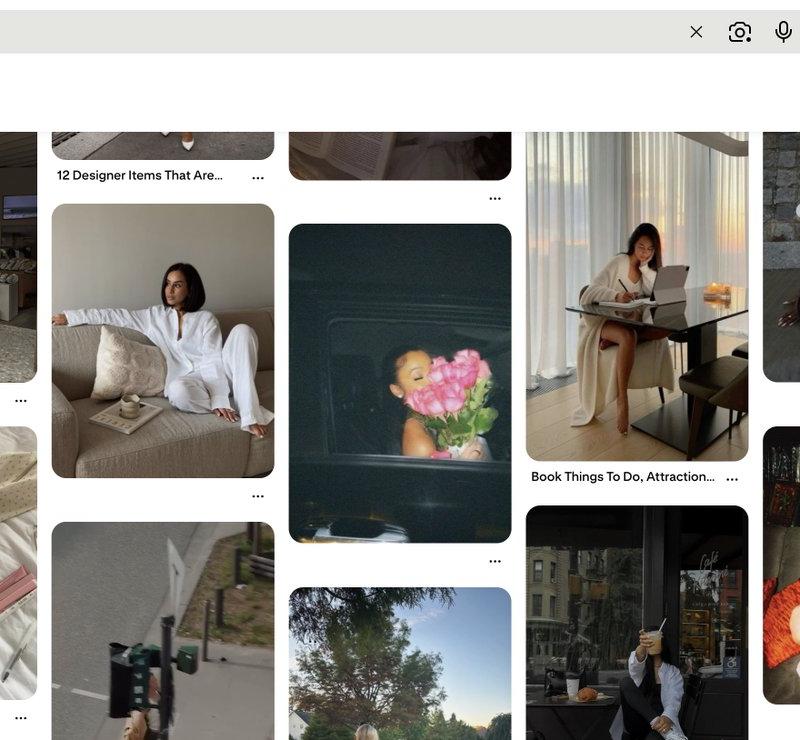
This prompt combines all requirements from the two input images to guide the AI
Prompt
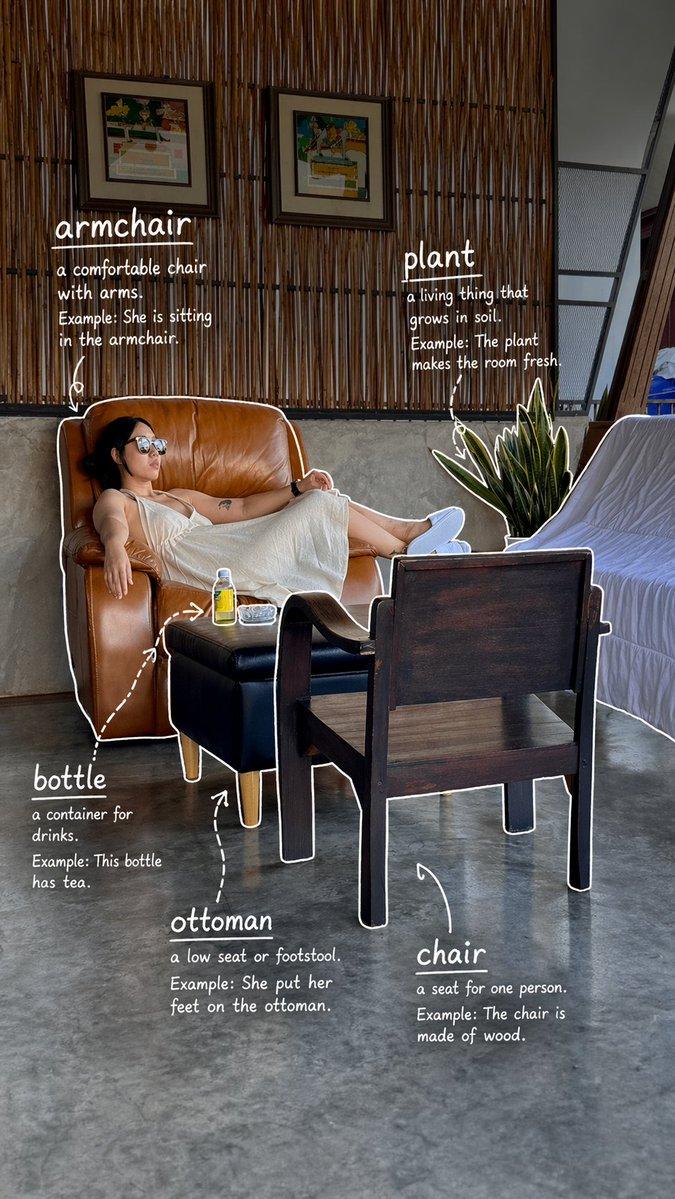
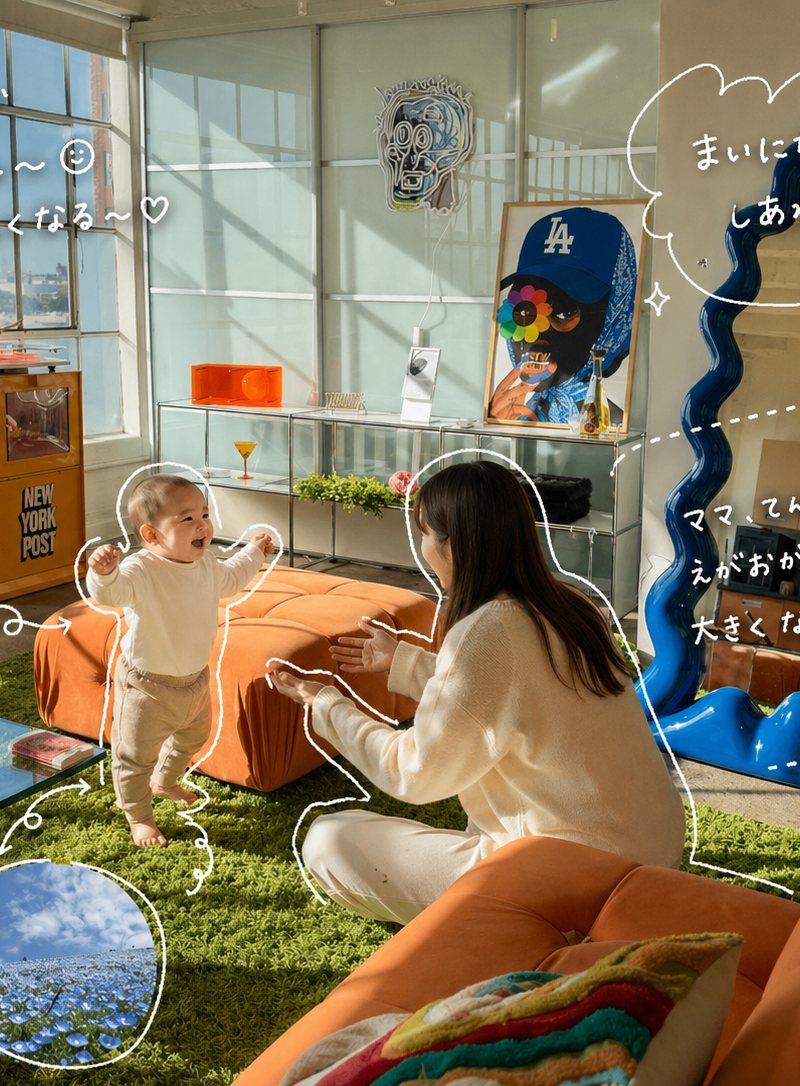
This prompt combines all requirements from the two input images to guide the AI to generate a photo with stylized, handwritten annotations.

1. Core Task
Observe the elements in the provided photograph and add meaningful, handwritten-style annotations and illustrations to enhance the composition.

2. Photo Content & Subject (Target elements for annotation)
Mom and baby (named "Ten-chan").

A baby standing up.

A Nemophila (Baby Blue Eyes) flower field.

A beautiful sky.

The general warm and cheerful atmosphere of spring.

3. Drawing & Aesthetic Rules (How it should look)
Medium: Use thin, messy, handwritten-style lines that resemble writing with a white gel pen.

Technique: The lines should be rough, appear to be drawn in a single stroke (one-line art style), and be intentionally uneven and natural (not machine-perfect).

Visual Guidance:

Add outlines that loosely trace the perimeter of key subjects.

Use handwritten arrows and dotted lines to create visual leading and guide the viewer's eye between elements.

Finish: The overall aesthetic must look like an Instagram Story (IG Story style) or a rough editorial memo in a casual fashion magazine. The vibe should be stylish yet effortlessly relaxed and casual ("nuke-kan" feeling).

Composition: Do not clutter the image. Add decorations discreetly and ensure enough "negative space" (margin) remains to keep the photo clear.

4. Annotation Content & Tone (What the text should say)
Format: The text must be Japanese handwritten script (use approximately 70% Hiragana and 30% simple Kanji for readability).

Content: Write very short, personal comments that sound like emotional monologues or casual diary entries (e.g., "So cute!", "Lovely day.").

Specific Context Rules (If applicable in the image):

If commenting on Drinks: Focus on taste, temperature, and mood (e.g., "Refreshing," "Gentle sweetness").

If commenting on Food: Focus on texture and deliciousness (e.g., "Moist," "The absolute best!").

If commenting on Space/Location: Focus on the vibe and atmosphere (e.g., "So relaxing," "A wonderful time").

If a general summary: Keep it very brief and emotional (e.g., "Too much happiness~").

5. Small Decorations
Discreetly add small, simple handwritten icons such as:

Hearts (♥)

Sparkles (✨)

Steam/Vapor lines (if applicable)

Small, simple kaomoji (e.g., simple cute faces)- Category
- Charts & Infographics
- Model
- GPT Image 2
- Creator
- xie underwood
- Source language
- en
- Source ID
- 2378
- Published
- Apr 29, 2026
Views144