19

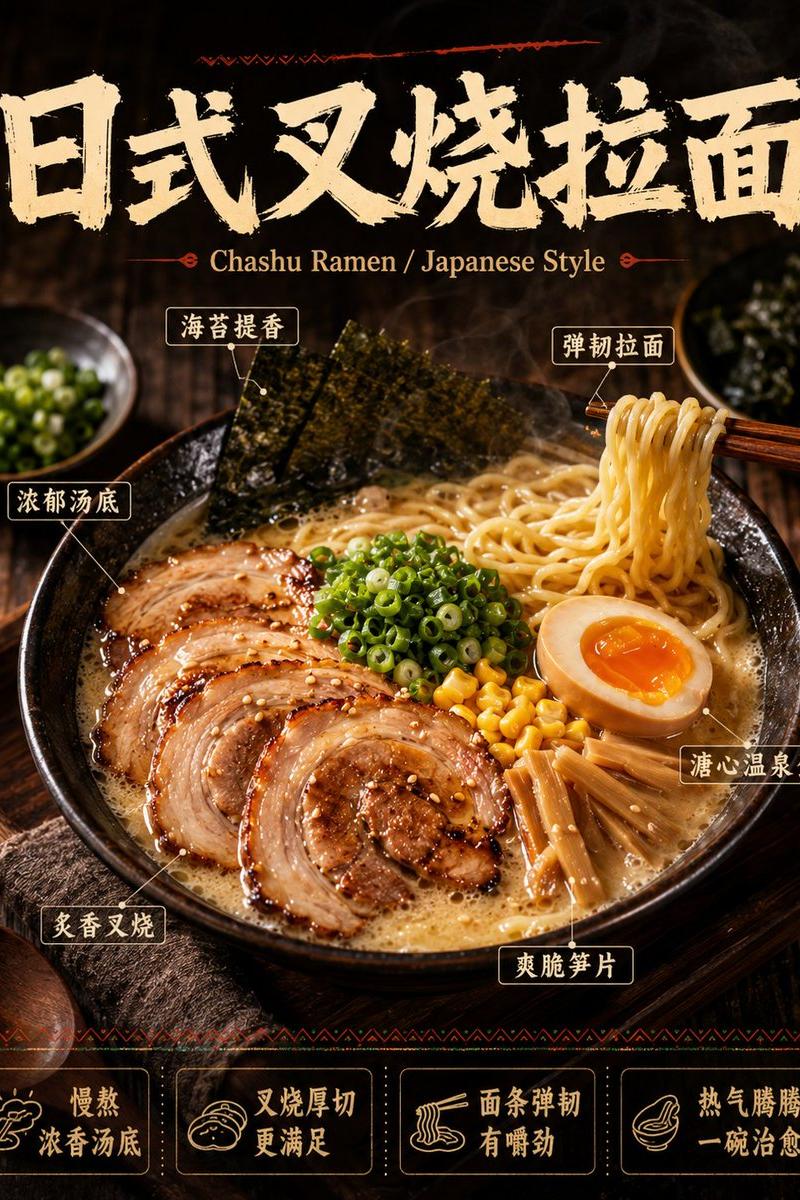
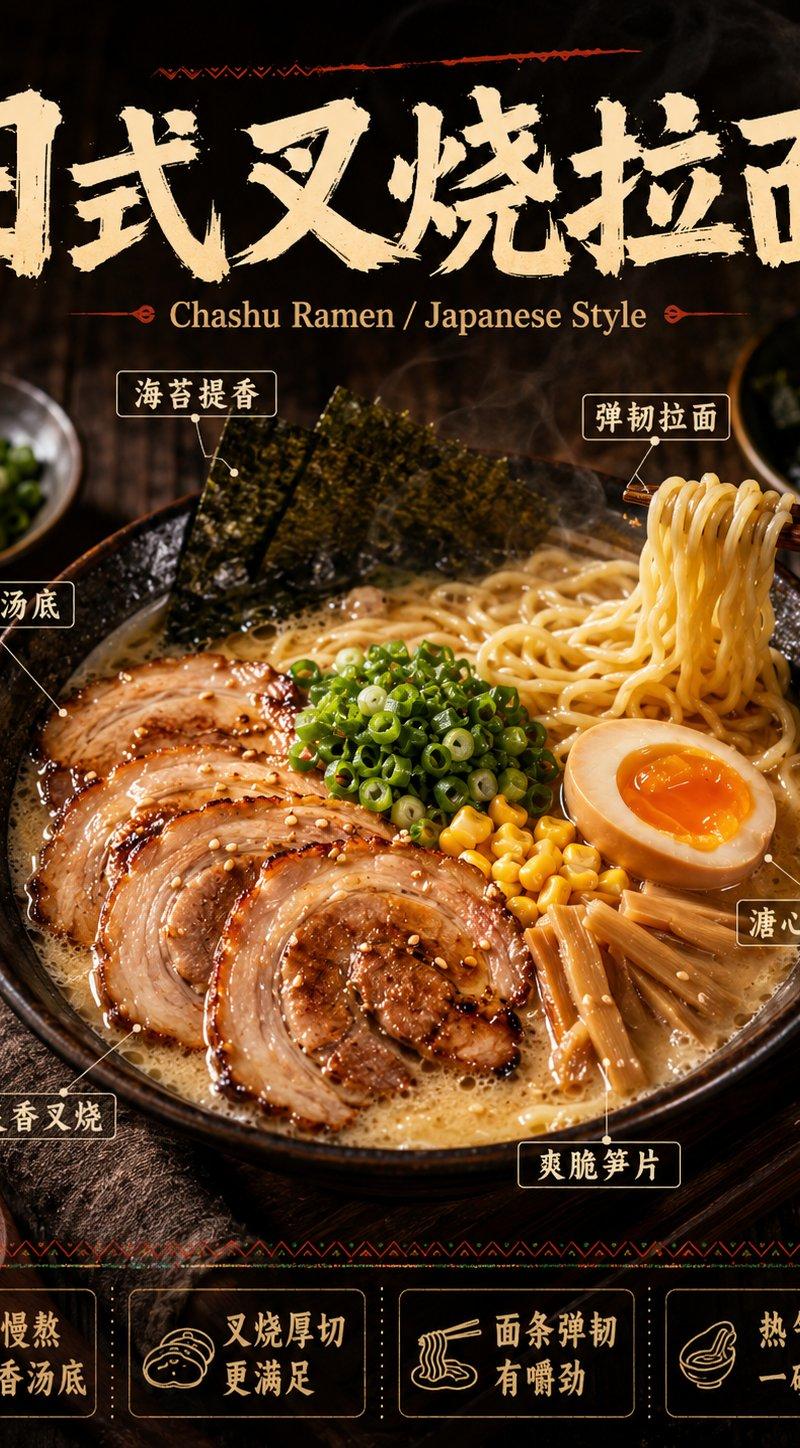
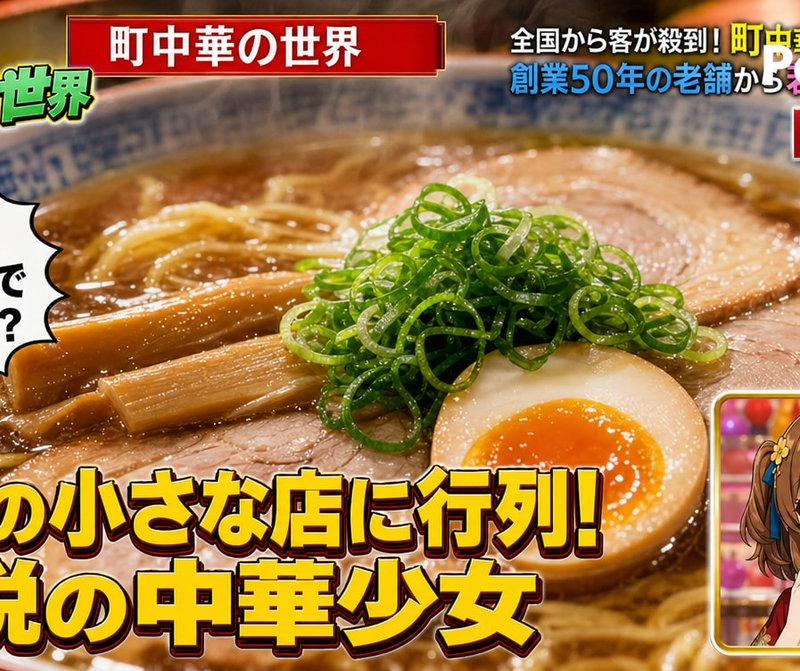
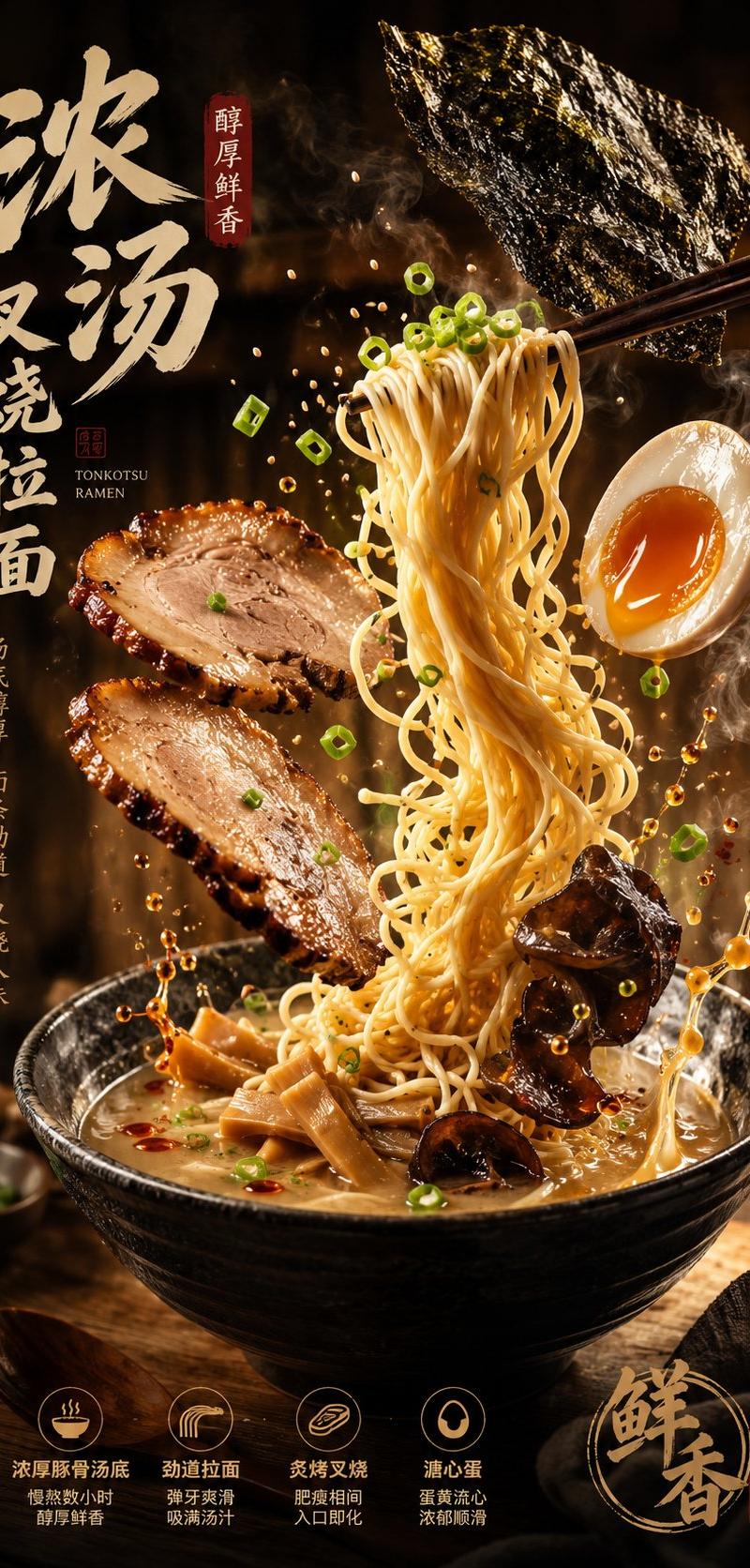
Create a hyper-realistic, ultra-detailed ramen hero scene designed to trigger hu
Enlarge

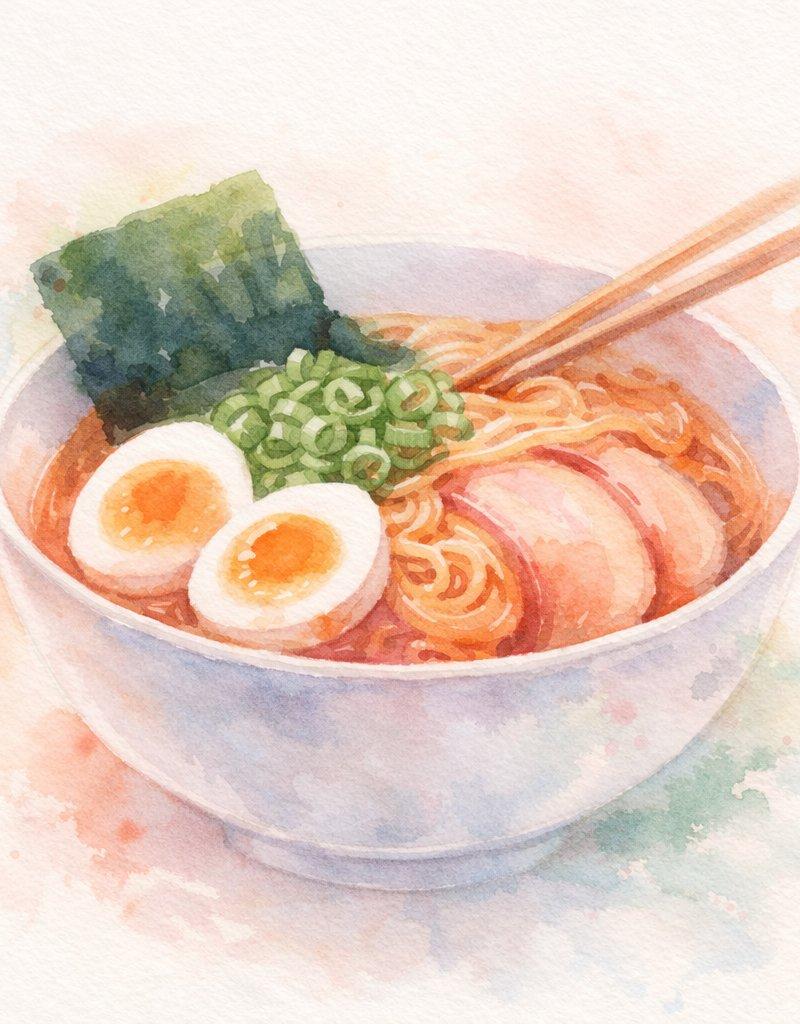
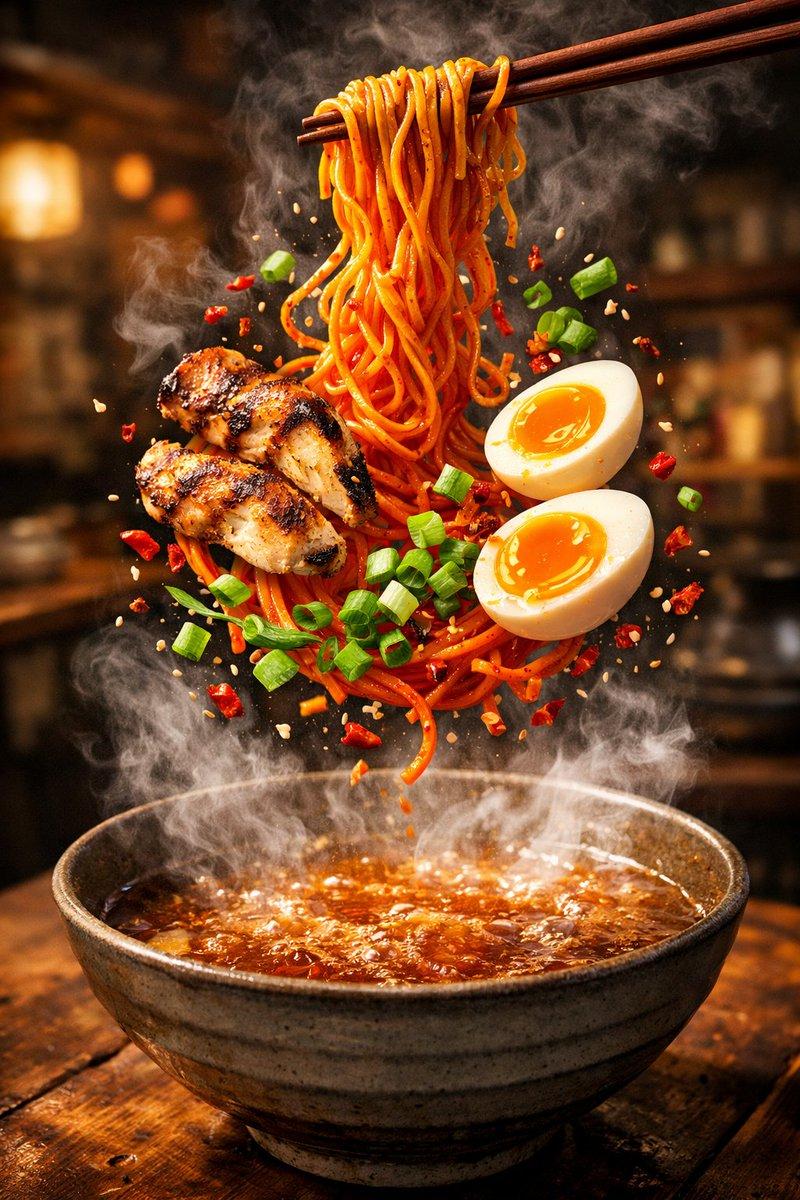
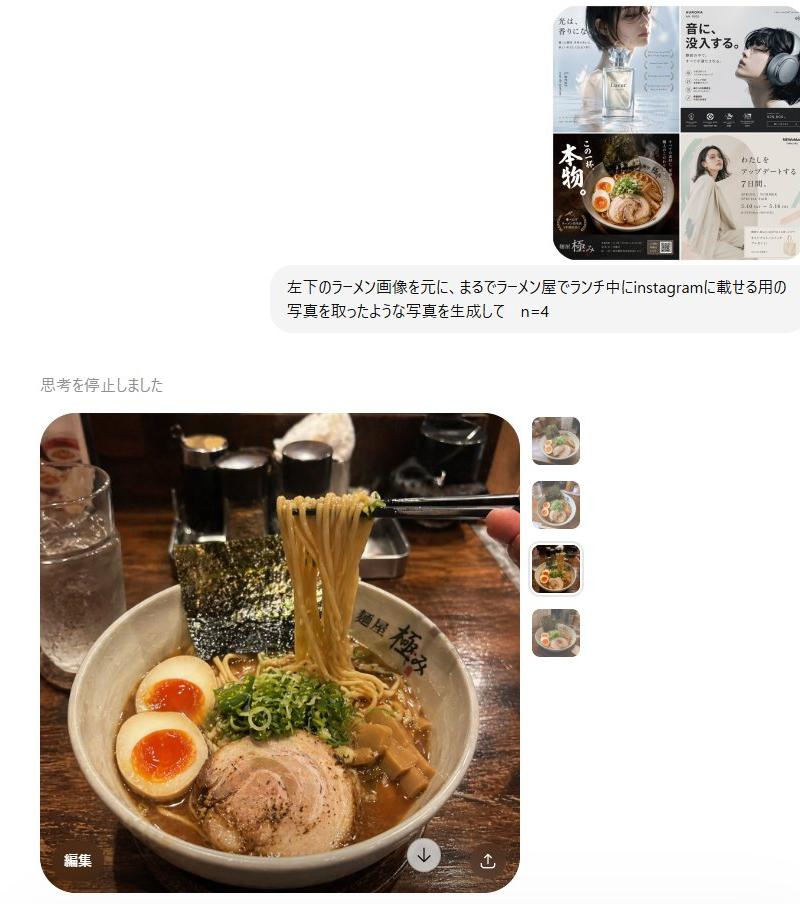
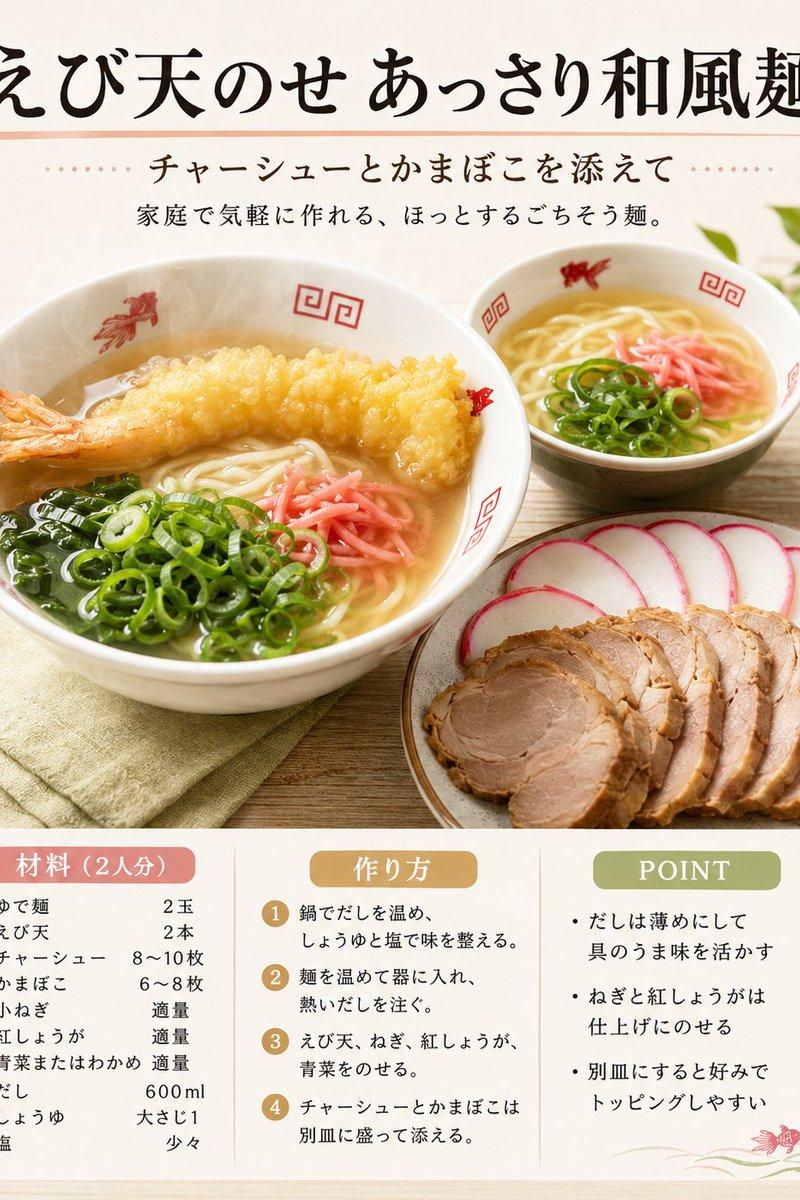
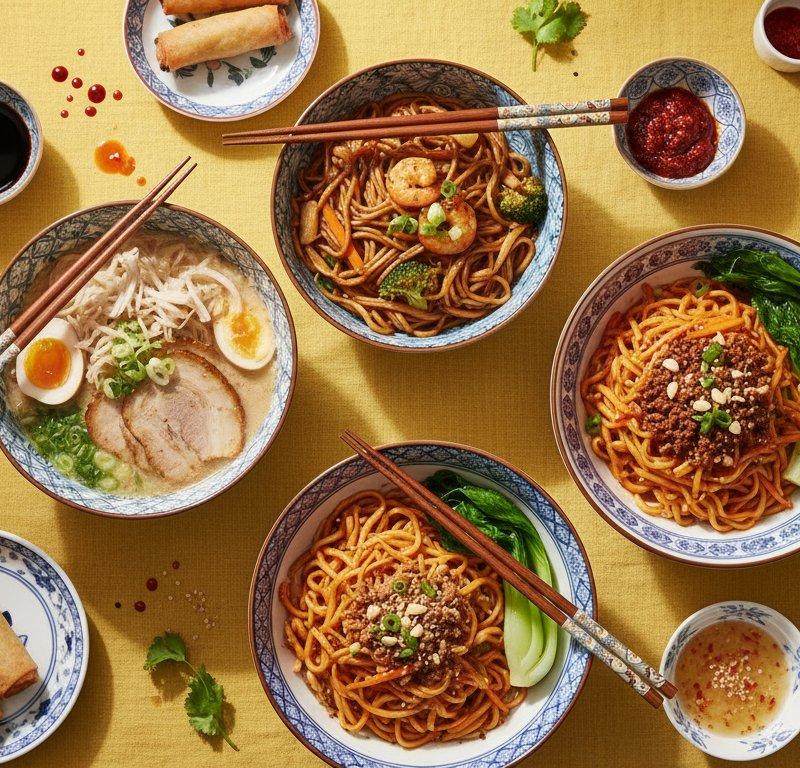
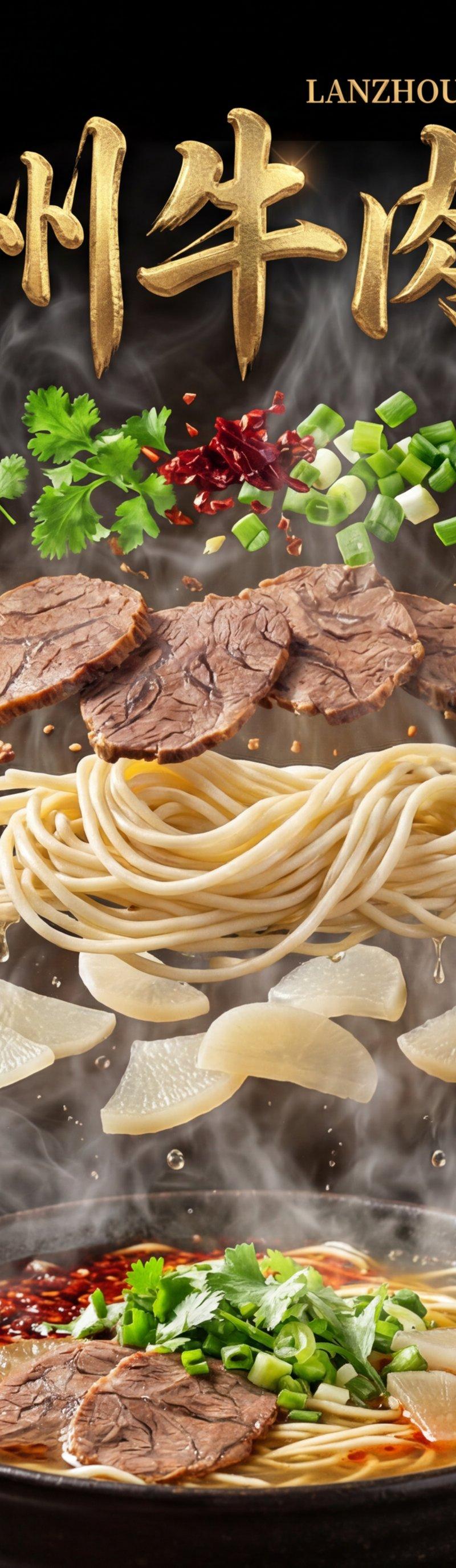
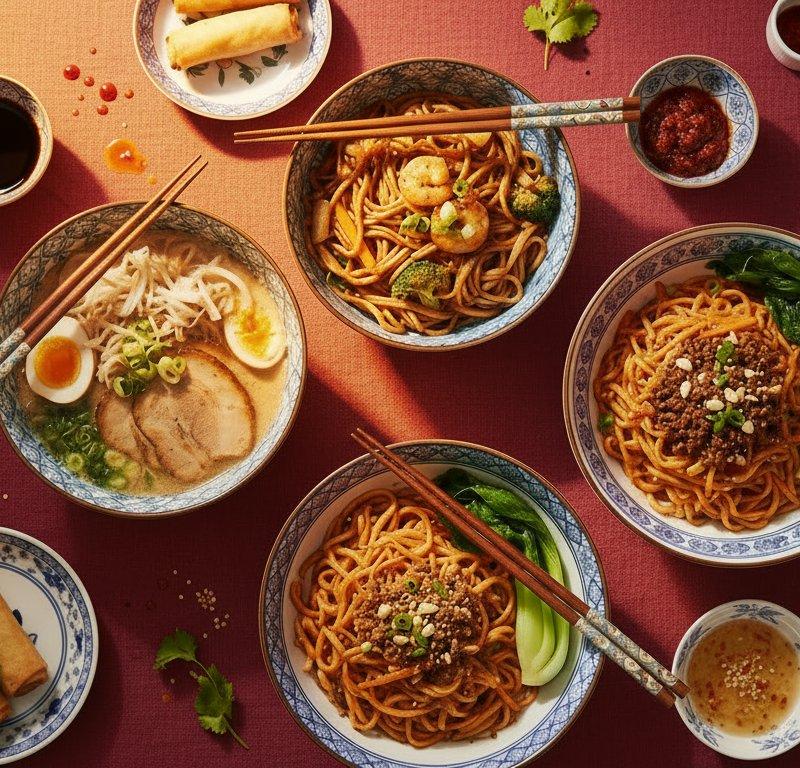
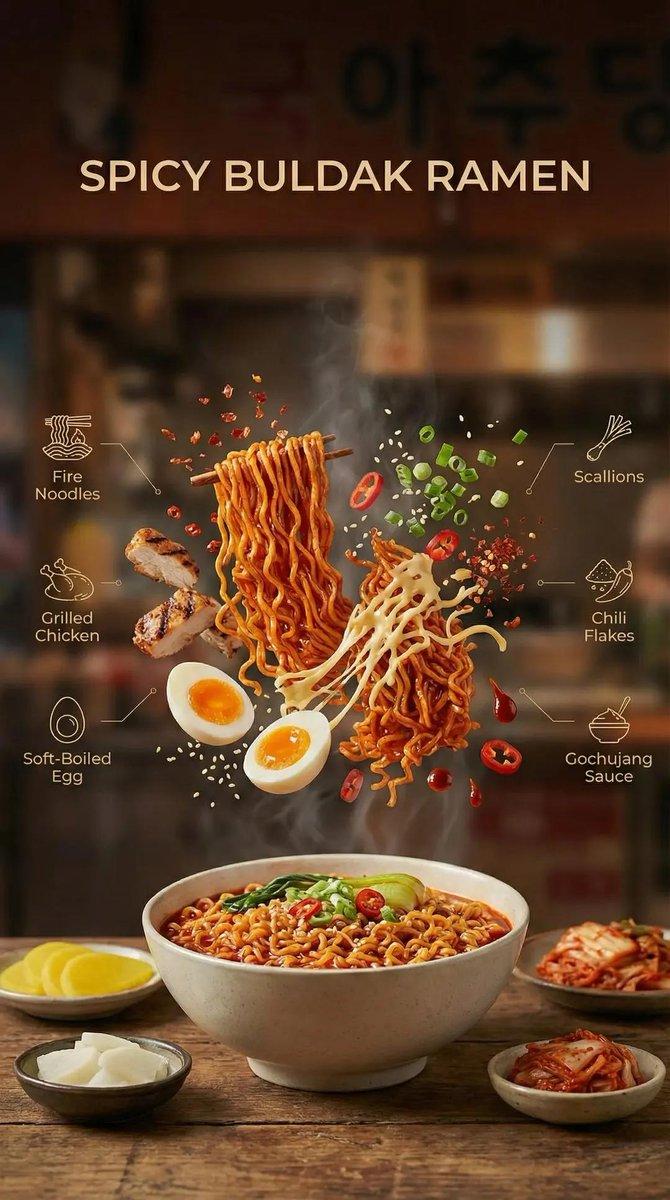
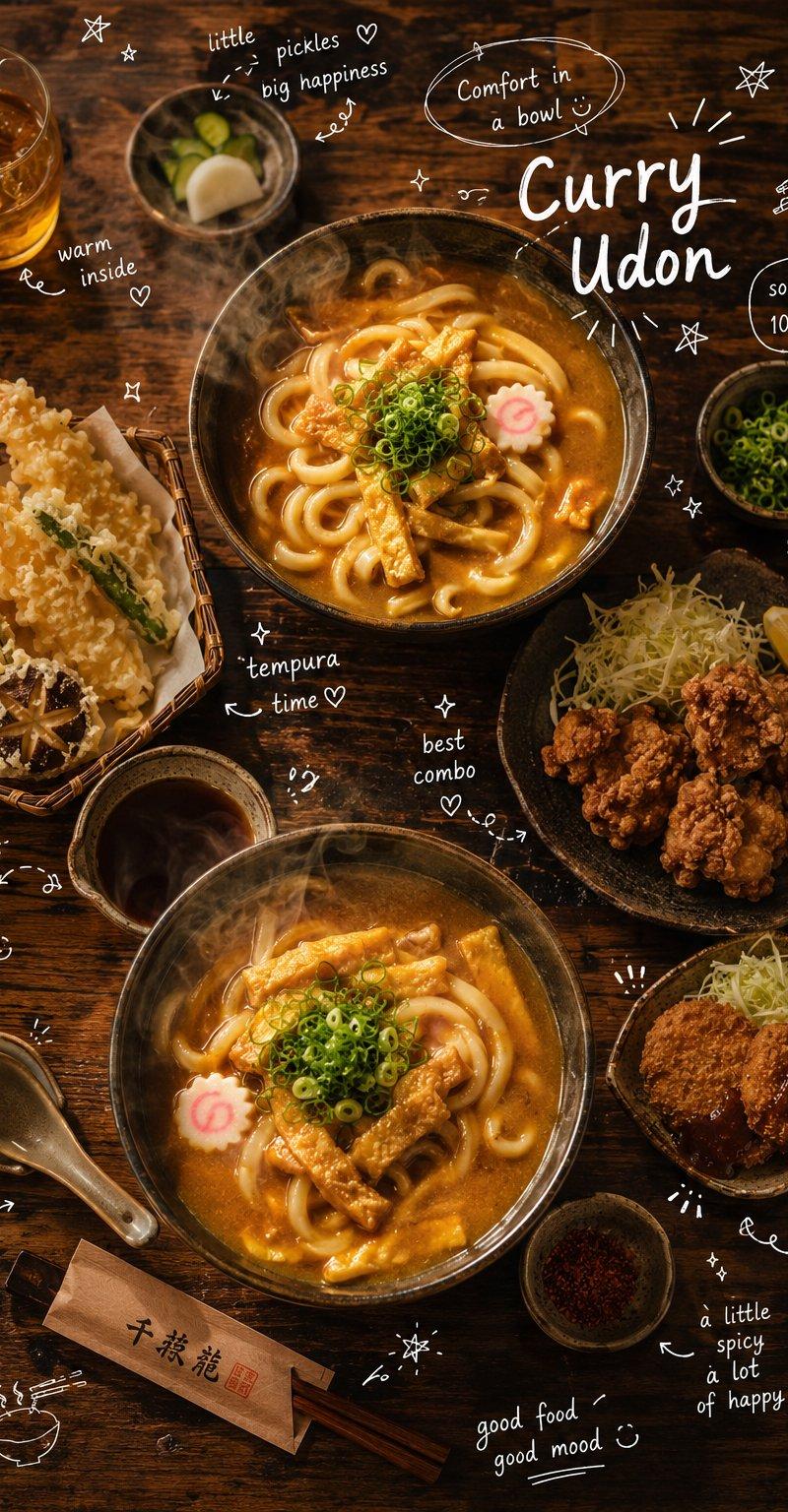
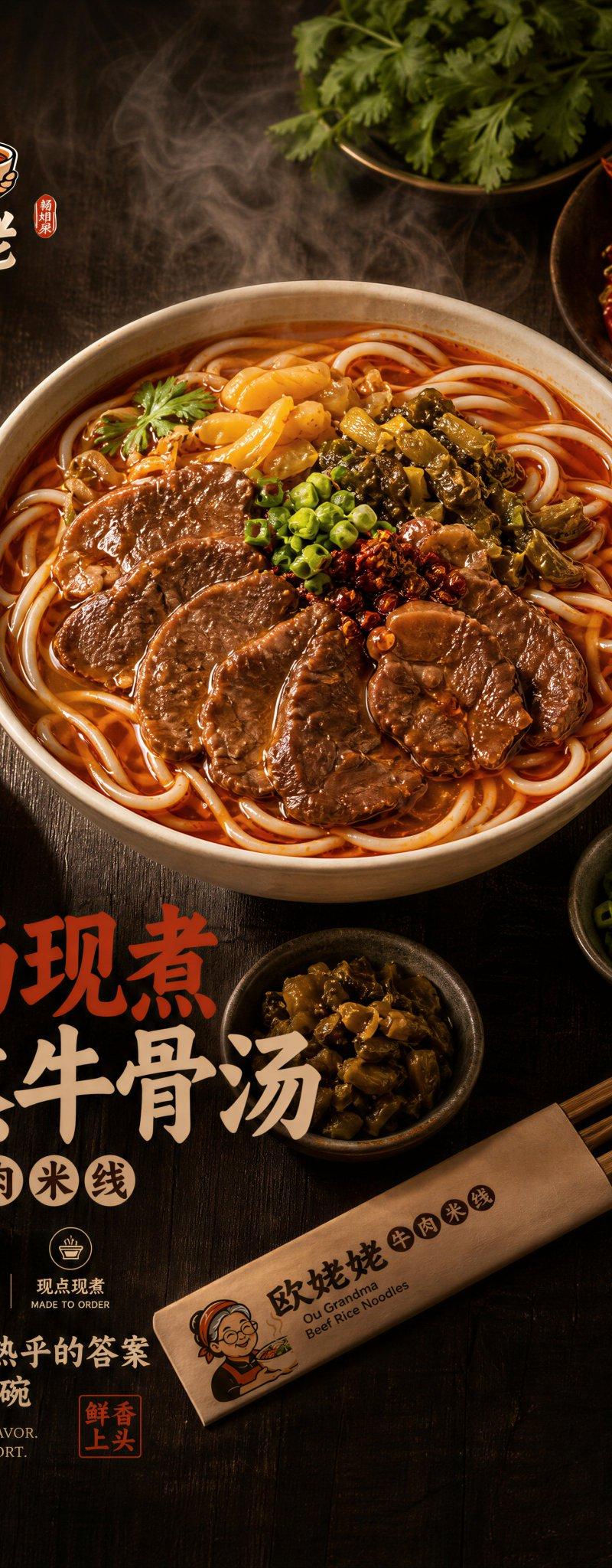
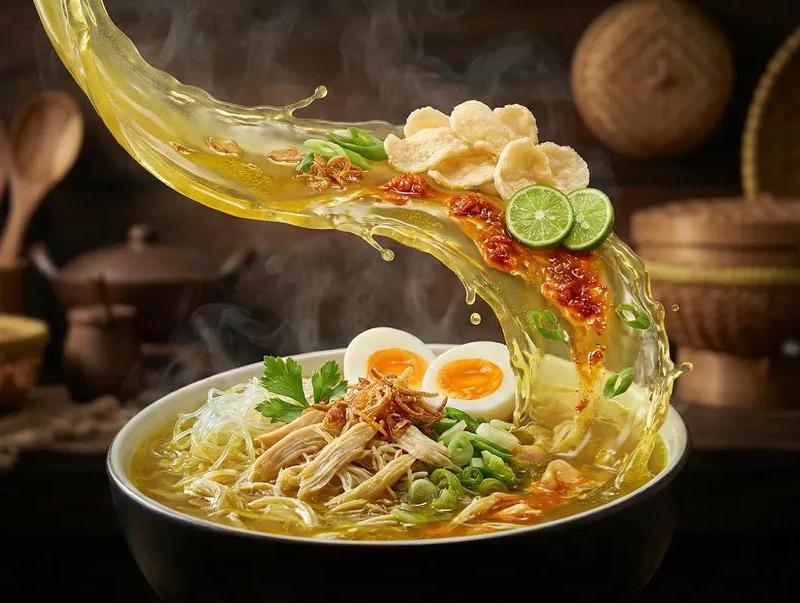
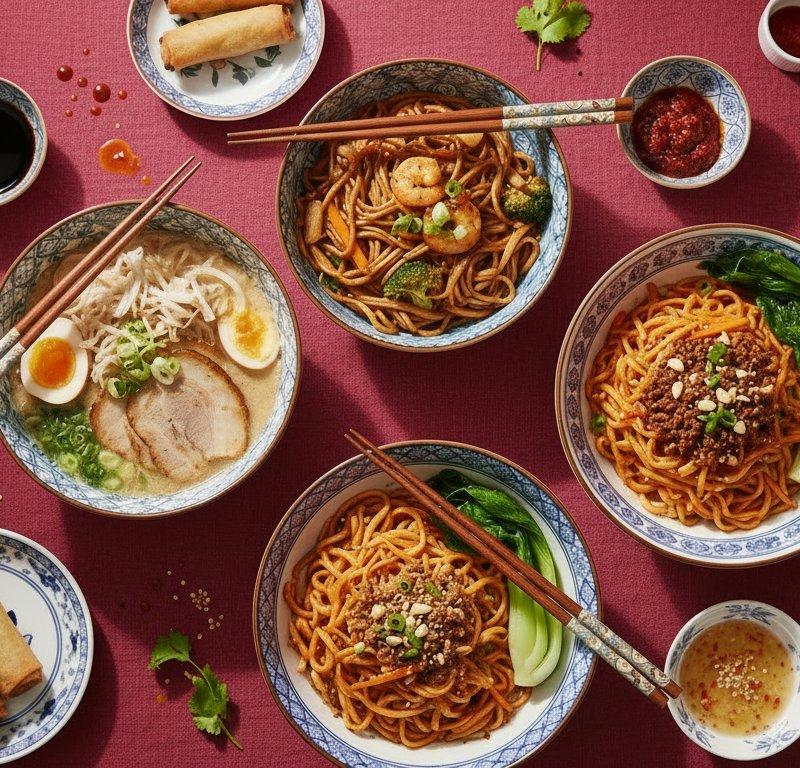
Example images

Create a hyper-realistic, ultra-detailed ramen hero scene designed to trigger hu

Prompt
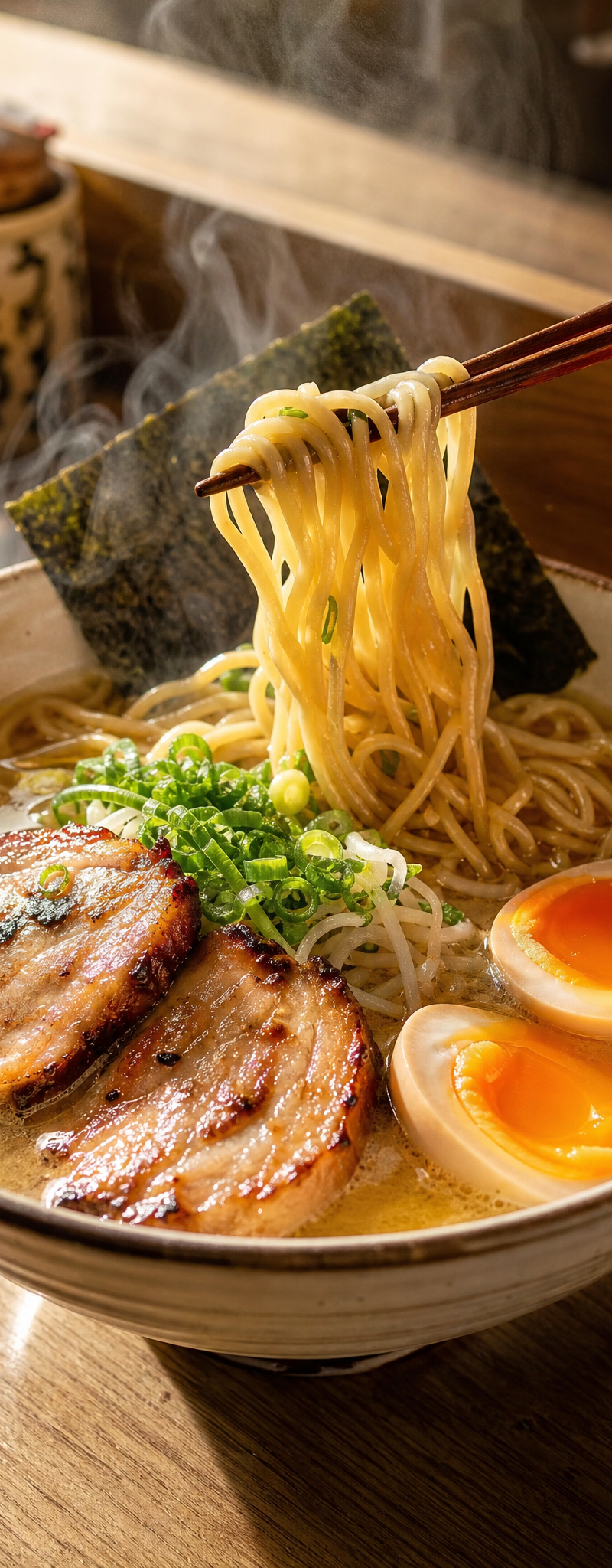
Create a hyper-realistic, ultra-detailed ramen hero scene designed to trigger hunger instantly.

Instead, use a warm, clean, natural environment:
– light wooden table or soft concrete surface
– subtle reflections or slight moisture
– soft golden daylight entering from the side
Center a premium ramen bowl with:
– thick glossy noodles being lifted with chopsticks
– rich golden broth with visible oil texture
– soft-boiled eggs with glowing yolk
– juicy pork slices with caramelized edges
– finely chopped green onions
Add strong steam rising naturally, illuminated by warm light.

Include a human hand holding chopsticks to add realism and scale.

Use a warm, appetizing color palette:
– golden tones
– soft whites
– natural greens
– subtle reds
Avoid neon, avoid cyberpunk, avoid heavy branding dominance.
Focus on:
 food realism, warmth, and emotional appeal
Add microdetails:
– condensation on the bowl
– slight sauce splashes
– texture imperfections
– natural shadows
The final image must feel:
 warm, real, irresistible, and comforting — like a Michelin-level food photo

Ultra-detailed, 4K
Category
Charts & Infographics
Model
GPT Image 2
Creator
xie underwood
Source language
en
Views128
Source ID
2471
Published
May 3, 2026
Studio

Guide

About "Create a hyper-realistic, ultra-detailed ramen hero scene designed to trigger hu"

What is this prompt for?

"Create a hyper-realistic, ultra-detailed ramen hero scene designed to trigger hu" AI image prompt for GPT Image 2 (Charts & Infographics). Create a hyper-real…

The full copyable prompt and example visuals above are ready for AI image generation or one-click recreate in Picva.

How to use this prompt

  1. Step 1

    Open the prompt detail

    Review the example visuals, category, and full prompt text for "Create a hyper-realistic, ultra-detailed ramen hero scene designed to trigger hu".

  2. Step 2

    Copy the prompt

    Copy the prompt body from this page, or load it directly in Studio.

  3. Step 3

    Pick a model (GPT Image 2)

    Prefer GPT Image 2. If you switch models, keep subject and composition and tweak style terms.

  4. Step 4

    Generate and export

    Recreate the look in Picva, or export into your workflow for editing and publishing.

FAQ

What is the "Create a hyper-realistic, ultra-detailed ramen hero scene designed to trigger hu" prompt?
It is an AI image-generation prompt for GPT Image 2 in the Charts & Infographics category. This page includes the full prompt text, example visuals, and a one-click recreate path in Picva.
How do I use this prompt to generate an image?
Copy the prompt from this page, or use Generate / Studio. Paste it into a compatible image model, or recreate the look in Picva with optional reference images.
Which model is this prompt for?
This page lists GPT Image 2. Most descriptive prompts also transfer to nearby image models such as GPT Image, Flux, or Midjourney with light style tweaks.
Can I use the result commercially?
You can usually copy the prompt for creation, but commercial use of the final image depends on the model terms, reference-image rights, and the generated content. Follow the source author and platform rules.