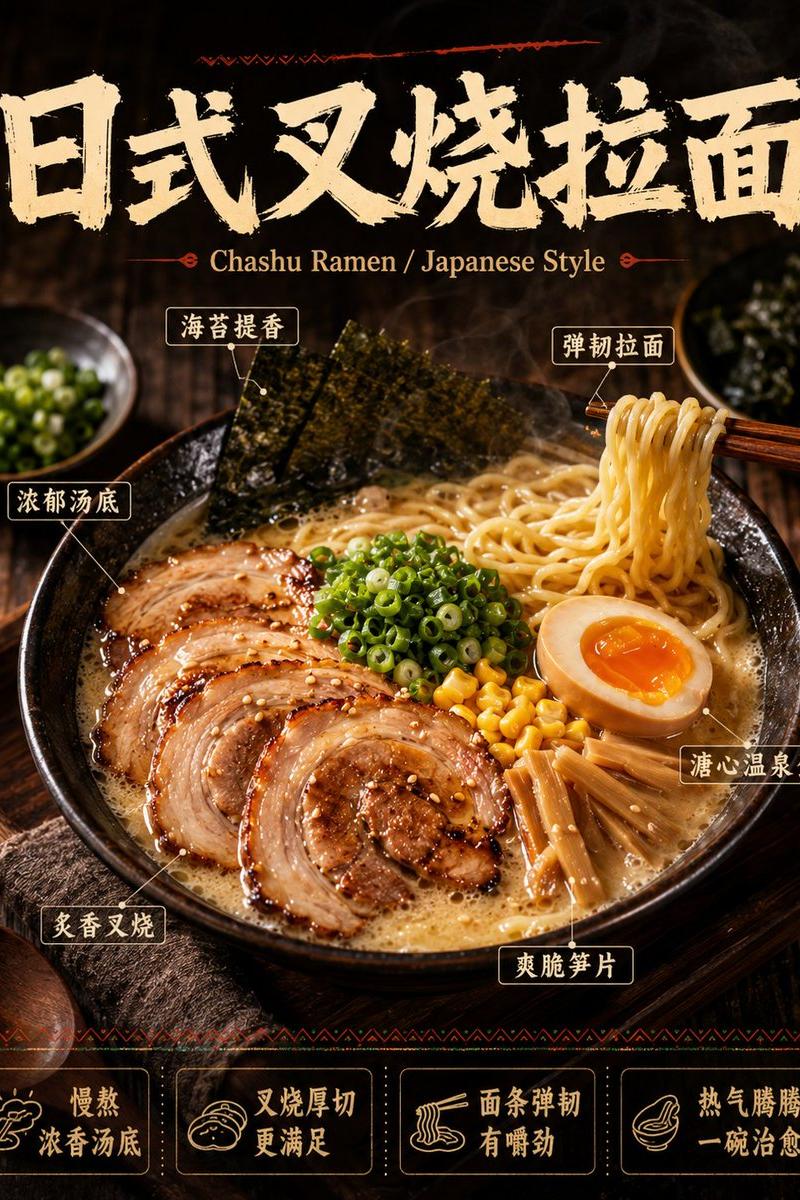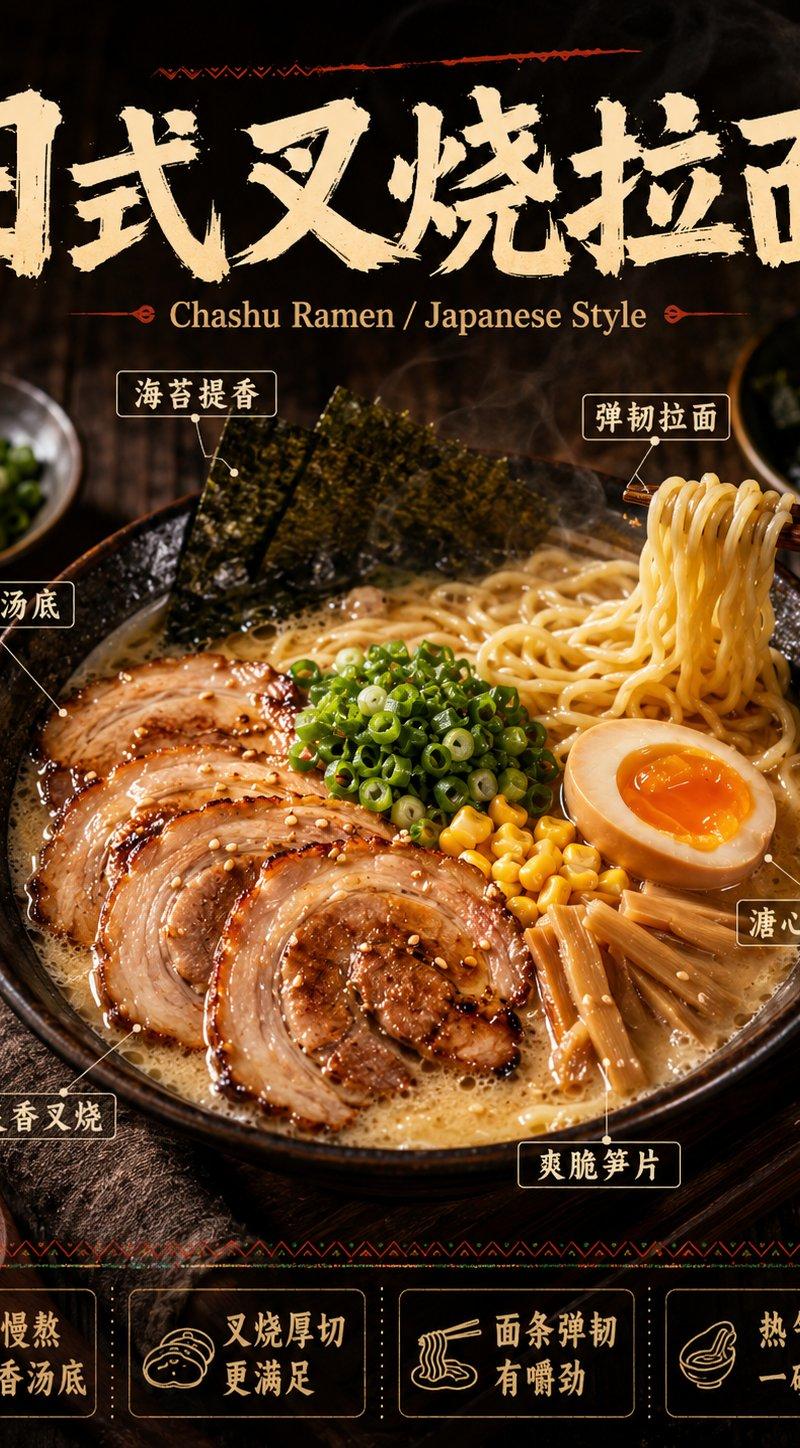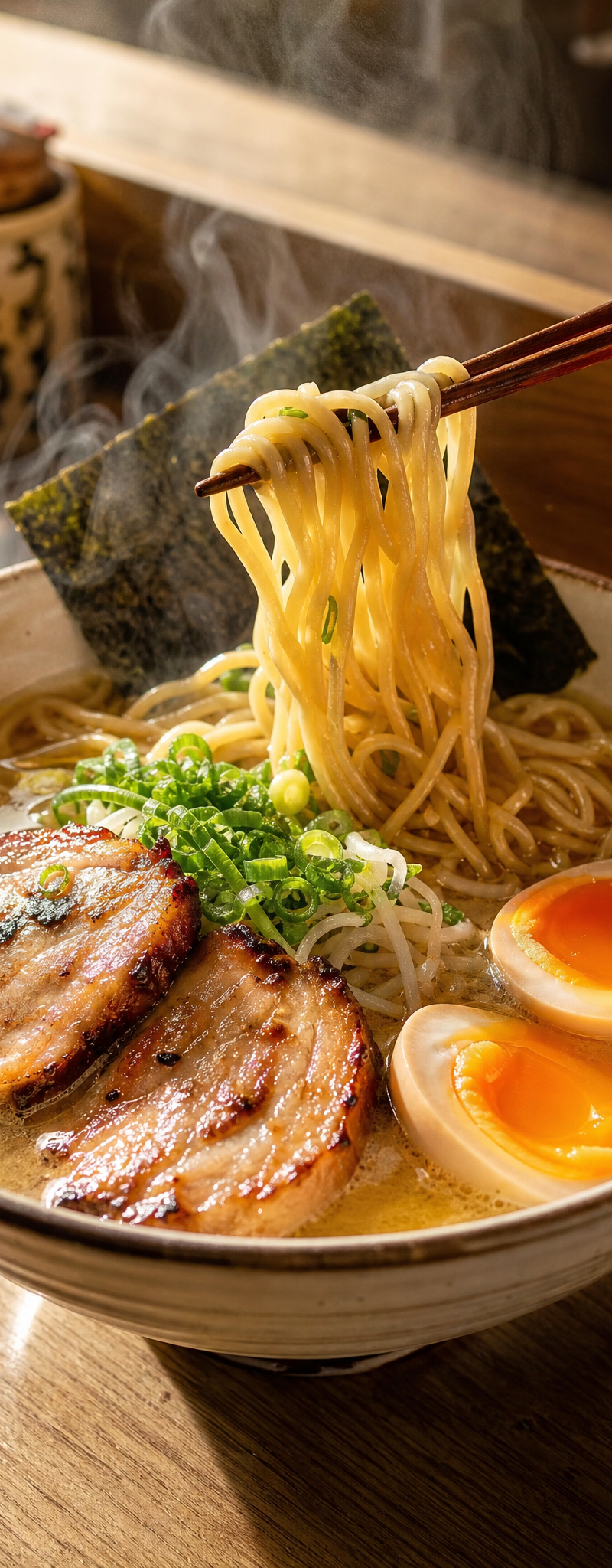
日式天妇罗面条食谱卡片
Prompt
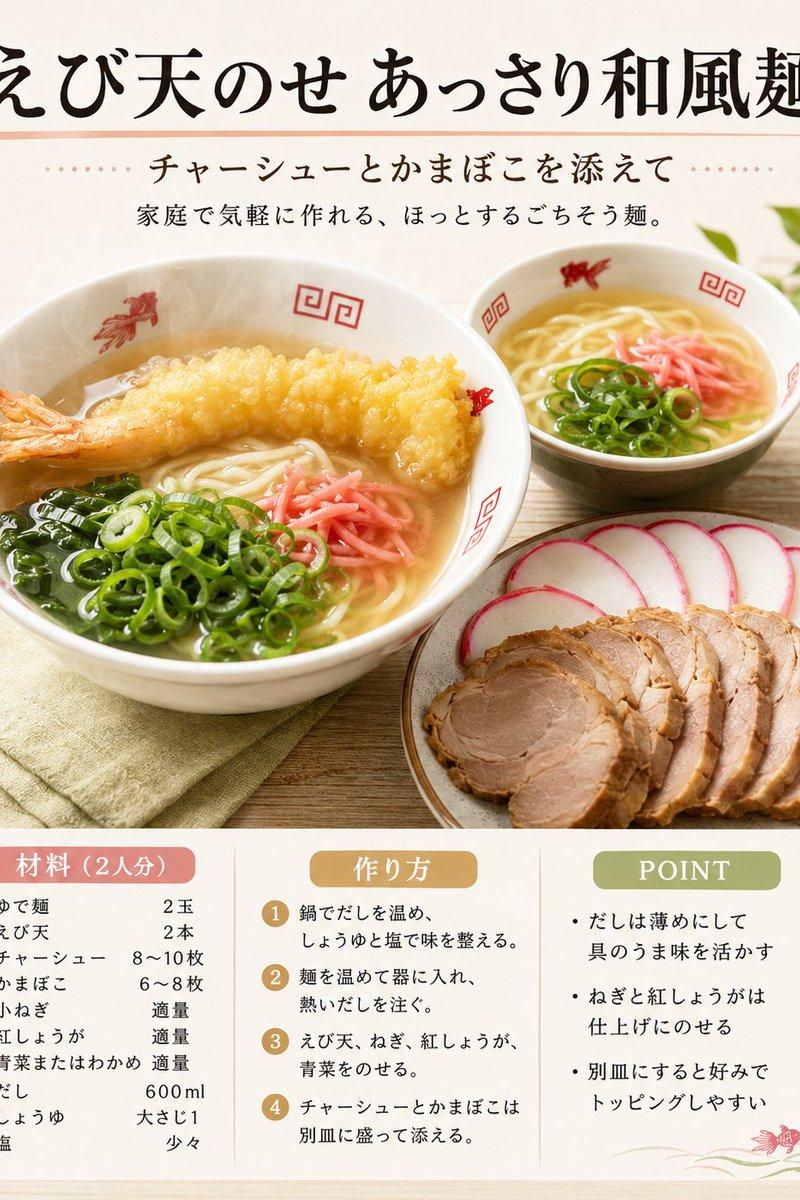
Goal: Create a warm Japanese recipe-card style food image for {argument name="dish name" default="えび天のせ あっさり和風麺"}, presented like a polished magazine recipe poster with appetizing food photography and neatly typeset instructions.

Canvas: Square 1:1 image, soft natural daylight, cream and pale wood background, clean editorial composition. Use a light beige paper texture and muted pastel accents.

Layout: Large Japanese headline centered at the top in bold brush-calligraphy style. Under it, a thin salmon-pink divider line and a subtitle line with dotted decorations. Main food photo occupies the middle: a large bowl on the left foreground, a smaller bowl in the right background, and a plate of toppings on the lower right. Bottom third contains one rounded white recipe panel divided into exactly 3 columns.

Main image details: Show a clear light Japanese noodle soup in white ramen bowls with red decorative Chinese-style patterns. The large foreground bowl contains thin noodles, clear broth, exactly 1 large golden shrimp tempura laid across the top, sliced green onions, glossy wakame seaweed, and pink pickled ginger. The smaller background bowl contains noodles, sliced green onions, and pink pickled ginger. On the lower-right plate, show exactly 2 topping groups: neatly fanned round slices of pink-rimmed kamaboko fish cake and overlapping slices of chashu pork. Add a folded pale green cloth under the large bowl and a small leafy green plant blurred in the upper right.

Text content: Top headline: {argument name="headline text" default="えび天のせ あっさり和風麺"}. Subtitle: {argument name="subtitle text" default="チャーシューとかまぼこを添えて"}. Small description line: {argument name="description text" default="家庭で気軽に作れる、ほっとするごちそう麺。"}.

Bottom recipe panel: Use exactly 3 columns with rounded header pills. Column 1 header in salmon pink: 「材料(2人分)」. List exactly 9 ingredient rows: ゆで麺 2玉; えび天 2本; チャーシュー 8〜10枚; かまぼこ 6〜8枚; 小ねぎ 適量; 紅しょうが 適量; 青菜またはわかめ 適量; だし 600ml; しょうゆ 大さじ1; 塩 少々. Column 2 header in ochre: 「作り方」. Show exactly 4 numbered steps in gold circles: 1 鍋でだしを温め、しょうゆと塩で味を整える。 2 麺を温めて器に入れ、熱いだしを注ぐ。 3 えび天、ねぎ、紅しょうが、青菜をのせる。 4 チャーシューとかまぼこは別皿に盛って添える。 Column 3 header in olive green: 「POINT」. Show exactly 3 bullet points: だしは薄めにして具のうま味を活かす; ねぎと紅しょうがは仕上げにのせる; 別皿にすると好みでトッピングしやすい.

Visual style: High-key appetizing food photography blended with elegant Japanese cookbook graphic design, soft shadows, shallow depth of field, realistic textures for tempura, broth, noodles, pork, and kamaboko. Typography should be legible and balanced, with black headline text and warm accent colors. Add a tiny decorative red shrimp illustration and subtle green swoosh in the lower-right corner of the recipe panel.

Constraints: Keep the composition clean and calm, avoid clutter, no people, no watermark, no extra panels, no extra ingredients beyond those listed, and preserve the exact 3-column bottom panel structure.- Category
- Charts & Infographics
- Model
- GPT Image 2
- Creator
- Maki@Sunwood AI Labs.
- Source language
- en
- Source ID
- 24037
- Published
- Jun 3, 2026
Views2