17

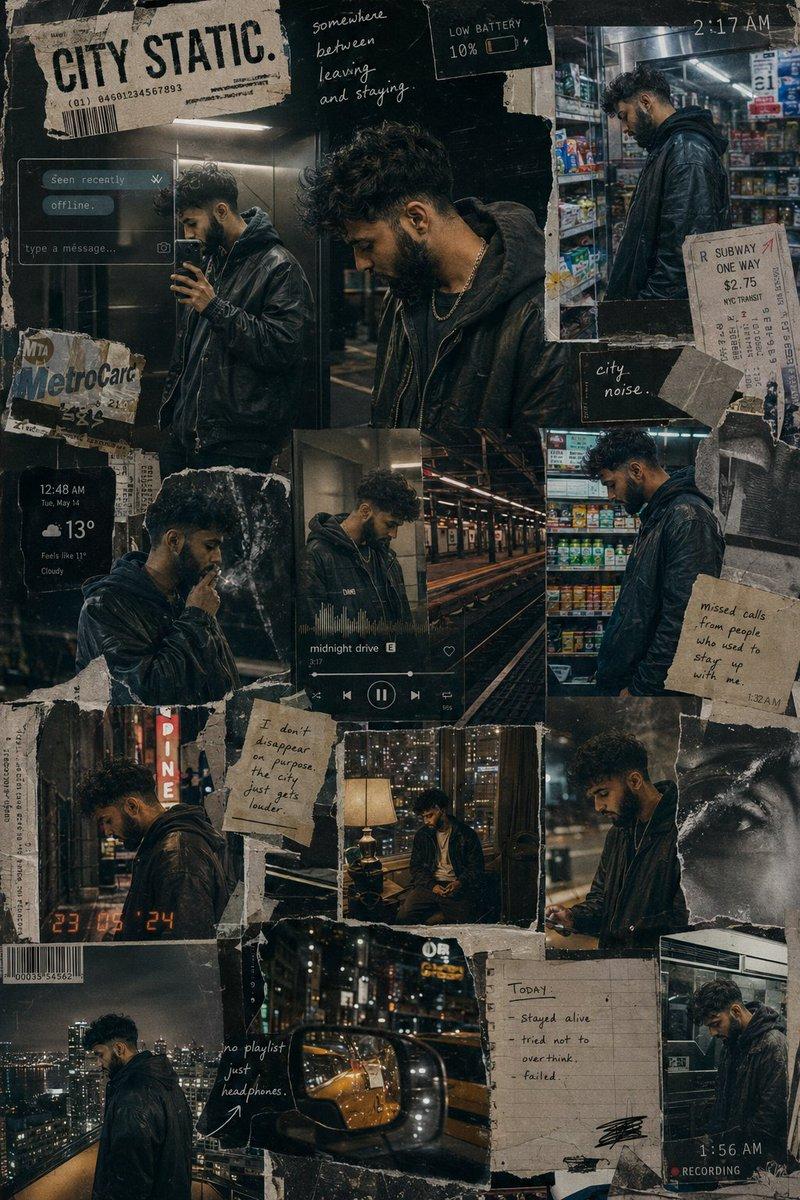
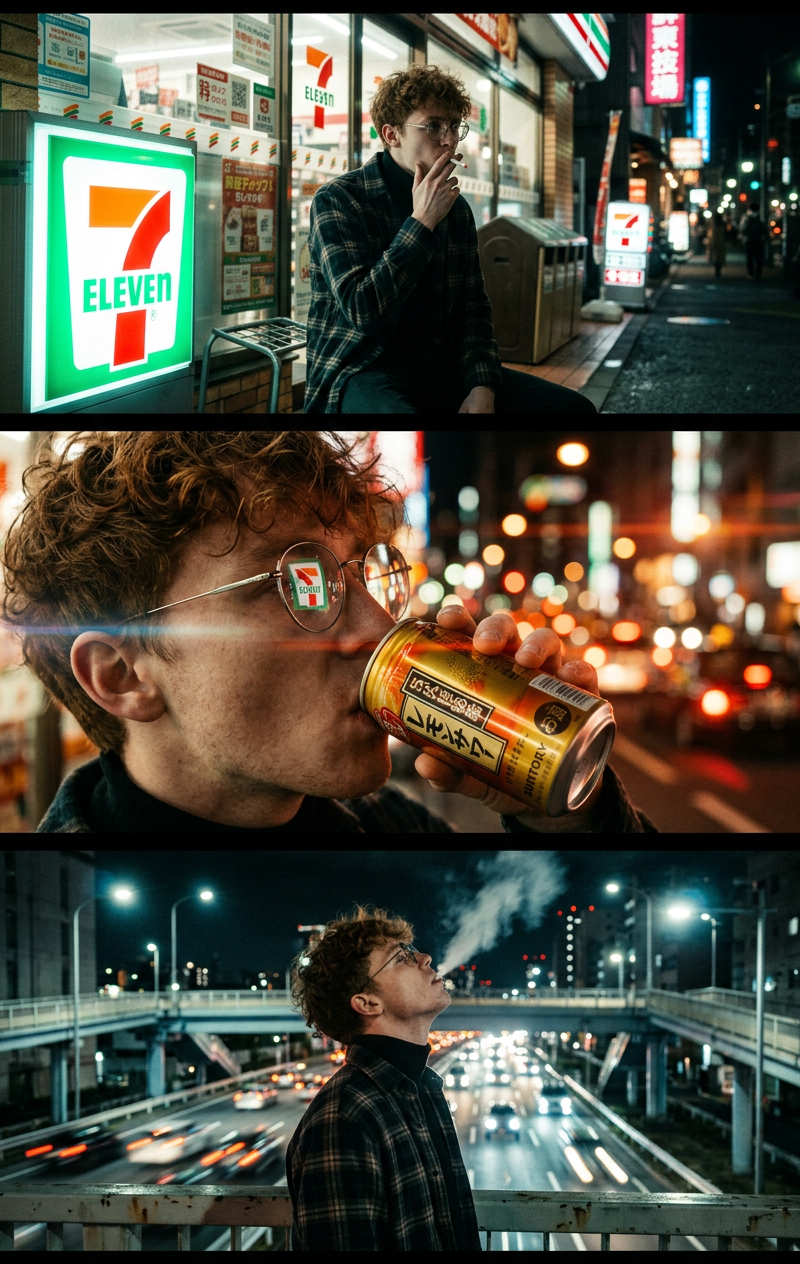
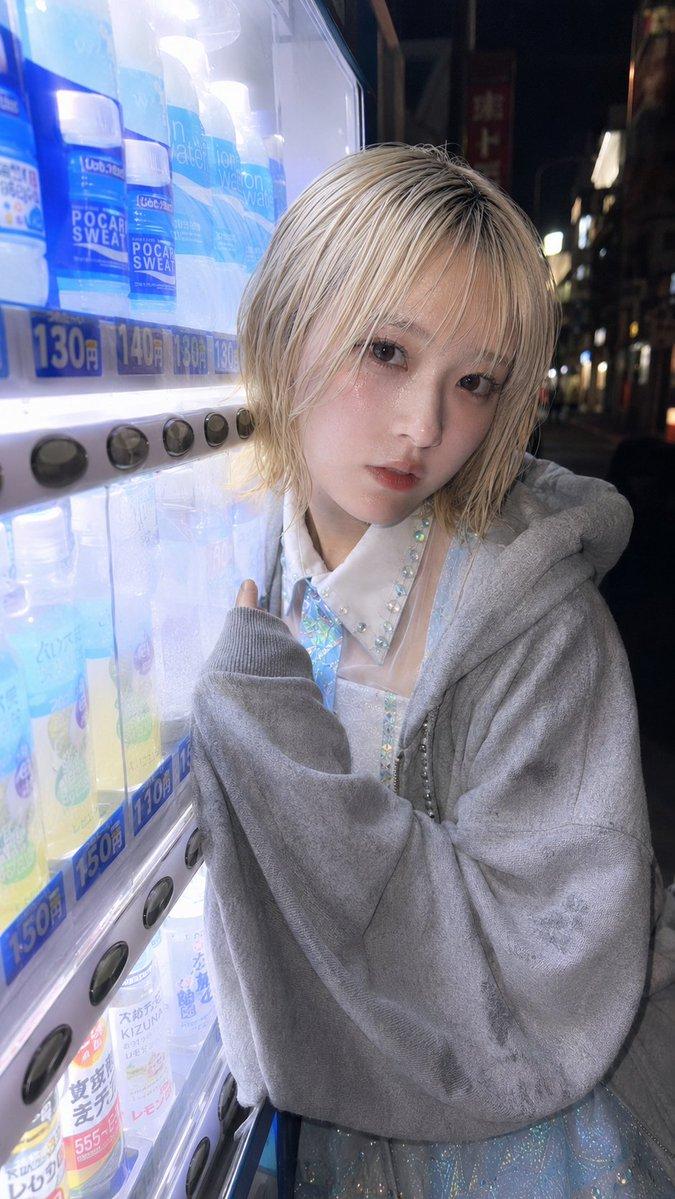
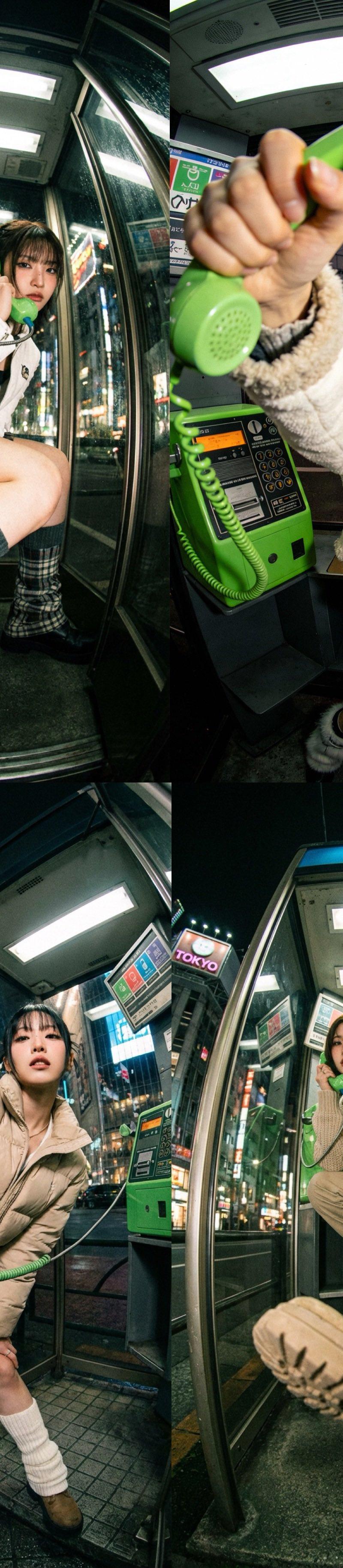
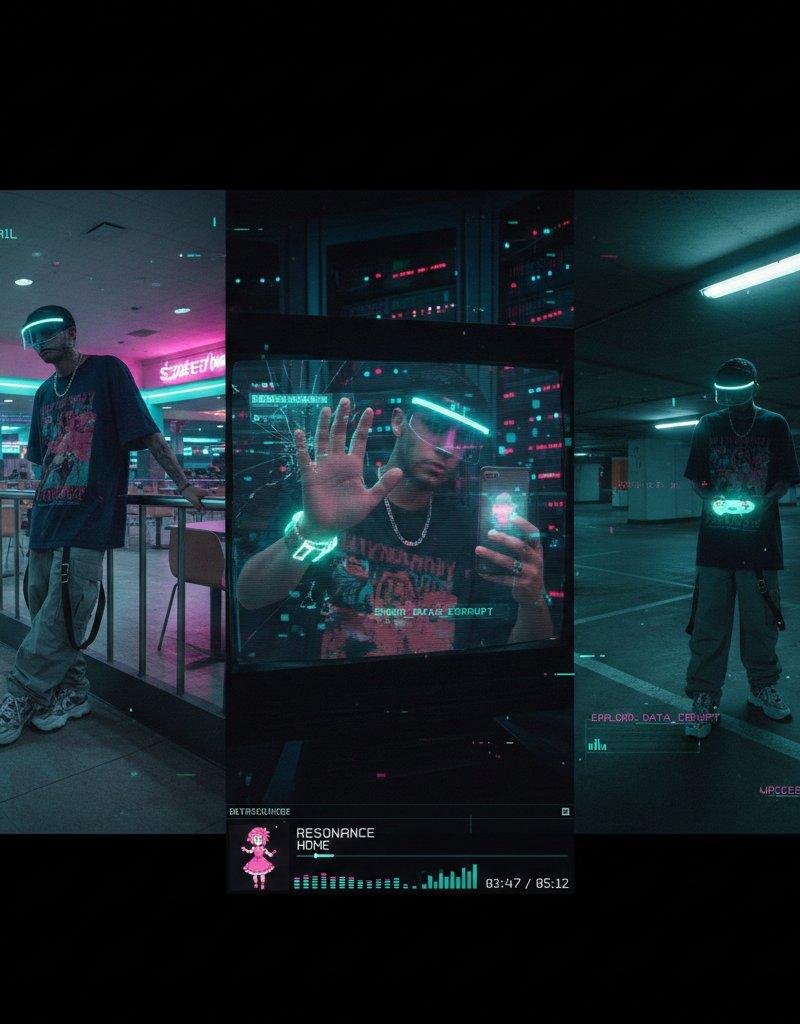
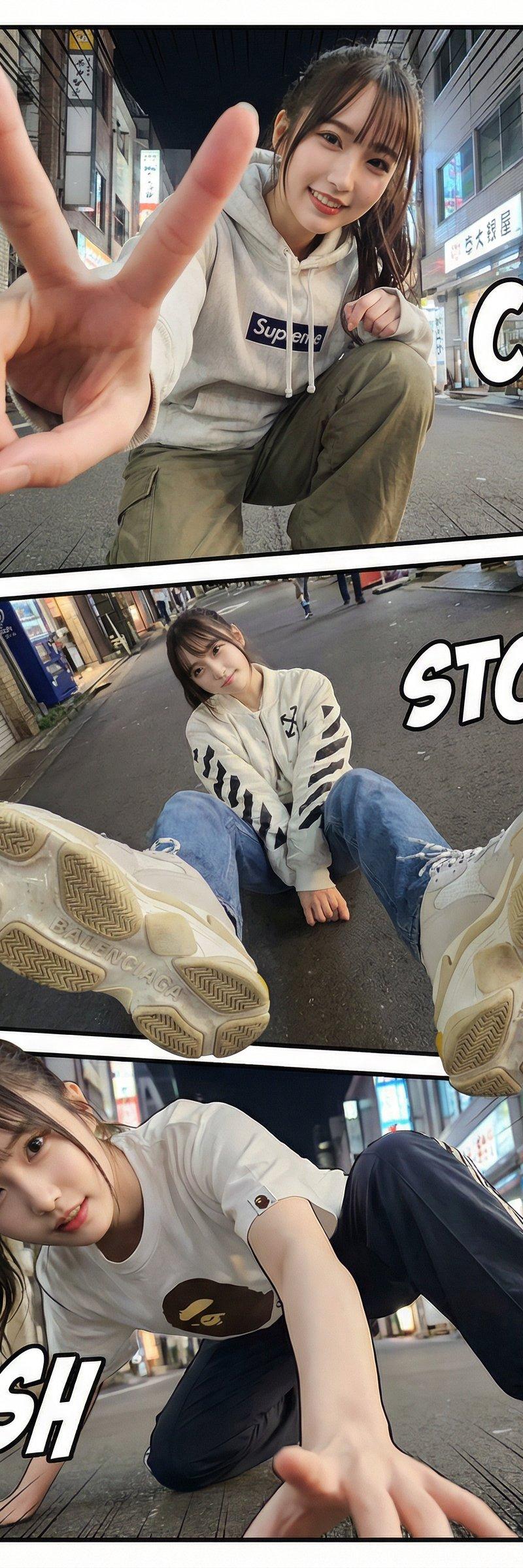
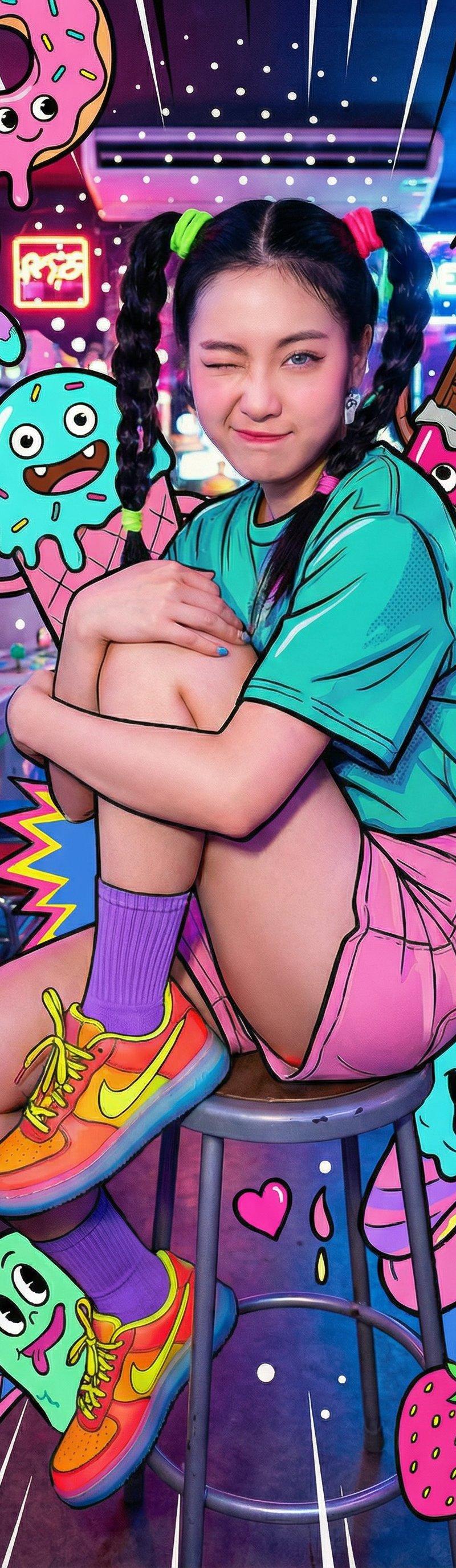
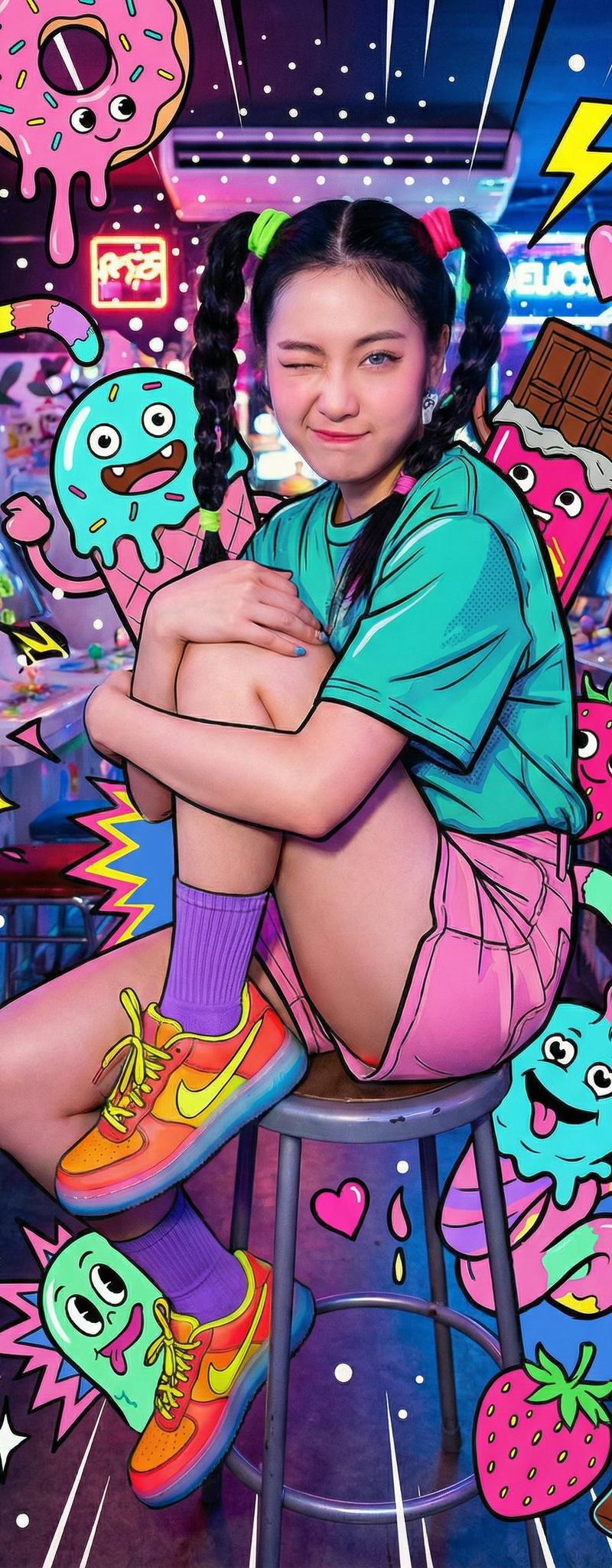
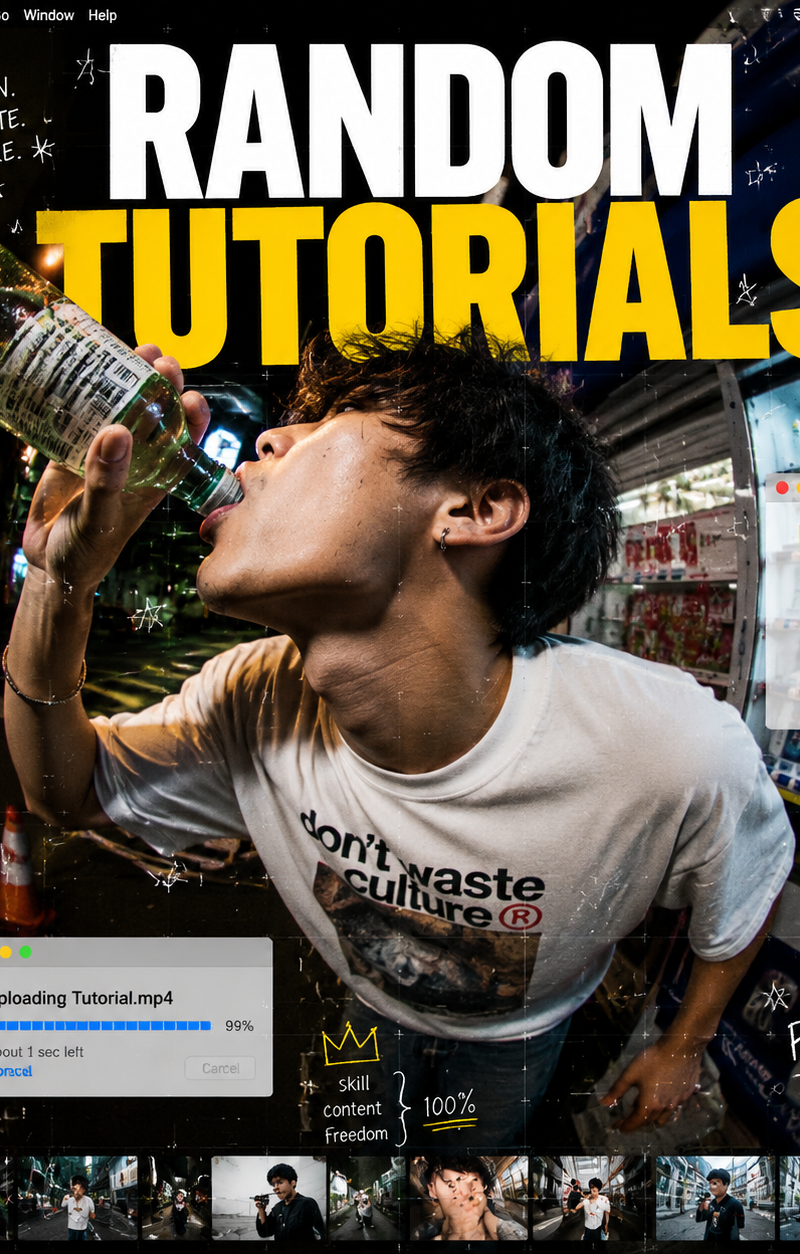
This is a hybrid visual composition combining internet tutorial cover design, st
Enlarge

Example images

This is a hybrid visual composition combining internet tutorial cover design, st

Prompt
This is a hybrid visual composition combining internet tutorial cover design, street photography, and digital UI collage aesthetics.

The subject is a young male captured through an extreme ultra-wide fisheye lens, creating exaggerated perspective distortion. He is in a highly dynamic moment—tilting his head back while drinking from a bottle, with his body leaning forward, frozen mid-action in a visually intense composition.

The image is not purely photographic but heavily designed as a layered visual artwork. The background resembles a digital desktop interface blended with real space, featuring scattered folder icons such as “james.jpg,” “telegram.FAQ,” and “tutorials_video,” along with hand-drawn doodles, stars, and composition grid overlays.

A bold title, “RANDOM TUTORIALS,” dominates the layout, reinforcing the feel of an internet-native tutorial compilation cover.

The overall atmosphere sits between chaos and structure: a fusion of candid motion photography and graphic design collage. It feels like a snapshot of information overload—compressing digital learning culture into a single high-energy frozen moment.
Category
UI & Interfaces
Model
GPT Image 2
Creator
xie underwood
Source language
en
Views31
Source ID
30701
Published
Jun 18, 2026
Studio

Guide

About "This is a hybrid visual composition combining internet tutorial cover design, st"

What is this prompt for?

"This is a hybrid visual composition combining internet tutorial cover design, st" AI image prompt for GPT Image 2 (UI & Interfaces). This is a hybrid visual c…

The full copyable prompt and example visuals above are ready for AI image generation or one-click recreate in Picva.

How to use this prompt

  1. Step 1

    Open the prompt detail

    Review the example visuals, category, and full prompt text for "This is a hybrid visual composition combining internet tutorial cover design, st".

  2. Step 2

    Copy the prompt

    Copy the prompt body from this page, or load it directly in Studio.

  3. Step 3

    Pick a model (GPT Image 2)

    Prefer GPT Image 2. If you switch models, keep subject and composition and tweak style terms.

  4. Step 4

    Generate and export

    Recreate the look in Picva, or export into your workflow for editing and publishing.

FAQ

What is the "This is a hybrid visual composition combining internet tutorial cover design, st" prompt?
It is an AI image-generation prompt for GPT Image 2 in the UI & Interfaces category. This page includes the full prompt text, example visuals, and a one-click recreate path in Picva.
How do I use this prompt to generate an image?
Copy the prompt from this page, or use Generate / Studio. Paste it into a compatible image model, or recreate the look in Picva with optional reference images.
Which model is this prompt for?
This page lists GPT Image 2. Most descriptive prompts also transfer to nearby image models such as GPT Image, Flux, or Midjourney with light style tweaks.
Can I use the result commercially?
You can usually copy the prompt for creation, but commercial use of the final image depends on the model terms, reference-image rights, and the generated content. Follow the source author and platform rules.