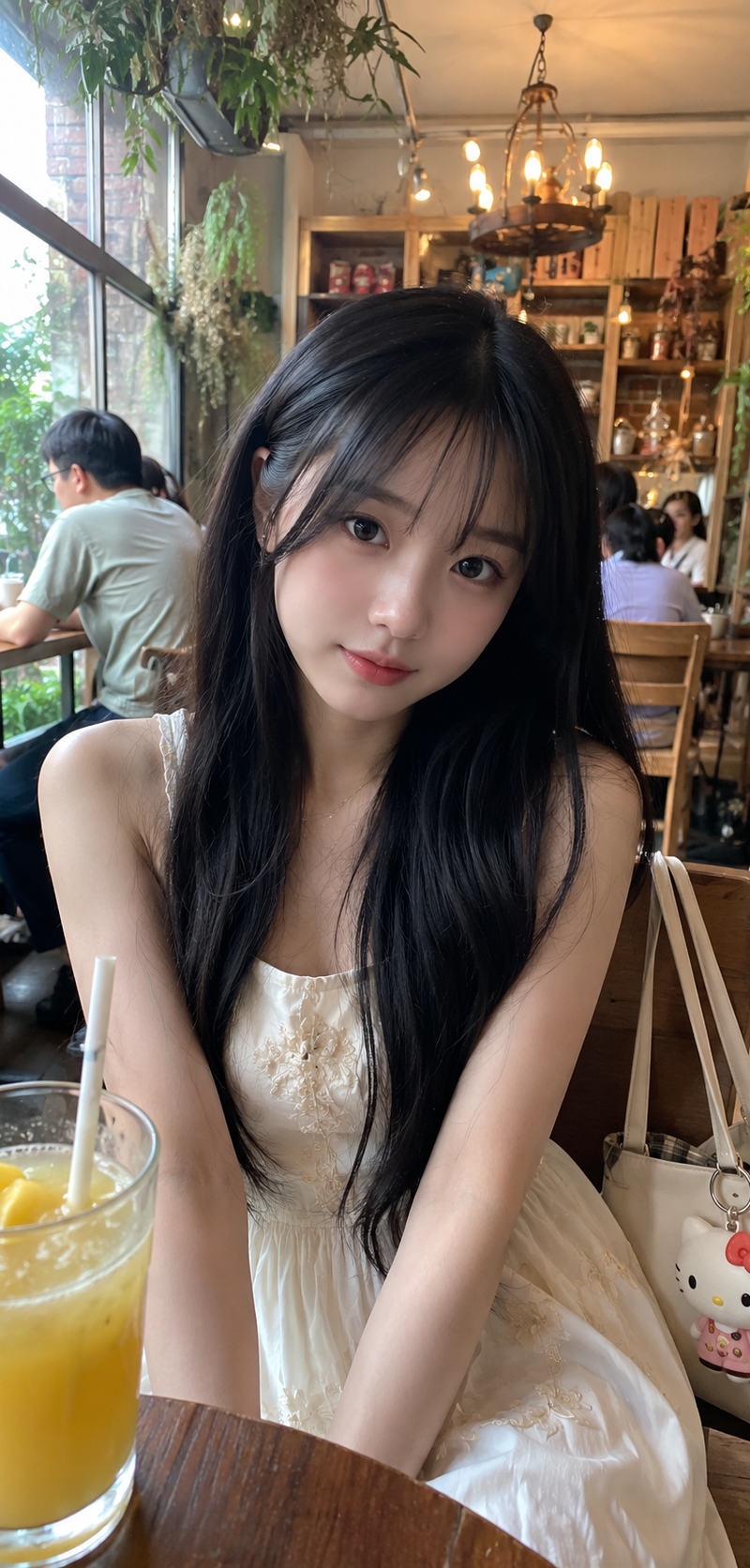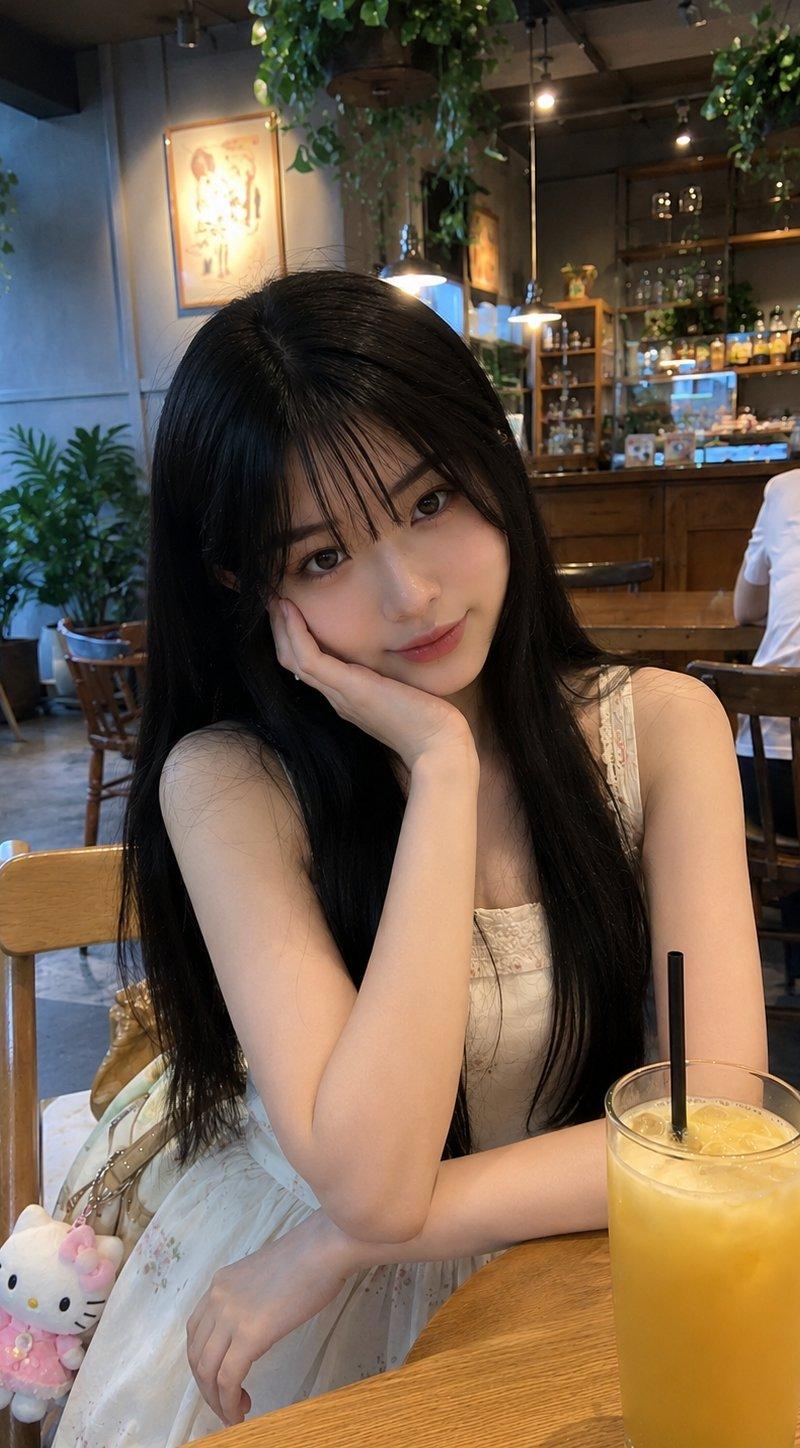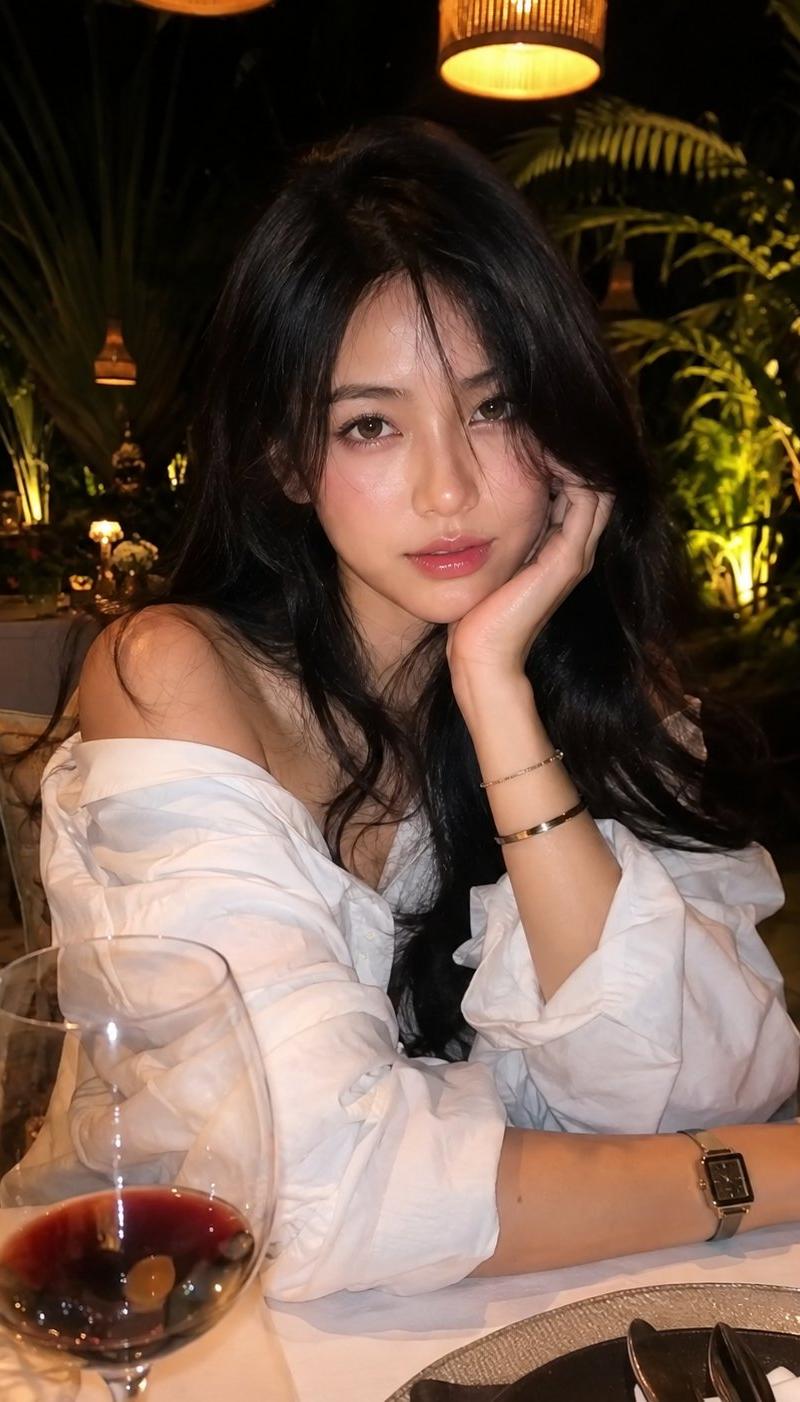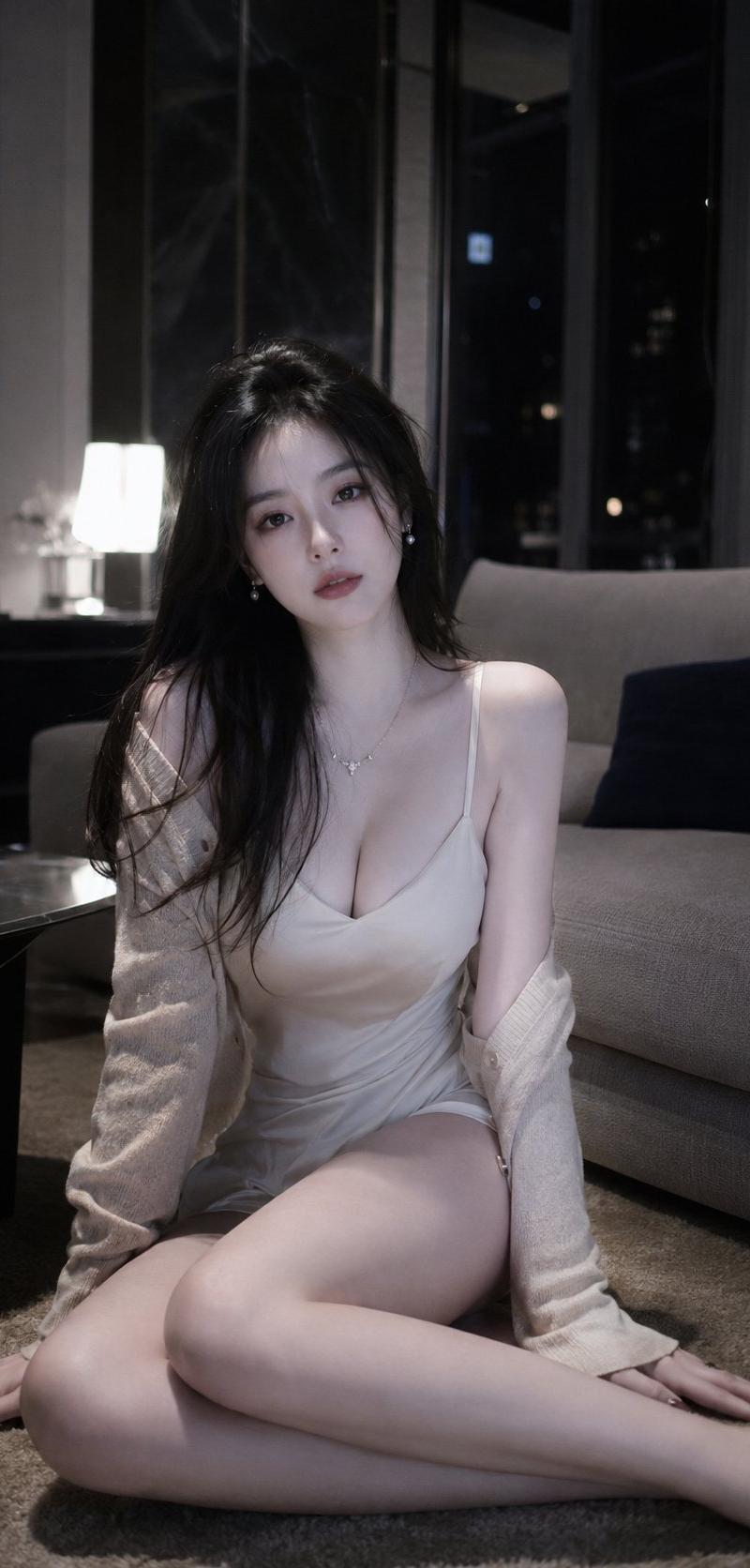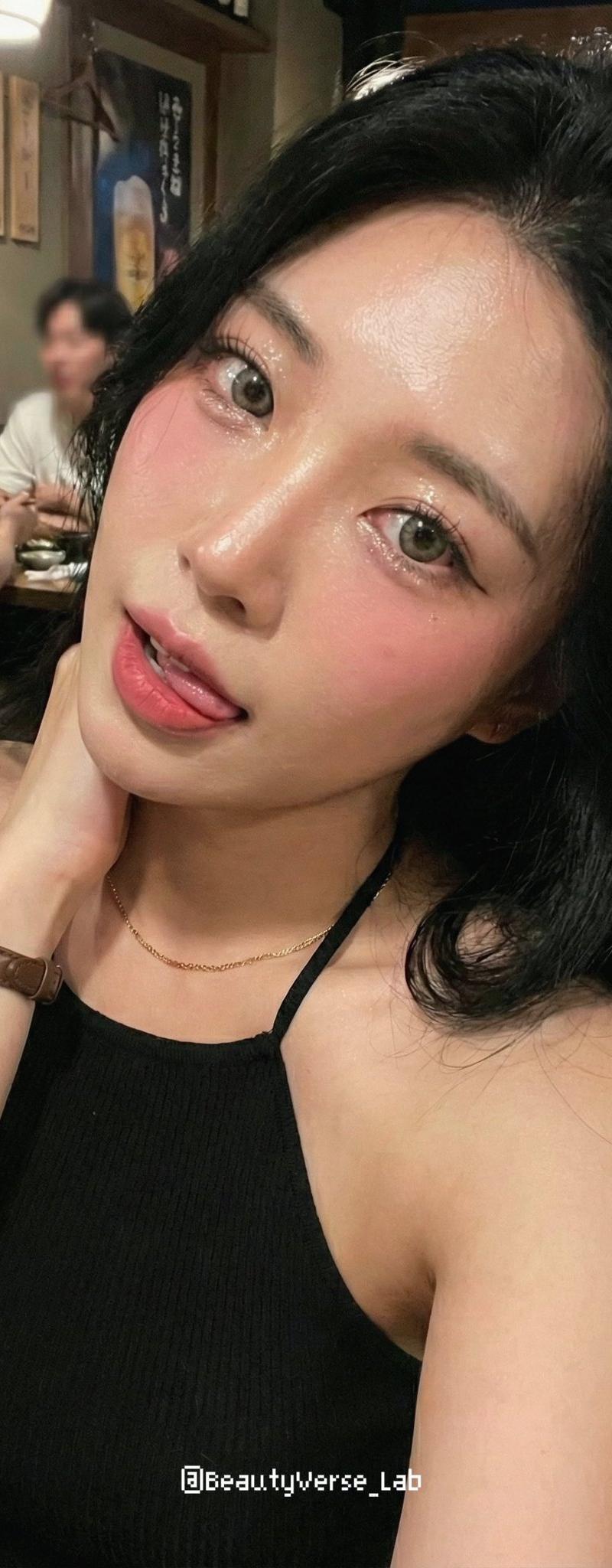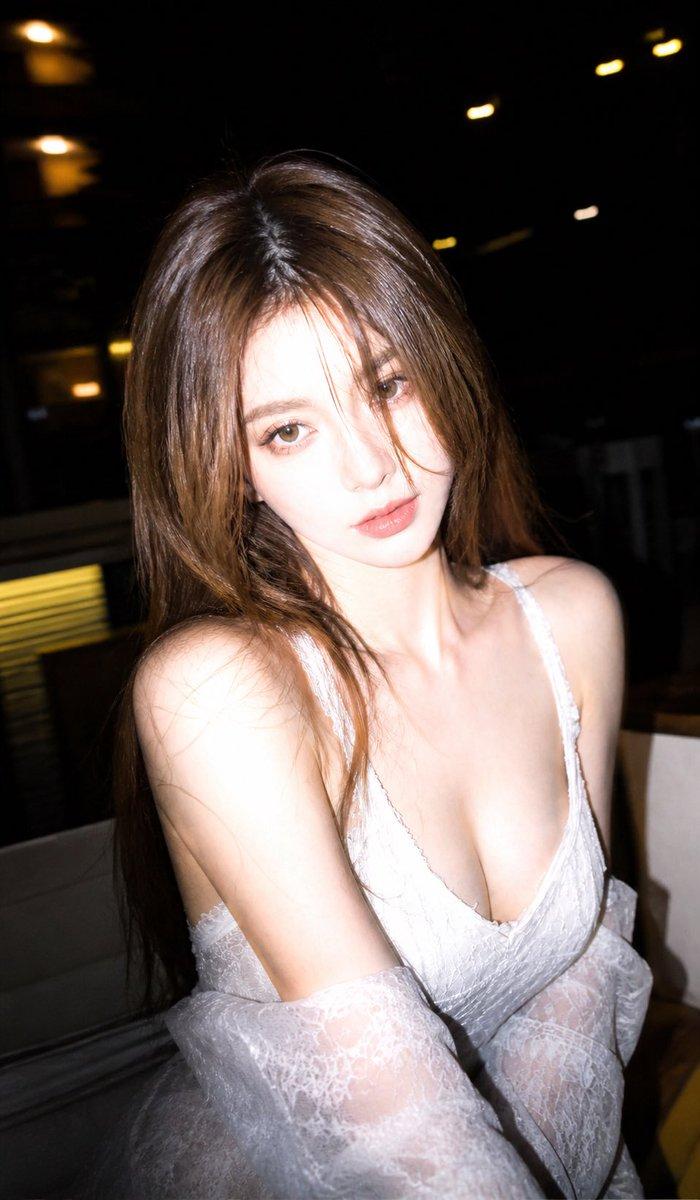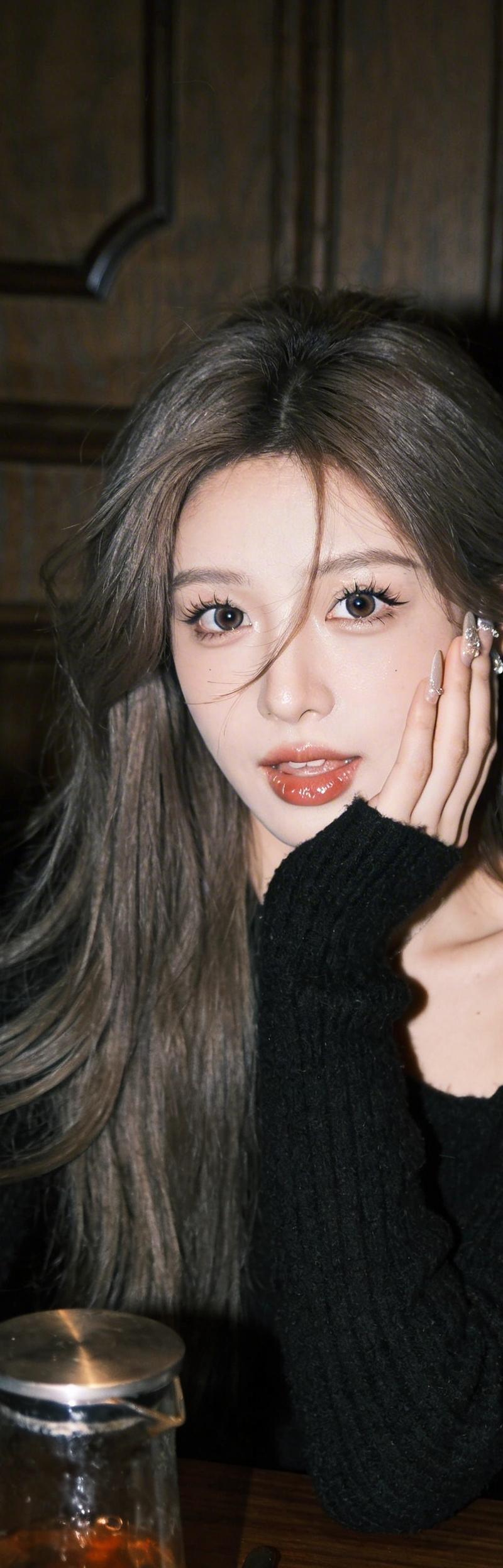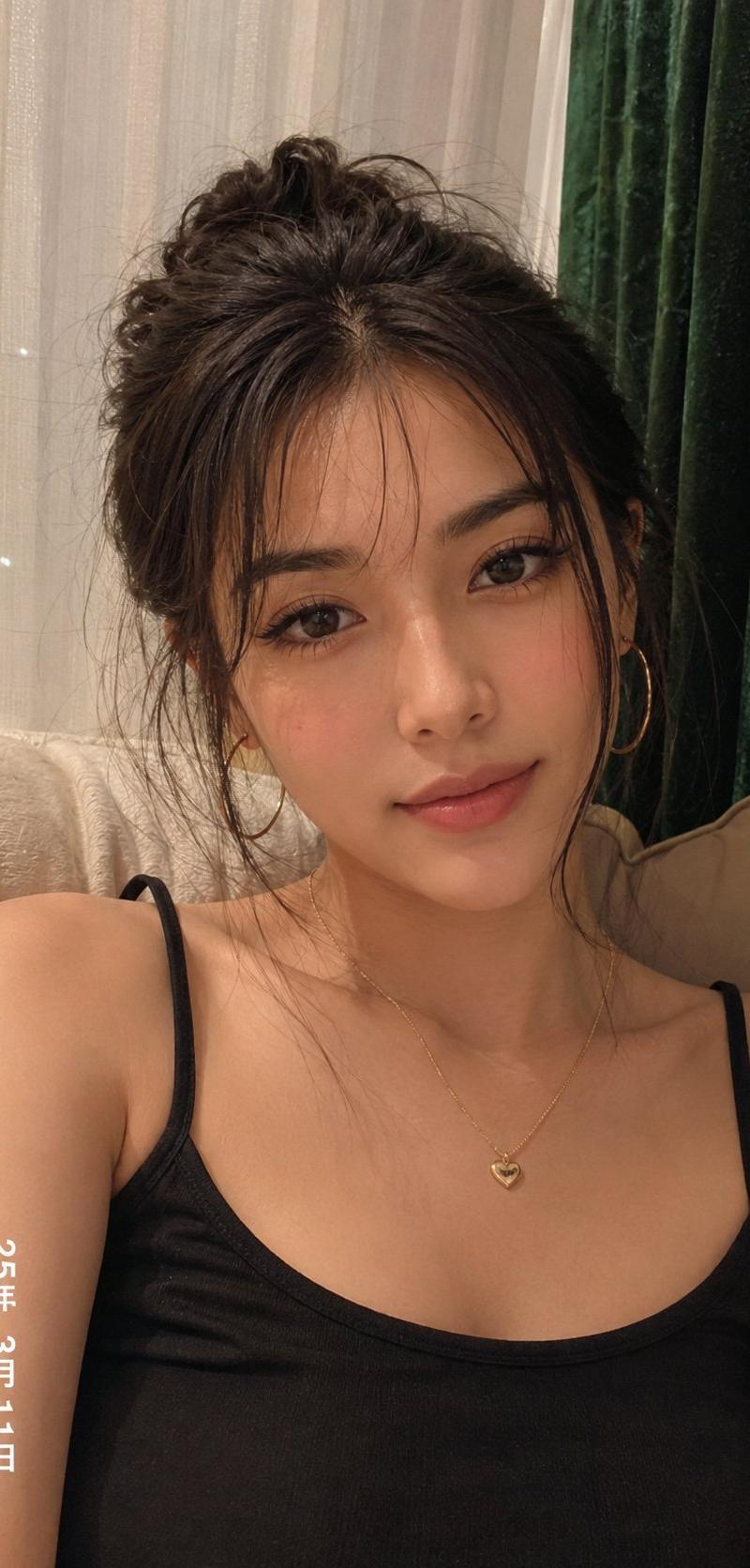
REFERENCE RULES: Image 1 = FACE REFERENCE ONLY Use only the face identity from I
Prompt
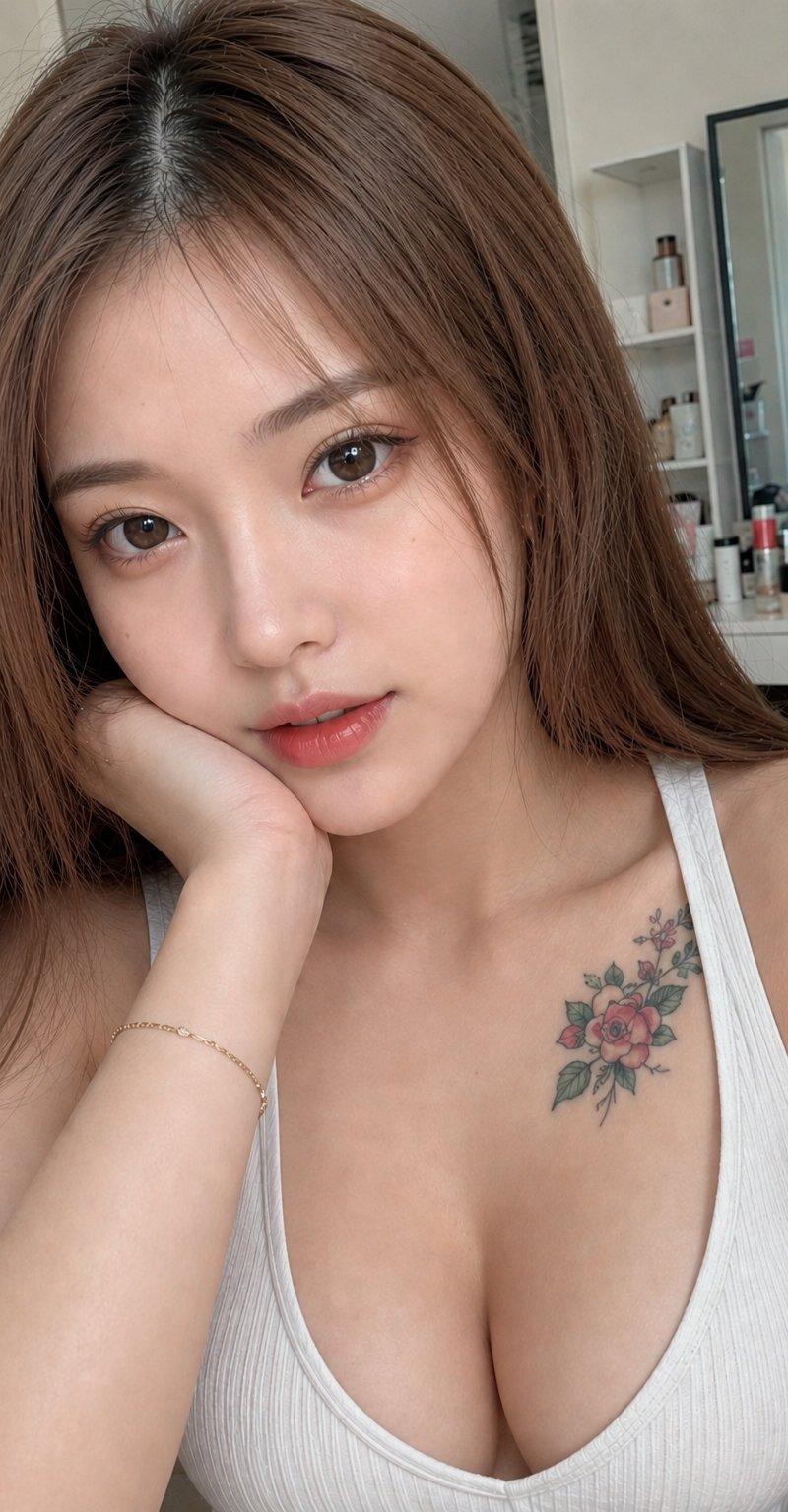
REFERENCE RULES:

Image 1 = FACE REFERENCE ONLY
Use only the face identity from Image 1.

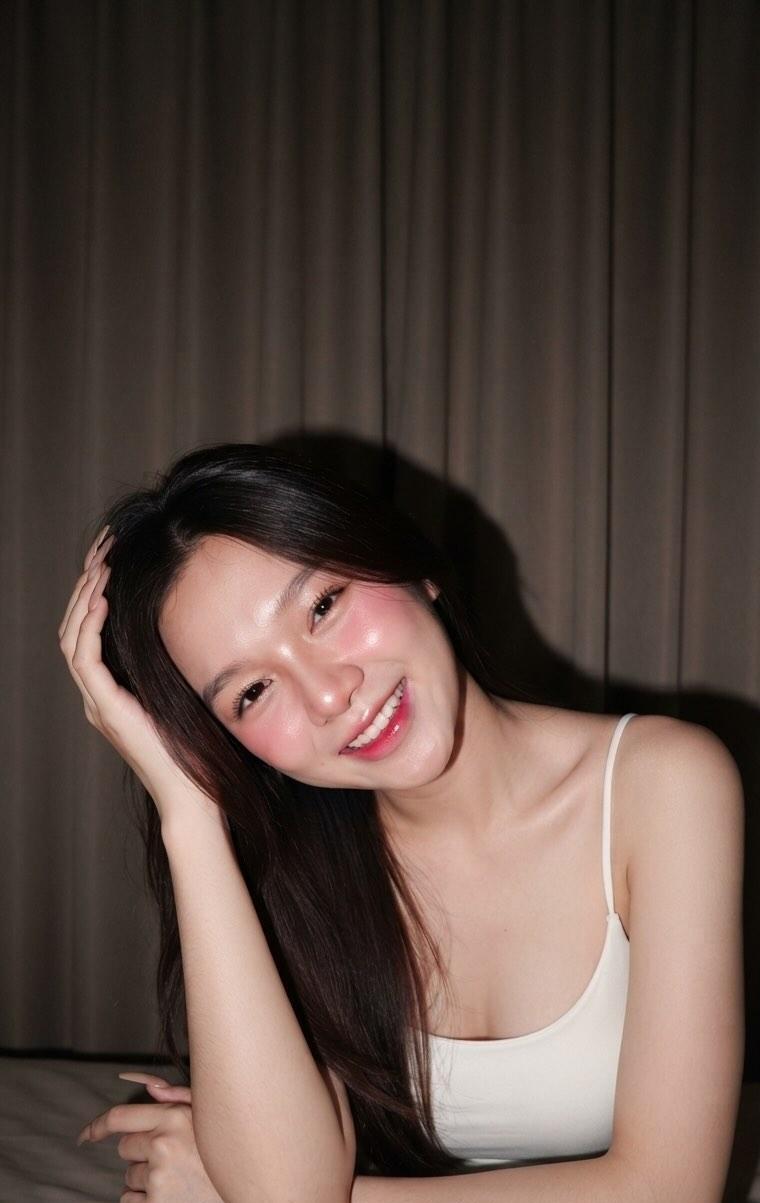
Image 2 = MAIN REFERENCE
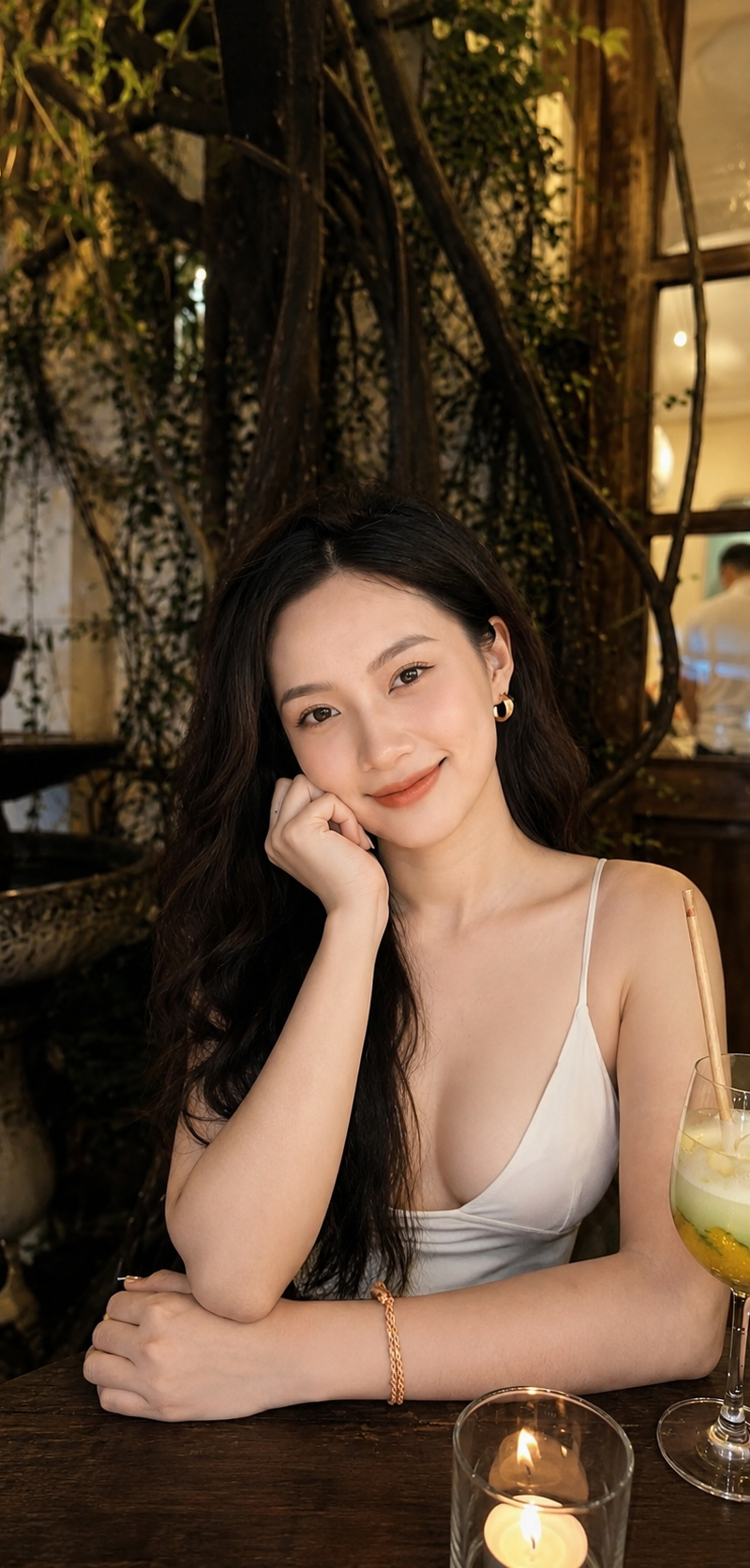
Keep exactly the same pose, body position, camera angle, composition, facial expression, smile, lighting atmosphere, hand position, background environment, depth of field and framing from Image 2.

Create a highly realistic portrait of the woman from Image 1 naturally replacing the person in Image 2.

Preserve the beautiful gentle smile from Image 2.
Preserve the exact sitting pose, arm position resting on the table, head tilt, eye direction and body proportions from Image 2.

Soft elegant beauty makeup:
natural Korean beauty makeup,
soft blush,
smooth realistic skin texture,
natural pink lips,
subtle eyeliner,
bright expressive eyes,
gentle feminine appearance,
no heavy makeup.

Long natural black wavy hair.
Natural skin texture with visible pores.
Realistic facial details.
Authentic human appearance.

Environment:
warm cozy luxury café,
wooden furniture,
green plants and vines,
ambient golden lighting,
night café atmosphere,
cocktail glass on table,
cinematic bokeh background,
high-end lifestyle photography.

Photography:
Ultra Photorealistic,
High Realistic,
Hollywood Quality,
shot on iPhone 15 Pro,
24mm wide lens,
ISO 50,
f/1.8,
HDR,
8K UHD,
ultra sharp focus,
professional smartphone photography,
natural shadows,
realistic reflections,
high dynamic range,
extremely detailed skin,
realistic hair strands.

Negative Prompt:
AI face,
plastic skin,
cartoon,
anime,
cgi,
3d render,
low quality,
blur,
deformed body,
bad anatomy,
extra fingers,
extra arms,
cropped hands,
unnatural smile,
expressionless face,
oversaturated skin,
heavy makeup,
fake lighting,
background distortion,
face mismatch,
different pose,
different smile.
- Category
- Charts & Infographics
- Model
- GPT Image 2
- Creator
- Bin
- Source language
- en
- Source ID
- 33645
- Published
- Jun 24, 2026
Views461