17

Create an ultra-realistic cinematic scene of a masked vigilante in a sleek matte
Enlarge

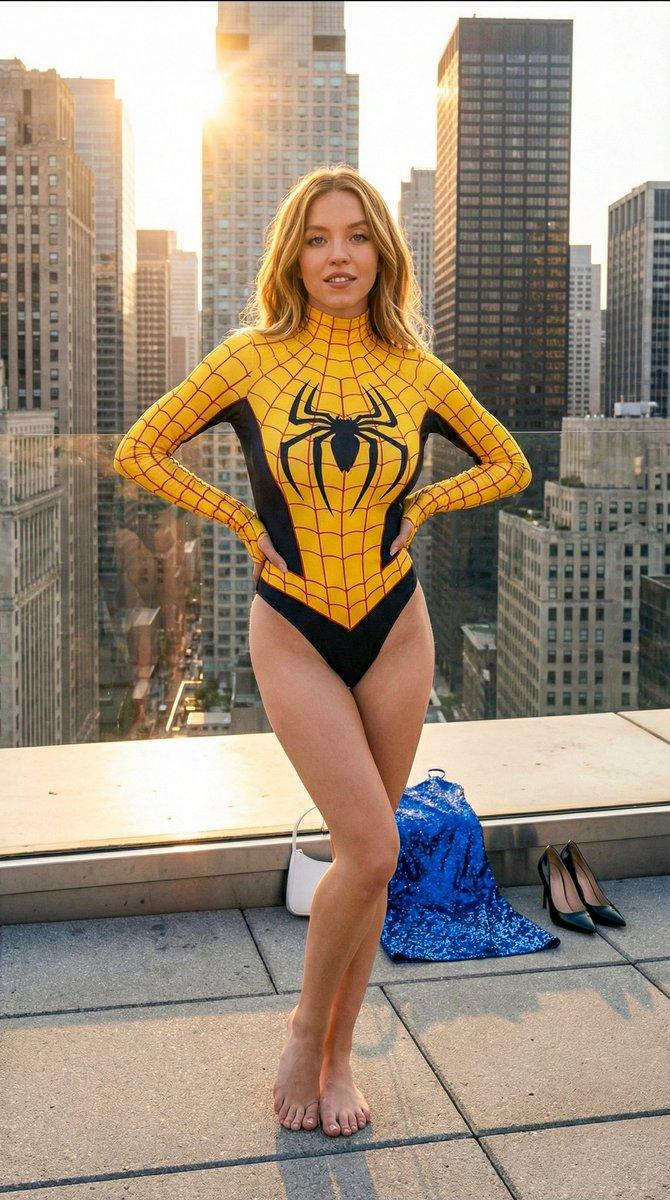
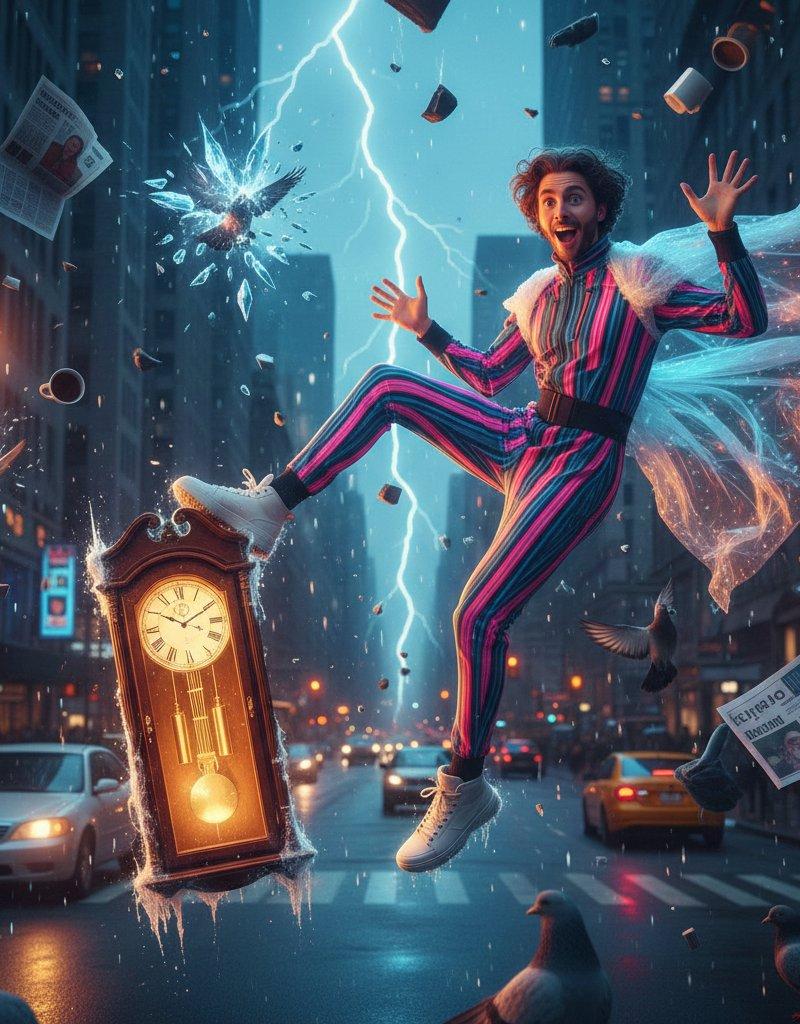
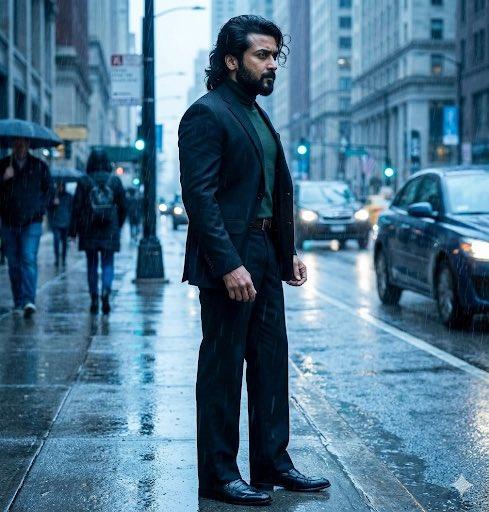
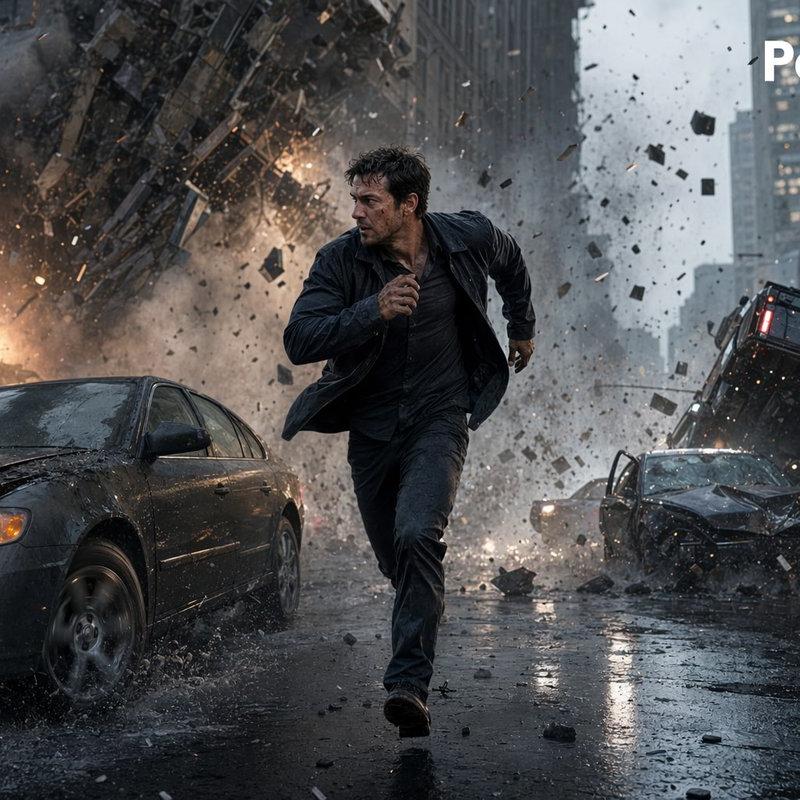
Example images

Create an ultra-realistic cinematic scene of a masked vigilante in a sleek matte

Prompt
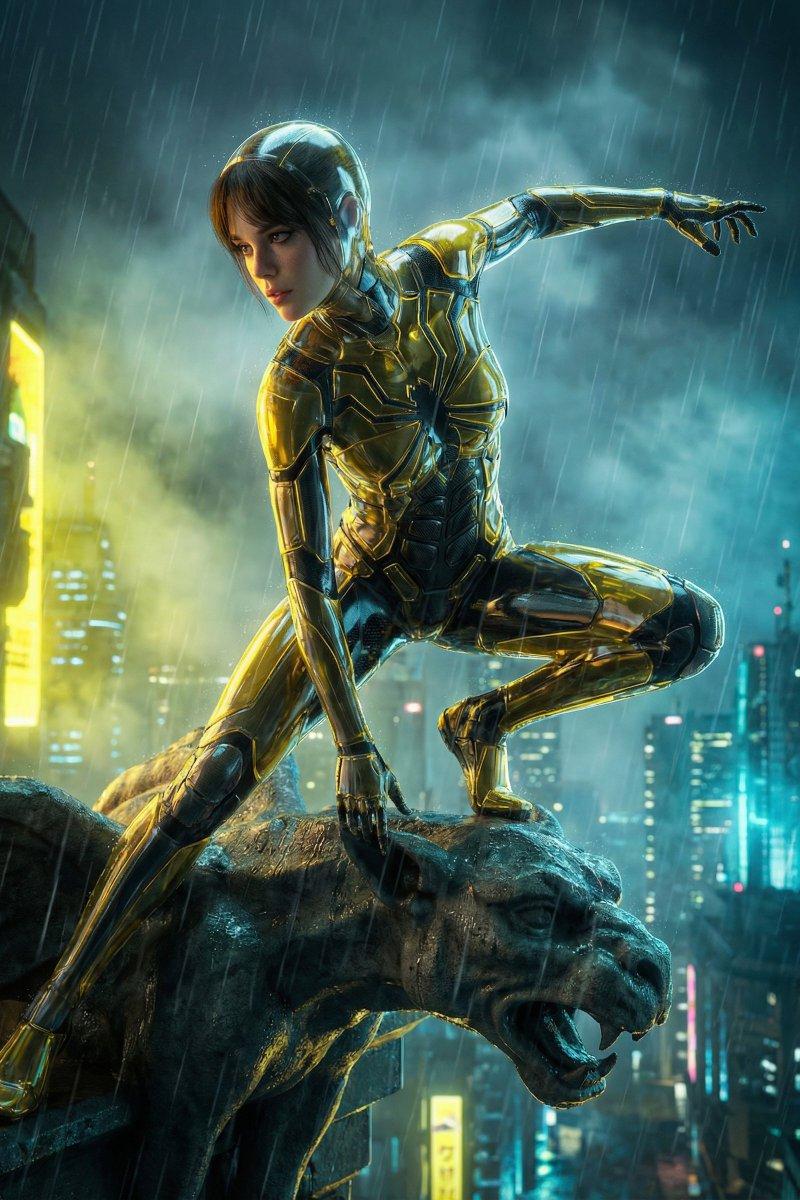
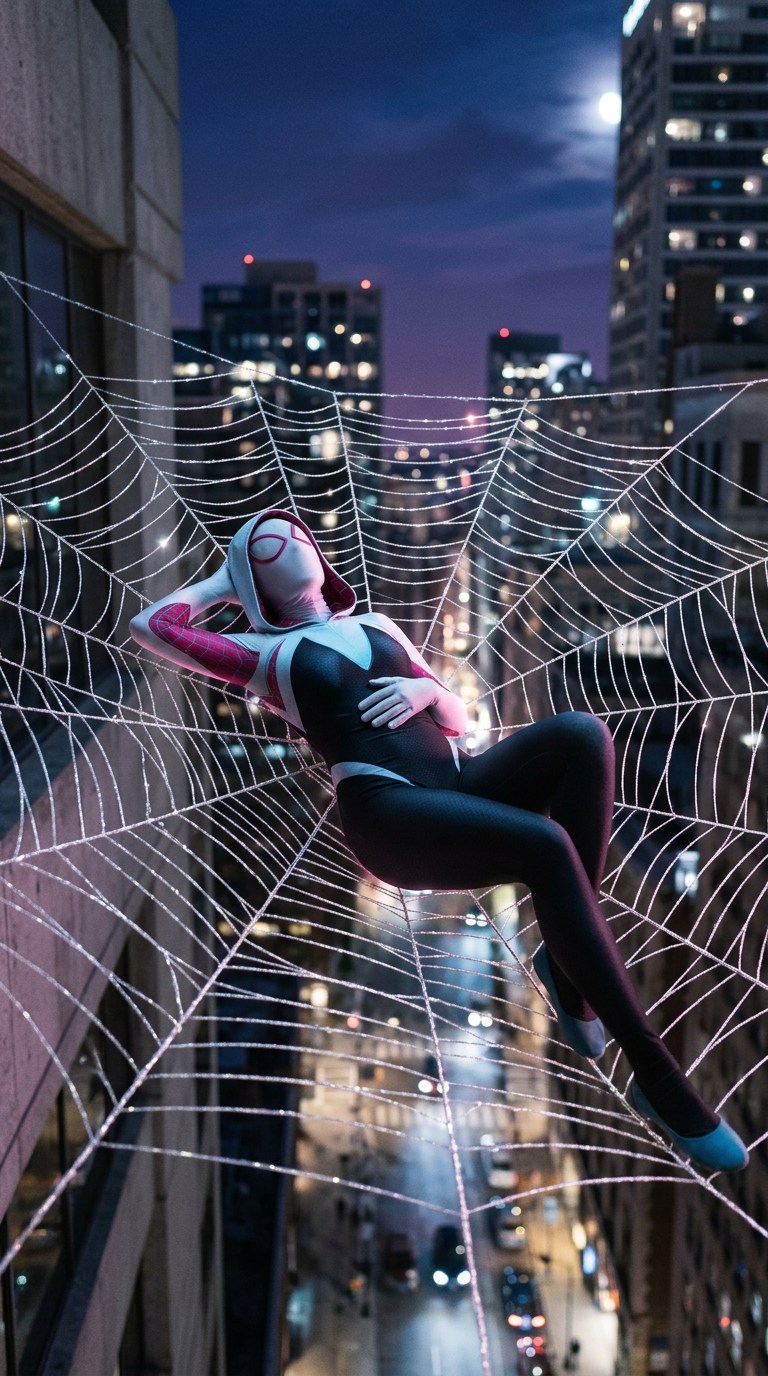
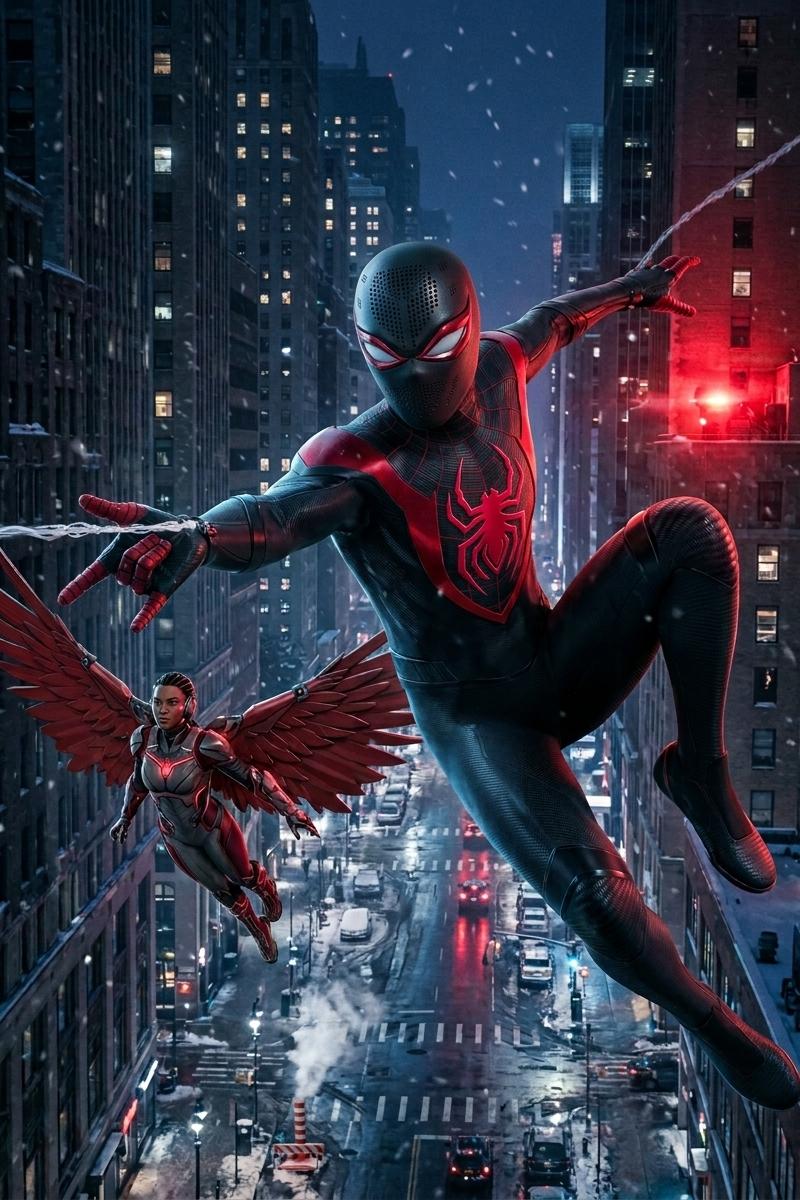
Create an ultra-realistic cinematic scene of a masked vigilante in a sleek matte-black bodysuit swinging through a snowy nighttime city beside a winged heroine inspired by Starling, featuring a subtle carbon-fiber zigzag texture across the suit, thin deep-crimson web-like lines tracing the mask and torso, bold crimson shoulder markings forming a sharp V-shape on the chest, and a large angular neon-crimson spider emblem stretching across the front and back; the mask has narrow white eye lenses framed by glossy metallic crimson borders with tiny perforated ventilation holes arranged in subtle dot patterns across the forehead and jaw for a tactical realistic look, while the hero swings dynamically between skyscrapers with one hand firing a web line as snow whips through the air with cinematic motion blur, wet reflections, icy rooftops, glowing city lights, steam rising from streets, and dramatic blue-and-red lighting creating the atmosphere of a high-budget photorealistic superhero film, with the winged heroine flying close beside him using large red mechanical wings and a modern armored flight suit detailed with feather-inspired plating and glowing crimson accents.
Category
UI & Interfaces
Model
Nano Banana 2
Creator
Ilovepizza885
Source language
en
Views163
Source ID
3556
Published
May 14, 2026
Studio

Guide

About "Create an ultra-realistic cinematic scene of a masked vigilante in a sleek matte"

What is this prompt for?

"Create an ultra-realistic cinematic scene of a masked vigilante in a sleek matte" AI image prompt for Nano Banana 2 (UI & Interfaces). Create an ultra-realist…

The full copyable prompt and example visuals above are ready for AI image generation or one-click recreate in Picva.

How to use this prompt

  1. Step 1

    Open the prompt detail

    Review the example visuals, category, and full prompt text for "Create an ultra-realistic cinematic scene of a masked vigilante in a sleek matte".

  2. Step 2

    Copy the prompt

    Copy the prompt body from this page, or load it directly in Studio.

  3. Step 3

    Pick a model (Nano Banana 2)

    Prefer Nano Banana 2. If you switch models, keep subject and composition and tweak style terms.

  4. Step 4

    Generate and export

    Recreate the look in Picva, or export into your workflow for editing and publishing.

FAQ

What is the "Create an ultra-realistic cinematic scene of a masked vigilante in a sleek matte" prompt?
It is an AI image-generation prompt for Nano Banana 2 in the UI & Interfaces category. This page includes the full prompt text, example visuals, and a one-click recreate path in Picva.
How do I use this prompt to generate an image?
Copy the prompt from this page, or use Generate / Studio. Paste it into a compatible image model, or recreate the look in Picva with optional reference images.
Which model is this prompt for?
This page lists Nano Banana 2. Most descriptive prompts also transfer to nearby image models such as GPT Image, Flux, or Midjourney with light style tweaks.
Can I use the result commercially?
You can usually copy the prompt for creation, but commercial use of the final image depends on the model terms, reference-image rights, and the generated content. Follow the source author and platform rules.