18

Gunakan orang pada foto referensi sebagai subjek utama dengan identitas, propors
Enlarge

Example images

Gunakan orang pada foto referensi sebagai subjek utama dengan identitas, propors

Prompt
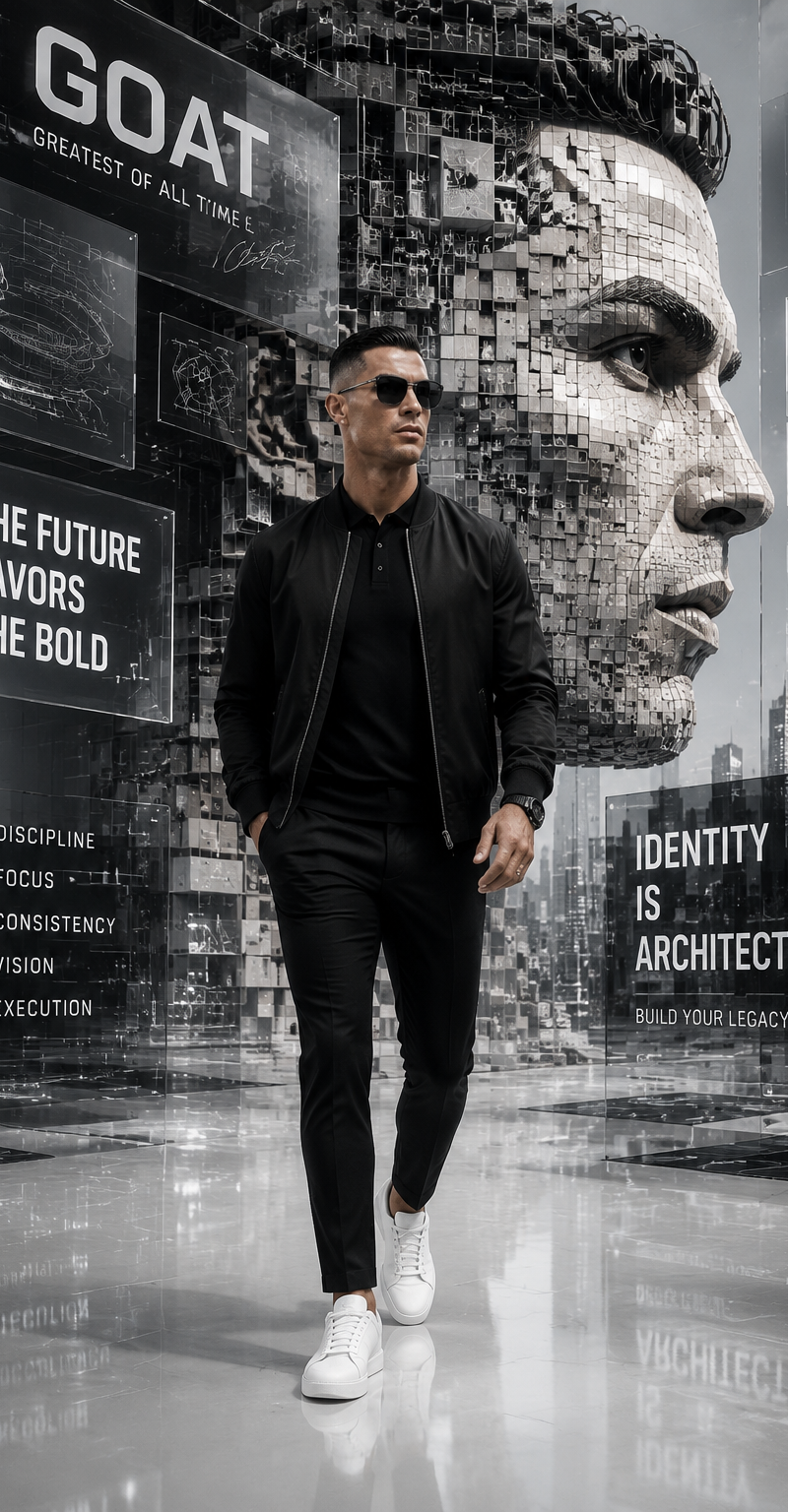
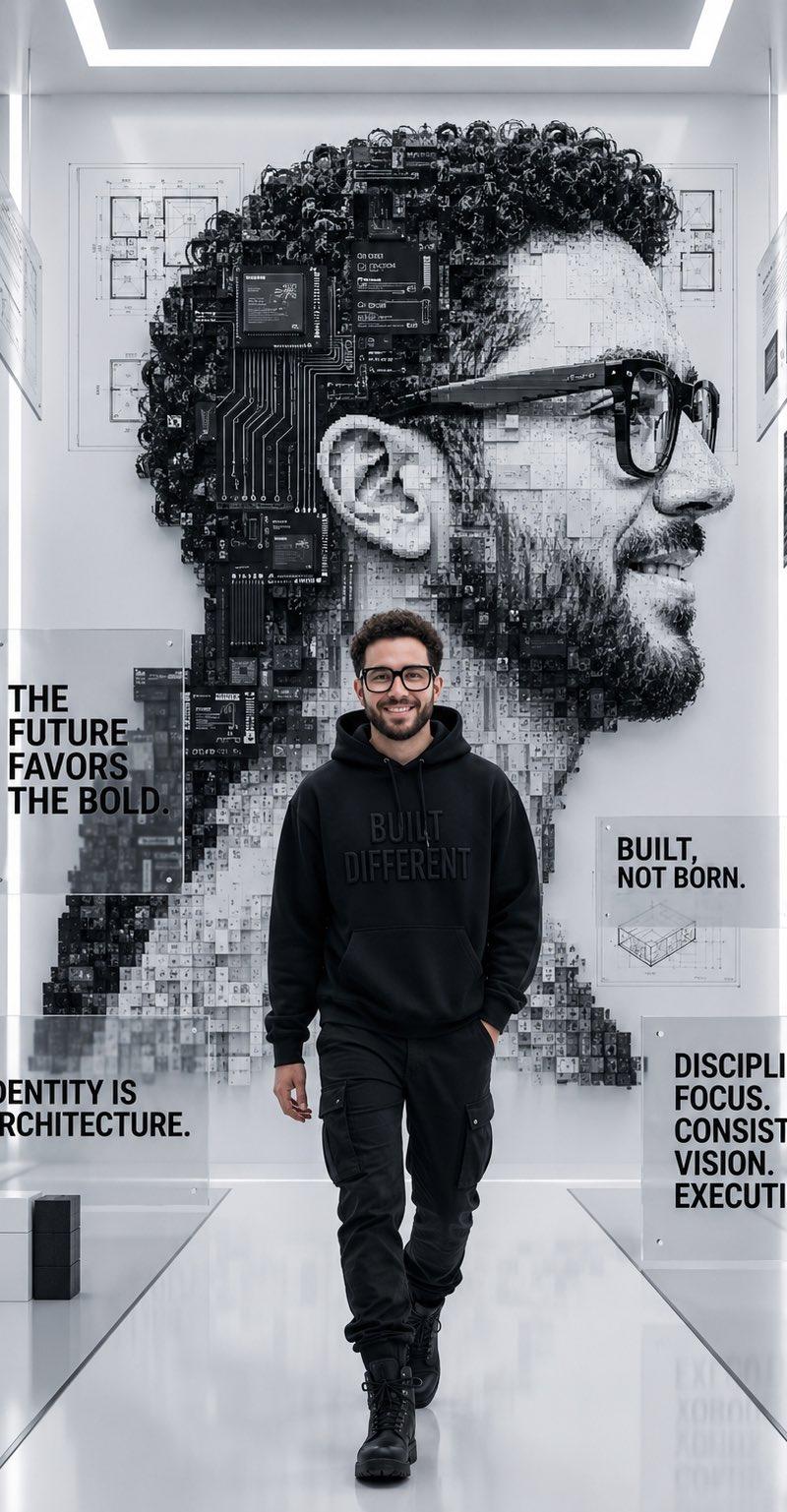
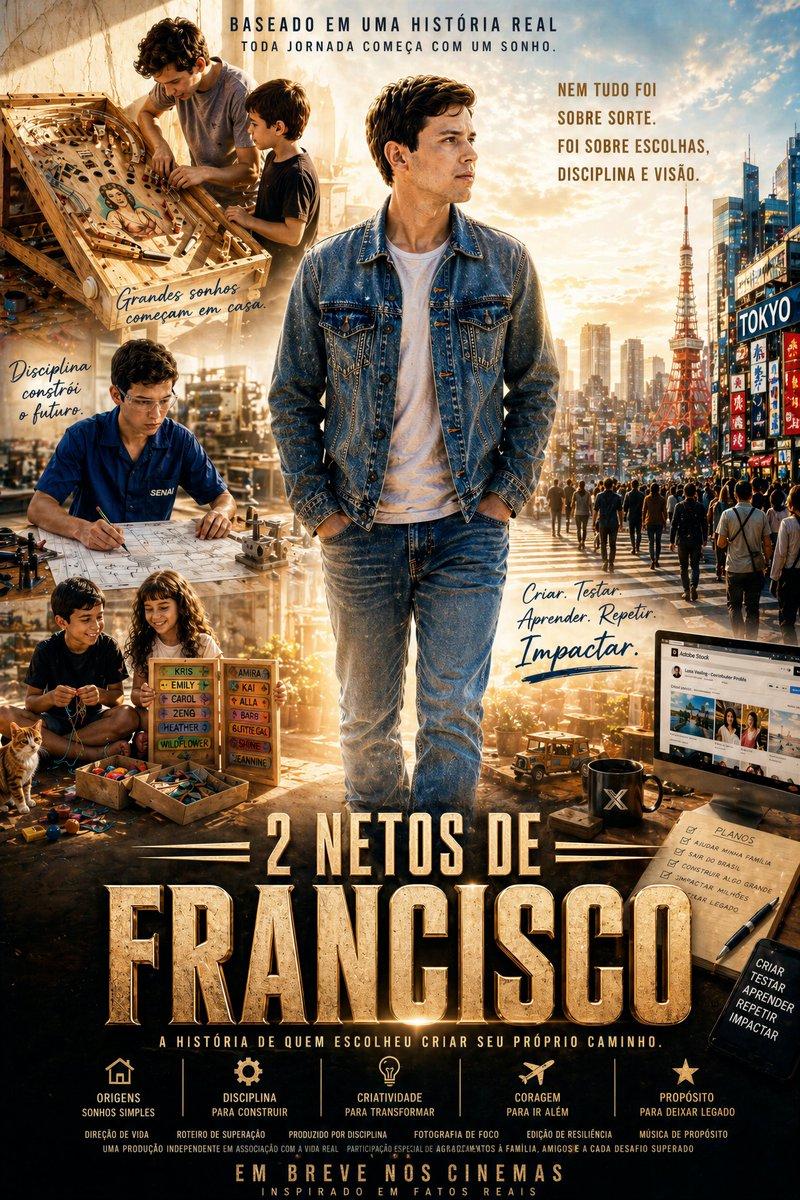
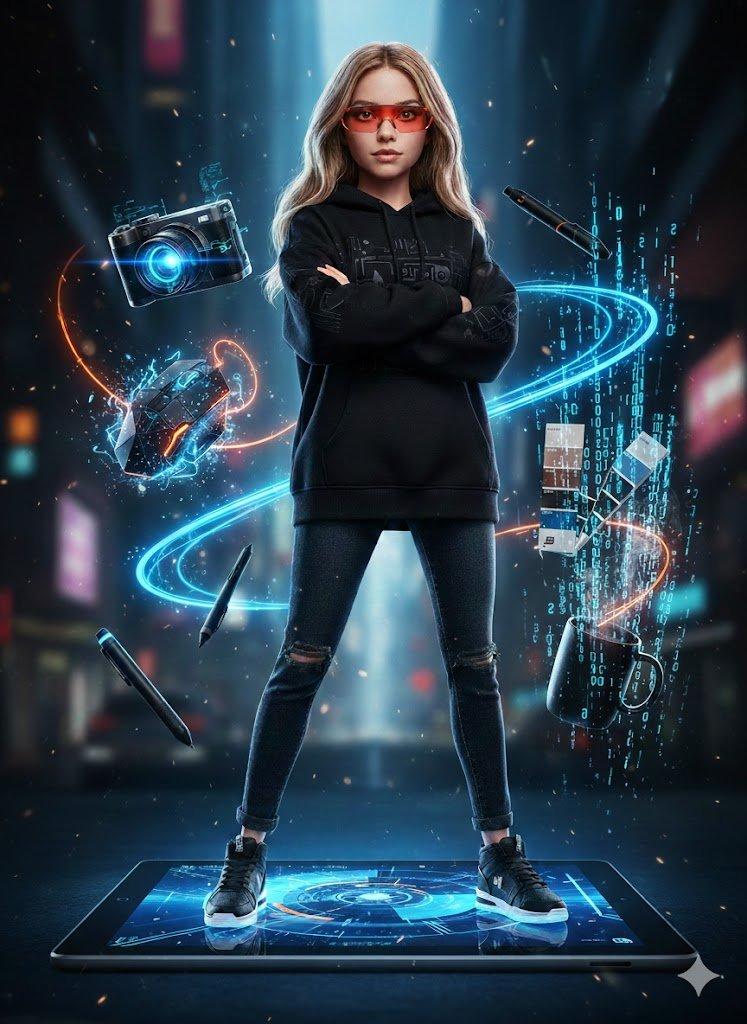
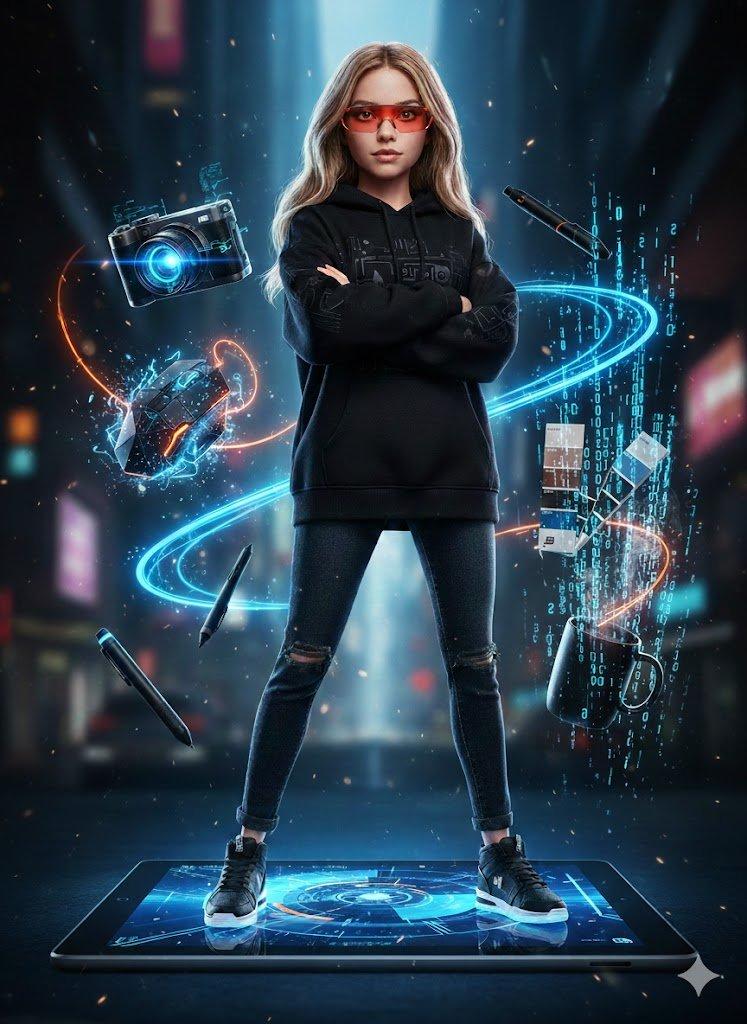
Gunakan orang pada foto referensi sebagai subjek utama dengan identitas, proporsi tubuh, warna kulit, dan karakter fisik yang sama persis. Sebuah karya seni digital motivasi monokrom futuristik yang menampilkan seorang pria berjalan ke depan dengan percaya diri dengan pakaian jalanan hitam minimalis (jaket bomber, kaos polo, celana panjang pas, sepatu kets putih, kacamata hitam). Dia berpusat pada lingkungan futuristik korporat yang ramping yang terbuat dari panel kaca mengambang, struktur geometris, dan cetak biru arsitektur. Di belakangnya ada potret mosaik profil samping besar dari wajahnya yang dibangun dari blok 3D dan elemen arsitektur digital. Lantainya berwarna putih mengkilap dan sangat reflektif. Panel transparan mengambang menampilkan sketsa, diagram abstrak, dan citra perkotaan. Tipografi terintegrasi yang tebal muncul di seluruh adegan, termasuk "GOAT" dan frasa motivasi seperti "MASA DEPAN MENDUKUNG YANG BERANI", "IDENTITAS ADALAH ARSITEKTUR," dan "DISIPLIN, FOKUS, KONSISTENSI, VISI, EKSEKUSI." Pencahayaan sinematik, sangat detail, kontras tinggi, gaya editorial futuristik mewah.
Category
Charts & Infographics
Model
GPT Image 2
Creator
Abigail Kharisma
Source language
en
Views40
Source ID
36456
Published
Jun 26, 2026
Studio

Guide

About "Gunakan orang pada foto referensi sebagai subjek utama dengan identitas, propors"

What is this prompt for?

"Gunakan orang pada foto referensi sebagai subjek utama dengan identitas, propors" AI image prompt for GPT Image 2 (Charts & Infographics). Gunakan orang pada…

The full copyable prompt and example visuals above are ready for AI image generation or one-click recreate in Picva.

How to use this prompt

  1. Step 1

    Open the prompt detail

    Review the example visuals, category, and full prompt text for "Gunakan orang pada foto referensi sebagai subjek utama dengan identitas, propors".

  2. Step 2

    Copy the prompt

    Copy the prompt body from this page, or load it directly in Studio.

  3. Step 3

    Pick a model (GPT Image 2)

    Prefer GPT Image 2. If you switch models, keep subject and composition and tweak style terms.

  4. Step 4

    Generate and export

    Recreate the look in Picva, or export into your workflow for editing and publishing.

FAQ

What is the "Gunakan orang pada foto referensi sebagai subjek utama dengan identitas, propors" prompt?
It is an AI image-generation prompt for GPT Image 2 in the Charts & Infographics category. This page includes the full prompt text, example visuals, and a one-click recreate path in Picva.
How do I use this prompt to generate an image?
Copy the prompt from this page, or use Generate / Studio. Paste it into a compatible image model, or recreate the look in Picva with optional reference images.
Which model is this prompt for?
This page lists GPT Image 2. Most descriptive prompts also transfer to nearby image models such as GPT Image, Flux, or Midjourney with light style tweaks.
Can I use the result commercially?
You can usually copy the prompt for creation, but commercial use of the final image depends on the model terms, reference-image rights, and the generated content. Follow the source author and platform rules.