17

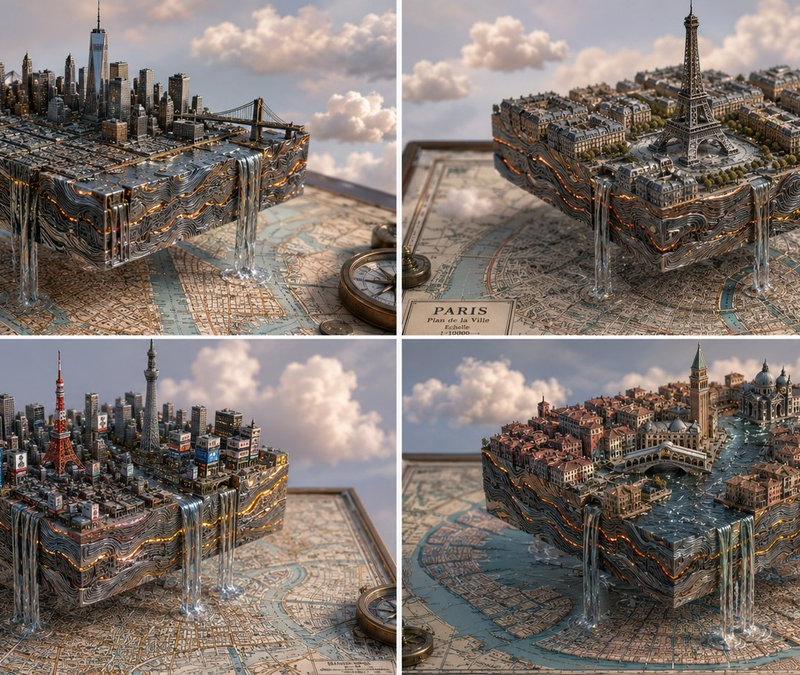
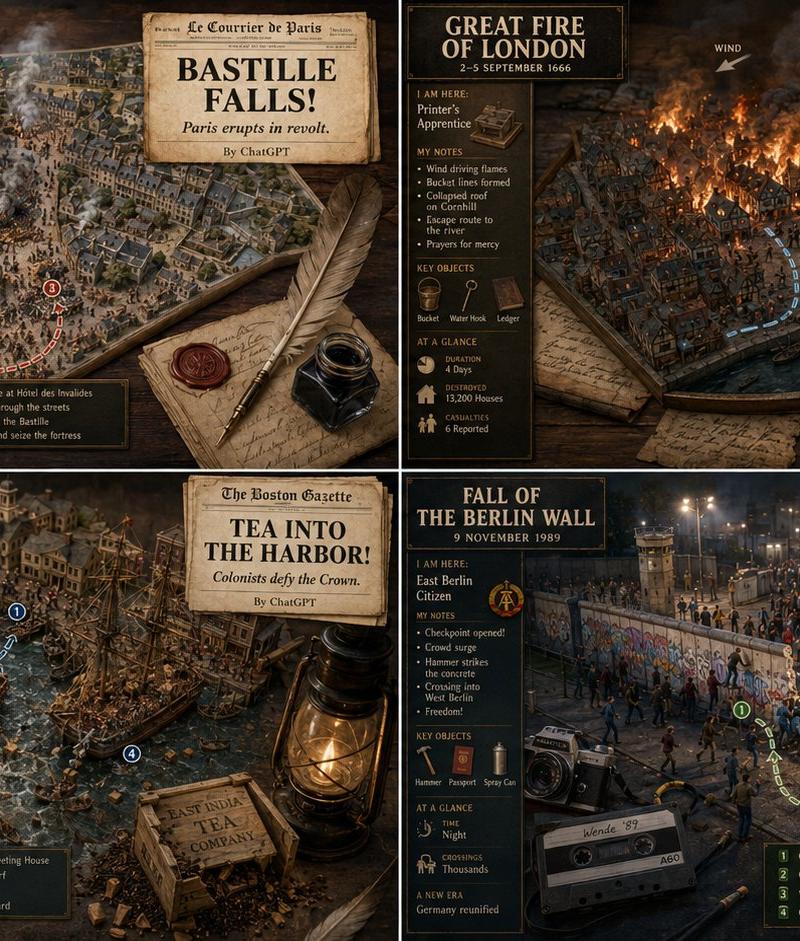
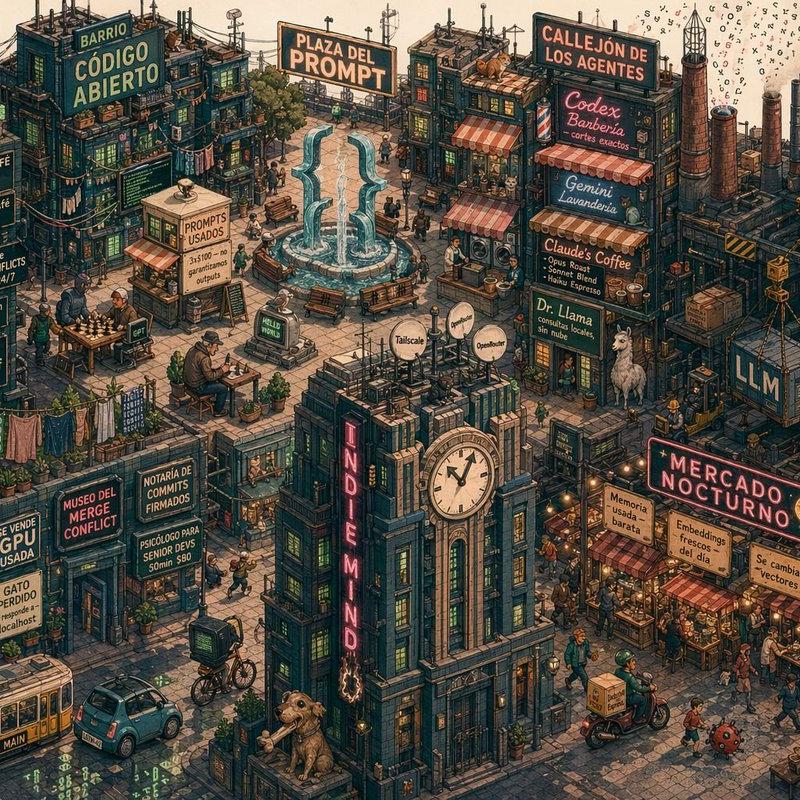
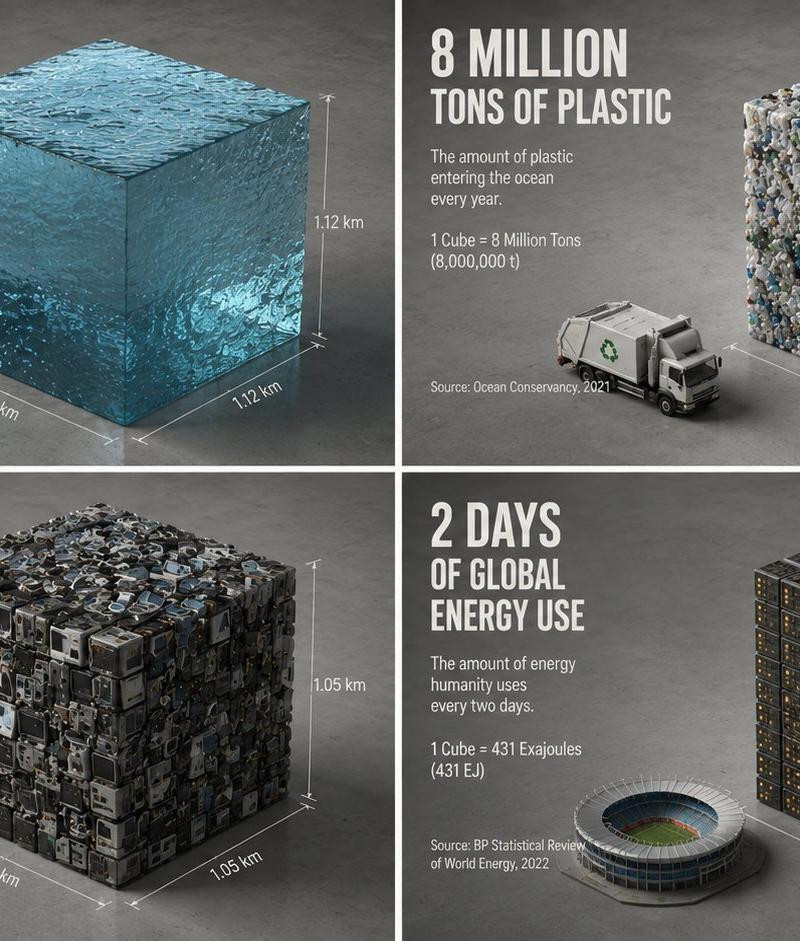
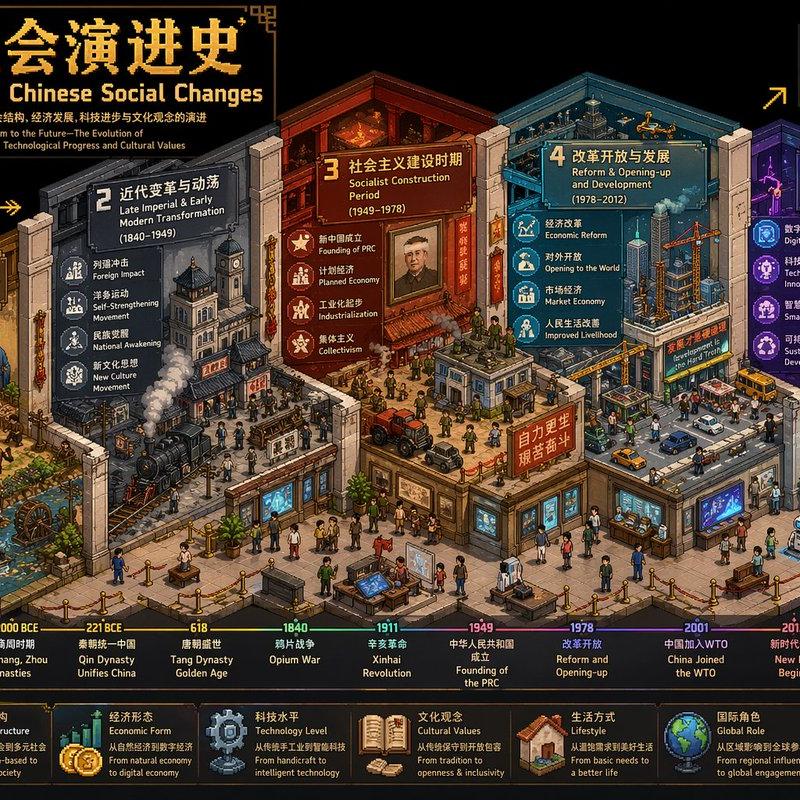
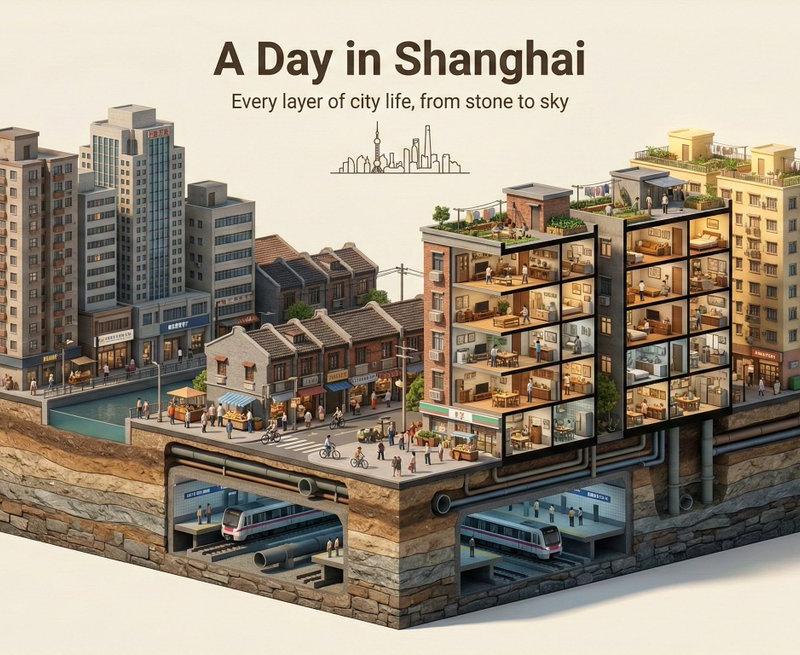
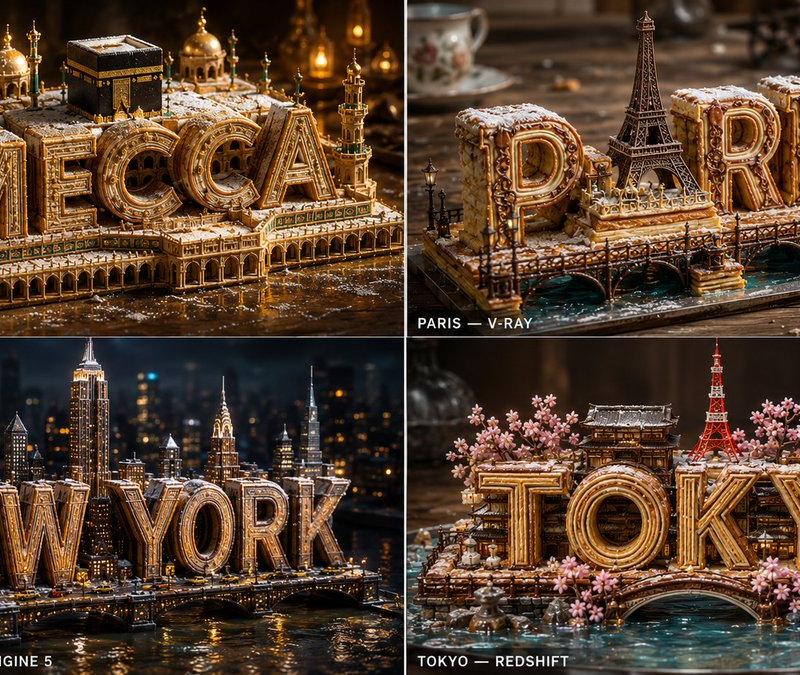
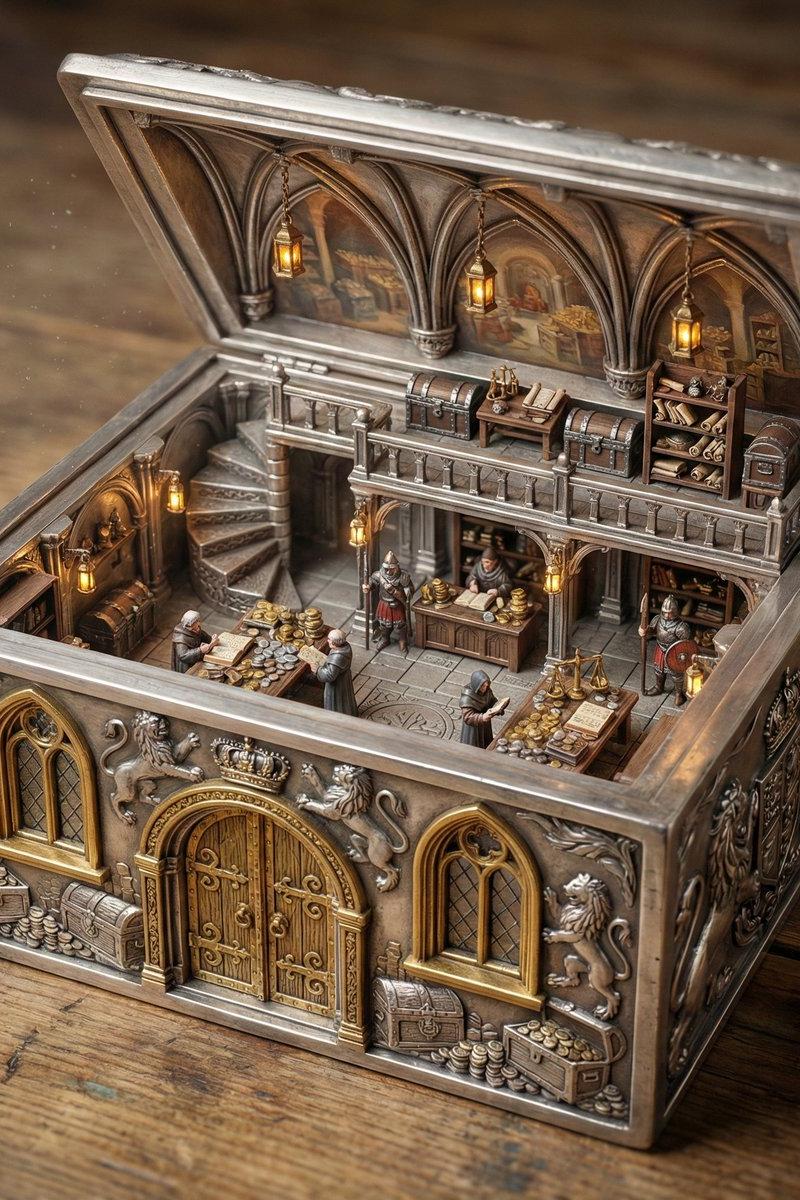
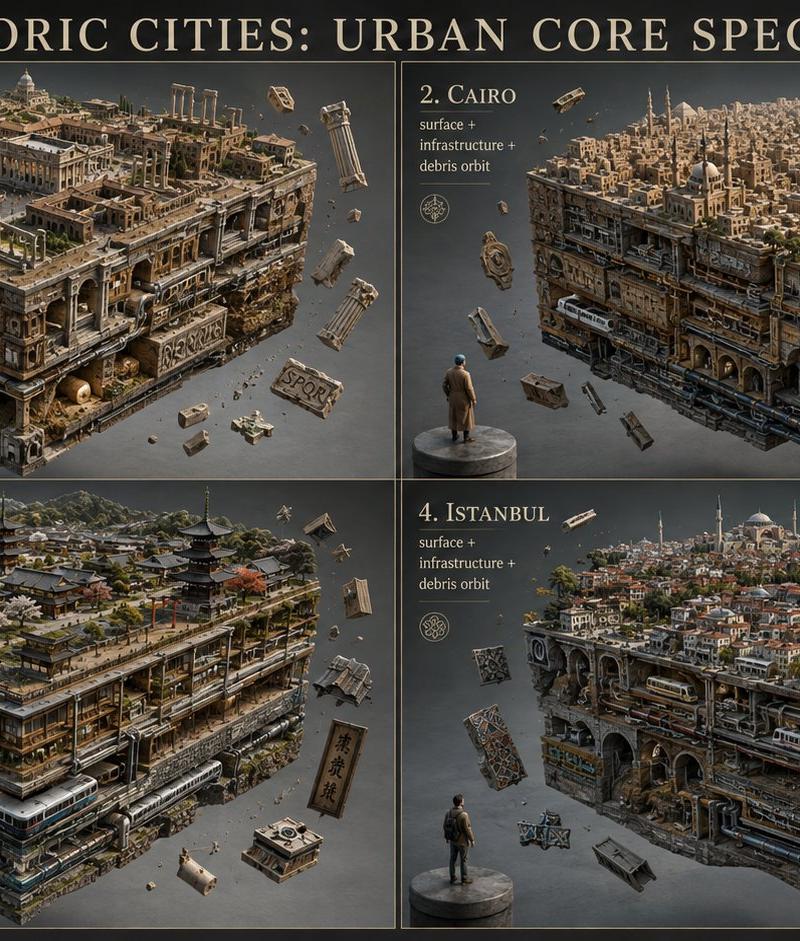
4 historic cities visualized with GPT Image 2. 2x2 grid, 16:9, do this f...
Enlarge

Example images

4 historic cities visualized with GPT Image 2. 2x2 grid, 16:9, do this f...

Prompt
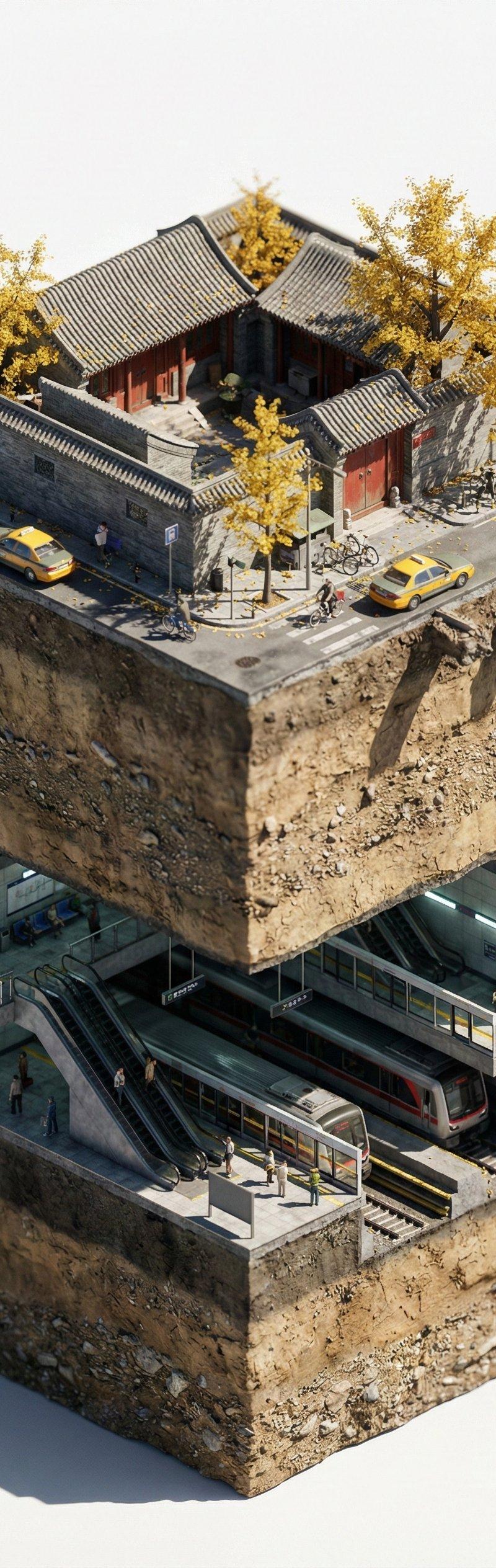
4 historic cities visualized with GPT Image 2. 2x2 grid, 16:9, do this for 4 historic cities: SELECT city_surface, cutaway_sides, infrastructure_layers, debris_orbit FROM Urban_Core_Sample WHERE city = '[CITY]'; /* VISUAL RENDER LOGIC */ -- CITY_SURFACE: -- AI_INFER(recognizable skyline, landmarks, roads, water, vegetation, transit, and district texture of CITY) -- CUTAWAY_SIDES: -- The cube sides reveal stacked urban systems: building sections, tunnels, roads, metro lines, pipes, cables, foundations, bridges, and underground rooms. -- INFRASTRUCTURE_LAYERS: -- AI_INFER(city-specific transportation, water, power, civic, industrial, residential, and commercial layers) -- DEBRIS_ORBIT: -- Broken stones, concrete chunks, vehicles, signs, glass, rails, and city fragments float around the cube. -- STYLE: -- hyper-detailed cinematic architectural surrealism, gray studio void, one tiny human for scale. -- RULE: -- The city cube must remain readable as both a city and a perfect extracted specimen.
Category
创意图片
Model
GPT Image 2
Creator
@Gdgtify
Source language
en
Views1
Source ID
2084556696727499070
Published
Aug 4, 2026
Studio

Guide

About "4 historic cities visualized with GPT Image 2. 2x2 grid, 16:9, do this f..."

What is this prompt for?

"4 historic cities visualized with GPT Image 2. 2x2 grid, 16:9, do this f..." AI image prompt for GPT Image 2 (创意图片). Saved from X post by @Gdgtify. 4 historic…

The full copyable prompt and example visuals above are ready for AI image generation or one-click recreate in Picva.

How to use this prompt

  1. Step 1

    Open the prompt detail

    Review the example visuals, category, and full prompt text for "4 historic cities visualized with GPT Image 2. 2x2 grid, 16:9, do this f...".

  2. Step 2

    Copy the prompt

    Copy the prompt body from this page, or load it directly in Studio.

  3. Step 3

    Pick a model (GPT Image 2)

    Prefer GPT Image 2. If you switch models, keep subject and composition and tweak style terms.

  4. Step 4

    Generate and export

    Recreate the look in Picva, or export into your workflow for editing and publishing.

FAQ

What is the "4 historic cities visualized with GPT Image 2. 2x2 grid, 16:9, do this f..." prompt?
It is an AI image-generation prompt for GPT Image 2 in the 创意图片 category. This page includes the full prompt text, example visuals, and a one-click recreate path in Picva.
How do I use this prompt to generate an image?
Copy the prompt from this page, or use Generate / Studio. Paste it into a compatible image model, or recreate the look in Picva with optional reference images.
Which model is this prompt for?
This page lists GPT Image 2. Most descriptive prompts also transfer to nearby image models such as GPT Image, Flux, or Midjourney with light style tweaks.
Can I use the result commercially?
You can usually copy the prompt for creation, but commercial use of the final image depends on the model terms, reference-image rights, and the generated content. Follow the source author and platform rules.