16

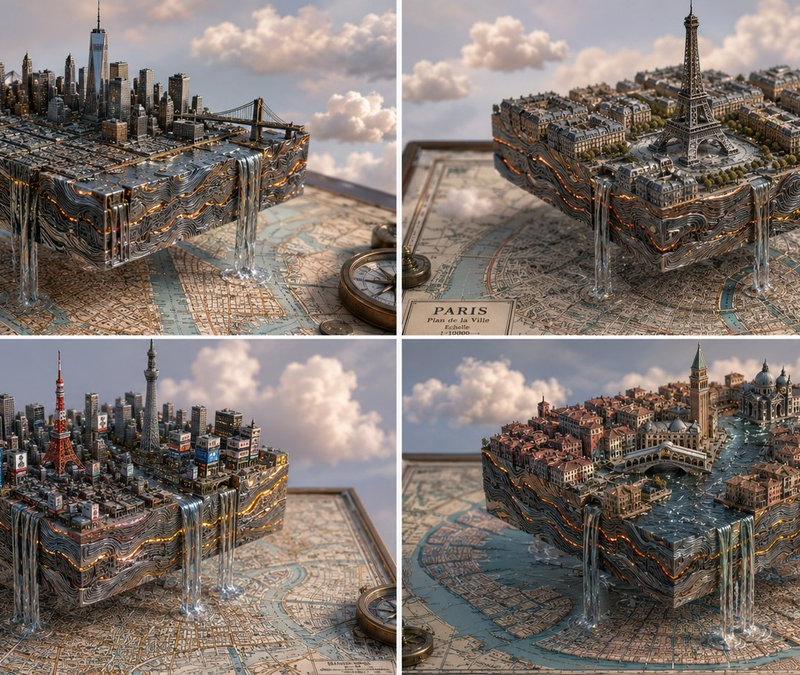
Isometric Magma Damascus Steel Cities
Enlarge

Example images

Isometric Magma Damascus Steel Cities

Prompt
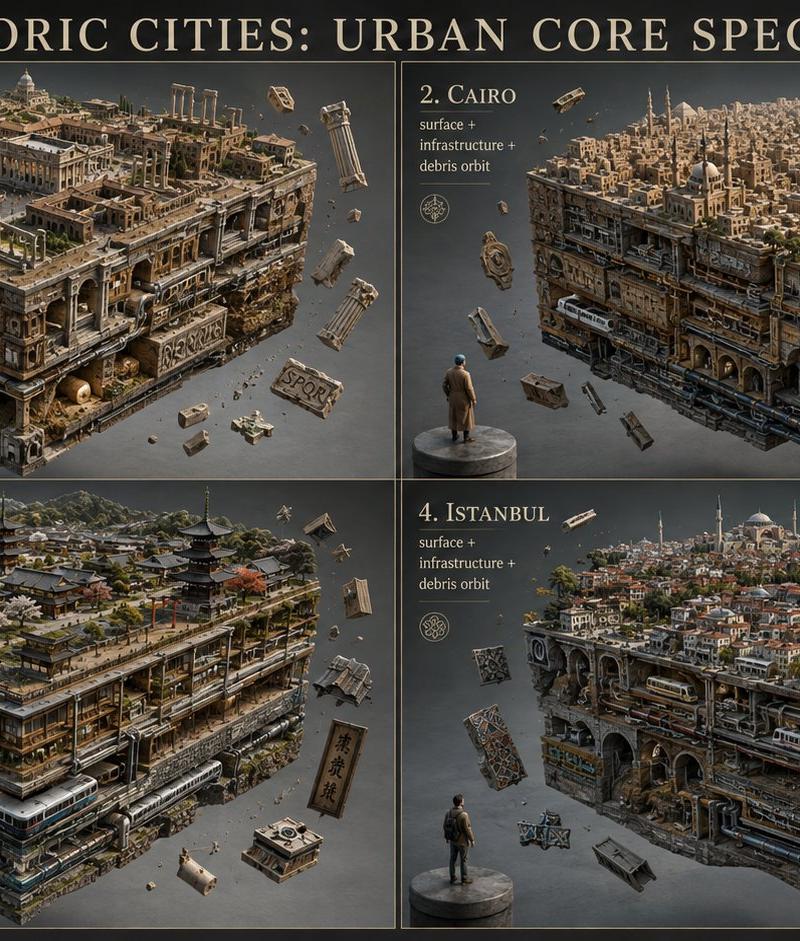
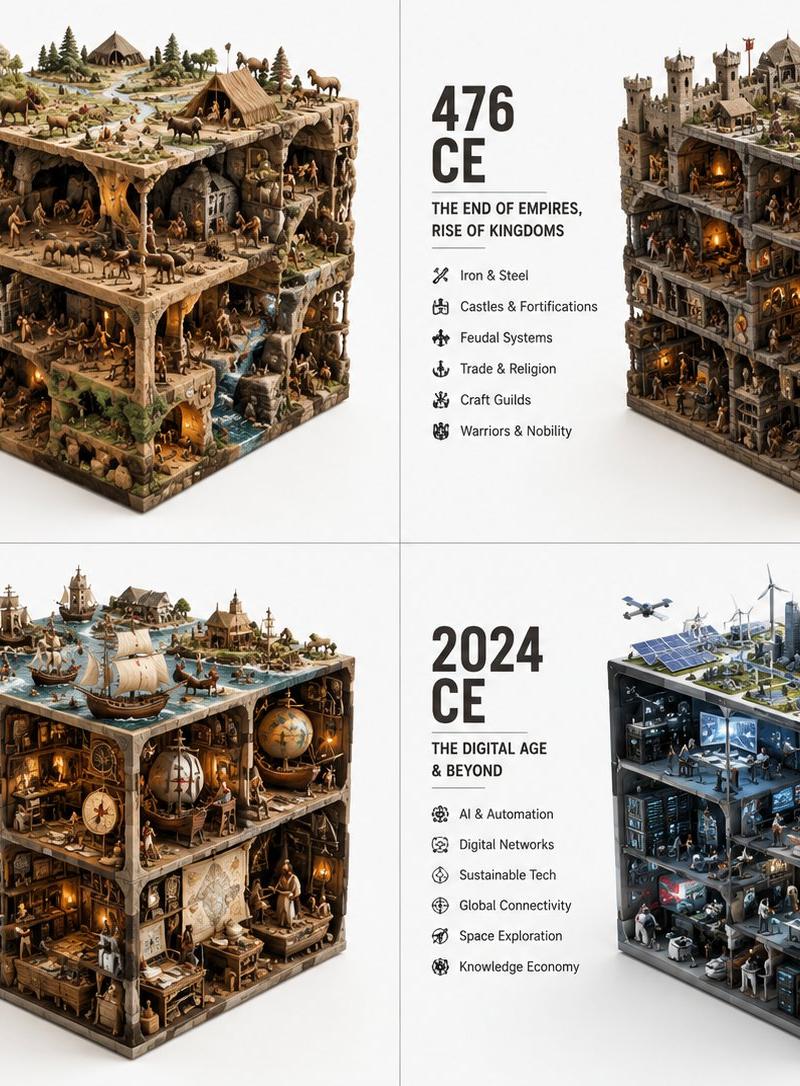
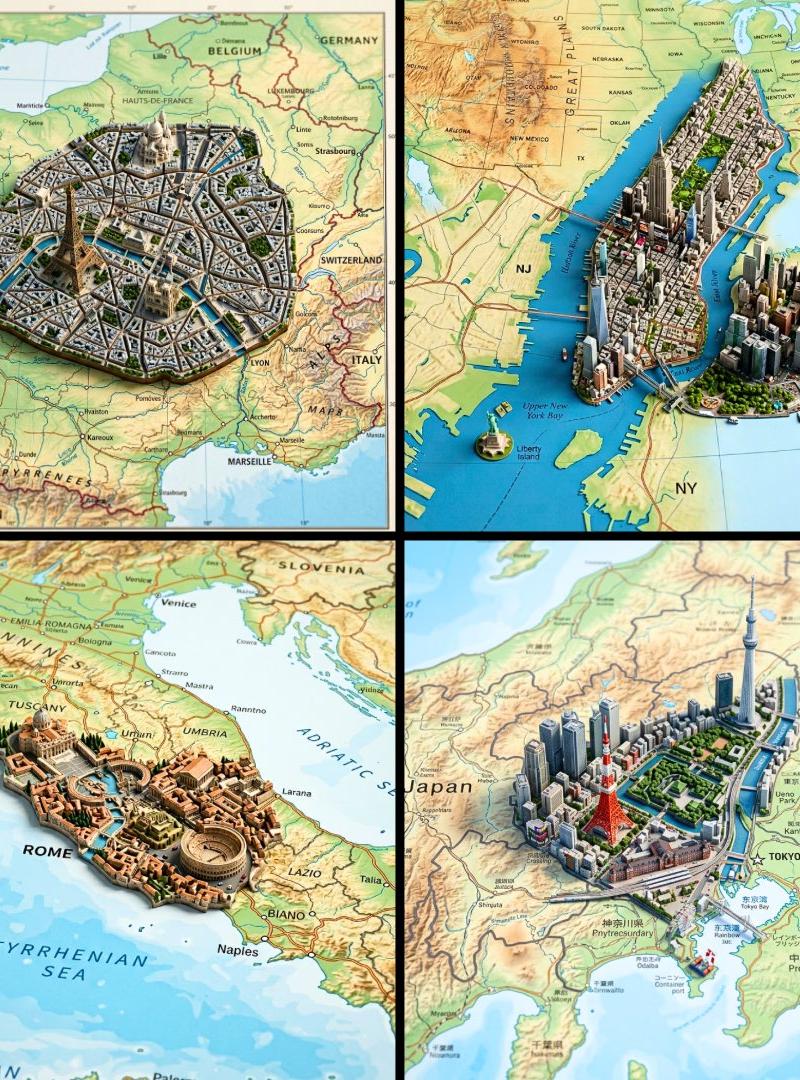
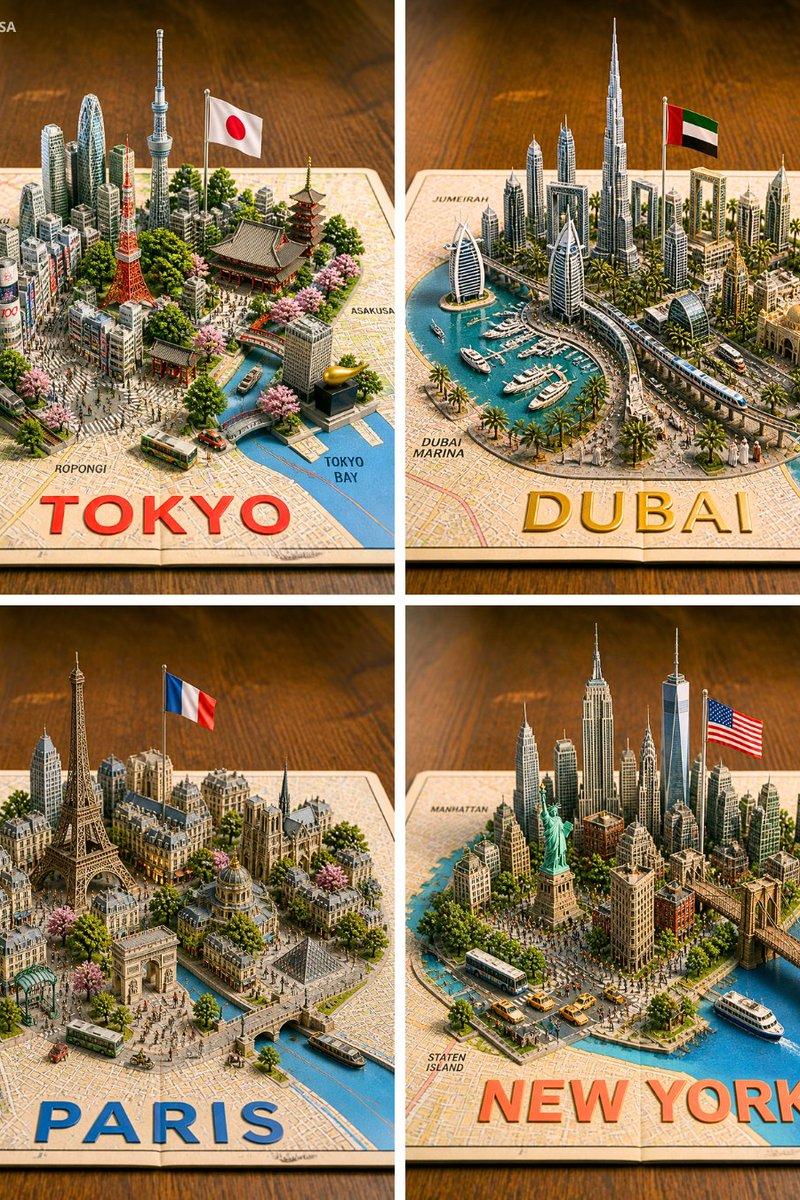
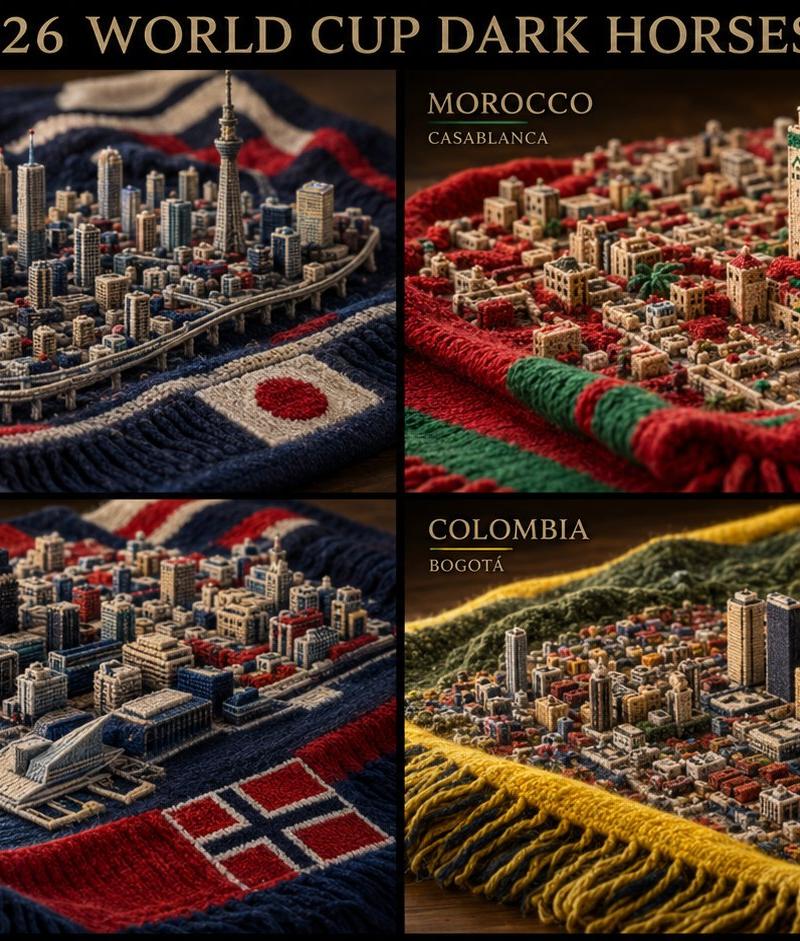
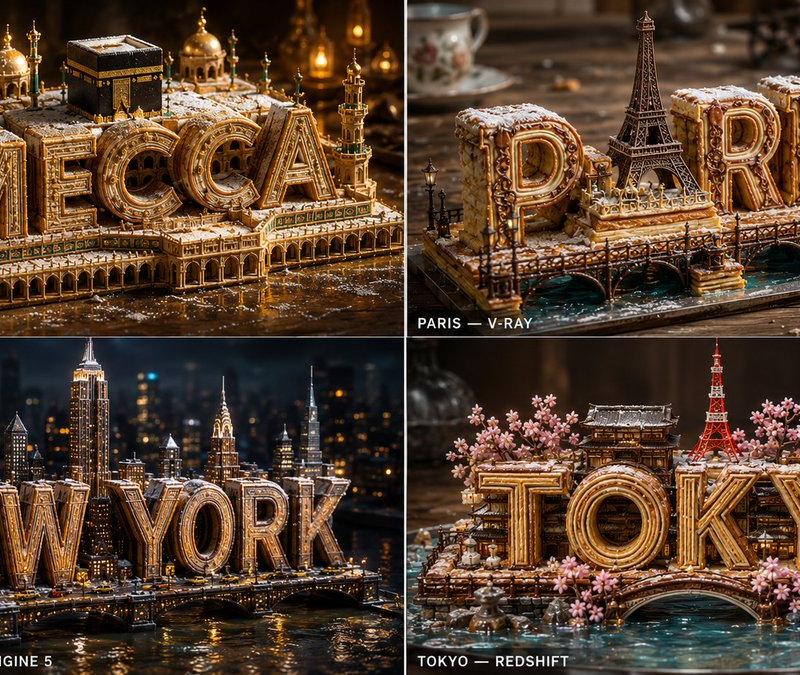
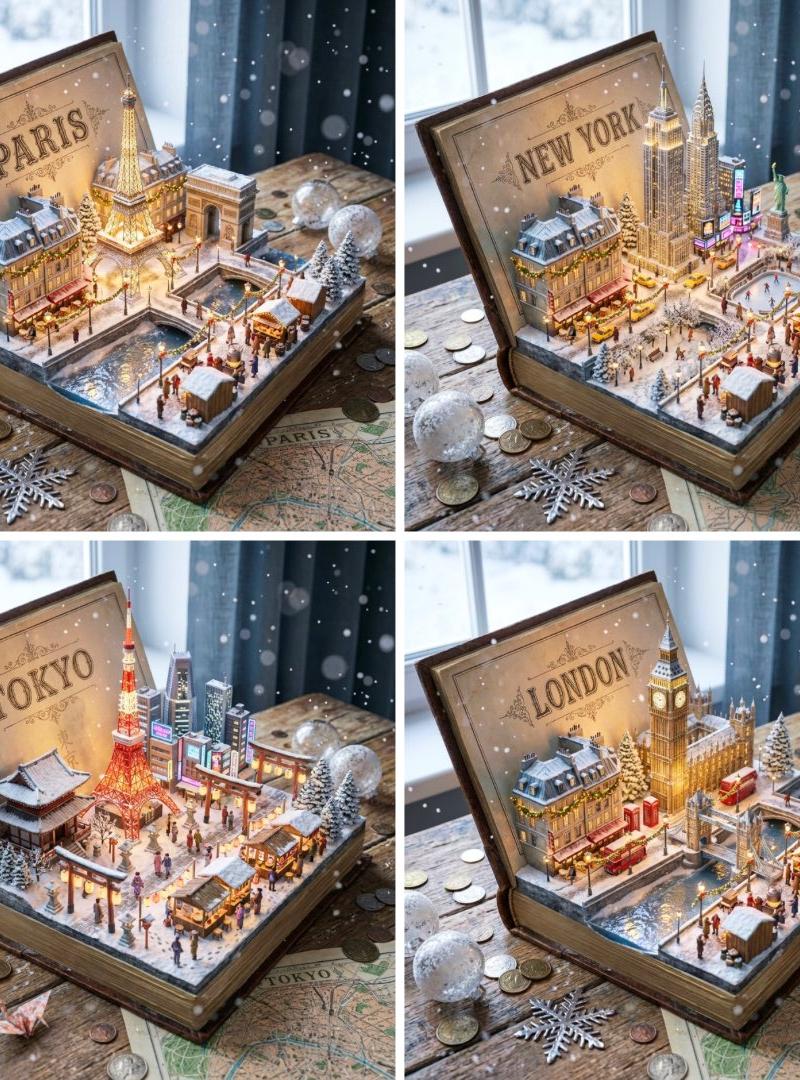
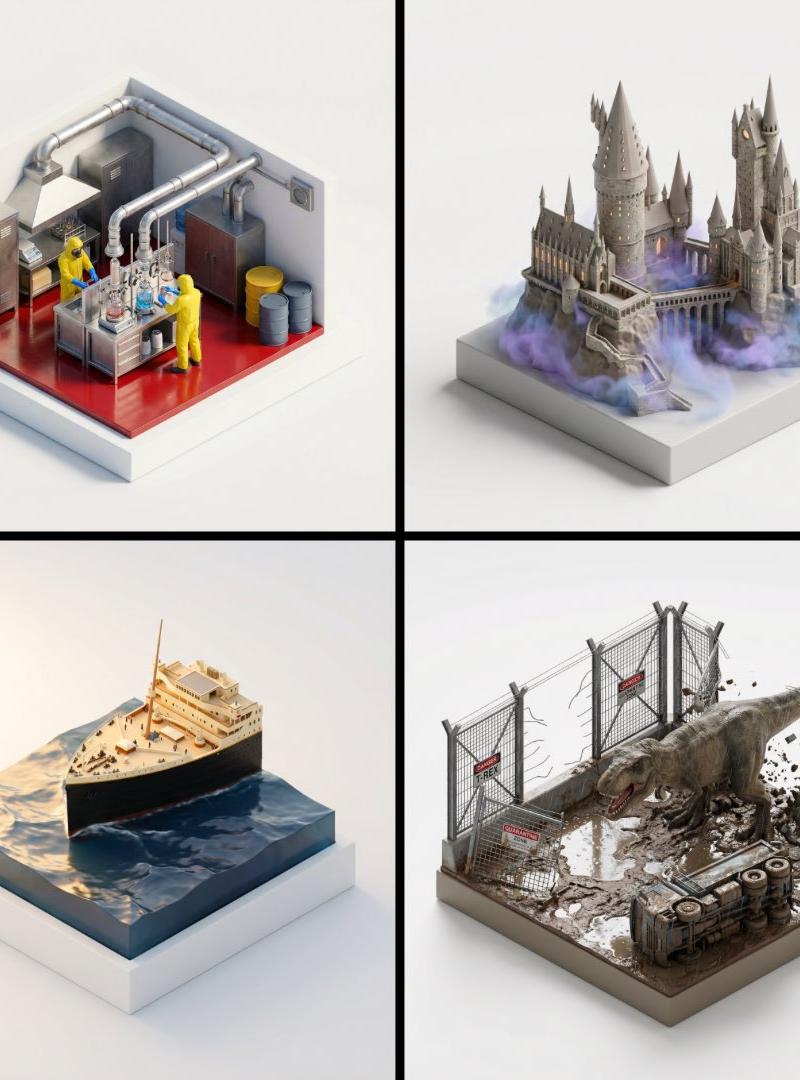
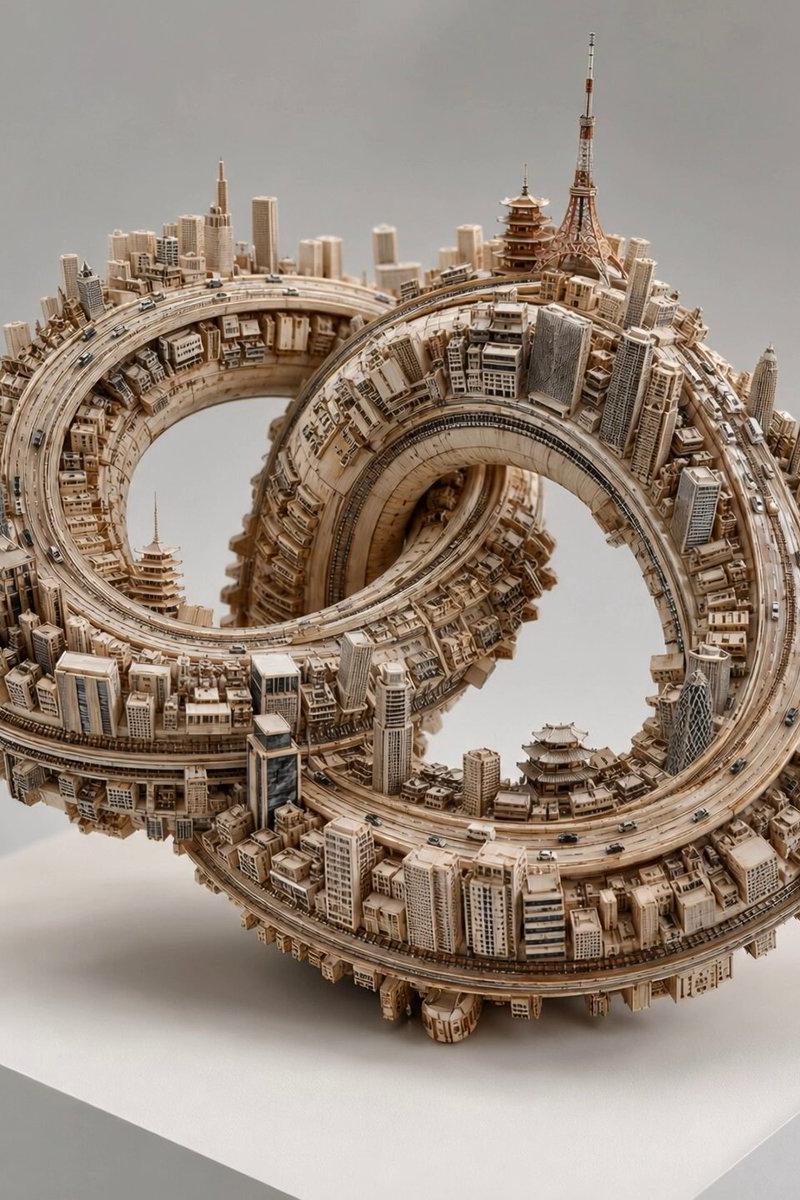
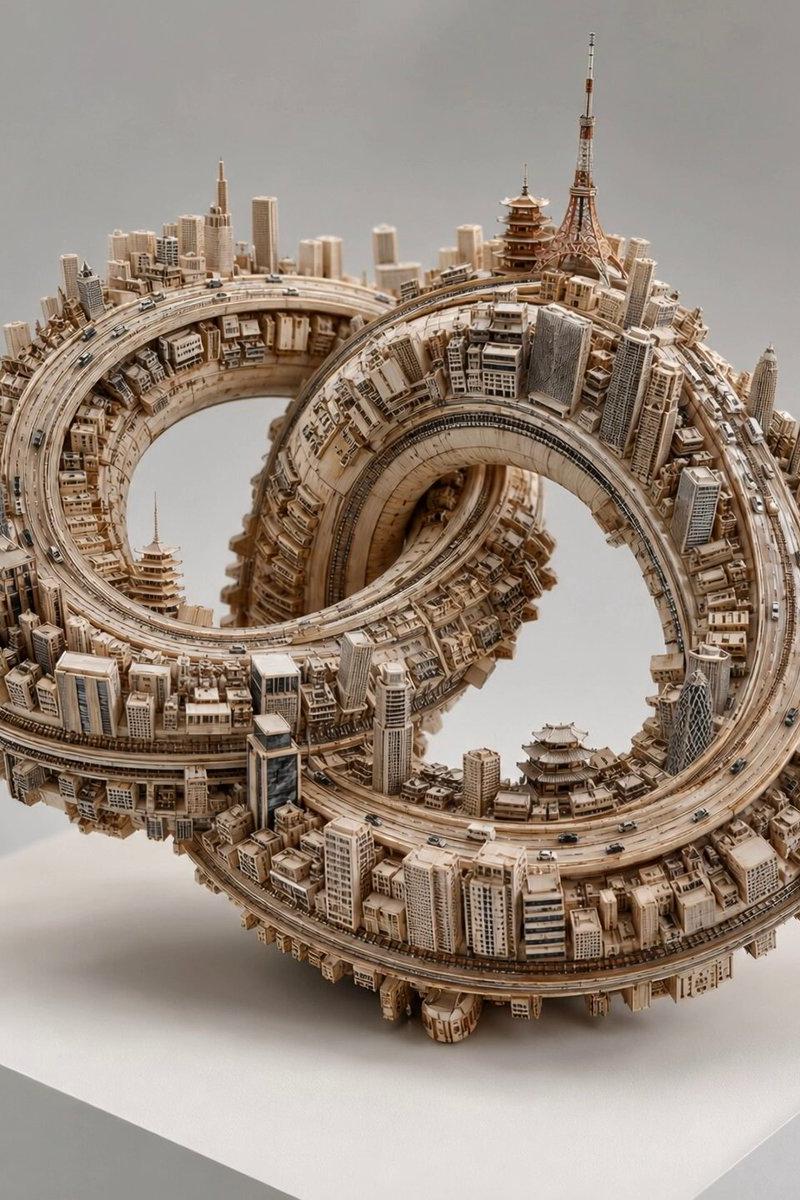
2x2 grid, 16:9, do this for 4 famous cities, magma damascus steel: concept: a city carved from a map, floating in a dreamscape. input variables: [{argument name="city" default="famous city/location"}] [{argument name="material" default="magma damascus steel"}] (e.g., cardboard, balsa wood, folded paper) workflow: 1. base: a flat, vintage 2d map of {argument name="city" default="famous city/location"} lies flat. 2. design: a perfect, isometric 3d cubic chunk of the city is hovering directly above its corresponding spot on the map. 3. material: the entire 3d block, including the skyscrapers, bridges, and geological strata, is constructed meticulously out of {argument name="material" default="magma damascus steel"}. 4. the edge: rivers from the city flow off the edge of the cube as stylized waterfalls spilling into the void. god-level details: soft, fluffy stylized clouds drifting around the floating block. pastel, bright, airy lighting. visible grain, glue marks, and paper edges on the architecture to emphasize the miniature scale.
Category
Charts & Infographics
Model
GPT Image 2
Creator
Gadgetify
Source language
en
Views539
Source ID
24445
Published
Jun 6, 2026
Studio

Guide

About "Isometric Magma Damascus Steel Cities"

What is this prompt for?

"Isometric Magma Damascus Steel Cities" AI image prompt for GPT Image 2 (Charts & Infographics). An intricate architectural prompt for creating 3D isometric ci…

The full copyable prompt and example visuals above are ready for AI image generation or one-click recreate in Picva.

How to use this prompt

  1. Step 1

    Open the prompt detail

    Review the example visuals, category, and full prompt text for "Isometric Magma Damascus Steel Cities".

  2. Step 2

    Copy the prompt

    Copy the prompt body from this page, or load it directly in Studio.

  3. Step 3

    Pick a model (GPT Image 2)

    Prefer GPT Image 2. If you switch models, keep subject and composition and tweak style terms.

  4. Step 4

    Generate and export

    Recreate the look in Picva, or export into your workflow for editing and publishing.

FAQ

What is the "Isometric Magma Damascus Steel Cities" prompt?
It is an AI image-generation prompt for GPT Image 2 in the Charts & Infographics category. This page includes the full prompt text, example visuals, and a one-click recreate path in Picva.
How do I use this prompt to generate an image?
Copy the prompt from this page, or use Generate / Studio. Paste it into a compatible image model, or recreate the look in Picva with optional reference images.
Which model is this prompt for?
This page lists GPT Image 2. Most descriptive prompts also transfer to nearby image models such as GPT Image, Flux, or Midjourney with light style tweaks.
Can I use the result commercially?
You can usually copy the prompt for creation, but commercial use of the final image depends on the model terms, reference-image rights, and the generated content. Follow the source author and platform rules.