18

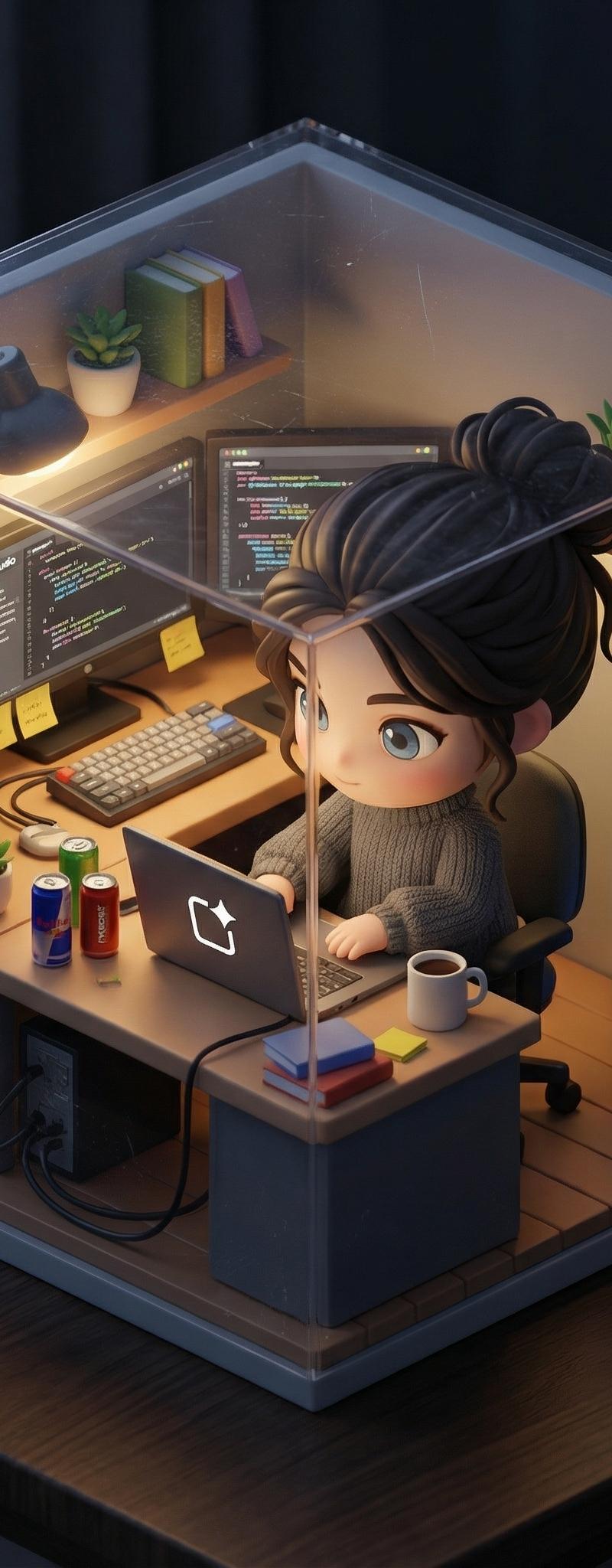
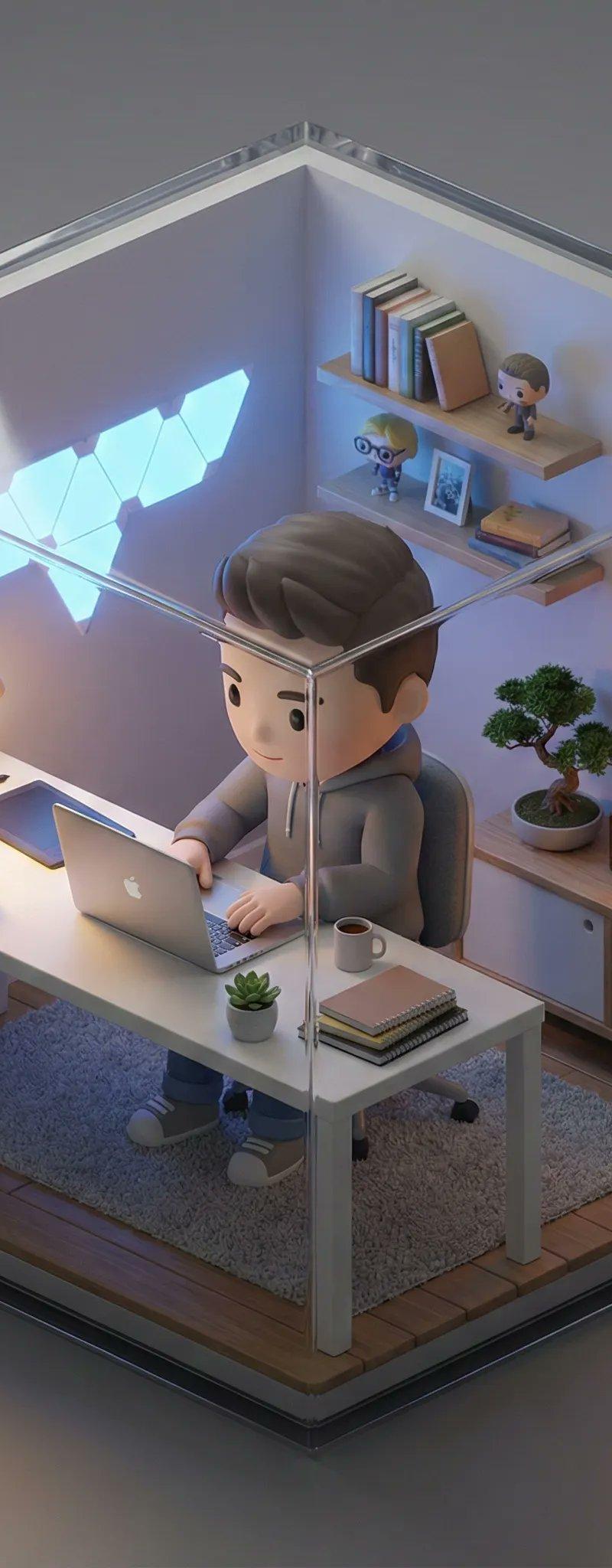
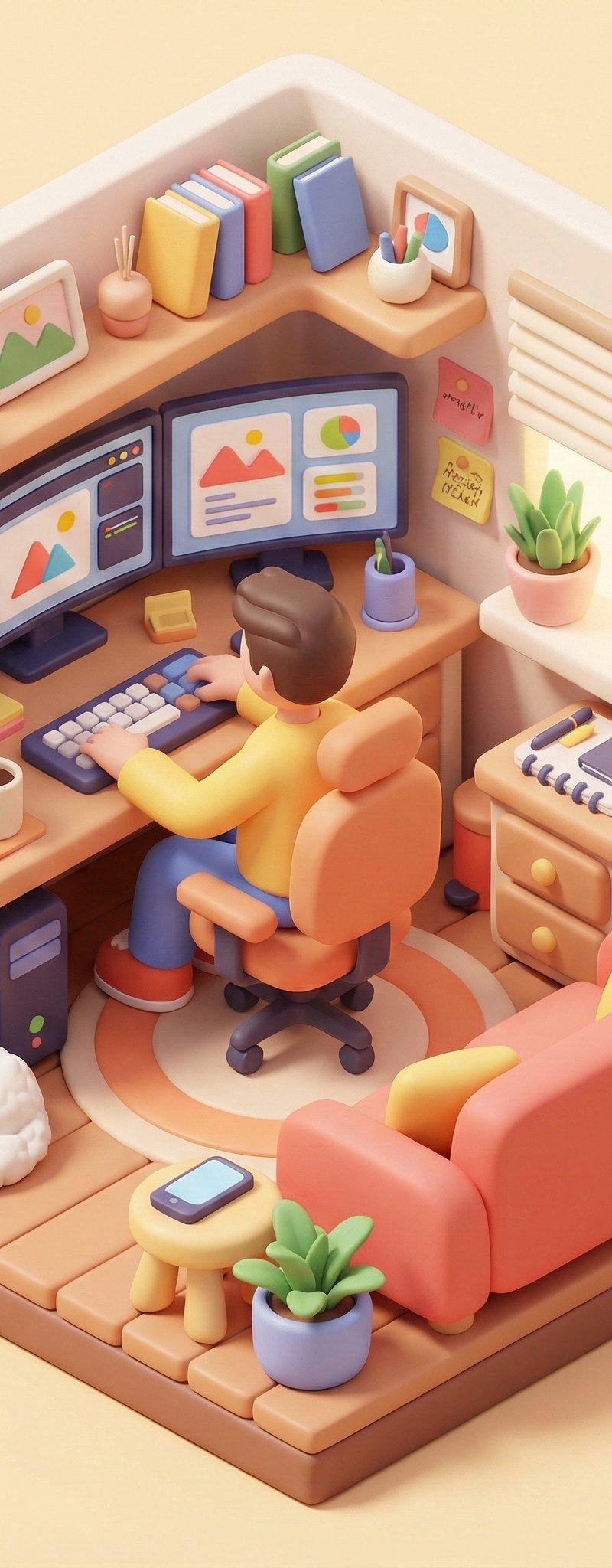
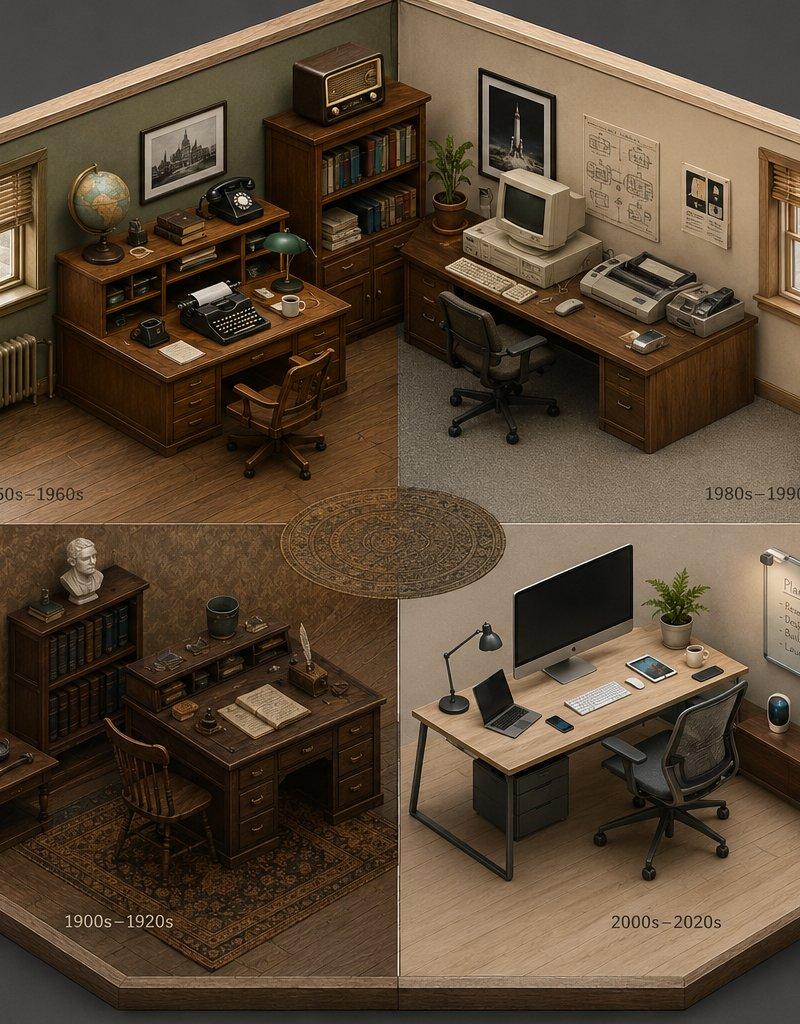
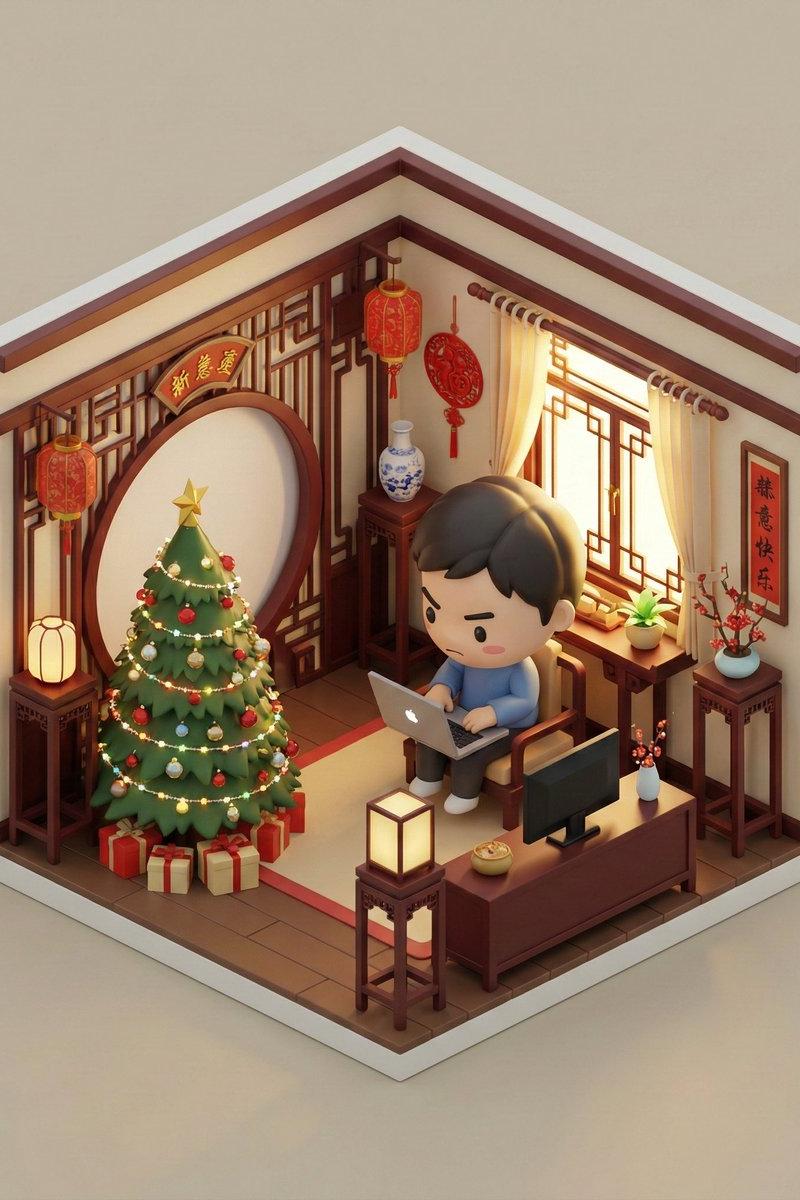
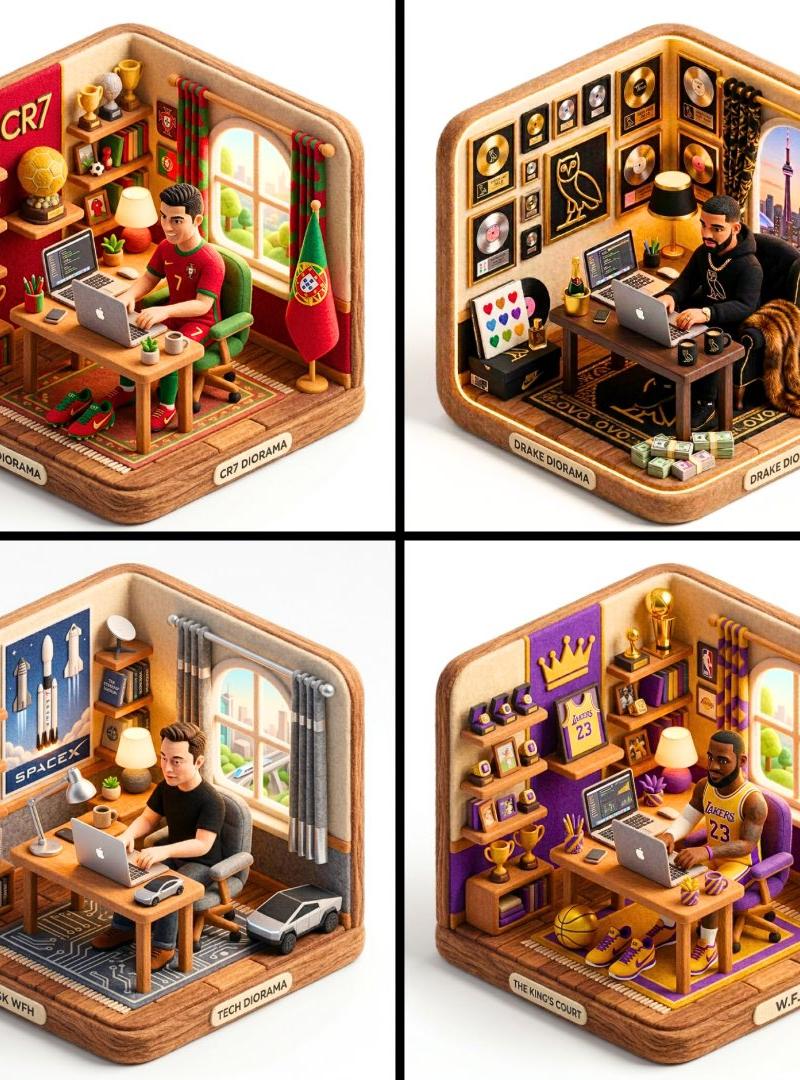
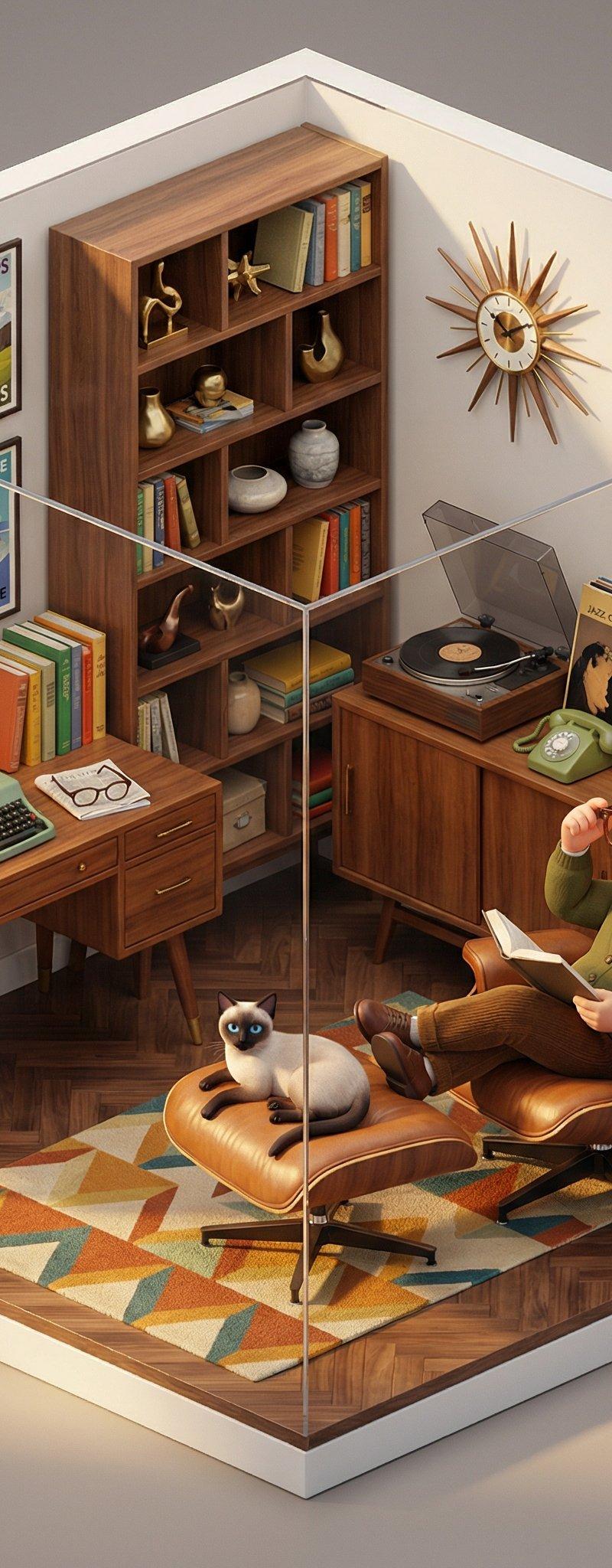
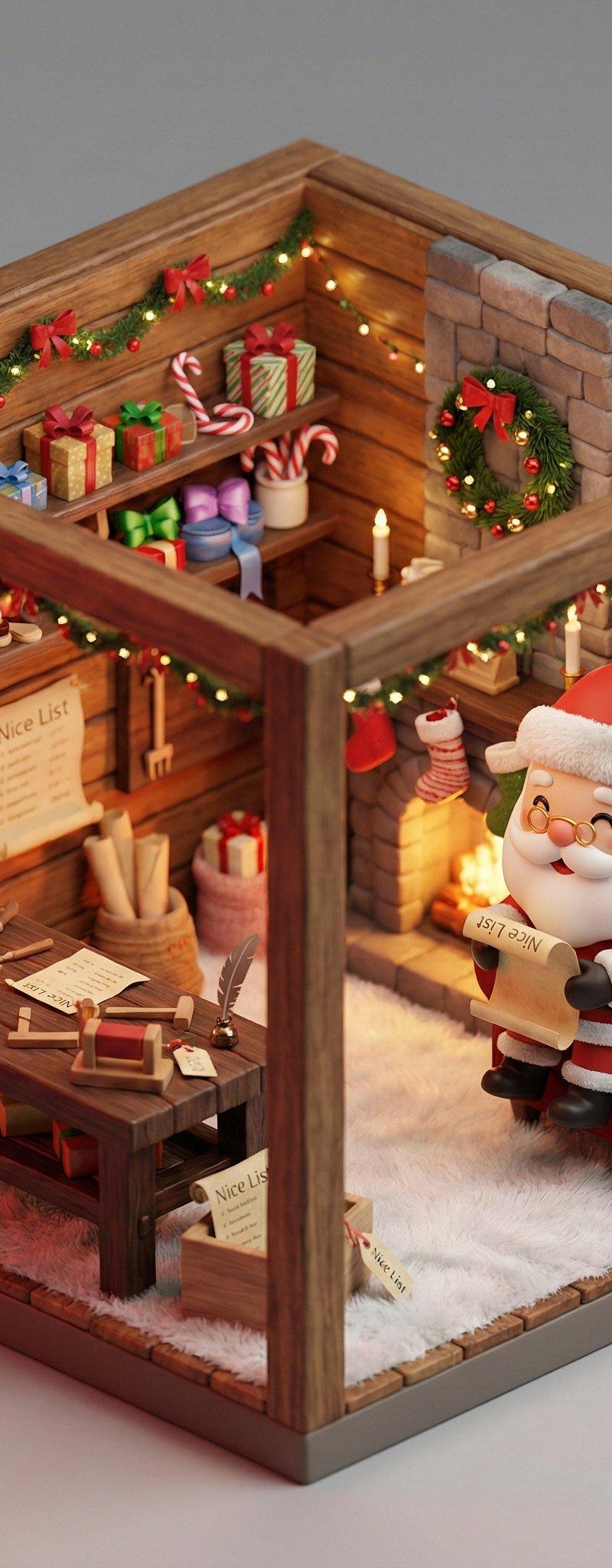
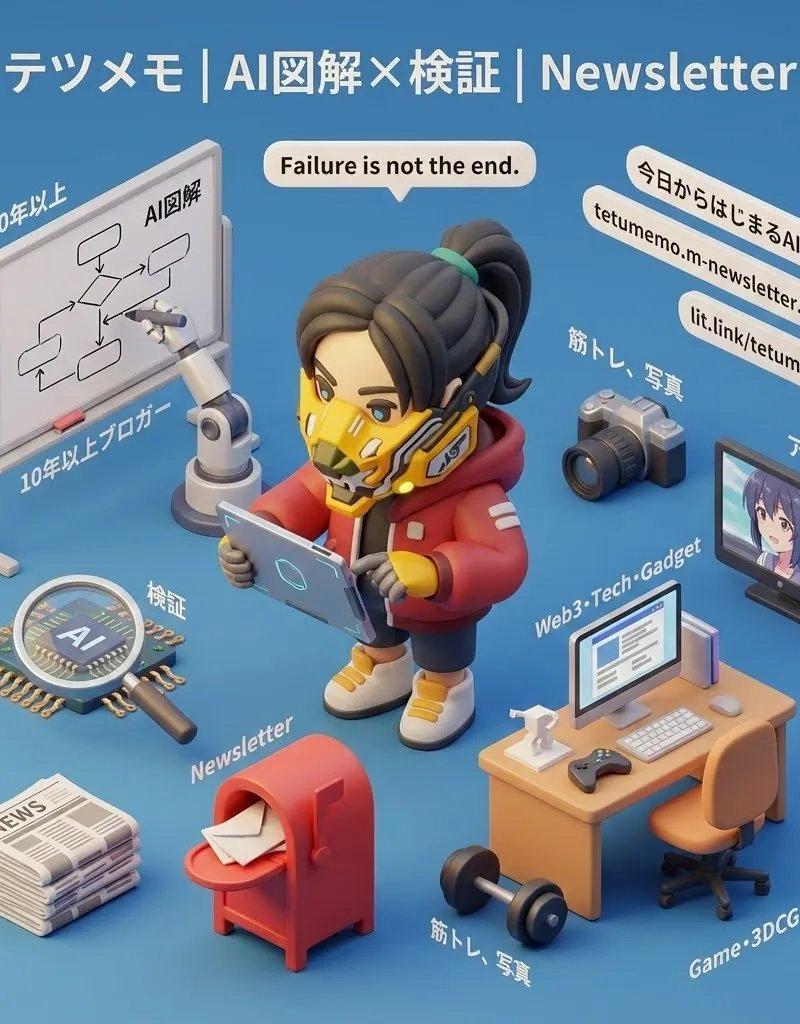
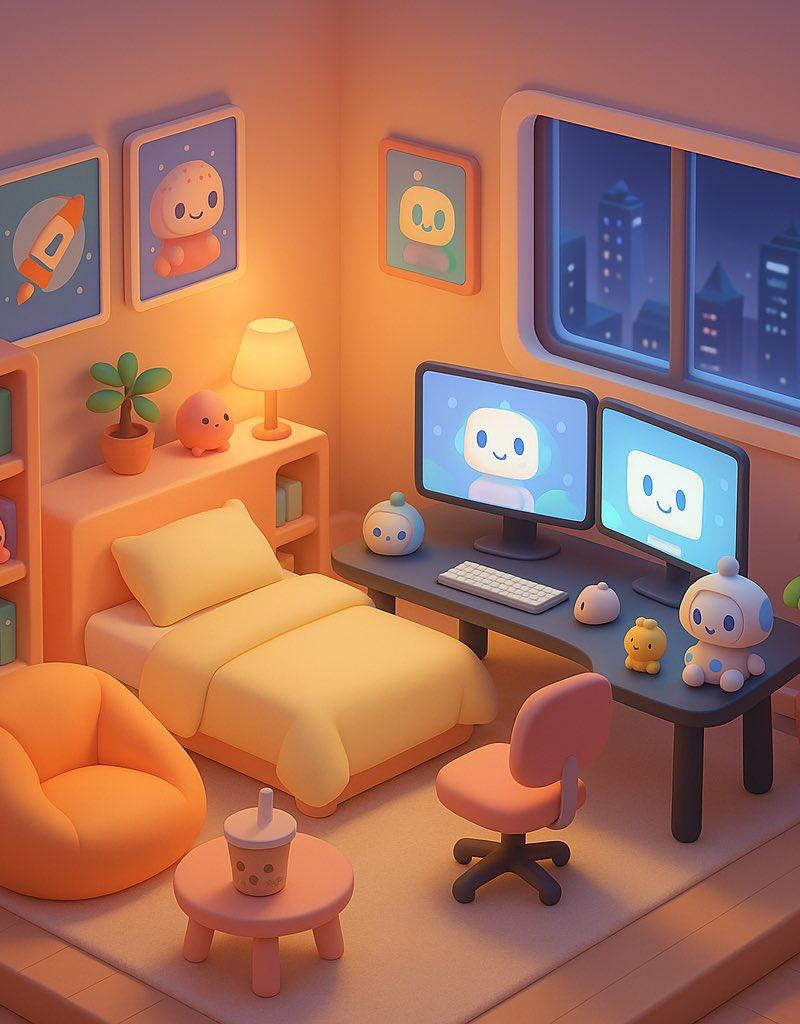
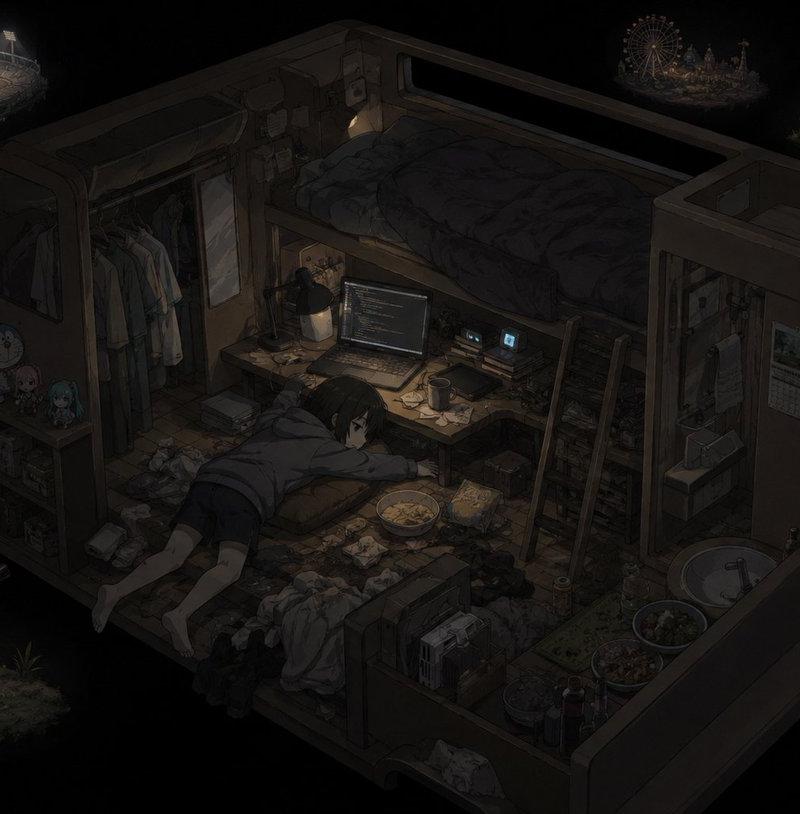
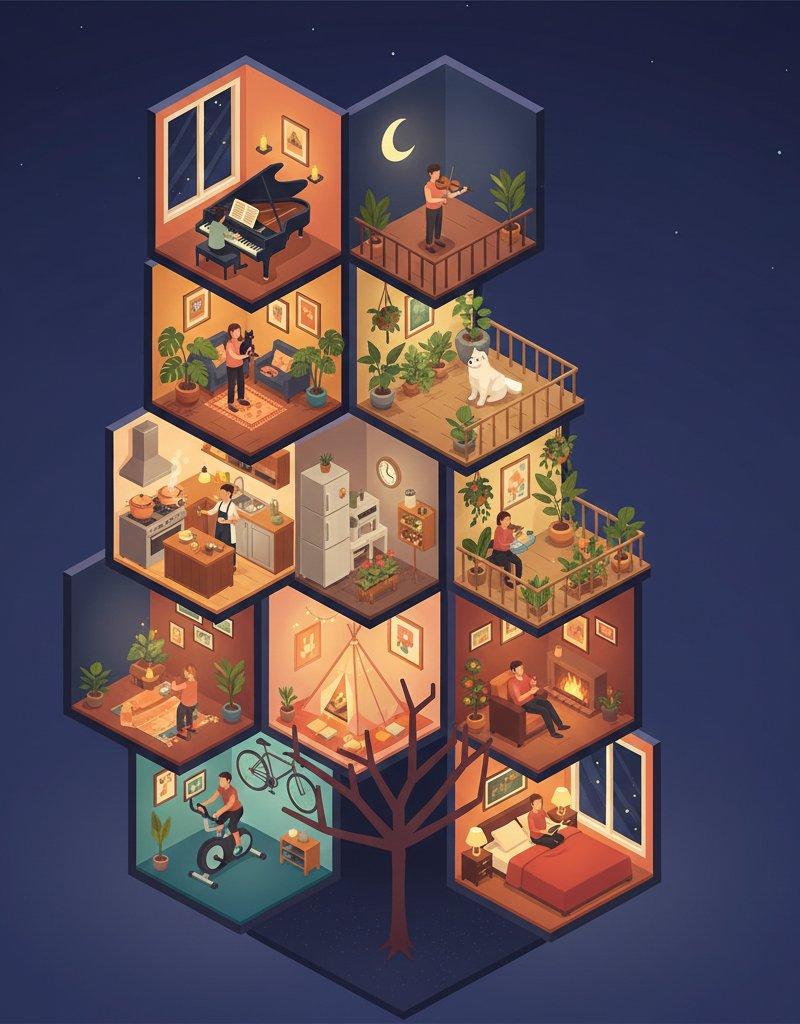
3D纳米香蕉Pro迷你等距房间
Enlarge

Example images

3D纳米香蕉Pro迷你等距房间

Prompt
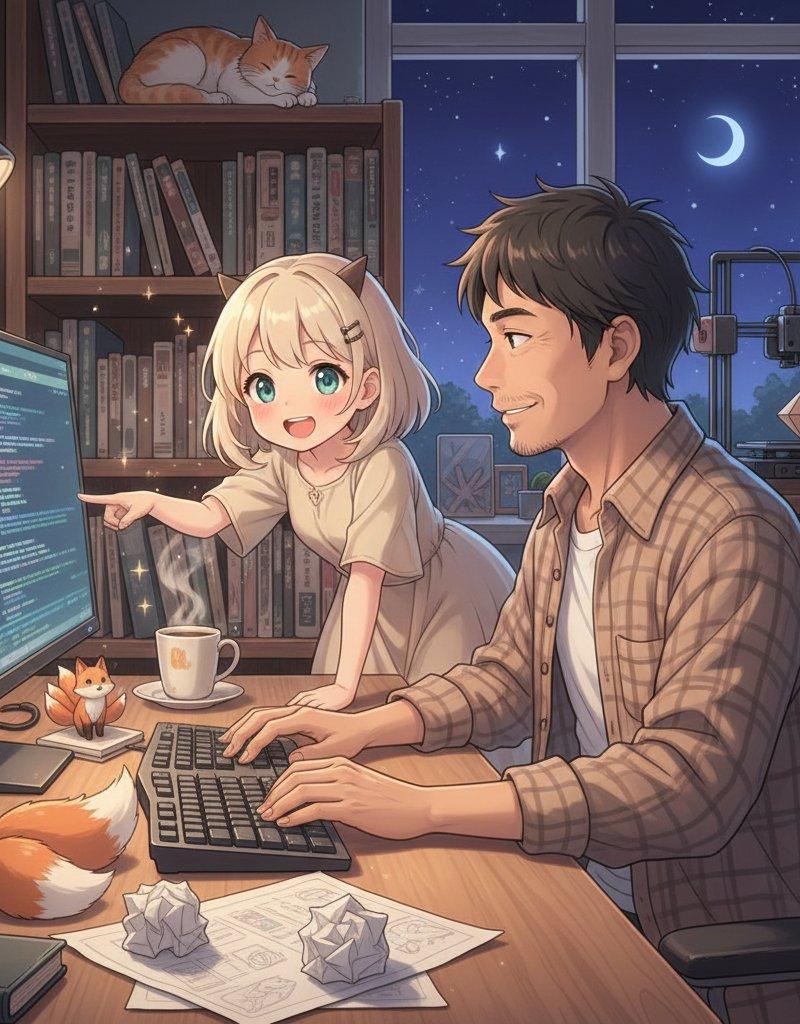
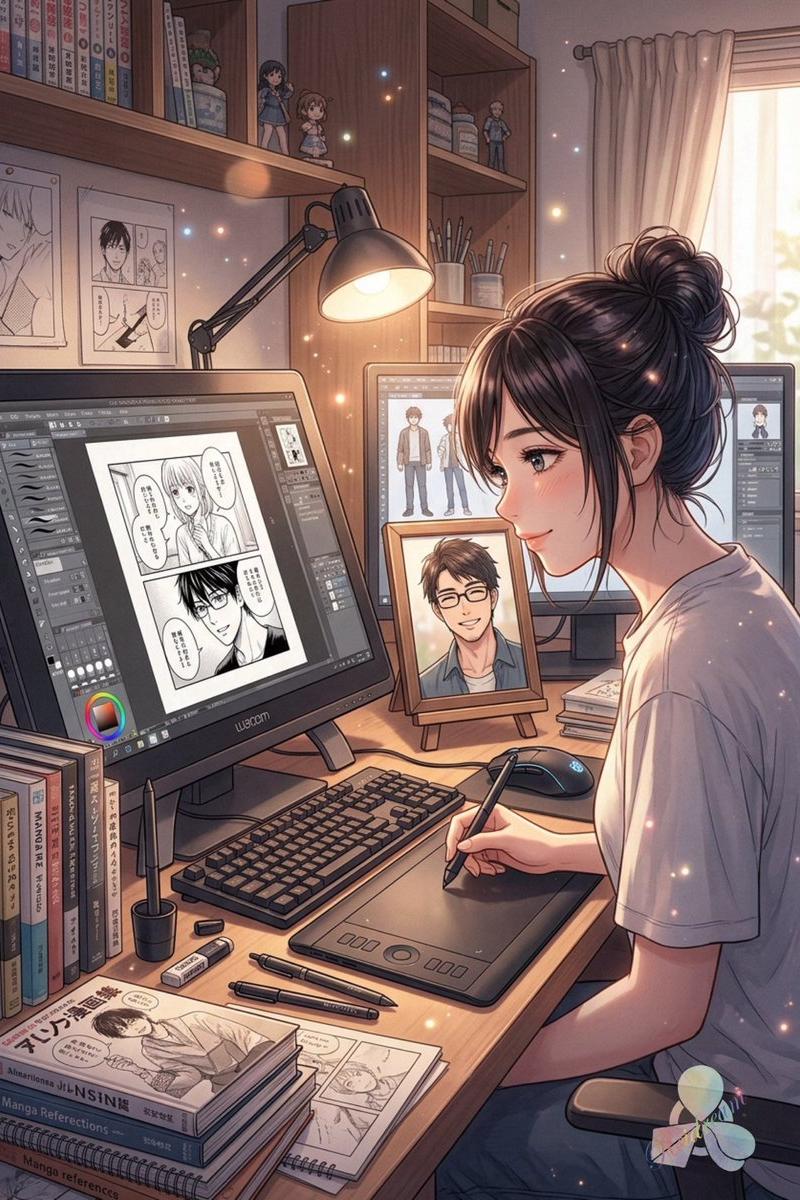
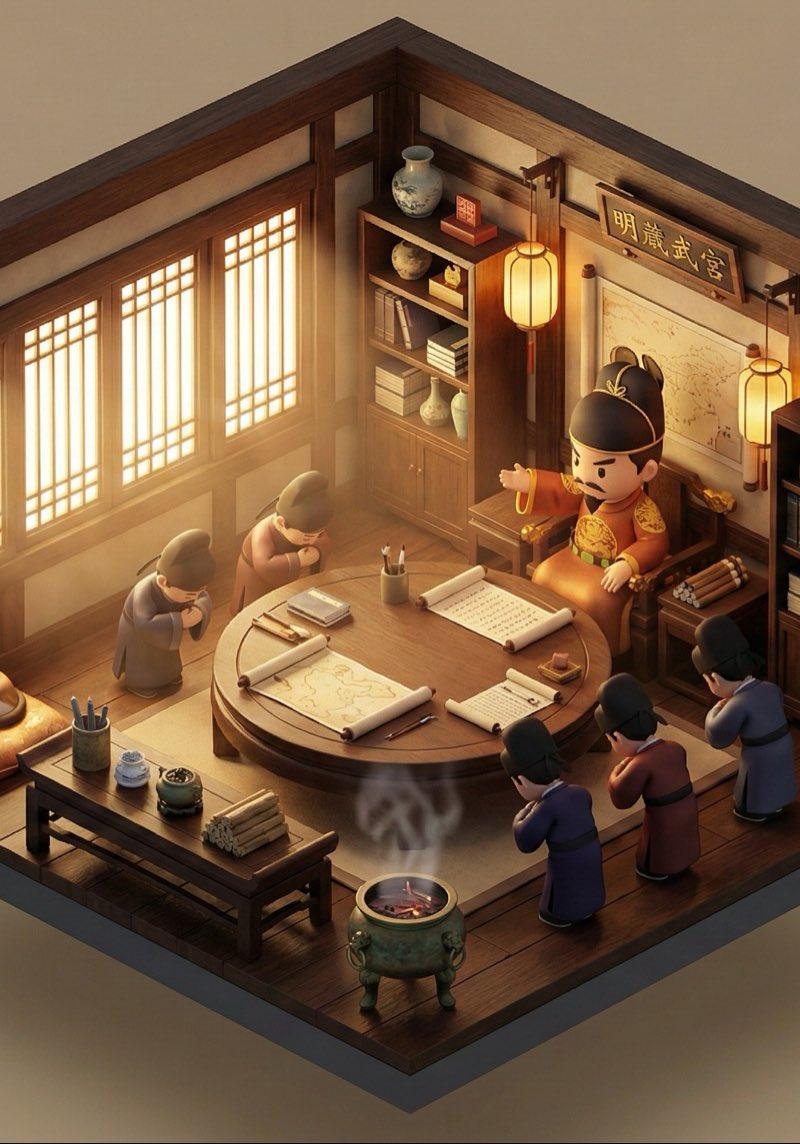
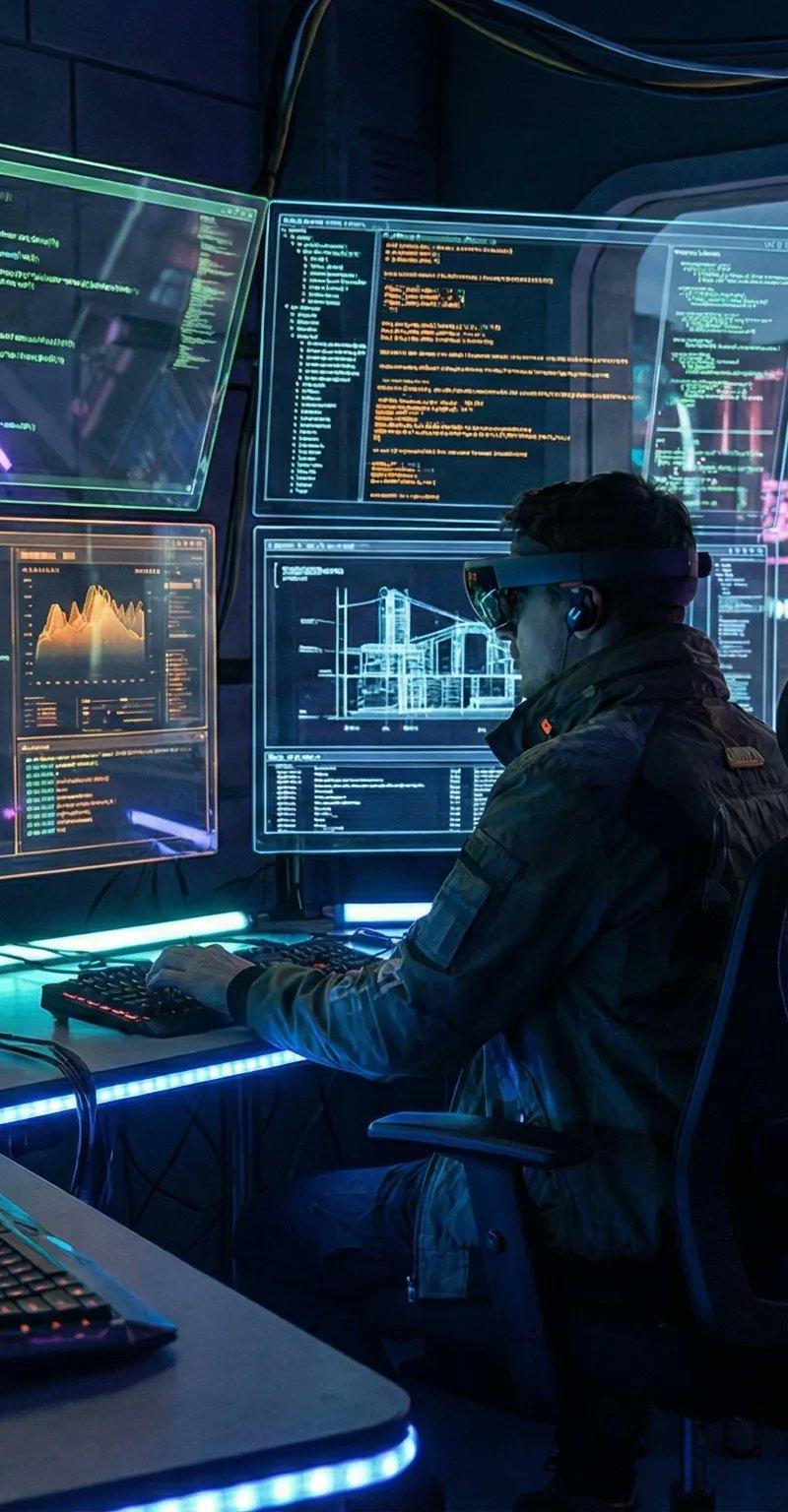
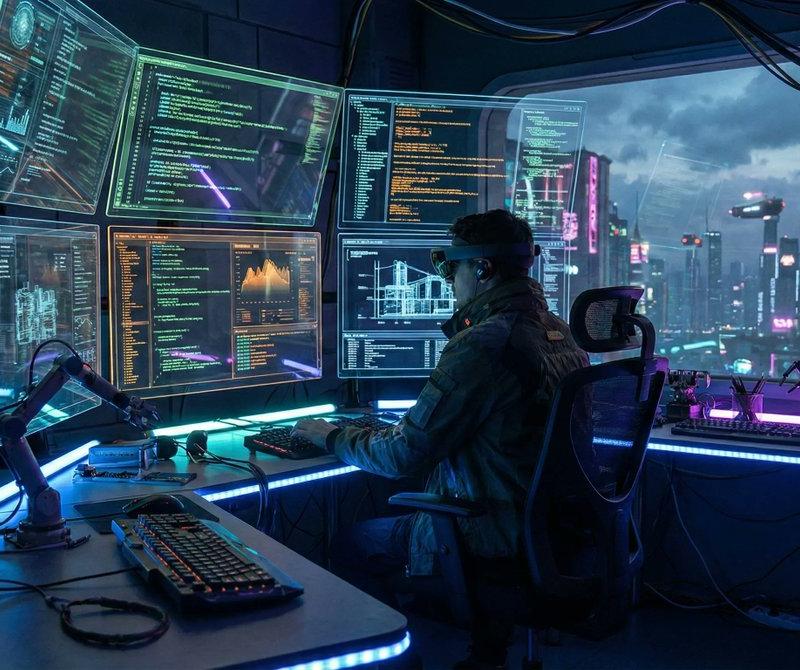
3D miniature isometric room with Nano Banana Pro. More examples in the comments.
You can upload your own photo to generate your personalized version with this prompt and if you want the full prompt for any of these, just let me know and I’ll send it to you.
- Prompt 👇
An isometric 3D cube-shaped miniature room (shallow cutaway true cube; everything strictly contained within the cube). The room is [ROOM DESCRIPTION: Describe the theme, furniture, specific clutter, wall decorations, and key items in detail].
Character: a chibi/figurine-style — [INSERT DESCRIPTION OF THE PERSON FROM YOUR UPLOADED PHOTO HERE]. The character is [ACTION: e.g., sitting on a chair typing, standing and cooking, playing guitar], with a [EXPRESSION: e.g., focused, happy, smiling] expression. Figure material looks like matte PVC, with big head / small body proportions. Lighting: [ATMOSPHERE NAME]: [LIGHT SOURCES: e.g., neon blue glow, warm sunlight, golden lamp light]; realistic reflections and colored shadows. Camera: slightly elevated isometric three-quarter view, front cube edge centered; no elements protruding outside the cube. Photoreal materials with fine detail; neutral backdrop. Ultra-detailed, clean composition; no watermark.
Category
Photography & Realism
Model
Nano Banana Pro
Creator
ΛRMIN | AI
Source language
zh-CN
Views0
Source ID
3d-miniature-isometric-room-with-nano-banana-pro
Studio

Guide

About "3D纳米香蕉Pro迷你等距房间"

What is this prompt for?

"3D纳米香蕉Pro迷你等距房间" AI image prompt for Nano Banana Pro (Photography & Realism). 3D miniature isometric room with Nano Banana Pro. More examples in the comments.…

The full copyable prompt and example visuals above are ready for AI image generation or one-click recreate in Picva.

How to use this prompt

  1. Step 1

    Open the prompt detail

    Review the example visuals, category, and full prompt text for "3D纳米香蕉Pro迷你等距房间".

  2. Step 2

    Copy the prompt

    Copy the prompt body from this page, or load it directly in Studio.

  3. Step 3

    Pick a model (Nano Banana Pro)

    Prefer Nano Banana Pro. If you switch models, keep subject and composition and tweak style terms.

  4. Step 4

    Generate and export

    Recreate the look in Picva, or export into your workflow for editing and publishing.

FAQ

What is the "3D纳米香蕉Pro迷你等距房间" prompt?
It is an AI image-generation prompt for Nano Banana Pro in the Photography & Realism category. This page includes the full prompt text, example visuals, and a one-click recreate path in Picva.
How do I use this prompt to generate an image?
Copy the prompt from this page, or use Generate / Studio. Paste it into a compatible image model, or recreate the look in Picva with optional reference images.
Which model is this prompt for?
This page lists Nano Banana Pro. Most descriptive prompts also transfer to nearby image models such as GPT Image, Flux, or Midjourney with light style tweaks.
Can I use the result commercially?
You can usually copy the prompt for creation, but commercial use of the final image depends on the model terms, reference-image rights, and the generated content. Follow the source author and platform rules.