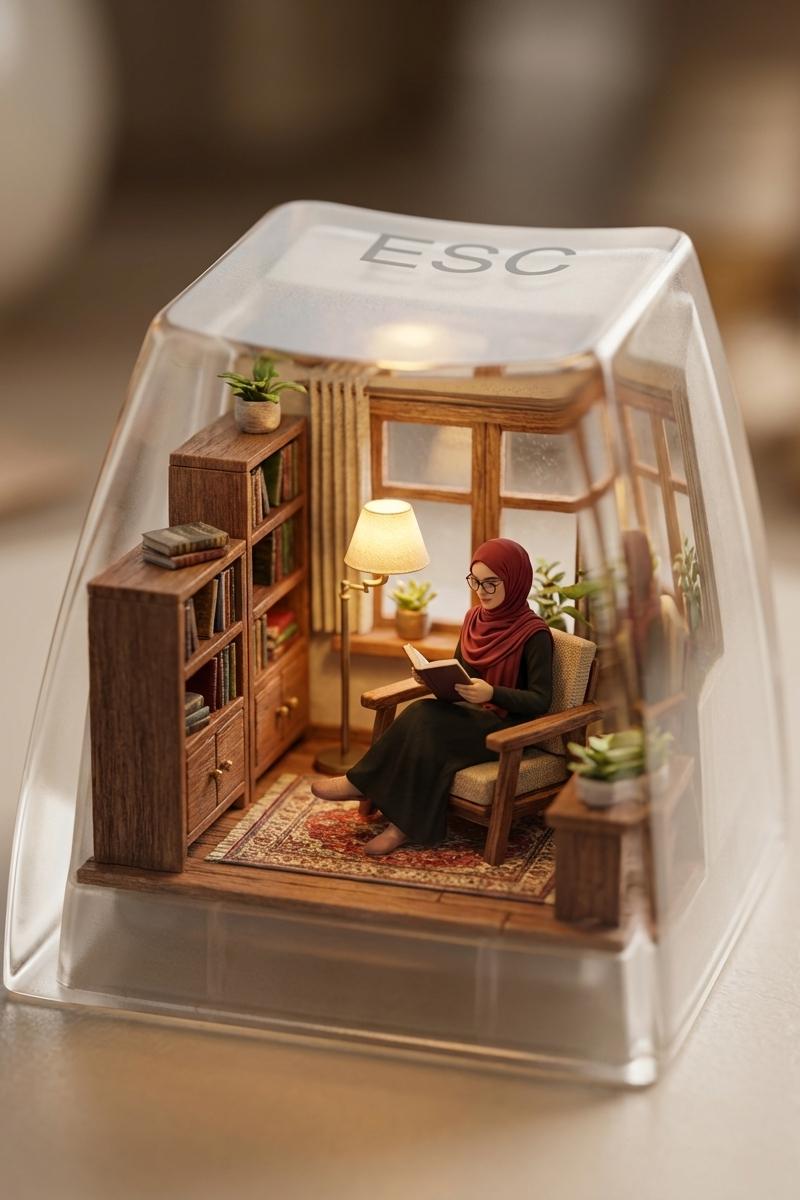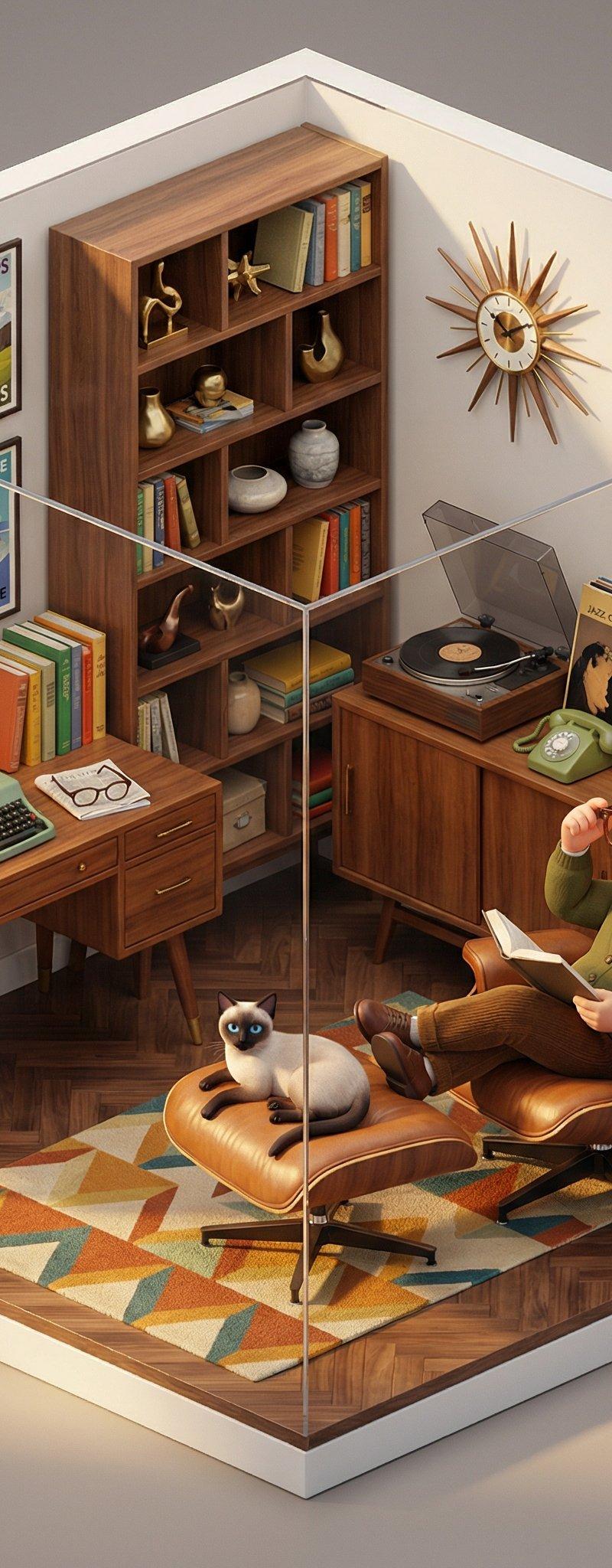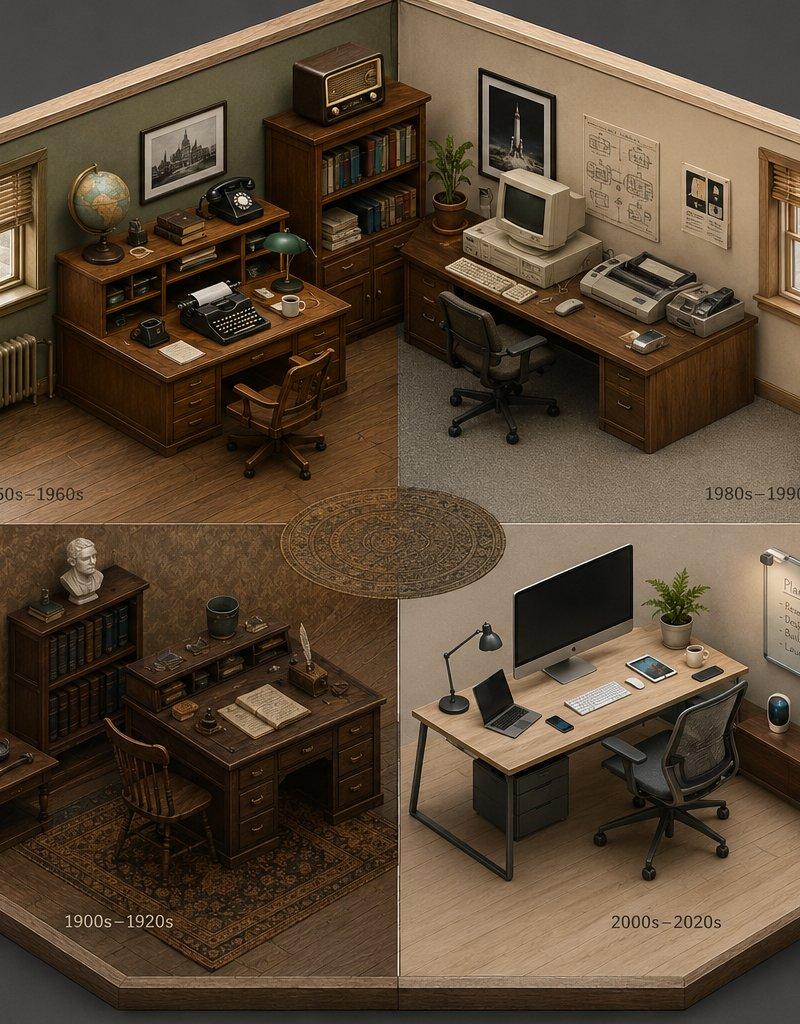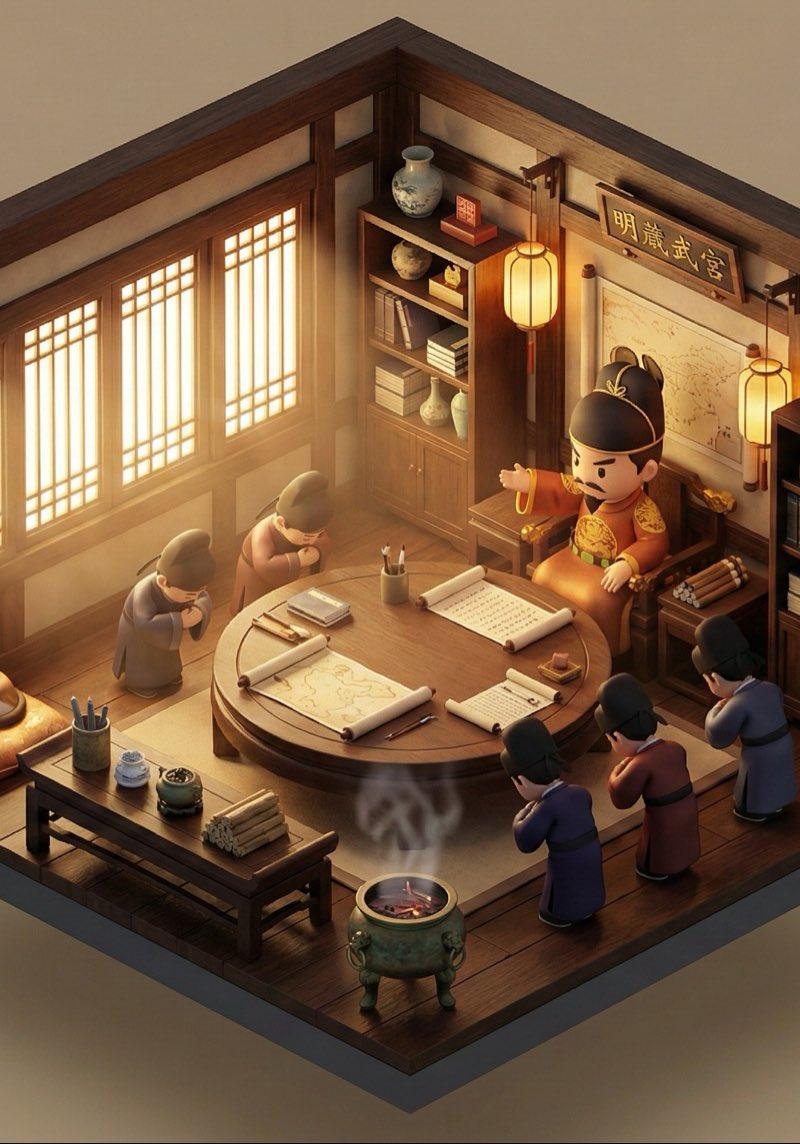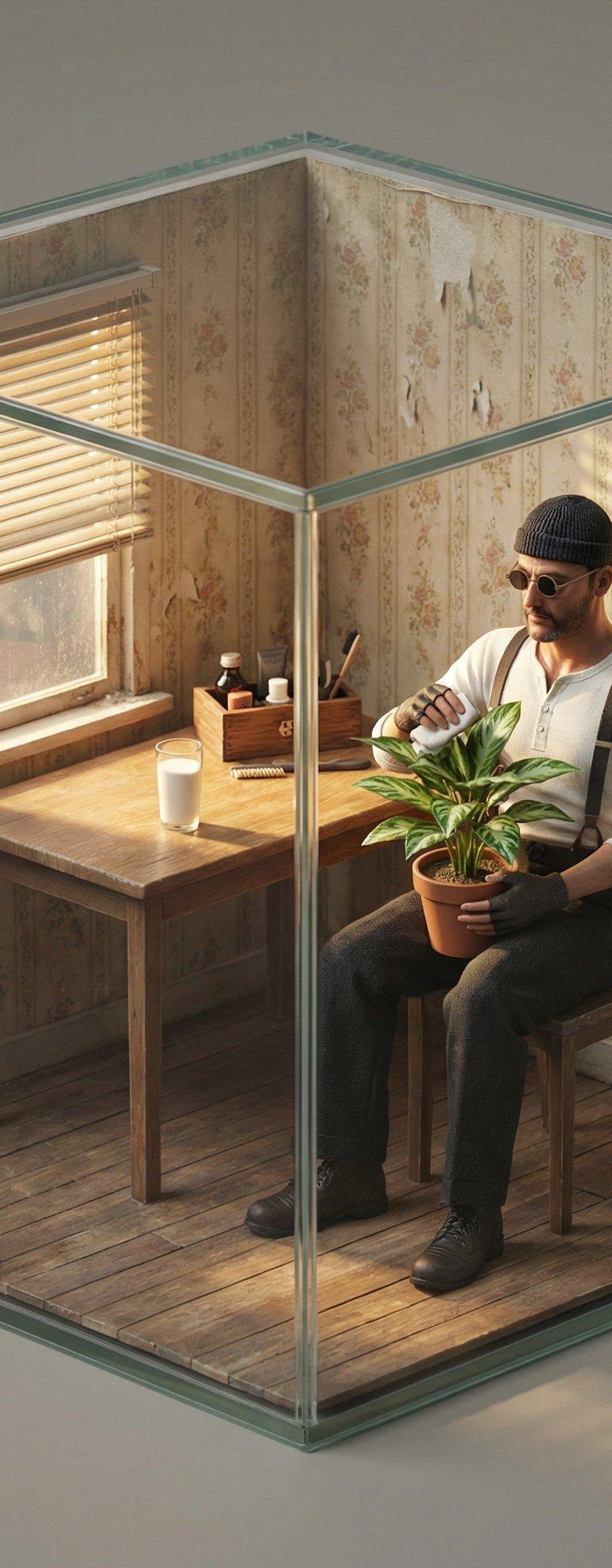
电影场景迷你等距立体模型制作指南
Prompt
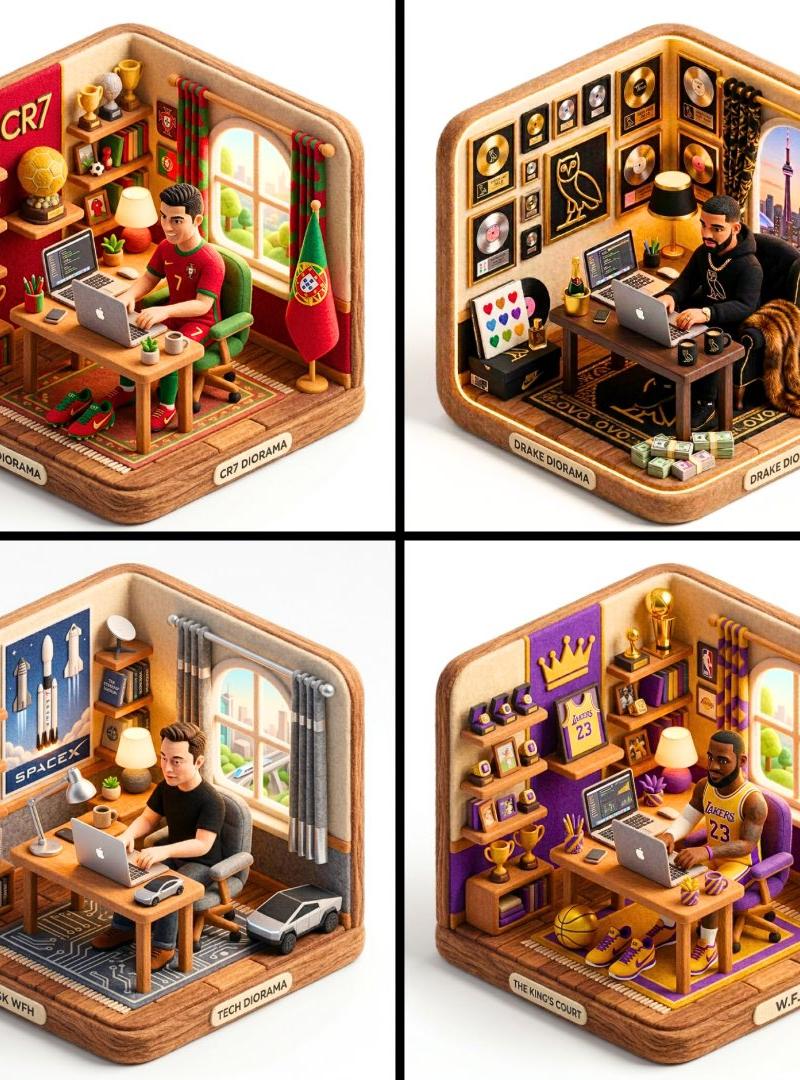
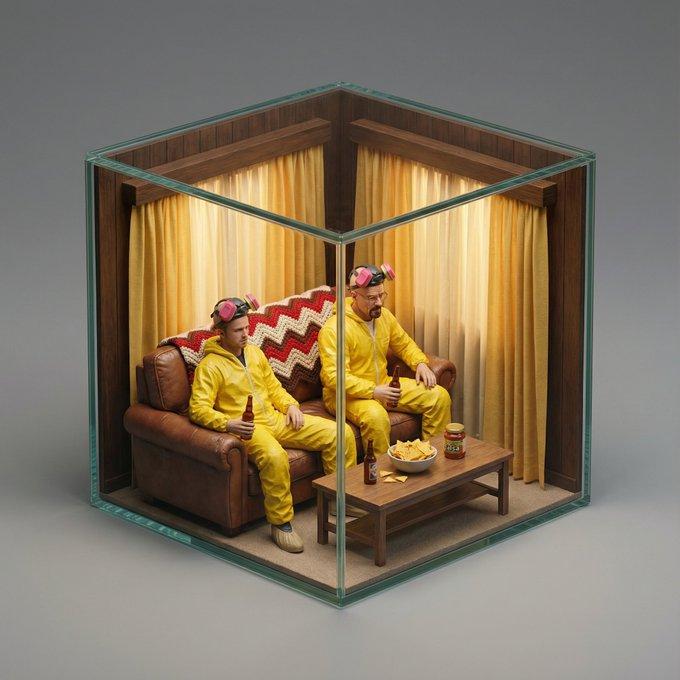
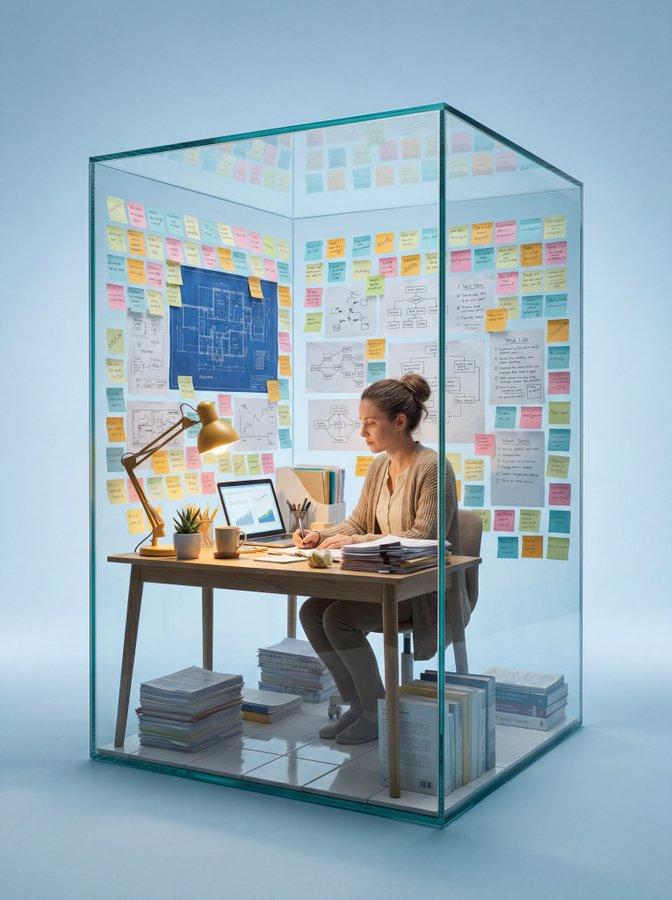
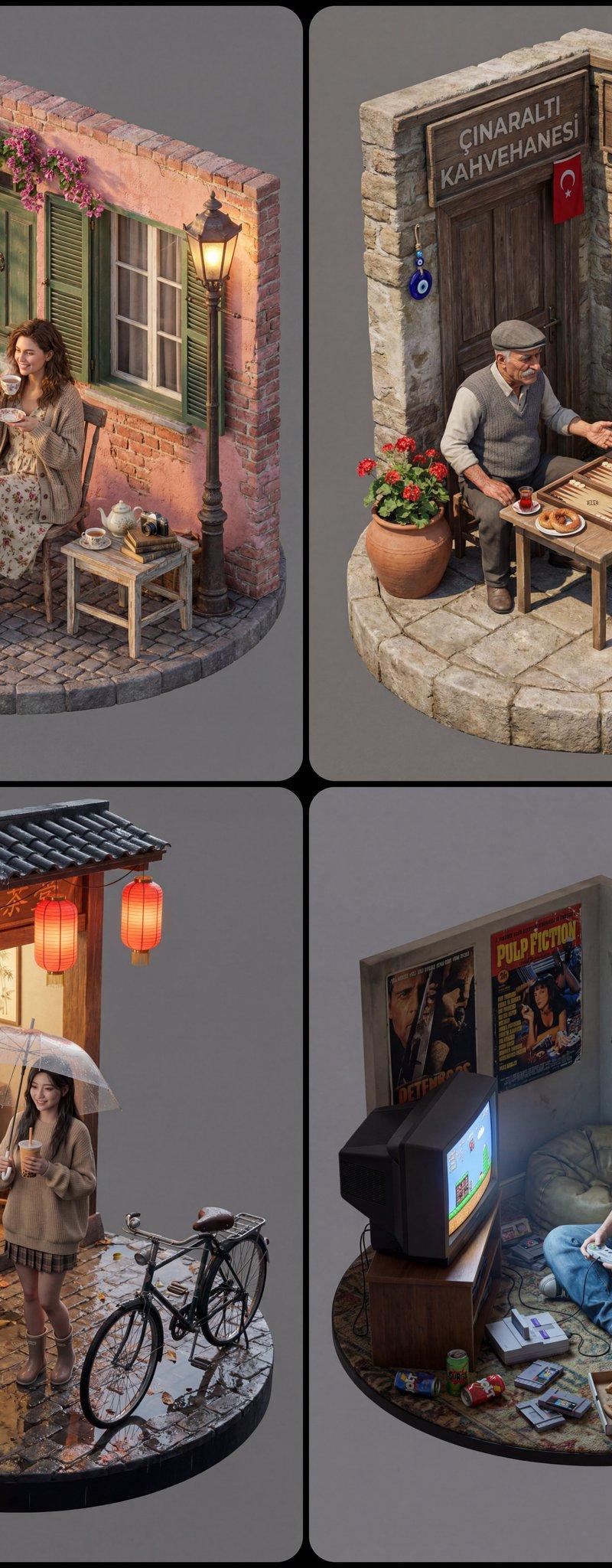
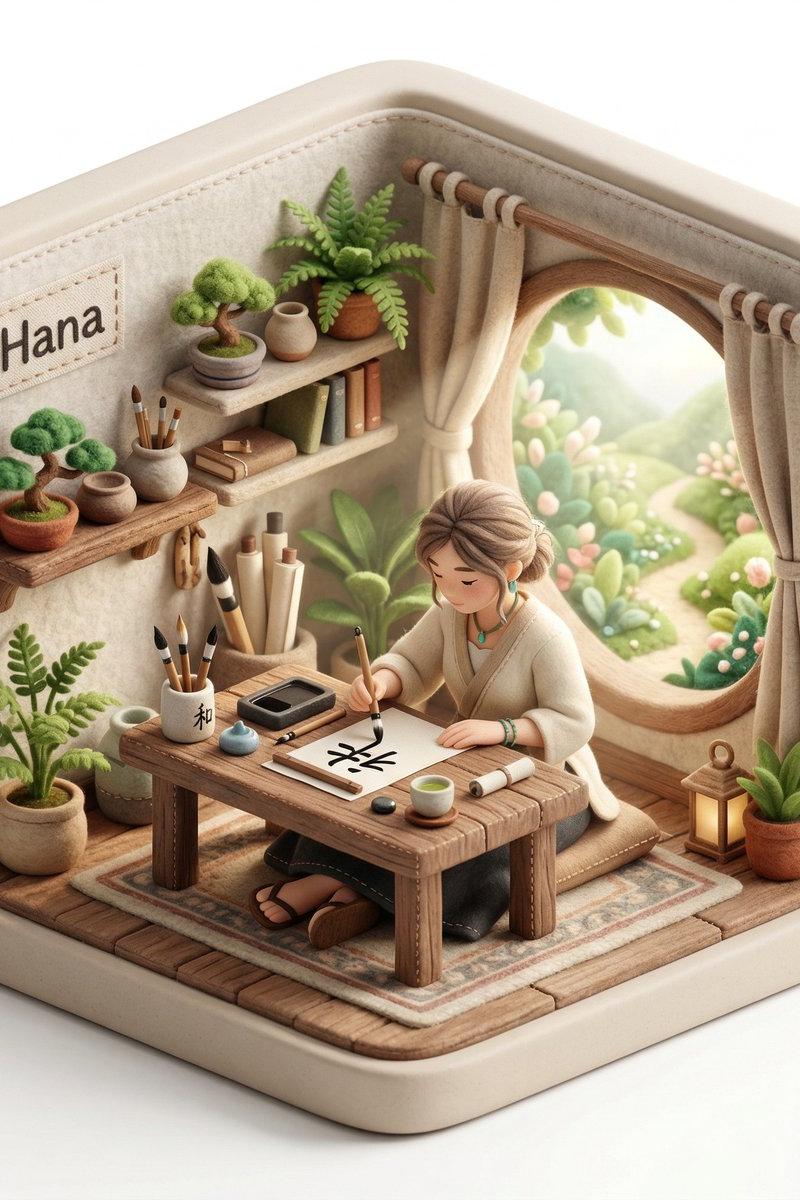
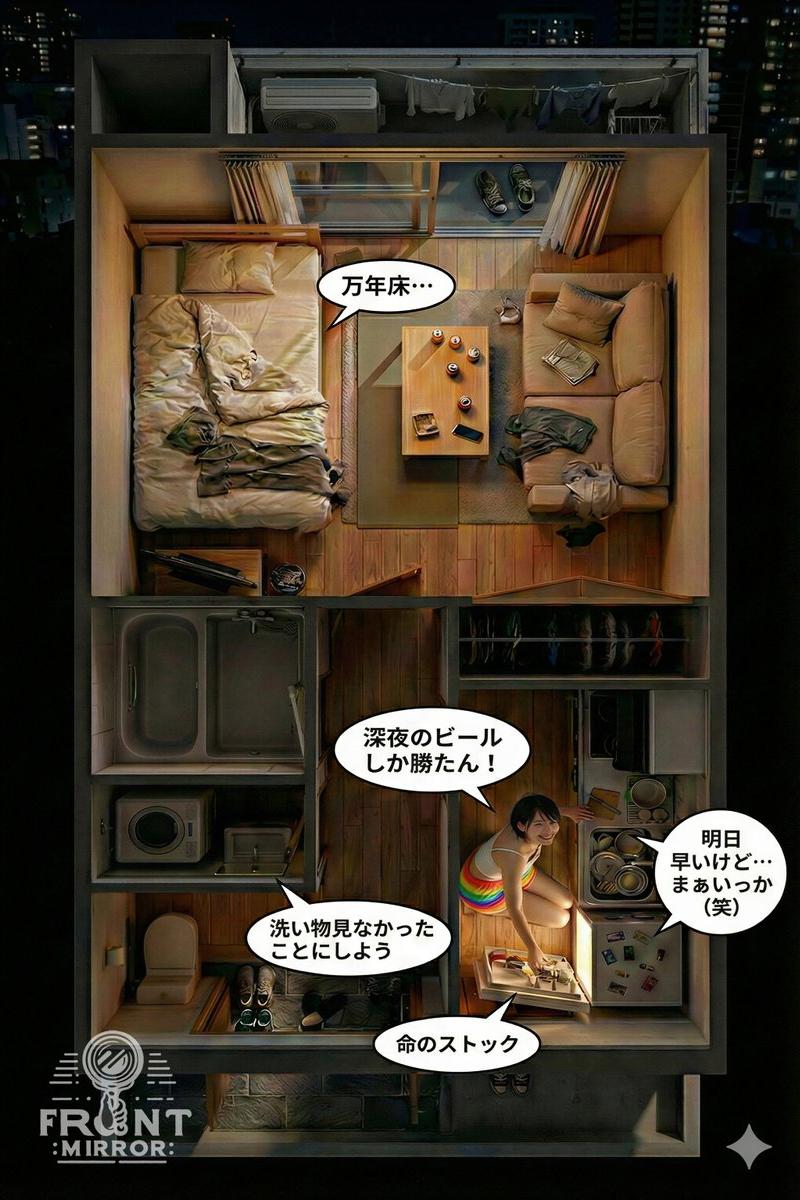
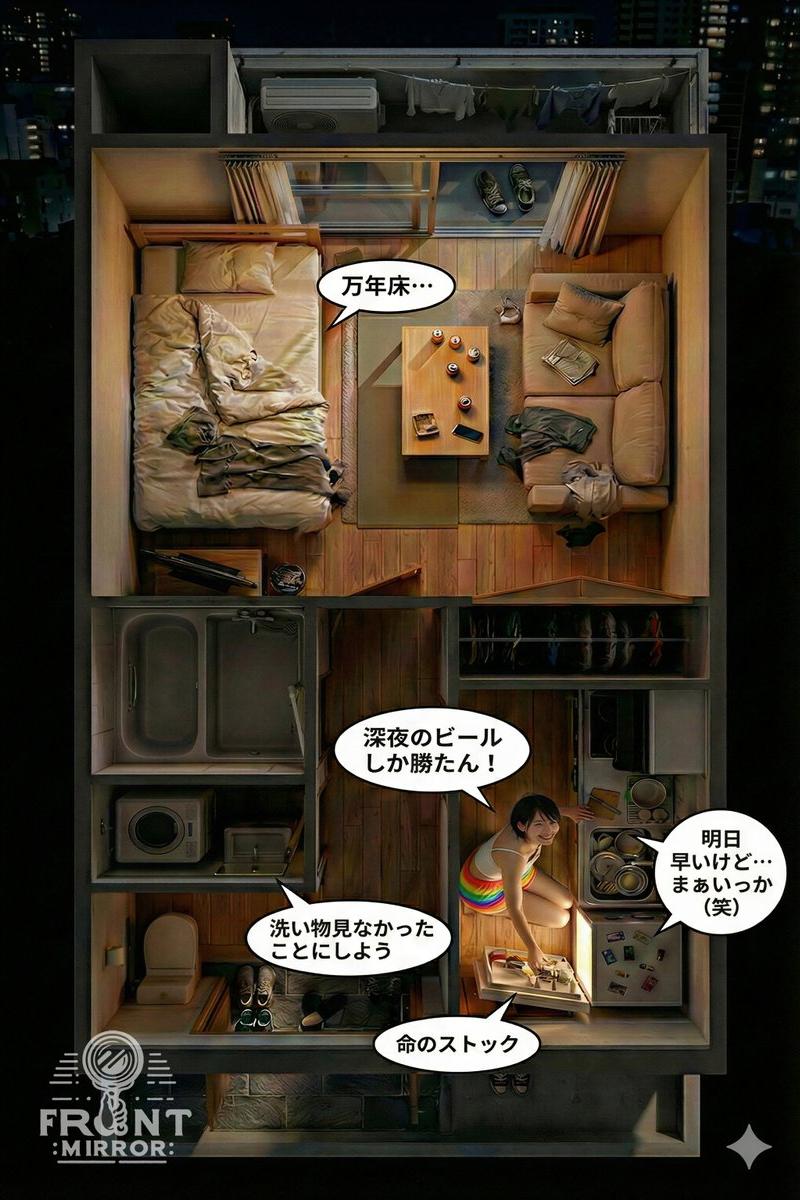
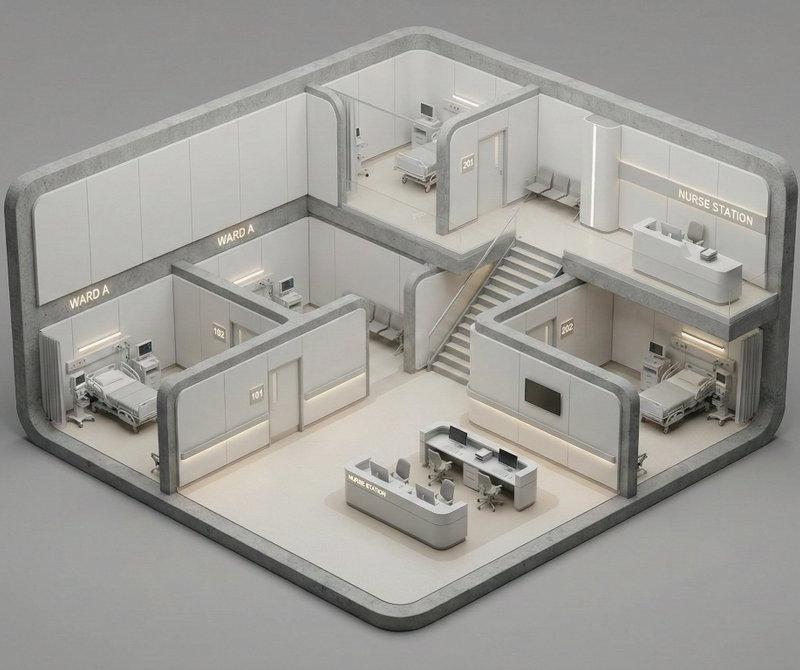
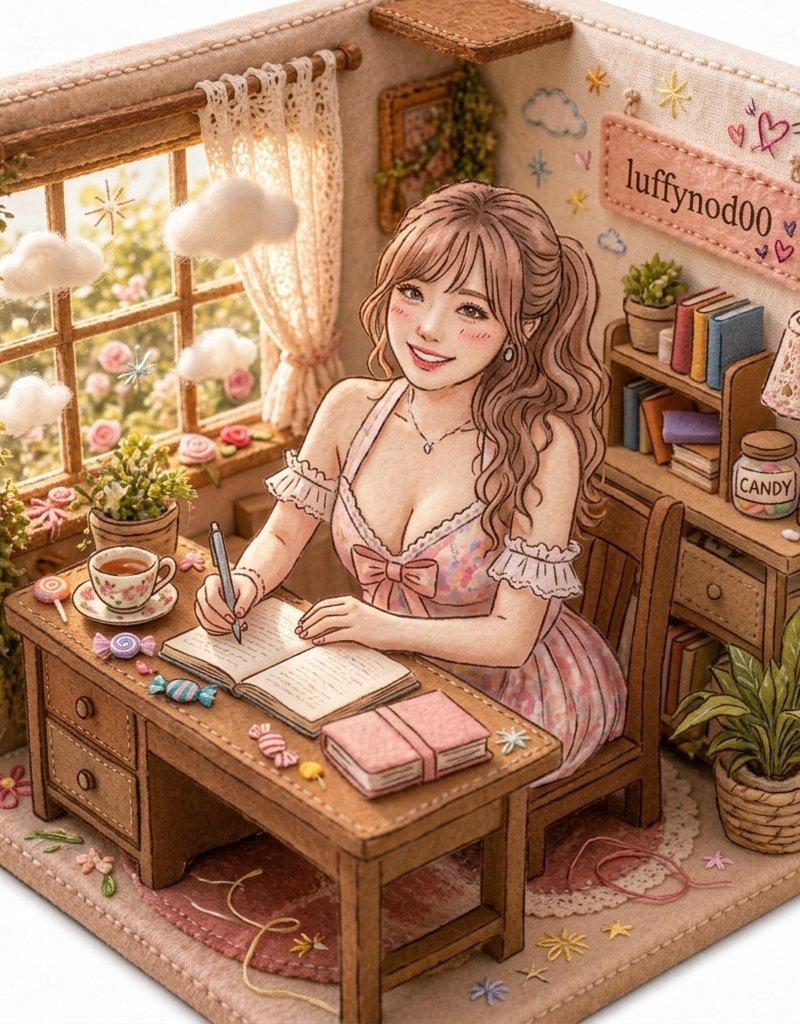
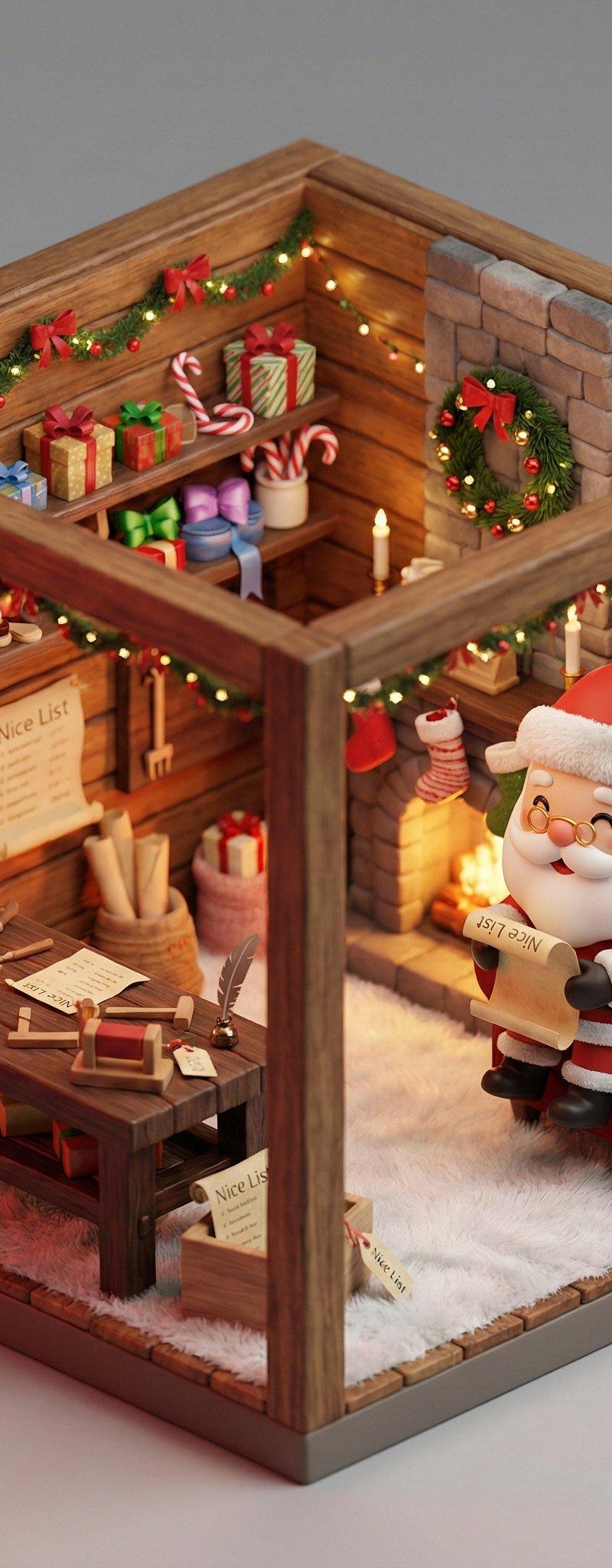
You can turn your favorite movie scenes into miniature isometric dioramas with this prompt.
💡Hint: You can tell ChatGPT, Grok, or Gemini what movie scene you want and let it auto-fill all the [brackets] for you.
- Prompt 👇
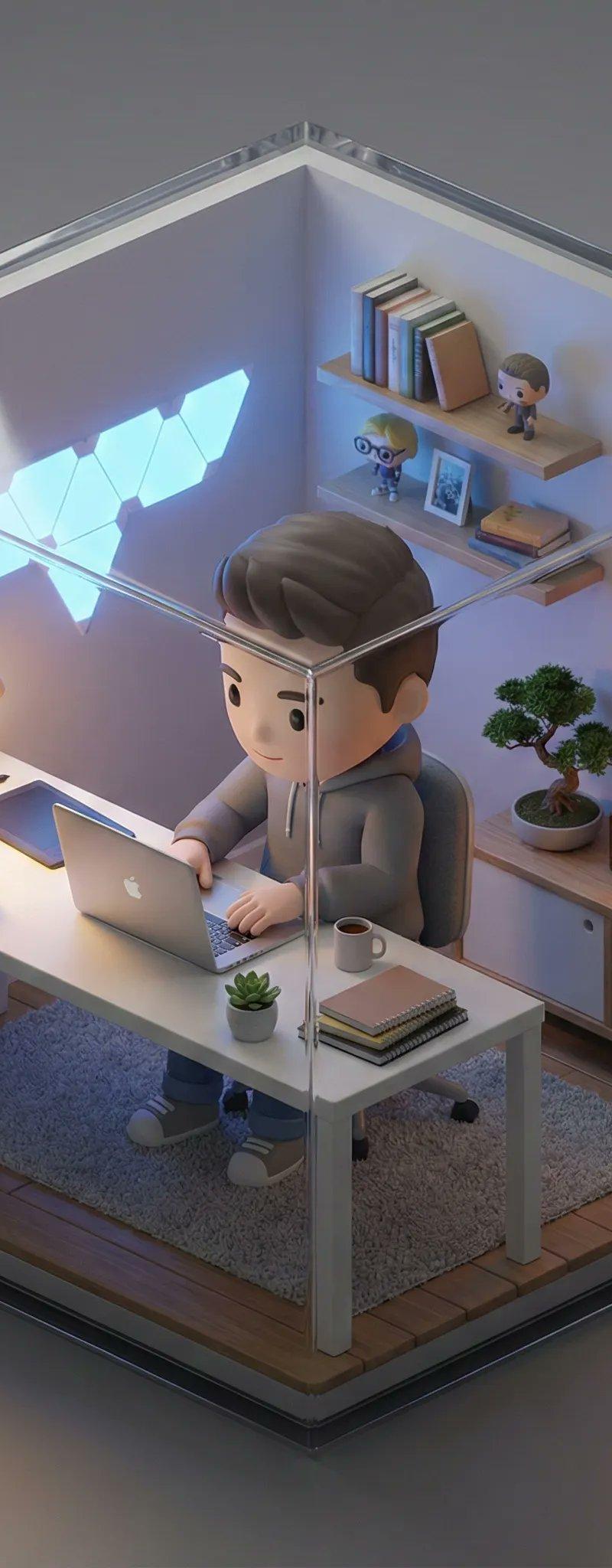
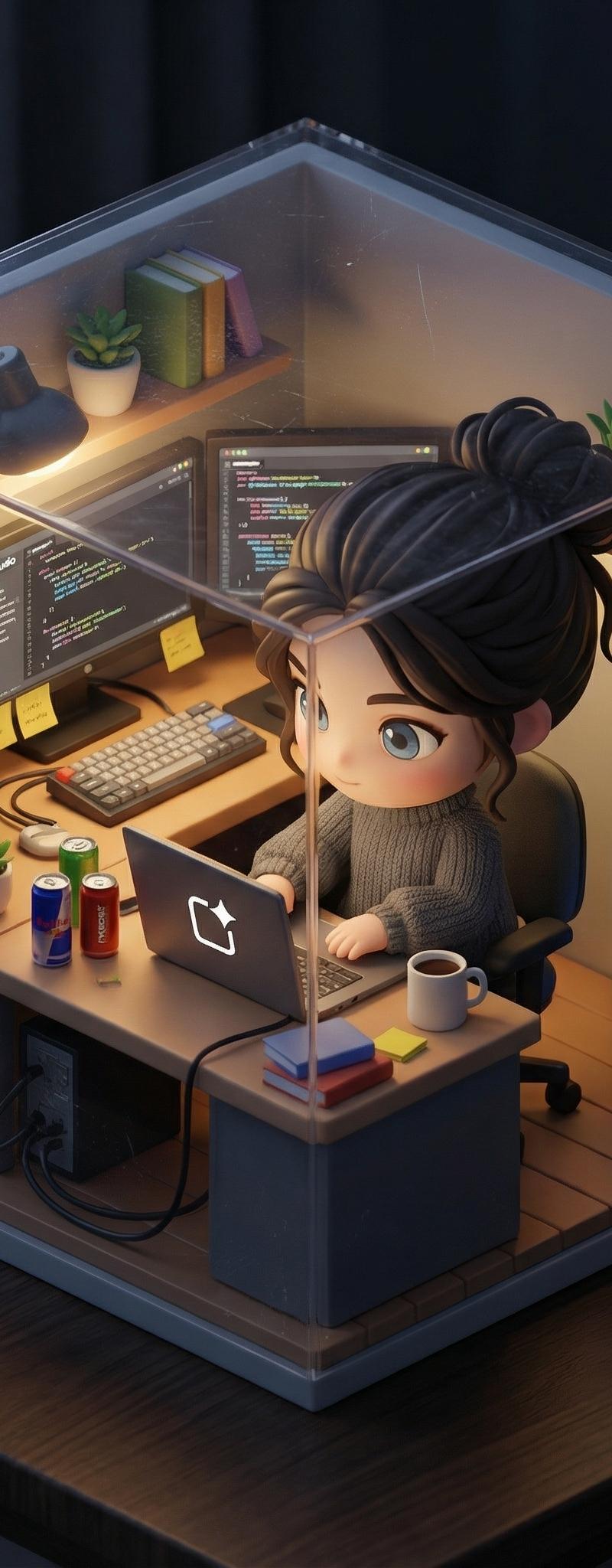
A hyper-realistic isometric miniature diorama encased in a cubic enclosure.
Structure: The cube features two solid back walls [describe the texture/material of the back walls, e.g., textured with brick, wood paneling, forest greenery, stone blocks] forming the [describe the setting type, e.g., urban backdrop, cozy room corner, dungeon cell], and two transparent glass front walls, creating a perfect cutaway view. The entire scene is strictly contained within this cube.
Inside the cube is [SCENE DESCRIPTION: Describe the specific iconic movie scene environment. Mention key props, furniture, floor texture, and specific clutter that makes the scene recognizable].
Character: A photorealistic miniature person, representing [ACTOR NAME] as [CHARACTER NAME]. They are wearing [describe the iconic outfit/costume in detail]. The character is [ACTION: describe their pose/action, e.g., sitting, dancing, standing], with a [EXPRESSION] expression. [Optional: mention any specific hand-held props].
Materials & Textures: All elements feature hyper-realistic textures (e.g., [list 2-3 specific textures relevant to the scene, e.g., weathered wood, velvet fabric, rusted metal]). It looks like a masterfully crafted, museum-quality miniature model.
Lighting: [ATMOSPHERE NAME]: [describe light sources and mood, e.g., warm golden sunlight, harsh fluorescent light, moody noir shadows], creating cinematic depth within the glass enclosure.
Background: A clean, solid neutral grey background completely isolating the cube. No table texture, no blurred room surroundings, no external clutter.
Camera: A detailed macro photograph from a slightly elevated isometric three-quarter view, centering on the front glass corner. High aperture to keep the entire miniature in focus.
- Category
- Photography & Realism
- Model
- Unknown
- Creator
- ΛRMIN | AI
- Source language
- zh-CN
- Source ID
- creating-miniature-isometric-dioramas-from-your-favorite-movie-scenes
Views0