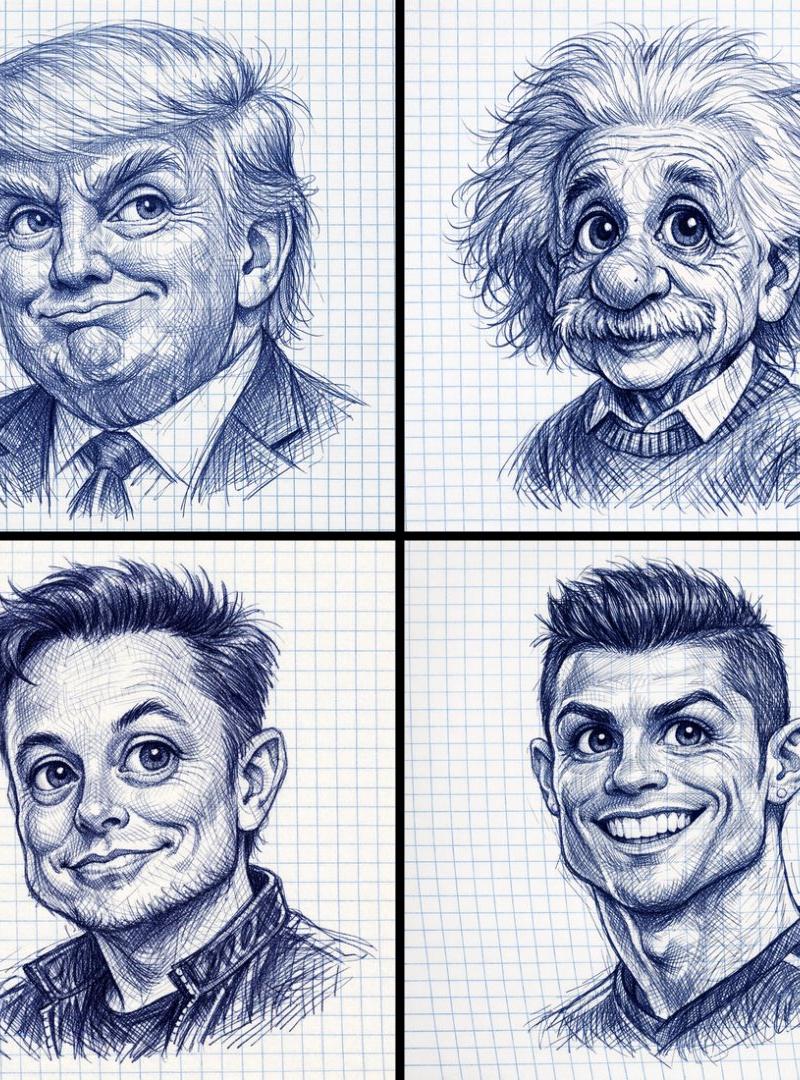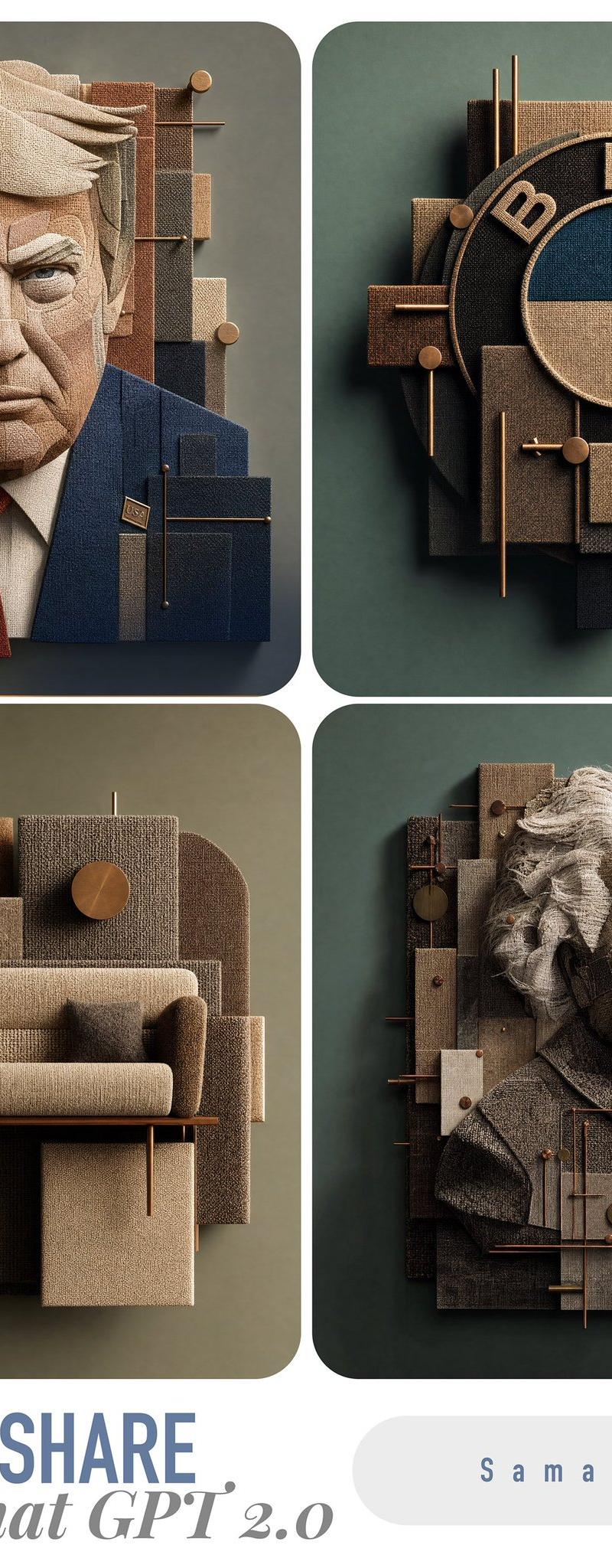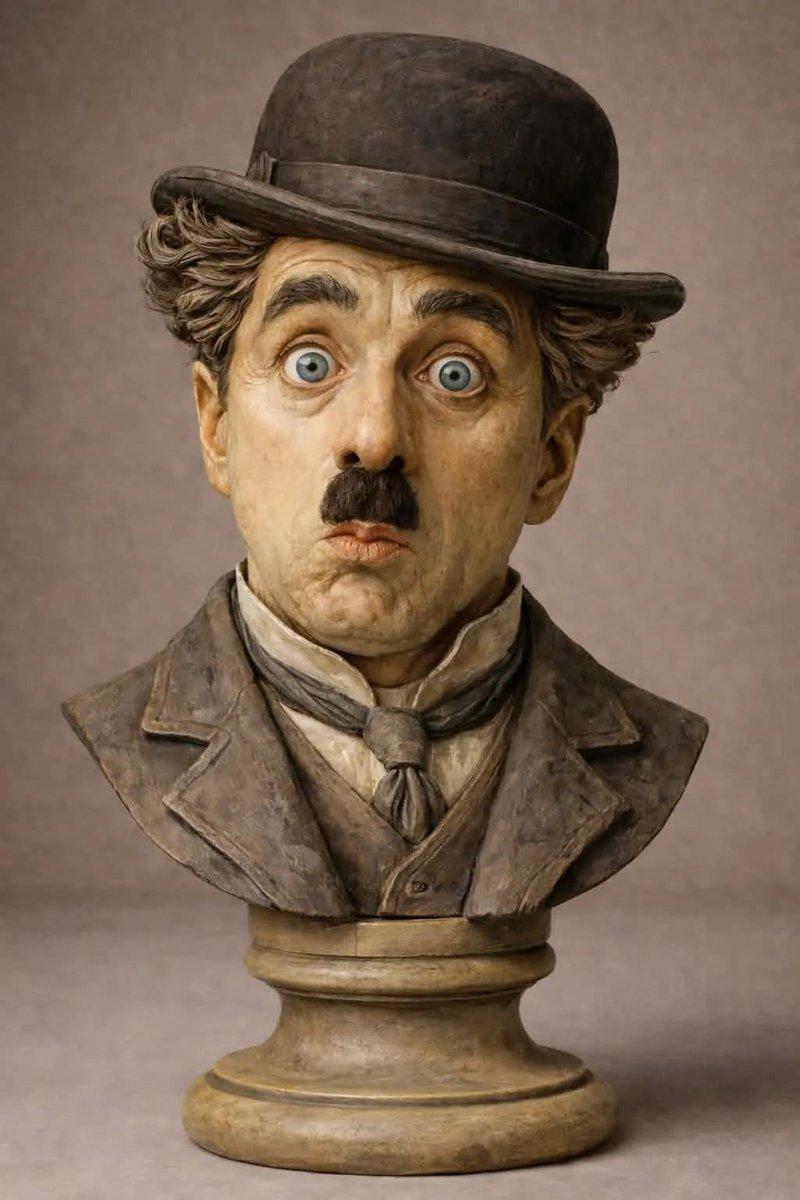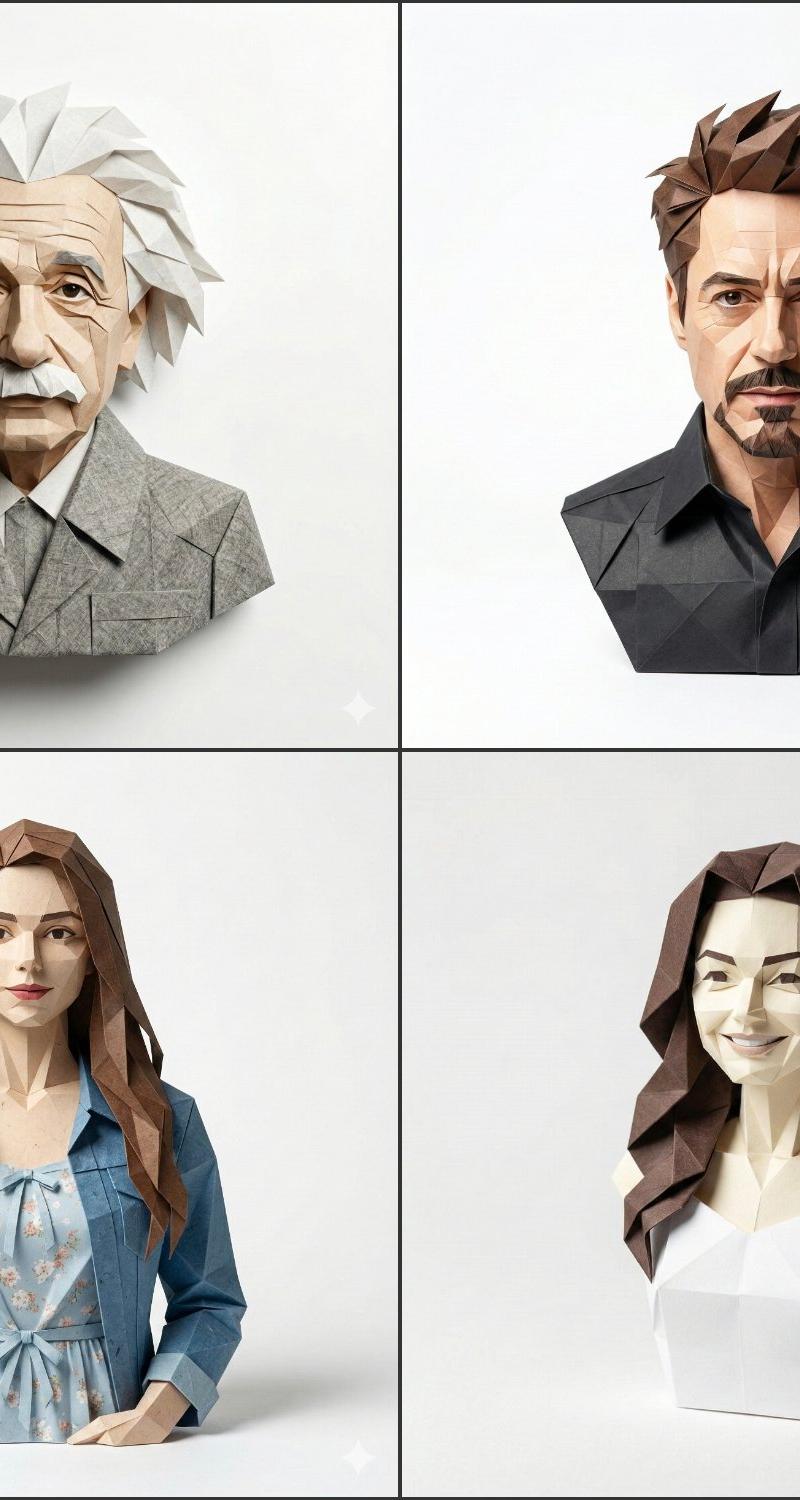
定制图像笔筒
Prompt
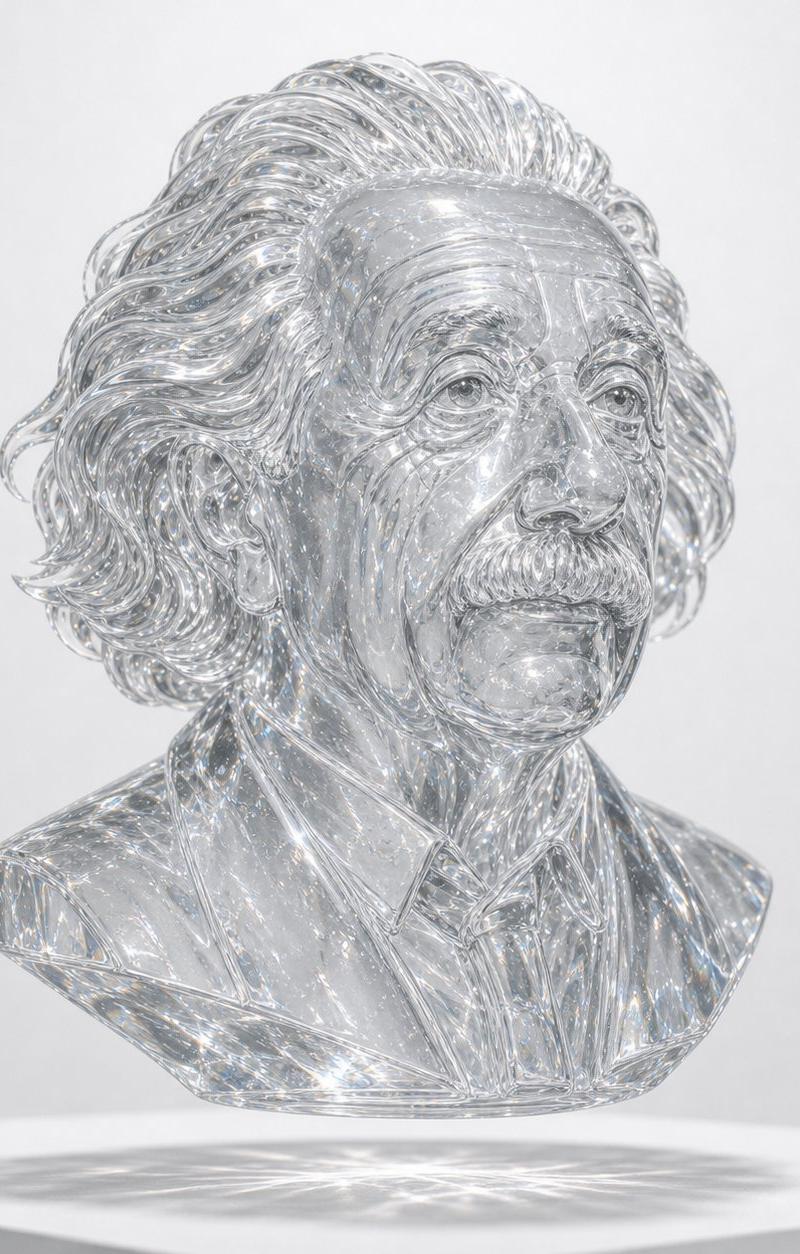
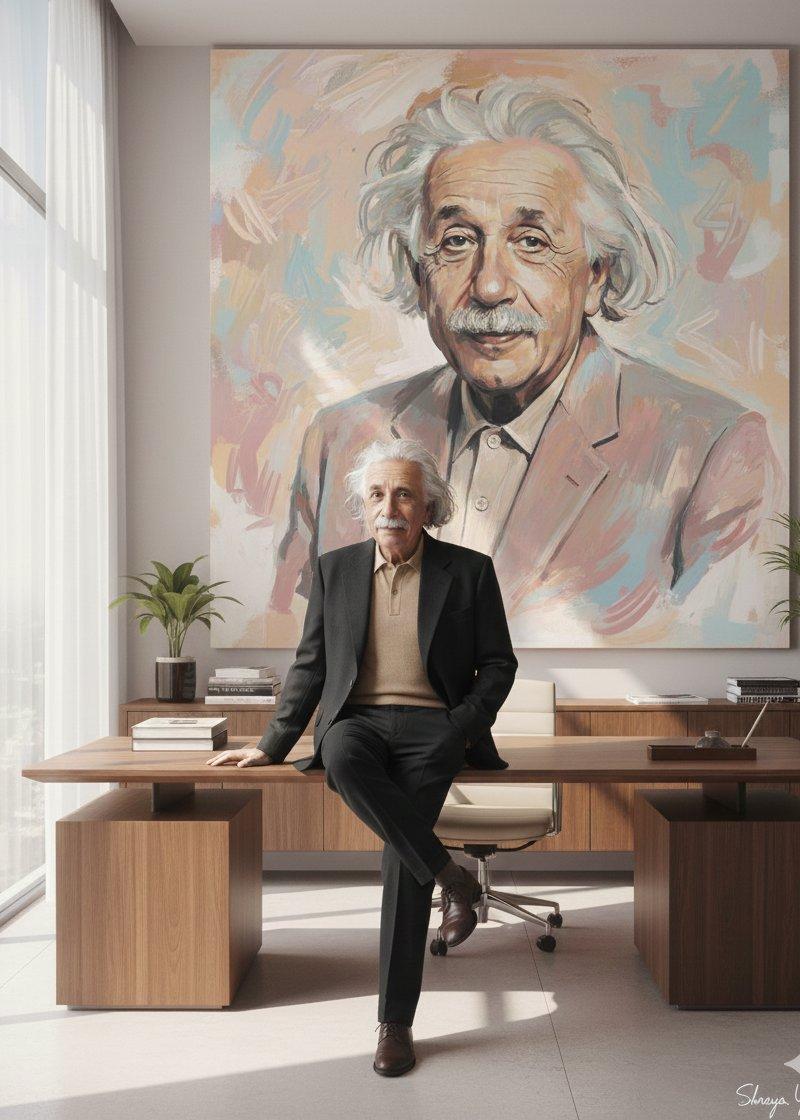
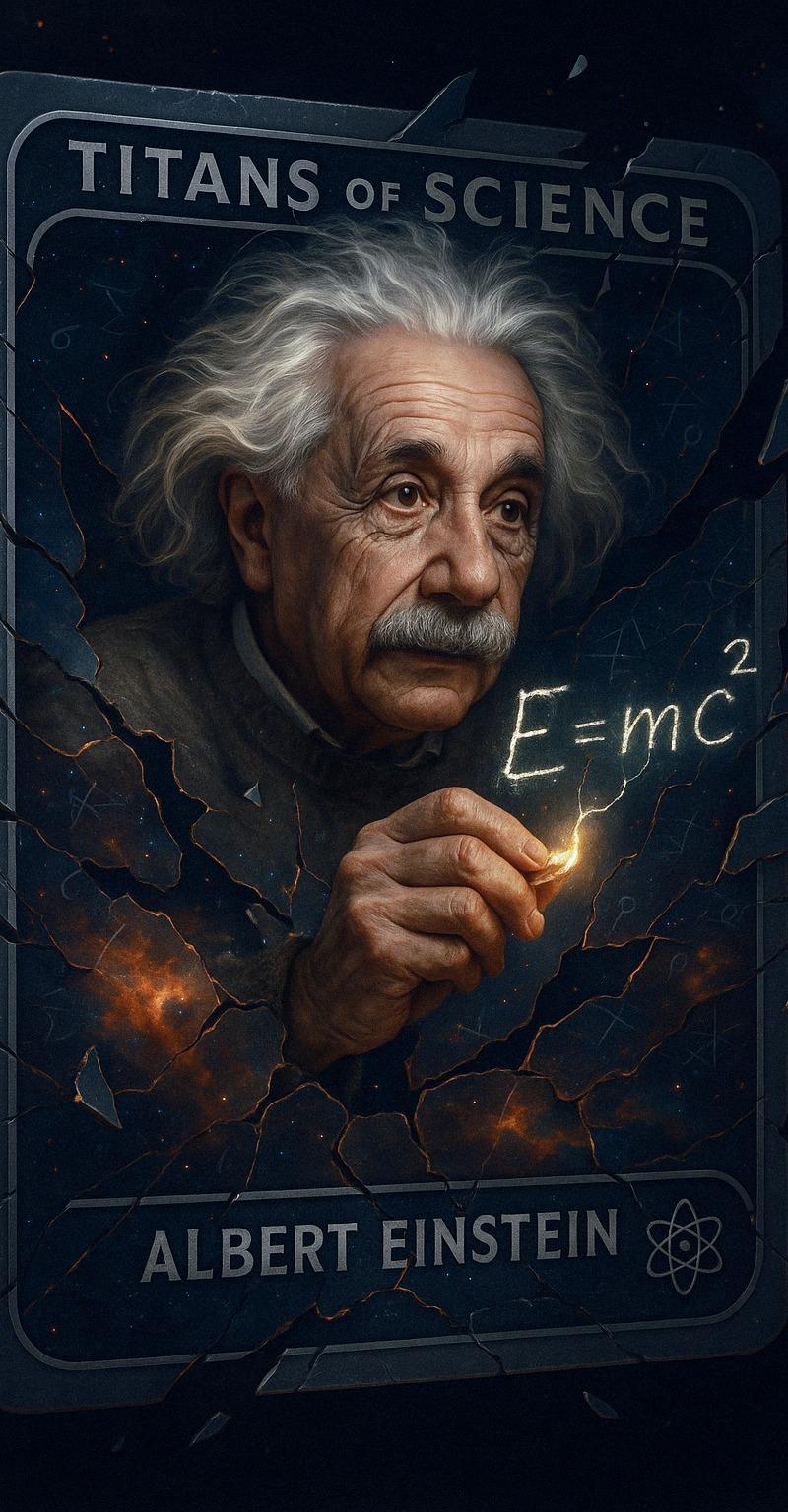
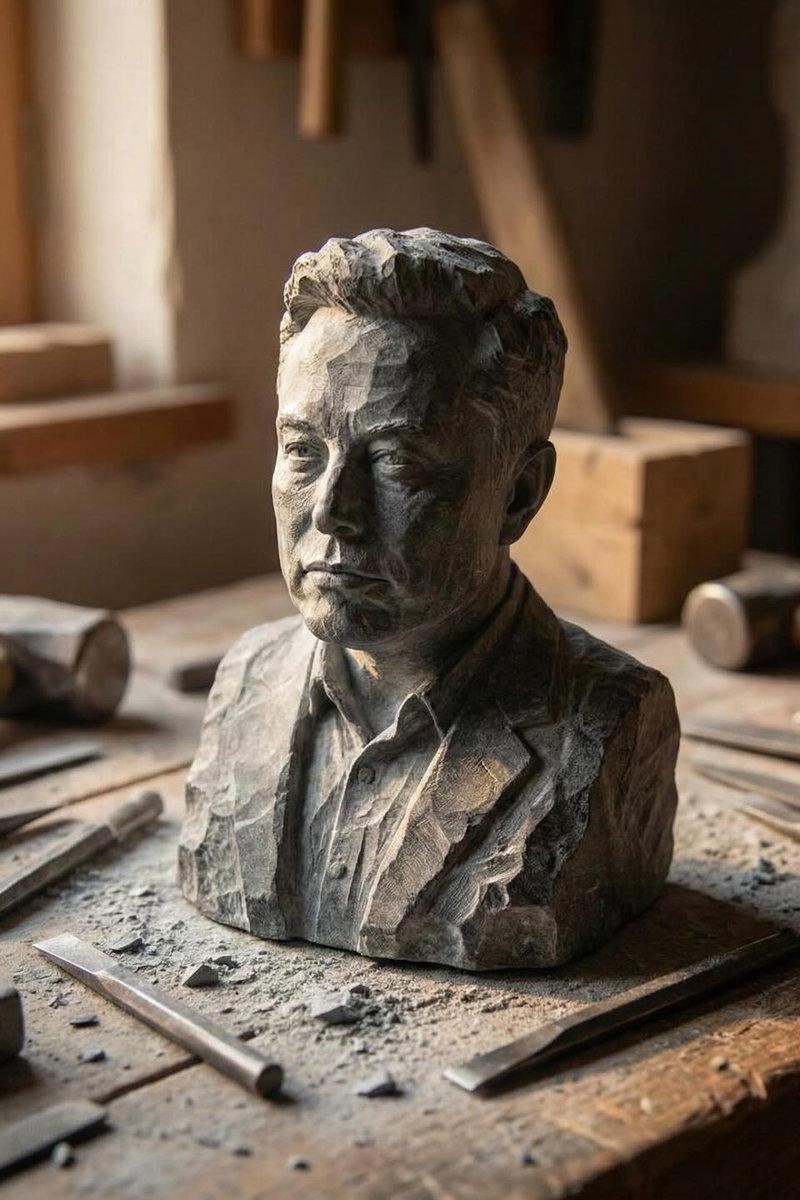
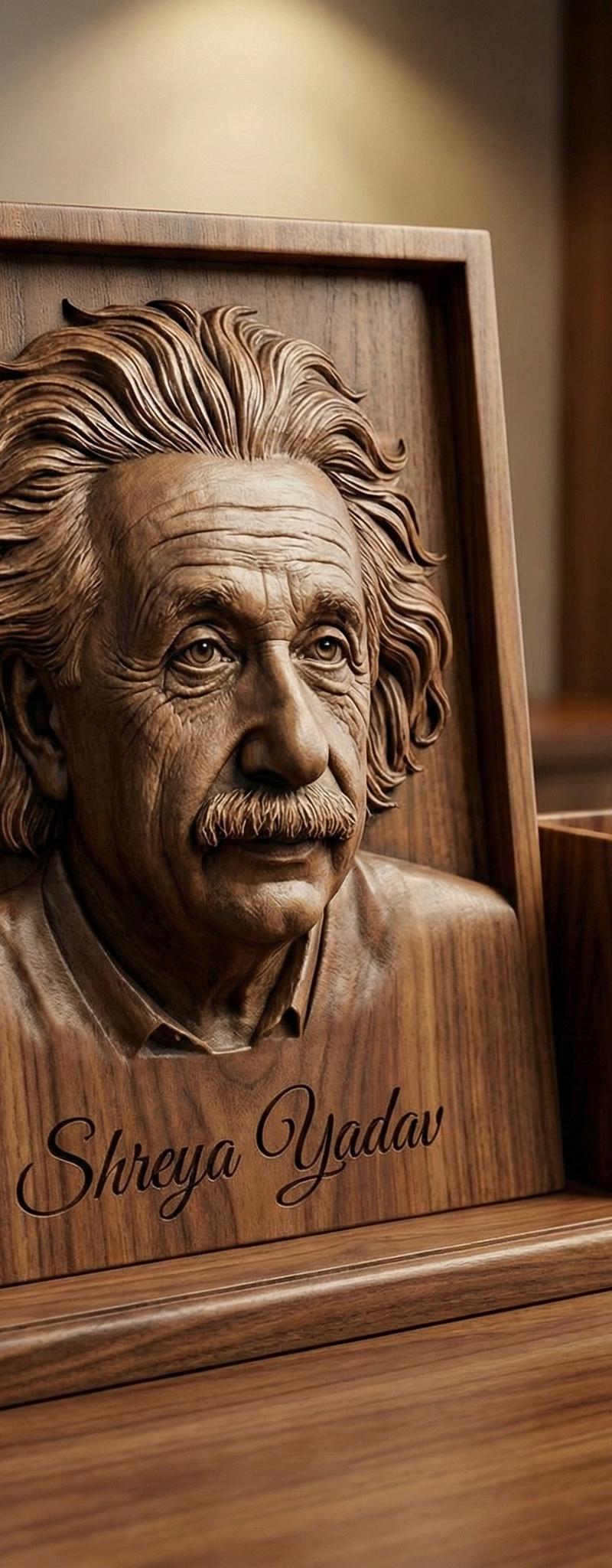
Create pen Holder with Own Image.
Gemini Nano Banana 3.0
{
 "prompt": "A premium luxury desk accessory design featuring a solid wooden desk base paired with a matching wooden pen holder, crafted with refined attention to detail. The desk base displays a highly realistic 3D engraved portrait of the person from the reference photo, carved directly into the wood with deep relief and high precision. The engraved face has lifelike depth, accurate proportions, and finely sculpted facial features, resembling a handcrafted wooden sculpture rather than a flat engraving. Natural wood grain is clearly visible, with smooth polished edges and subtle carving marks that enhance realism. Elegant studio lighting highlights the depth of the engraving and the warm tones of the wood. Minimalist, high-end product photography style. Neutral background, soft shadows, premium aesthetic, ultra-detailed textures, photorealistic quality, 8K resolution.",
 "negative_prompt": "cartoon, illustration, flat engraving, low detail, blurry, distorted face, incorrect facial anatomy, exaggerated features, plastic texture, metal, glass, glossy reflections, overexposed lighting, text artifacts, watermark",
 "signature": "Shreya Yadav",
 "style": "photorealistic, luxury product render, handcrafted wood sculpture aesthetic",
 "lighting": "soft studio lighting with directional highlights to enhance engraving depth",
 "material": "natural polished wood with visible grain",
 "camera": {
 "lens": "85mm",
 "aperture": "f/4",
 "depth_of_field": "shallow"
 },
 "quality": "ultra-high-resolution, 8K, cinematic realism"
}- Category
- Photography & Realism
- Model
- Nano Banana
- Creator
- Shreya Yadav
- Source language
- zh-CN
- Source ID
- custom-image-pen-holder
Views0