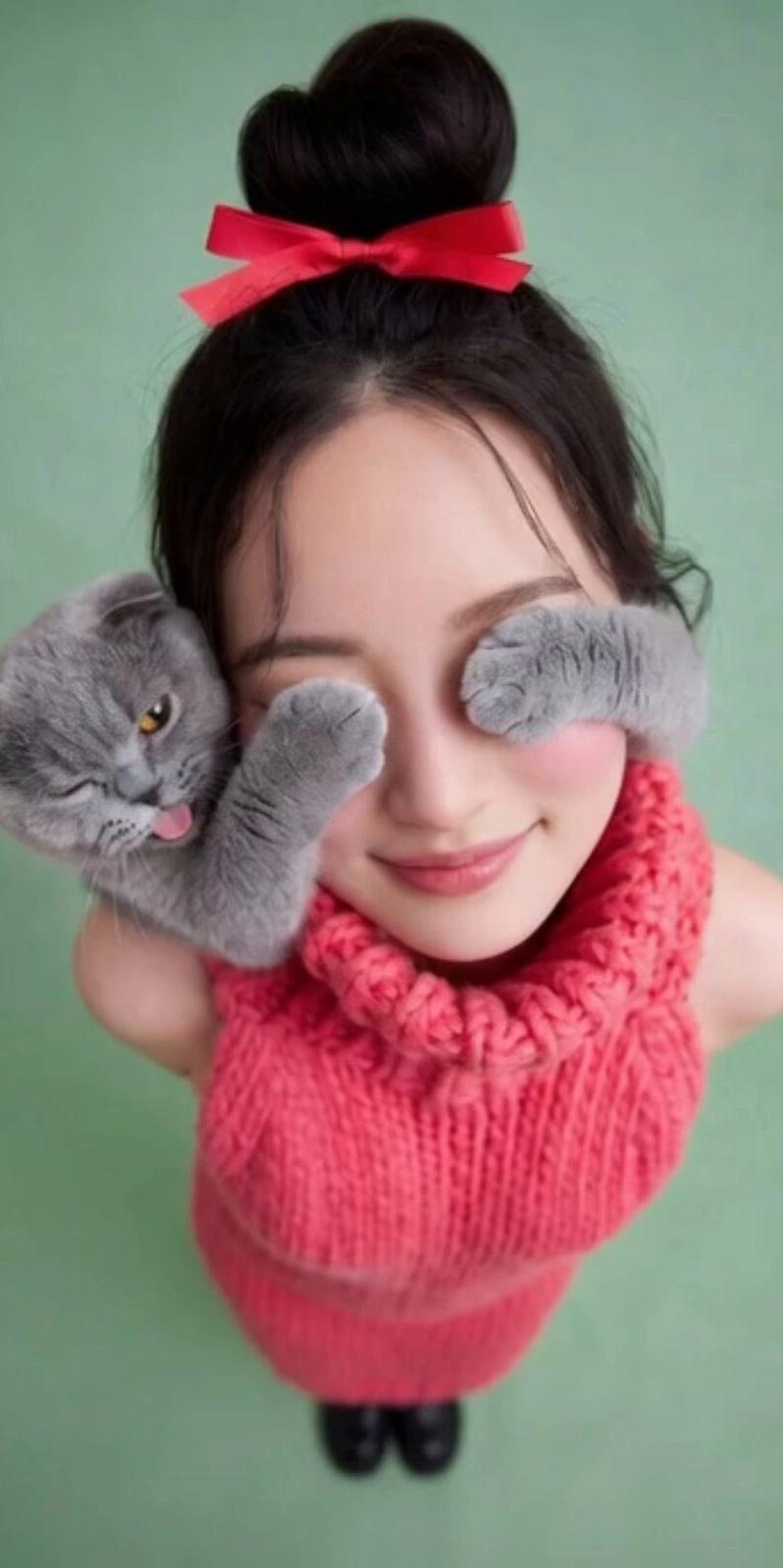
原始图像的极端广角视角和动态姿态混剪编辑
Prompt
一番最後の[Prompt for original image]の部分に画像生成に使用したPromptを入れると一貫性が増します。不要な場合は3行削ってしまっても大丈夫です。
---
Extreme wide-angle perspective and dynamic pose remix edit.
This is an EDIT of the original image, not a new character.
Use the original image as a strict reference for:
– the person’s identity, hairstyle, and overall fashion style,
– the general type of background and location (same street, same room, same beach, same kind of architecture, etc.).
You are allowed to completely change the camera position, angle, and pose, but you must keep the scene in the SAME location and keep the SAME person and outfit design.
Camera and perspective:
– Use an ultra wide-angle or fisheye feeling lens (around 12–18mm full-frame look).
– The camera angle MUST change significantly from the original: use dramatic angles such as
• worm’s-eye view from directly below looking up,
• bird’s-eye view from directly above looking down,
• very low angle from the ground,
• high angle from above,
• tilted Dutch angles.
– Always create strong foreshortening: body parts close to the lens look huge, while the rest of the body falls away in perspective.
– The final result must look like a bold fashion or street photo, fully photorealistic, not illustration or anime.
Background consistency:
– Keep the same location as the original image: same street, same bridge, same room, same studio, same beach, same general structures and materials.
– Do NOT replace the background with a completely different place.
– Because the camera angle changes, it is allowed and expected that different parts of the environment become visible.
– When new areas appear, extend the original environment logically (same buildings, fences, road markings, walls, colors, materials, lighting style), as if the camera moved within the same place.
Body parts near the lens (1–2 parts, sometimes 3):
– In each edit, choose ONE or TWO main body parts to be extremely close to the lens (sometimes even THREE in more complex poses).
– Vary them from image to image, do NOT always use the same body part.
– Allowed near-the-lens parts include:
• one or both hands / fingers reaching toward the camera,
• one or both feet / shoes / boots near the lens,
• knees or thighs,
• face very close to the lens,
• shoulders or chest close to the lens in a leaning pose.
– The chosen body parts should come extremely close to the lens, almost touching it, with visible skin texture, fabric texture, and realistic wide-angle distortion.
Pose and overall body (complex and varied):
– Create strong, cool, dynamic poses that match the extreme perspective.
– Randomly use different pose types, including:
• standing with one leg or one arm reaching toward the camera,
• crouching or squatting low to the ground,
• sitting on the floor or on objects,
• lying on the ground with legs or feet toward the lens,
• leaning forward aggressively toward the camera,
• twisting the body, crossing legs, or arching the back for more dynamic lines.
– Allow complex poses where:
• both hands are near the lens forming shapes (peace signs, triangles, frames, pointing toward the viewer),
• both feet are toward the lens,
• one hand and one foot are both large in the foreground,
• the face is close to the lens while hands or feet are also visible in perspective.
– Maintain believable anatomy even with extreme foreshortening.
Angle and attitude (randomized):
– Randomize camera angle and orientation (up, down, side, Dutch tilt) while keeping the composition visually balanced and powerful.
– Keep the vibe cool, confident, and fashion/editorial or street style, depending on the original outfit.
– Facial expressions can vary (serious, playful, confident, mysterious), but must still look like the same person.
Lighting and rendering:
– Keep the general time of day and lighting mood similar to the original (night vs day, indoor vs outdoor, soft vs hard light), but you may enhance contrast and color to make the image punchy and dramatic.
– Maintain realistic shadows and contact points with the ground or floor.
– High-resolution, sharp details with clear skin texture, fabric weave, and material highlights.
Variation and randomness:
– Each edit should look noticeably different from the original image and from other edits, with different:
• camera angles,
• pose types,
• which body parts are closest to the lens,
• orientation (straight, tilted, from above, from below).
– Avoid repeating the exact same single-foot-close-up composition; produce a wide variety of dynamic poses and angles.
Strict rules:
– Do NOT change the person into someone else.
– Do NOT change the outfit type; only restyle it through pose, perspective, and small natural movement of clothing.
– Do NOT move the scene to a completely different location; always stay in a plausible extension of the original place.
– Do NOT add text, logos, watermarks, or graphic design elements.
– Do NOT switch to painting, illustration, or anime style; keep it photorealistic.
Overall:
Transform the original photo into a dramatic, photorealistic, ultra wide-angle shot with an extreme camera angle (including views from directly below or above), where one or more body parts are right next to the lens and look huge, the rest of the body recedes in perspective, and the same person strikes a stylish, complex, powerful pose in a consistent, expanded version of the original environment.
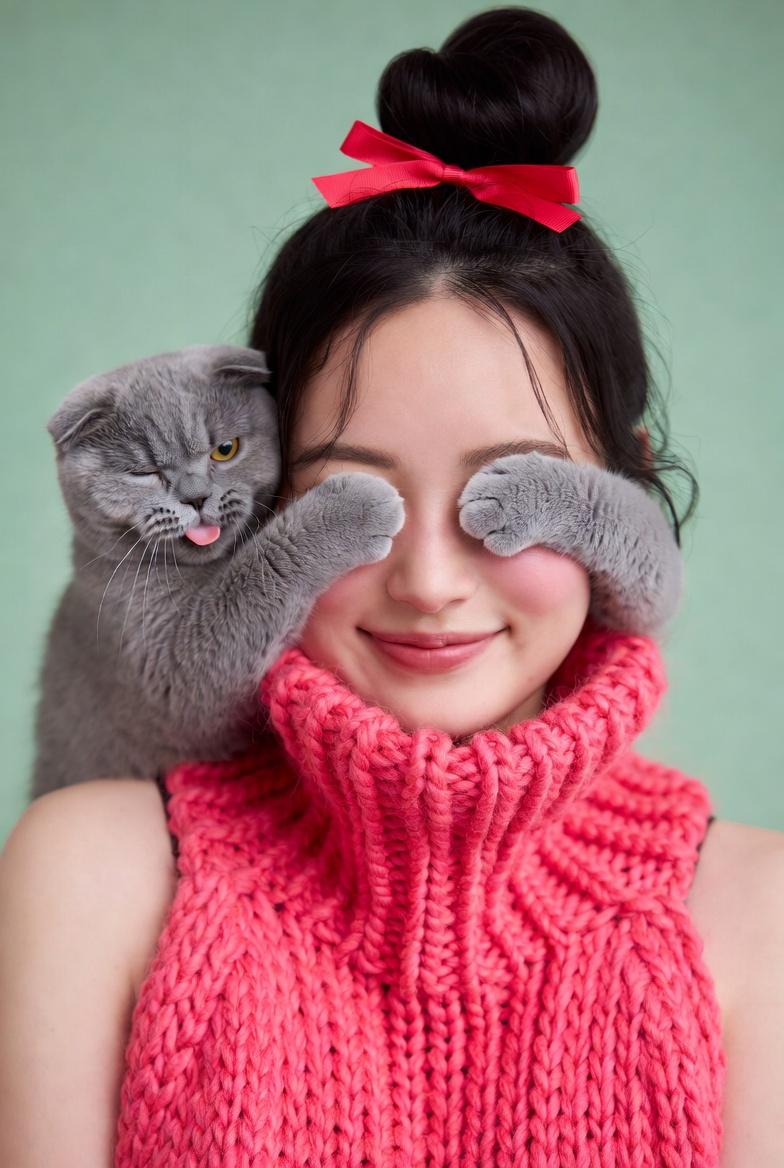
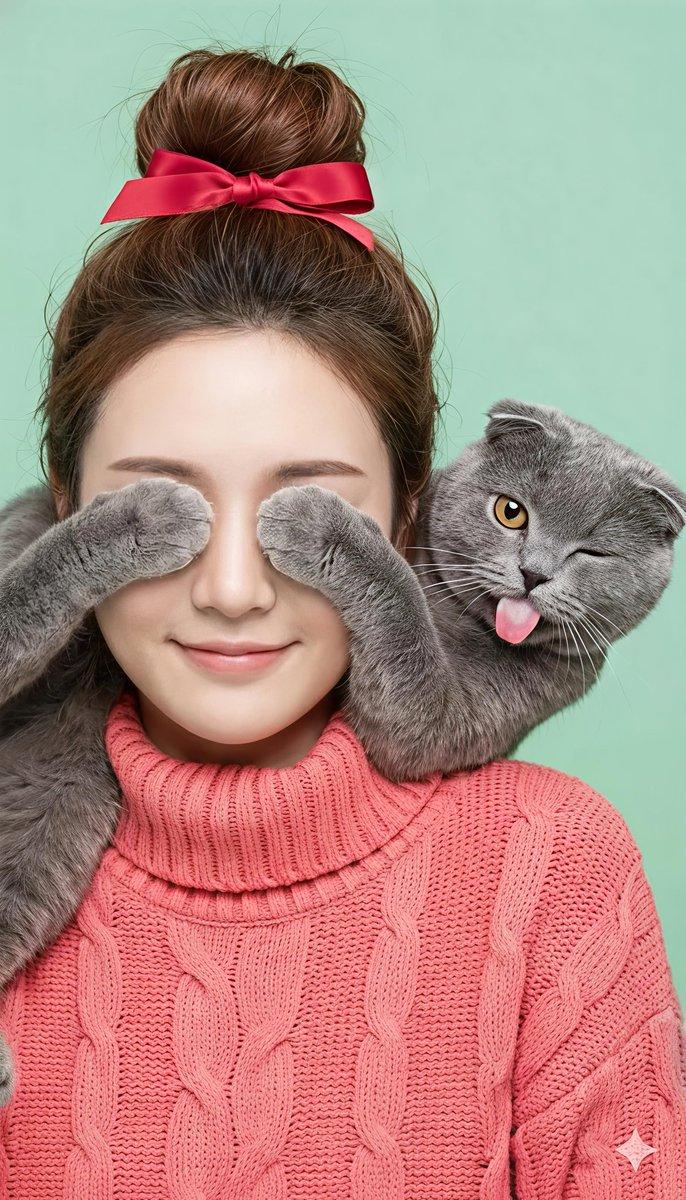
Also, below is the prompt for generating the original image. Please use it as a reference.
[Prompt for original image]
#nanobanana2
- Category
- Photography & Realism
- Model
- Unknown
- Creator
- AI Girl's Photo Studio
- Source language
- zh-CN
- Source ID
- extreme-wide-angle-perspective-and-dynamic-pose-remix-edit-of-the-original-image
Views0
![18-22 years old, [body temperament], black long straight hair, straight bangs, [](https://whqgdndlpxjbwosvipip.supabase.co/storage/v1/render/image/public/prompt-source-media/promptsref/work-1445/image-1-05ba8bd7eb9c712c.png?width=800&quality=75)