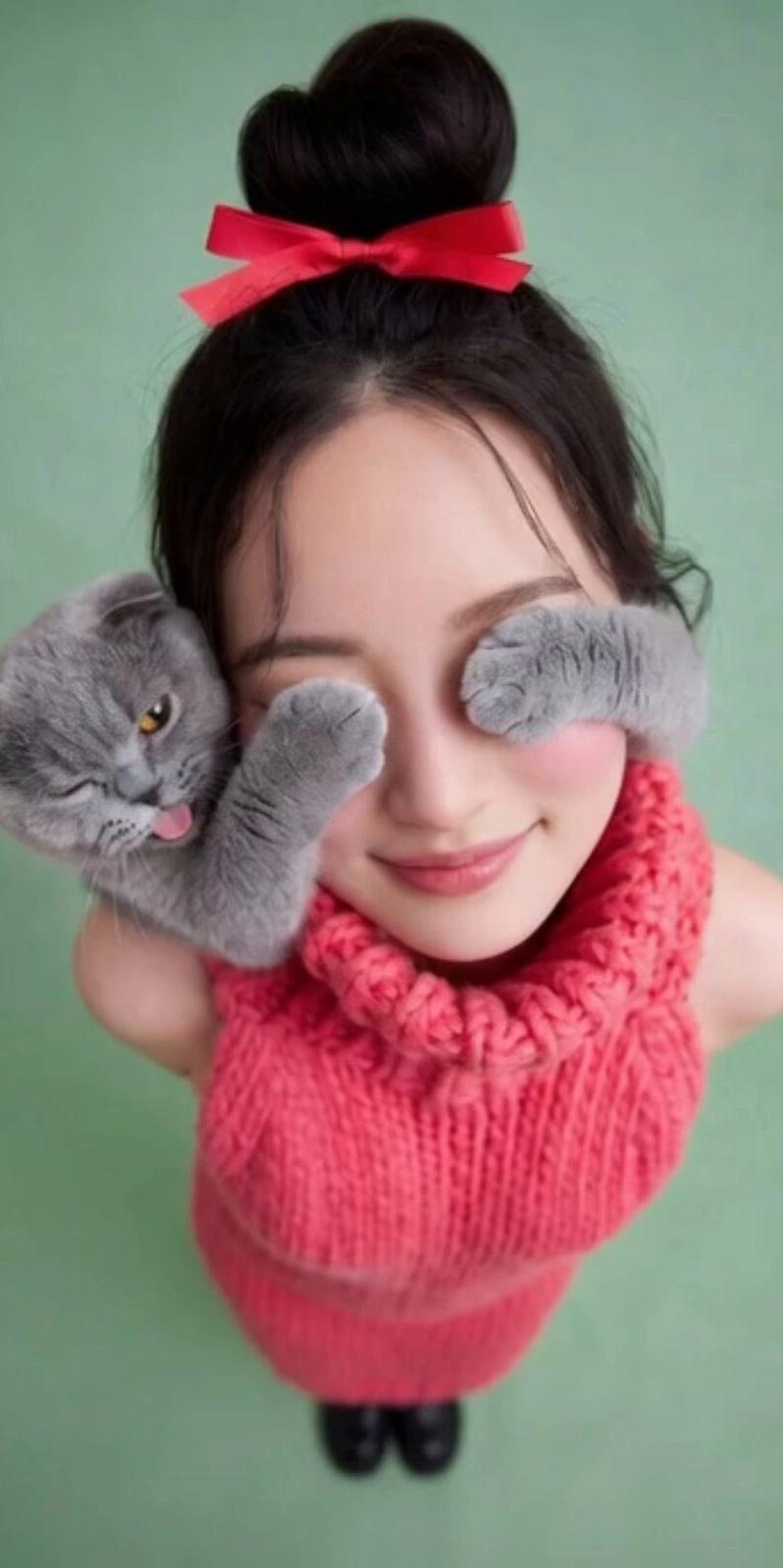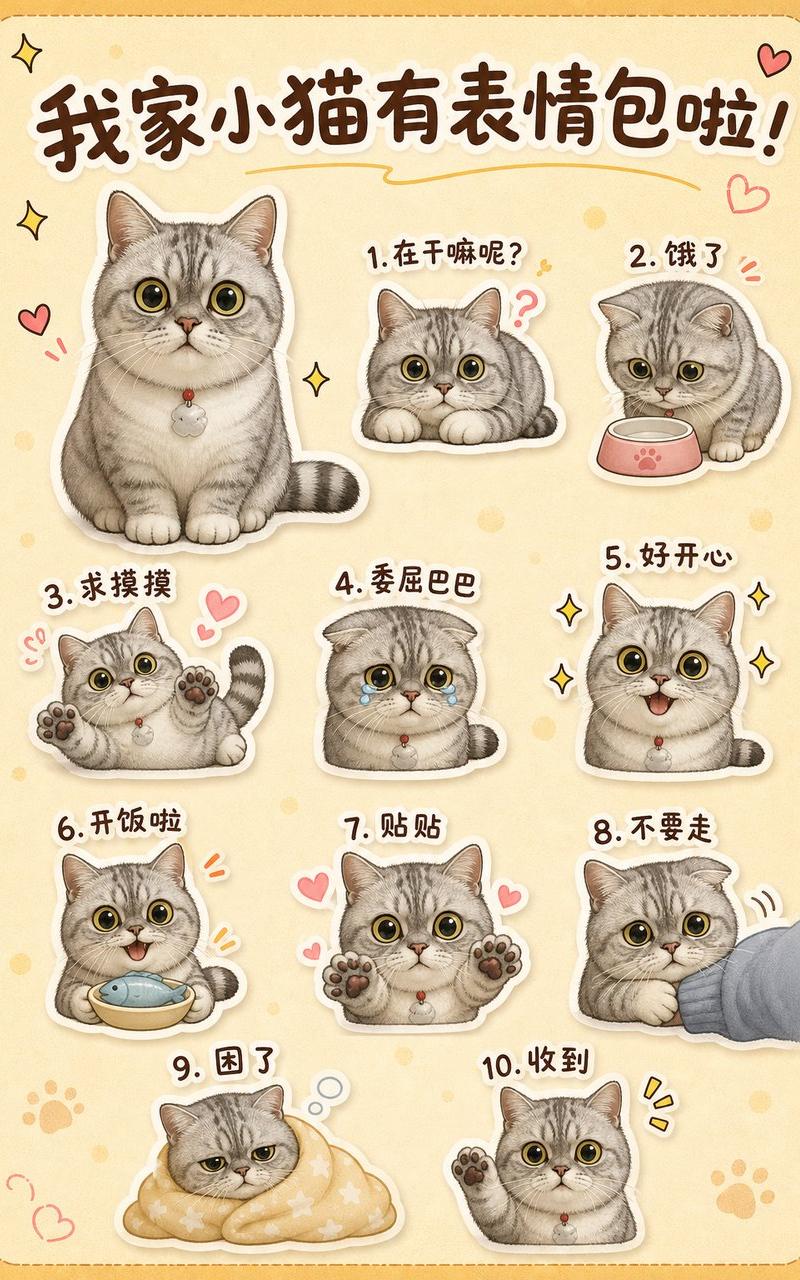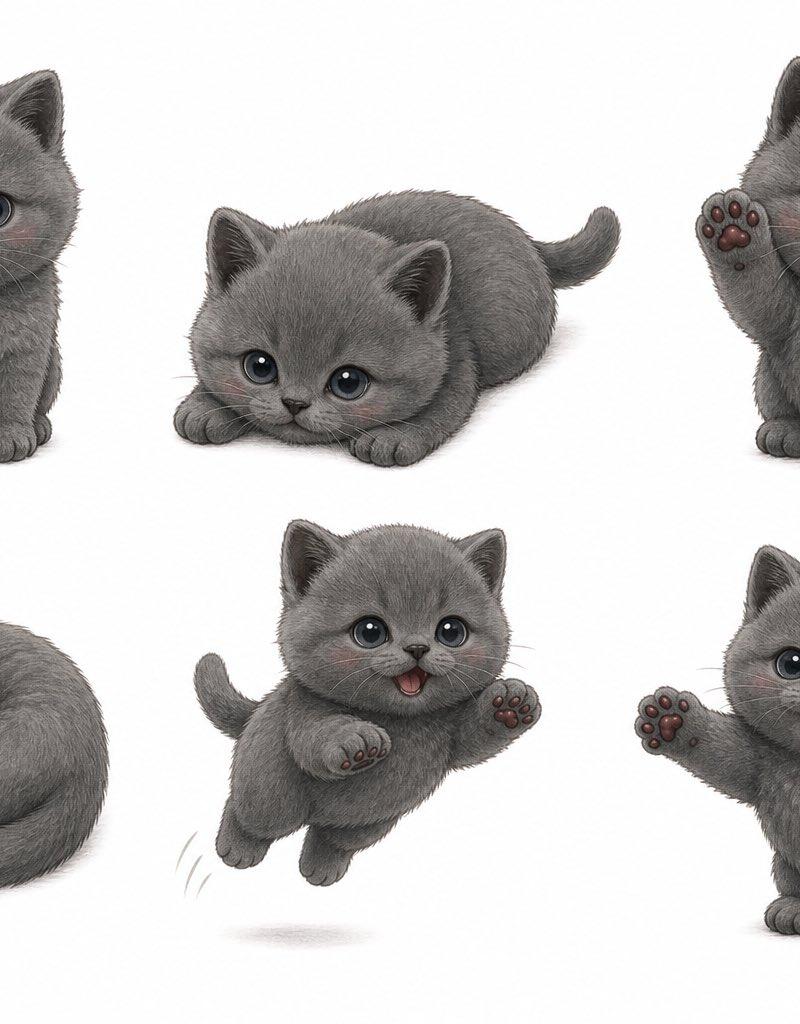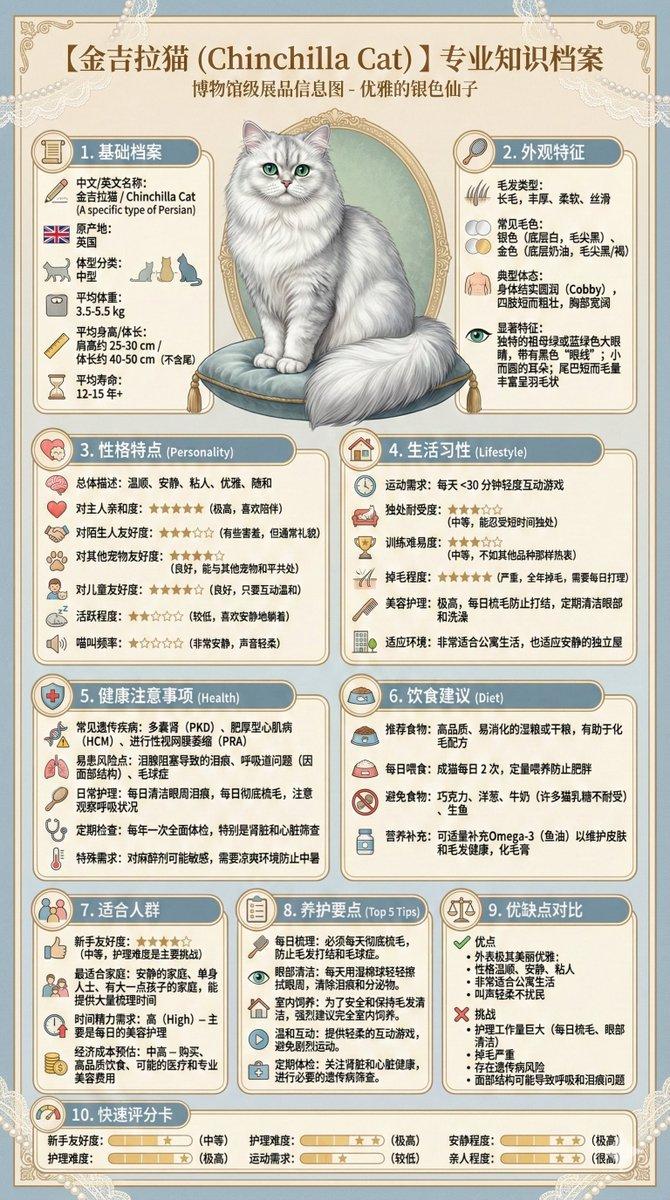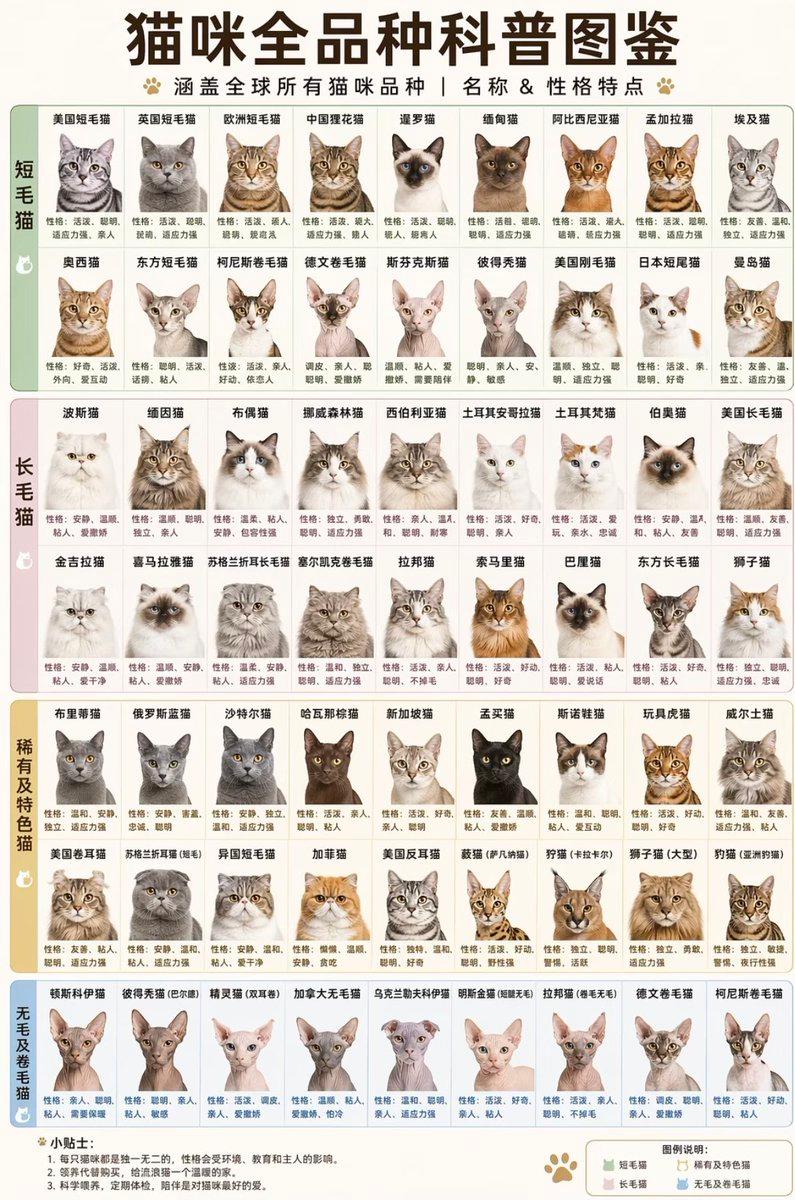
British Shorthair Encyclopedia Card
Prompt
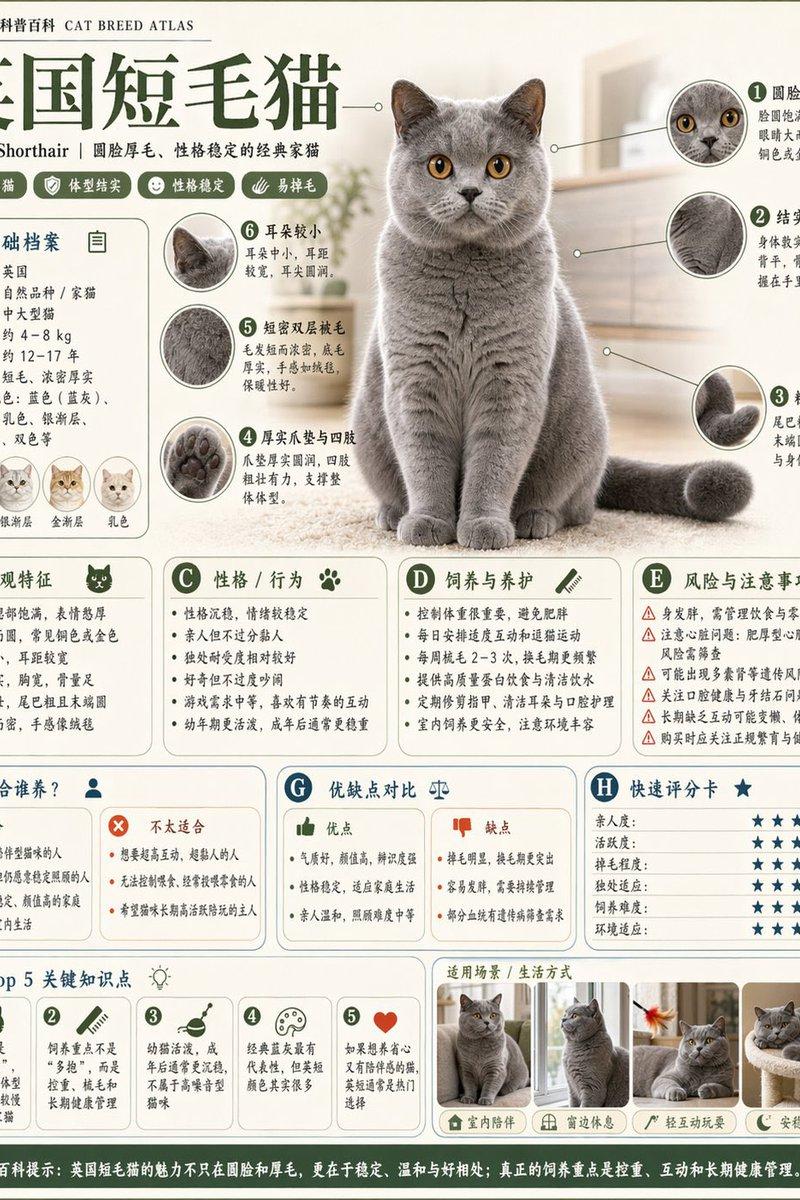
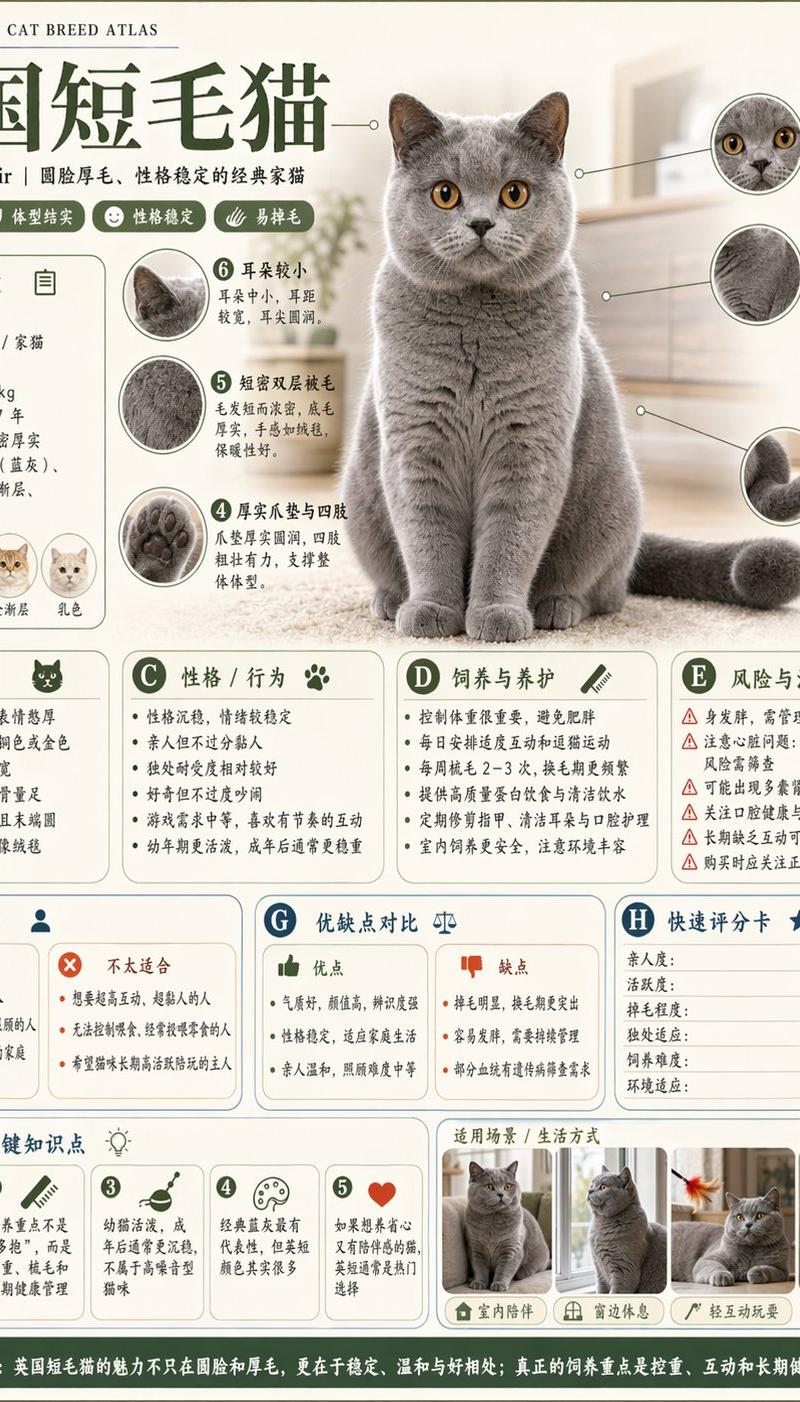
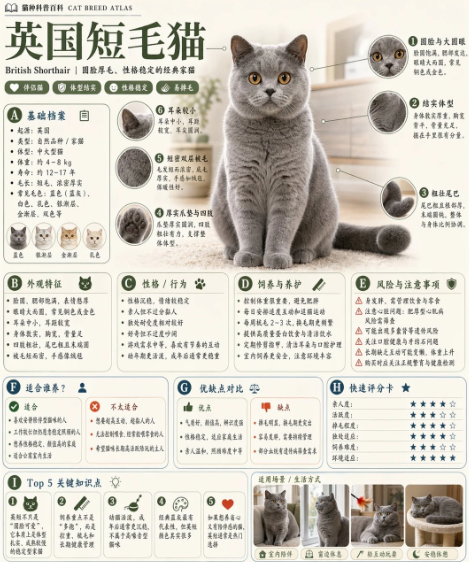
Goal: Create a vertical encyclopedia-style atlas card for {argument name="animal topic" default="British Shorthair cat"}, designed like a polished Chinese science-popularization infographic.

Canvas: Portrait 3:4 layout, warm ivory background, soft sage-green borders, rounded modular cards, subtle shadows, clean editorial spacing, high-resolution print quality.

Header: At the top left include a tiny book icon and the small atlas label in Chinese inside this parameter: {argument name="atlas label" default="百科科普图鉴 CAT BREED ATLAS"}. Add a large dark-green Chinese headline using this parameter: {argument name="headline text" default="英国短毛猫"}. Under it place the English subtitle “British Shorthair” and a short Chinese descriptor line. Add three small pill tags with icons below the subtitle.

Main subject: Center-right dominant realistic studio photo of a British Shorthair cat: plush blue-gray coat, round face, dense fur, copper-gold eyes, upright ears, sitting front-facing with tail curled to the right. Background behind the cat is softly blurred home interior in beige tones.

Layout: Use exactly 9 labeled information modules, each with a green circular letter badge: A through I. Arrange A, B, C, D, E around the upper and middle area, F, G, H beneath them, and I as a full-width bottom feature strip. Each module is a rounded rectangle with pale cream fill and thin green outline.

Section count and contents: Include exactly these 9 modules: A Basic profile, B Appearance features, C Personality / behavior, D Feeding and care, E Risk and precautions, F Suitable owners, G Pros and cons comparison, H Quick rating, I Top 5 keywords. Use concise Chinese body copy and tiny icons, but keep the layout readable and not overcrowded.

Detail callouts: Add exactly 5 circular zoom-in detail callouts connected to the cat by thin leader lines: 1 large round eyes, 2 plush coat texture, 3 thick rounded tail, 4 dense chest / neck fur, 5 round paws / compact body feature. Each callout should contain a cropped macro image and a short Chinese label with a paragraph-length note.

Visible repeated elements: In section A include exactly 4 small coat-color cat head icons in a row. In section E include exactly 5 warning rows with red triangular warning icons. In section F include exactly 3 owner-suitability rows with green check icons and exactly 2 unsuitable rows with orange X icons. In section G include exactly 2 comparison columns, one green “advantages” column and one orange “disadvantages” column. In section H include exactly 6 rating rows, each with blue star ratings. In section I include exactly 5 keyword cards, numbered 1 to 5, each with a small icon: smiley face, male symbol, fish, small circular symbol, and heart.

Bottom photo strip: Along the bottom right, place exactly 4 small rounded photos of the cat showing lifestyle / posture scenes: sitting front view, standing side view, lying relaxed, curled up sleeping in a bed. Add small Chinese captions under each photo.

Visual style: Professional encyclopedia card, soft educational design, muted green and beige palette, realistic animal photography mixed with vector UI icons, thin dividers, rounded corners, compact but clean Chinese typography. Avoid neon colors, clutter, watermark, QR codes, or extra decorative text.- Category
- Charts & Infographics
- Model
- GPT Image 2
- Creator
- 自学Ai的鱼头叔叔
- Source language
- en
- Source ID
- 24320
- Published
- Jun 5, 2026
Views123