17

Infographic icon: GPT Image 2 prompt
Enlarge

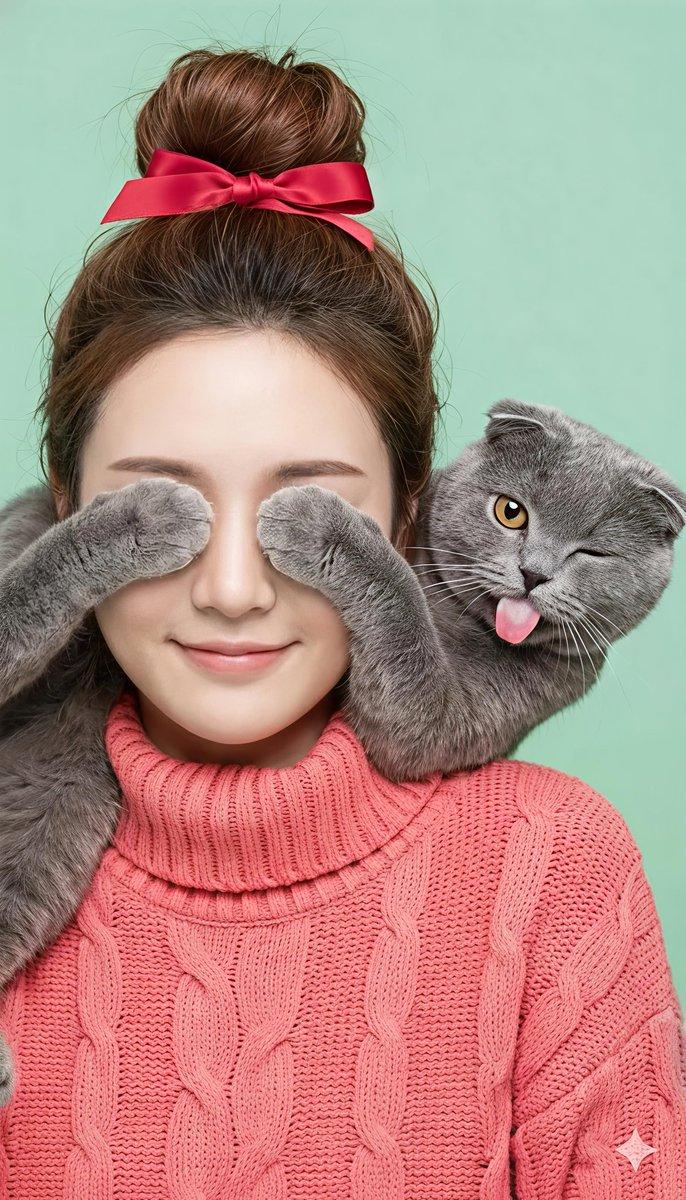
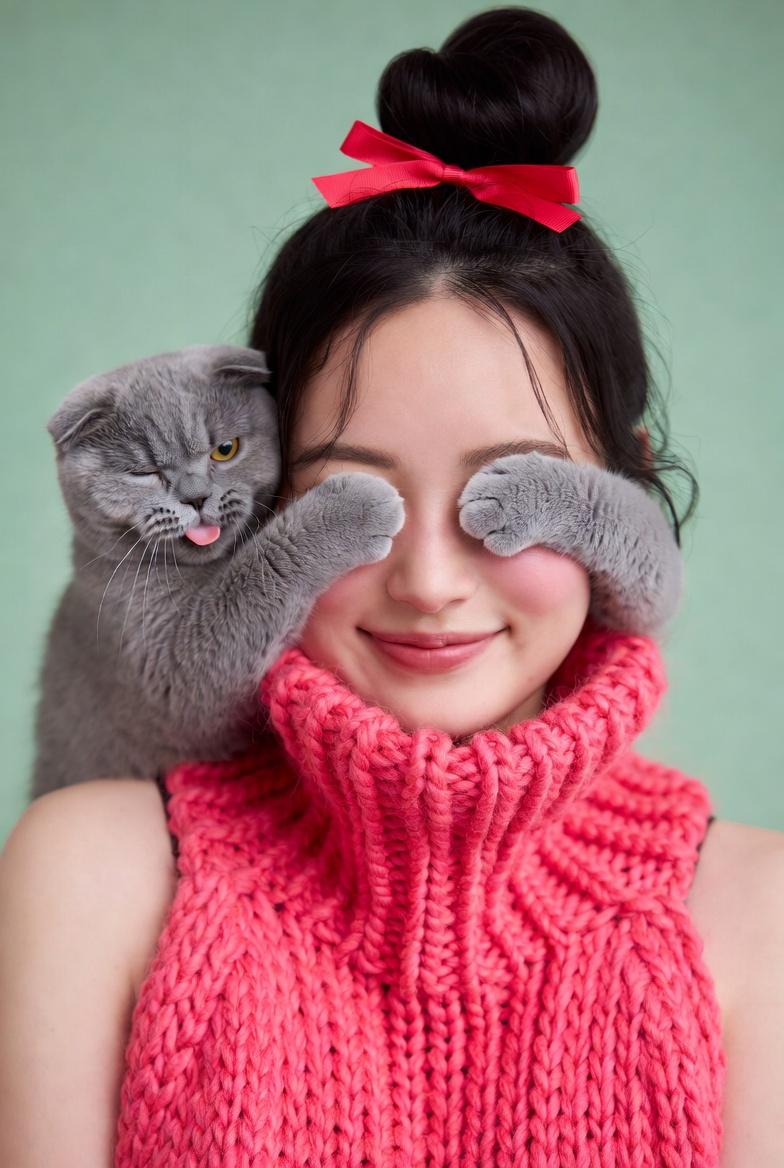
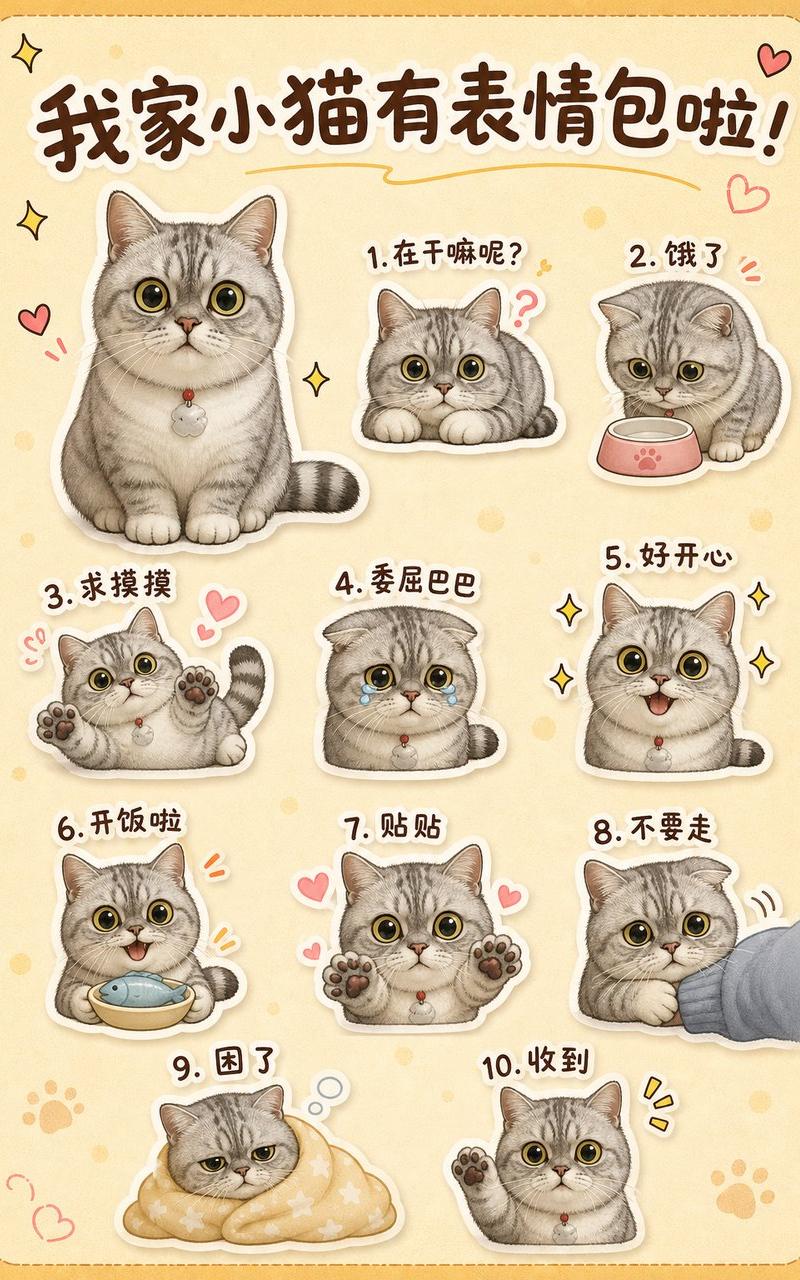
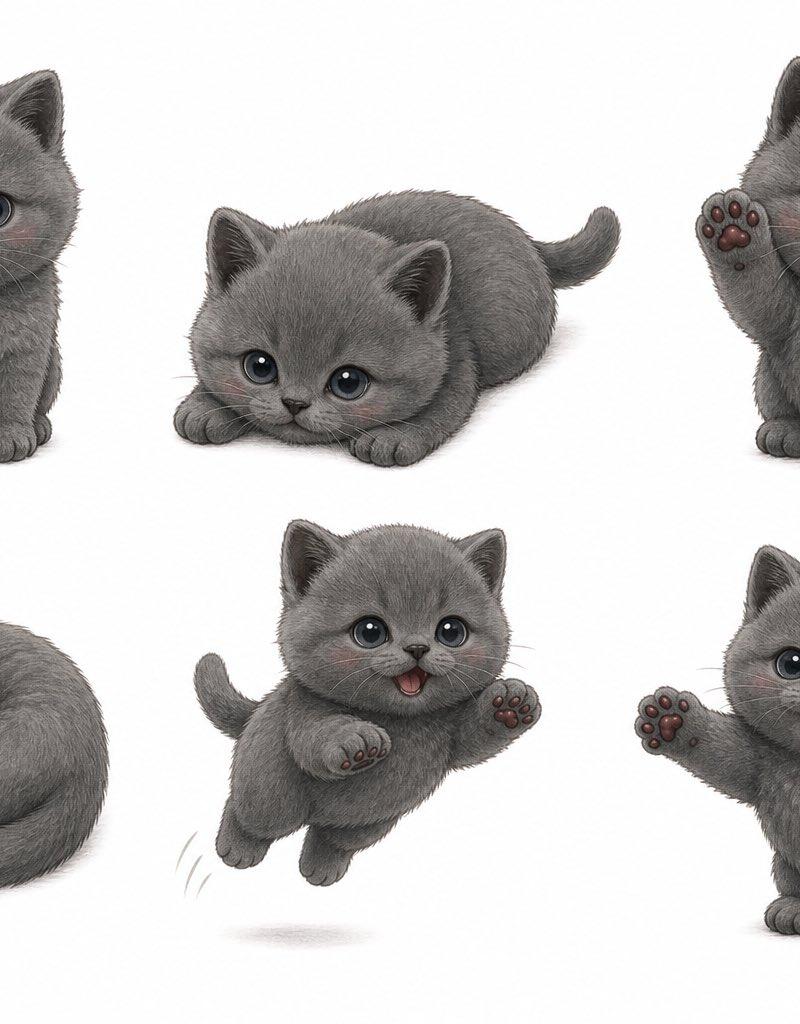
Example images

Infographic icon: GPT Image 2 prompt

Prompt
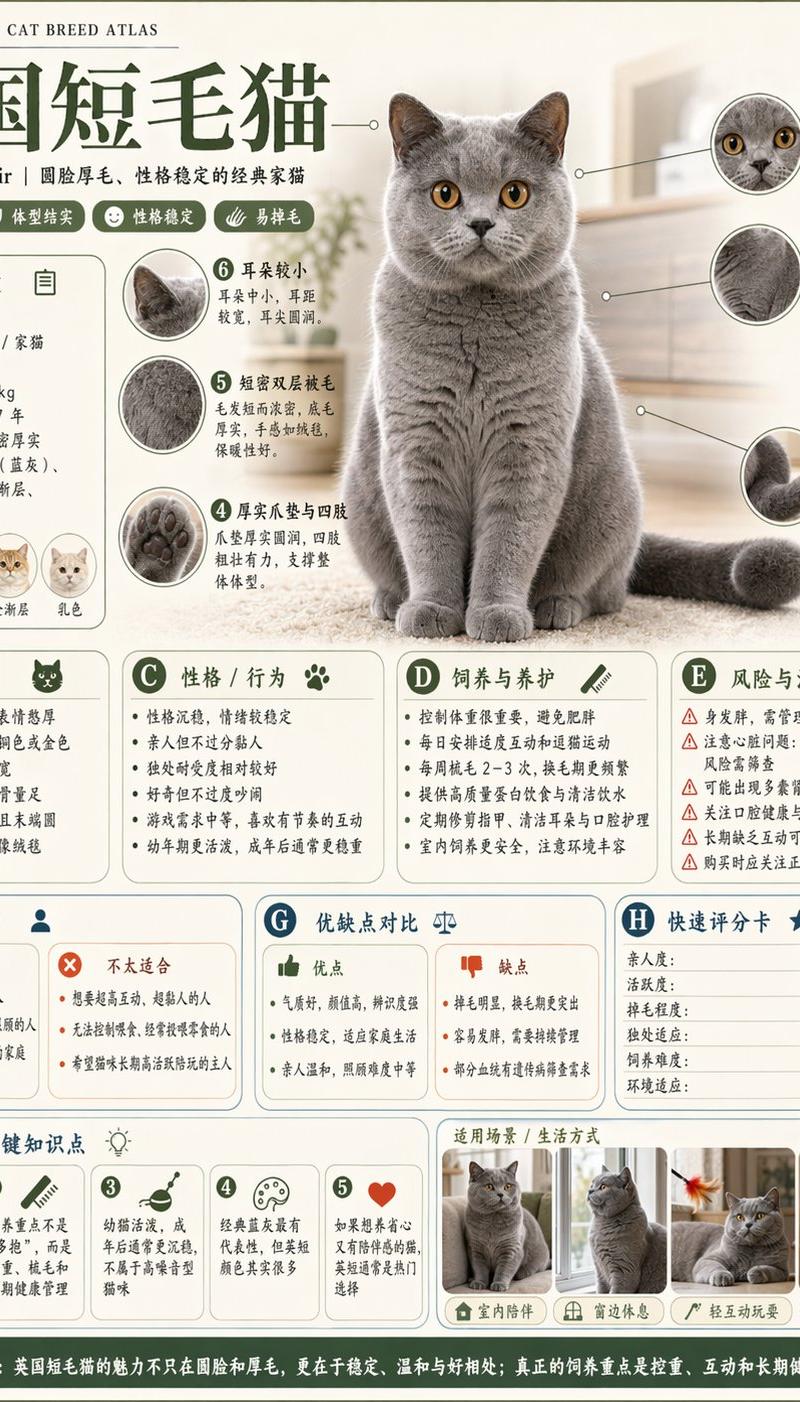
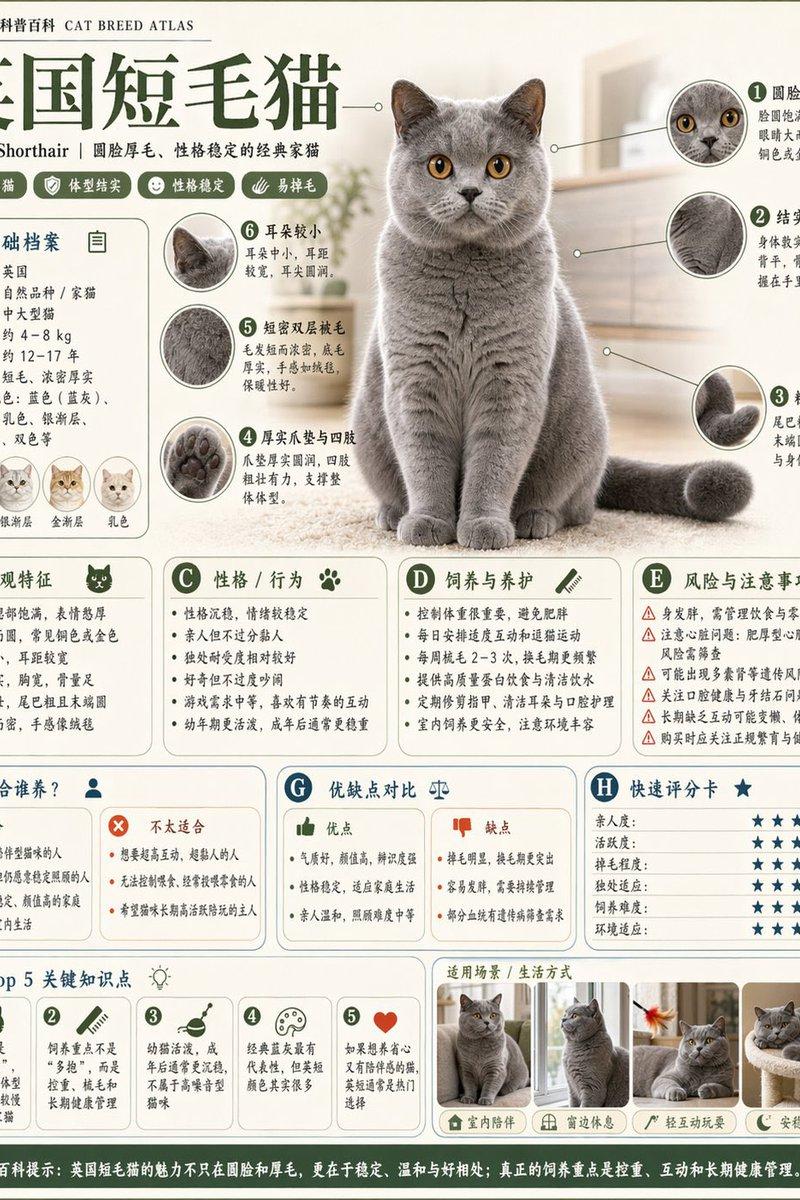
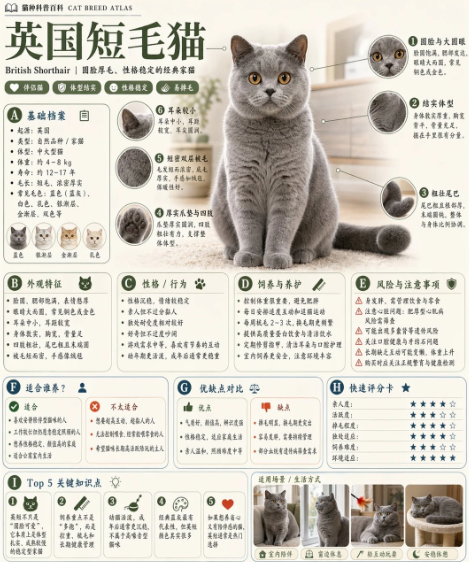
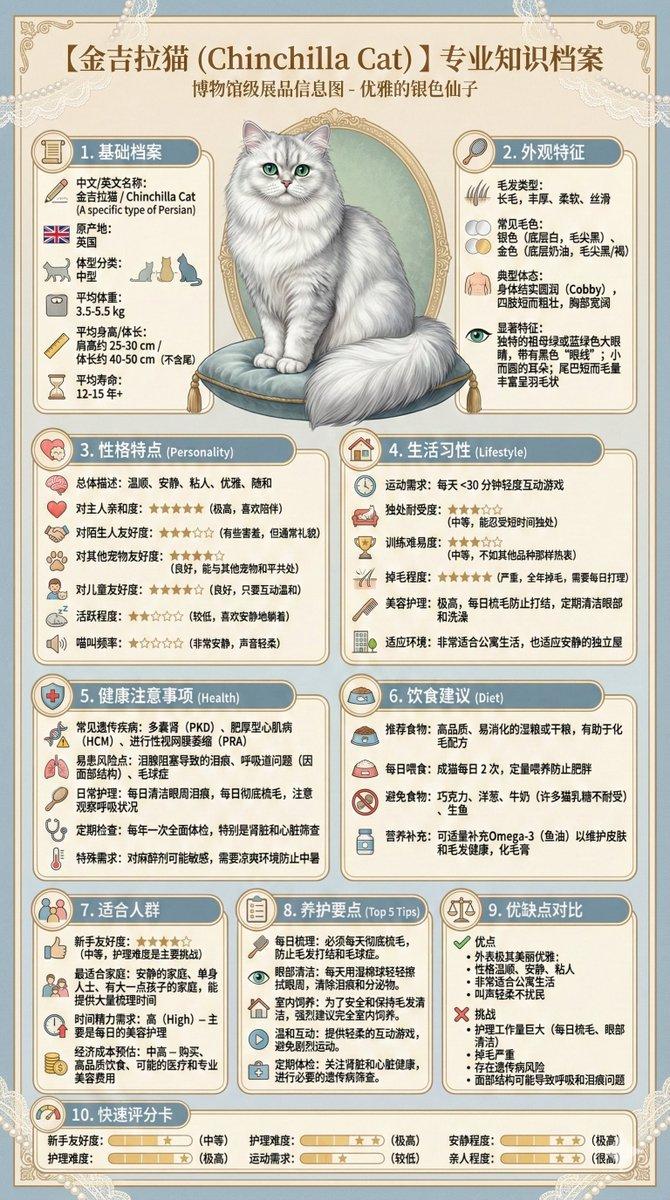
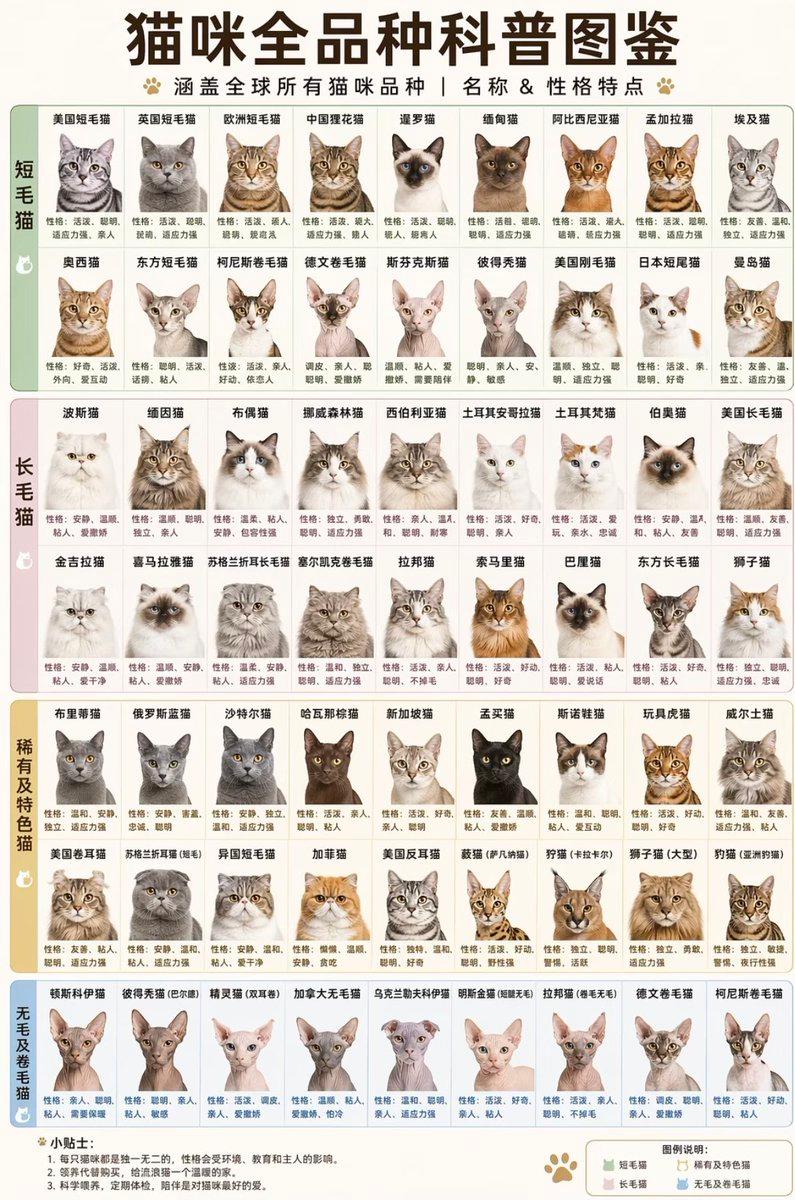
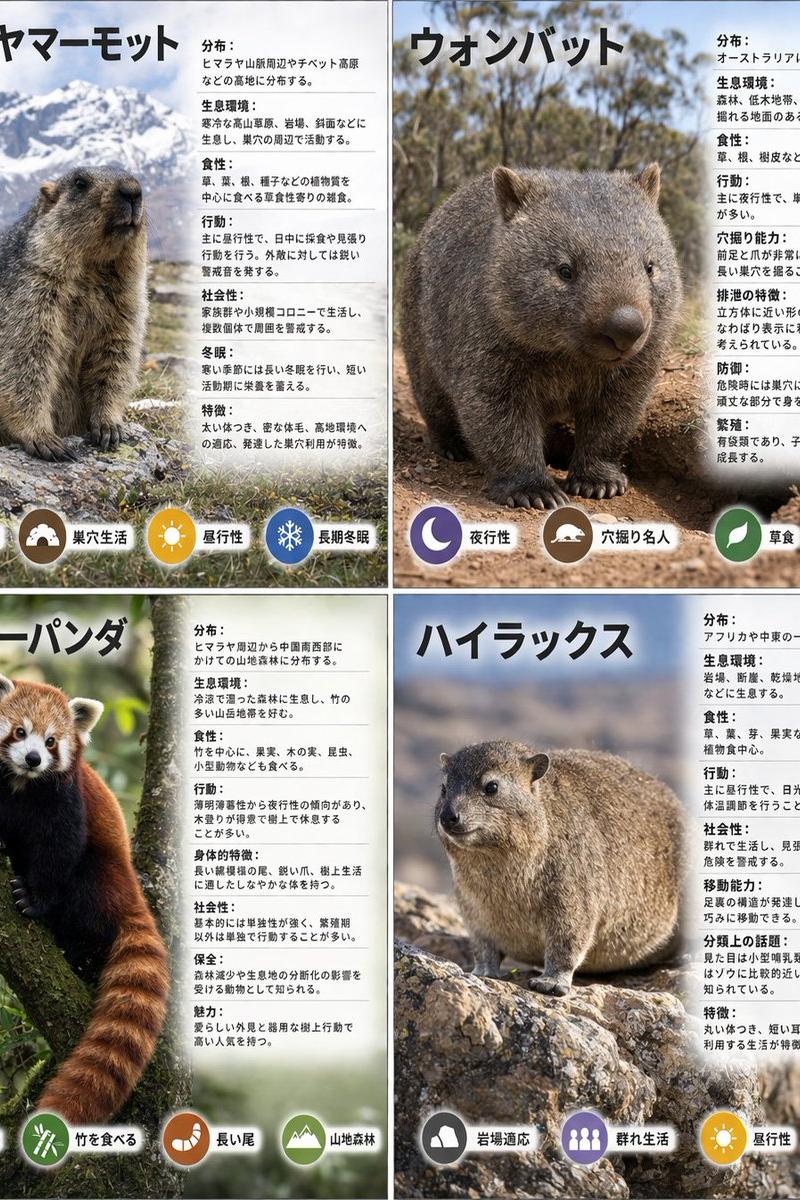
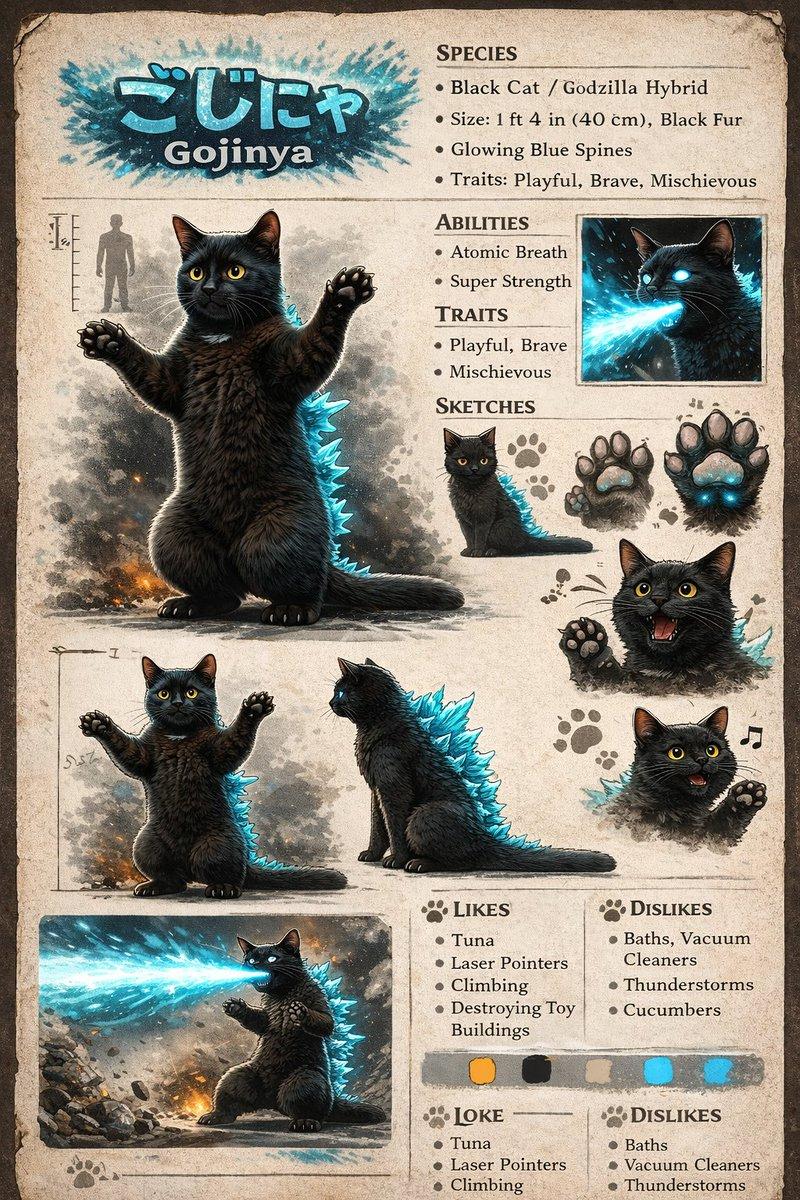
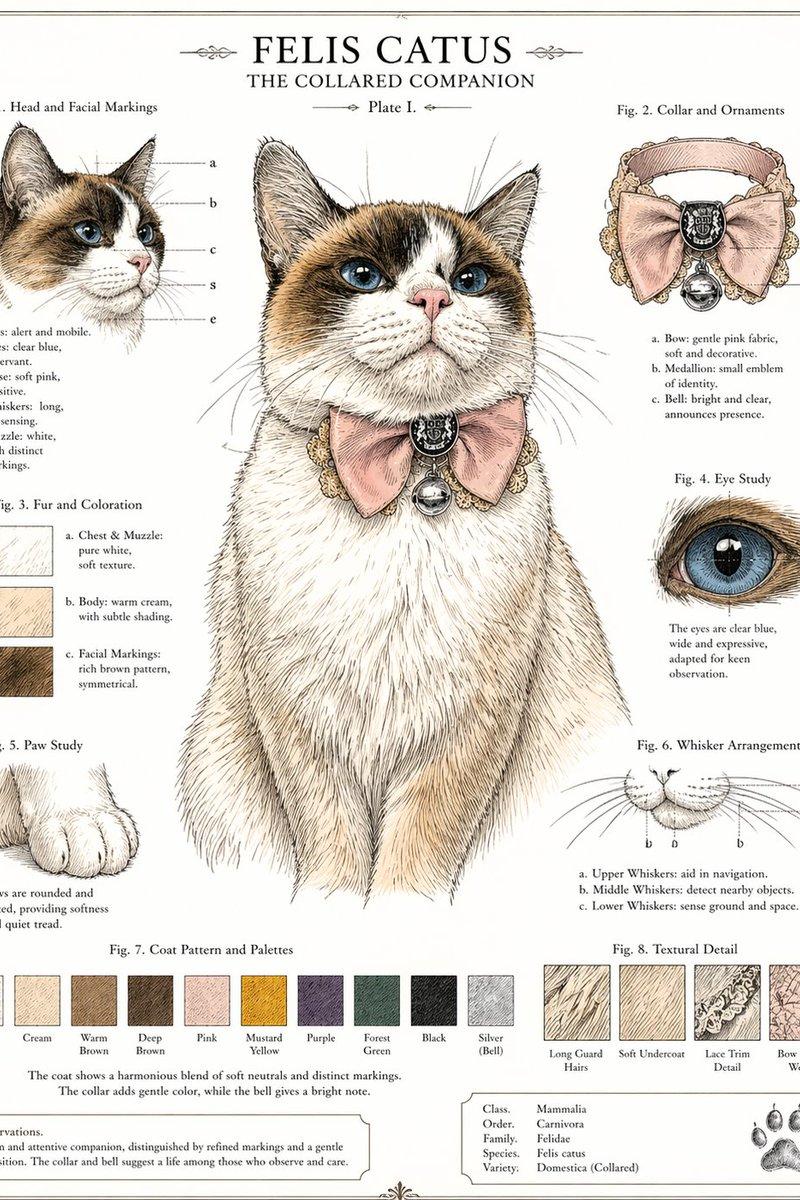
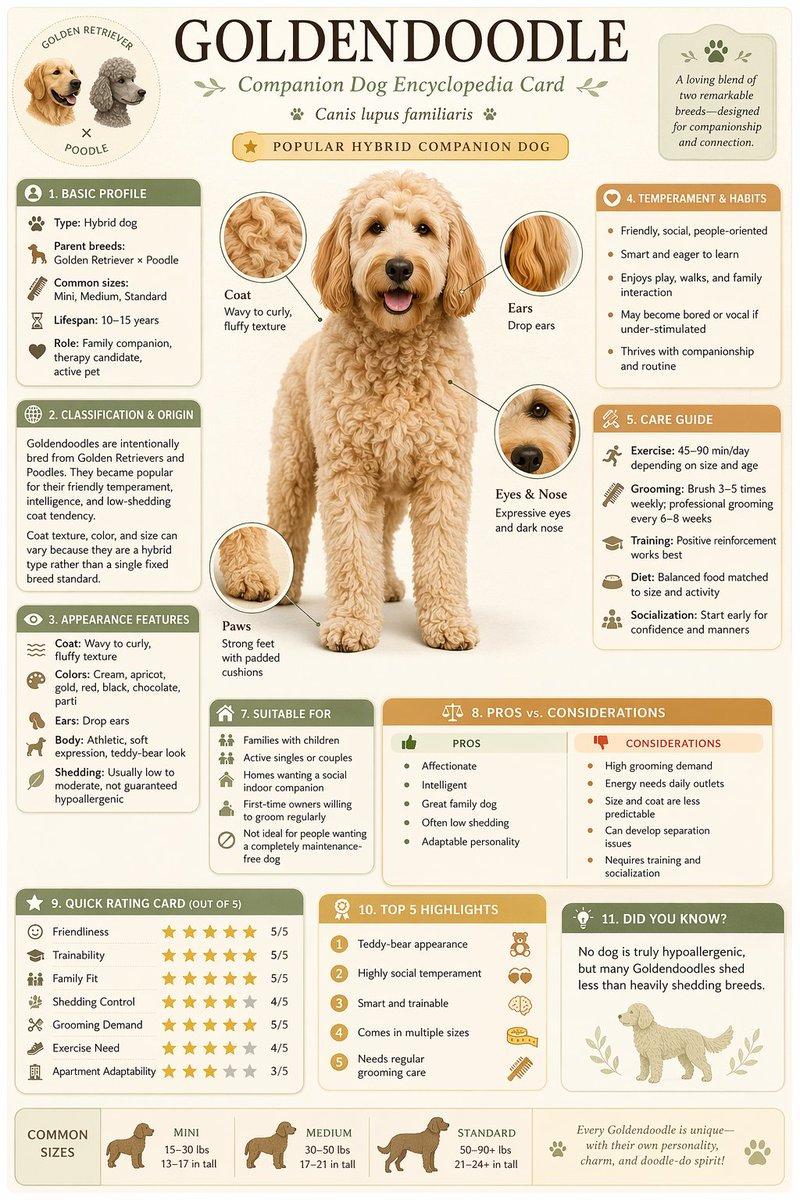
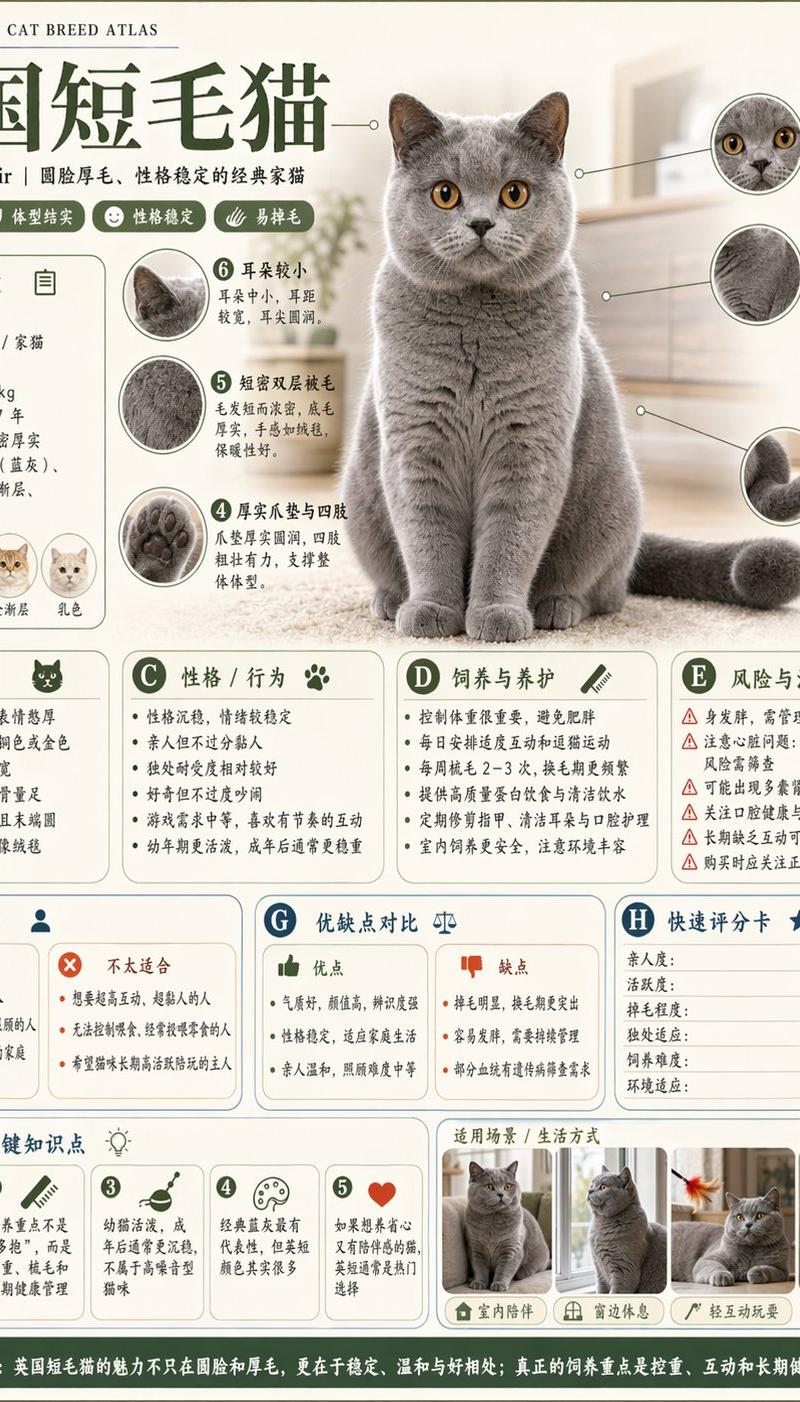
Please generate a high-quality vertical 'science encyclopedia infographic' based on the [theme].

This is not an ordinary poster, nor a simple illustration, but a modular educational infographic that combines an 'encyclopedia feel, museum feel, structured information feel, and collectible feel.' The overall style references high-end natural-history encyclopedias, modern encyclopedia book pages, lifestyle knowledge cards, and viral social-media infographics combined.

The image should include:
- A clear and beautiful main theme visual
- Several enlarged detail features
- Multiple rounded modular information sections
- Clear title hierarchy and key tags
- Concise but rich encyclopedia content
- Visualized ratings, key takeaways, or Top 5 modules

Content sections should be auto-adapted to the theme, prioritizing combinations from these directions:
basic profile, classification info, appearance traits, habits/ecology, formation mechanism/structural composition, growth or usage conditions, care or maintenance tips, risks and cautions, suitable people or scenarios, pros and cons comparison, quick rating card.

Visual requirements:
Light clean background, soft palette, light shadows, refined small icons, rounded info boxes, neat layout, high information density without crowding, comfortable reading experience. Overall it must look like a publishable, readable, collectible, and serializable educational encyclopedia card — not an ad image.

Don't make it look like a commercial poster. Highlight 'knowledge organization + modular information + encyclopedia-style display.'
Category
Charts & Infographics
Model
GPT Image 2
Creator
MrLarus
Source language
zh-CN
Views0
Source ID
awesome-poster-39
Published
Apr 29, 2026
Studio

Guide

About "Infographic icon: GPT Image 2 prompt"

What is this prompt for?

"Infographic icon: GPT Image 2 prompt" AI image prompt for GPT Image 2 (Charts & Infographics). Please generate a high-quality vertical 'science encyclopedia i…

The full copyable prompt and example visuals above are ready for AI image generation or one-click recreate in Picva.

How to use this prompt

  1. Step 1

    Open the prompt detail

    Review the example visuals, category, and full prompt text for "Infographic icon: GPT Image 2 prompt".

  2. Step 2

    Copy the prompt

    Copy the prompt body from this page, or load it directly in Studio.

  3. Step 3

    Pick a model (GPT Image 2)

    Prefer GPT Image 2. If you switch models, keep subject and composition and tweak style terms.

  4. Step 4

    Generate and export

    Recreate the look in Picva, or export into your workflow for editing and publishing.

FAQ

What is the "Infographic icon: GPT Image 2 prompt" prompt?
It is an AI image-generation prompt for GPT Image 2 in the Charts & Infographics category. This page includes the full prompt text, example visuals, and a one-click recreate path in Picva.
How do I use this prompt to generate an image?
Copy the prompt from this page, or use Generate / Studio. Paste it into a compatible image model, or recreate the look in Picva with optional reference images.
Which model is this prompt for?
This page lists GPT Image 2. Most descriptive prompts also transfer to nearby image models such as GPT Image, Flux, or Midjourney with light style tweaks.
Can I use the result commercially?
You can usually copy the prompt for creation, but commercial use of the final image depends on the model terms, reference-image rights, and the generated content. Follow the source author and platform rules.