18

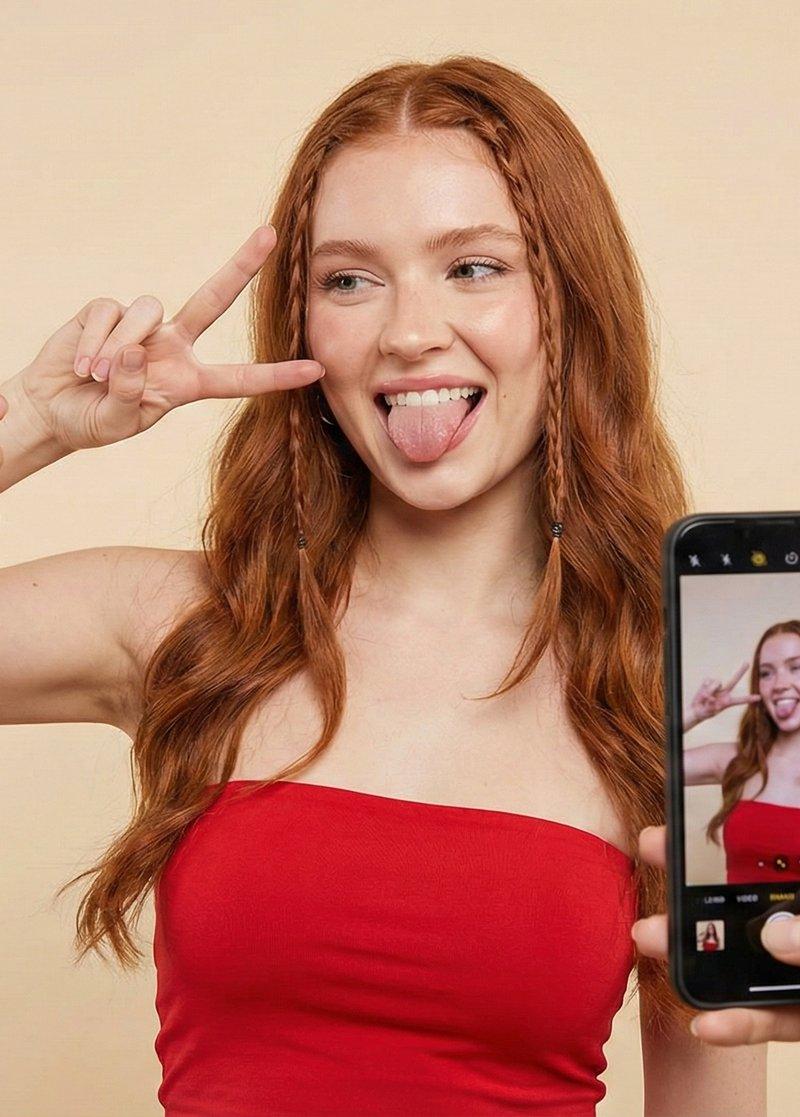
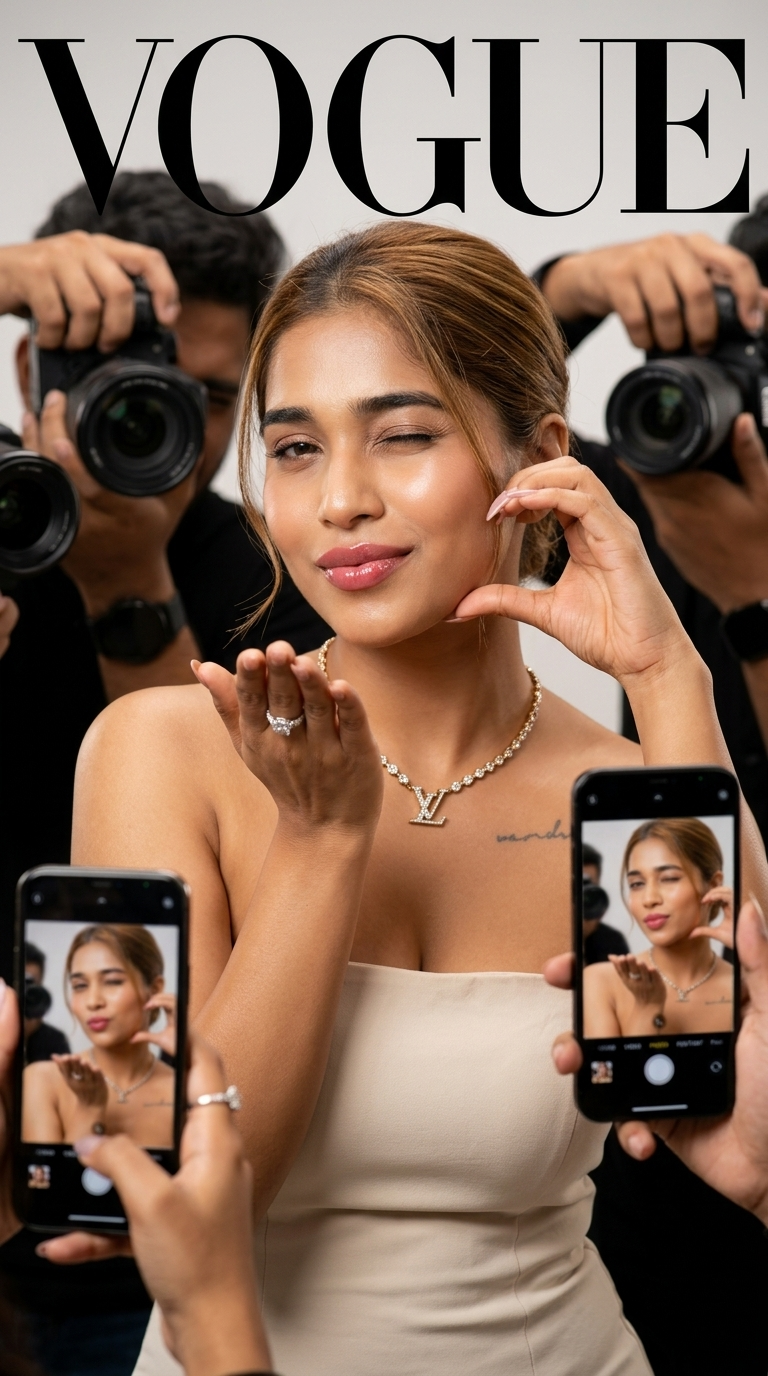
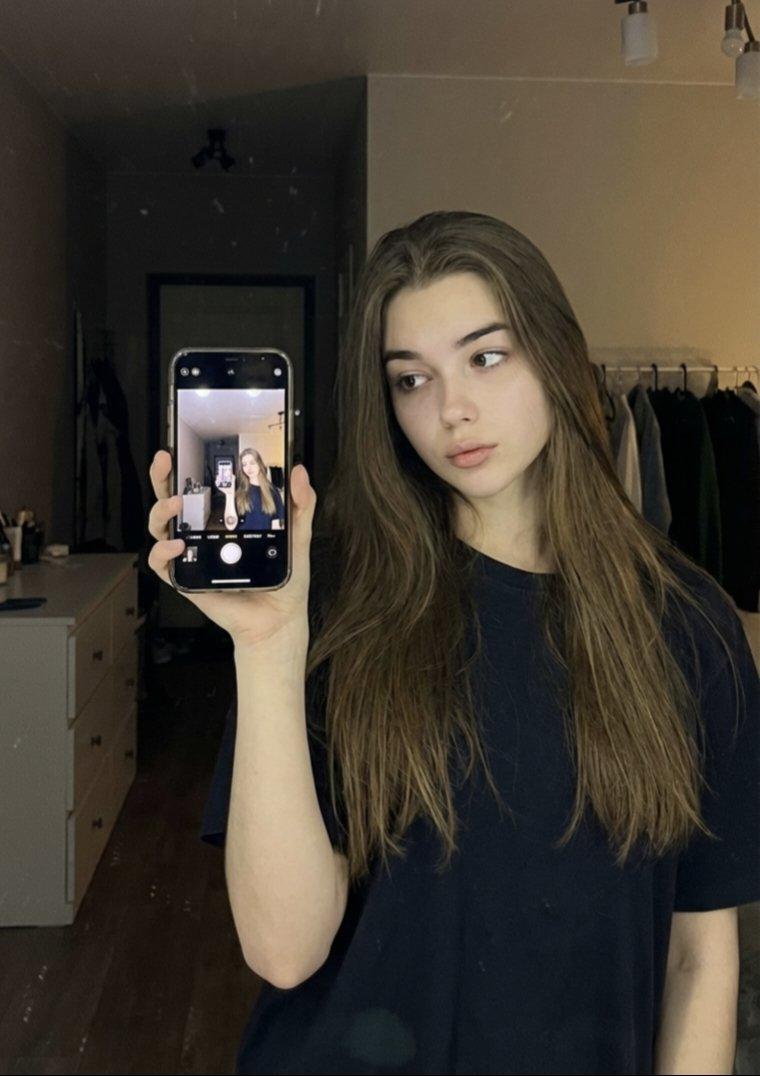
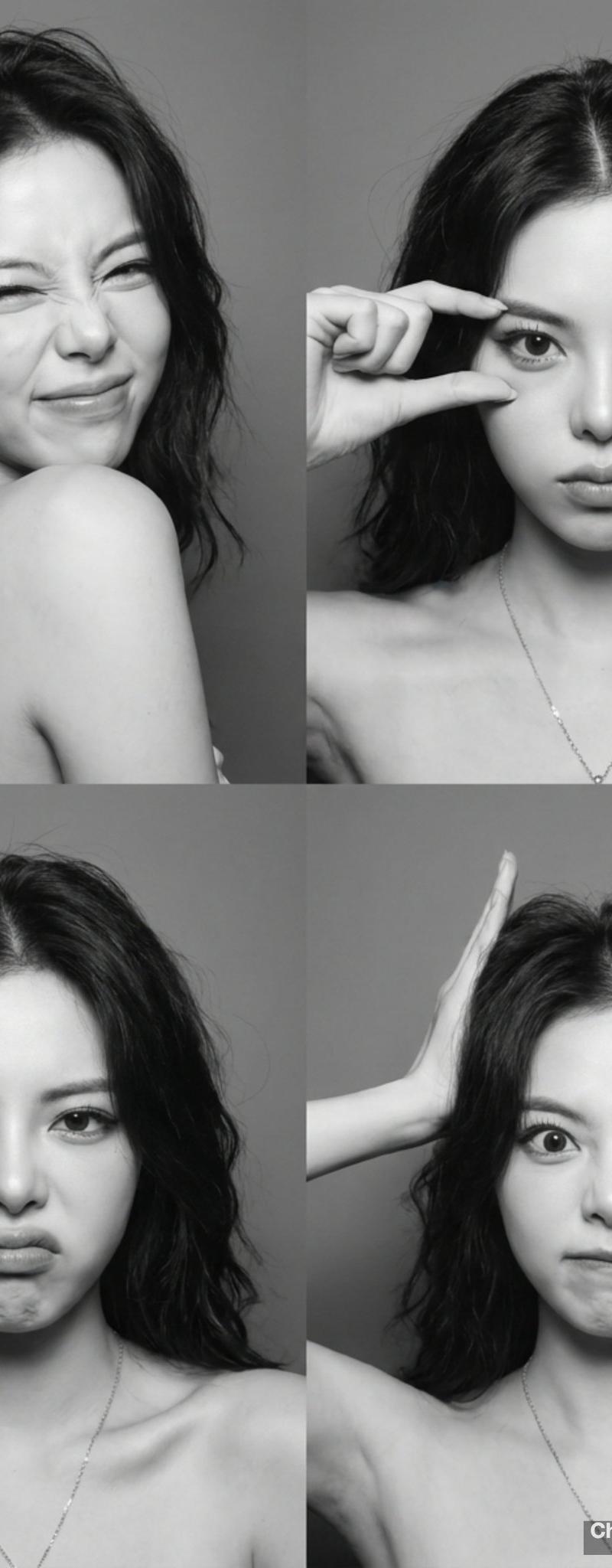
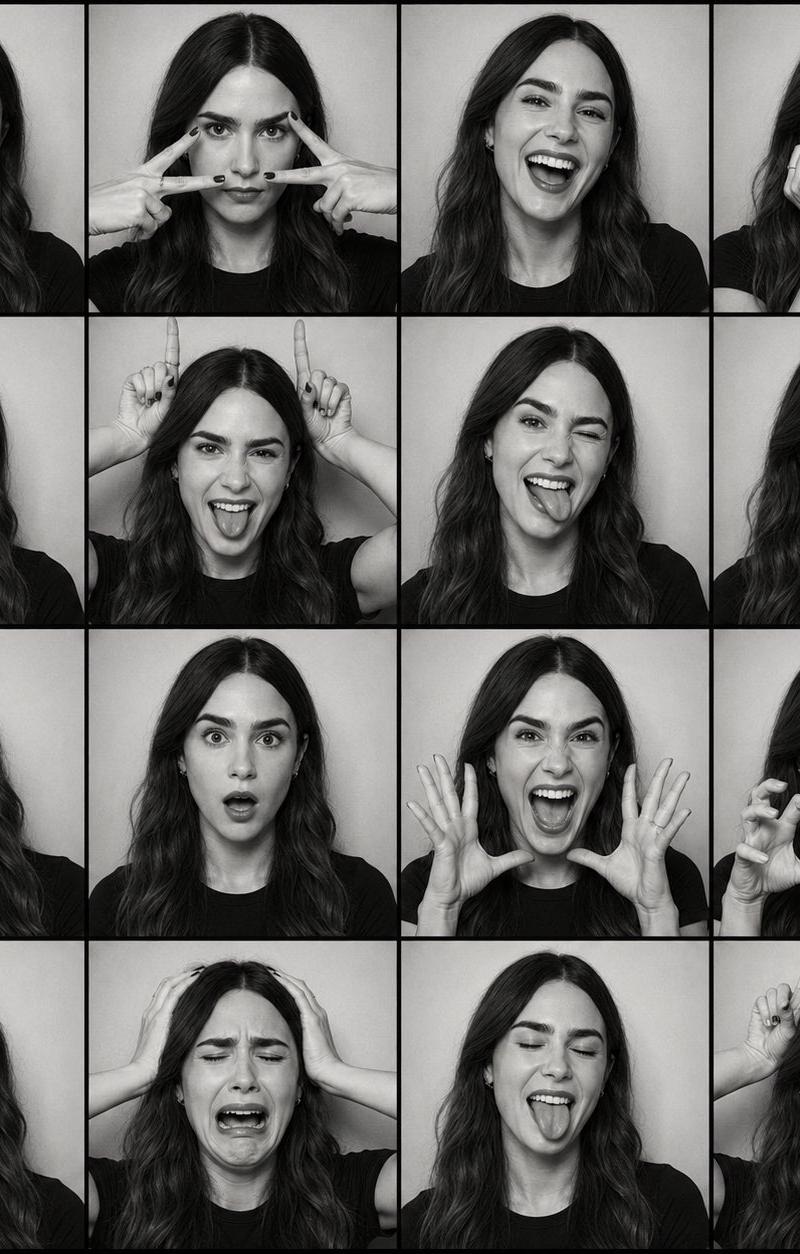
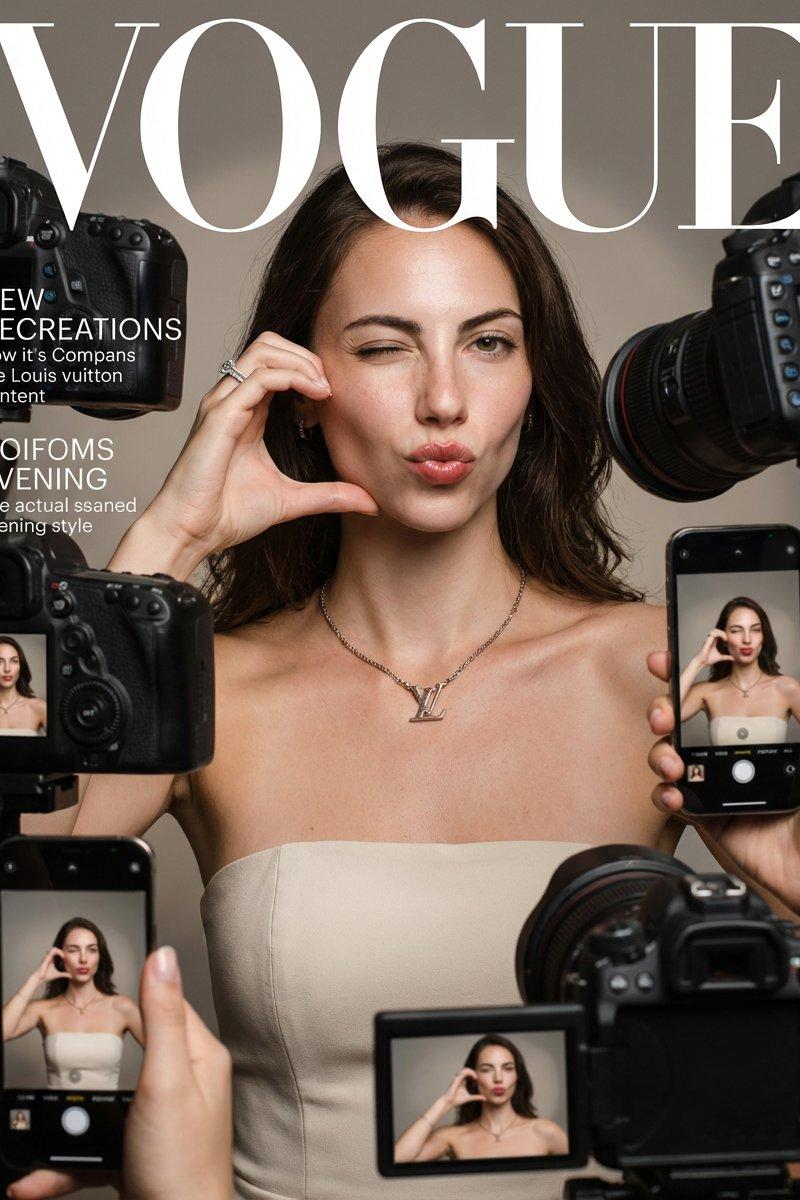
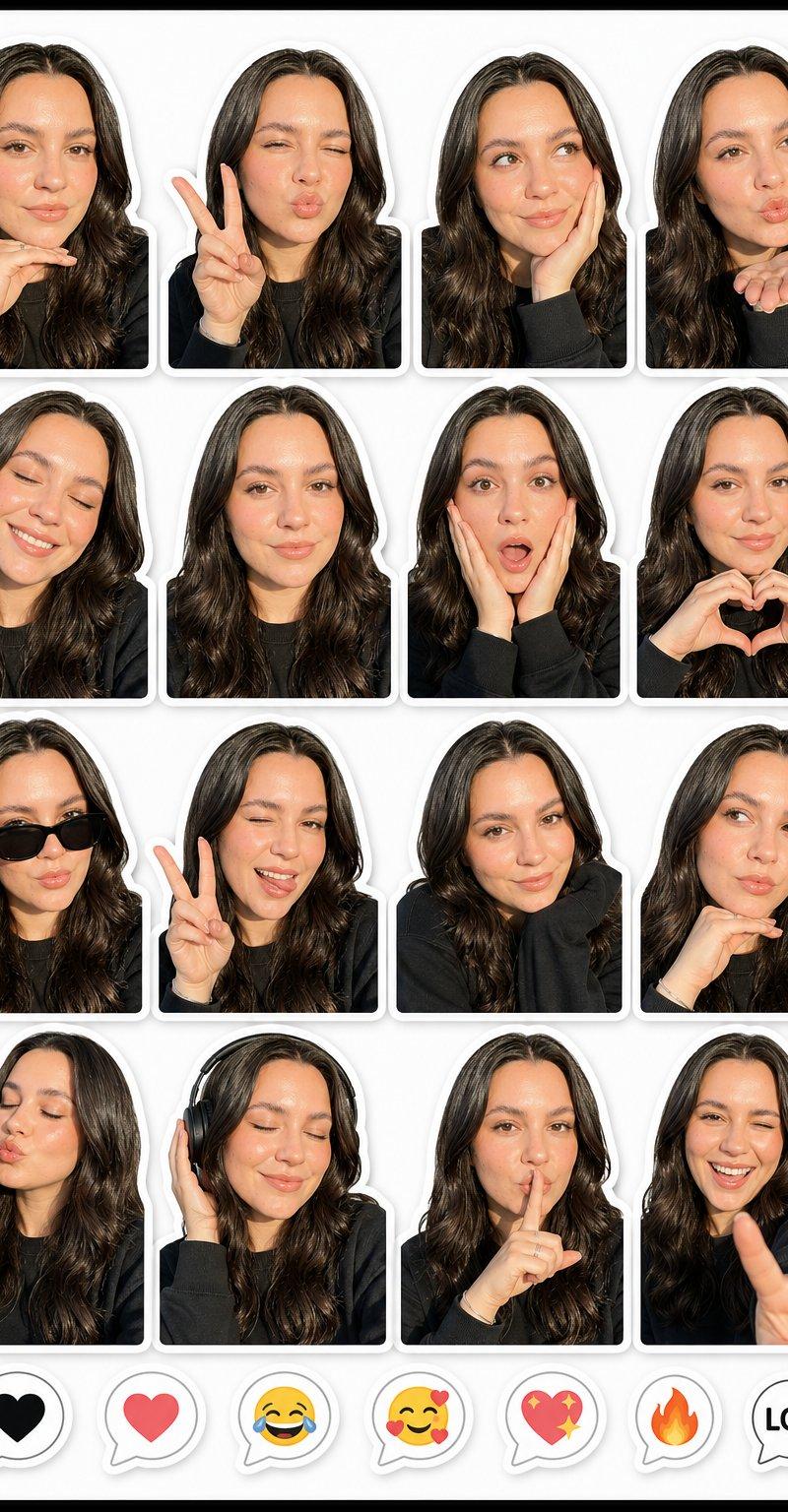
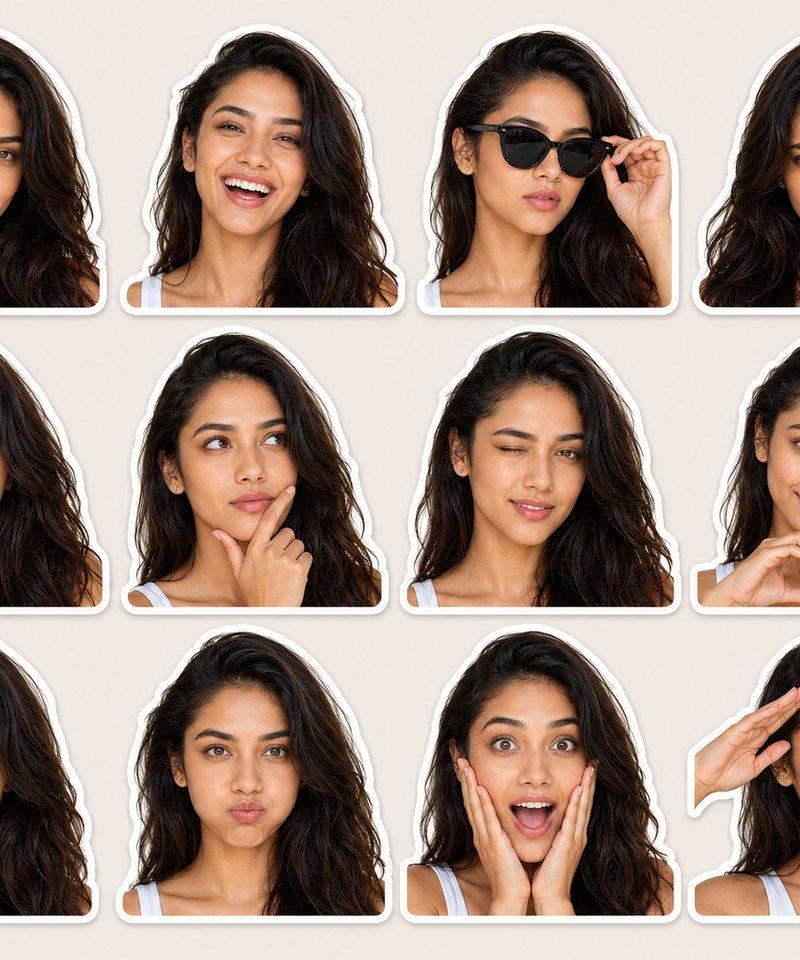
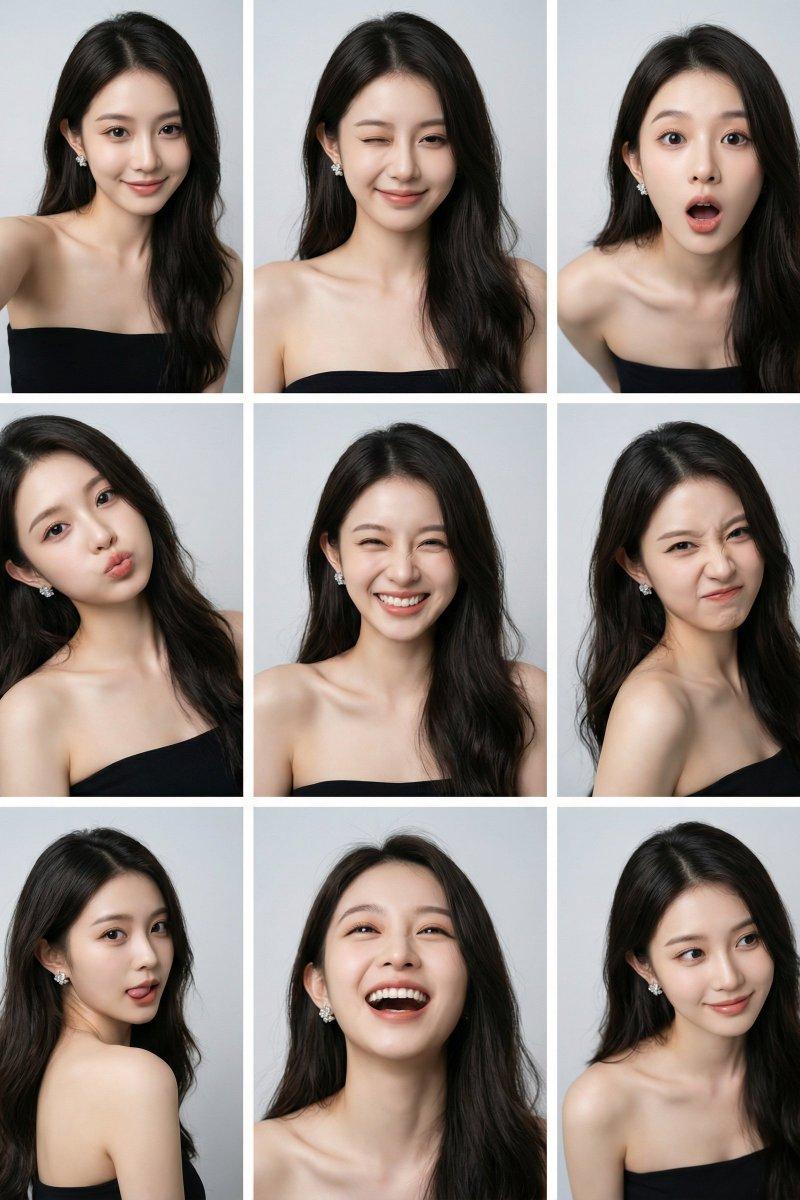
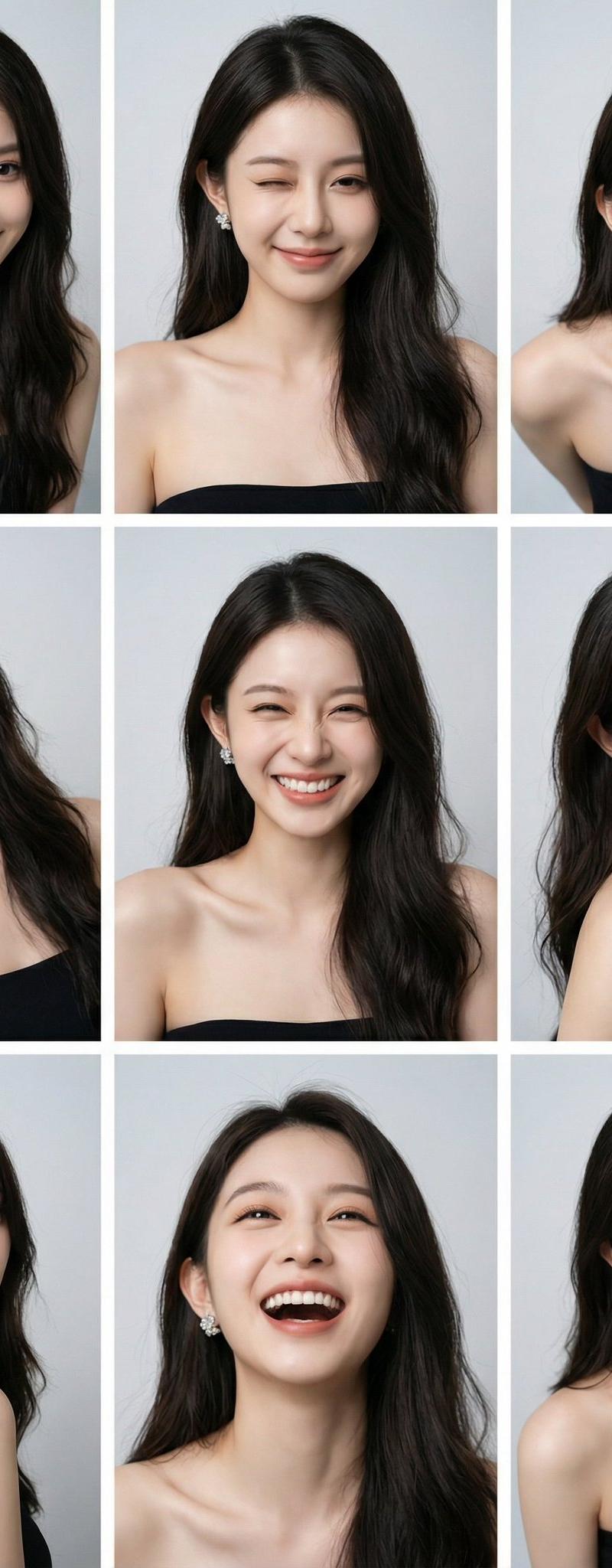
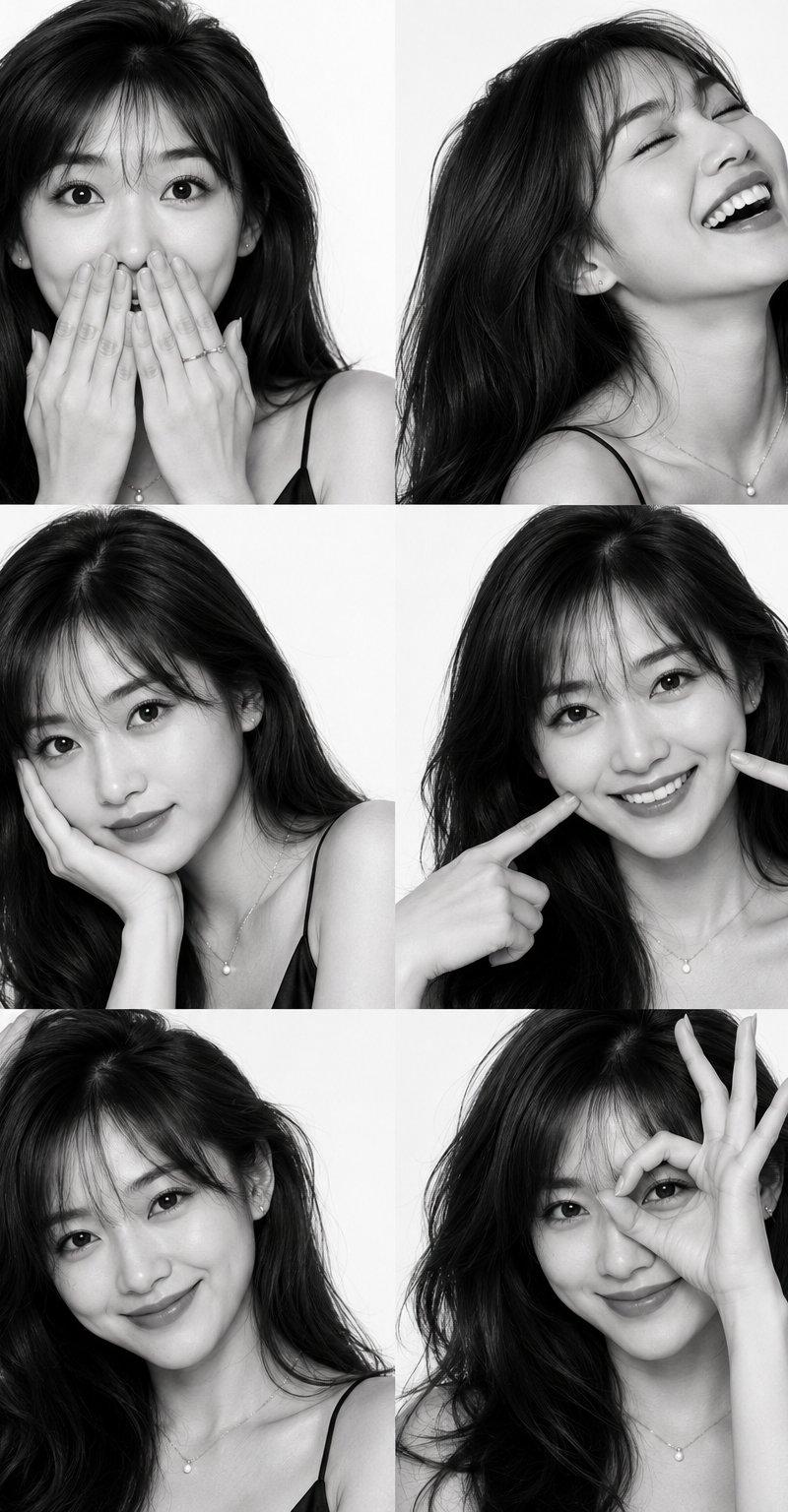
Gemini Nano Banana 3.0 摄影集
Enlarge

Example images

Gemini Nano Banana 3.0 摄影集

Prompt
Gemini Nano Banana 3.0
Prompt:
{
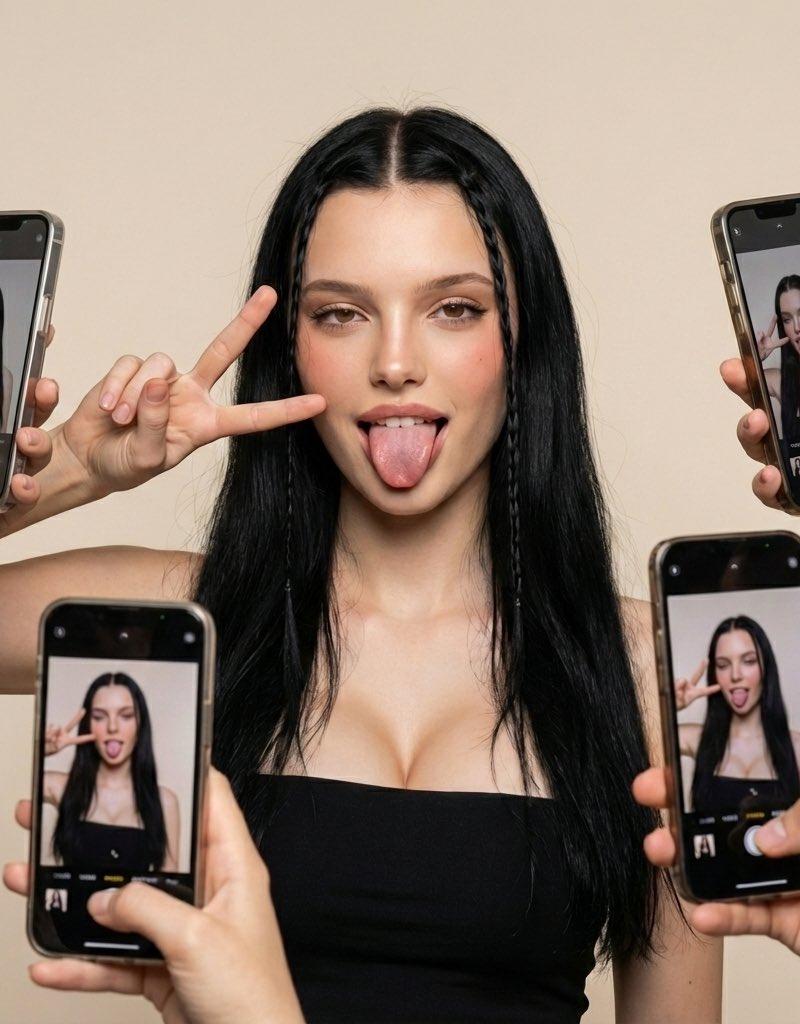
 "scene": {
 "setting": "studio",
 "background": "plain light beige backdrop",
 "lighting": "soft even studio lighting, no harsh shadows",
 "mood": "fun, playful, social-media inspired composition"
 },
 "subject": {
 "type": "young woman",
 "pose": {
 "expression": "tongue out playfully",
 "gesture": "right hand making peace sign near her cheek",
 "body_position": "facing forward, shoulders relaxed"
 },
 "appearance": {
 "hair": {
 "length": "long",
 "color": "black",
 "style": "two thin braided strands framing the face, rest left natural"
 },
 "makeup": "natural glam with defined eyes and blush",
 "outfit": {
 "top": "black strapless tube top"
 }
 }
 },
 "composition": {
 "framing": "medium close-up",
 "special_elements": [
 {
 "element": "multiple smartphones",
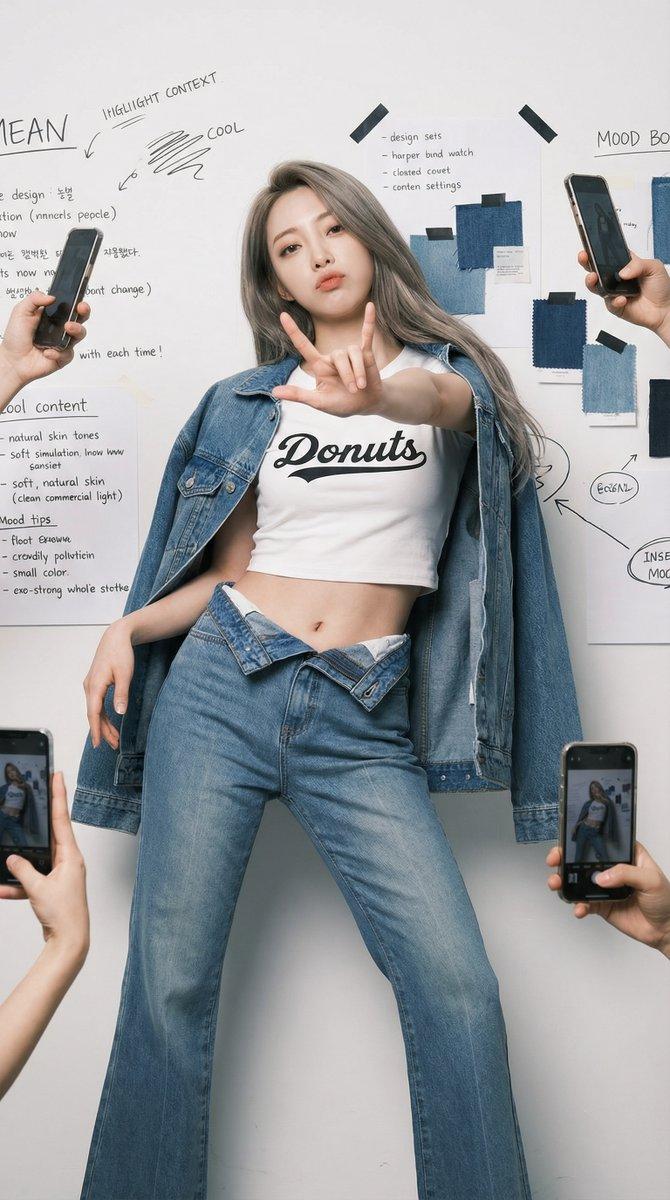
 "description": "Several hands holding phones around the subject, all capturing her photo from various angles",
 "perspective_effect": "phones on-screen display the subject in real-time, adding a mirrored visual layer"
 }
 ]
 },
 "camera_style": {
 "lens": "standard portrait lens",
 "aesthetic": "modern influencer-style shoot",
 "effect": "clean digital clarity"
 },
 "output_style": {
 "quality": "high-definition, ultra-realistic",
 "vibe": "social media selfie culture, dynamic and trendy"
 }
}
Category
Photography & Realism
Model
Nano Banana
Creator
Melisa♡
Source language
zh-CN
Views0
Source ID
gemini-nano-banana-3-0-photography-collection
Studio

Guide

About "Gemini Nano Banana 3.0 摄影集"

What is this prompt for?

"Gemini Nano Banana 3.0 摄影集" AI image prompt for Nano Banana (Photography & Realism). Gemini Nano Banana 3.0 Prompt: { "scene": { "setting": "studio", "backgro…

The full copyable prompt and example visuals above are ready for AI image generation or one-click recreate in Picva.

How to use this prompt

  1. Step 1

    Open the prompt detail

    Review the example visuals, category, and full prompt text for "Gemini Nano Banana 3.0 摄影集".

  2. Step 2

    Copy the prompt

    Copy the prompt body from this page, or load it directly in Studio.

  3. Step 3

    Pick a model (Nano Banana)

    Prefer Nano Banana. If you switch models, keep subject and composition and tweak style terms.

  4. Step 4

    Generate and export

    Recreate the look in Picva, or export into your workflow for editing and publishing.

FAQ

What is the "Gemini Nano Banana 3.0 摄影集" prompt?
It is an AI image-generation prompt for Nano Banana in the Photography & Realism category. This page includes the full prompt text, example visuals, and a one-click recreate path in Picva.
How do I use this prompt to generate an image?
Copy the prompt from this page, or use Generate / Studio. Paste it into a compatible image model, or recreate the look in Picva with optional reference images.
Which model is this prompt for?
This page lists Nano Banana. Most descriptive prompts also transfer to nearby image models such as GPT Image, Flux, or Midjourney with light style tweaks.
Can I use the result commercially?
You can usually copy the prompt for creation, but commercial use of the final image depends on the model terms, reference-image rights, and the generated content. Follow the source author and platform rules.