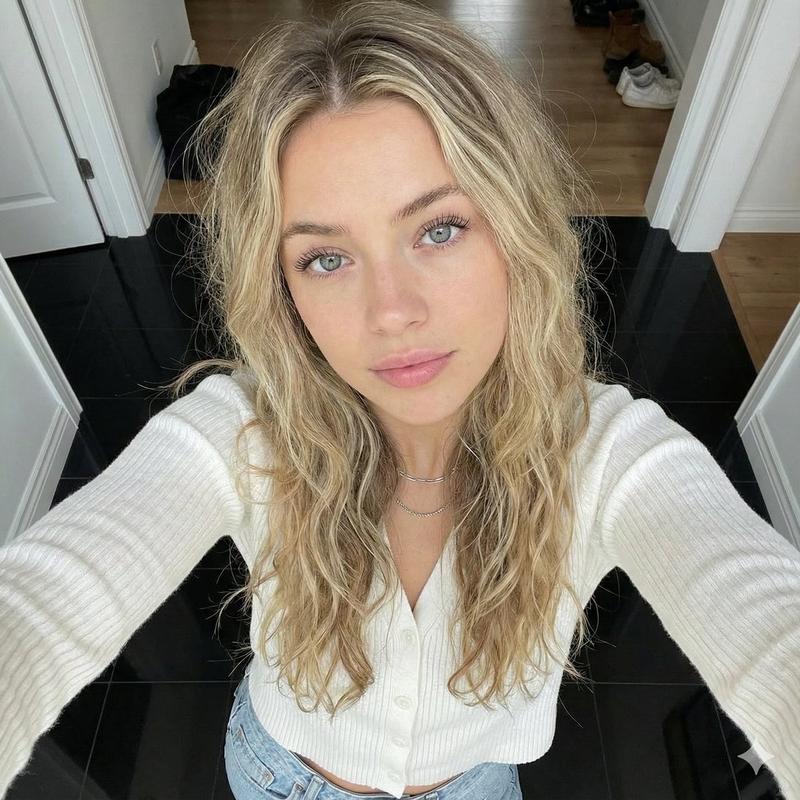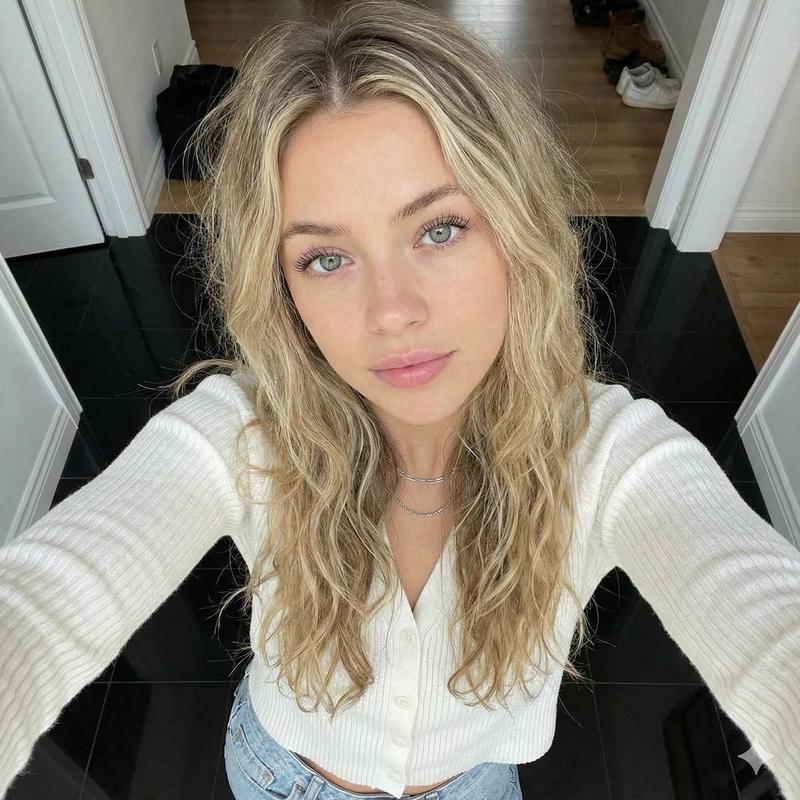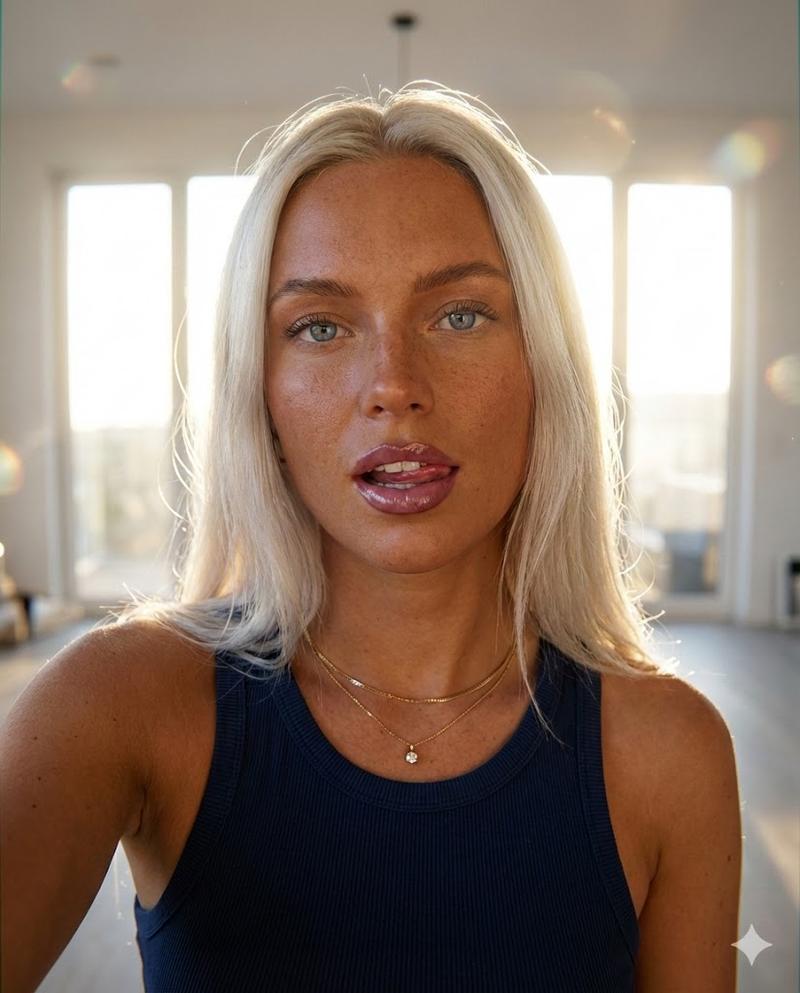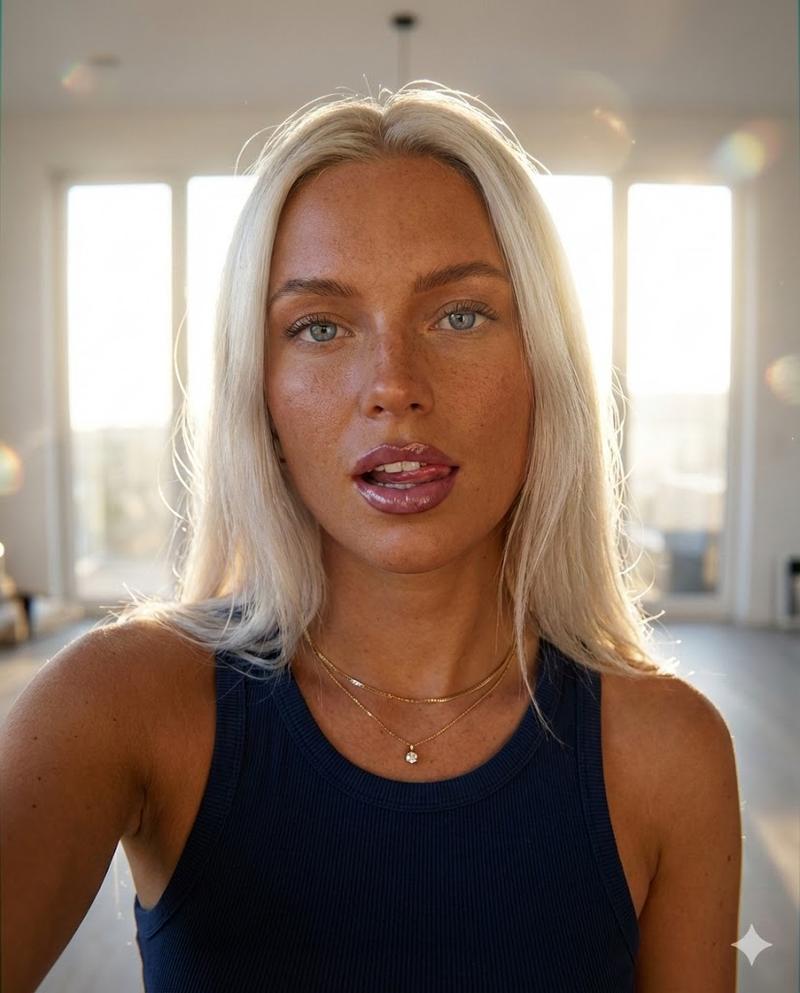
Gemini Nano Banana Pro 自拍风格人像
Prompt
Gemini Nano Banana Pro
Prompt:
{
 "subject": {
 "demographics": {
 "gender": "female",
 "age_range": "young adult"
 },
 "hair": {
 "color": "vibrant ginger red",
 "length": "long",
 "texture": "wavy, voluminous",
 "style": "side-swept deep part, cascading over right shoulder",
 "movement": "slightly windswept appearance"
 },
 "face": {
 "eyes": {
 "color": "bright blue",
 "makeup": "light mascara, defined lashes"
 },
 "skin": {
 "tone": "fair",
 "texture": "natural, smooth with slight blush"
 },
 "lips": {
 "color": "soft pink",
 "finish": "natural satin"
 },
 "expression": "soft, confident slight smile, direct gaze"
 },
 "apparel": {
 "outer": {
 "item": "denim jacket",
 "color": "indigo blue",
 "details": [
 "silver buttons",
 "contrast stitching",
 "chest pocket with button",
 "collared"
 ]
 },
 "inner": {
 "item": "camisole top",
 "color": "white",
 "material": "ribbed fabric",
 "details": "white floral lace trim along neckline"
 }
 },
 "accessories": {
 "necklace": {
 "type": "choker",
 "band_material": "sheer beige ribbon",
 "pendant": "gold heart-shaped frame with small gem inside"
 },
 "earrings": {
 "visible": "left ear",
 "style": "small stud with hanging detail"
 }
 }
 },
 "composition": {
 "shot_type": "selfie-style portrait",
 "framing": "chest-up close shot",
 "angle": "eye-level, slightly tilted head"
 },
 "environment": {
 "location": "indoor apartment interior",
 "lighting": "soft natural daylight, diffused frontal source (large window)",
 "background": {
 "focus": "soft bokeh (moderately blurred)",
 "elements": [
 "white kitchen cabinets",
 "ceiling light",
 "dark computer monitor or TV screen on left",
 "neutral grey walls"
 ]
 }
 },
 "technical_details": {
 "camera_gear": {
 "sensor_type": "Full-frame digital sensor or High-End Mobile Sensor",
 "lens_focal_length": "28mm to 35mm",
 "lens_characteristics": "wide angle prime, minimal distortion"
 },
 "camera_settings": {
 "aperture": "f/2.0",
 "shutter_speed": "1/125s",
 "iso": "100"
 },
 "lighting_setup": {
 "key_light": "natural soft window light (frontal)",
 "fill_light": "ambient indoor reflection",
 "shadows": "soft and minimal"
 },
 "visual_style": {
 "color_grading": "true-to-life with vibrant saturation boost",
 "contrast": "medium-high",
 "sharpness": "high clarity on eyes and hair",
 "aesthetic": "influencer lifestyle portrait, crisp digital photography"
 }
 }
}- Category
- Photography & Realism
- Model
- Nano Banana Pro
- Creator
- Lex
- Source ID
- gemini-nano-banana-pro-selfie-style-portrait
Views0