Ghibli主题美食拼盘分析
Prompt
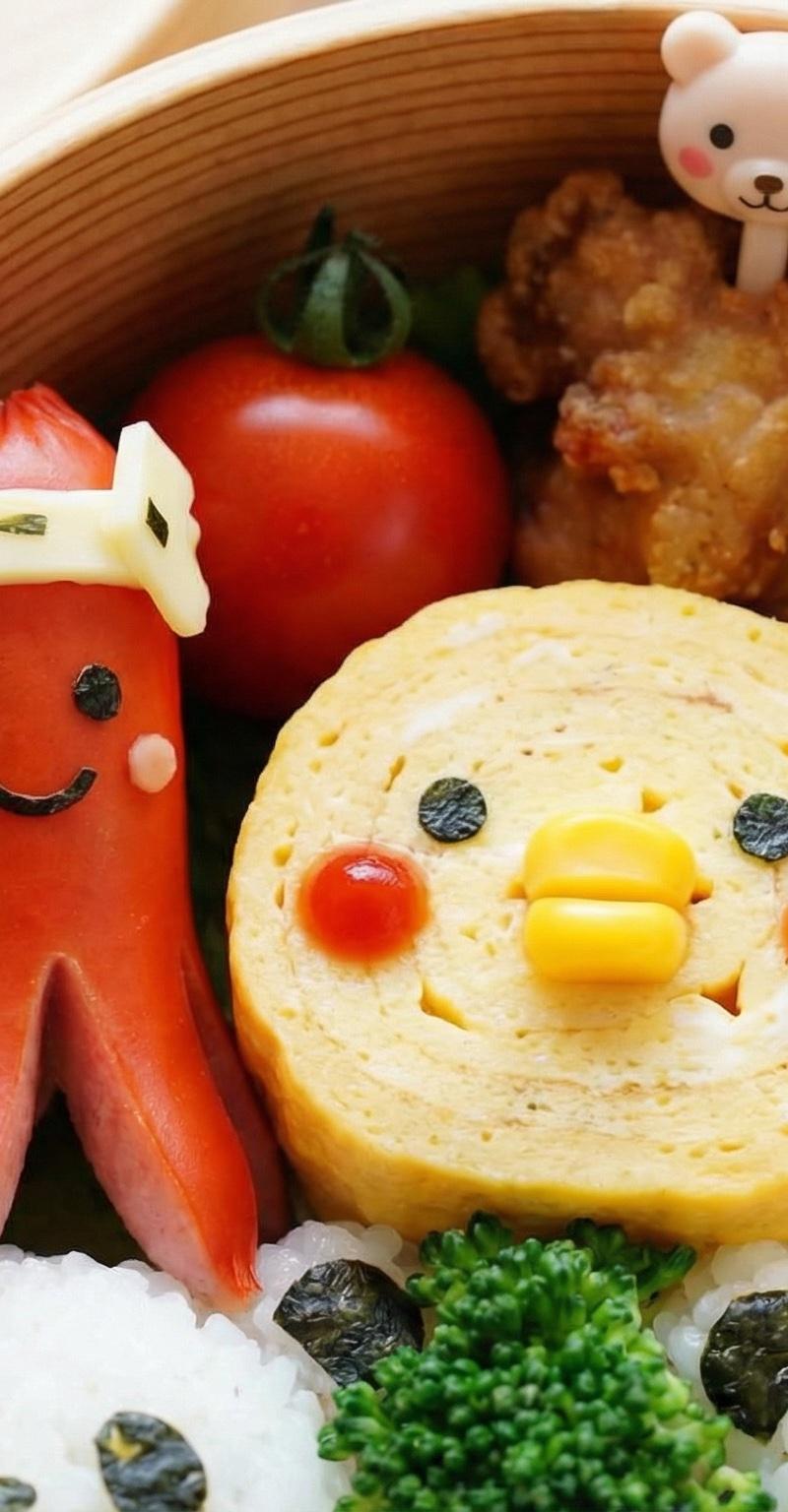
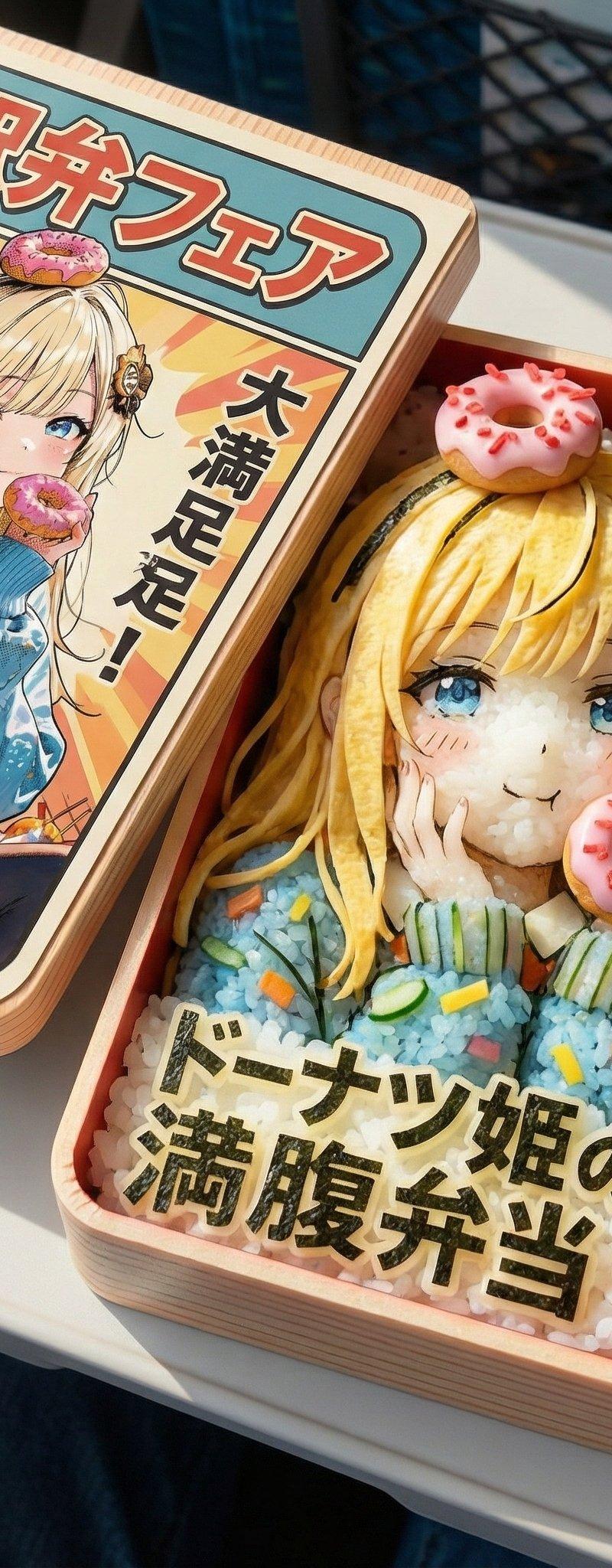
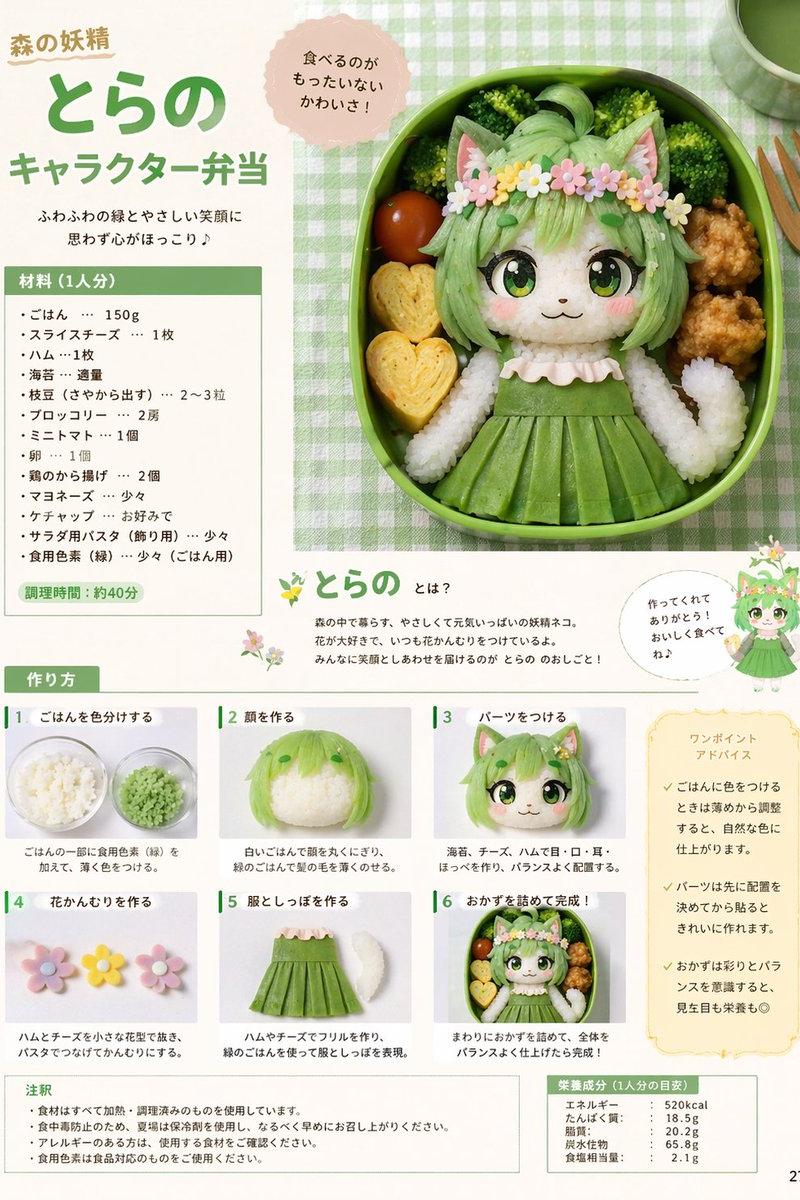
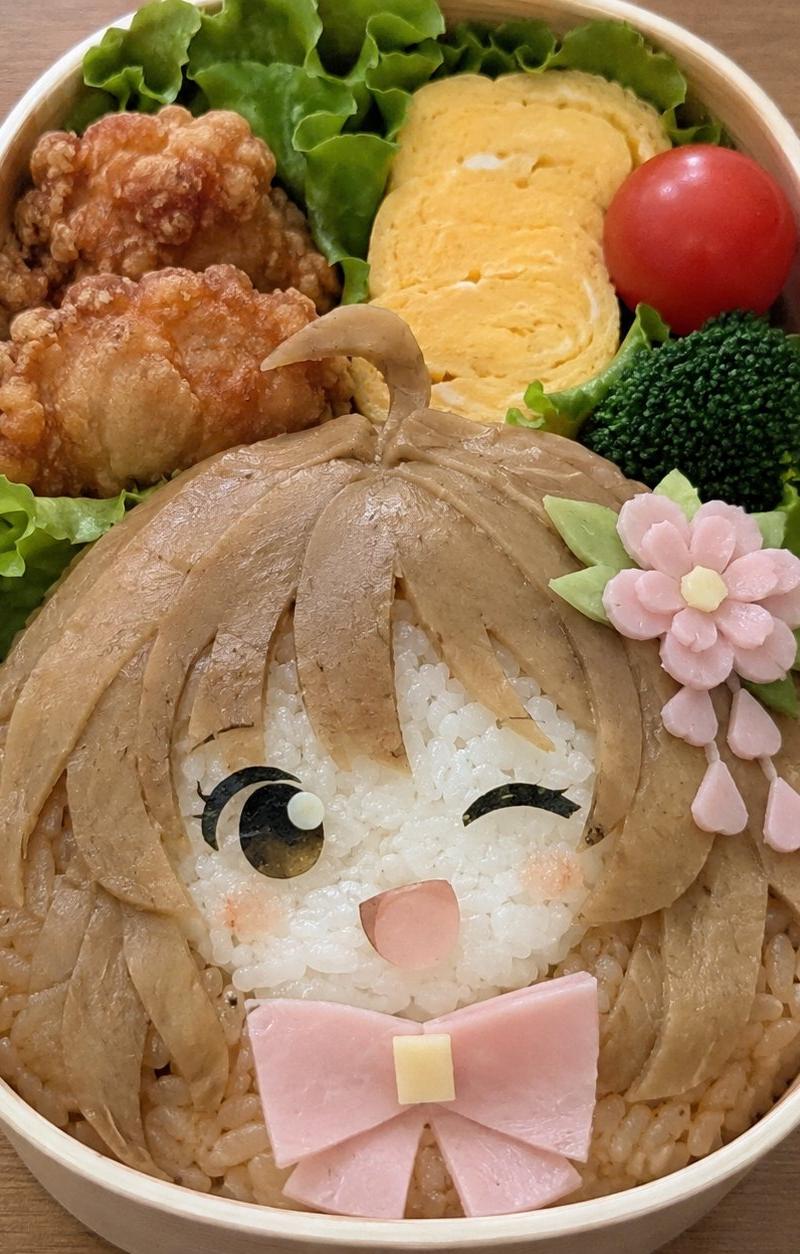
Another Nano Banana Pro experiment with food. This was for another topic but seems to work for movies, manga characters ...
<instruction>
1. Analyze Input Variable:
Input A is a selection of iconic Studio Ghibli characters or scenes.
Identify:
Character A: The primary protagonist (e.g., Totoro).
Character B: A secondary, but visually distinct, character or elemental being (e.g., Calcifer, Forest Spirit wolf).
The Landmark: A recognizable architectural element from a Ghibli film (e.g., Bathhouse from Spirited Away, Totoro's tree).
The "Side Dish" Characters: Minor, supporting elements or food items that are iconic to the films.
2. The "Immutable" Container (The Bento Box):
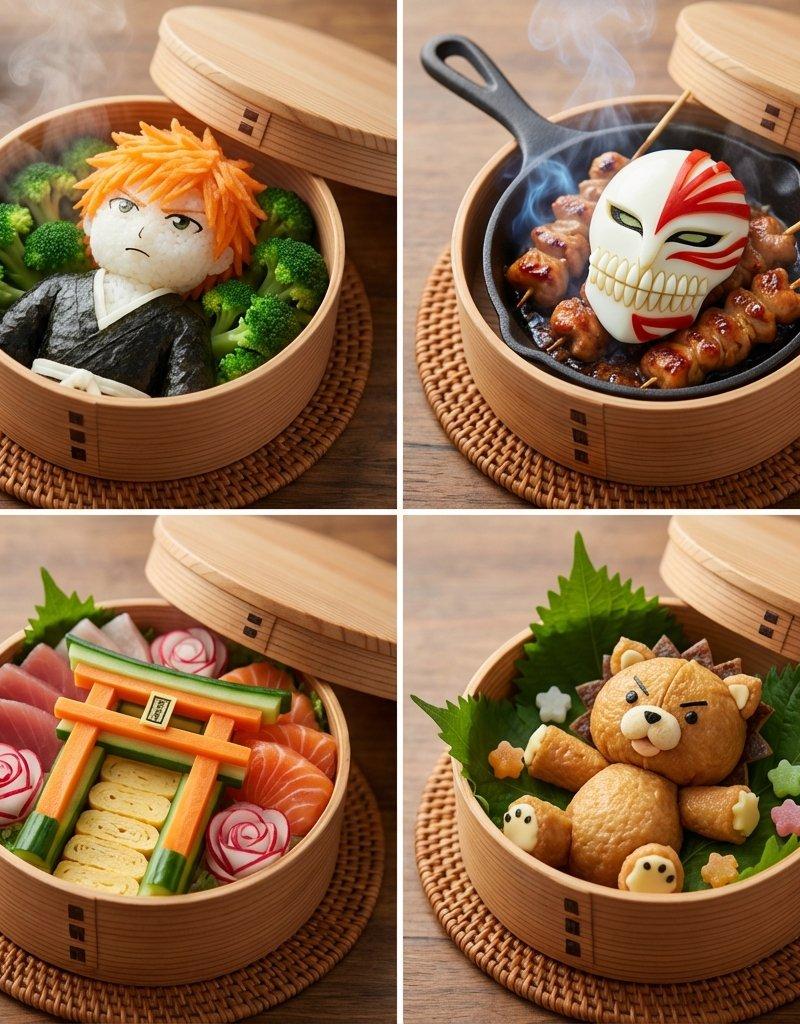
Goal: A "Ghibli World Bento Box" Grid.
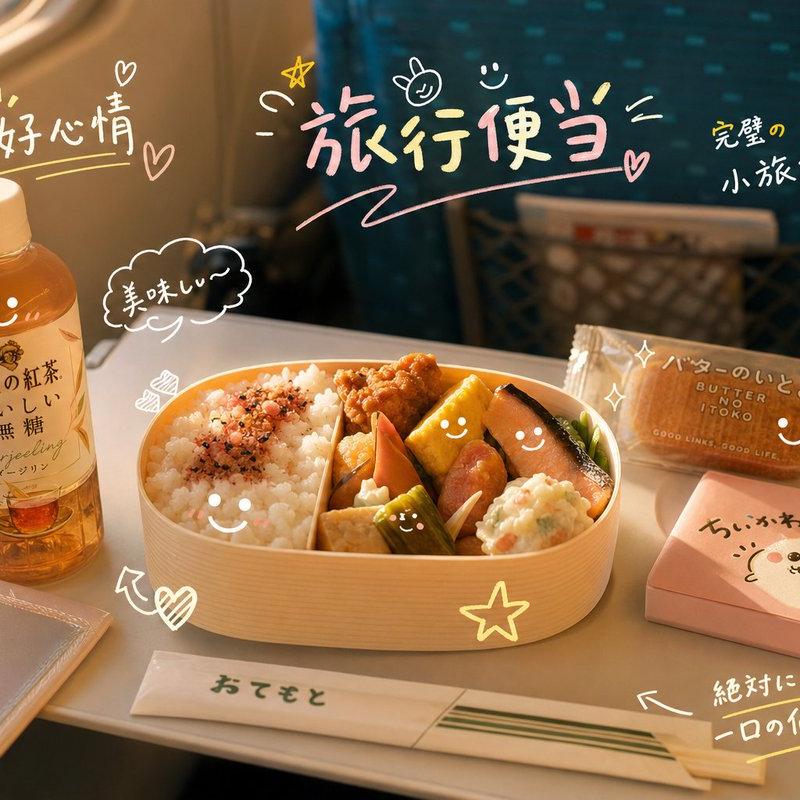
The Box: A traditional Japanese wooden bento box with internal dividers creating 4 distinct compartments.
The Lid: The lid is partially ajar or removed, showing the detailed food art within.
Surface: The bento box rests on a simple, clean wooden surface or a woven mat.
3. The 2x2 Grid Composition
Panel 1 (The Guardian):
Character: Construct Character A entirely out of food. The primary texture should be rice or a soft, rounded vegetable (e.g., Totoro made of rice balls, surrounded by broccoli "trees").
Atmosphere:Gentle steam rising, suggesting warmth.
Panel 2 (The Fiery Spirit):
Character: Construct Character B using ingredients that mimic its elemental nature. For fire, use a bright orange, shaped element (e.g., a character made of carrot or sweet potato) on a base of sizzling, realistic Bacon in a miniature cast-iron skillet.
Atmosphere: Realistic steam or smoke rising from the skillet.
Panel 3 (The Iconic Structure):
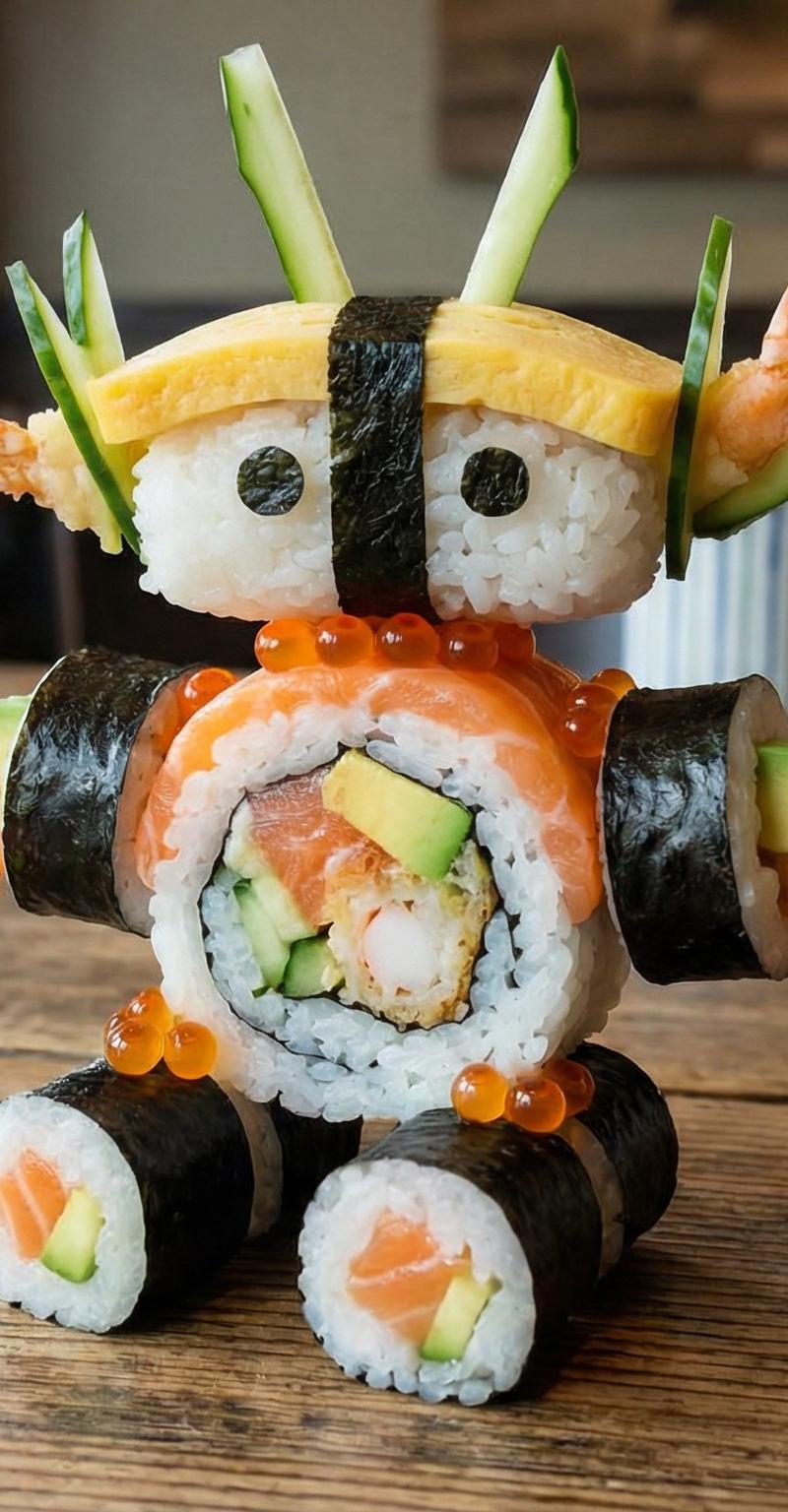
Element: Build The Landmark as a miniature edible structure. Use layered sushi elements, carved vegetables, and tamagoyaki for architectural features. Include traditional Ghibli "accents" like tiny banners or windows.
Surrounding: Arrange raw fish slices (sashimi) and other decorative vegetables around the structure.
Panel 4 (The Forest Spirit/Companion):
Character: Construct Character B or a companion character (e.g., Forest Spirit wolf from Princess Mononoke) using layered white radish, green basil or shiso leaves, and a touch of red element for accents.
Surrounding:Arrange fresh green leaves and possibly edible flowers or seeds around the character.
4. Lighting & Atmosphere:
Lighting: Soft, warm, natural light. Mimic the cozy, inviting atmosphere often found in Ghibli films.
Focus: Shallow depth of field, with the characters and food art in sharp focus, and the edges of the bento box and background slightly blurred.
Color Palette: Vibrant, natural food colors with the characteristic earthy and pastel tones of Ghibli art.
Output: ONE image, 1:1 Aspect Ratio, Photorealistic Food Photography, Whimsical and Cozy aesthetic.
</instruction>
- Category
- Photography & Realism
- Model
- Nano Banana Pro
- Creator
- Gadgetify
- Source language
- zh-CN
- Source ID
- ghibli-themed-food-bento-analysis
Views0