18

手办墙:打造个性化生活场景
Enlarge

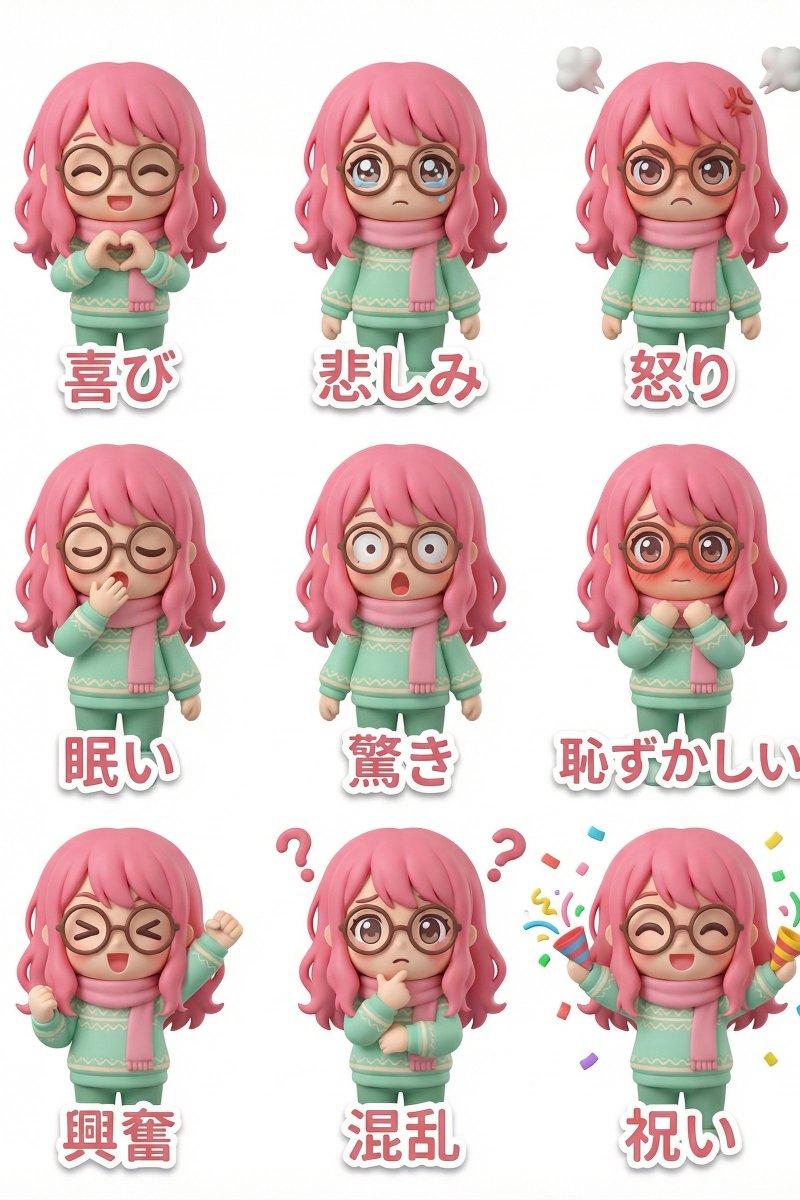
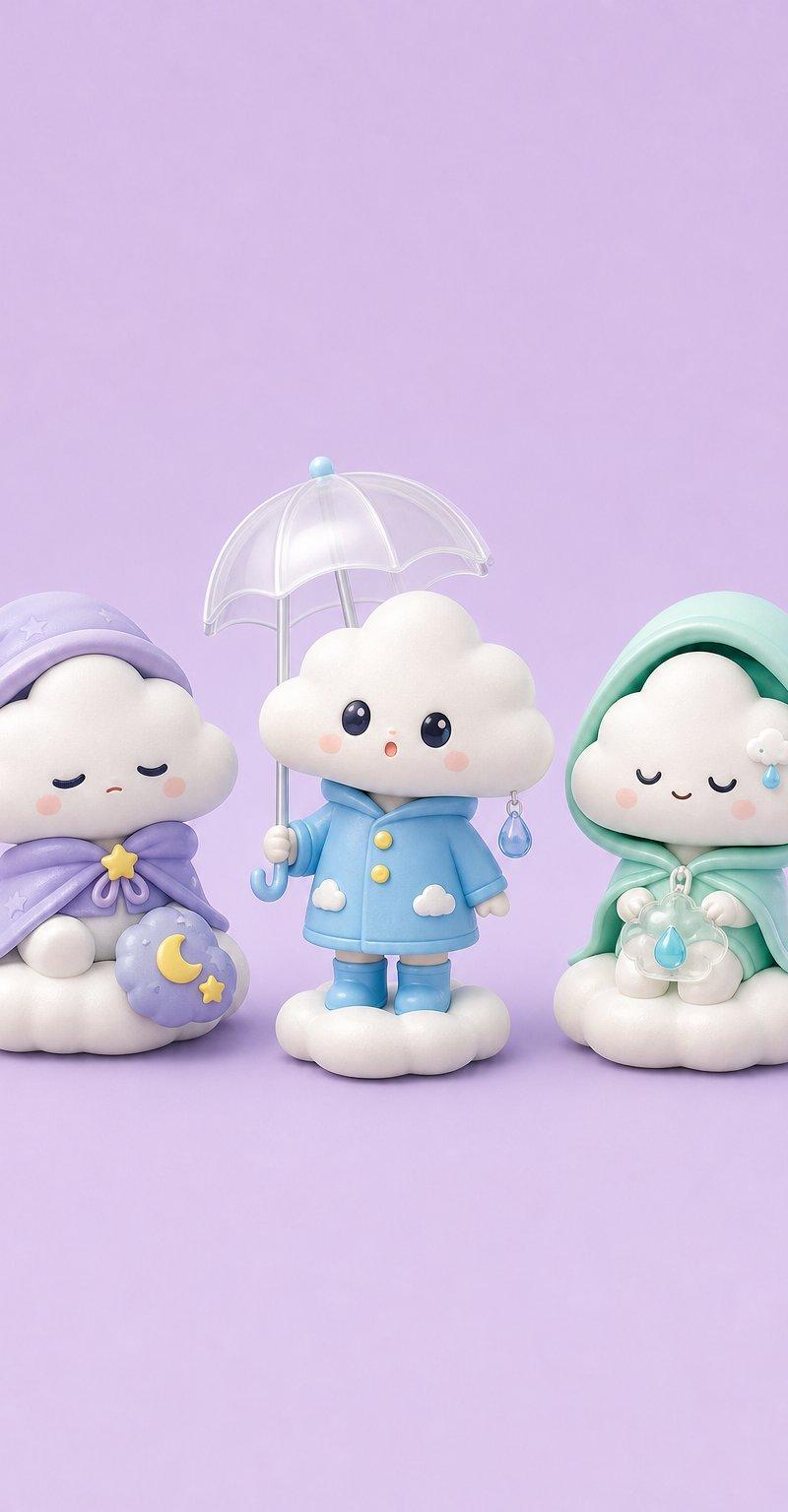
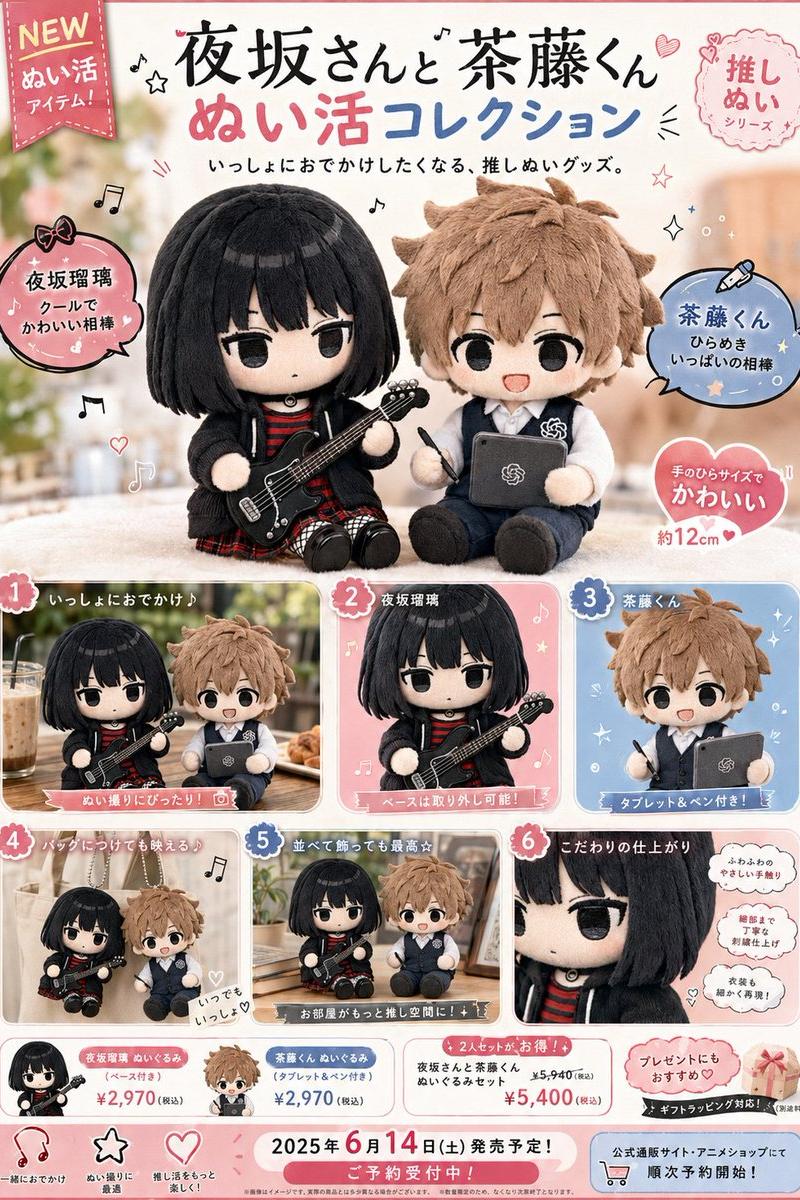
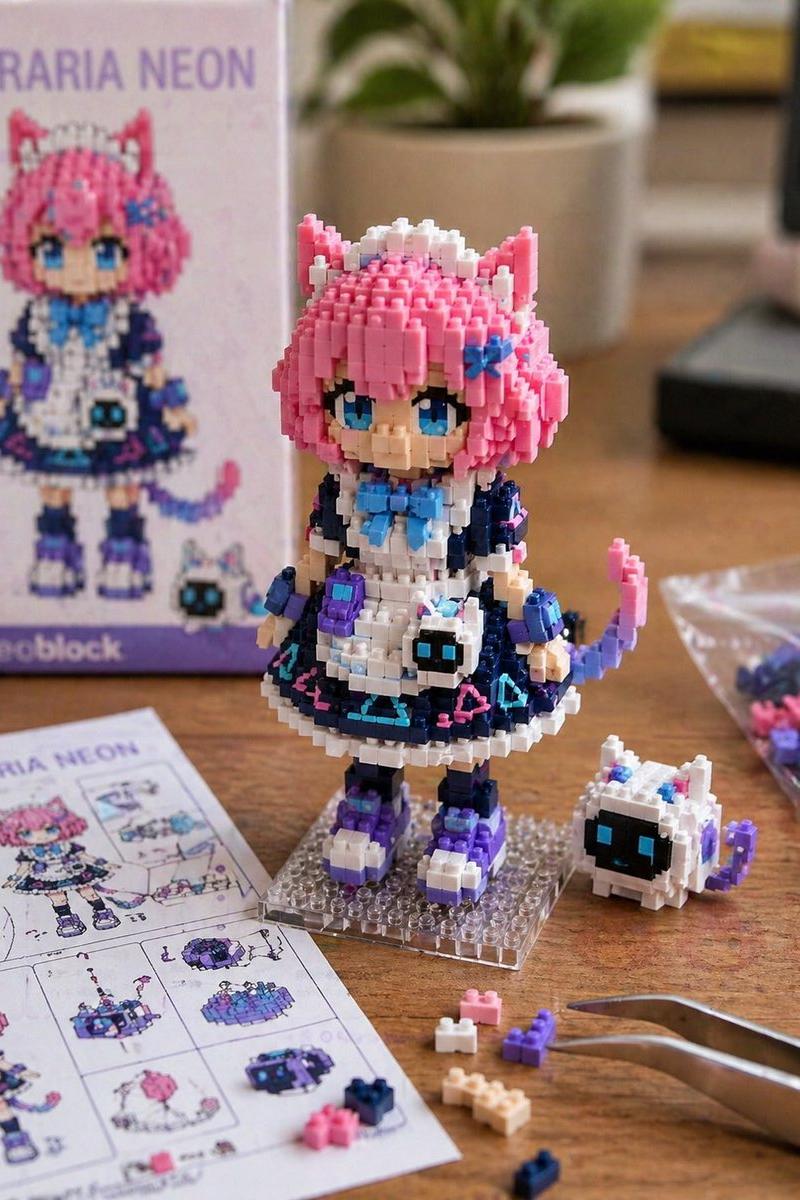
Example images

手办墙:打造个性化生活场景

Prompt
生活大舞台,手办你来排~
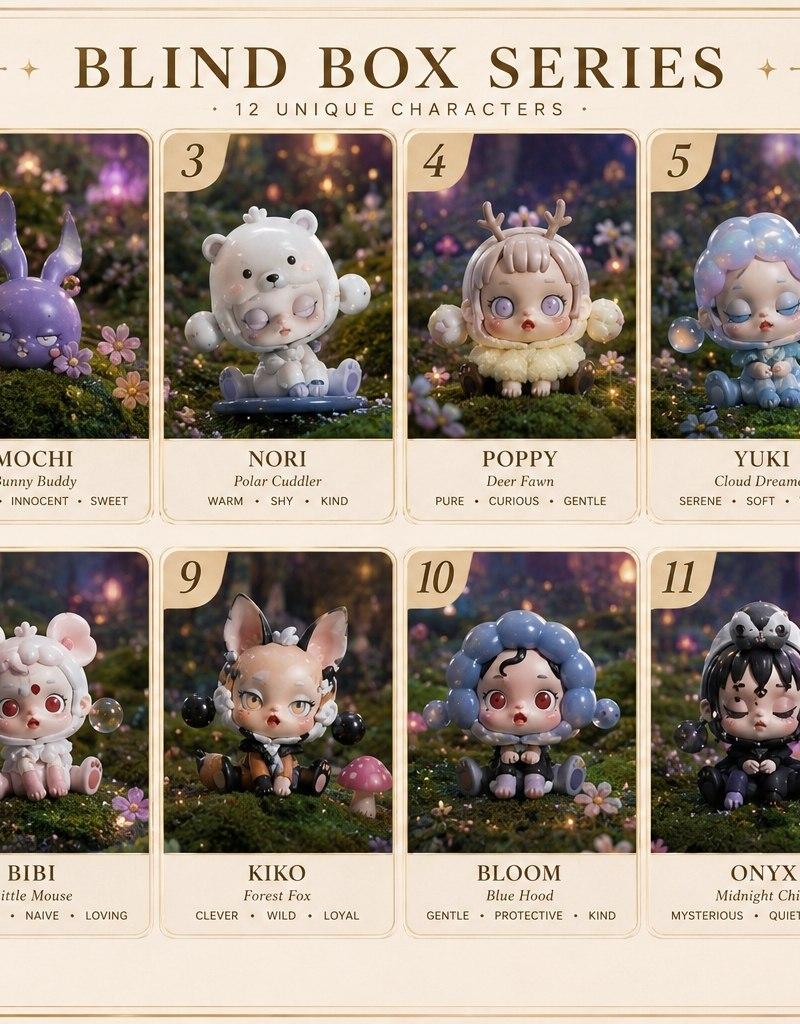
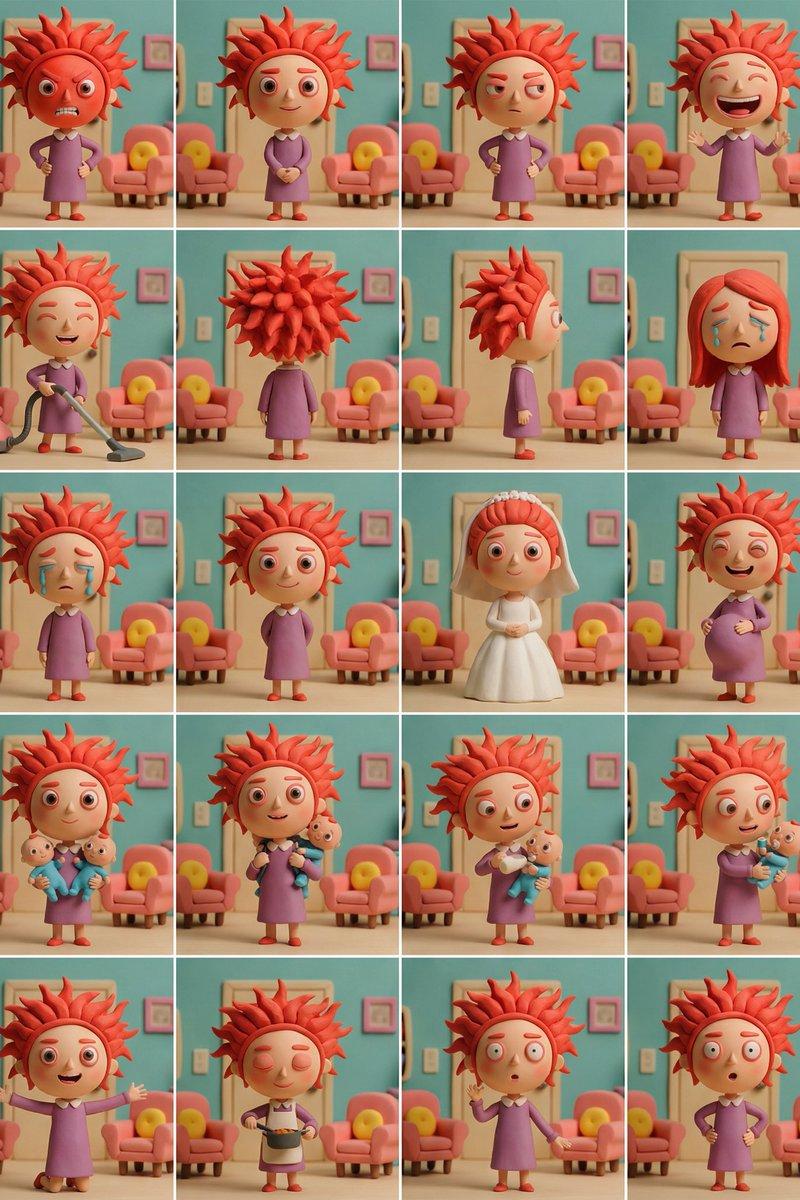
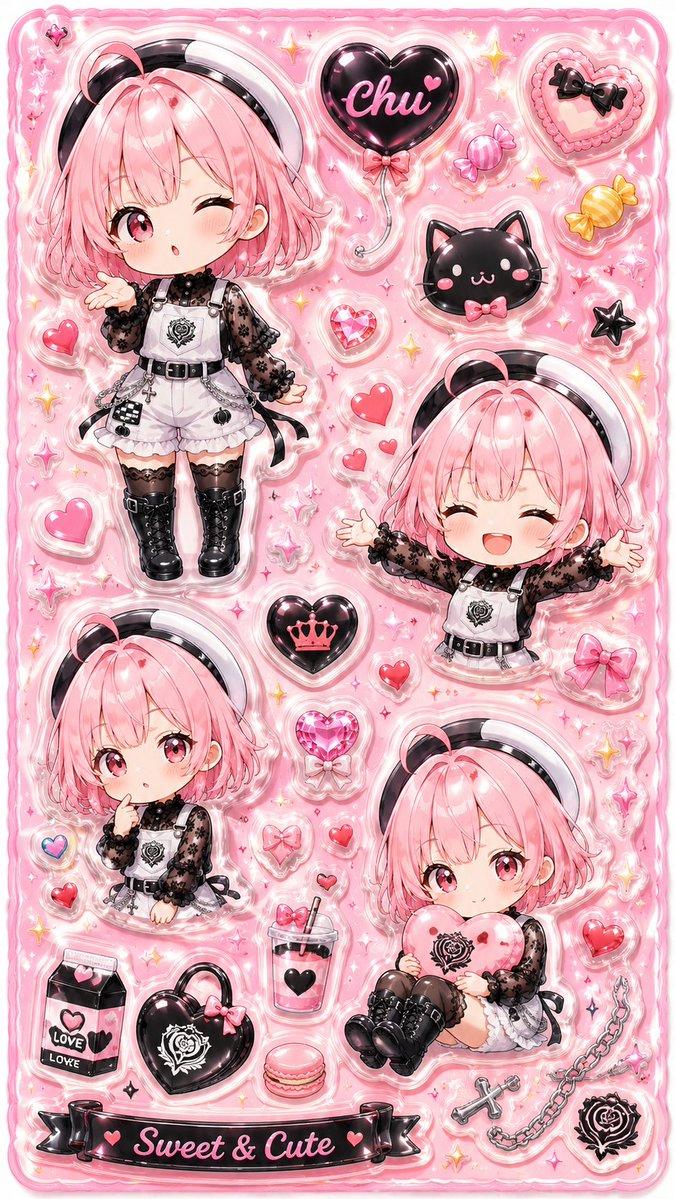
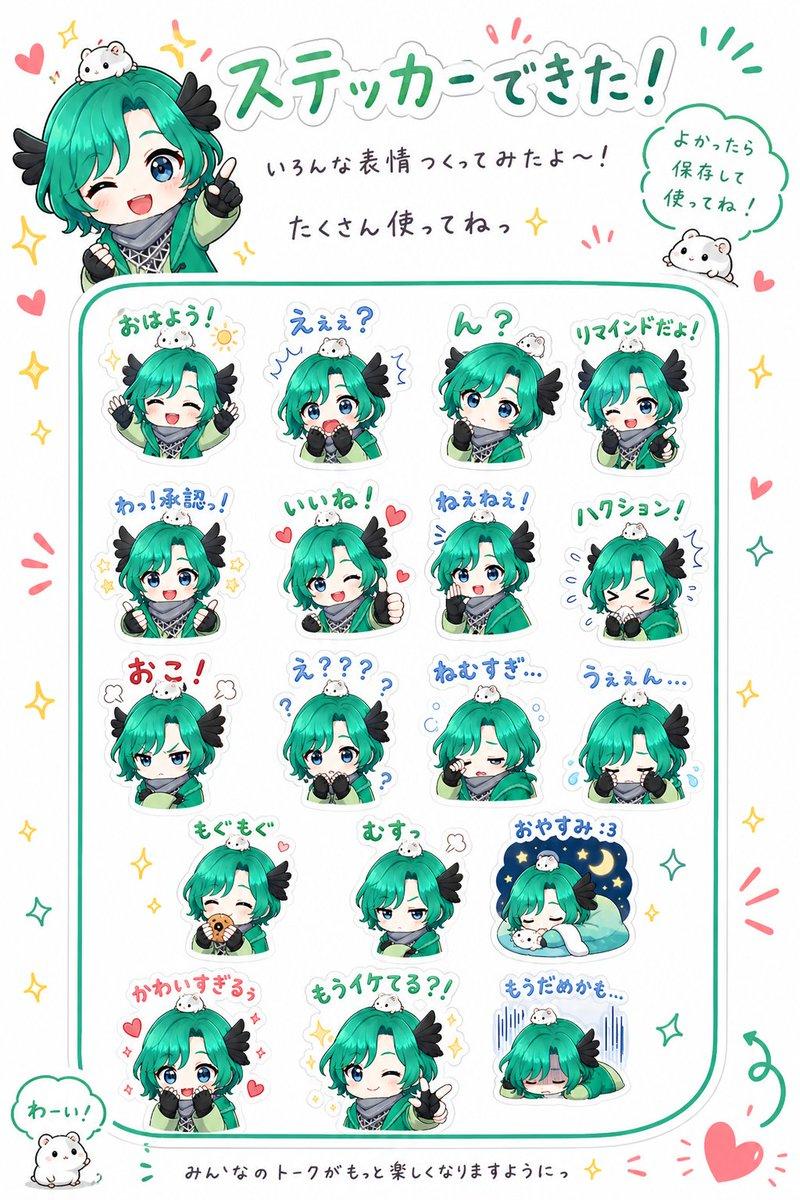
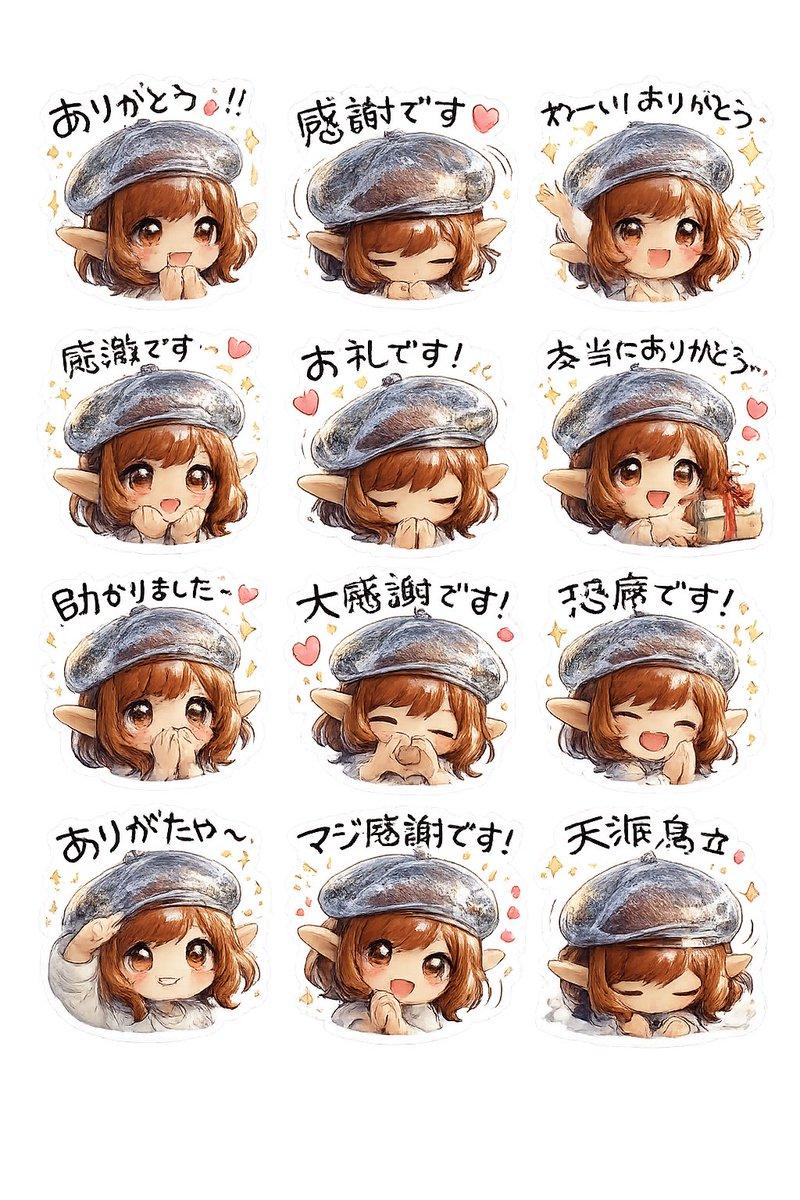
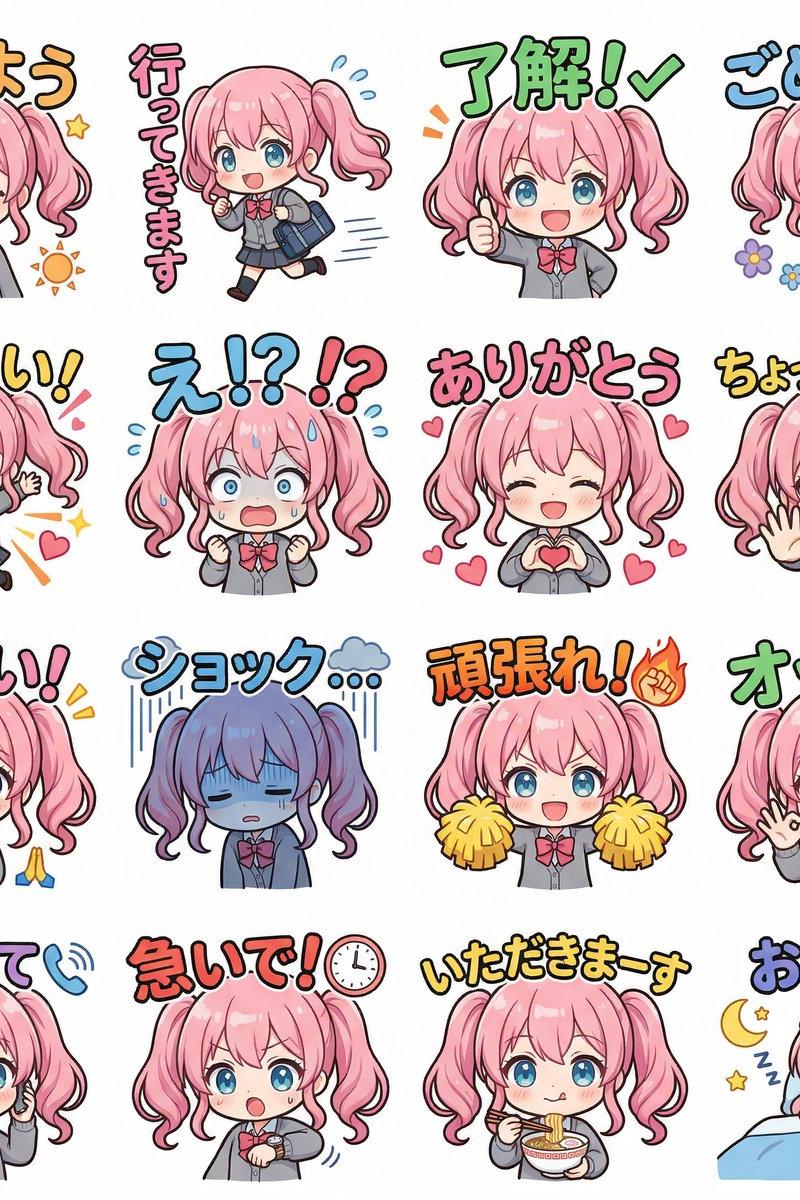
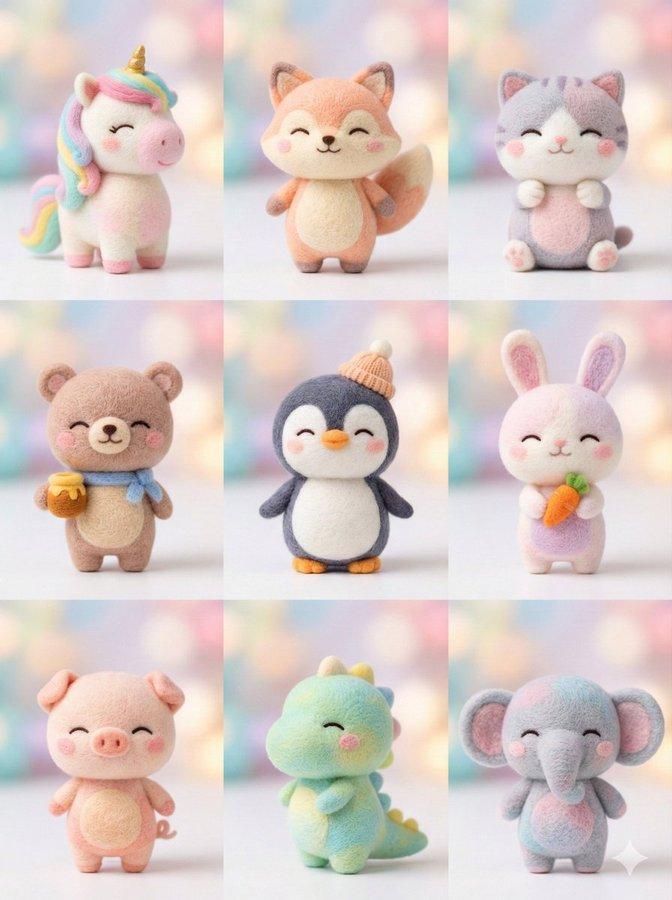
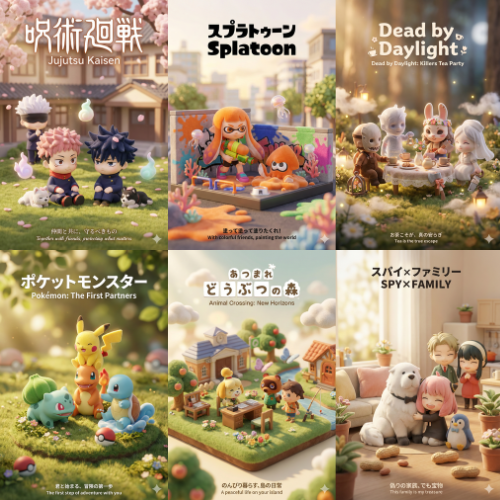
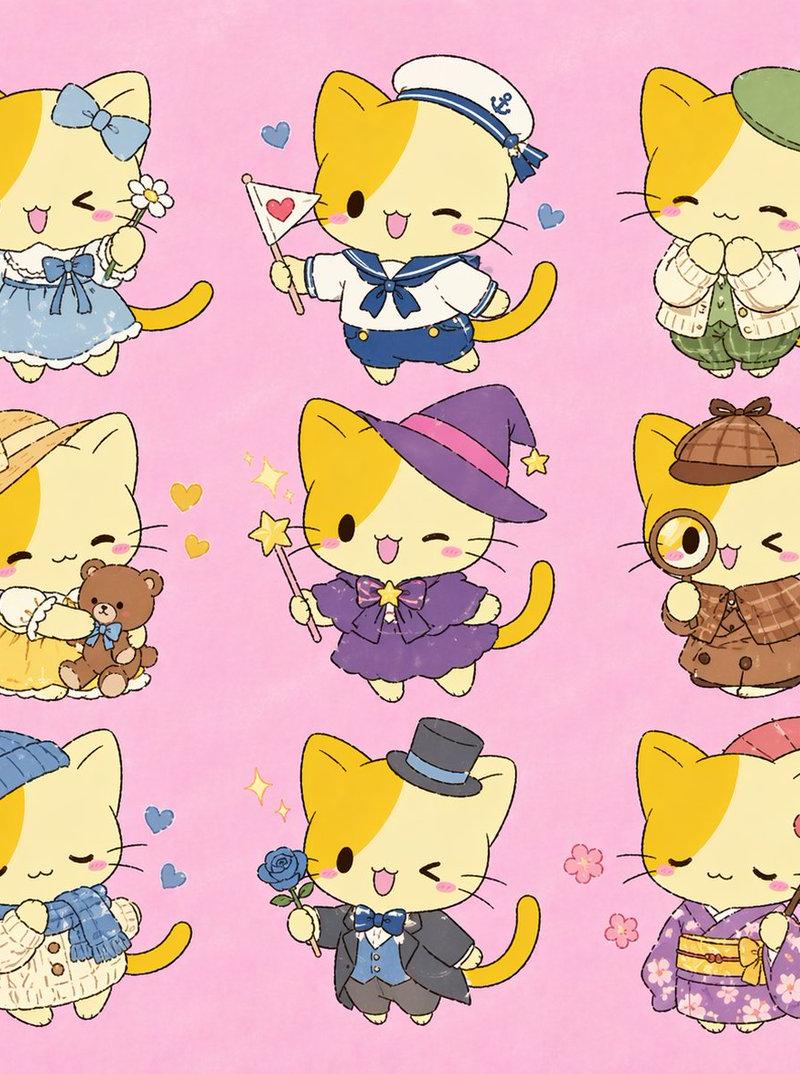
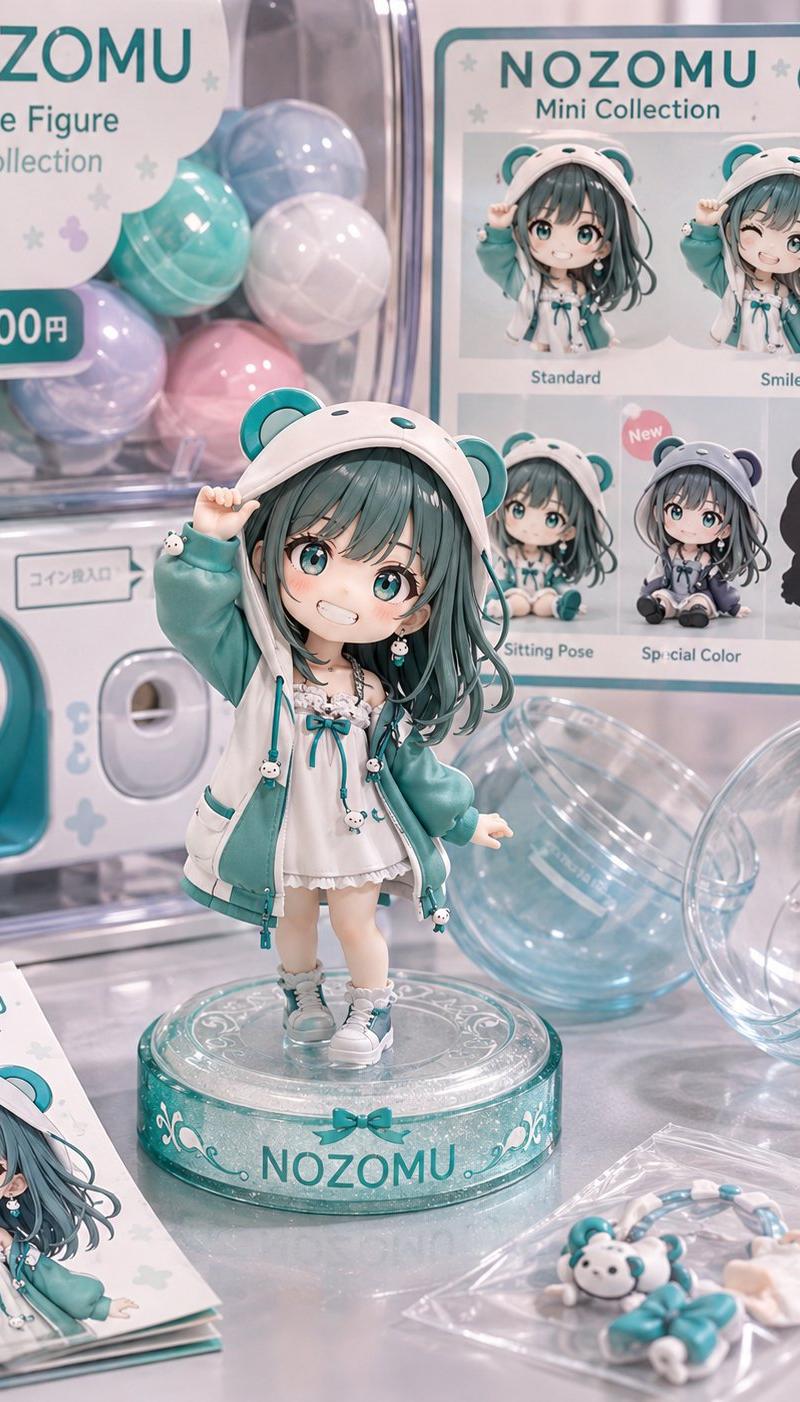
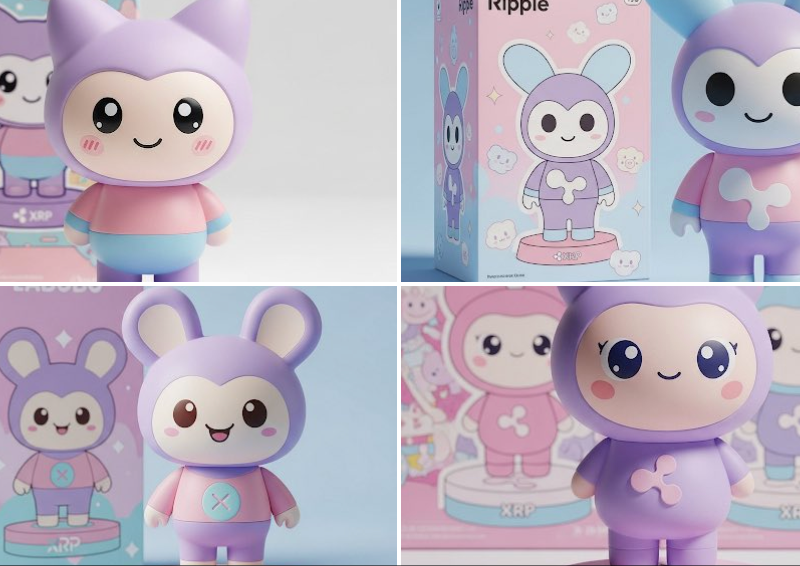
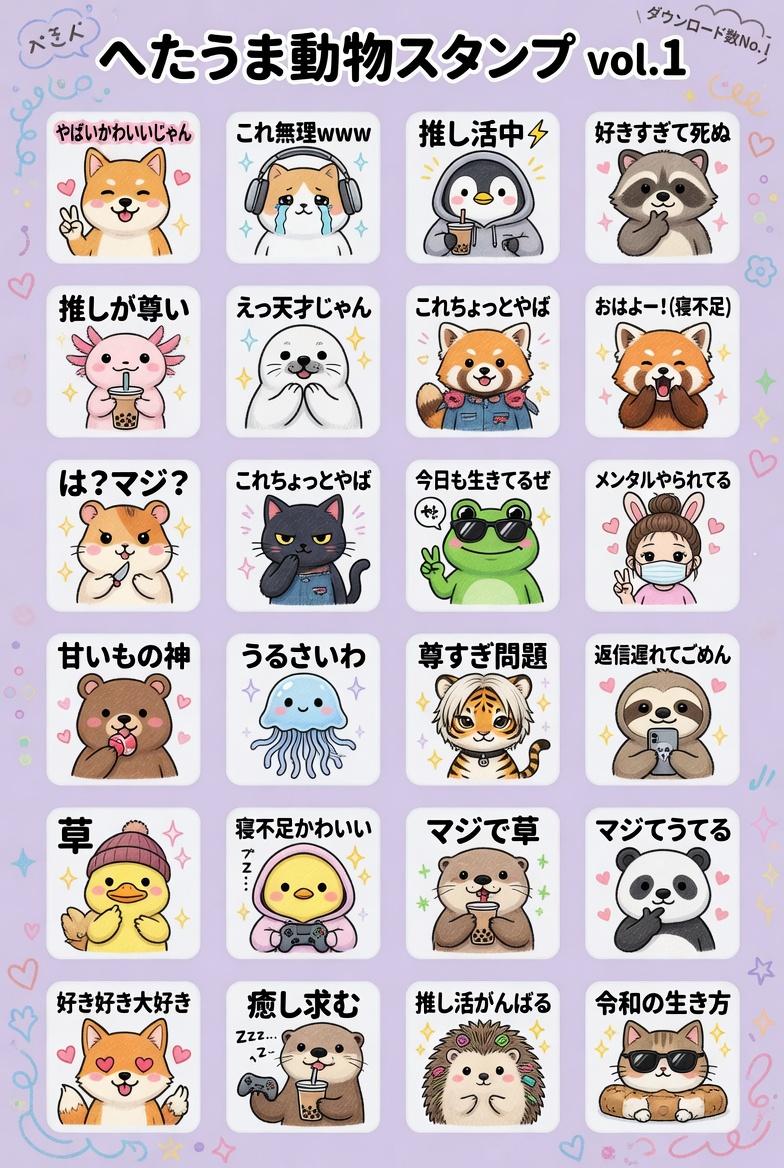
肝了一下午,给女儿做了个温馨的手办墙。这个prompt 可玩性非常高,手办、生活百态动作都可以自己定义(比如打碟、蹦迪等😂),喜欢的朋友可以评论区刷起来,来打造自己的梦幻手办墙吧! 元提示词(可玩性很高哦~)
元提示词(场景、动作、甚至手办都可以自定义,随你喜欢):
一张[SCENE]场景的摄影作品,展现[ATMOSPHERE]氛围中的宏大Q版设计师玩具收藏。[CAMERA]。
人偶规格:1:1 Q版头身比,圆润身材,超大无神光泽黑眼睛。材质:哑光乙烯基皮肤、天鹅绒植绒毛发、高光树脂细节。尺寸范围:5-15厘米。演绎如下主题场景:
主题(100+款独特设计):
- 日常生活:喝咖啡、用笔记本电脑工作、盖毯子午睡
- 美食:拉面浴、寿司装、分享甜甜圈
- 情绪:雨云头、拥抱、观星
- 季节:樱花冠、雪人装、冲浪
- 奇幻:水晶背、银河罐头脑袋、云朵身体
- 复古:Game Boy、随身听、黑胶唱机
- 互动:牵手、骑肩、自拍姿势
- 自定义动作: 泡澡,滑板,划拳
要求:每组手办动作不要重复
色彩:水平彩虹渐变([DOMINANT TONE]主色调:暖粉/金色 或 冷蓝/紫色)。10%金属/发光点缀。
陈列:分层亚克力展示架,前景虚化,中景清晰,背景无限模糊。3-5个人偶组成情景组合。
光照:[LIGHT TYPE]光源配合[COLOR CAST]色调,45°柔光箱,无硬阴影。植绒毛发与树脂眼睛上的高光。背景[GRADIENT STYLE]渐变。
技术参数:[LENS]镜头,f/[APERTURE]光圈,8K超高清,照片级真实感,电影级调色,轻微辉光。
氛围感:极度可爱、温馨庇护所、治愈系、痴迷收藏的寻宝感。
--
SCENE=透明旋转台
手办=拉布布
--ar 9:16
4k
Category
Photography & Realism
Model
Unknown
Creator
岚叔
Source language
zh-CN
Views0
Source ID
handcrafted-mini-figures-for-personal-life-scene
Studio

Guide

About "手办墙:打造个性化生活场景"

What is this prompt for?

"手办墙:打造个性化生活场景" AI image prompt for Unknown (Photography & Realism). 生活大舞台,手办你来排~ 肝了一下午,给女儿做了个温馨的手办墙。这个prompt 可玩性非常高,手办、生活百态动作都可以自己定义(比如打碟、蹦迪等😂),喜欢的朋友可以评论区刷起来…

The full copyable prompt and example visuals above are ready for AI image generation or one-click recreate in Picva.

How to use this prompt

  1. Step 1

    Open the prompt detail

    Review the example visuals, category, and full prompt text for "手办墙:打造个性化生活场景".

  2. Step 2

    Copy the prompt

    Copy the prompt body from this page, or load it directly in Studio.

  3. Step 3

    Pick a model (Unknown)

    Prefer Unknown. If you switch models, keep subject and composition and tweak style terms.

  4. Step 4

    Generate and export

    Recreate the look in Picva, or export into your workflow for editing and publishing.

FAQ

What is the "手办墙:打造个性化生活场景" prompt?
It is an AI image-generation prompt for Unknown in the Photography & Realism category. This page includes the full prompt text, example visuals, and a one-click recreate path in Picva.
How do I use this prompt to generate an image?
Copy the prompt from this page, or use Generate / Studio. Paste it into a compatible image model, or recreate the look in Picva with optional reference images.
Which model is this prompt for?
This page lists Unknown. Most descriptive prompts also transfer to nearby image models such as GPT Image, Flux, or Midjourney with light style tweaks.
Can I use the result commercially?
You can usually copy the prompt for creation, but commercial use of the final image depends on the model terms, reference-image rights, and the generated content. Follow the source author and platform rules.