17

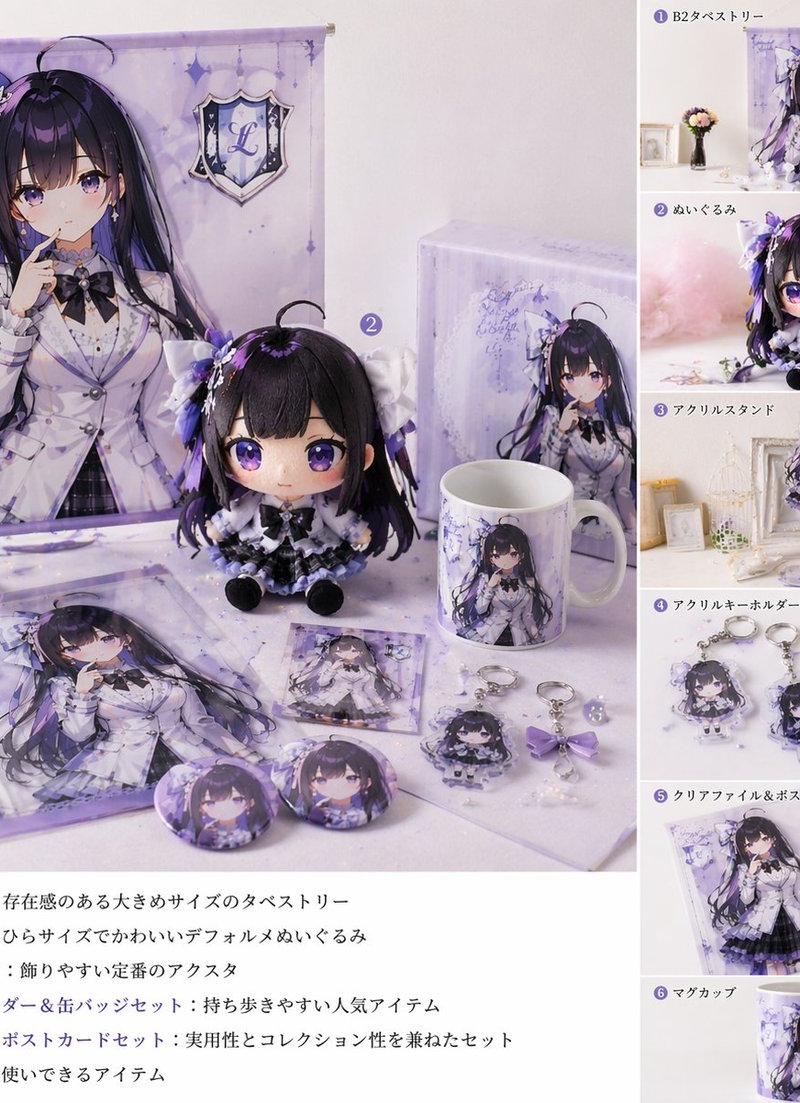
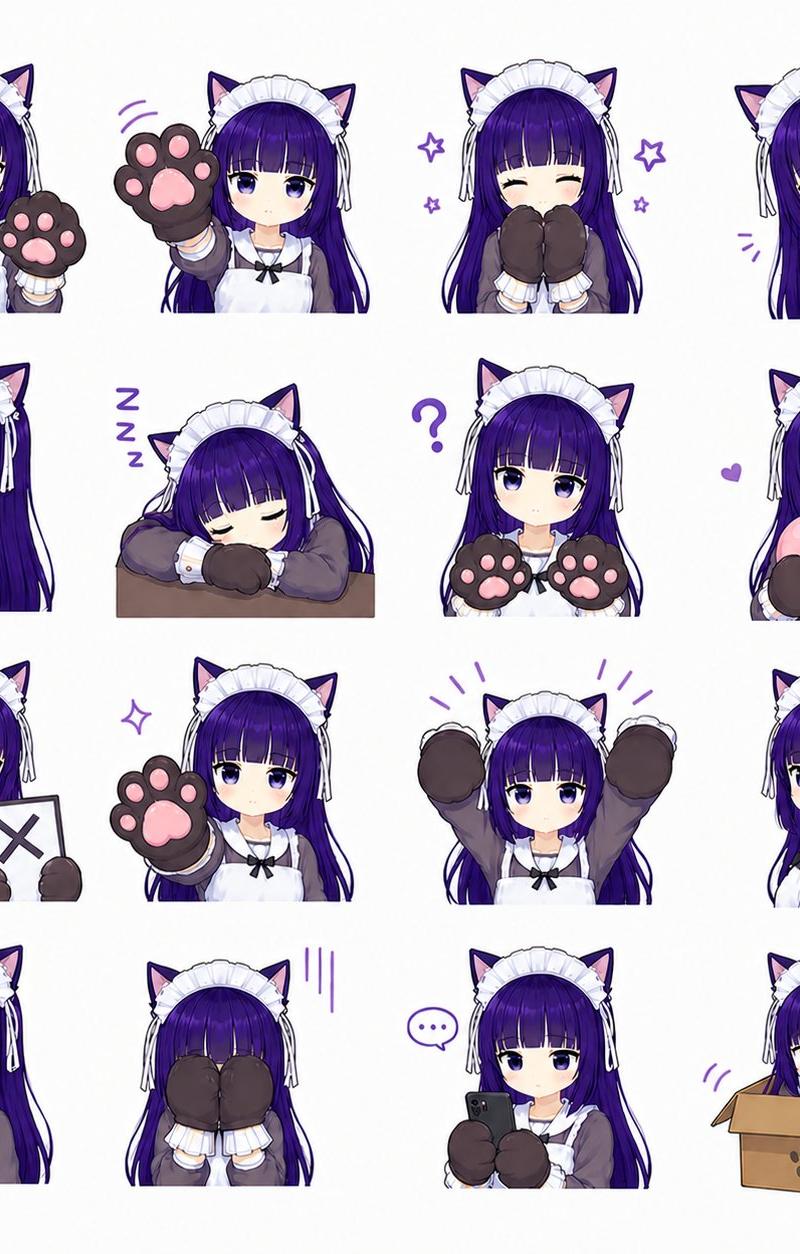
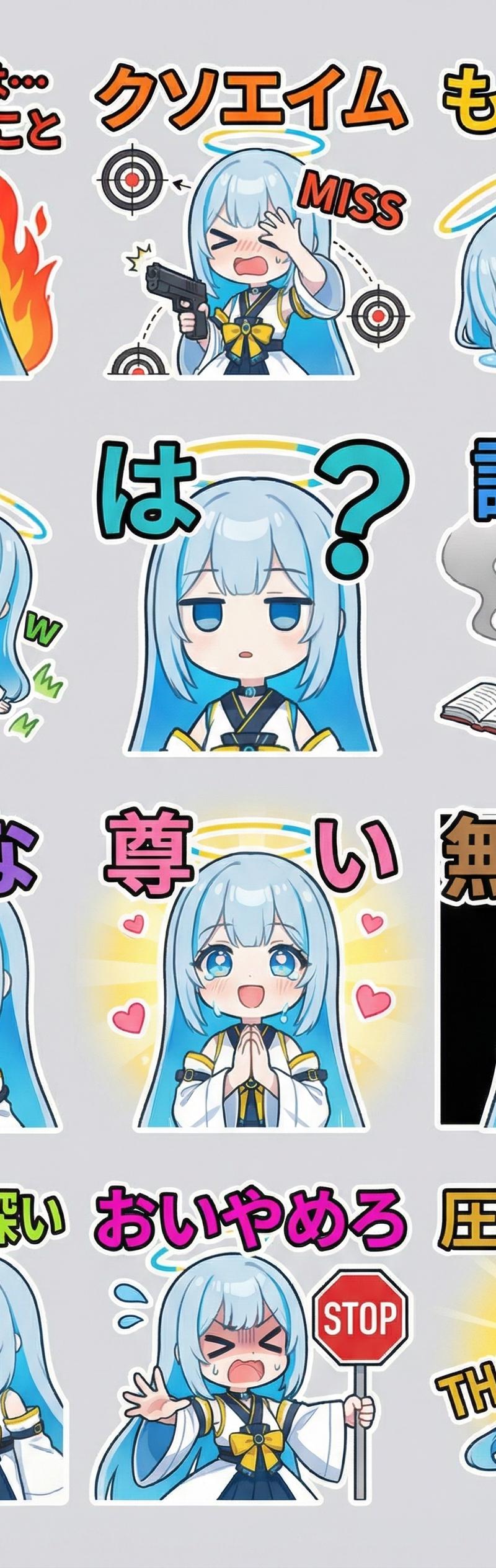
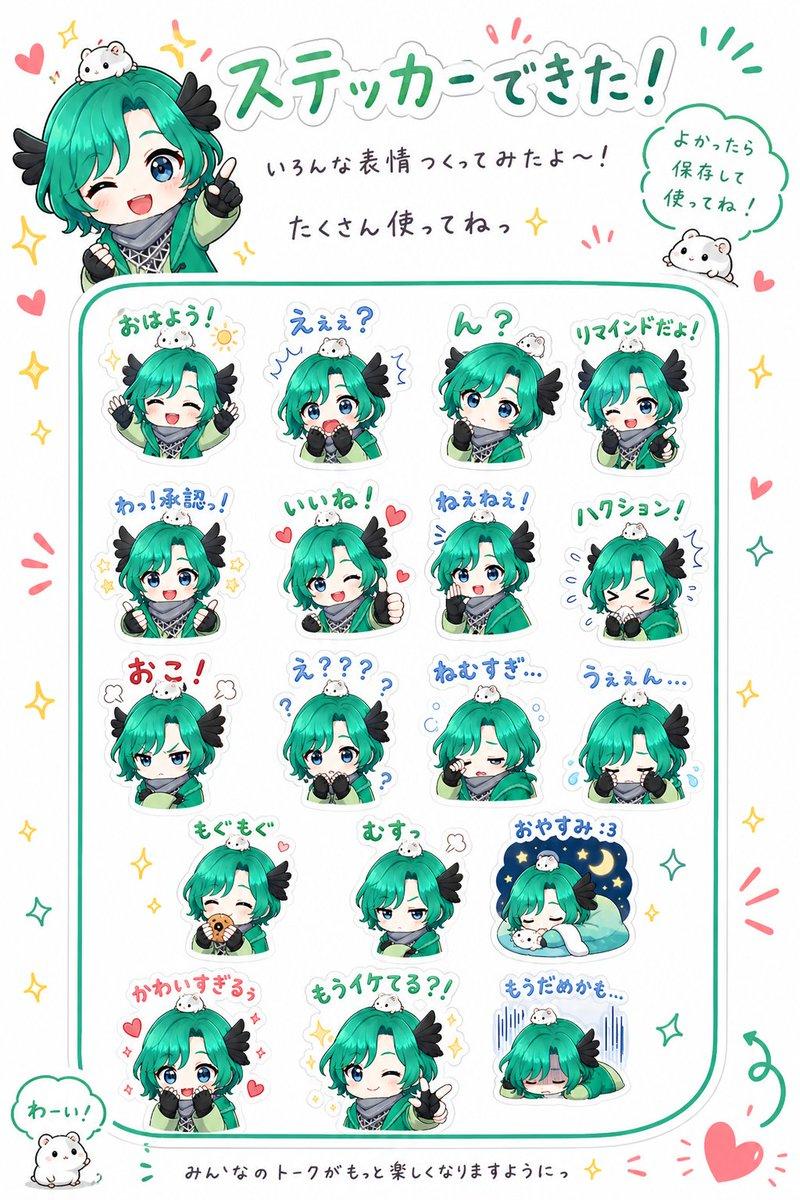
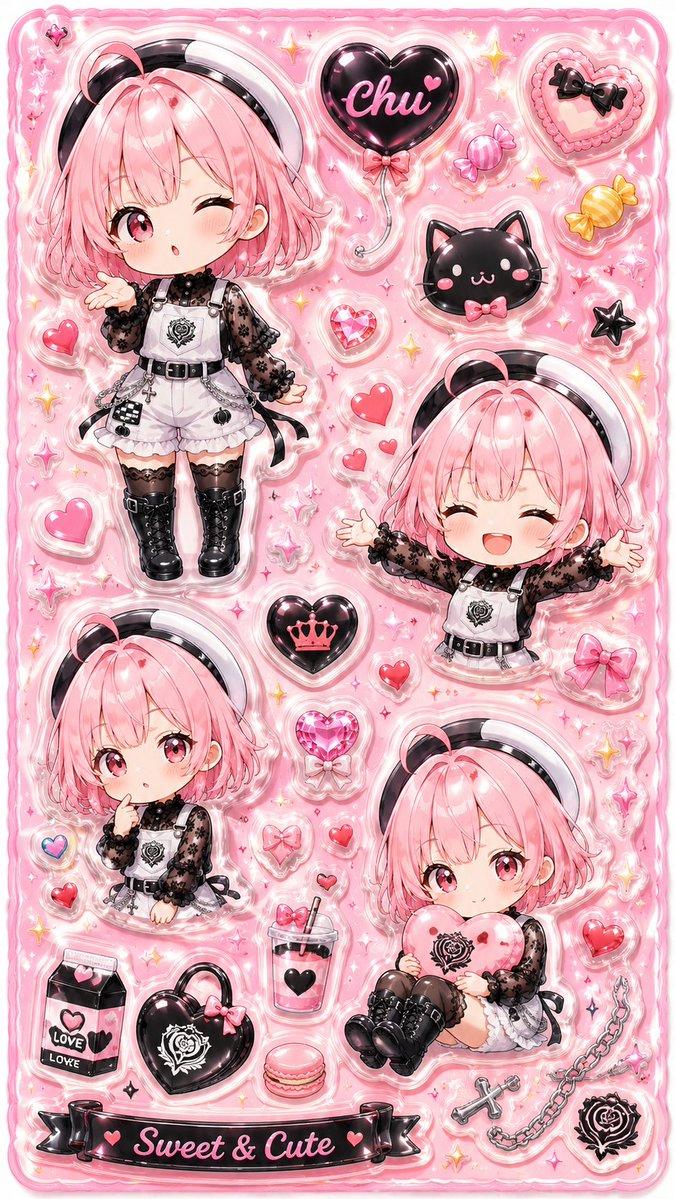
3D 立体树脂角色贴纸套装
Enlarge

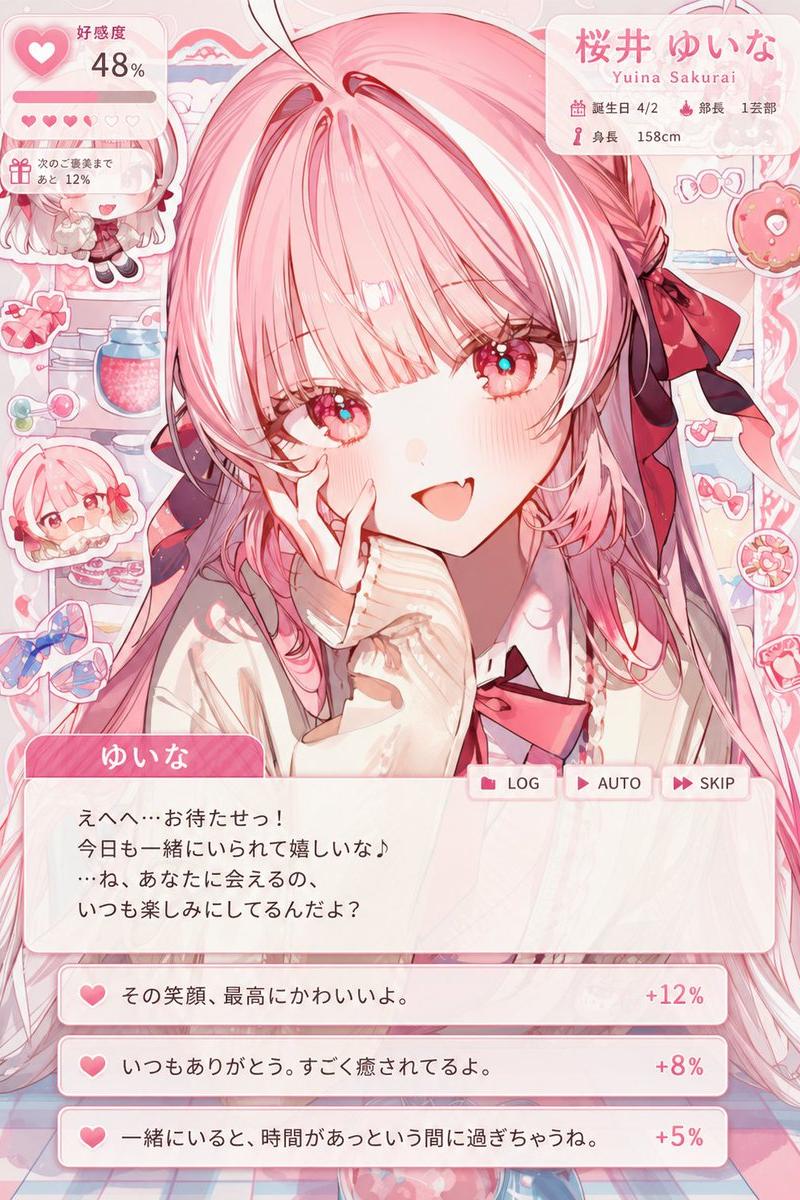
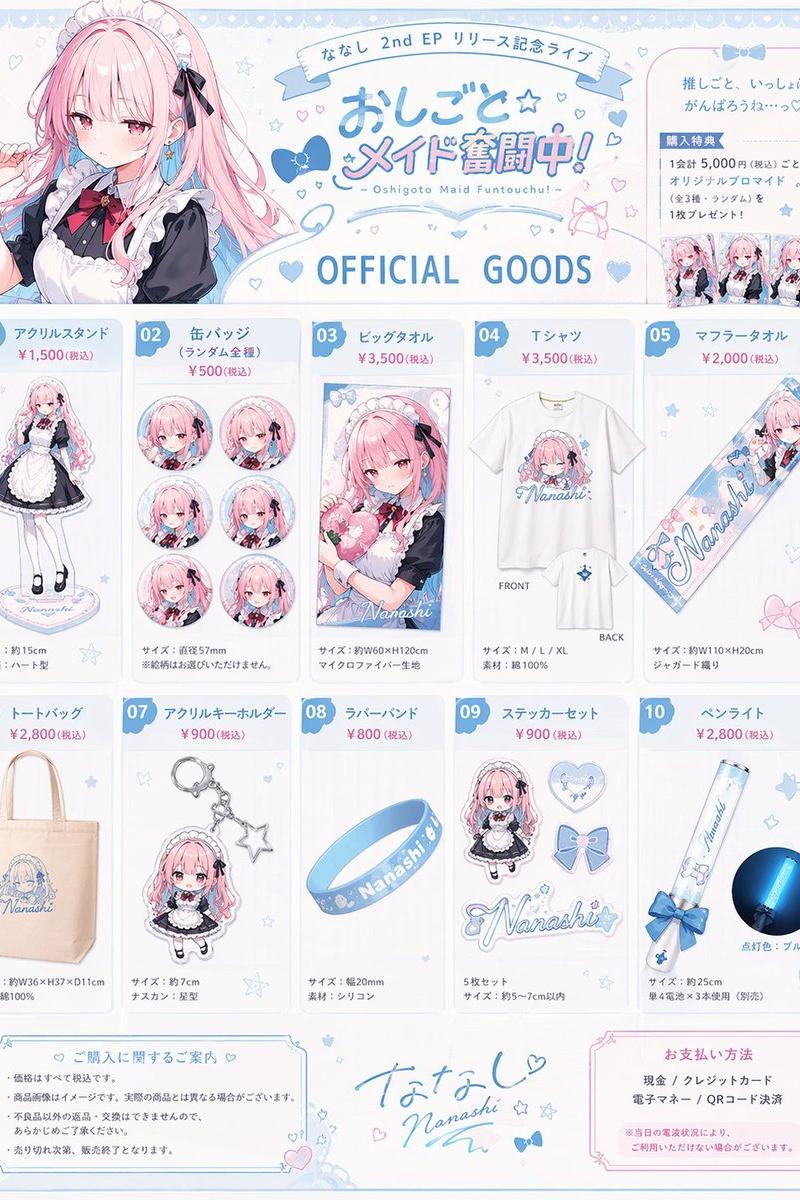
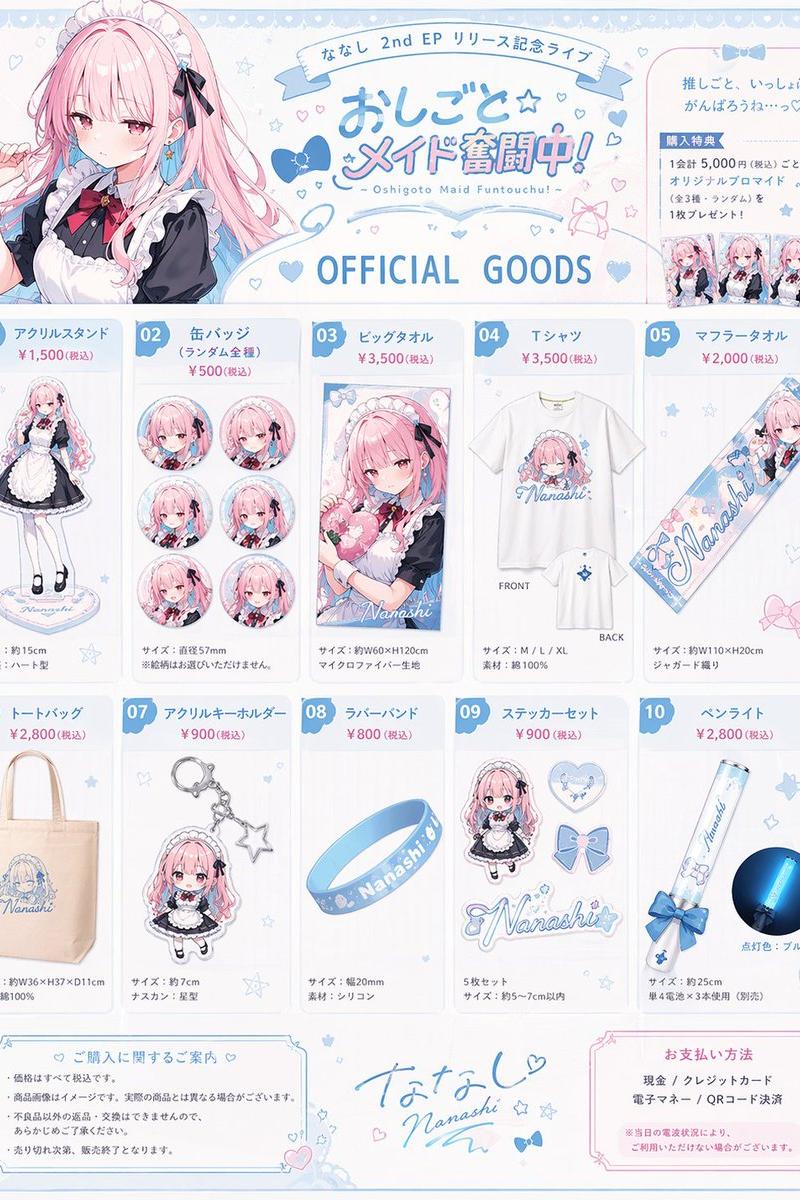
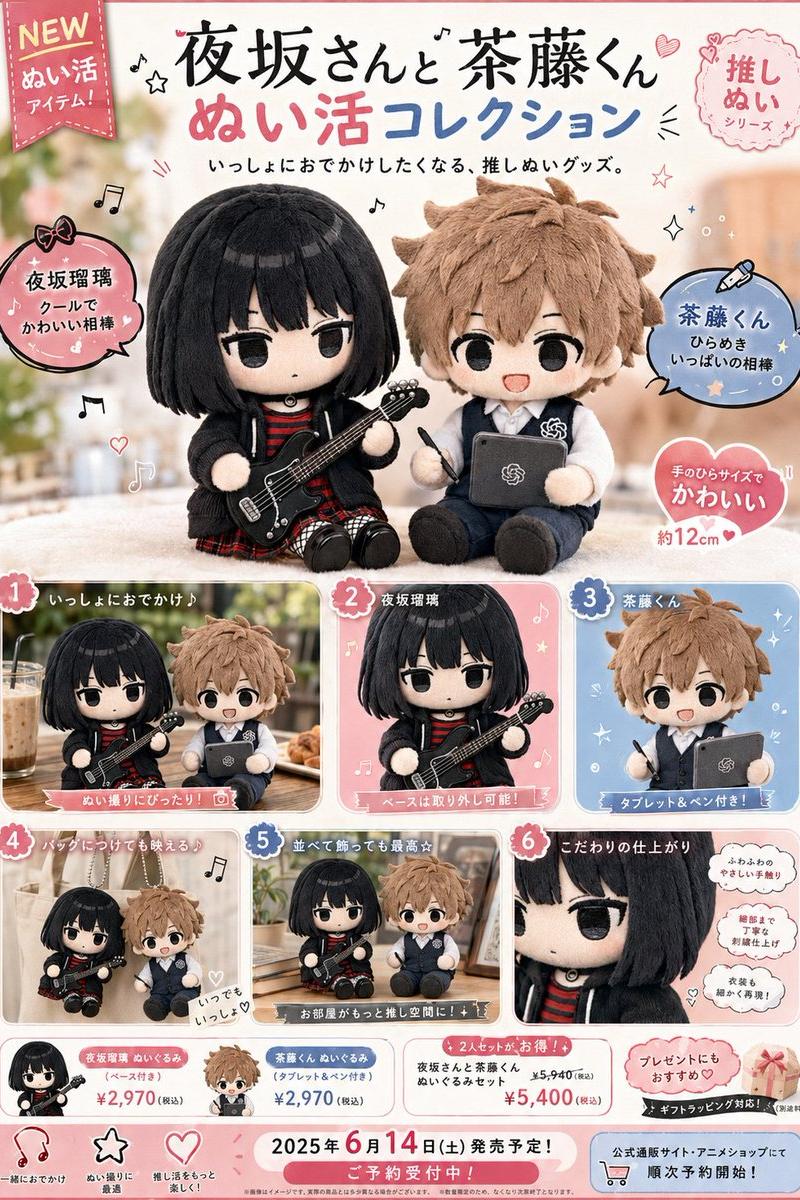
Example images

3D 立体树脂角色贴纸套装

Prompt
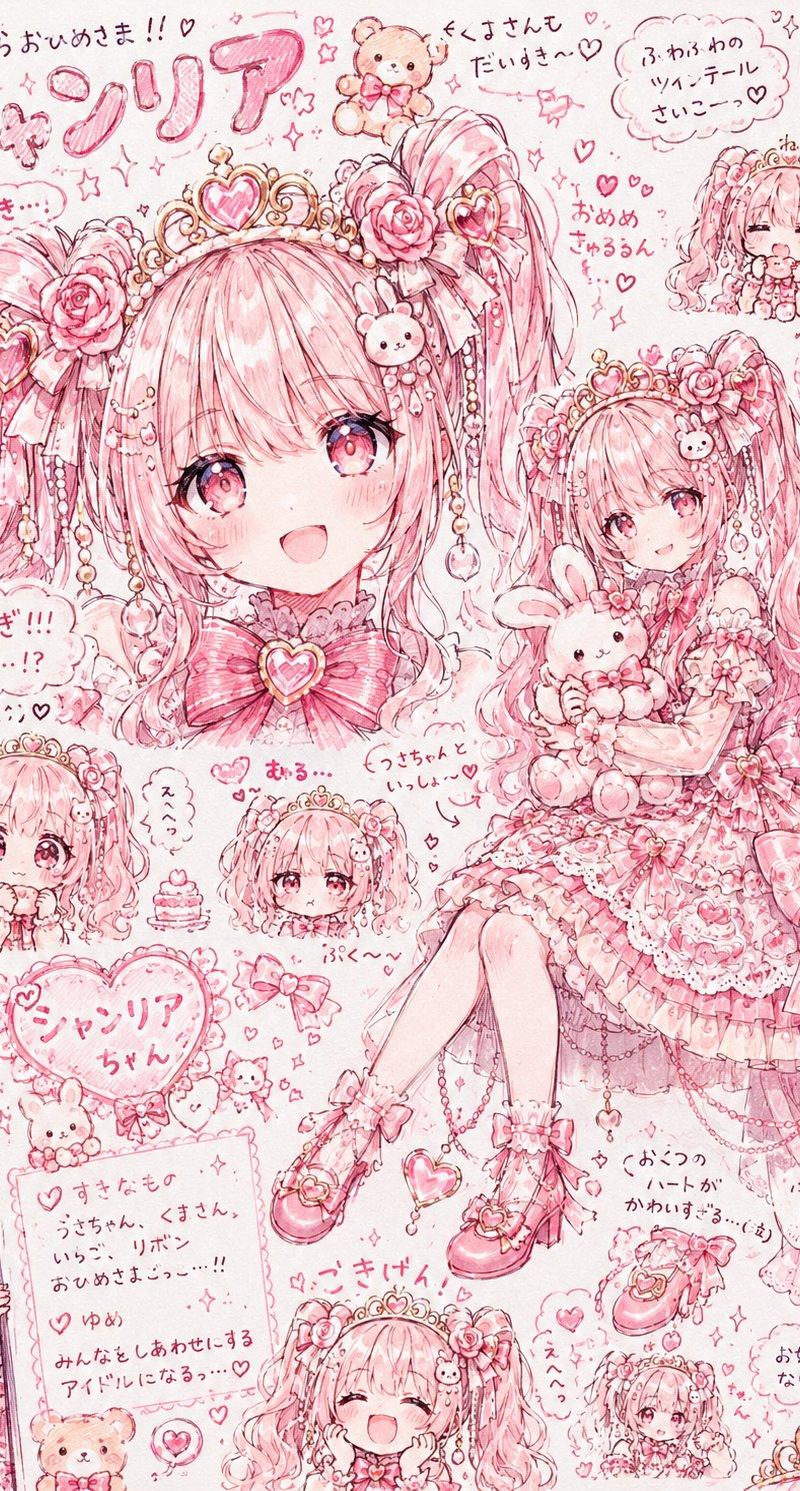
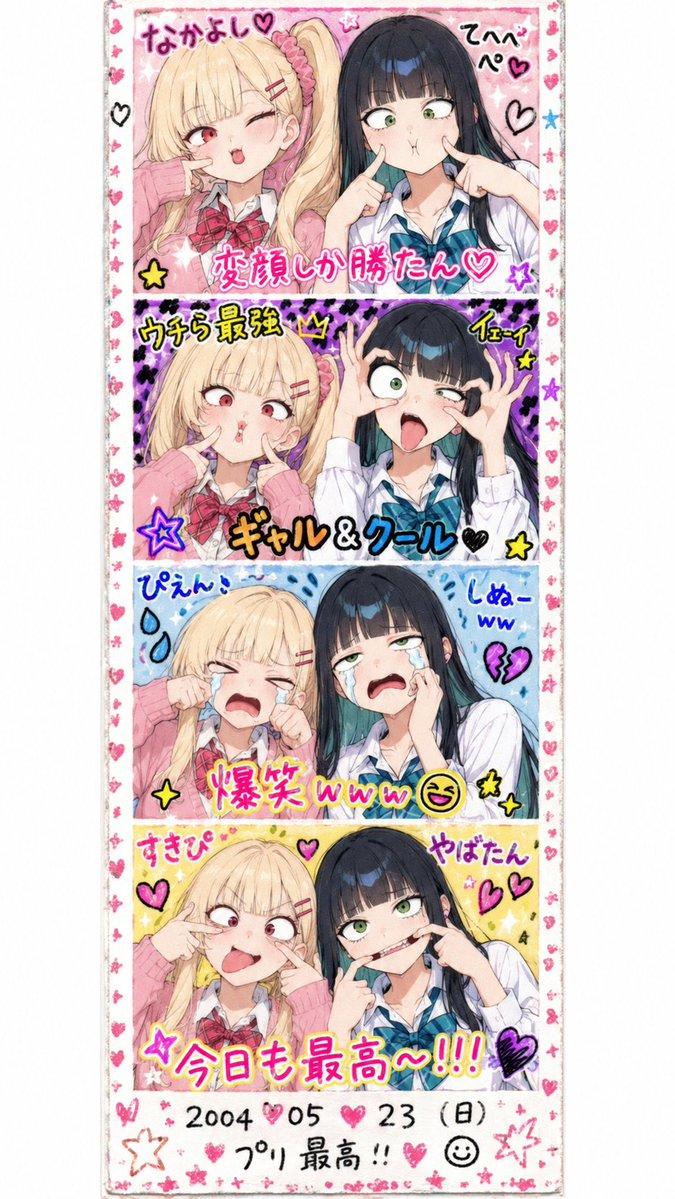
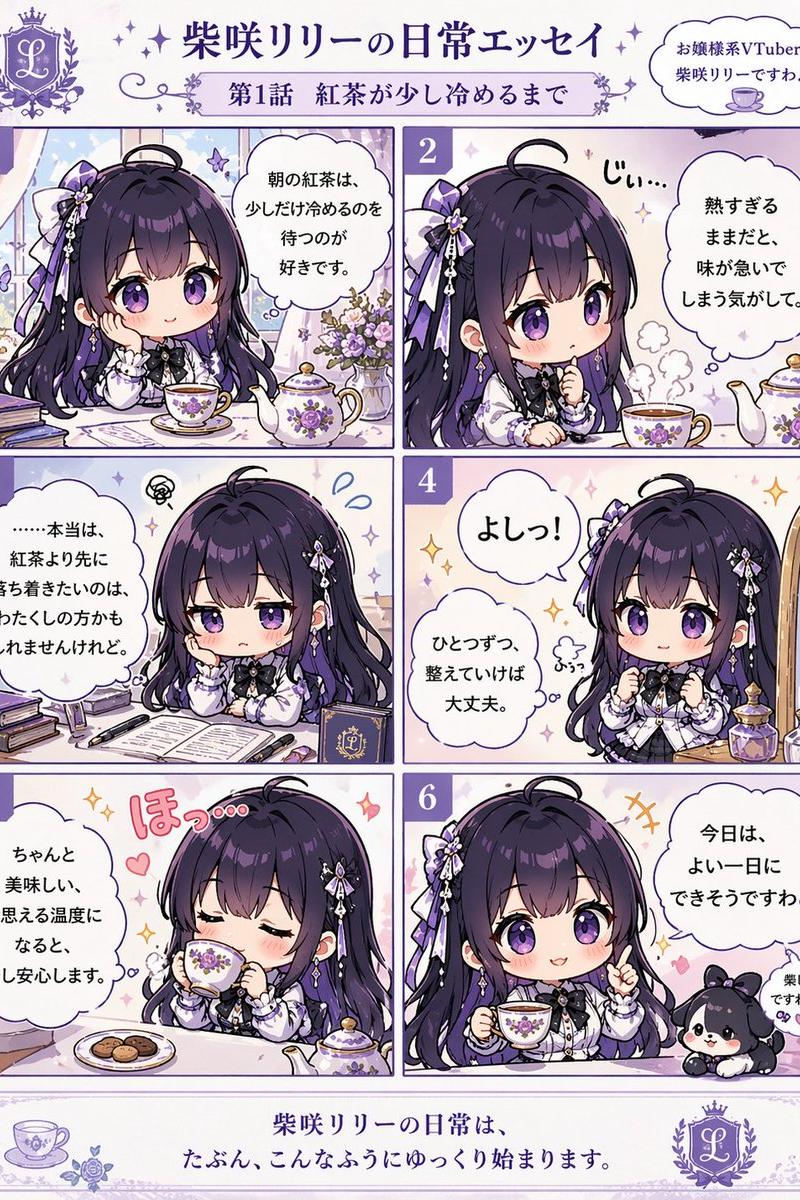
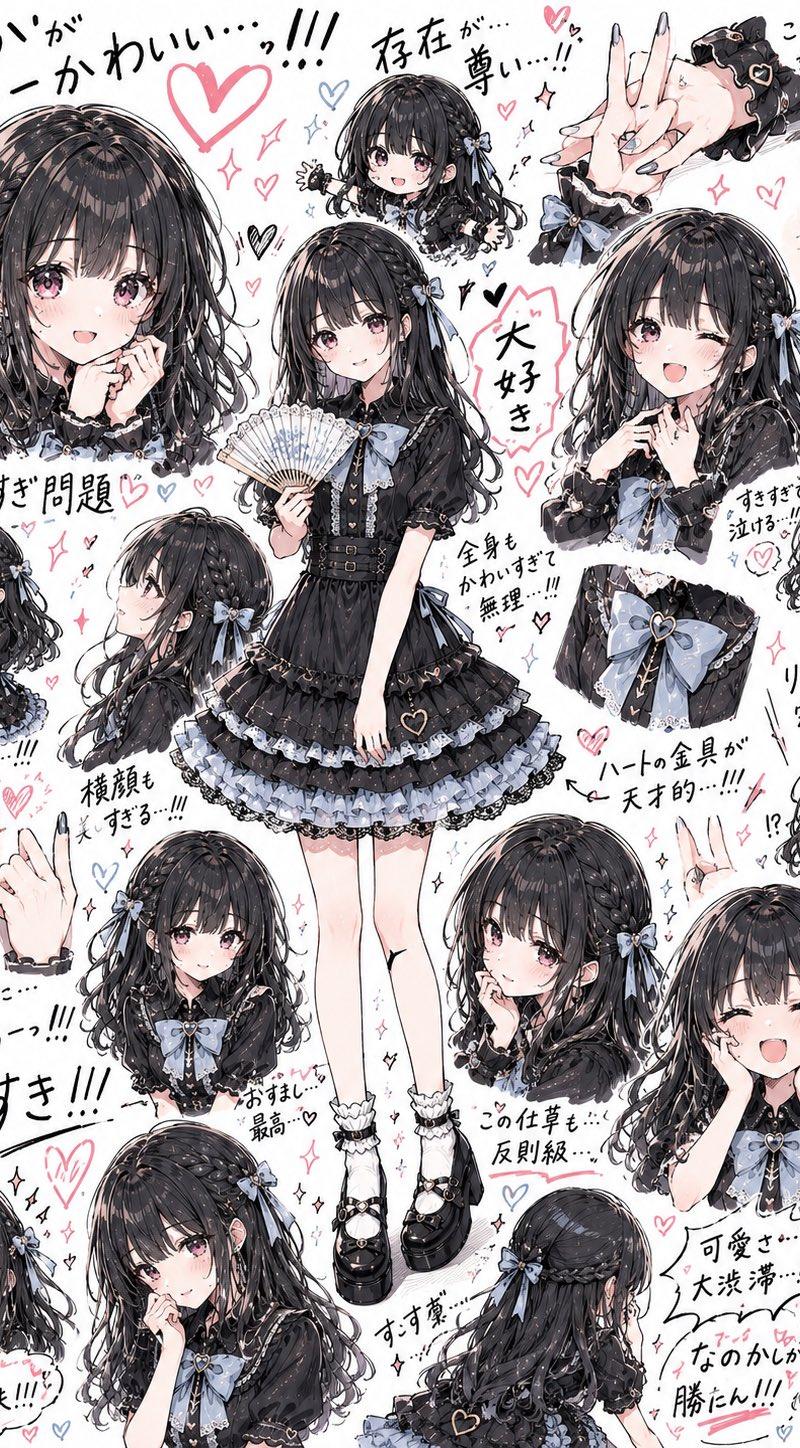
可爱的立体贴纸套装,垂直布局,特色是 {argument name="character poses" default="处于多种姿势和表情的角色,包括全身、半身、坐姿、眨眼、微笑以及手持爱心"},构图丰富多样。

放置许多与角色世界观相符的配饰,例如 {argument name="accessories" default="爱心、星星、丝带、糖果、宝石、毛绒玩具、花朵、饮料、包包、甜点和吉祥物"}。

透明立体树脂质感,环氧树脂贴纸,厚实的 3D 手感,模切贴纸,透明光泽边缘,强烈的反光高光,闪烁的亮片,以及透明、光亮的质感。

可爱的杂货产品设计,收藏贴纸,贴纸套装,文具设计,统一的排列,易于阅读的信息组织,以角色为核心焦点。

{argument name="color theme" default="马卡龙色系"},可爱的氛围,闪烁的高光,透明感,柔和的色彩,高端贴纸产品摄影风格。

背景采用简洁的设计,作为贴纸底板使用,没有多余的背景元素,构图突出角色和贴纸本身。
Category
Products & E-commerce
Model
GPT Image 2
Creator
琴舞 - Kotomai project -
Source language
ja
Views2
Source ID
23965
Published
Jun 3, 2026
Studio

Guide

About "3D 立体树脂角色贴纸套装"

What is this prompt for?

"3D 立体树脂角色贴纸套装" AI image prompt for GPT Image 2 (Products & E-commerce). 一份用于创作具有光泽树脂质感和马卡龙色系美学的 3D 立体角色贴纸套装的高细节提示词。 Copy it on Picva and recreate the look in…

The full copyable prompt and example visuals above are ready for AI image generation or one-click recreate in Picva.

How to use this prompt

  1. Step 1

    Open the prompt detail

    Review the example visuals, category, and full prompt text for "3D 立体树脂角色贴纸套装".

  2. Step 2

    Copy the prompt

    Copy the prompt body from this page, or load it directly in Studio.

  3. Step 3

    Pick a model (GPT Image 2)

    Prefer GPT Image 2. If you switch models, keep subject and composition and tweak style terms.

  4. Step 4

    Generate and export

    Recreate the look in Picva, or export into your workflow for editing and publishing.

FAQ

What is the "3D 立体树脂角色贴纸套装" prompt?
It is an AI image-generation prompt for GPT Image 2 in the Products & E-commerce category. This page includes the full prompt text, example visuals, and a one-click recreate path in Picva.
How do I use this prompt to generate an image?
Copy the prompt from this page, or use Generate / Studio. Paste it into a compatible image model, or recreate the look in Picva with optional reference images.
Which model is this prompt for?
This page lists GPT Image 2. Most descriptive prompts also transfer to nearby image models such as GPT Image, Flux, or Midjourney with light style tweaks.
Can I use the result commercially?
You can usually copy the prompt for creation, but commercial use of the final image depends on the model terms, reference-image rights, and the generated content. Follow the source author and platform rules.