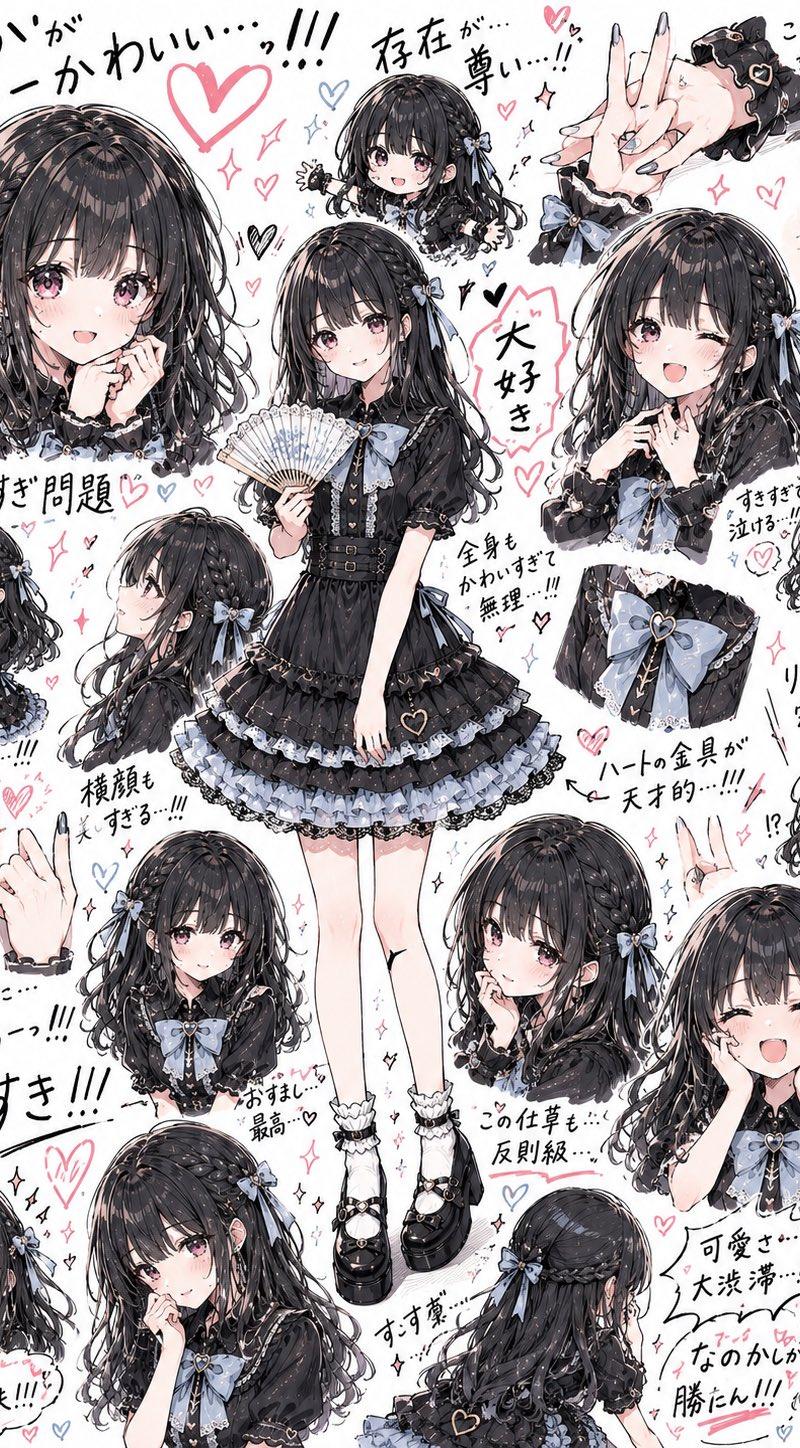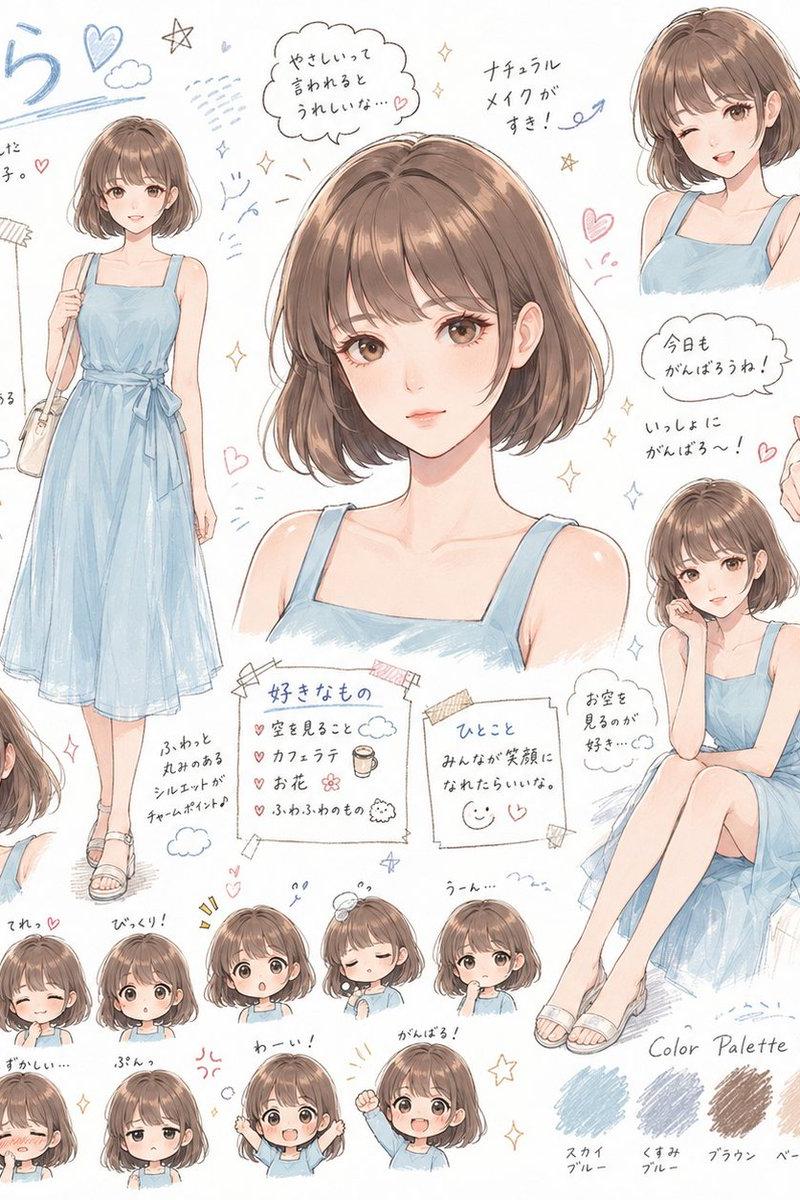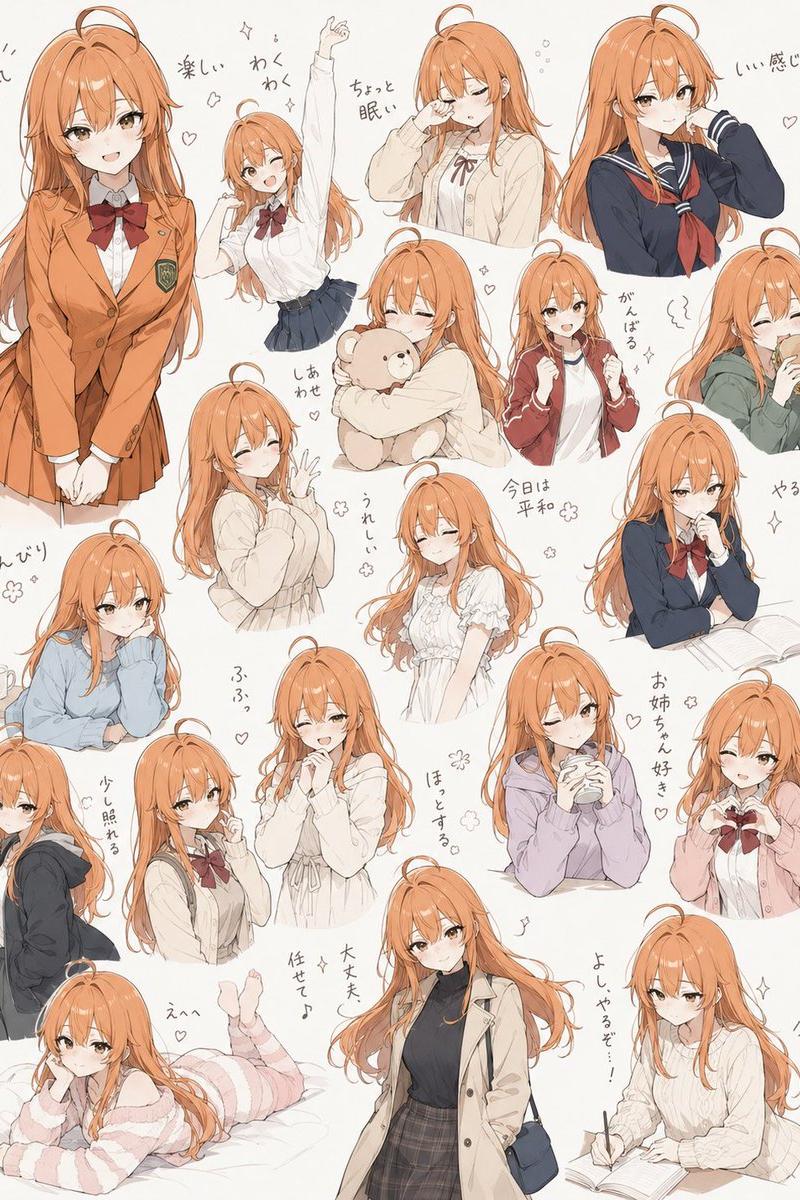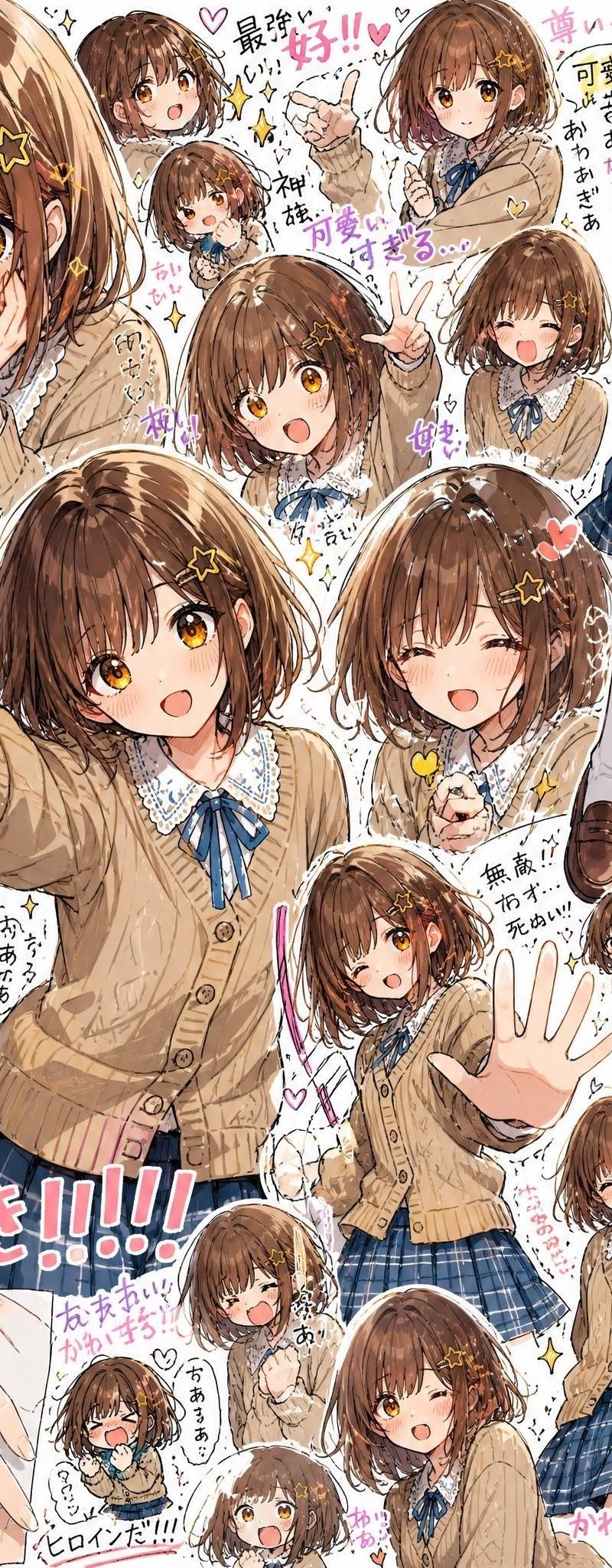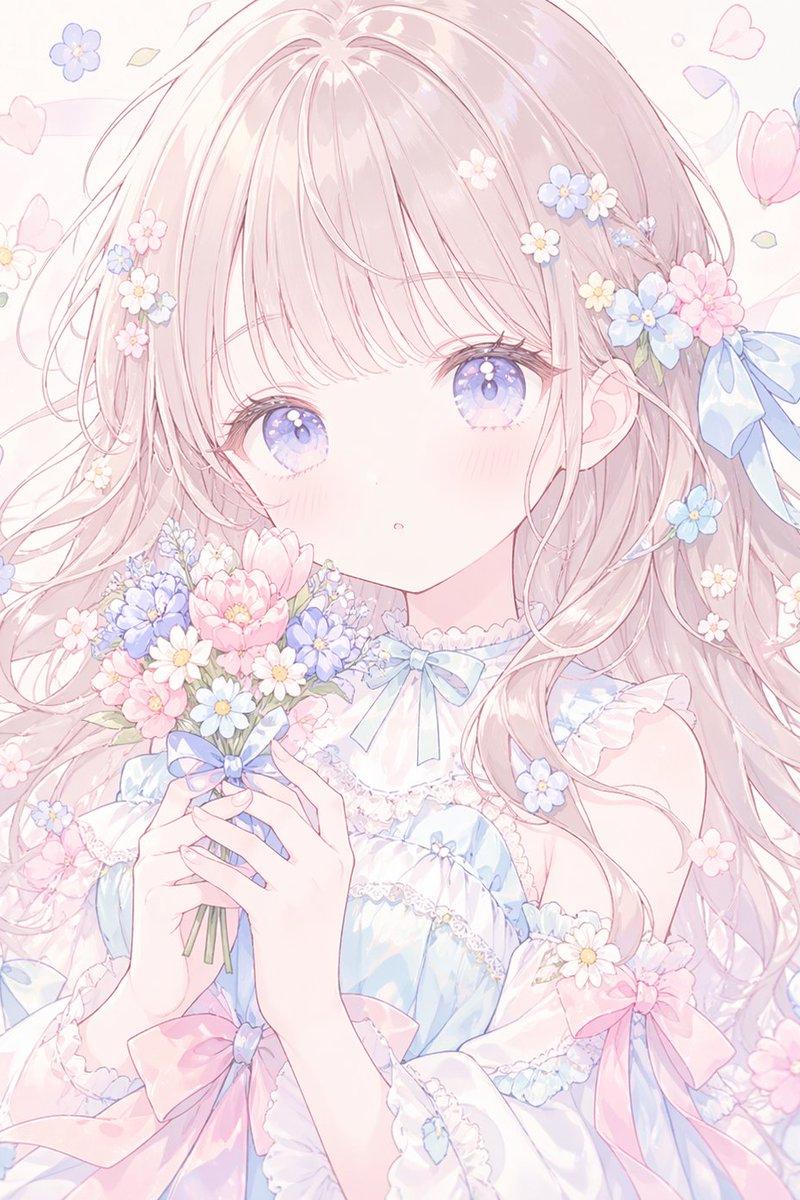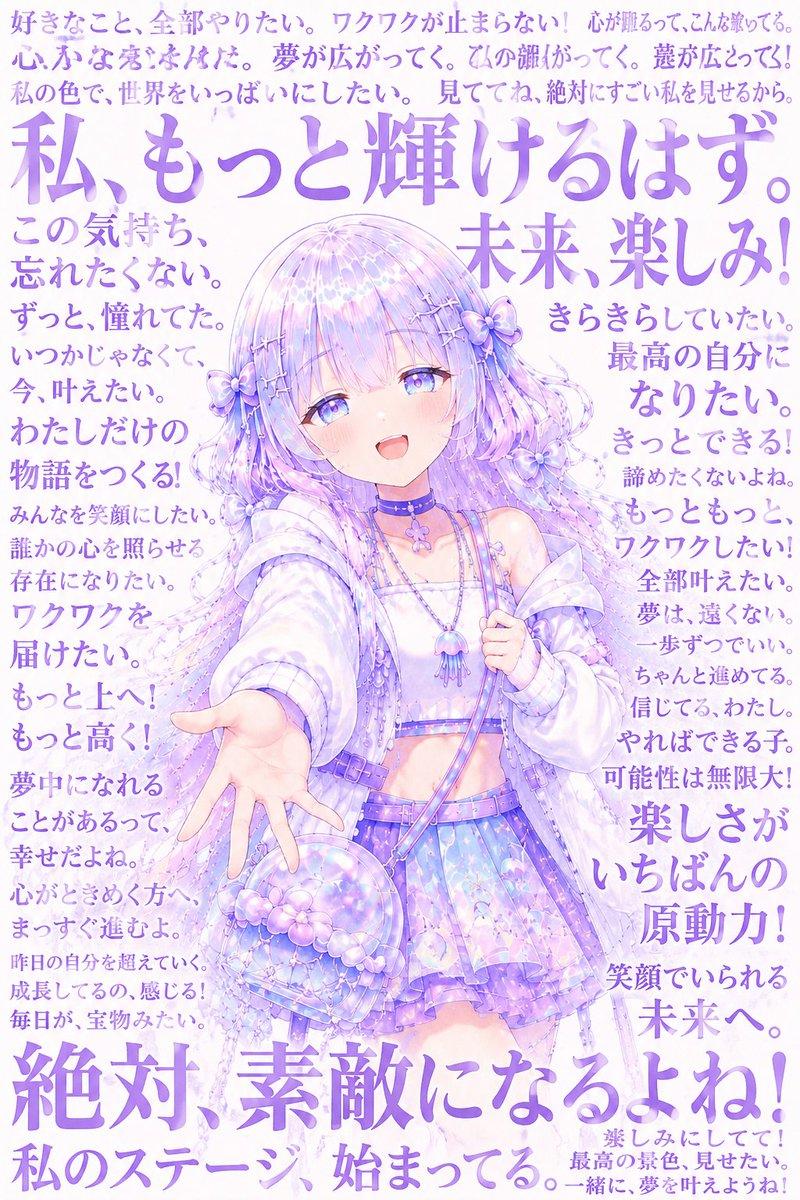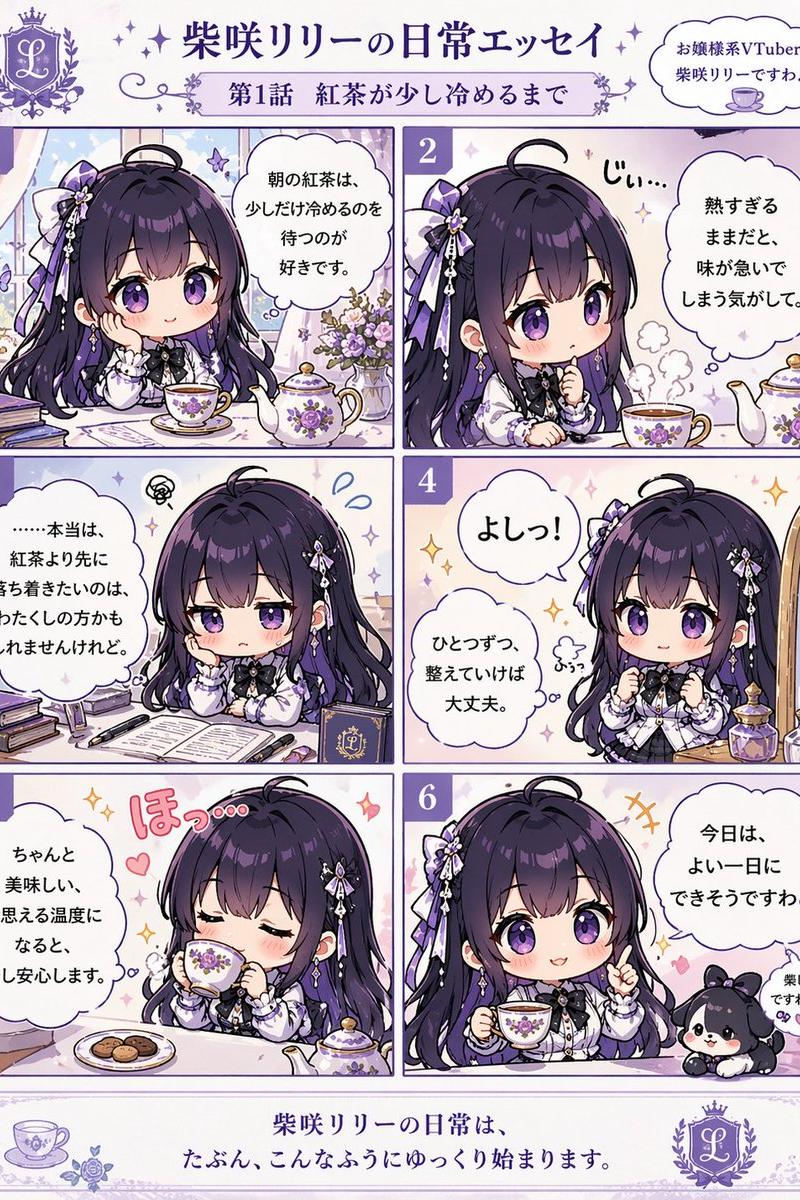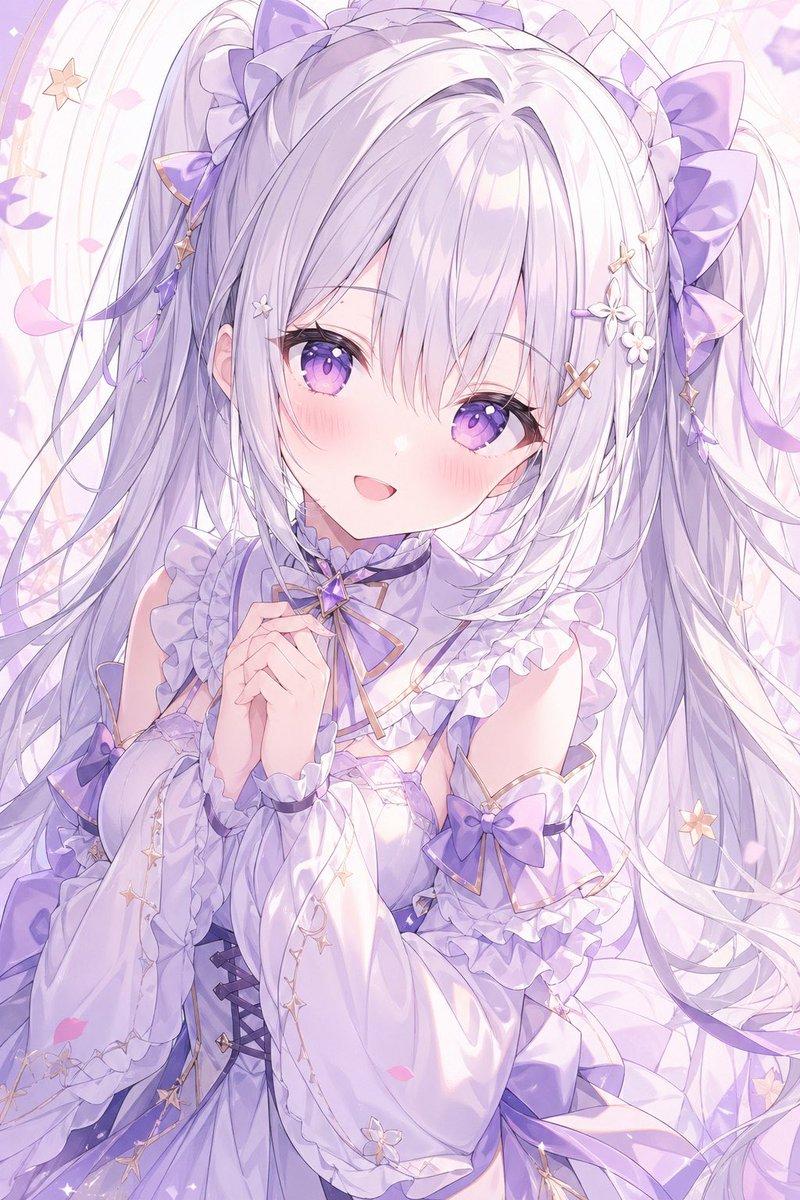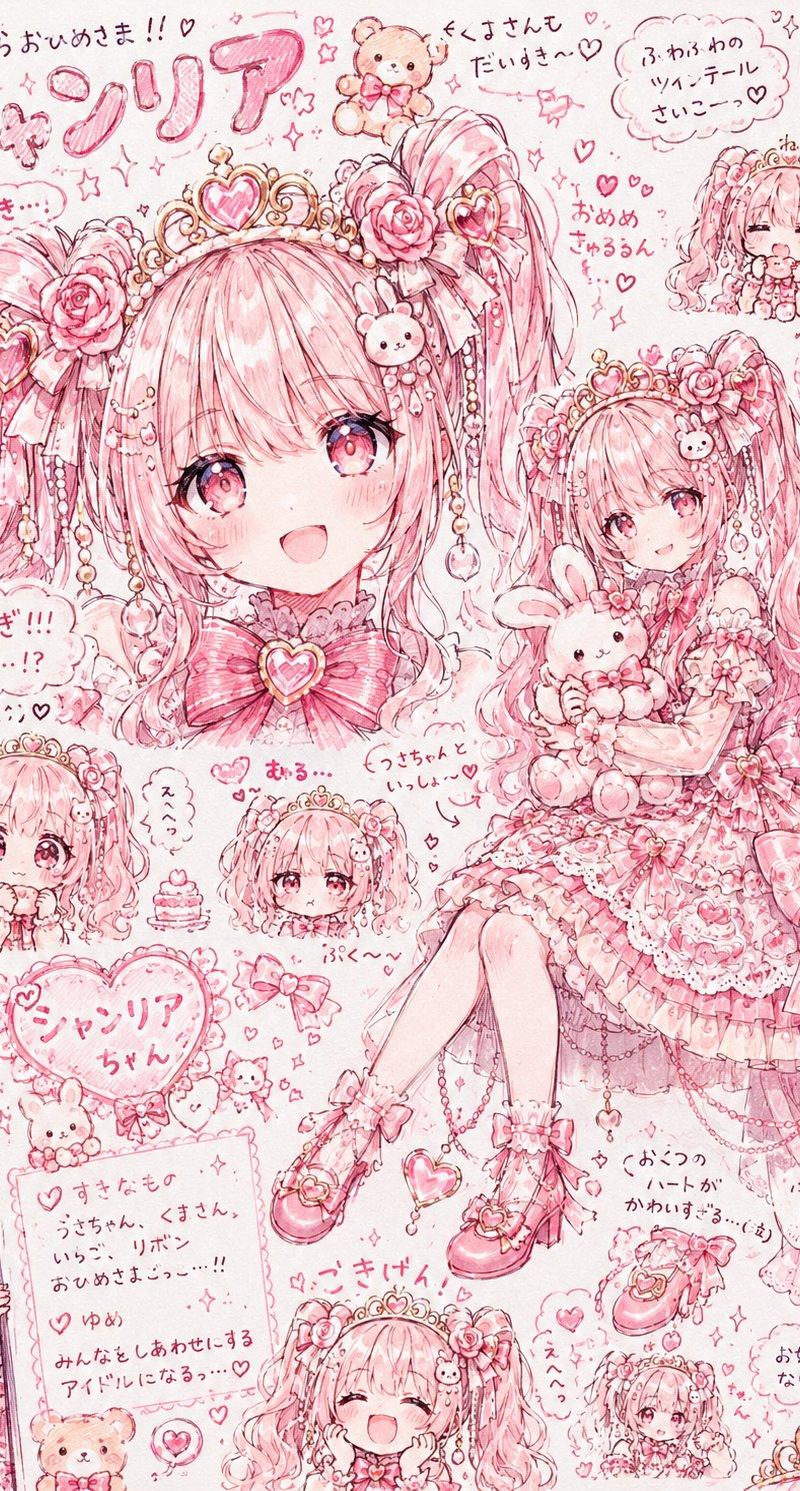
粉色公主偶像角色拼贴画
Prompt
Goal: Create an ultra-cute pink Japanese anime character reference collage for a princess idol named {argument name="character name" default="シャソリア"}, drawn like a dense hand-sketched scrapbook page full of hearts, lace, ribbons, plush toys, and handwritten notes.

Canvas: Vertical 3:4 portrait page, pale blush-pink paper background, monochrome rose-pink line art with soft watercolor shading, high detail, sparkles and doodles everywhere. Use a sweet shoujo manga style with delicate pen strokes, rosy gradients, and a slightly messy hand-drawn layout.

Main subject: A young kawaii princess idol girl with {argument name="hair color" default="cotton-candy pink"} long twin-tail hair, big sparkling pink eyes, frilly lace dress, heart tiara, rose hair ornaments, pearl chains, bows, heart accessories, ruffled socks, and pink Mary Jane heels. She should feel adored, shy, fluffy, and doll-like. Add bunny and teddy-bear motifs throughout.

Layout: Make a crowded character sheet collage with exactly 9 visible depictions of the same character: 1 large seated full-body illustration on the right holding a bunny plush; 1 large left-side close-up/back-of-head portrait with ornate heart tiara and roses, partially covered by a centered blank square placeholder; 1 sleeping chibi face in the top-right corner; 1 small chibi face at lower left with puffy sleeves; 1 small neutral chibi head near the lower middle; 1 happy laughing head at the bottom center; 1 tiny full-body chibi at the bottom right; 1 peeking half-body character entering from the left edge; and 1 small shy face/portrait near the center-left. Keep the main full-body figure as the visual focus.

Blank area: Place a large opaque pastel pink square in the upper-left/center area, covering part of the large portrait, as an empty image/name placeholder.

Text content: Use playful handwritten Japanese notes and labels in pink ink. Include a large bubbly title at the top-left reading {argument name="title text" default="シャソリア"}. Add scattered handwritten phrases such as 「すきらきらおひめさま!!♡」, 「しくすさんもだいすき♡」, 「ふわふわのリボンテールさいこーっ♡」, 「かわいすぎ!!! 天才…!? 尊い(;_;)♡」, 「すきなもの うさちゃん、くまさん、いちご、リボン おひめさまっ…!!」, 「ゆめ みんなをしあわせにするアイドルになるっ…♡」, 「ぴんくがいちばんしあわせ♡」, 「リほんいっぱいだいすき!」, and 「お姫さまになりたいの…♡」. Make the handwriting casual, rounded, and decorative, with speech bubbles and cloud-shaped note boxes.

Decorative elements: Include exactly 6 prominent plush or animal mascots: a teddy bear at the top center, a bunny at the top right, a bunny plush held by the main girl, a small teddy near the bottom note card, a small bunny near the heart name balloon, and a tiny animal hair clip on the main girl. Add many hearts, stars, bows, roses, pearls, lace trims, dangling charms, a heart-shaped name balloon, a small cupcake, heart shoes, and tiny crowns.

Color and finish: Predominantly pink and red-pink ink on a light cream-pink background, with white highlights and soft blush shading. Keep everything cute, detailed, cluttered, and hand-drawn, like a scanned idol character concept sheet. No realistic rendering, no dark colors, no modern UI, no watermark.- Category
- UI & Interfaces
- Model
- GPT Image 2
- Creator
- あまり🖋️AI &フリー素材配布
- Source language
- en
- Source ID
- 25080
- Published
- Jun 10, 2026
Views0