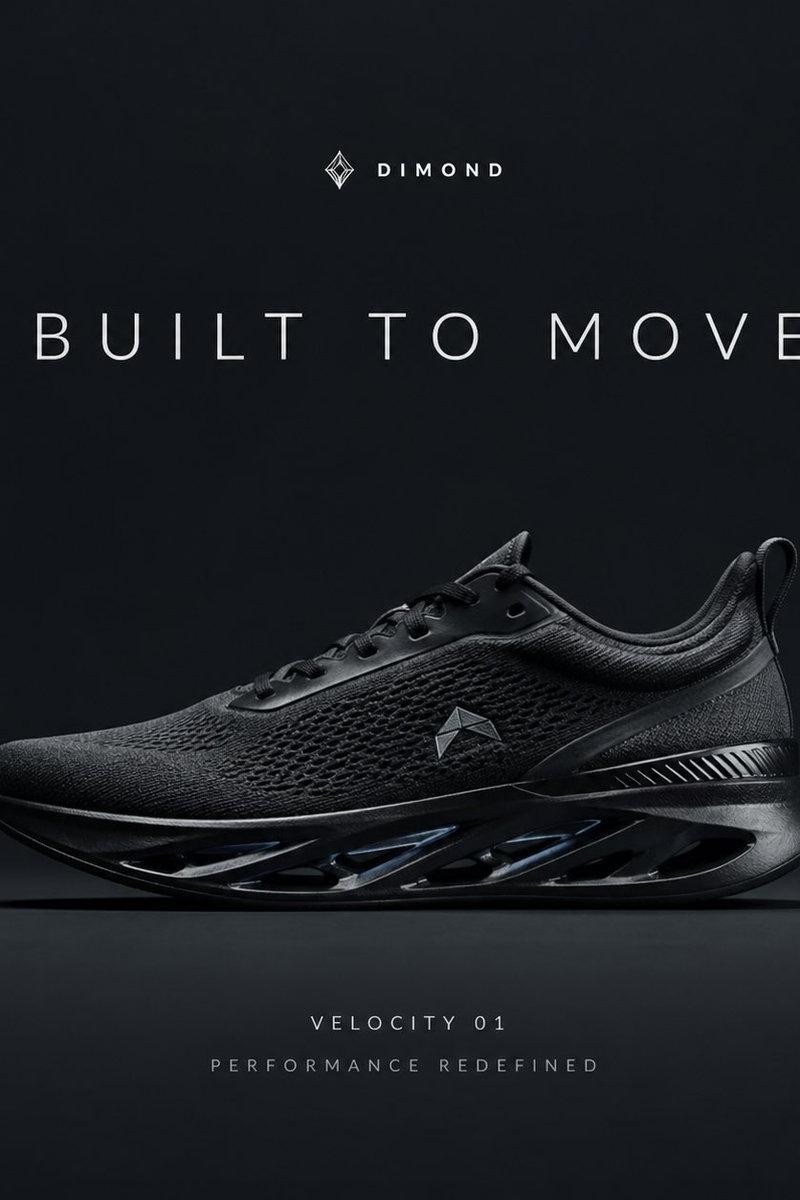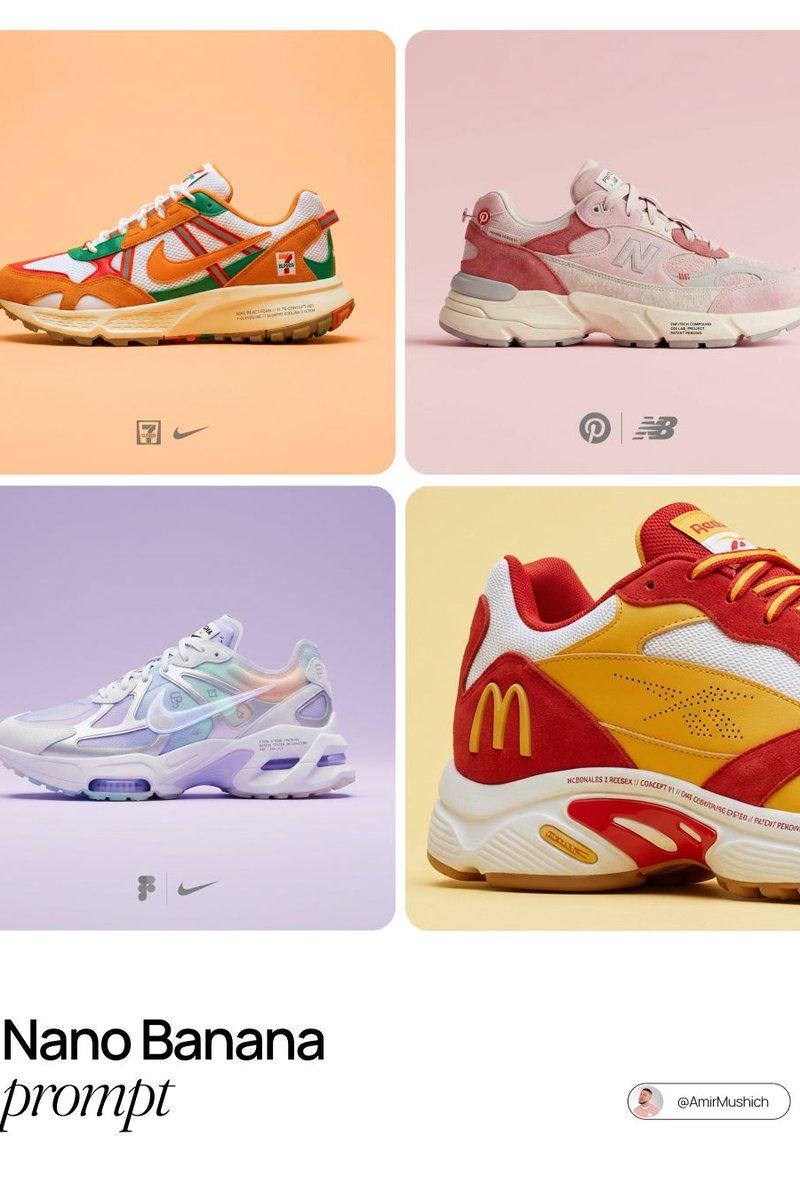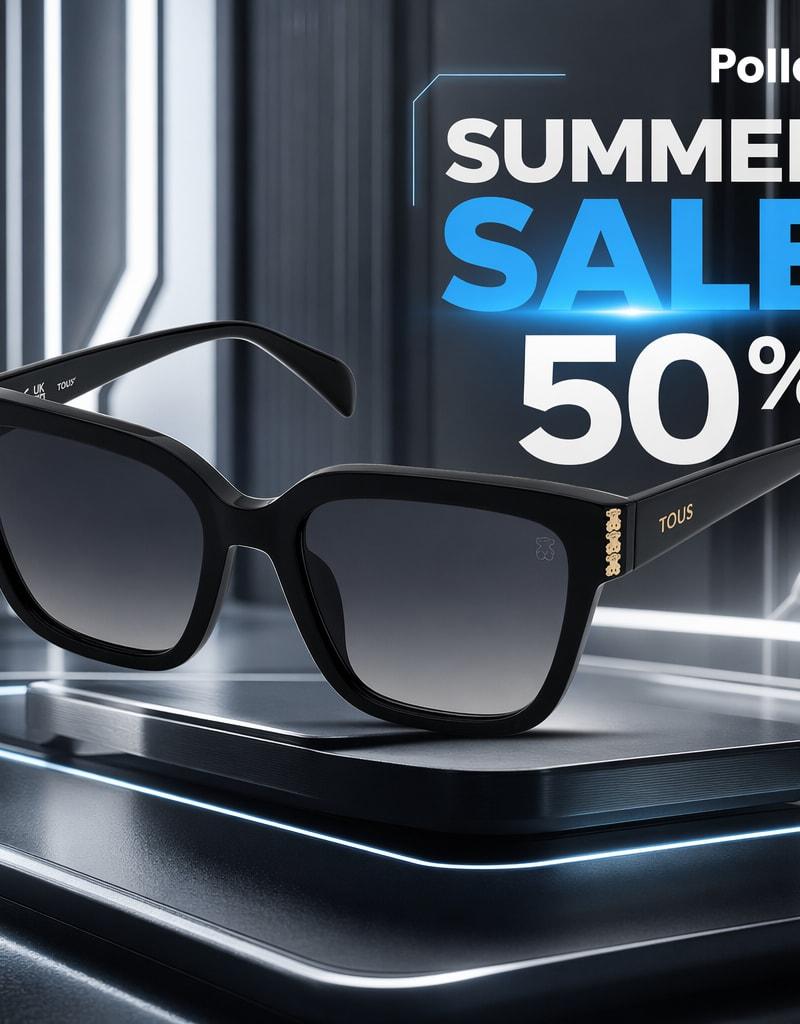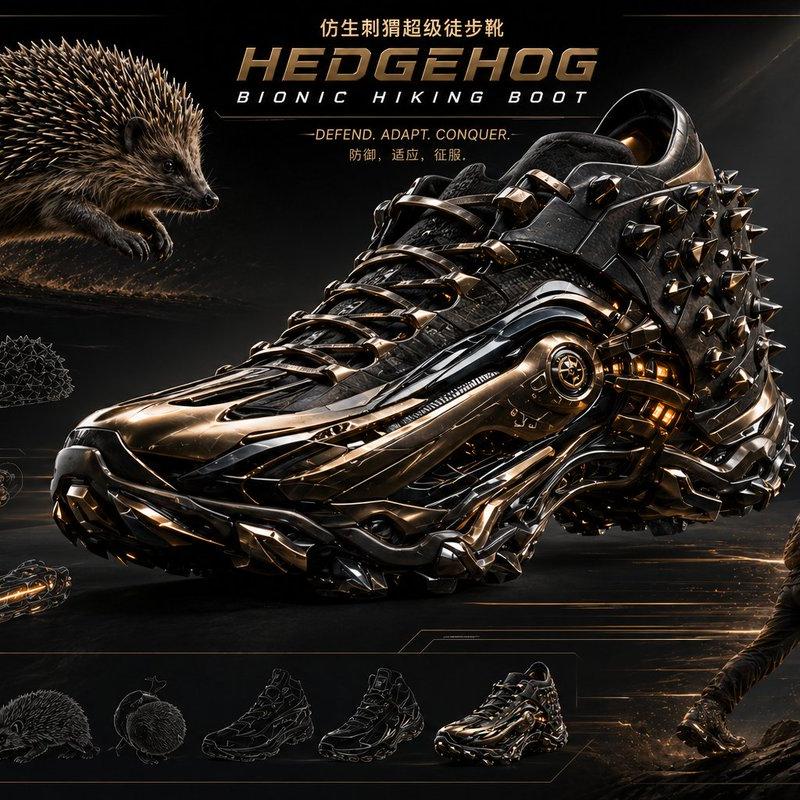
17

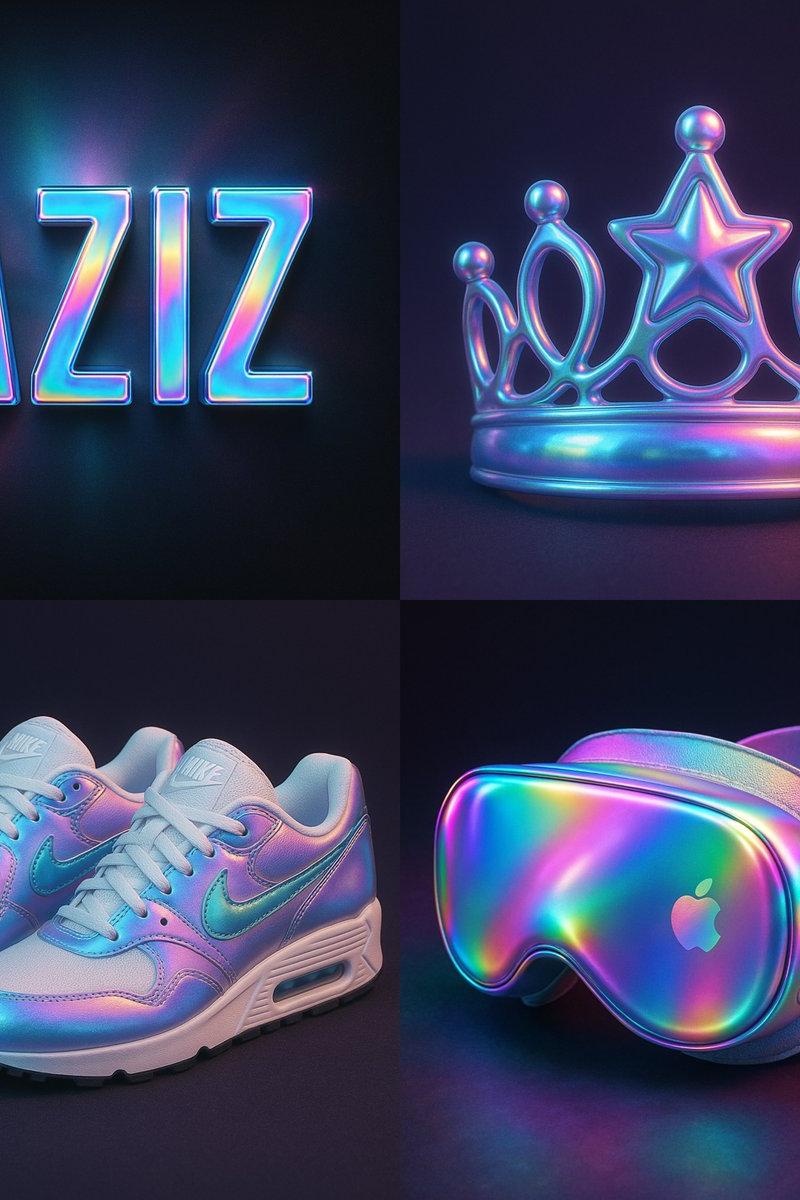
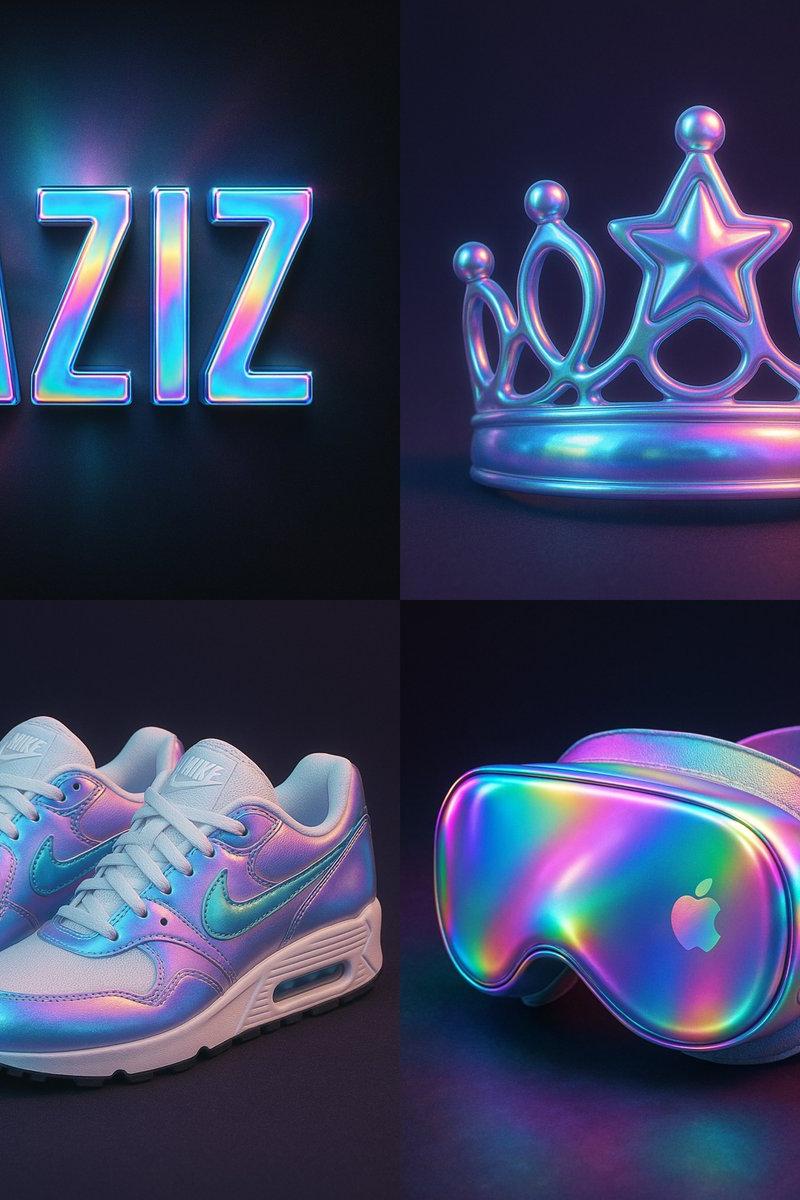
全息叠加效果彩虹渐变
Enlarge

Example images

全息叠加效果彩虹渐变

Prompt
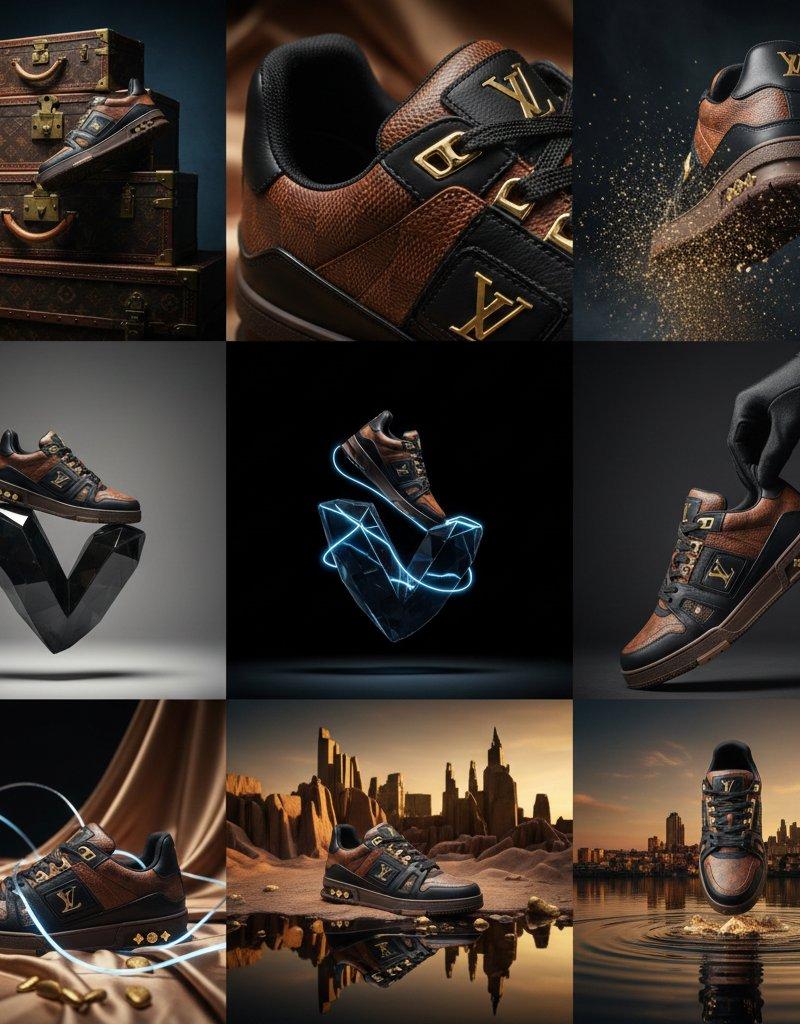
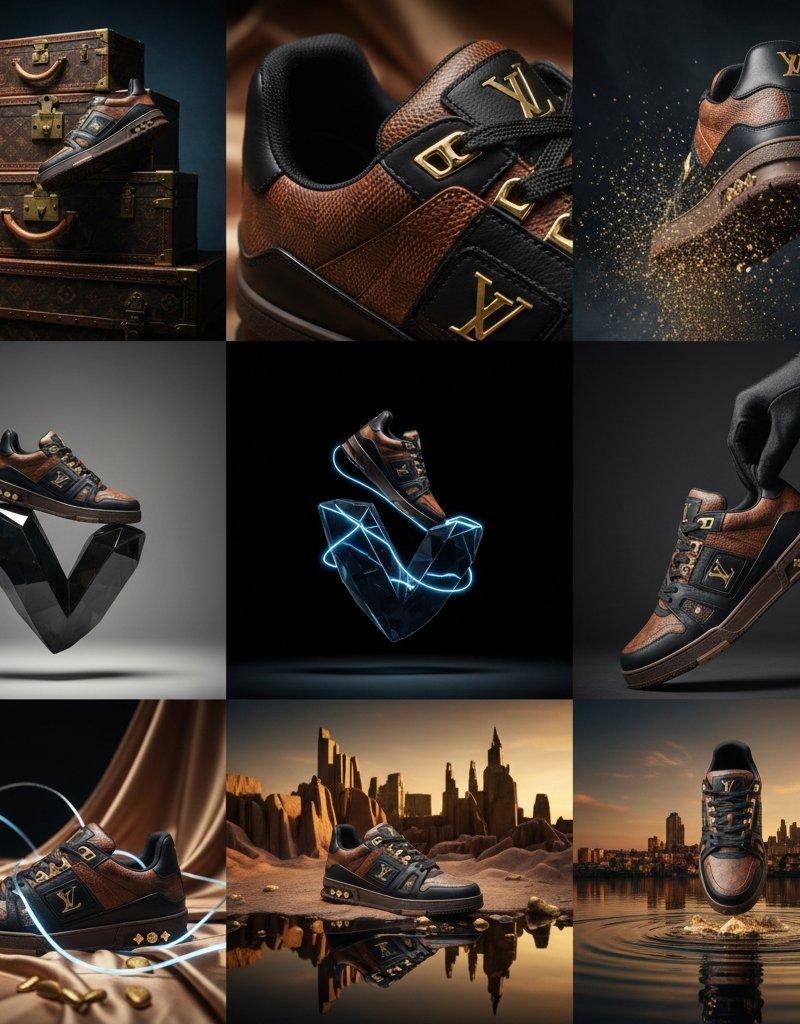
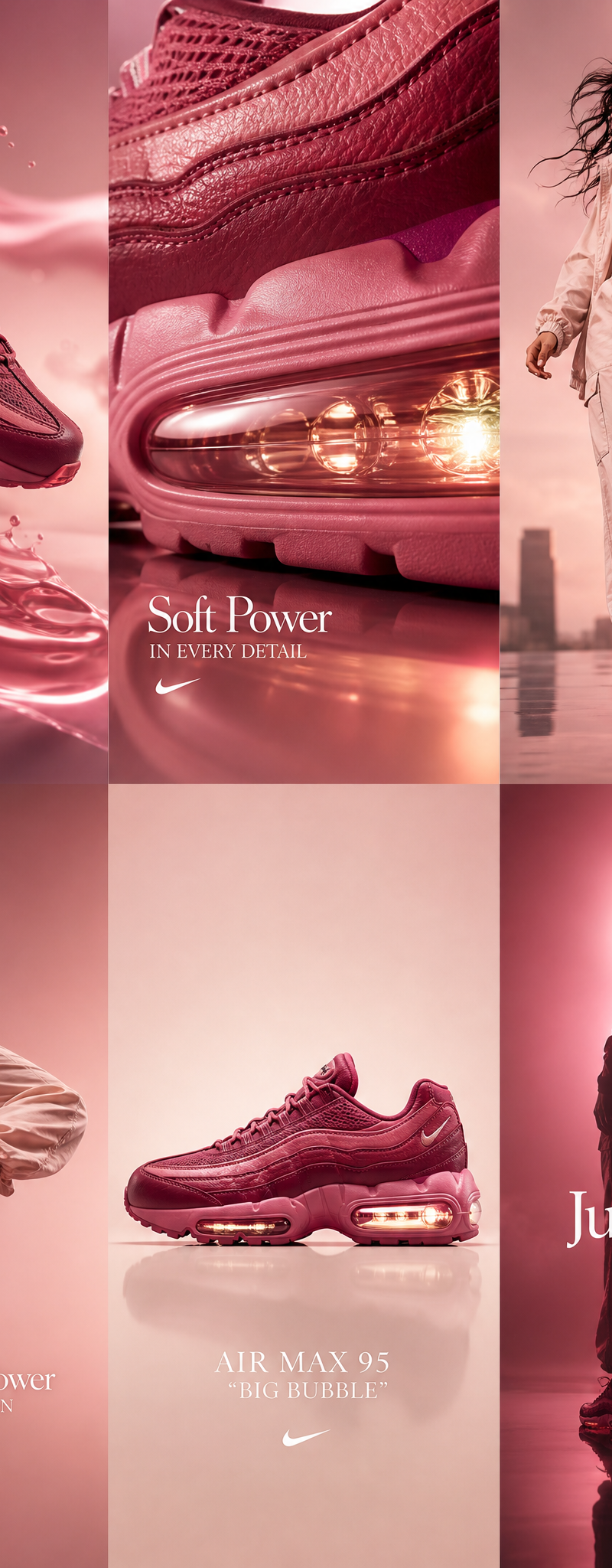
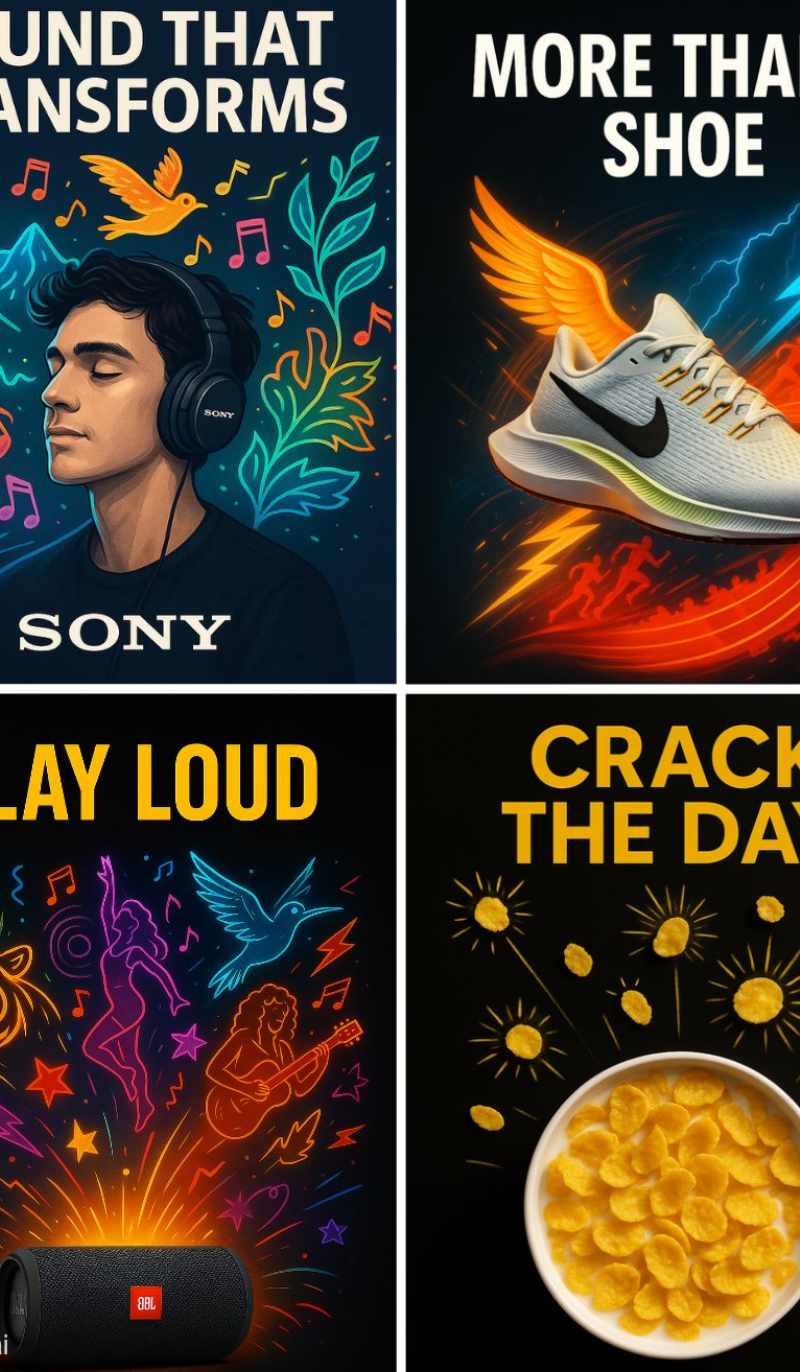
Apply a holographic overlay effect on [SUBJECT/TEXT] — dreamy rainbow gradients with soft radial light reflections — smooth glossy surface, high contrast blending — iridescent hues like pink, teal, cyan, and purple — noise texture with soft light blend — subtle shadows and edge lighting to add depth — centered composition on a dark background — ultra-HD, 1:1 ratio, cinematic lighting
在 [主题/文本] 上应用全息叠加效果 — 梦幻般的彩虹渐变,柔和的径向光反射 — 光滑的光泽表面,高对比度混合 — 粉色、蓝绿色、青色和紫色等彩虹色 — 柔和光线混合的杂色纹理 — 微妙的阴影和边缘照明以增加深度 — 深色背景上的居中构图 — 超高清、1:1 比例、电影照明
Category
UI & Interfaces
Model
Unknown
Creator
aziz4ai
Source language
zh-CN
Views0
Source ID
holographic-overlay-rainbow-gradient
Studio

Guide

About "全息叠加效果彩虹渐变"

What is this prompt for?

"全息叠加效果彩虹渐变" AI image prompt for Unknown (UI & Interfaces). Apply a holographic overlay effect on [SUBJECT/TEXT] — dreamy rainbow gradients with soft radial li…

The full copyable prompt and example visuals above are ready for AI image generation or one-click recreate in Picva.

How to use this prompt

  1. Step 1

    Open the prompt detail

    Review the example visuals, category, and full prompt text for "全息叠加效果彩虹渐变".

  2. Step 2

    Copy the prompt

    Copy the prompt body from this page, or load it directly in Studio.

  3. Step 3

    Pick a model (Unknown)

    Prefer Unknown. If you switch models, keep subject and composition and tweak style terms.

  4. Step 4

    Generate and export

    Recreate the look in Picva, or export into your workflow for editing and publishing.

FAQ

What is the "全息叠加效果彩虹渐变" prompt?
It is an AI image-generation prompt for Unknown in the UI & Interfaces category. This page includes the full prompt text, example visuals, and a one-click recreate path in Picva.
How do I use this prompt to generate an image?
Copy the prompt from this page, or use Generate / Studio. Paste it into a compatible image model, or recreate the look in Picva with optional reference images.
Which model is this prompt for?
This page lists Unknown. Most descriptive prompts also transfer to nearby image models such as GPT Image, Flux, or Midjourney with light style tweaks.
Can I use the result commercially?
You can usually copy the prompt for creation, but commercial use of the final image depends on the model terms, reference-image rights, and the generated content. Follow the source author and platform rules.