17

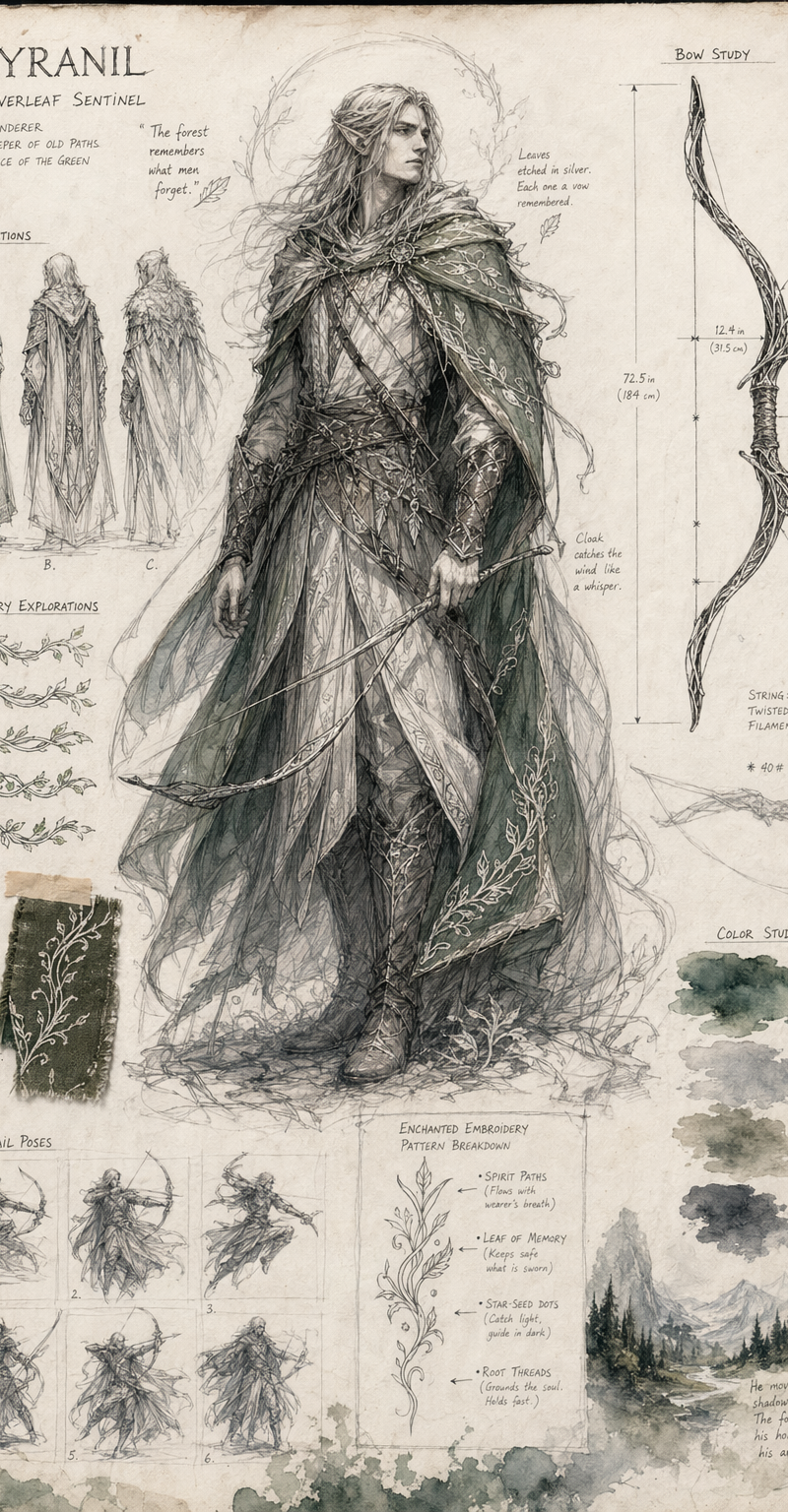
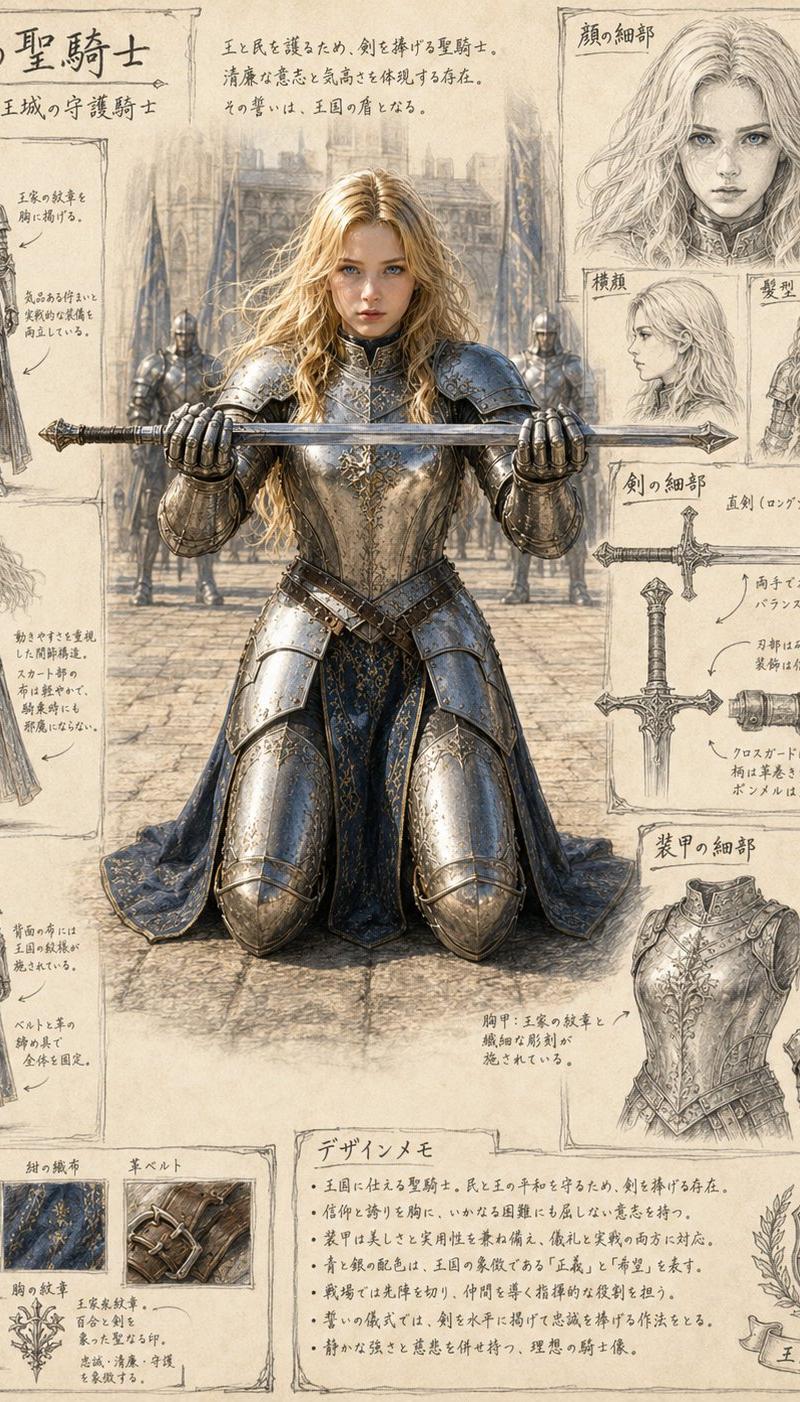
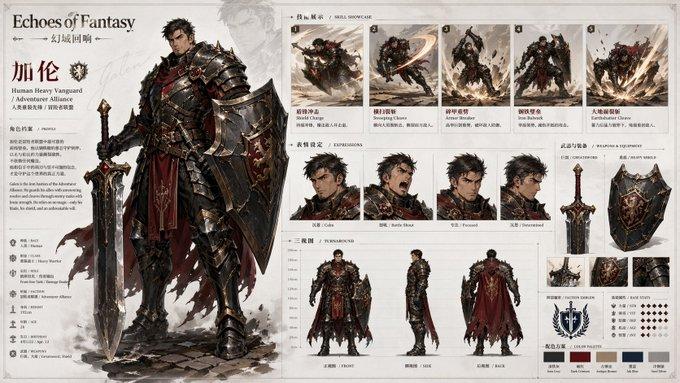
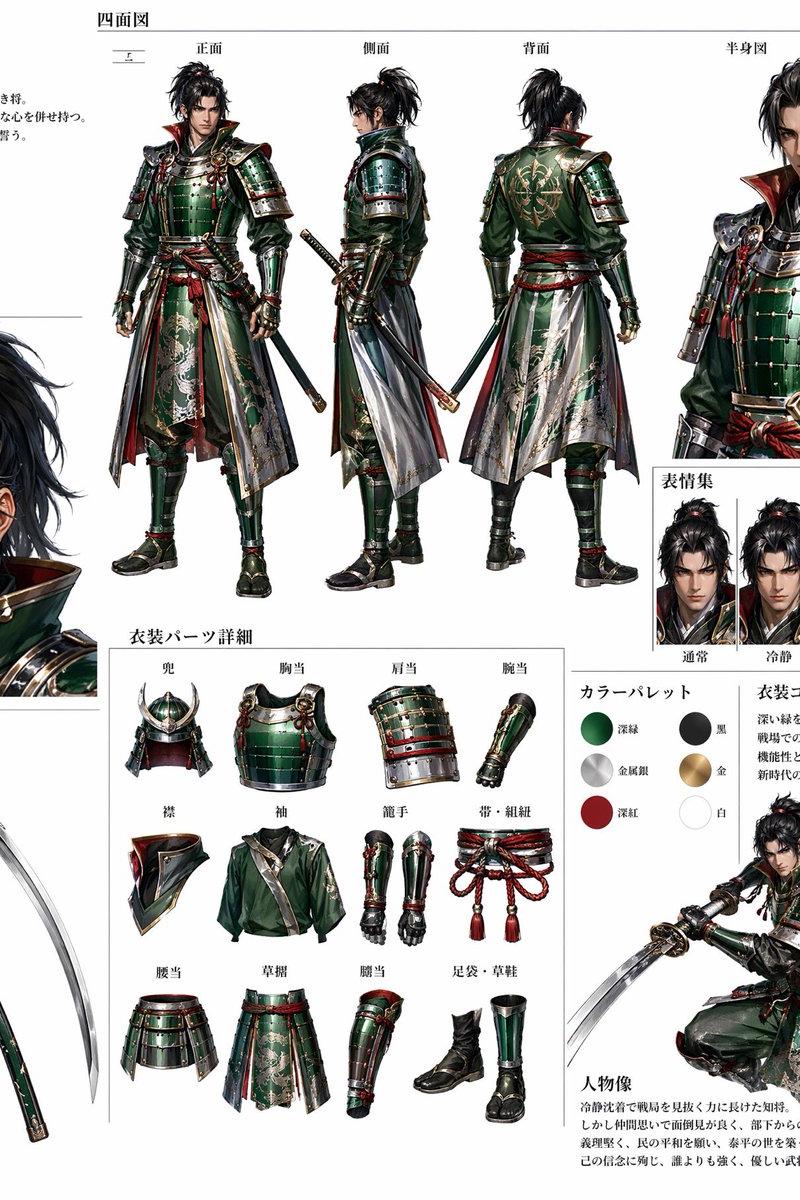
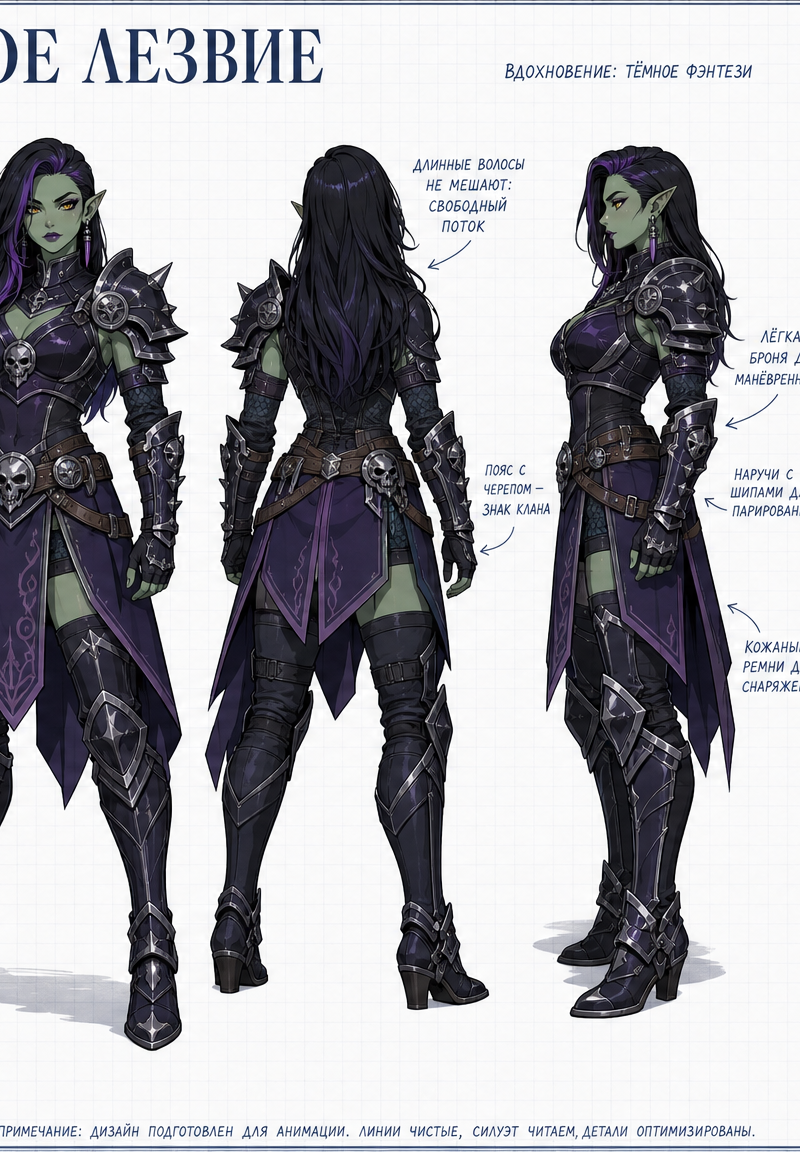
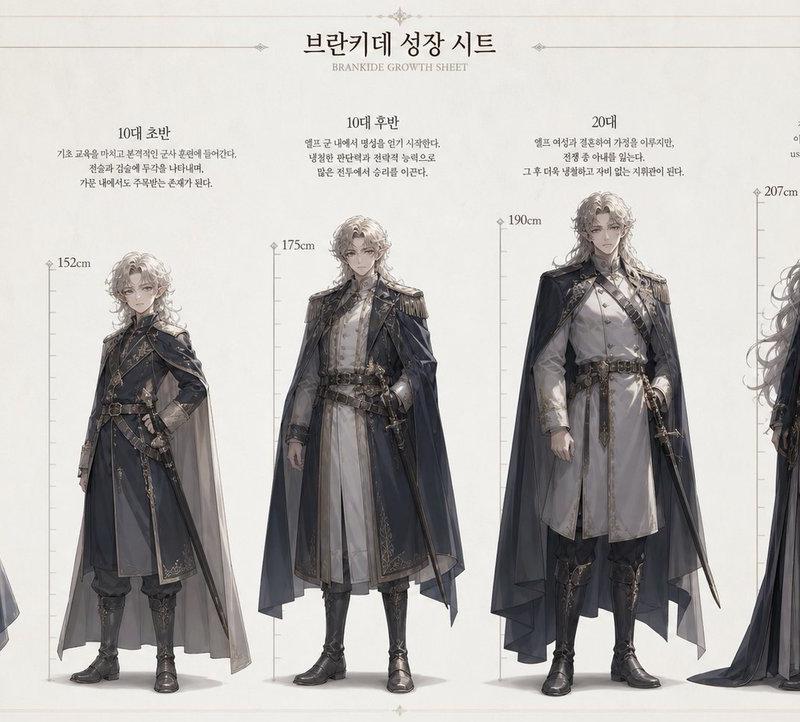
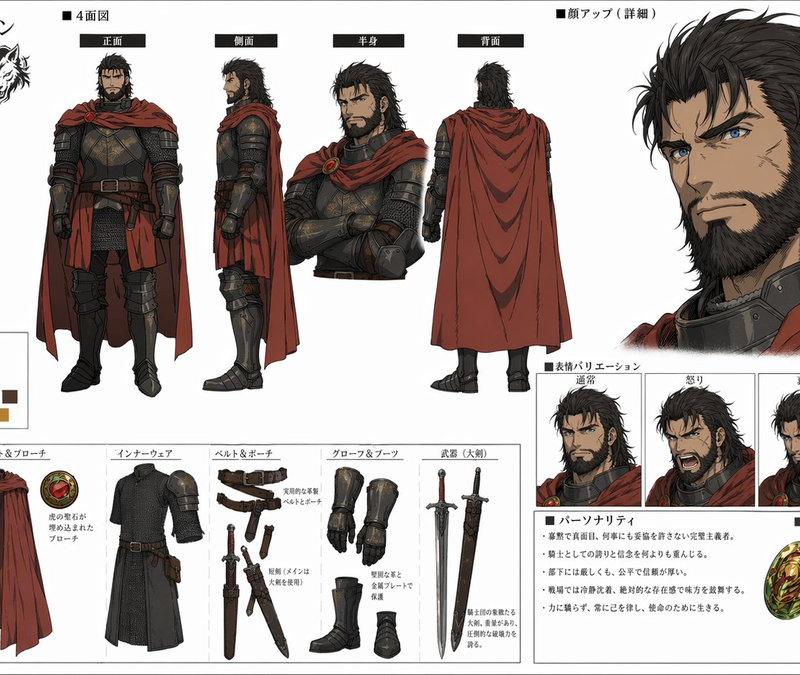
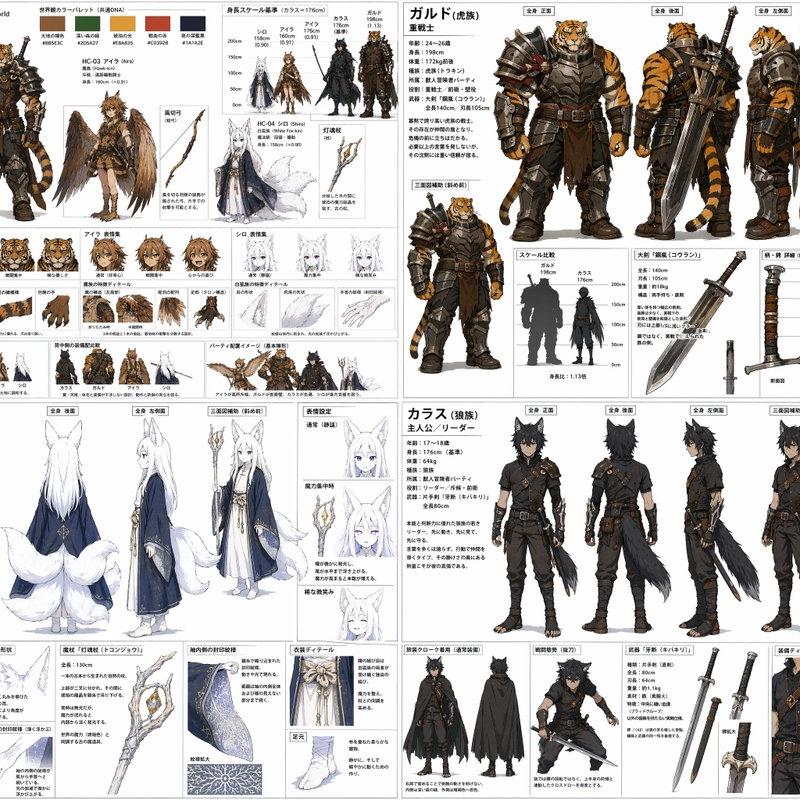
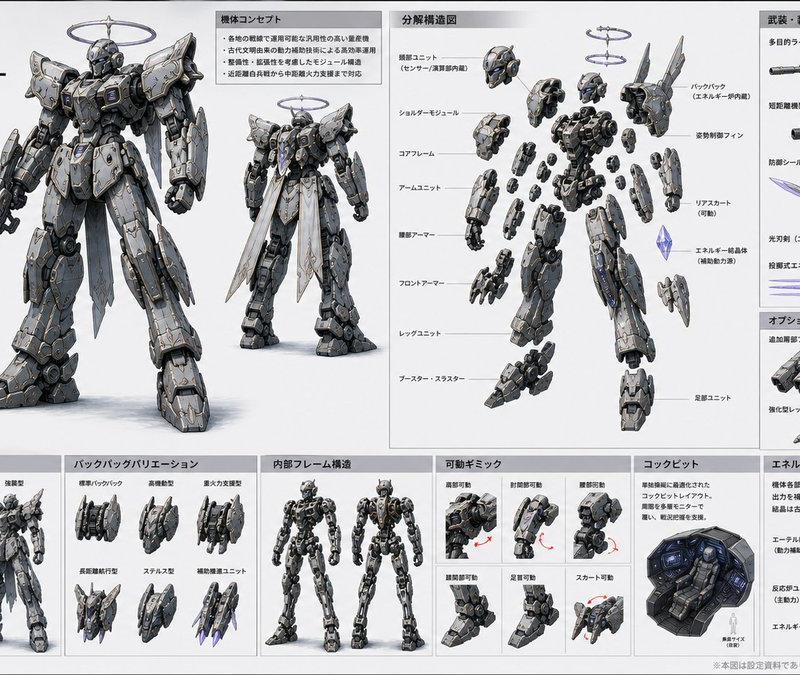
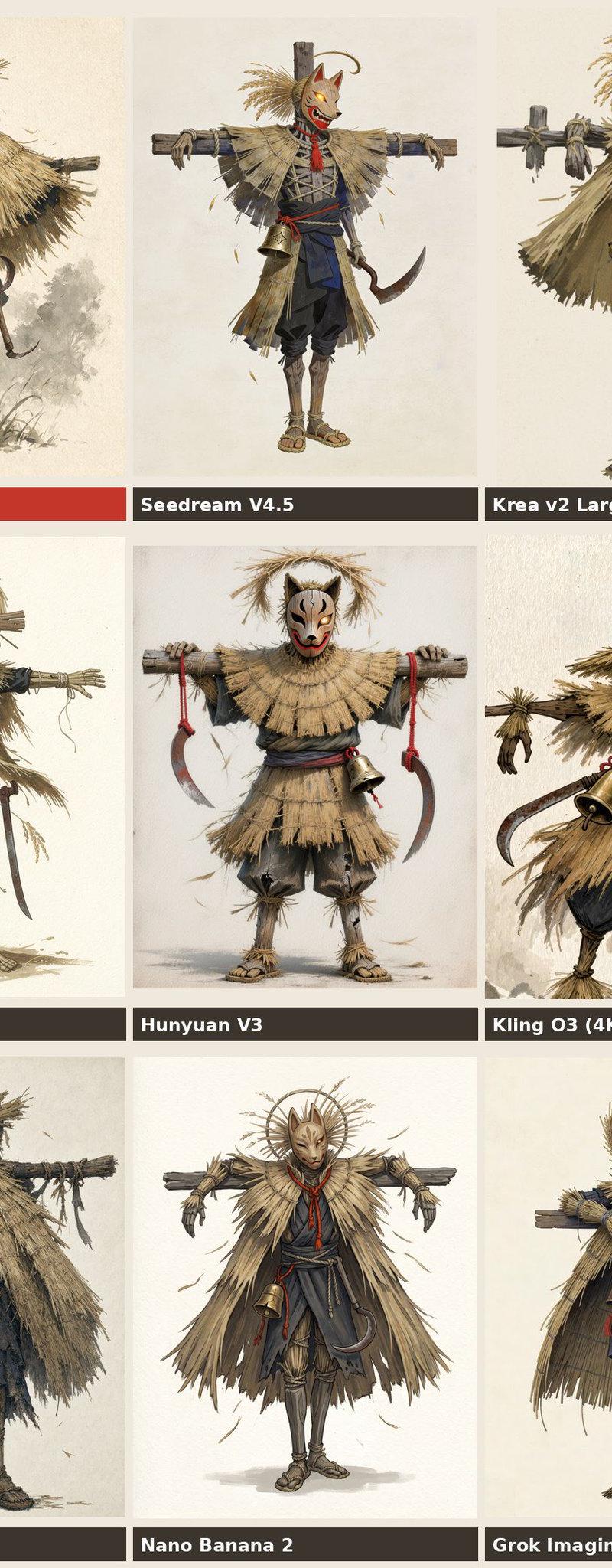
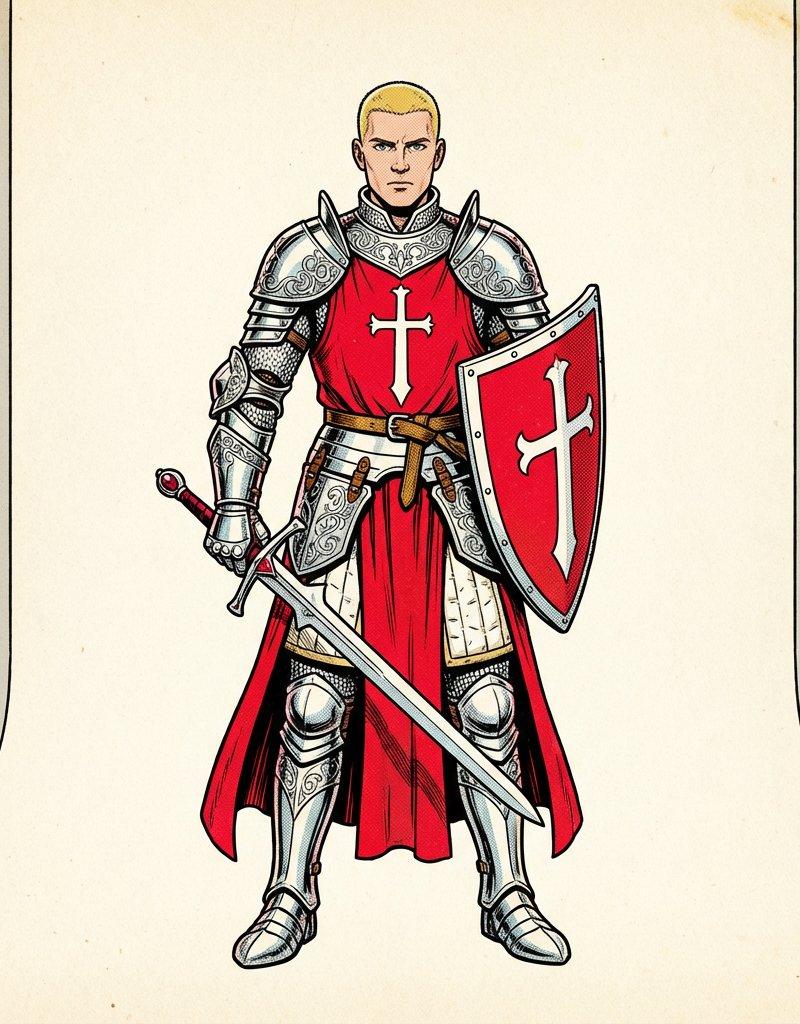
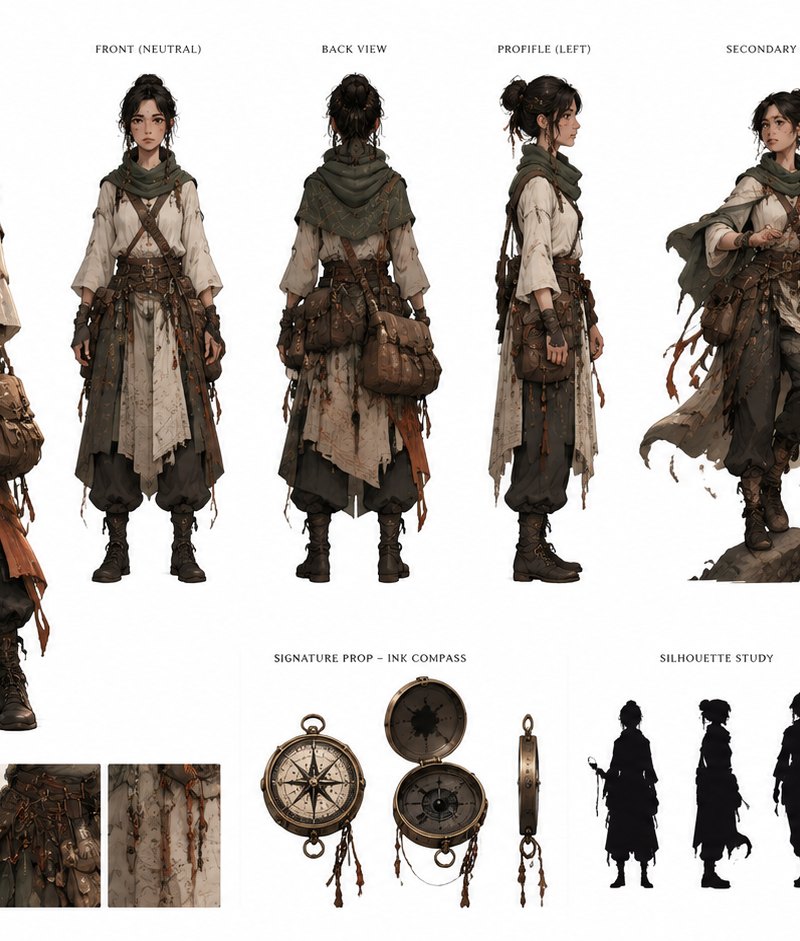
Nano Banana Pro角色设计草图
Enlarge

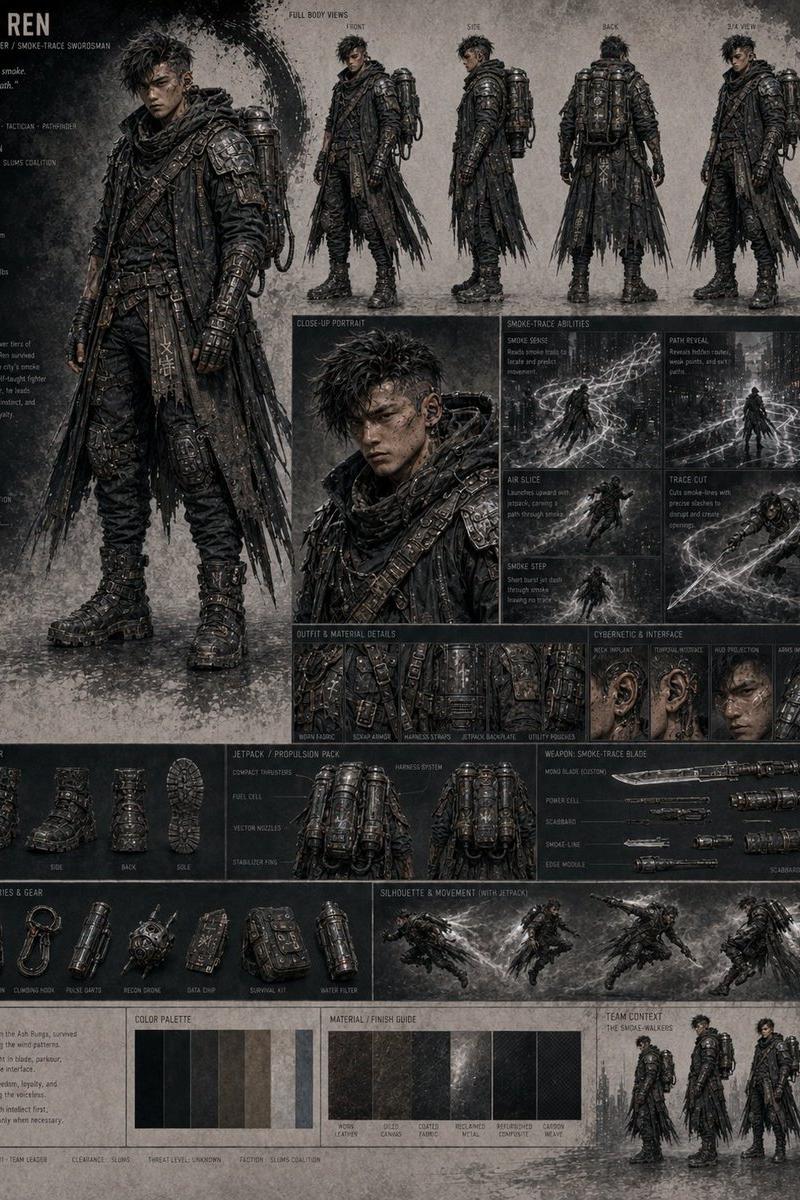
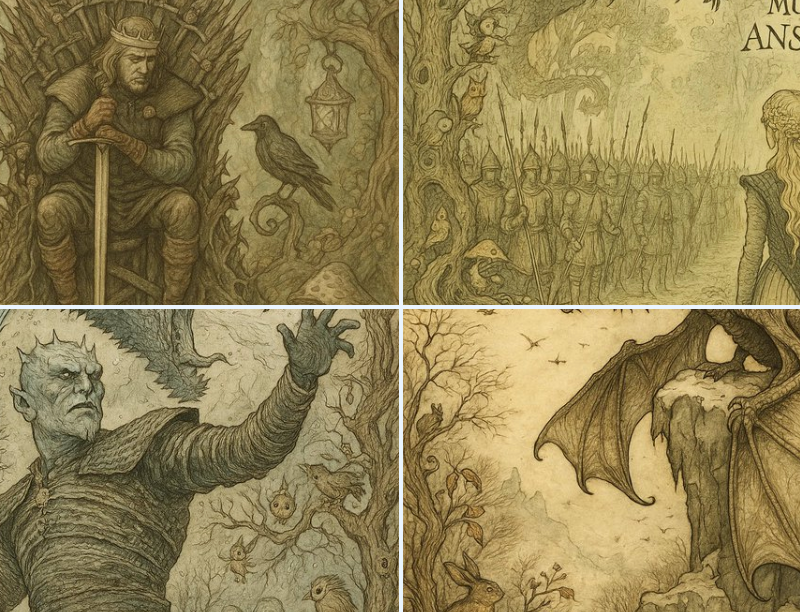
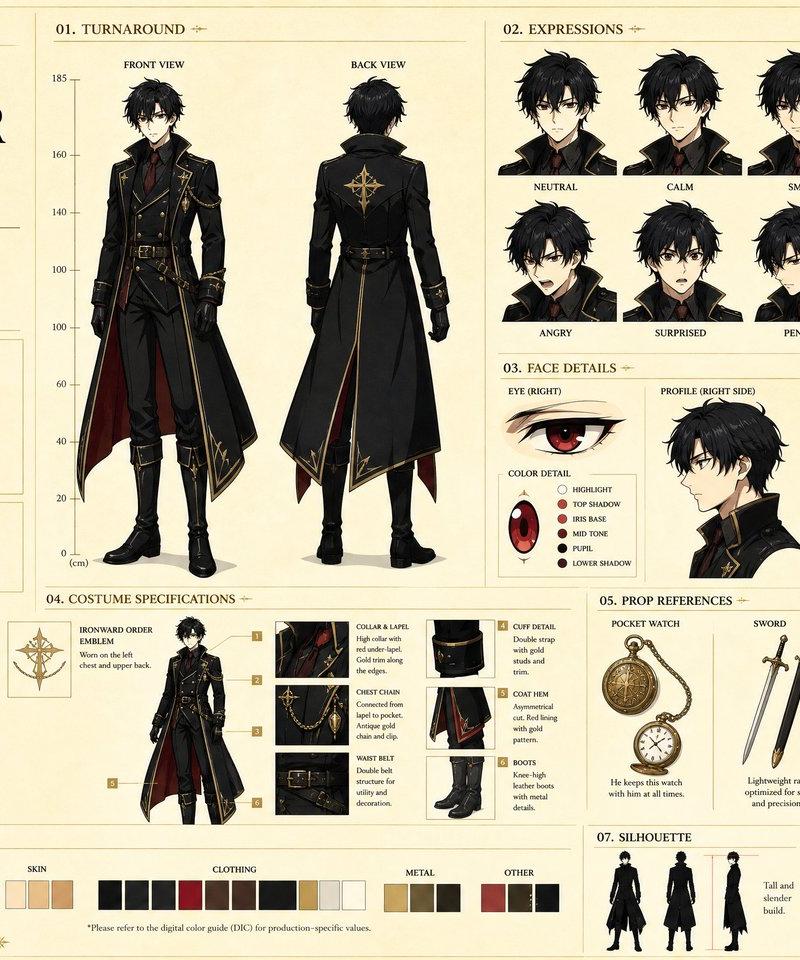
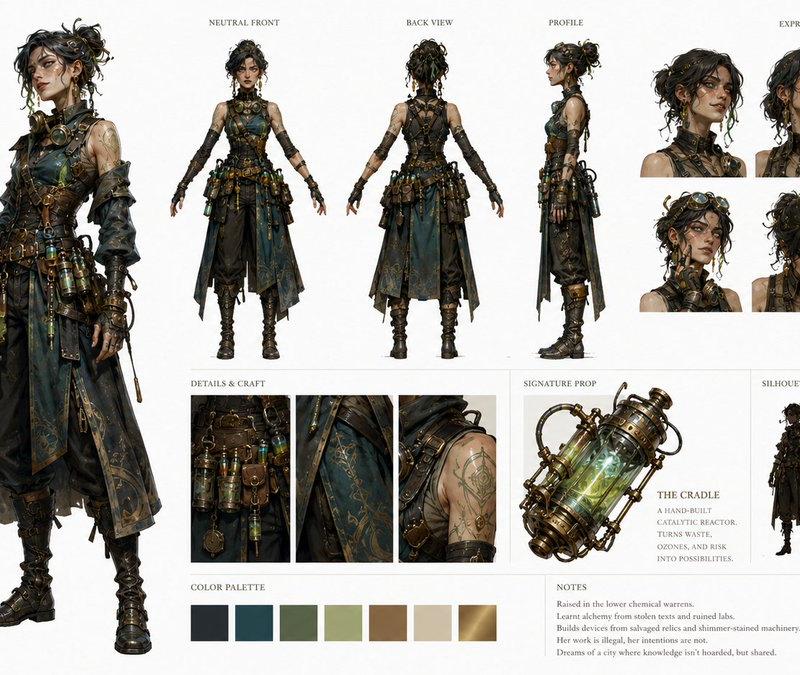
Example images

Nano Banana Pro角色设计草图

Prompt
Character design sketch draft – Nano Banana Pro – Prompt Share㊿
Prompt 👇
#Nanobananapro #インディーゲーム #Indiegame #kanaworksai https://t.co/pGoHL1JVoa
🐰Prompt
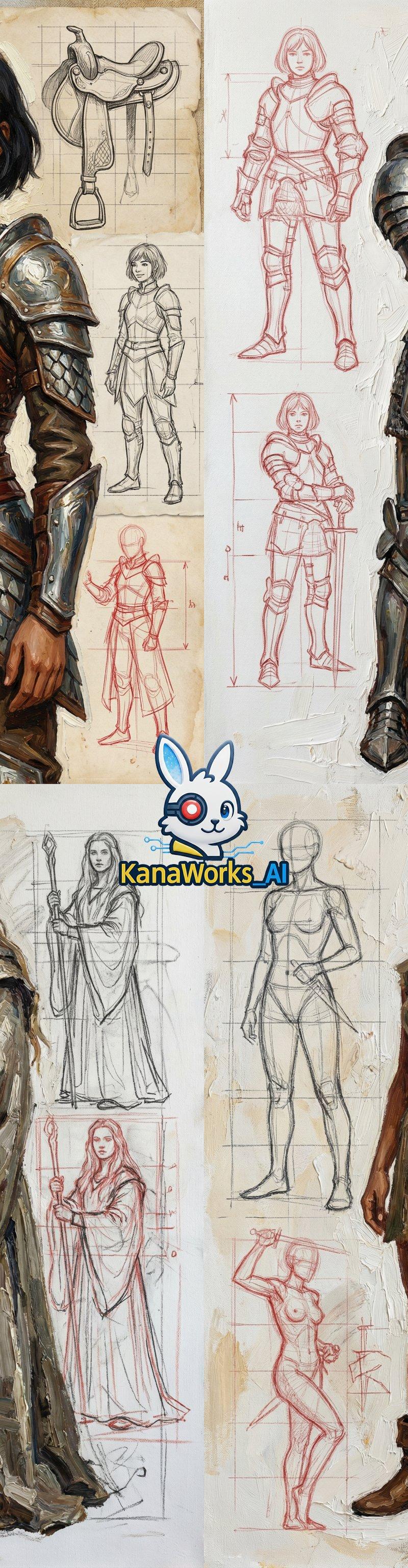
Realistic oil-painting brushstroke style medieval girl mage, standing in a full-body pose, wearing a mage robe and holding a staff.
Her upper body is slightly turned to one side.
The girl has long hair, fair skin, and a calm yet determined expression.
The overall presentation uses an impasto painting technique, with visible brushstrokes full of artistic tension.
The background is a canvas of structural sketch drafts and human-proportion line drawings, featuring red pencil quick sketches, mage-pose studies, grid lines, and other elements, showing a composition where the rough draft and finished work overlap.
High resolution, rich texture, natural light, a combination of realism and artistic style, with delicate details.
Category
UI & Interfaces
Model
Nano Banana Pro
Creator
KANA
Source language
zh-CN
Views0
Source ID
nano-banana-pro-character-design-sketch-draft
Studio

Guide

About "Nano Banana Pro角色设计草图"

What is this prompt for?

"Nano Banana Pro角色设计草图" AI image prompt for Nano Banana Pro (UI & Interfaces). Character design sketch draft – Nano Banana Pro – Prompt Share㊿ Prompt 👇 #Nanob…

The full copyable prompt and example visuals above are ready for AI image generation or one-click recreate in Picva.

How to use this prompt

  1. Step 1

    Open the prompt detail

    Review the example visuals, category, and full prompt text for "Nano Banana Pro角色设计草图".

  2. Step 2

    Copy the prompt

    Copy the prompt body from this page, or load it directly in Studio.

  3. Step 3

    Pick a model (Nano Banana Pro)

    Prefer Nano Banana Pro. If you switch models, keep subject and composition and tweak style terms.

  4. Step 4

    Generate and export

    Recreate the look in Picva, or export into your workflow for editing and publishing.

FAQ

What is the "Nano Banana Pro角色设计草图" prompt?
It is an AI image-generation prompt for Nano Banana Pro in the UI & Interfaces category. This page includes the full prompt text, example visuals, and a one-click recreate path in Picva.
How do I use this prompt to generate an image?
Copy the prompt from this page, or use Generate / Studio. Paste it into a compatible image model, or recreate the look in Picva with optional reference images.
Which model is this prompt for?
This page lists Nano Banana Pro. Most descriptive prompts also transfer to nearby image models such as GPT Image, Flux, or Midjourney with light style tweaks.
Can I use the result commercially?
You can usually copy the prompt for creation, but commercial use of the final image depends on the model terms, reference-image rights, and the generated content. Follow the source author and platform rules.