20

Pink Floyd:不同时代专辑视觉演绎
Enlarge

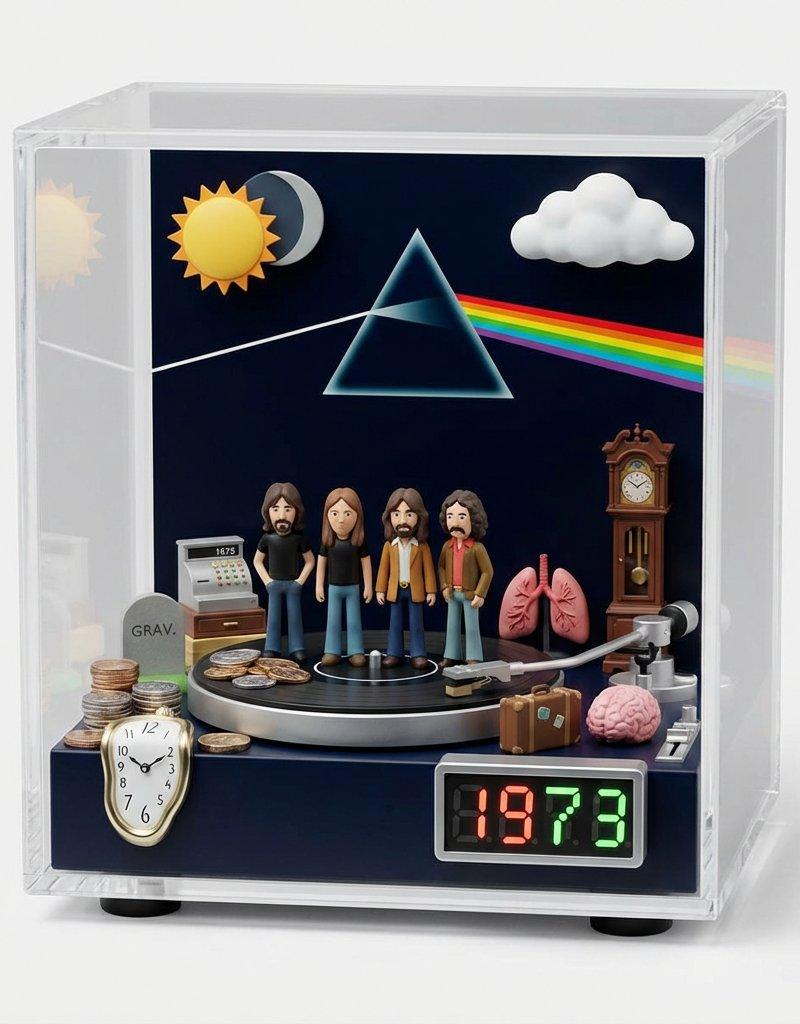
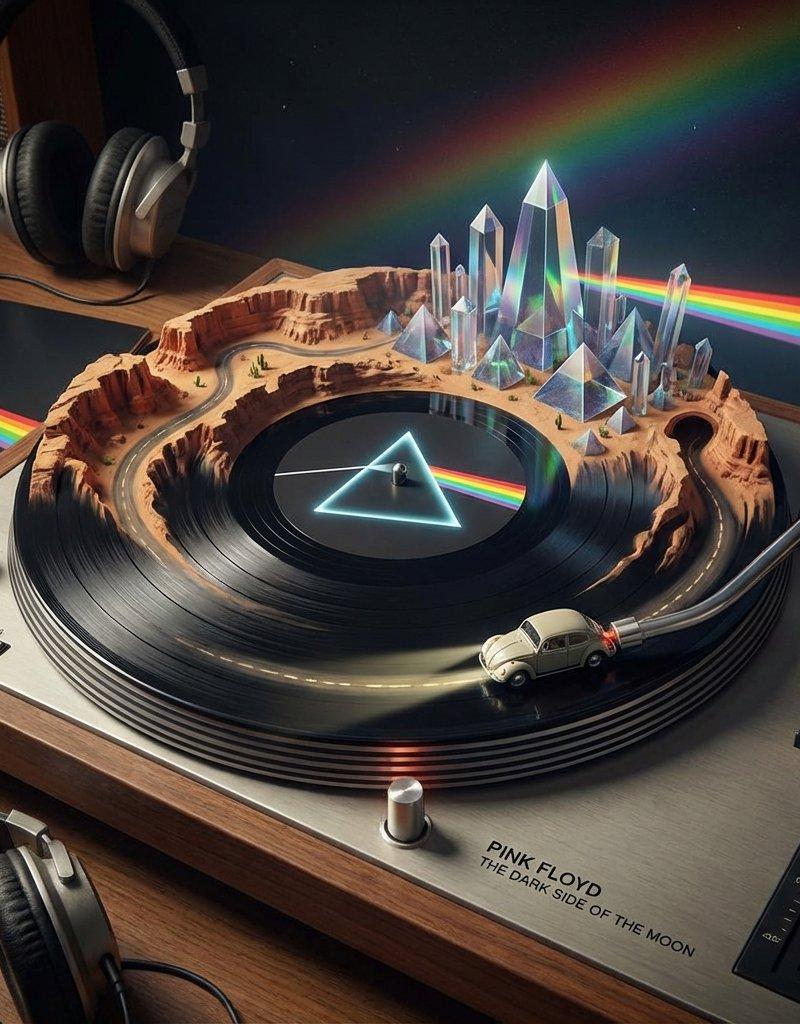
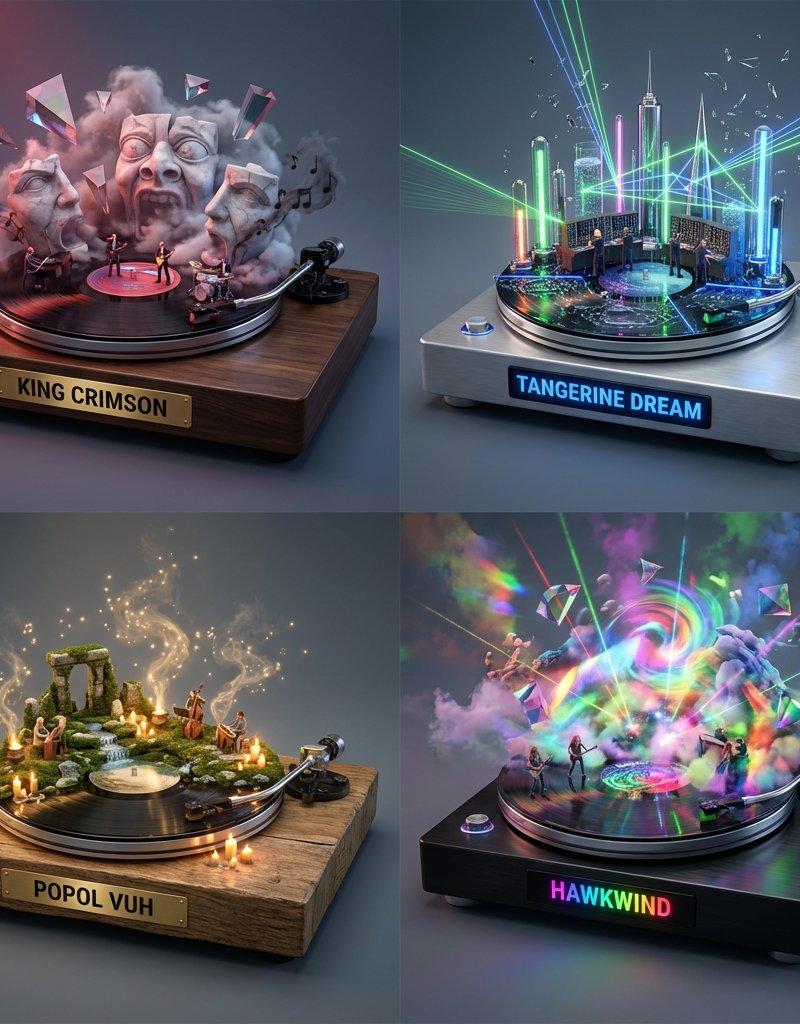
Example images

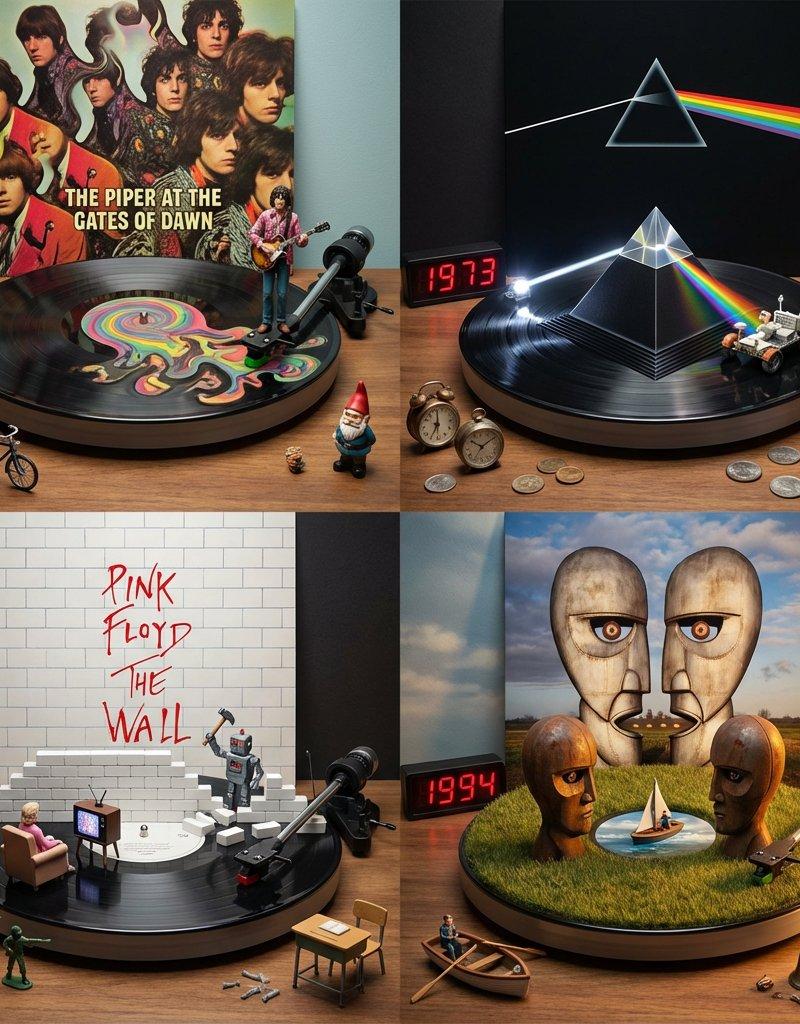
Pink Floyd:不同时代专辑视觉演绎

Prompt
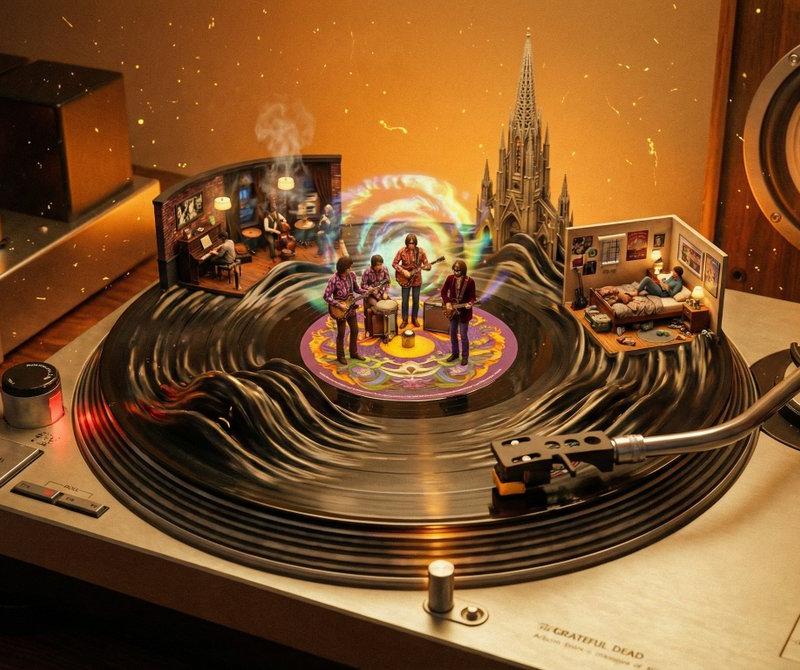
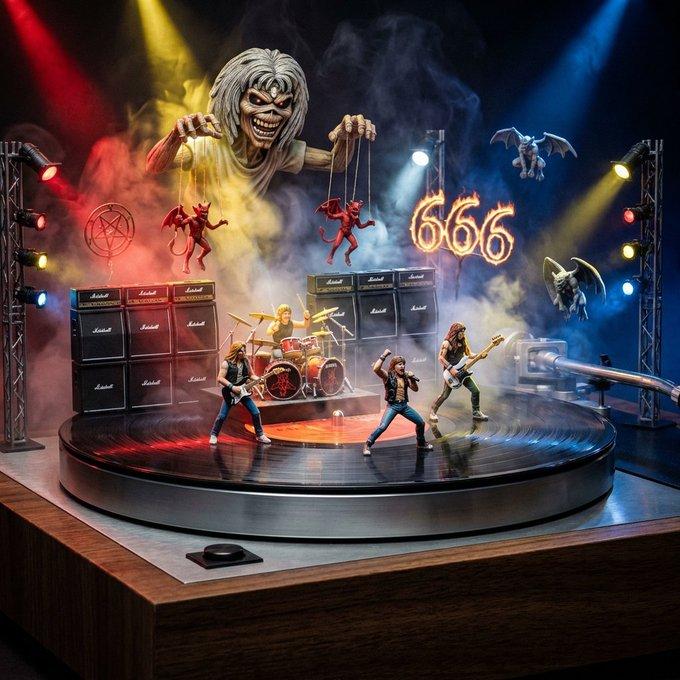
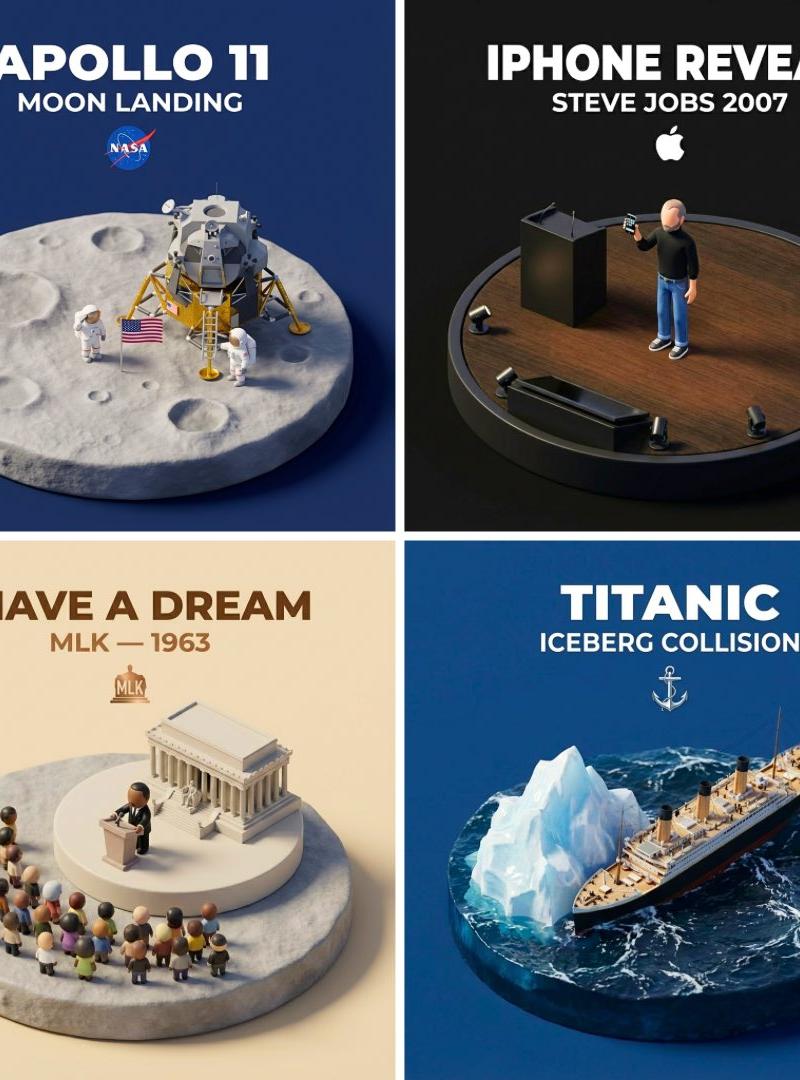
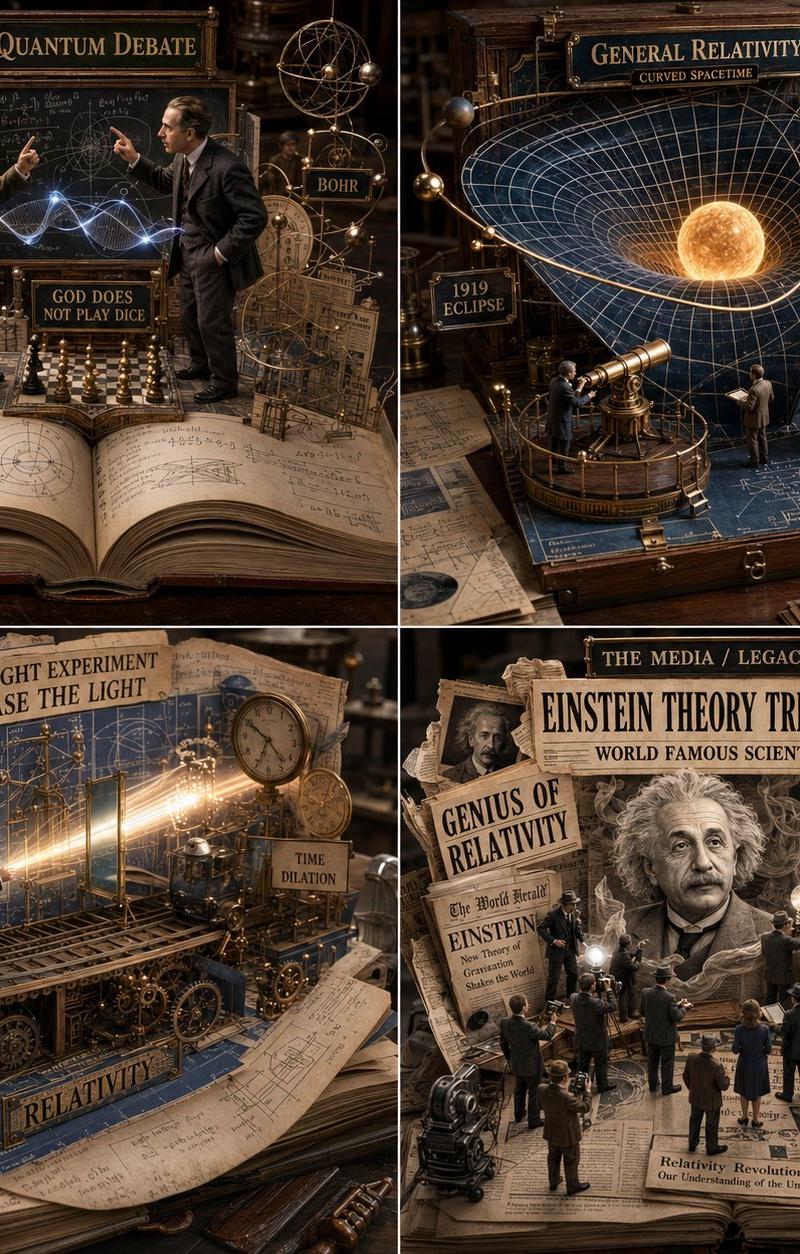
This Nano Banana Pro prompt visualizes a band's albums through different eras.
Prompt: Do this for Pink Floyd: <instruction>
Role: Visual Discographer & Miniature Artist.
Input Artist: [input A] (or any other artist like The Beatles, Daft Punk, Kanye West)
Phase 1: The Timeline Analysis (AI to Deduce)
1. Select 4 Eras: Identify 4 seminal albums that define the artist's career trajectory (chronological order).
Example: 1. Breakthrough, 2. The Masterpiece, 3. The Experimental Phase, 4. The Legacy.
2. Analyze Iconography: For each album, extract the core visual motif (e.g., The Prism, The Burning Man, The Flying Pig, The White Bricks).
3. Analyze Lyrical Props: Identify 3 physical objects referenced in the lyrics (e.g., Clocks, Coins, Hammers).
Phase 2: Visual Execution
Goal: A 2x2 Grid showing the artist's evolution.
Visual Syntax (Per Panel):
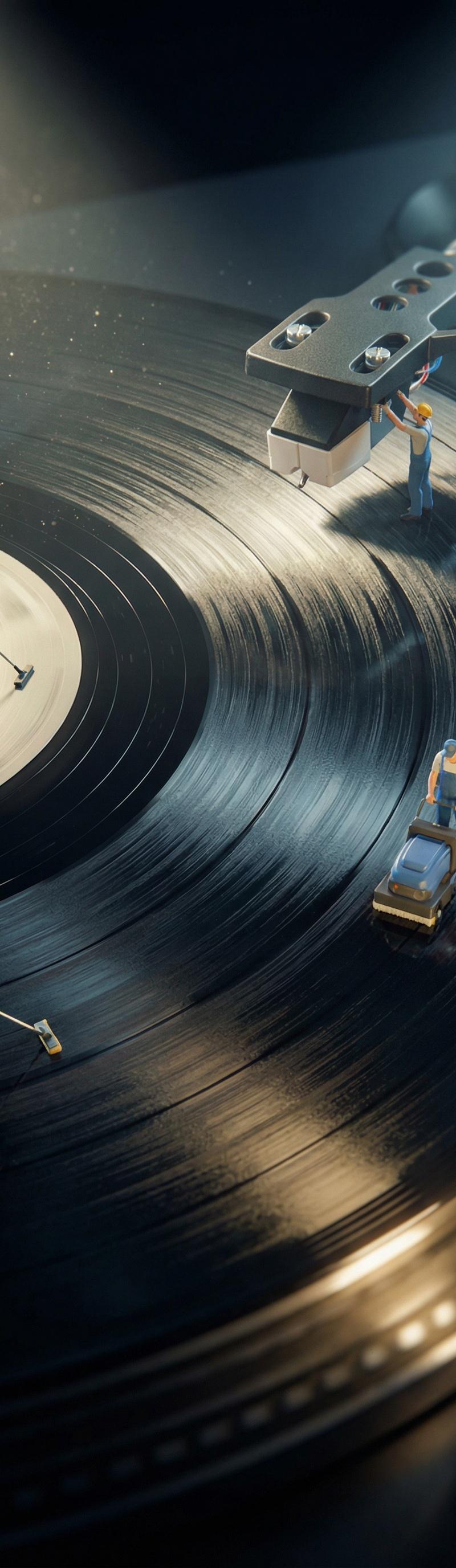
The Base: A vinyl record spinning on a turntable.
The Transformation: The black vinyl grooves physically rise up to form the 3D landscape of that specific album cover.
The Needle: The turntable needle arm is transformed into a vehicle or character interacting with the landscape (e.g., A Moon Buggy driving into the Prism).
The Backdrop: The original Album Cover Art stands vertically behind the turntable as a "Sky."
The Time: A red LED digital clock in the corner displays the Release Year.
The Clutter: Tiny lyrical props (coins, hearts, animals) scattered on the table surface.
Output: 2x2 Grid. Cinematic Miniature Photography.
</instruction>
Category
Photography & Realism
Model
Nano Banana Pro
Creator
Gadgetify
Source language
zh-CN
Views0
Source ID
pink-floyd-visual-interpretation-of-albums-across-eras
Studio

Guide

About "Pink Floyd:不同时代专辑视觉演绎"

What is this prompt for?

"Pink Floyd:不同时代专辑视觉演绎" AI image prompt for Nano Banana Pro (Photography & Realism). This Nano Banana Pro prompt visualizes a band's albums through different e…

The full copyable prompt and example visuals above are ready for AI image generation or one-click recreate in Picva.

How to use this prompt

  1. Step 1

    Open the prompt detail

    Review the example visuals, category, and full prompt text for "Pink Floyd:不同时代专辑视觉演绎".

  2. Step 2

    Copy the prompt

    Copy the prompt body from this page, or load it directly in Studio.

  3. Step 3

    Pick a model (Nano Banana Pro)

    Prefer Nano Banana Pro. If you switch models, keep subject and composition and tweak style terms.

  4. Step 4

    Generate and export

    Recreate the look in Picva, or export into your workflow for editing and publishing.

FAQ

What is the "Pink Floyd:不同时代专辑视觉演绎" prompt?
It is an AI image-generation prompt for Nano Banana Pro in the Photography & Realism category. This page includes the full prompt text, example visuals, and a one-click recreate path in Picva.
How do I use this prompt to generate an image?
Copy the prompt from this page, or use Generate / Studio. Paste it into a compatible image model, or recreate the look in Picva with optional reference images.
Which model is this prompt for?
This page lists Nano Banana Pro. Most descriptive prompts also transfer to nearby image models such as GPT Image, Flux, or Midjourney with light style tweaks.
Can I use the result commercially?
You can usually copy the prompt for creation, but commercial use of the final image depends on the model terms, reference-image rights, and the generated content. Follow the source author and platform rules.