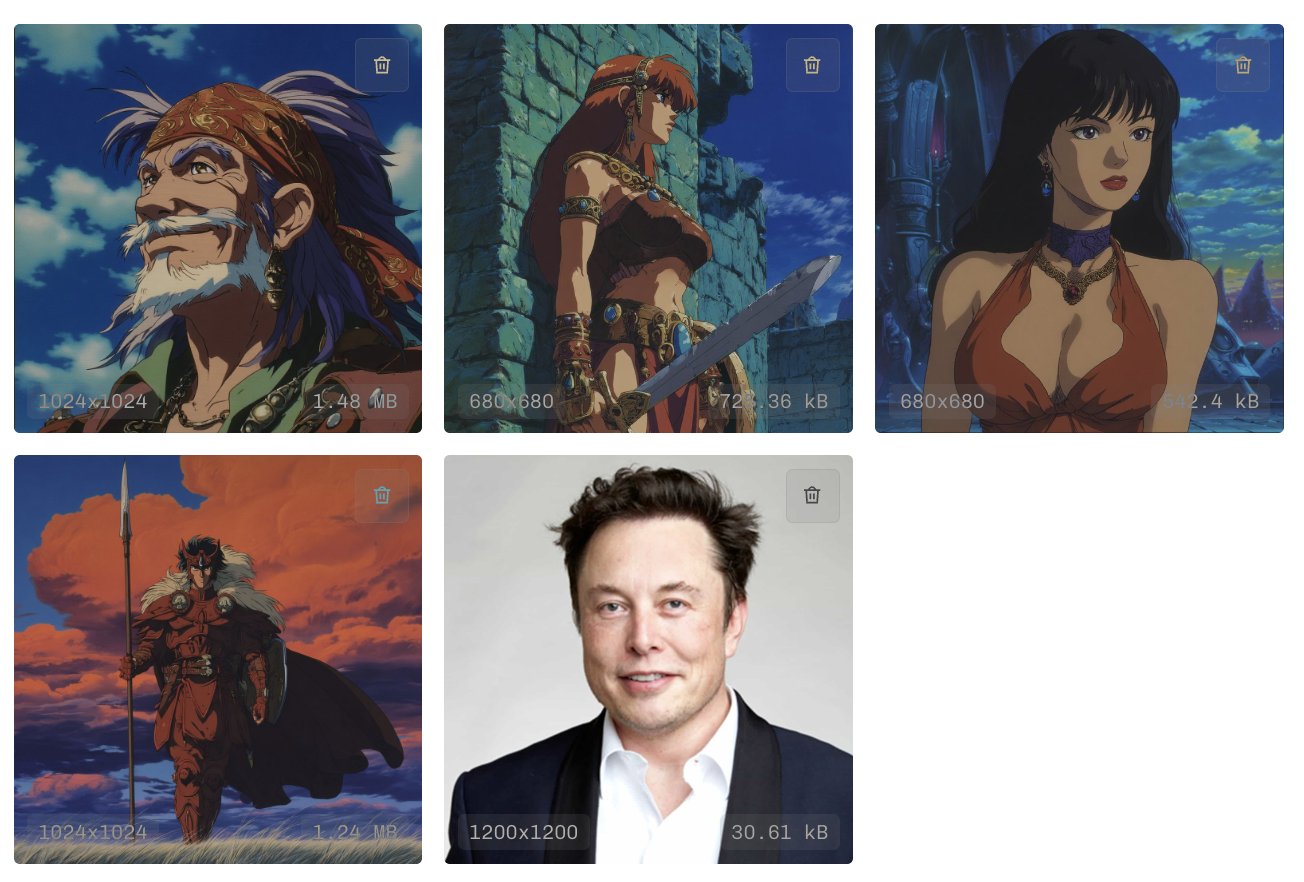
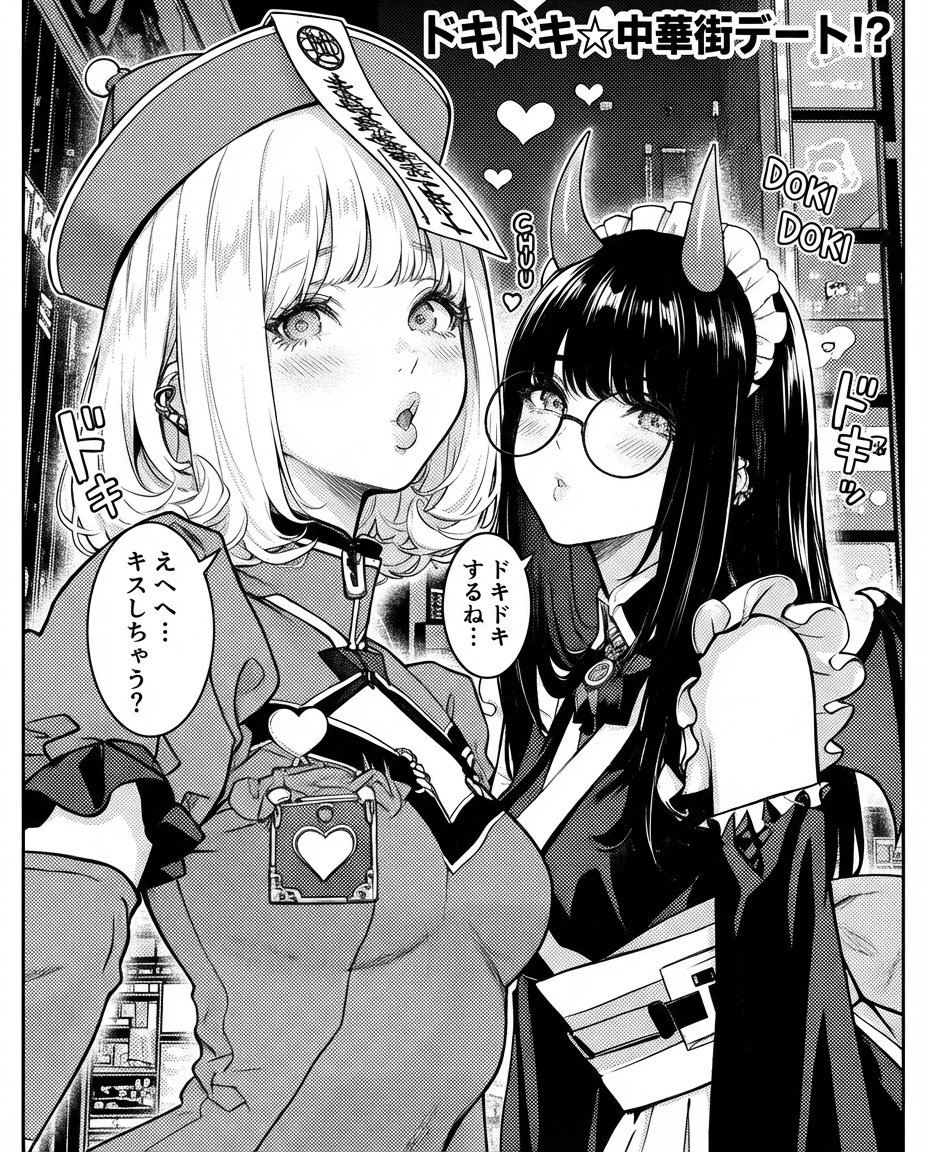
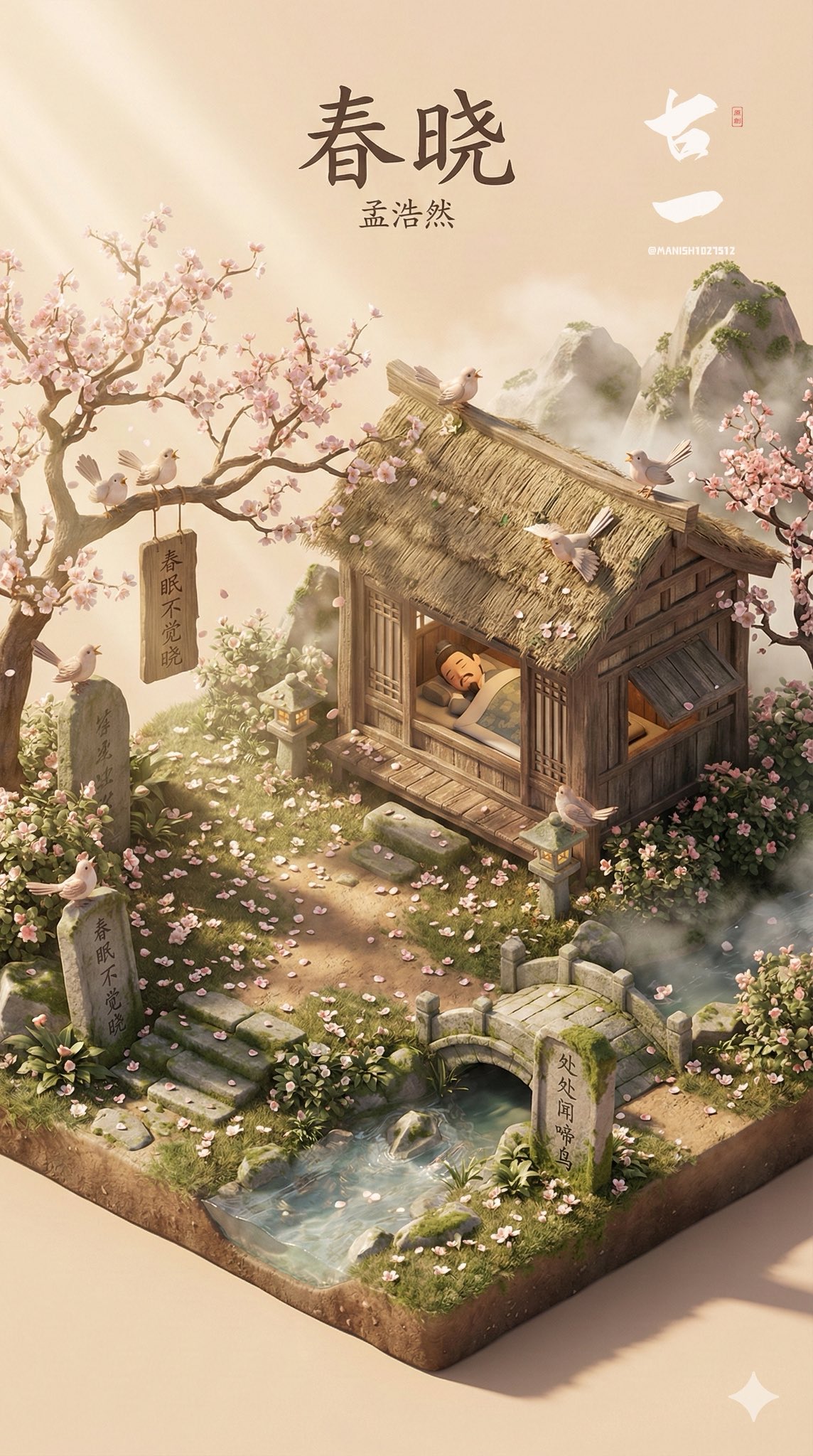
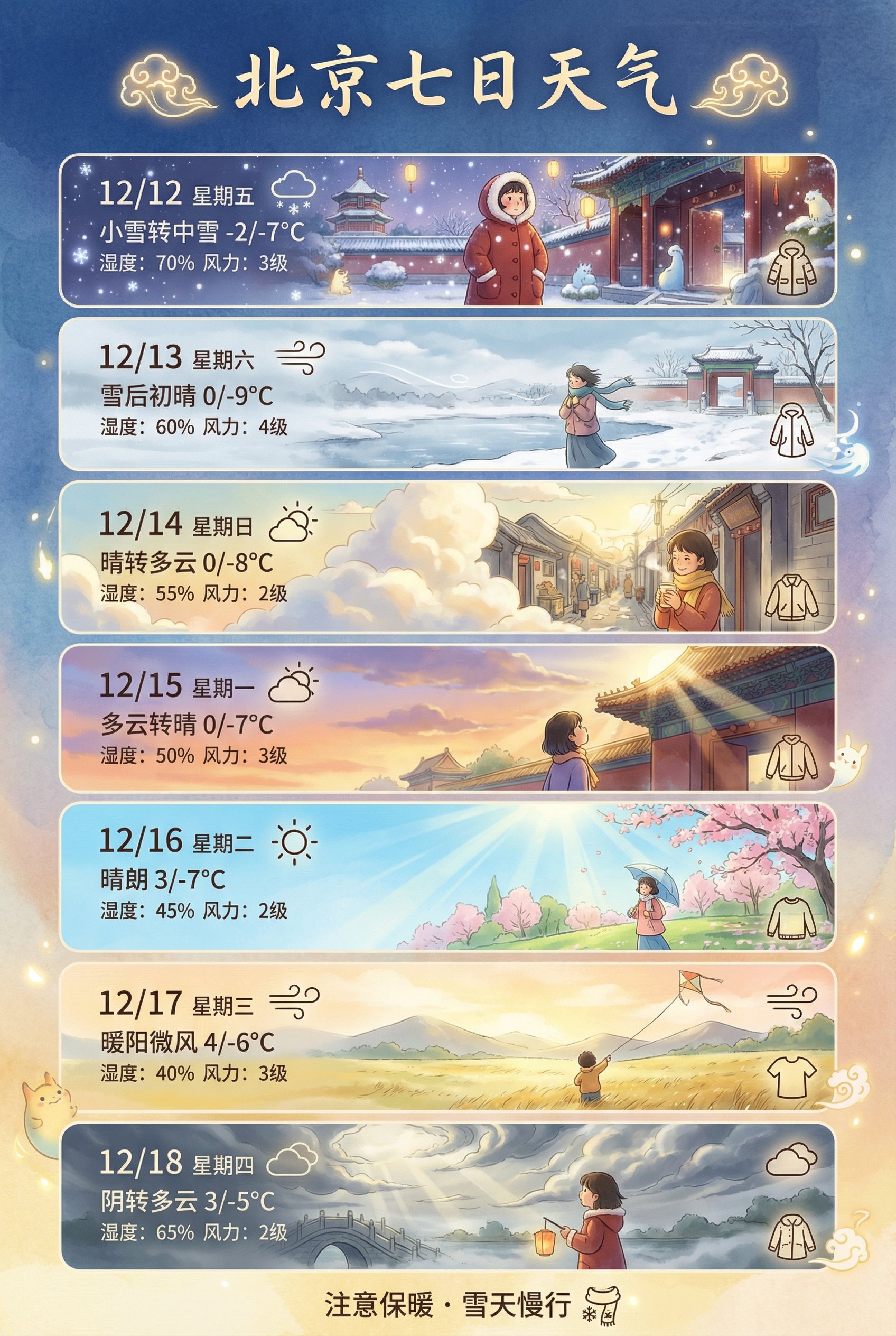
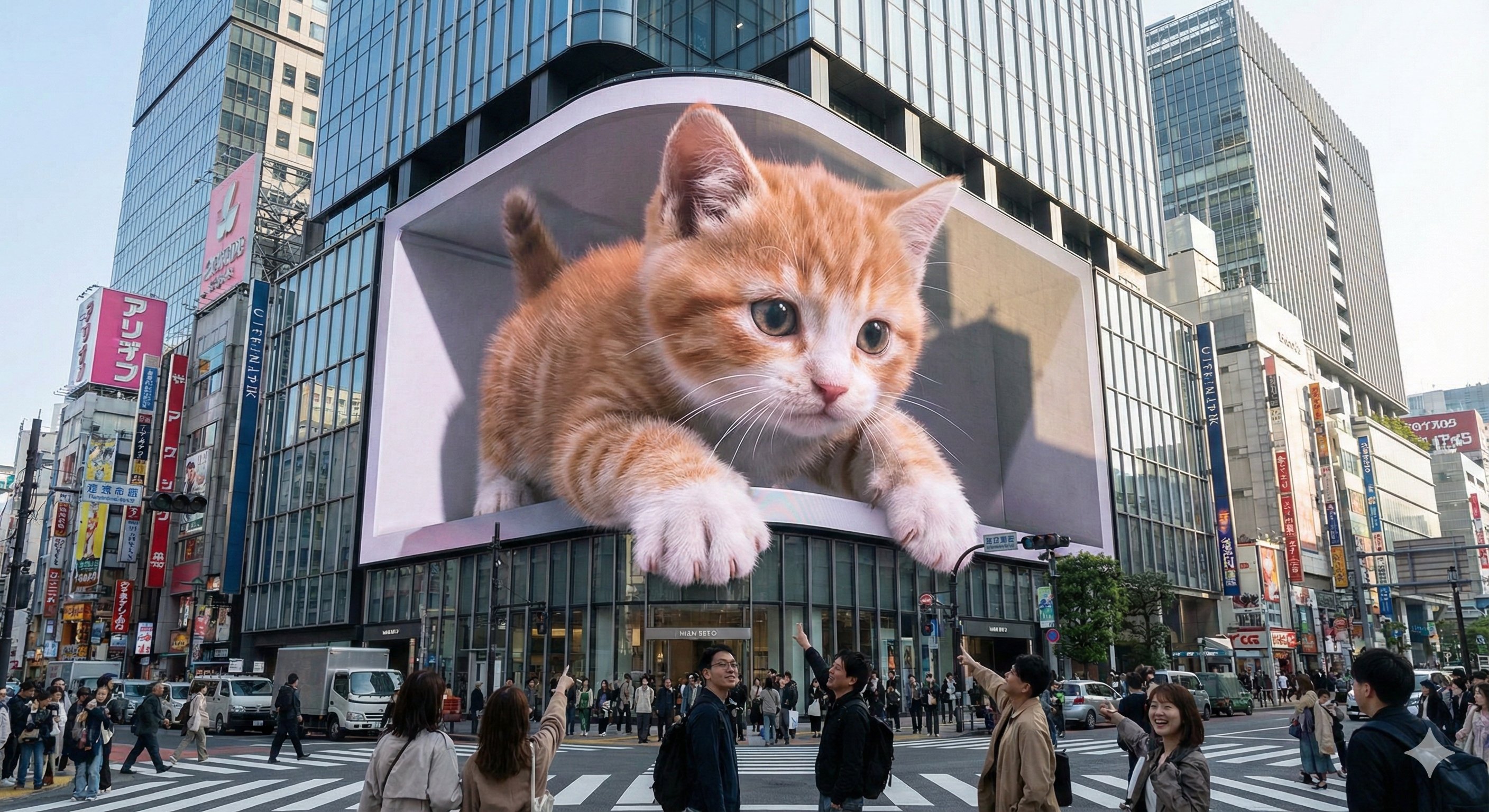
布拉格城市天气卡通场景
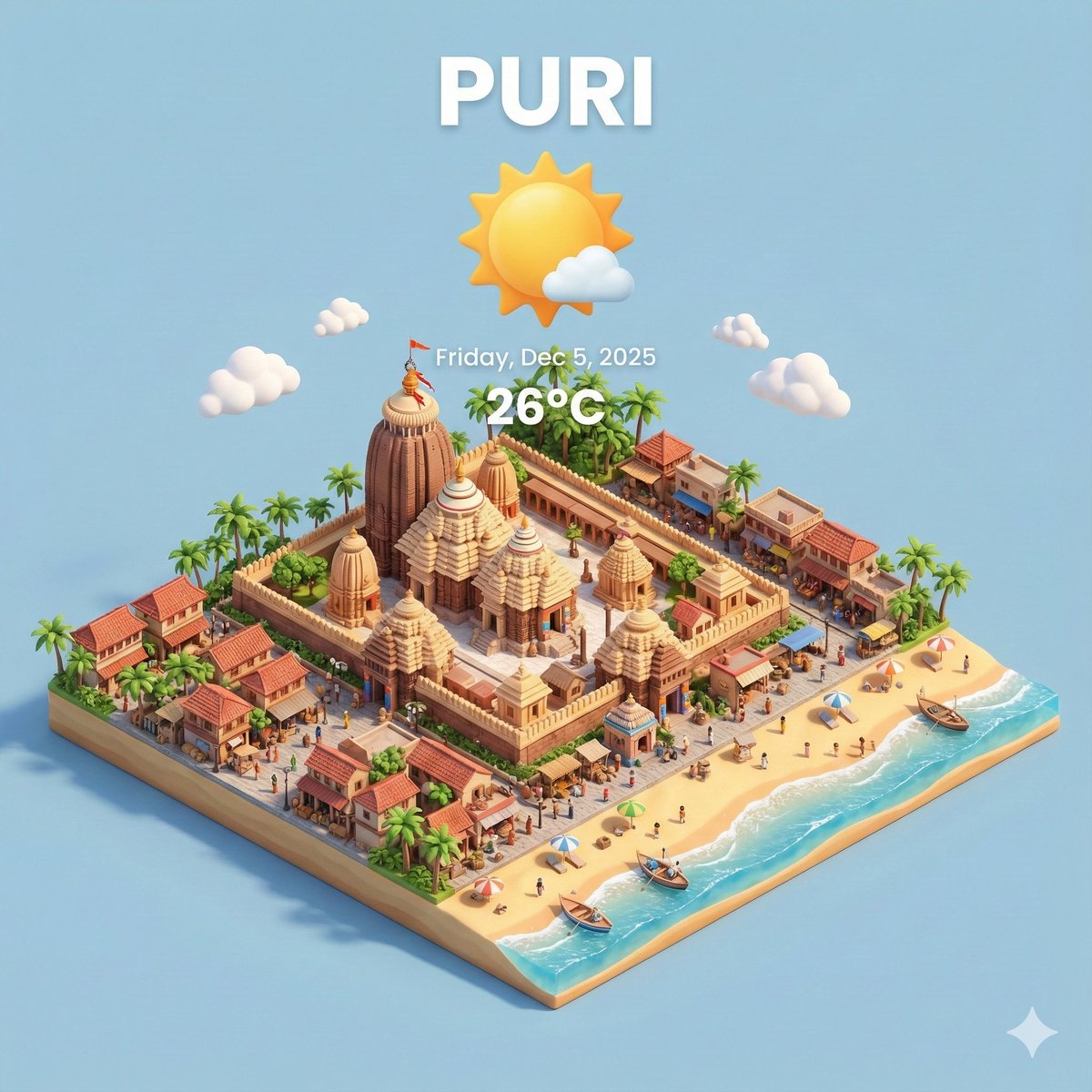
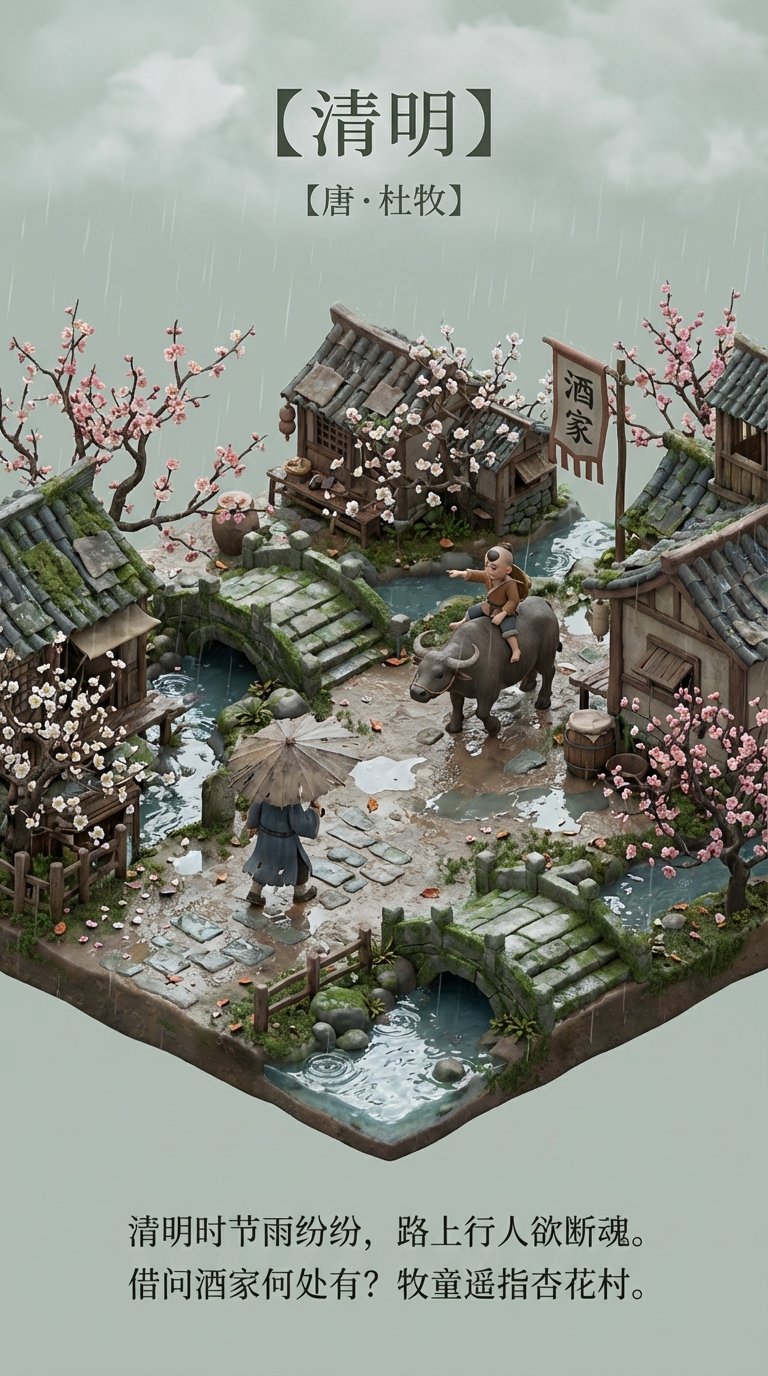
Nice Nano Banana Pro prompt for weather app: CITY=Prague,Czechia Present a clear, 45° top-down isometric miniature 3D cartoon scene of [CITY], featuring its most iconic landmarks and architectural elements. Use soft, refined textures with realistic PBR materials and gentle, lifelike lighting and shadows. Integrate the current weather conditions directly into the city environment to create an immersive atmospheric mood. Use a clean, minimalistic composition with a soft, solid-colored background.
- Category
- Illustration & Art
- Model
- Nano Banana Pro
- Creator
- Pavol Rusnak
- Source language
- zh-CN
- Source ID
- prague-city-weather-cartoon-scene
Full prompt
Nice Nano Banana Pro prompt for weather app:
CITY=Prague,Czechia
Present a clear, 45° top-down isometric miniature 3D cartoon scene of [CITY], featuring its most iconic landmarks and architectural elements. Use soft, refined textures with realistic PBR materials and gentle, lifelike lighting and shadows. Integrate the current weather conditions directly into the city environment to create an immersive atmospheric mood.
Use a clean, minimalistic composition with a soft, solid-colored background.
At the top-center, place the title “[CITY]” in large bold text, a prominent weather icon beneath it, then the date (small text) and temperature (medium text).
All text must be centered with consistent spacing, and may subtly overlap the tops of the buildings.
Square 1080x1080 dimension.
Translations
布拉格城市天气卡通场景
zh-CNNice Nano Banana Pro prompt for weather app: CITY=Prague,Czechia Present a clear, 45° top-down isometric miniature 3D cartoon scene of [CITY], featuring its most iconic landmarks and architectural elements. Use soft, refined textures with realistic PBR materials and gentle, lifelike lighting and shadows. Integrate the current weather conditions directly into the city environment to create an immersive atmospheric mood. Use a clean, minimalistic composition with a soft, solid-colored background. At the top-center, place the title “[CITY]” in large bold text, a prominent weather icon beneath it, then the date (small text) and temperature (medium text). All text must be centered with consistent spacing, and may subtly overlap the tops of the buildings. Square 1080x1080 dimension.