18

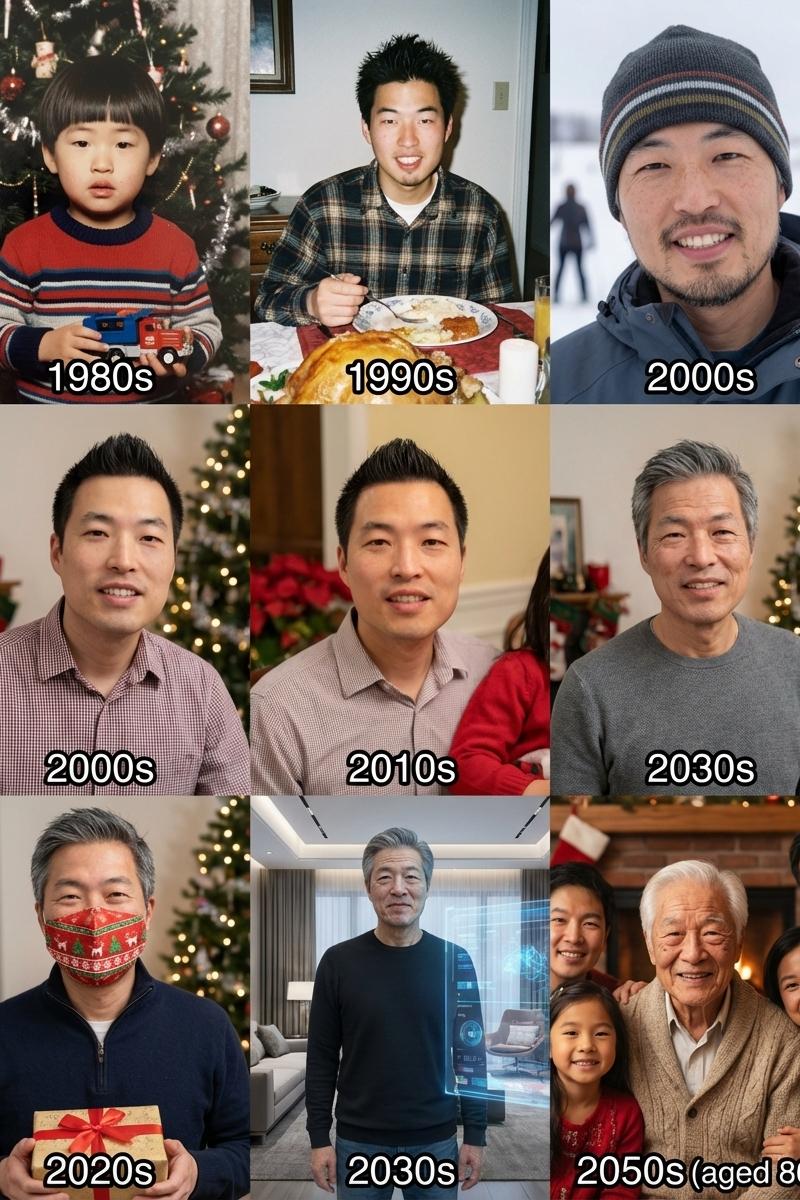
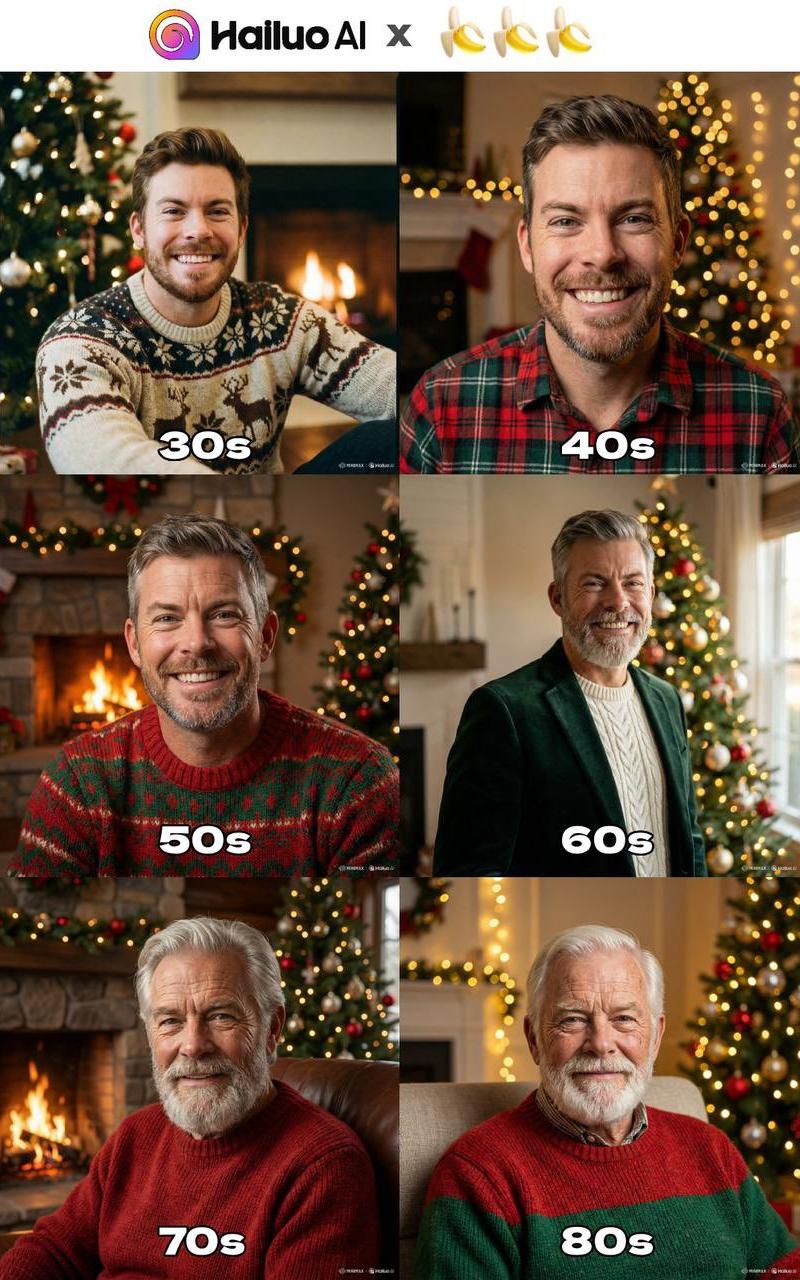
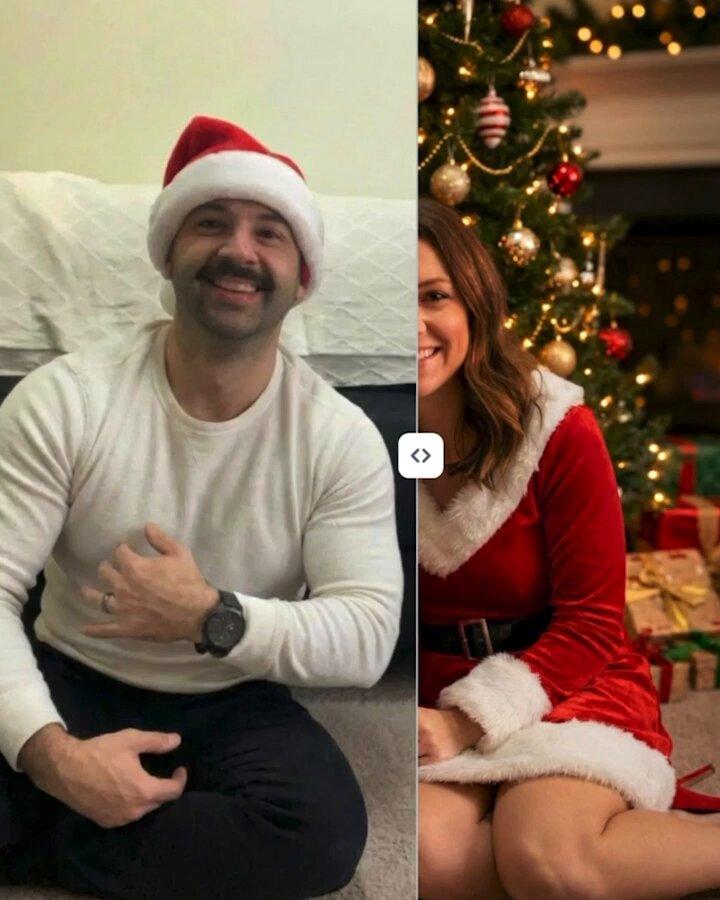
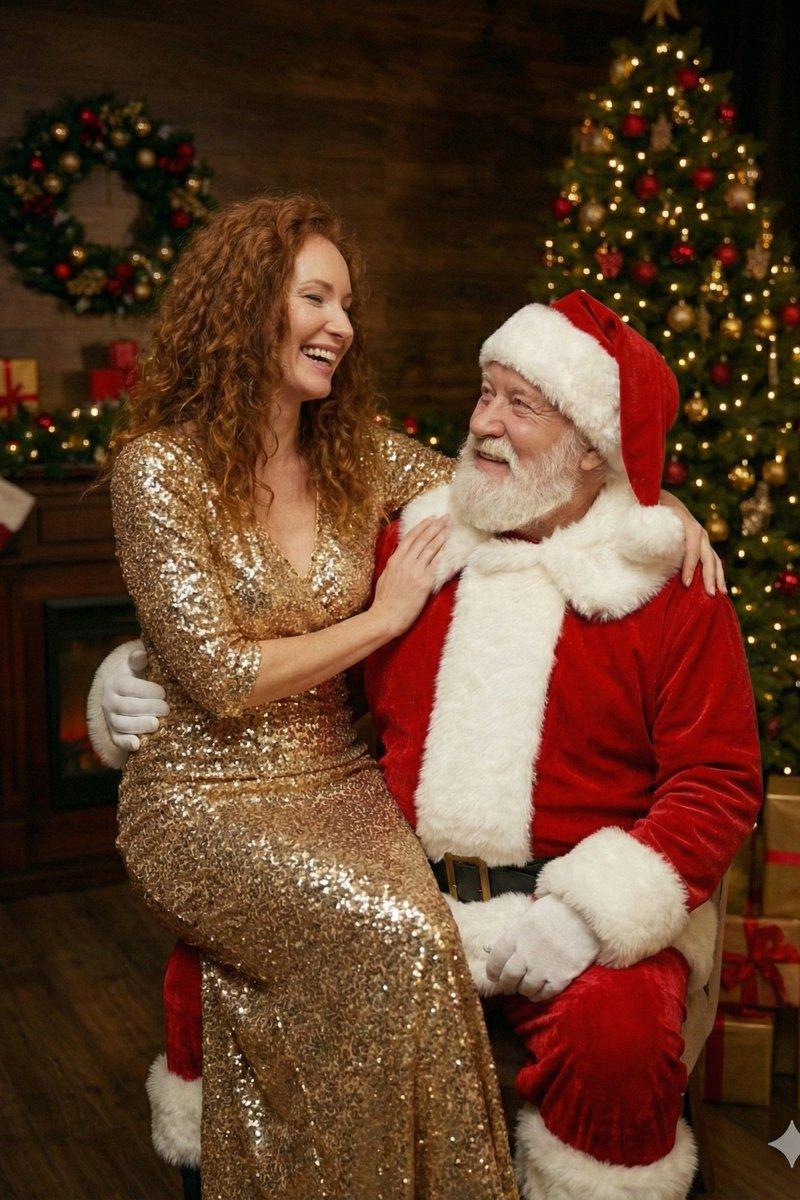
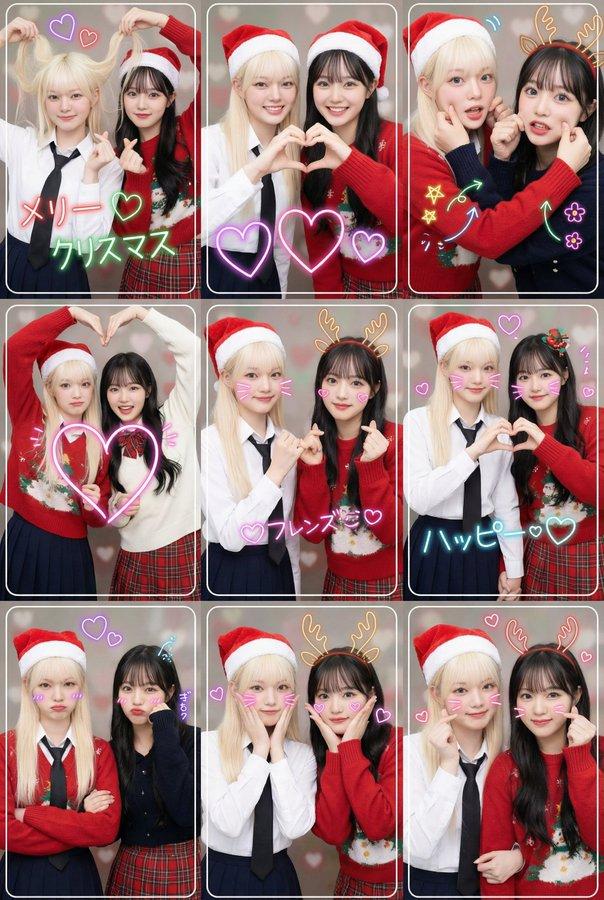
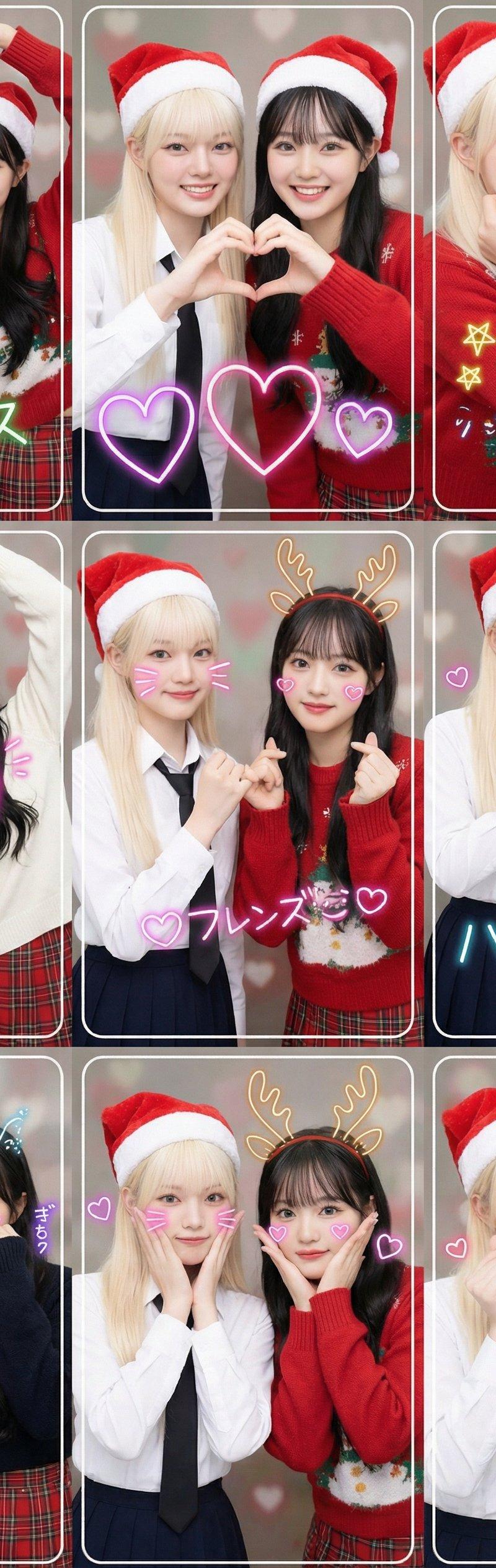
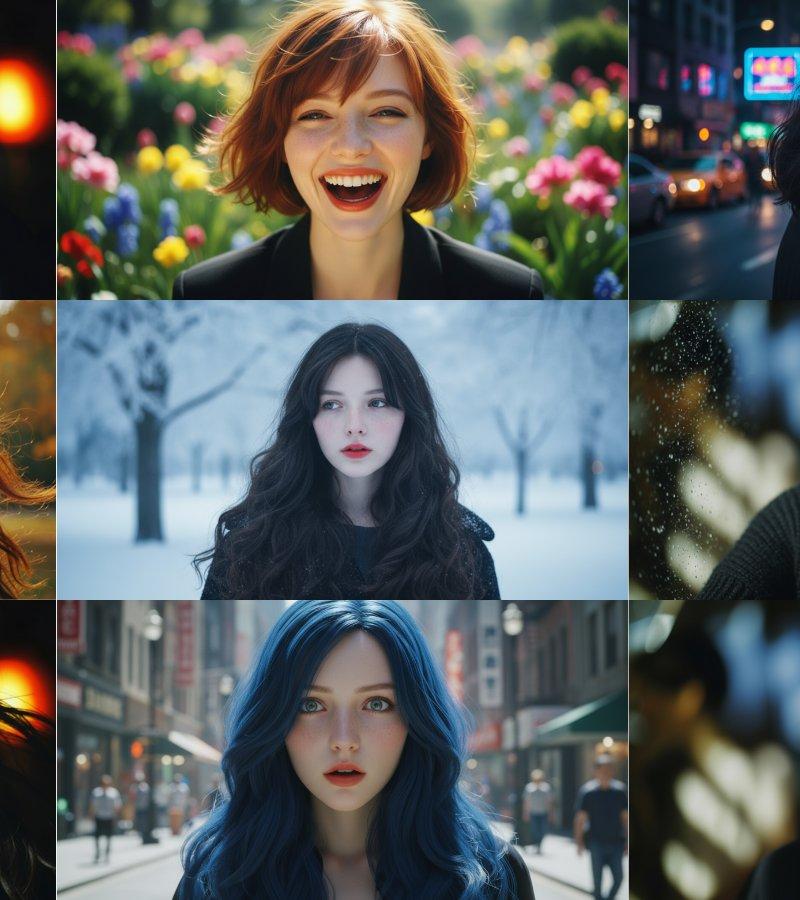
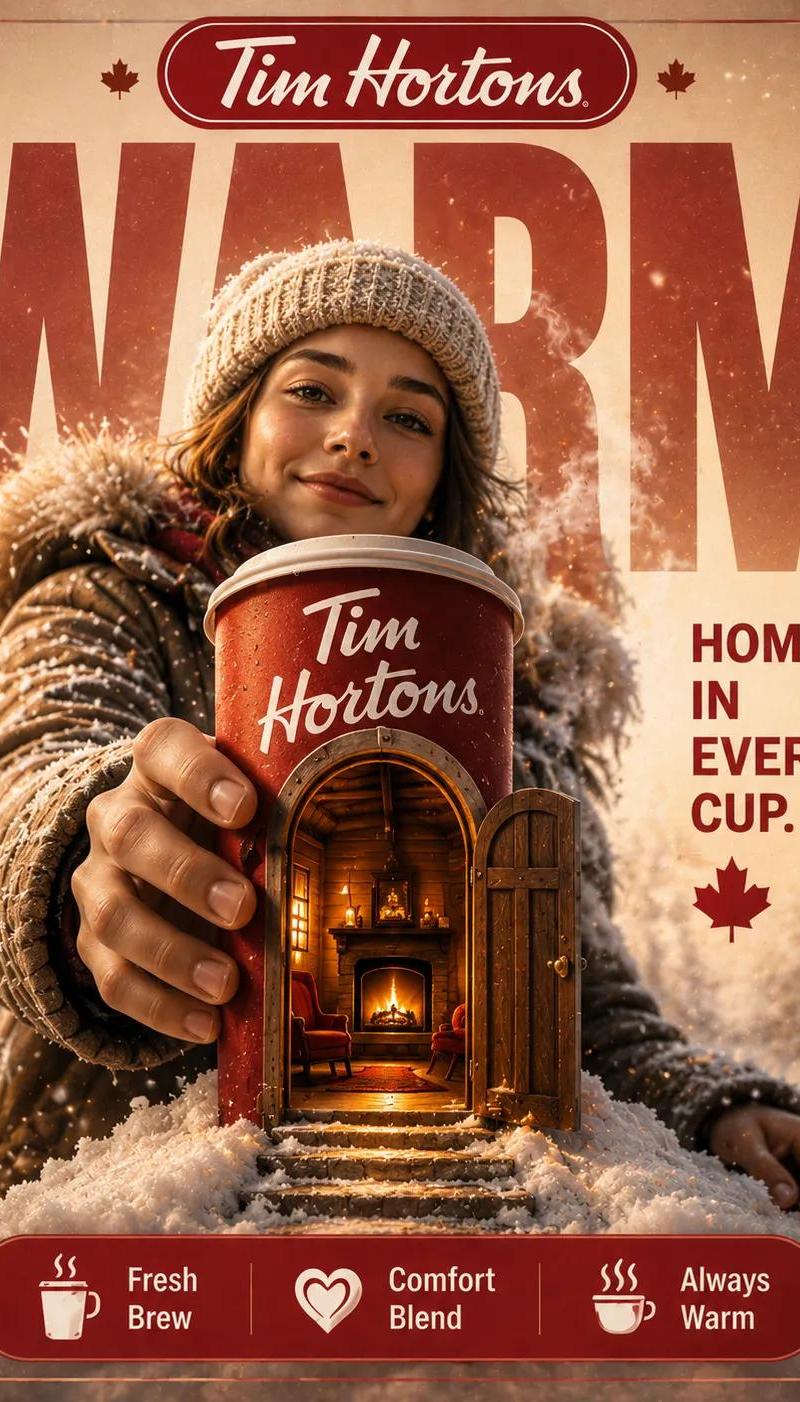
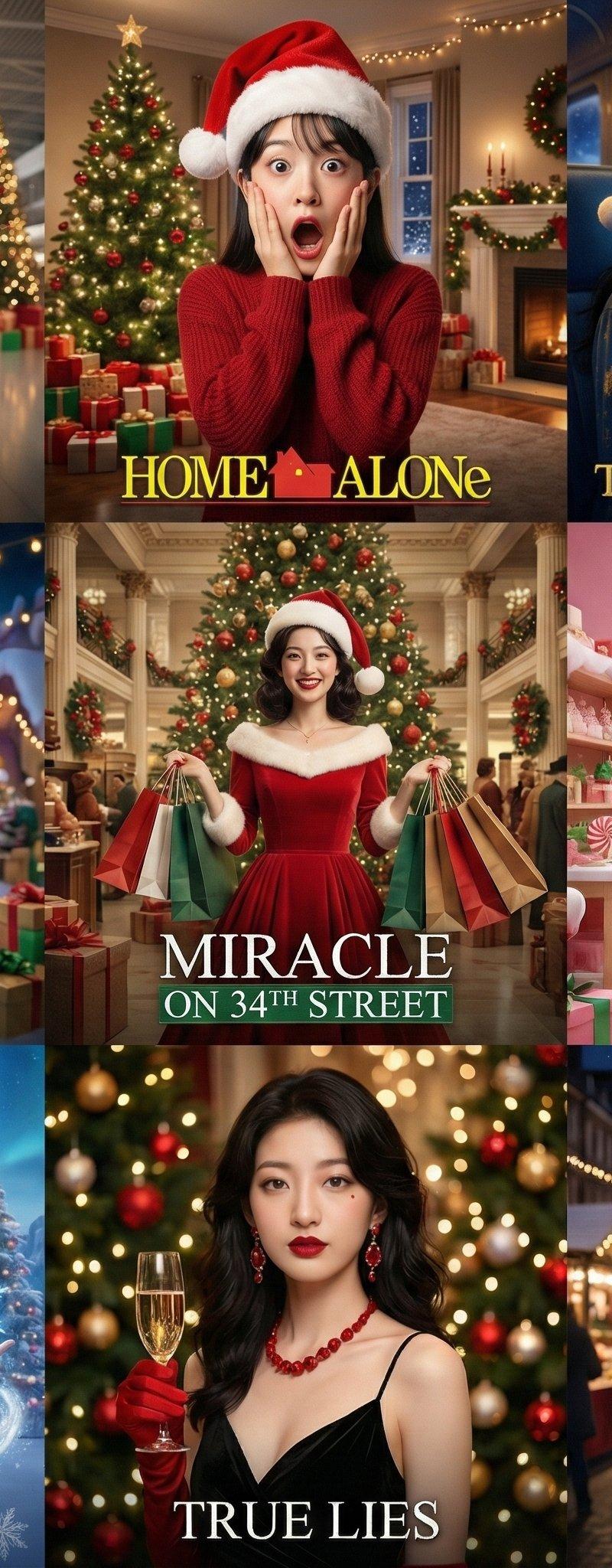
将人物置身于9部电影的圣诞场景中
Enlarge

Example images

将人物置身于9部电影的圣诞场景中

Prompt
🎄将人物置身于9部电影的圣诞场景中🎄
Nano banana pro提示词:
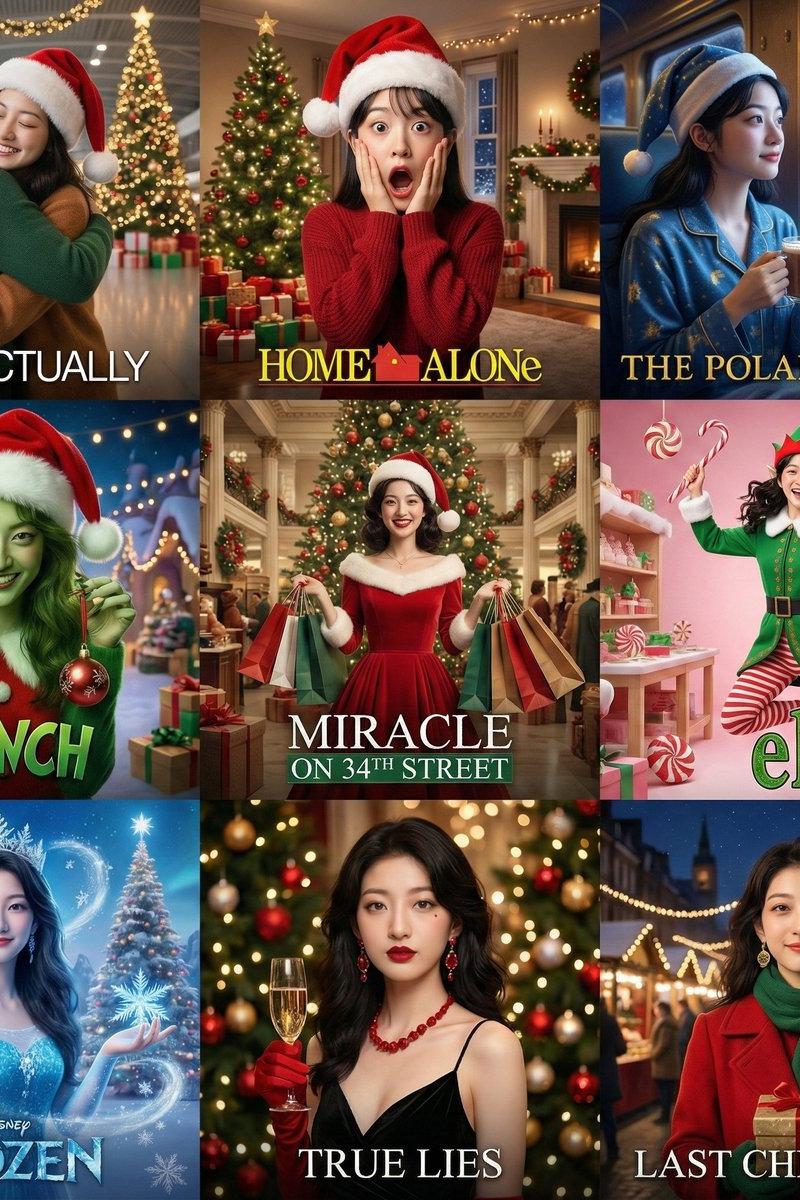
[全局指令]: 一个3x3的网格拼贴画,所有9个格子里必须是完全同一位女性。严格保持与参考图一致的面部特征。不要改变她的五官,只改变她的表情、妆容和造型以匹配各电影主题。
格1:《真爱至上》风格-机场告别场景戴圣诞帽,手持包装礼物,温情拥抱,背景机场巨型圣诞树和彩灯装饰,柔和光线
格2:《小鬼当家》风格-惊讶夸张表情手捂脸颊,戴歪圣诞帽,背景家中圣诞树、礼物堆和装饰彩灯,喜剧效果
格3:《极地特快》风格-火车窗前戴睡帽,手持热可可配糖果拐杖,窗外魔幻雪景和圣诞村庄,梦幻蓝金色调
格4:《圣诞怪杰》风格-真实人物绿色调服装配红色圣诞帽,搞怪表情,手持偷来的圣诞装饰,背景圣诞村彩灯和礼物,创意造型
格5:《34街的奇迹》风格-复古百货商店场景穿经典红色圣诞礼服,手持圣诞购物袋,背景巨型圣诞树和复古装饰,经典好莱坞照明(中心)
格6:《圣诞精灵》风格-完整精灵装扮(绿色上衣、红色条纹袜、尖头帽配铃铛),欢乐跳跃姿态,手持糖果拐杖,背景糖果色圣诞工坊
格7:《冰雪奇缘》风格-冰蓝色公主裙配雪花皇冠,手持魔法冰晶,雪花飞舞,背景冰晶城堡和大大的圣诞树,特别的喜庆糖果,迪士尼魔法感
格8:《真实的谎言》风格-黑色礼服配红色圣诞饰品,手持香槟,背景圣诞派对场景彩灯和装饰球,优雅神秘
格9:《Last Christmas》风格-时尚女性穿红色复古大衣配绿色围巾和金色耳环,手持圣诞礼物盒,站在伦敦圣诞街市彩灯下,背景科文特花园巨型圣诞树和节日橱窗,温暖夜景灯光,充满希望的表情,现代浪漫电影美学
每格模仿对应电影的色调、光线和氛围,圣诞装饰元素极其明显,电影海报构图,添加电影感标题文字效果,专业电影剧照质感,4K高清
Category
Posters & Typography
Model
Nano Banana Pro
Creator
松果先森
Source language
zh-CN
Views0
Source ID
putting-characters-in-christmas-scenes-from-9-movies
Studio

Guide

About "将人物置身于9部电影的圣诞场景中"

What is this prompt for?

"将人物置身于9部电影的圣诞场景中" AI image prompt for Nano Banana Pro (Posters & Typography). 🎄将人物置身于9部电影的圣诞场景中🎄 Nano banana pro提示词: [全局指令]: 一个3x3的网格拼贴画,所有9个格子里必须是完全同一位女性。严…

The full copyable prompt and example visuals above are ready for AI image generation or one-click recreate in Picva.

How to use this prompt

  1. Step 1

    Open the prompt detail

    Review the example visuals, category, and full prompt text for "将人物置身于9部电影的圣诞场景中".

  2. Step 2

    Copy the prompt

    Copy the prompt body from this page, or load it directly in Studio.

  3. Step 3

    Pick a model (Nano Banana Pro)

    Prefer Nano Banana Pro. If you switch models, keep subject and composition and tweak style terms.

  4. Step 4

    Generate and export

    Recreate the look in Picva, or export into your workflow for editing and publishing.

FAQ

What is the "将人物置身于9部电影的圣诞场景中" prompt?
It is an AI image-generation prompt for Nano Banana Pro in the Posters & Typography category. This page includes the full prompt text, example visuals, and a one-click recreate path in Picva.
How do I use this prompt to generate an image?
Copy the prompt from this page, or use Generate / Studio. Paste it into a compatible image model, or recreate the look in Picva with optional reference images.
Which model is this prompt for?
This page lists Nano Banana Pro. Most descriptive prompts also transfer to nearby image models such as GPT Image, Flux, or Midjourney with light style tweaks.
Can I use the result commercially?
You can usually copy the prompt for creation, but commercial use of the final image depends on the model terms, reference-image rights, and the generated content. Follow the source author and platform rules.