13

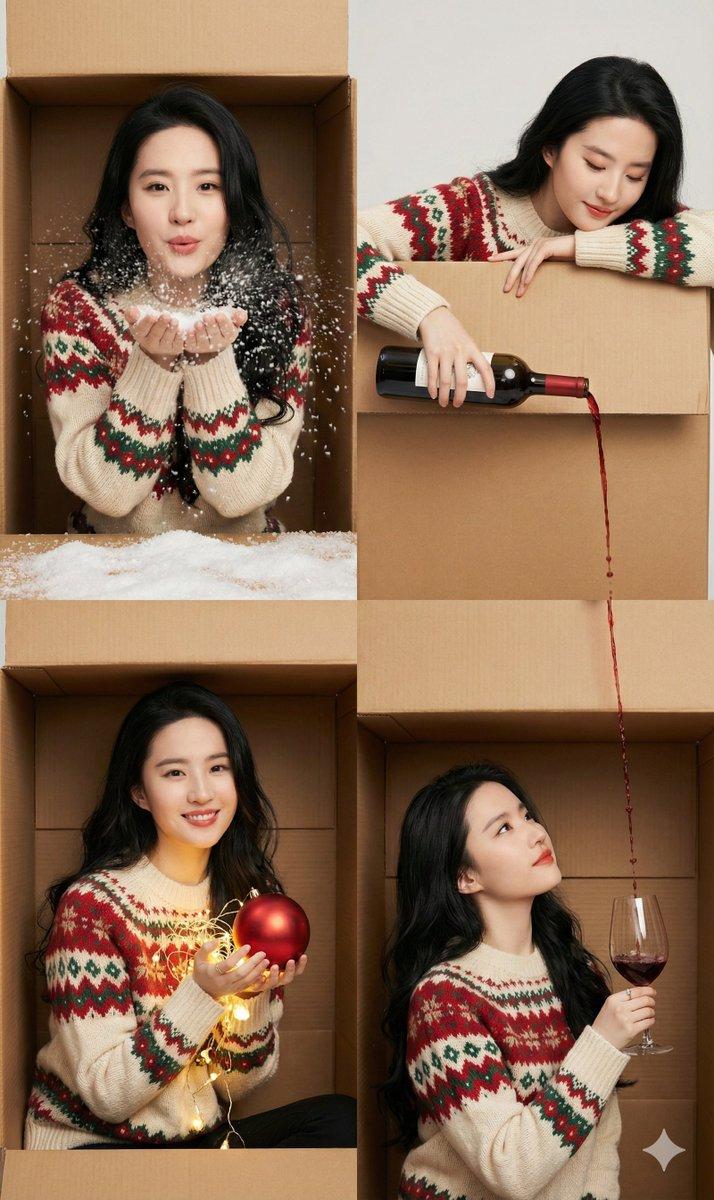
圣诞特辑-费尔岛毛衣的圣诞六帧小美好
Enlarge

Example images

圣诞特辑-费尔岛毛衣的圣诞六帧小美好

Prompt
圣诞特辑-费尔岛毛衣的圣诞六帧小美好
Nano banana pro提示词:
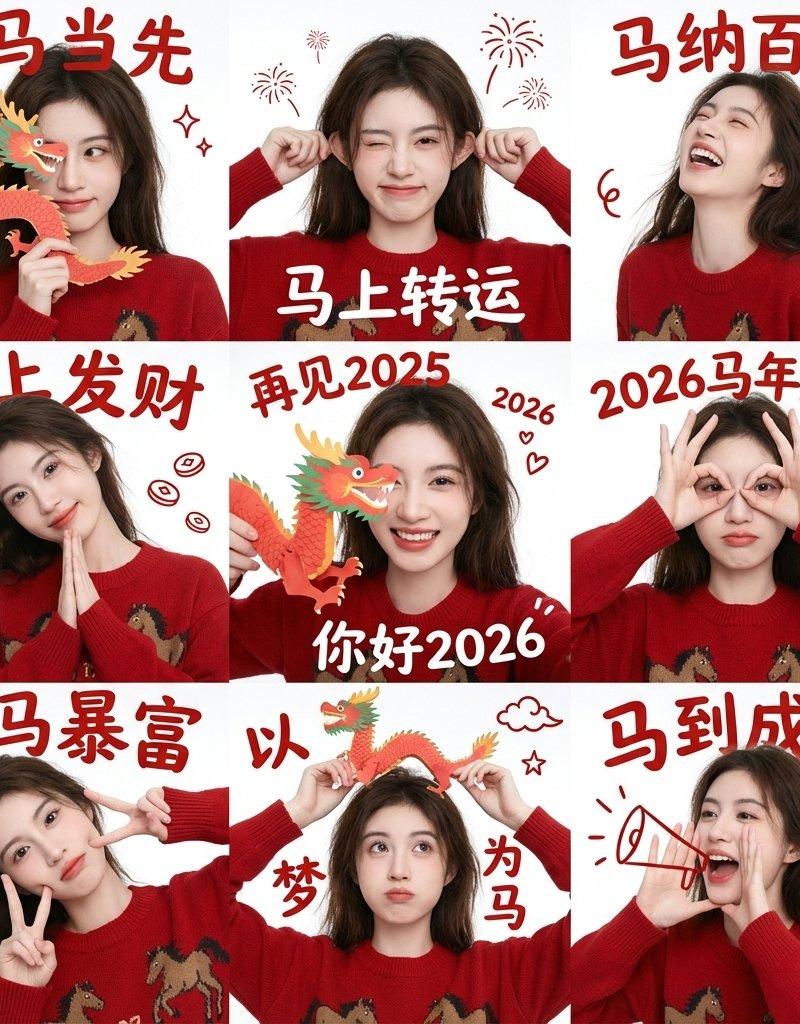
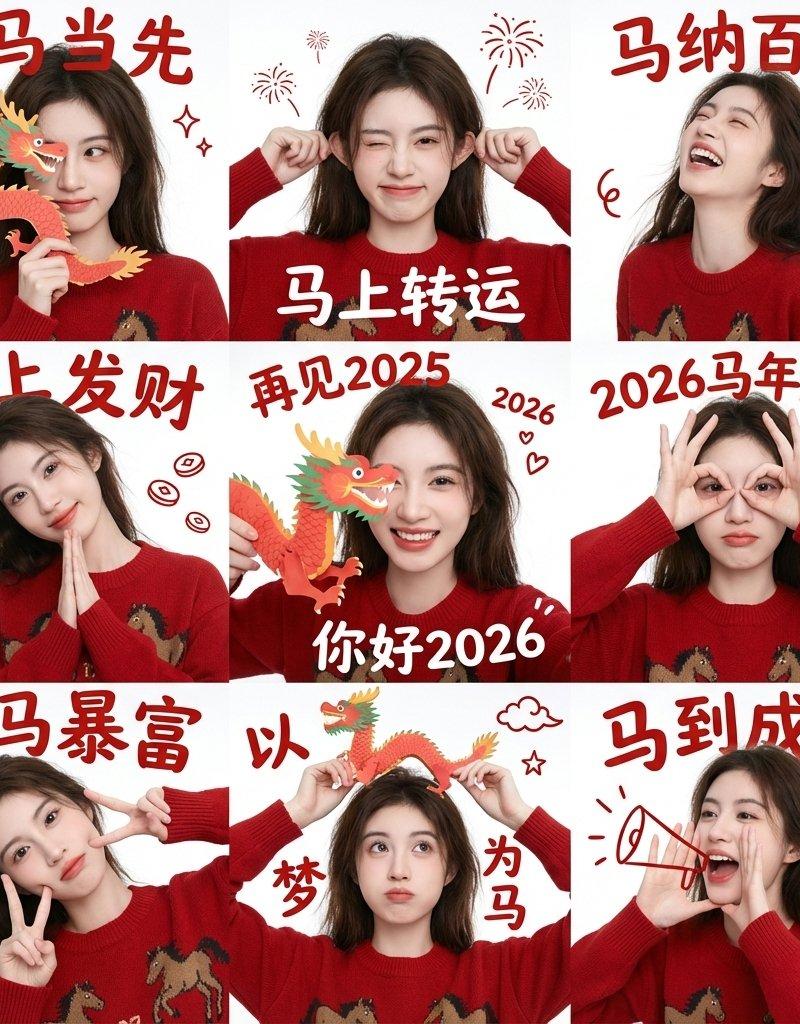
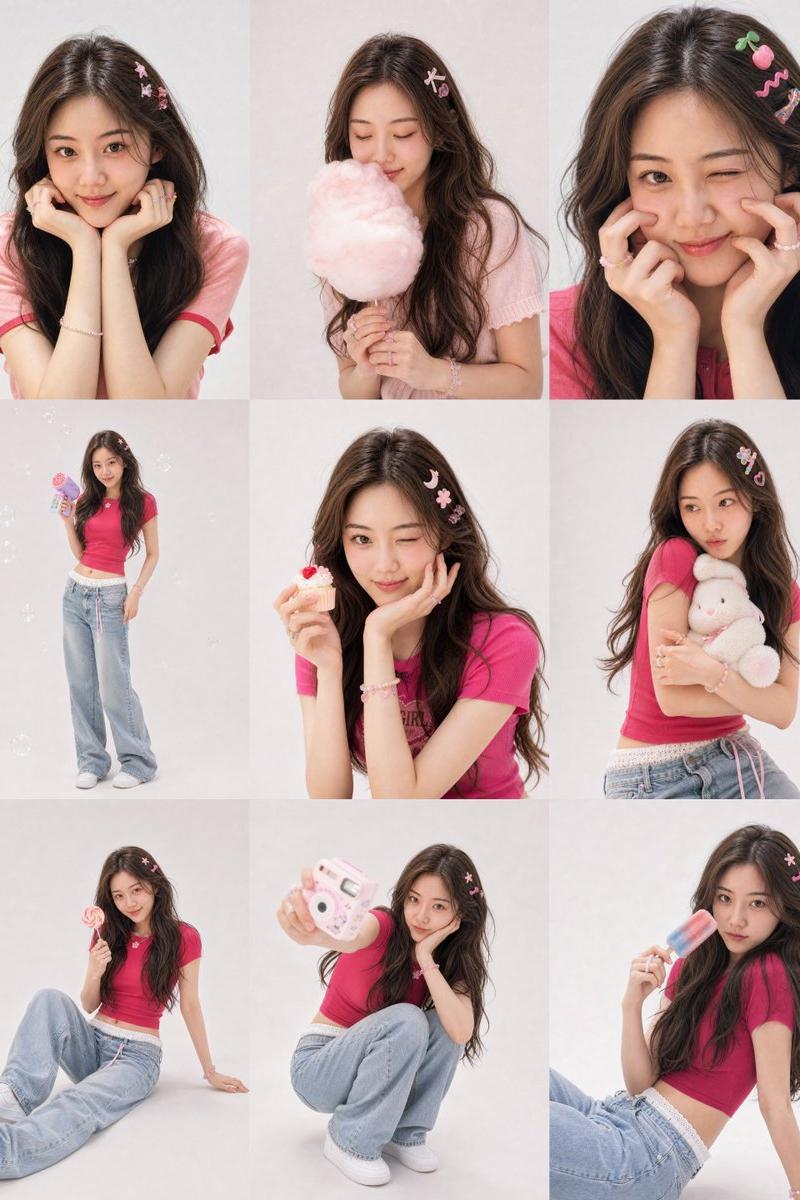
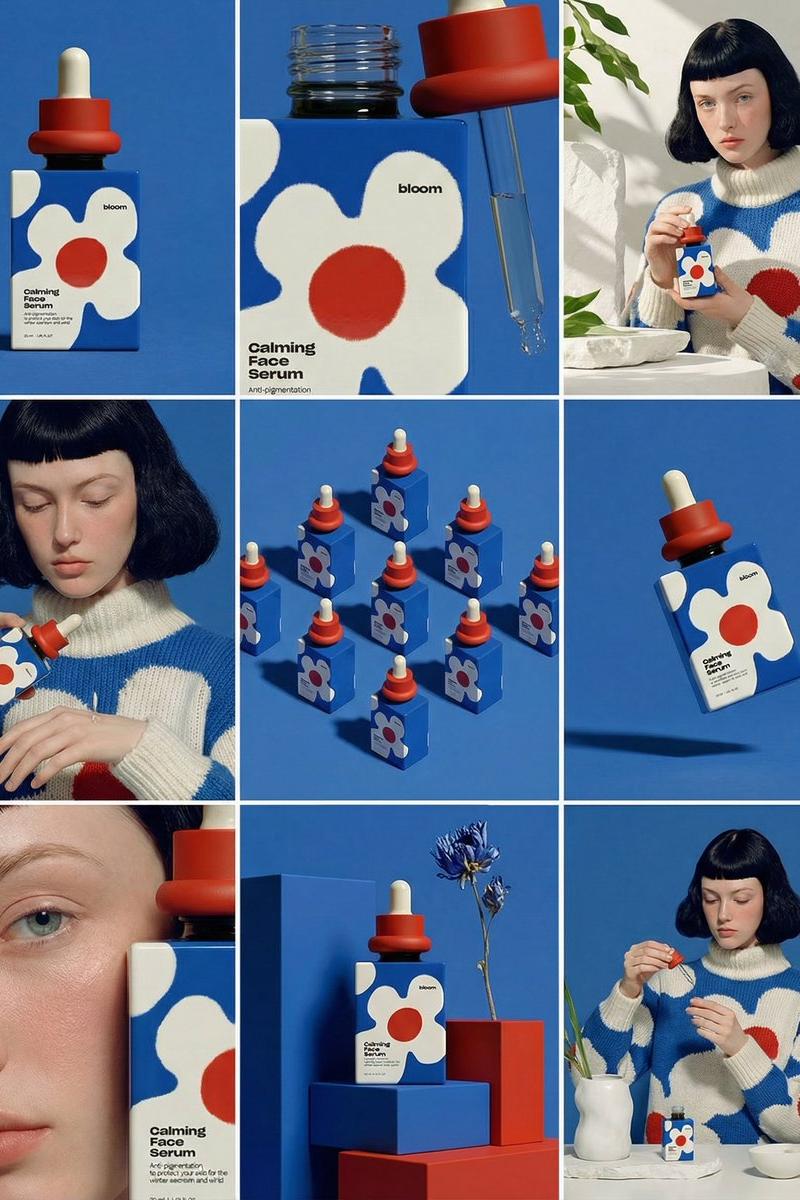
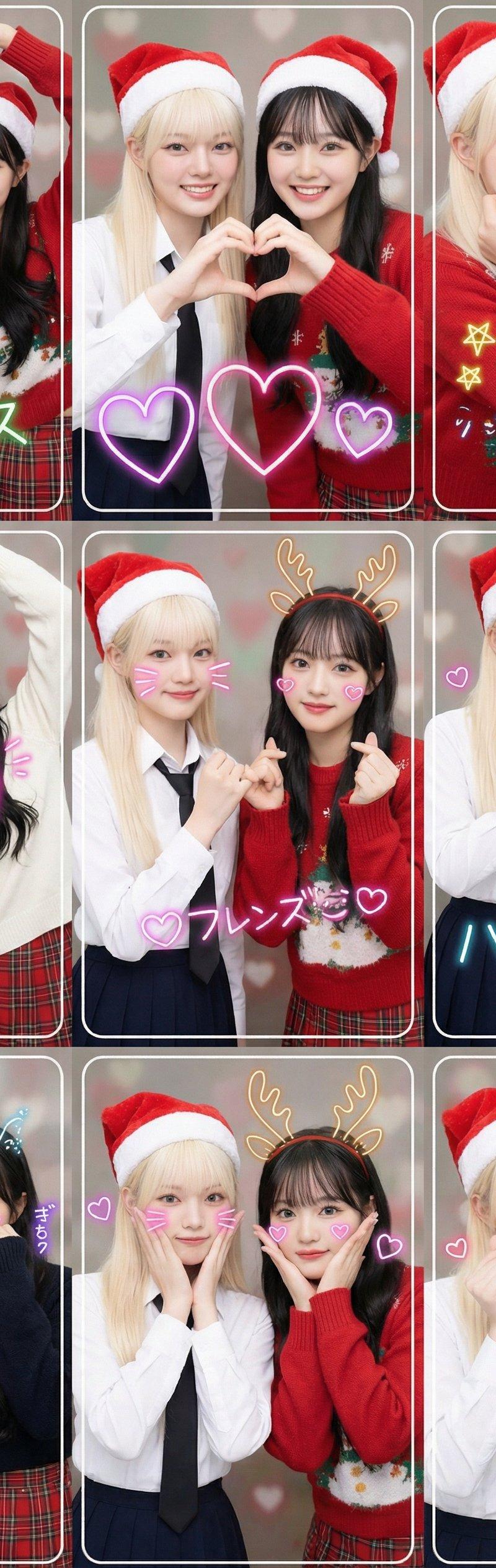
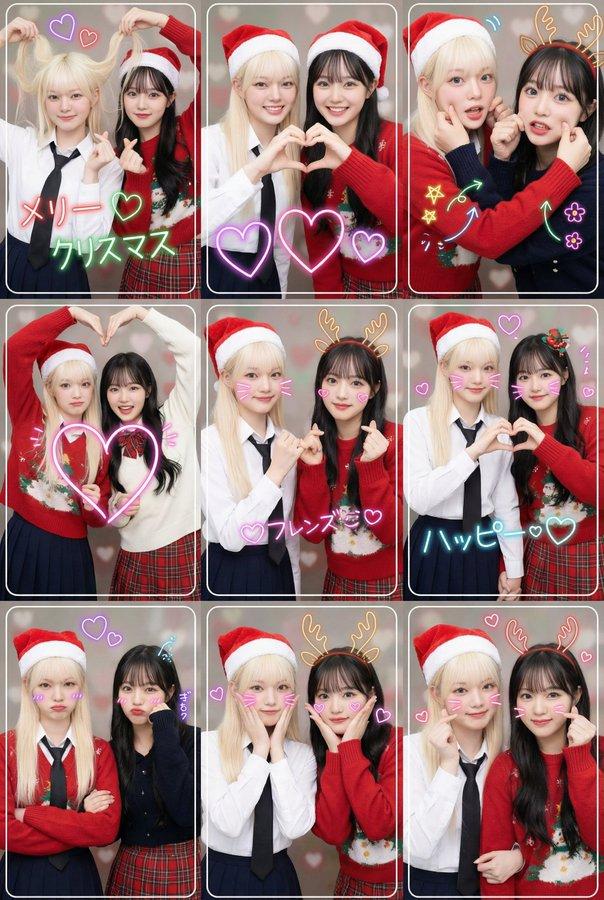
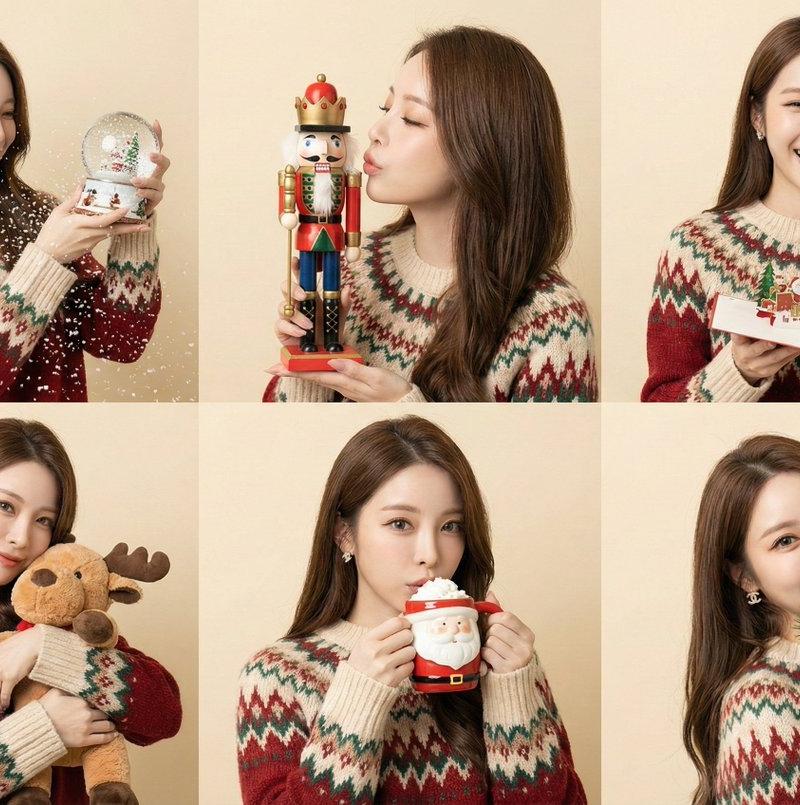
(6-panel grid, variety of props, studio portraiture). A collage of 6 shots of the specific character interacting with different Christmas objects. [CRITICAL: Maintain exact facial identity, preserve original bone structure].
Clothing: A cozy fair-isle patterned sweater. Panels:
Shaking a Snow globe.
Kissing a wooden Nutcracker soldier.
Reading a pop-up Christmas card.
Hugging a plush Reindeer toy.
Sipping from a Santa-themed hot cocoa mug.
Peek-a-boo behind a bunch of pine branches.
Background: Soft beige or cream paper backdrop.
Lighting: Softbox lighting from 45 degree angle, creating dimension but keeping it flattering.
Category
Photography & Realism
Model
Nano Banana Pro
Creator
松果先森
Source language
zh-CN
Views0
Source ID
special-edition-fair-isle-sweater-christmas-six-panels
Studio

Guide

About "圣诞特辑-费尔岛毛衣的圣诞六帧小美好"

What is this prompt for?

"圣诞特辑-费尔岛毛衣的圣诞六帧小美好" AI image prompt for Nano Banana Pro (Photography & Realism). 圣诞特辑-费尔岛毛衣的圣诞六帧小美好 Nano banana pro提示词: (6-panel grid, variety of props, studi…

The full copyable prompt and example visuals above are ready for AI image generation or one-click recreate in Picva.

How to use this prompt

  1. Step 1

    Open the prompt detail

    Review the example visuals, category, and full prompt text for "圣诞特辑-费尔岛毛衣的圣诞六帧小美好".

  2. Step 2

    Copy the prompt

    Copy the prompt body from this page, or load it directly in Studio.

  3. Step 3

    Pick a model (Nano Banana Pro)

    Prefer Nano Banana Pro. If you switch models, keep subject and composition and tweak style terms.

  4. Step 4

    Generate and export

    Recreate the look in Picva, or export into your workflow for editing and publishing.

FAQ

What is the "圣诞特辑-费尔岛毛衣的圣诞六帧小美好" prompt?
It is an AI image-generation prompt for Nano Banana Pro in the Photography & Realism category. This page includes the full prompt text, example visuals, and a one-click recreate path in Picva.
How do I use this prompt to generate an image?
Copy the prompt from this page, or use Generate / Studio. Paste it into a compatible image model, or recreate the look in Picva with optional reference images.
Which model is this prompt for?
This page lists Nano Banana Pro. Most descriptive prompts also transfer to nearby image models such as GPT Image, Flux, or Midjourney with light style tweaks.
Can I use the result commercially?
You can usually copy the prompt for creation, but commercial use of the final image depends on the model terms, reference-image rights, and the generated content. Follow the source author and platform rules.