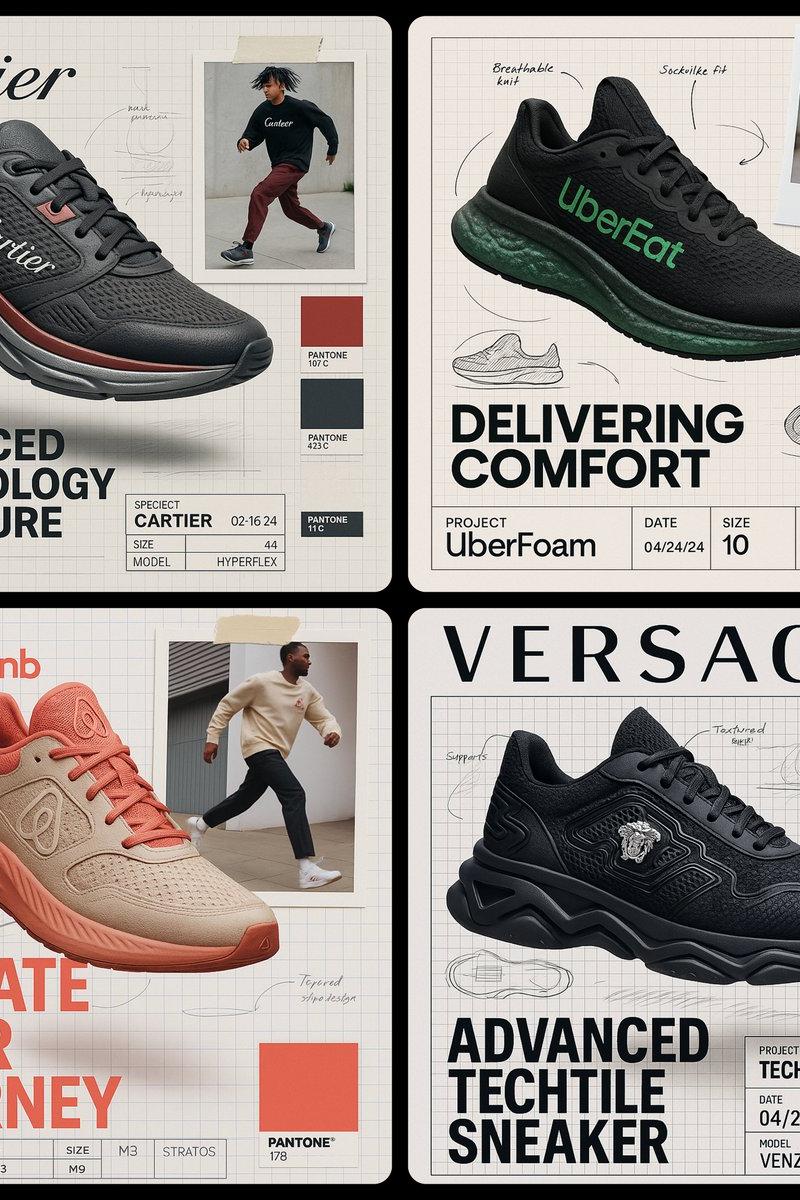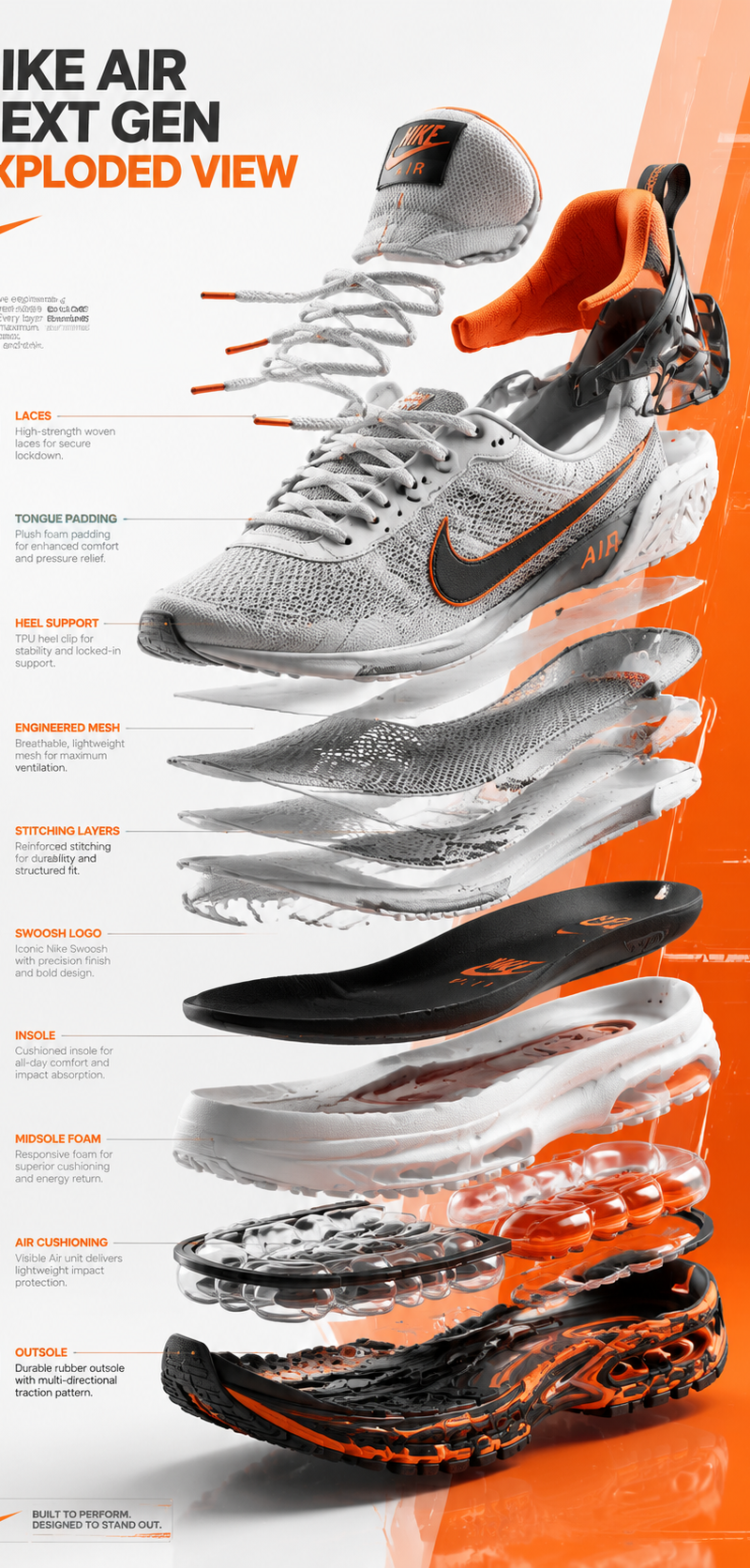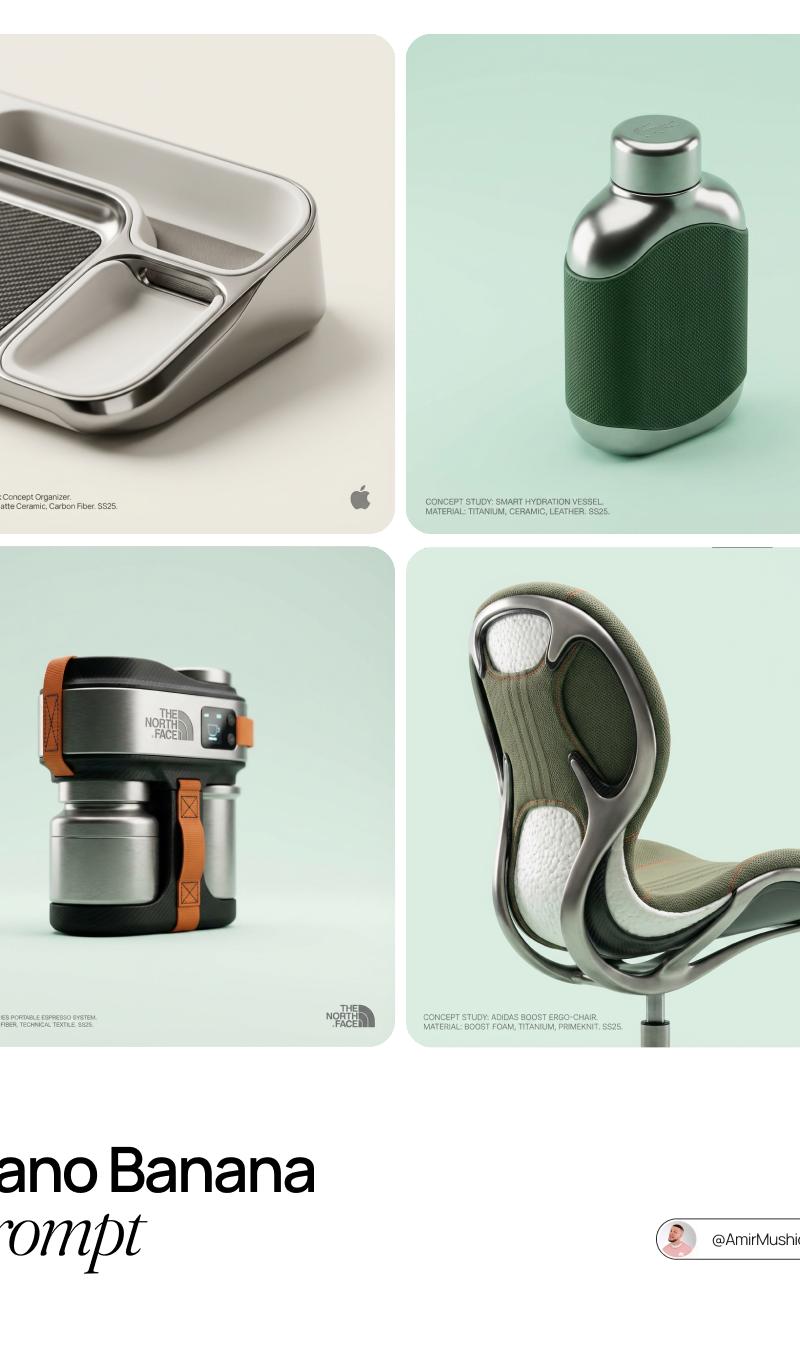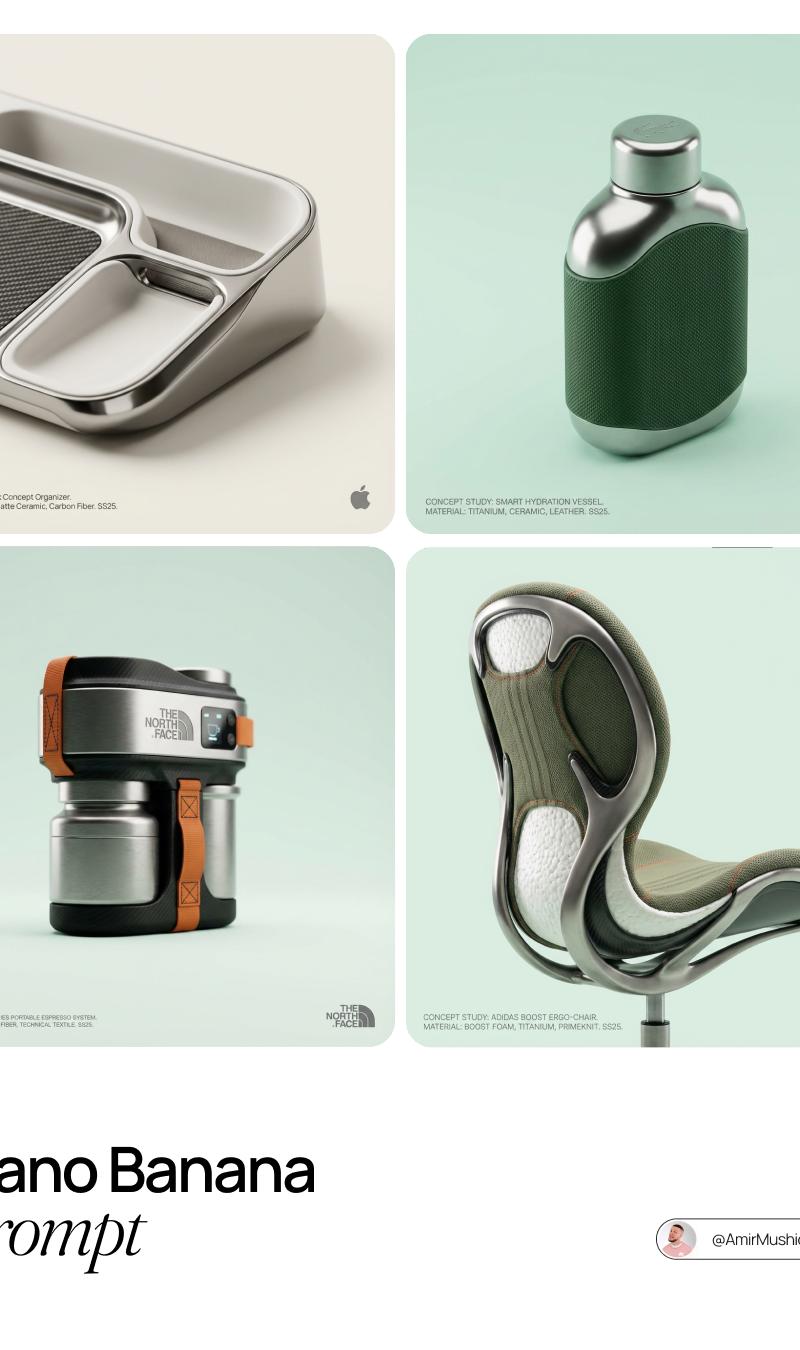
18

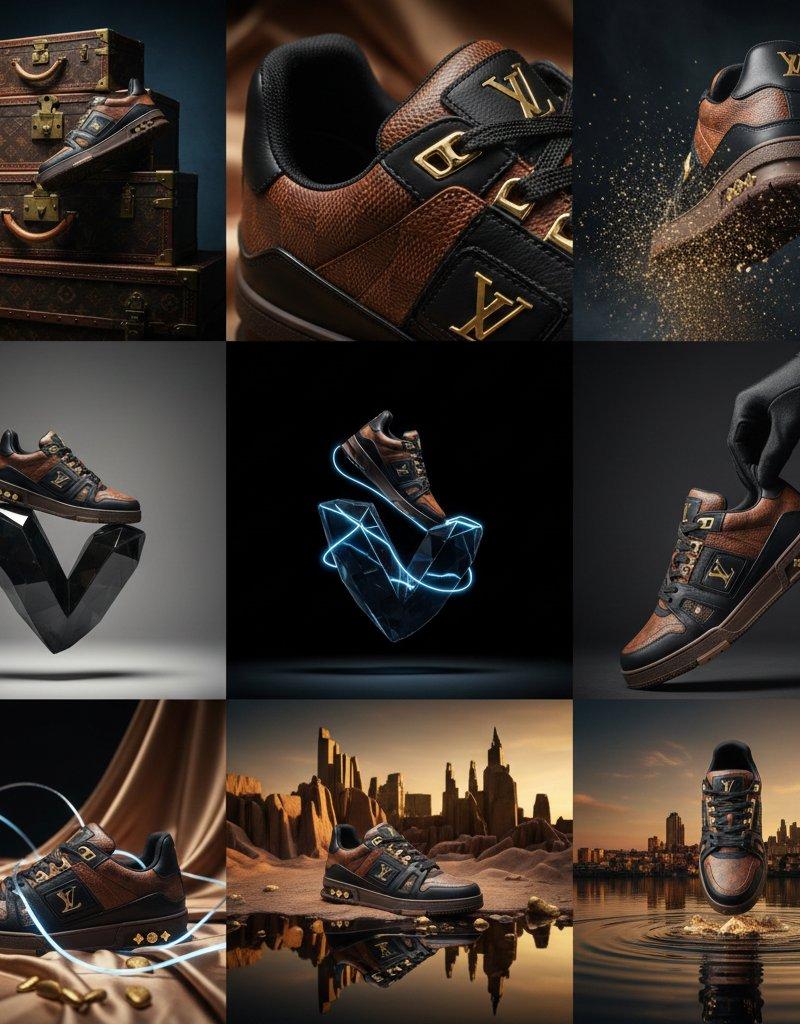
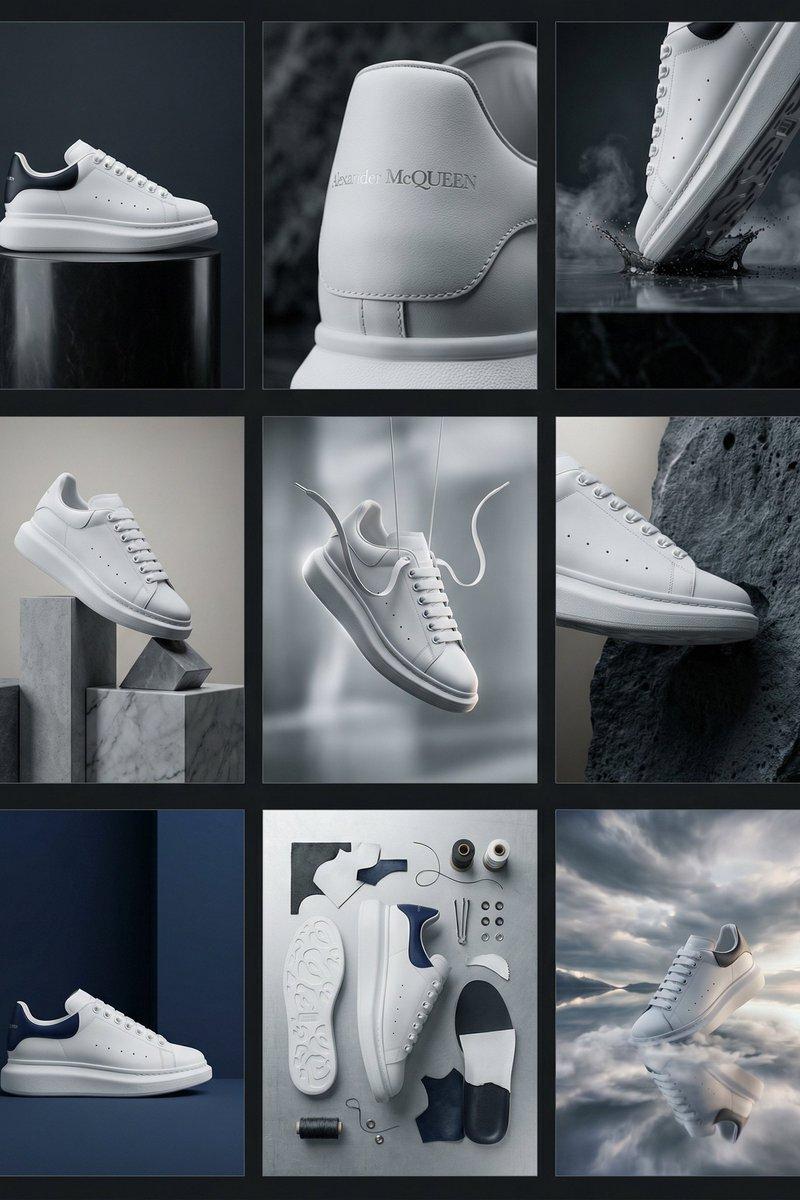
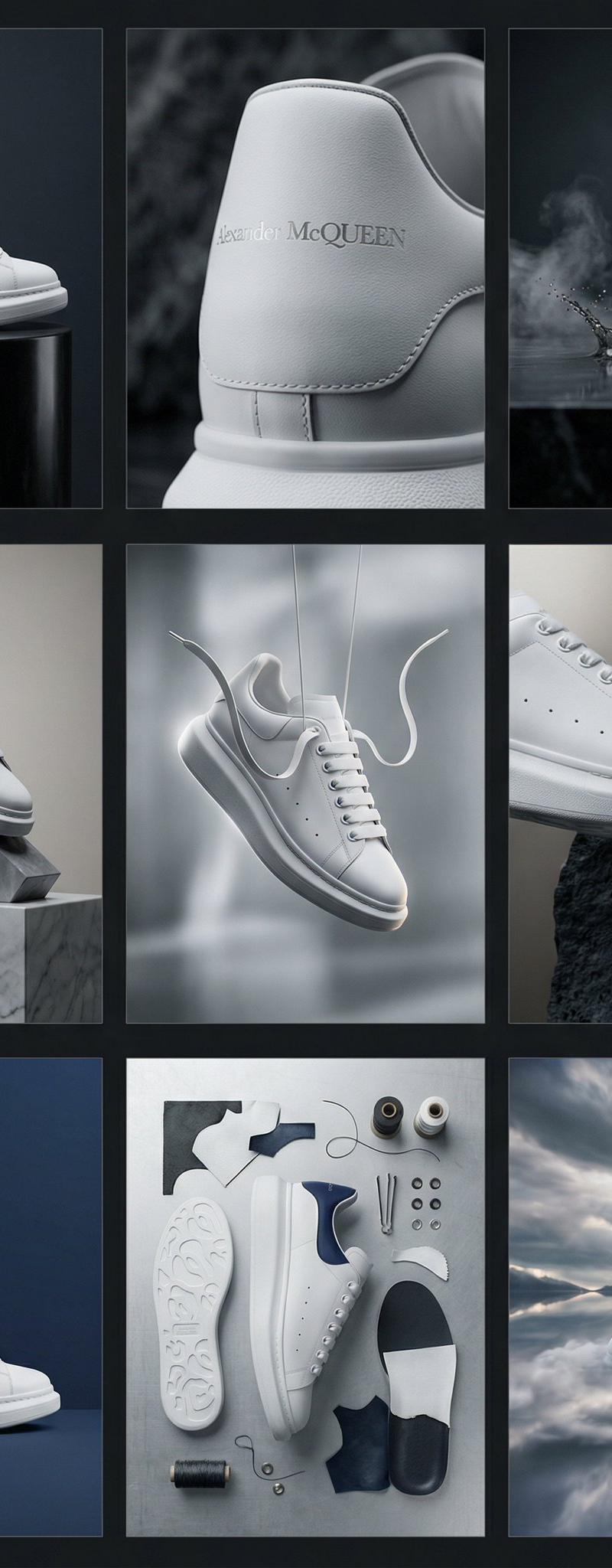
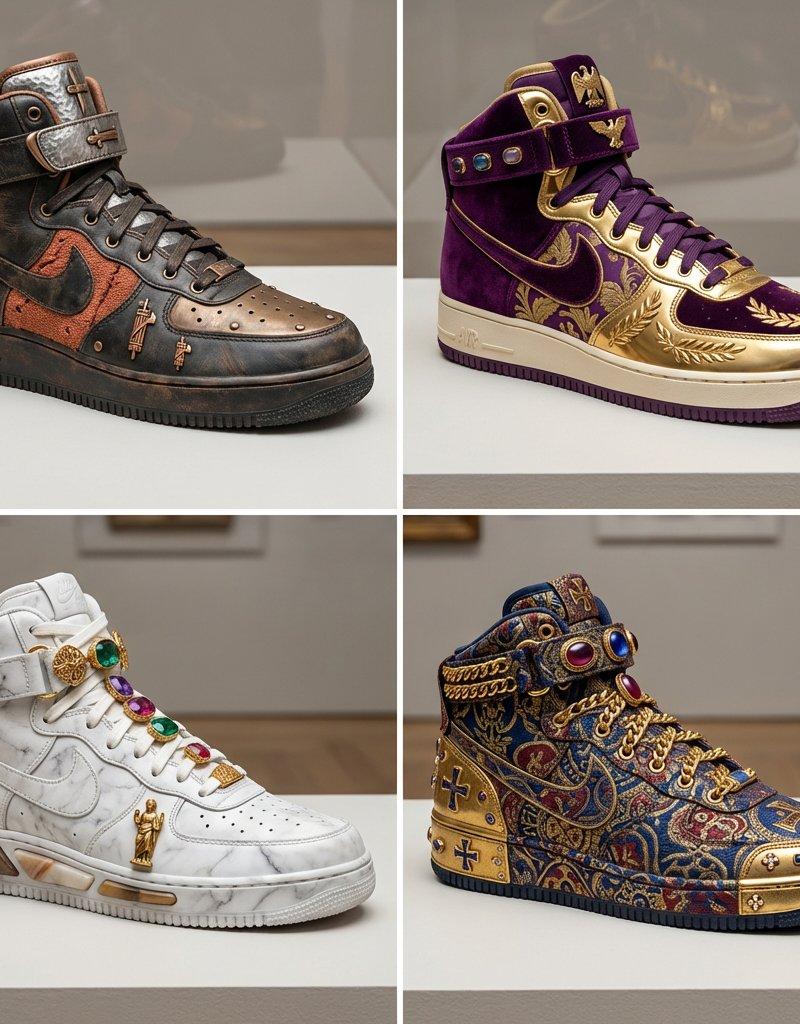
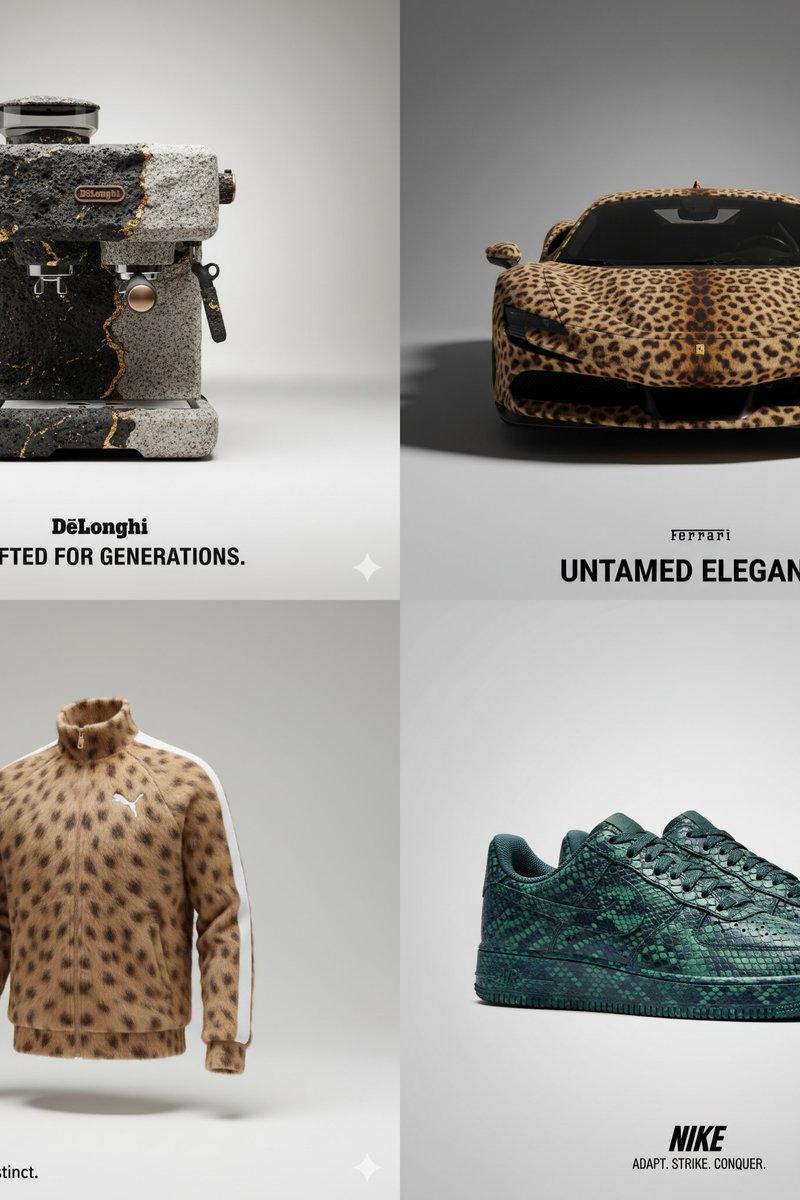
产品的工作室照片
Enlarge

Example images

产品的工作室照片

Prompt
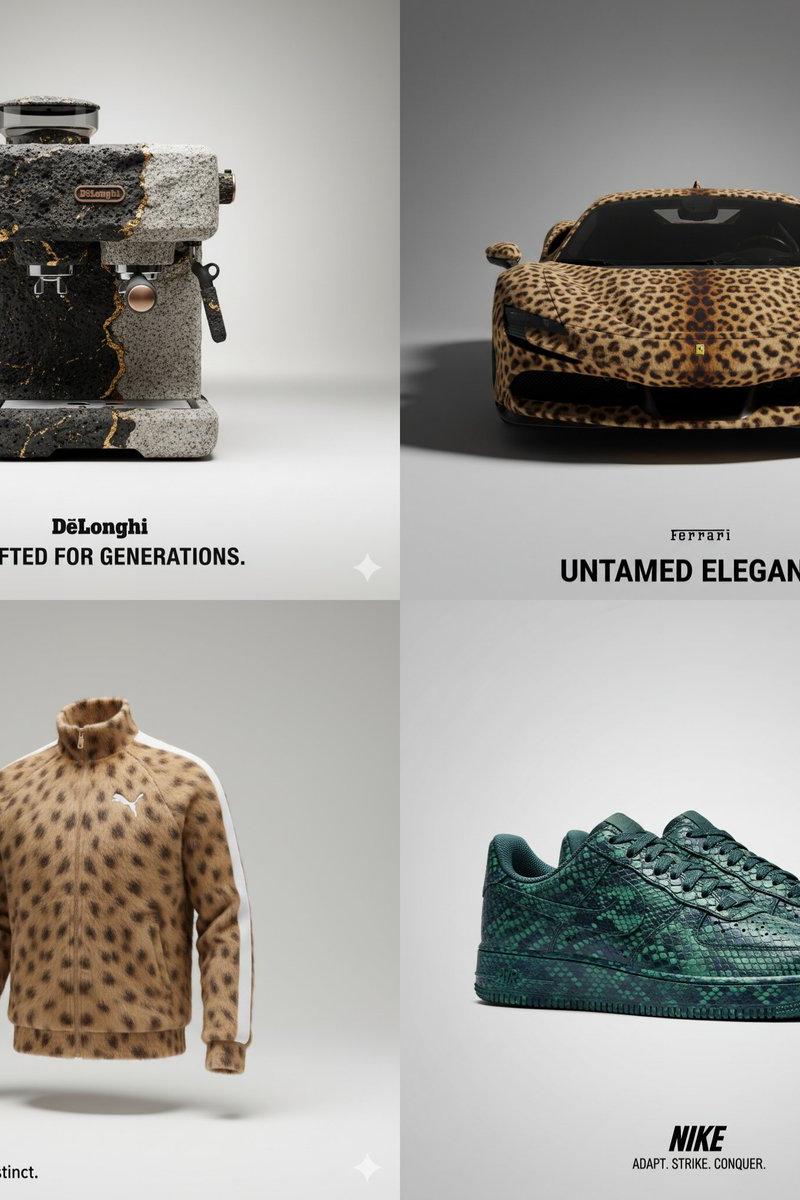
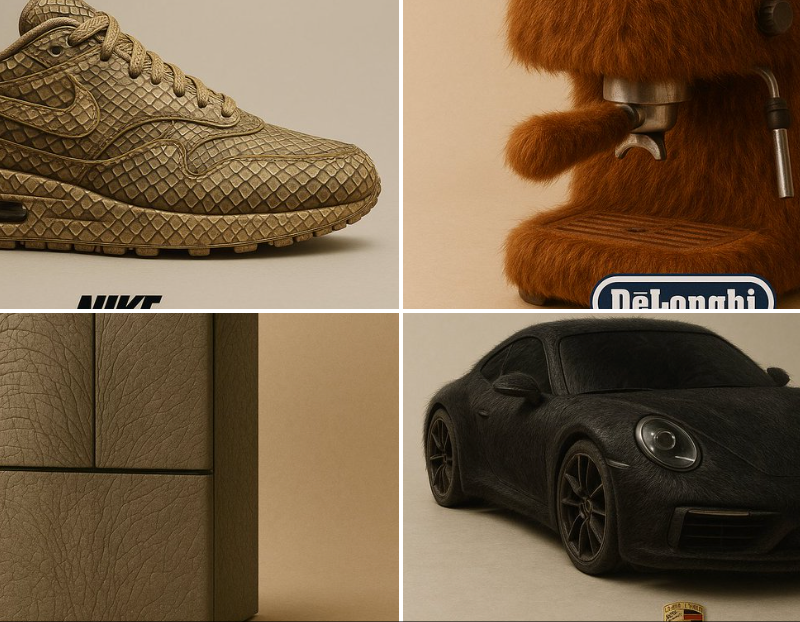
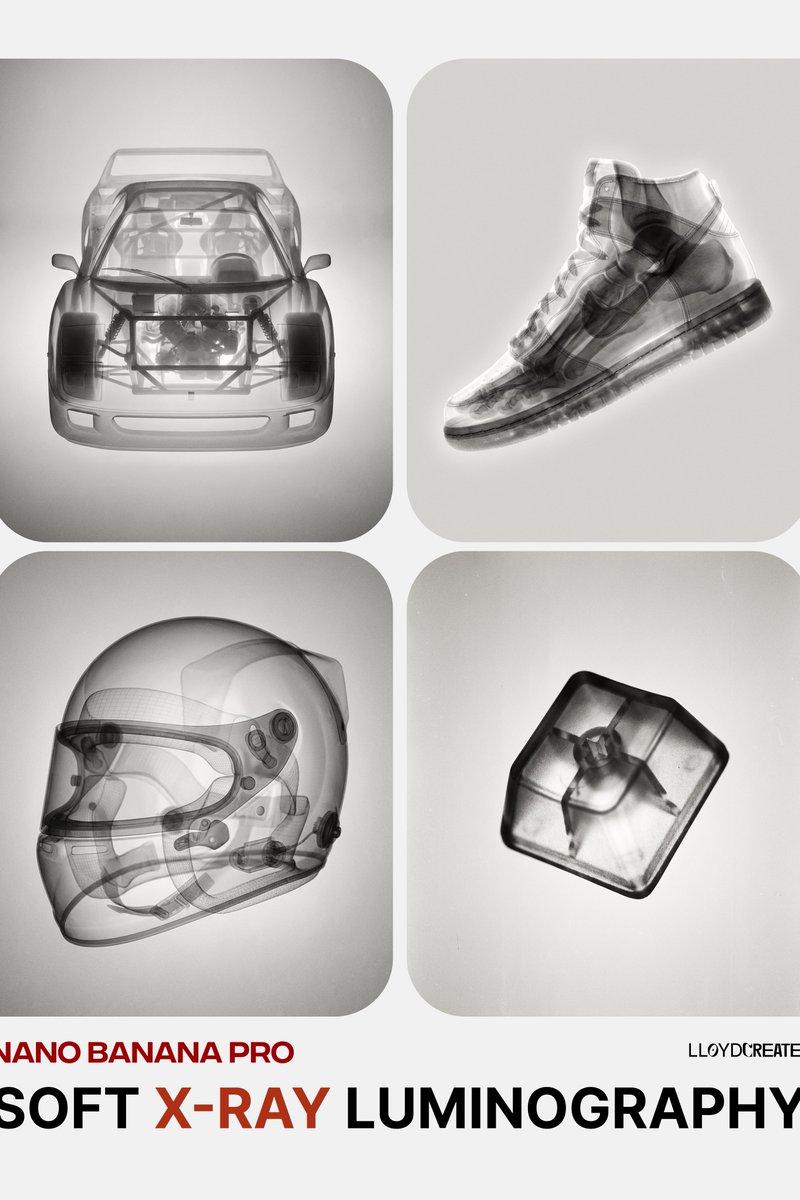
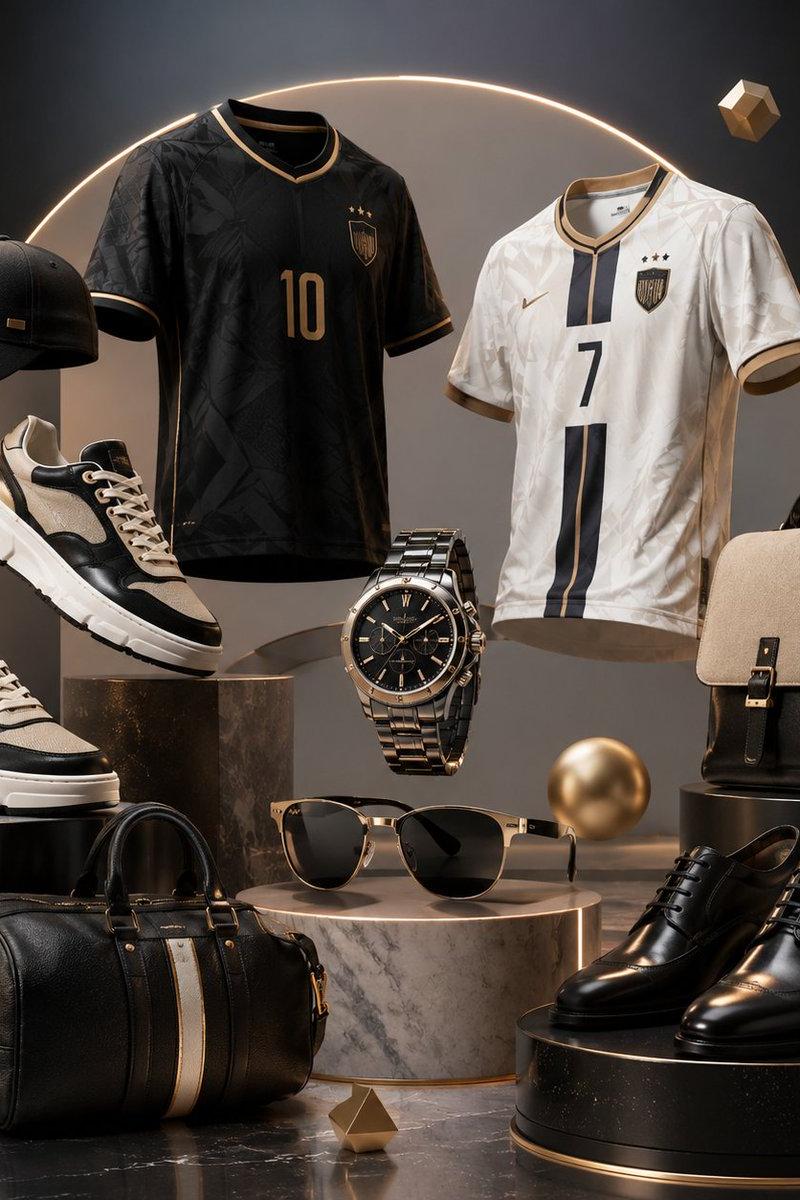
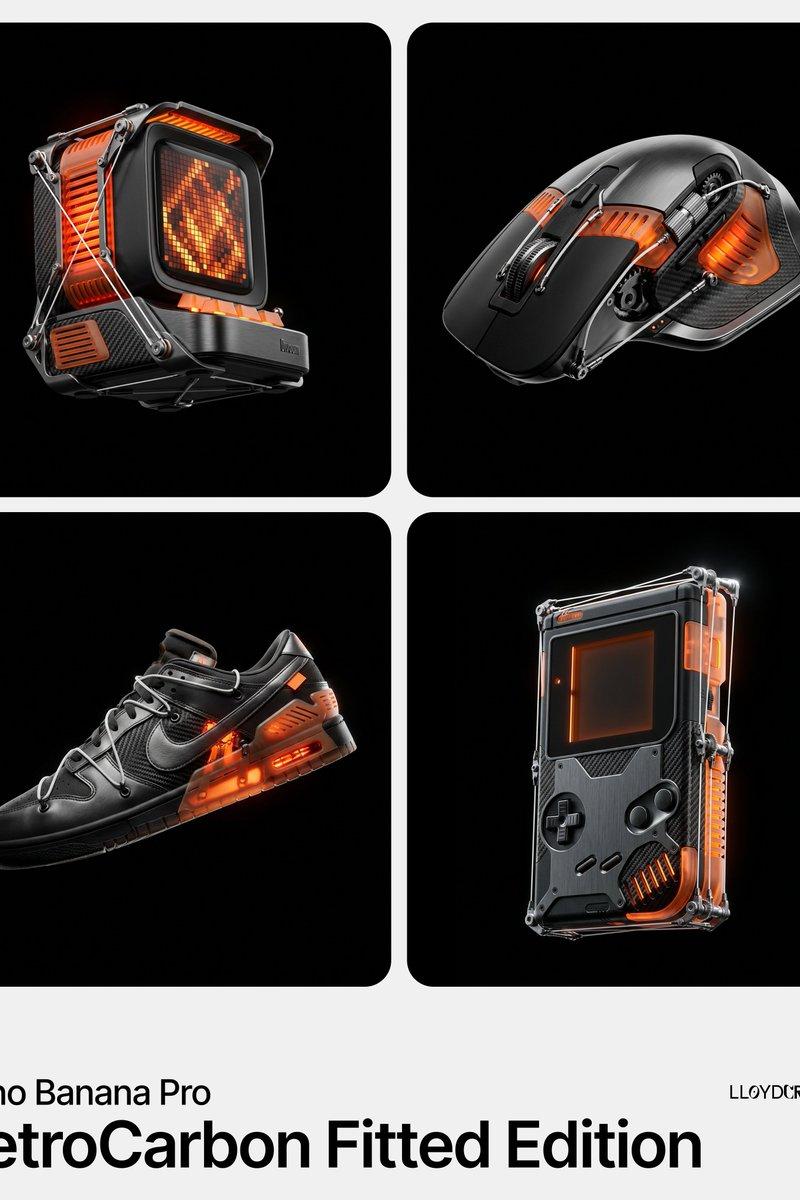
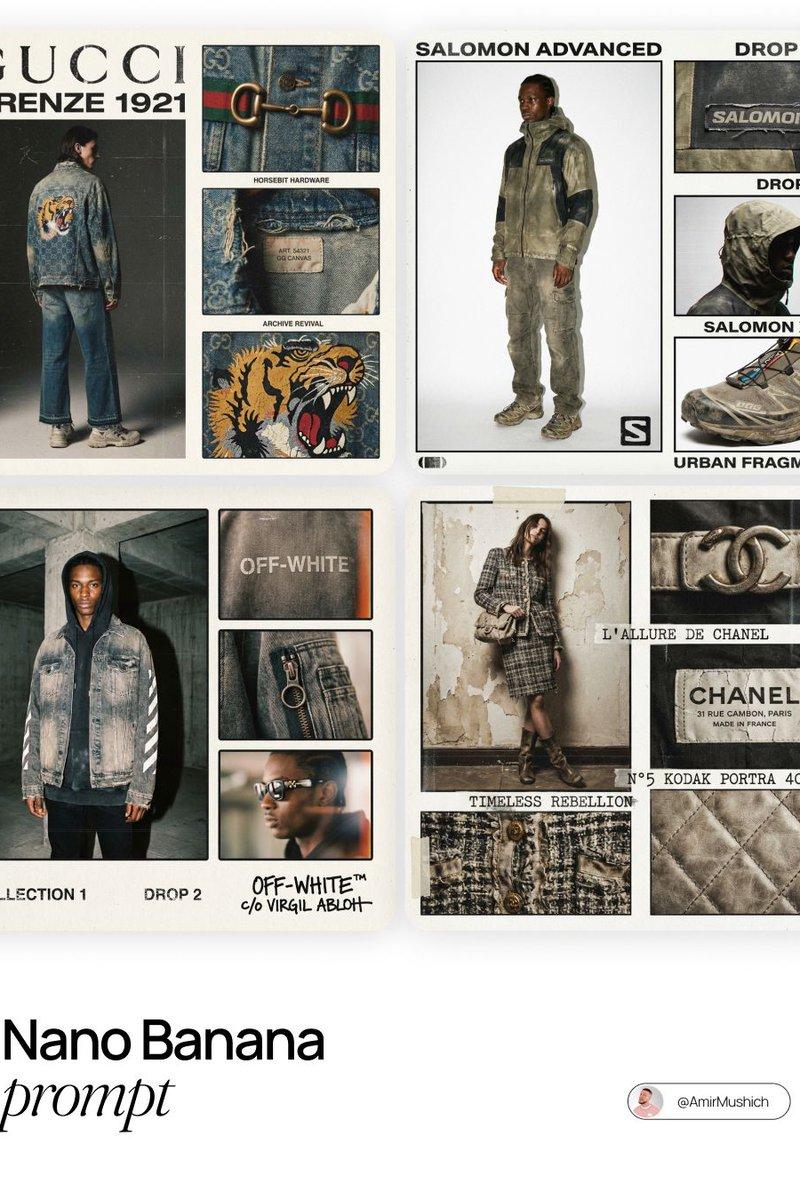
A high-quality studio photograph of a [BRAND] fully covered in ultra-realistic [ANIMAL] texture (e.g., fur, feathers, skin, or scales), placed against a soft neutral background. The object’s original shape, key design elements, and brand identity remain clearly visible beneath the animal’s organic surface. Integrate the official logo of the brand prominently into the composition. Automatically generate a compelling and brand-appropriate slogan that draws symbolic inspiration from the animal’s qualities and matches the tone of a premium advertising campaign. The image must feature clean composition, soft shadows, minimalist styling, professional lighting, and highly detailed textures—each hair, scale, or wrinkle should be visible in sharp detail. Format 1:1.
一张高质量的工作室照片,[品牌] 全身覆盖超逼真的 [动物] 纹理(例如毛皮、羽毛、皮肤或鳞片),置于柔和的中性背景中。在动物的自然表皮下,物体的原始形状、关键设计元素和品牌标识清晰可见。将品牌官方标识醒目地融入构图。自动生成引人注目且契合品牌形象的宣传语,该宣传语应从动物的特质中汲取象征性灵感,并与高端广告宣传的基调相符。图片必须构图清晰、阴影柔和、造型简约、灯光专业,并具有高度精细的纹理——每根毛发、鳞片或皱纹都应清晰可见。格式 1:1。
Category
Photography & Realism
Model
Unknown
Creator
Kerroudjm
Source language
zh-CN
Views0
Source ID
studio-photo-of-product
Studio

Guide

About "产品的工作室照片"

What is this prompt for?

"产品的工作室照片" AI image prompt for Unknown (Photography & Realism). A high-quality studio photograph of a [BRAND] fully covered in ultra-realistic [ANIMAL] texture…

The full copyable prompt and example visuals above are ready for AI image generation or one-click recreate in Picva.

How to use this prompt

  1. Step 1

    Open the prompt detail

    Review the example visuals, category, and full prompt text for "产品的工作室照片".

  2. Step 2

    Copy the prompt

    Copy the prompt body from this page, or load it directly in Studio.

  3. Step 3

    Pick a model (Unknown)

    Prefer Unknown. If you switch models, keep subject and composition and tweak style terms.

  4. Step 4

    Generate and export

    Recreate the look in Picva, or export into your workflow for editing and publishing.

FAQ

What is the "产品的工作室照片" prompt?
It is an AI image-generation prompt for Unknown in the Photography & Realism category. This page includes the full prompt text, example visuals, and a one-click recreate path in Picva.
How do I use this prompt to generate an image?
Copy the prompt from this page, or use Generate / Studio. Paste it into a compatible image model, or recreate the look in Picva with optional reference images.
Which model is this prompt for?
This page lists Unknown. Most descriptive prompts also transfer to nearby image models such as GPT Image, Flux, or Midjourney with light style tweaks.
Can I use the result commercially?
You can usually copy the prompt for creation, but commercial use of the final image depends on the model terms, reference-image rights, and the generated content. Follow the source author and platform rules.