16

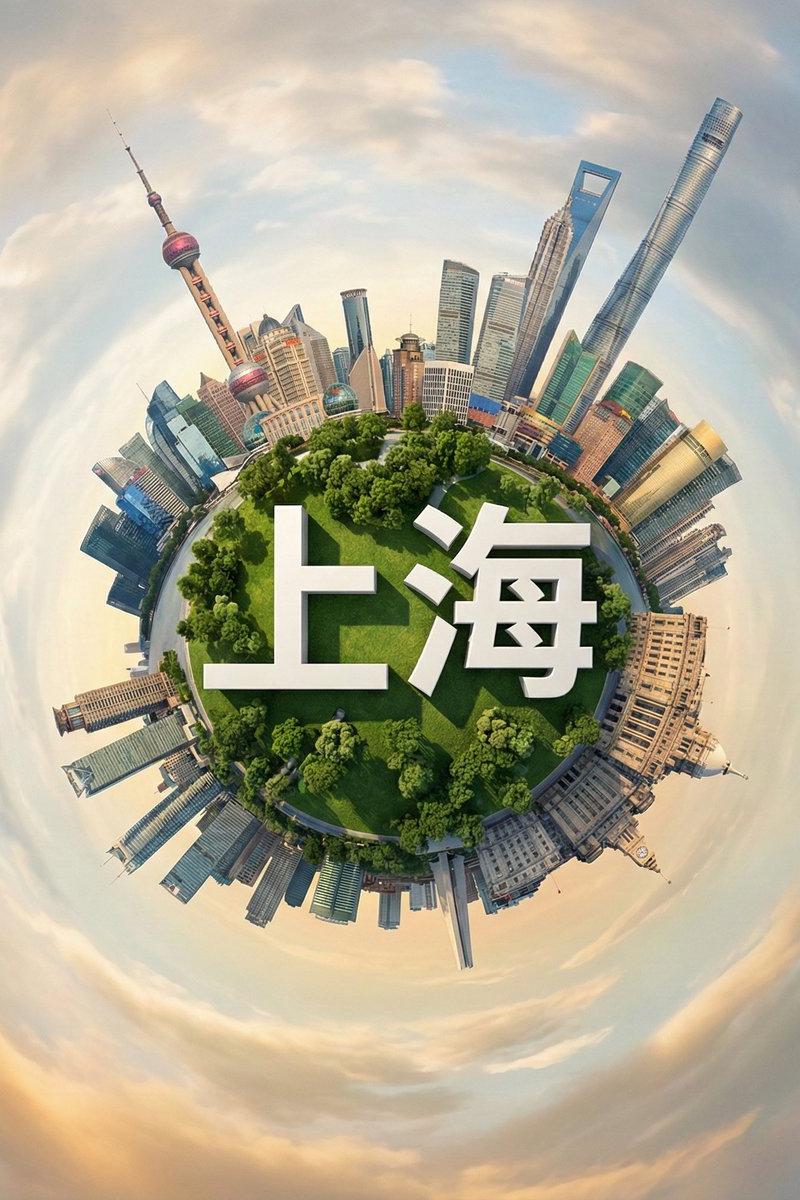
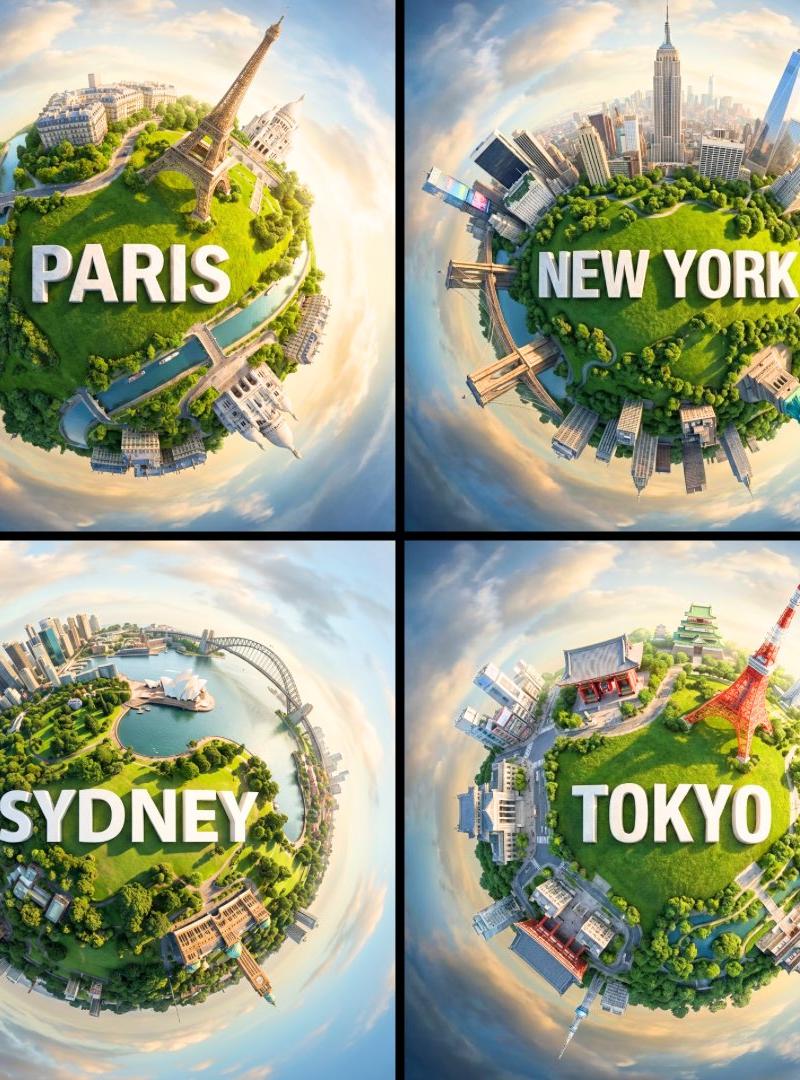
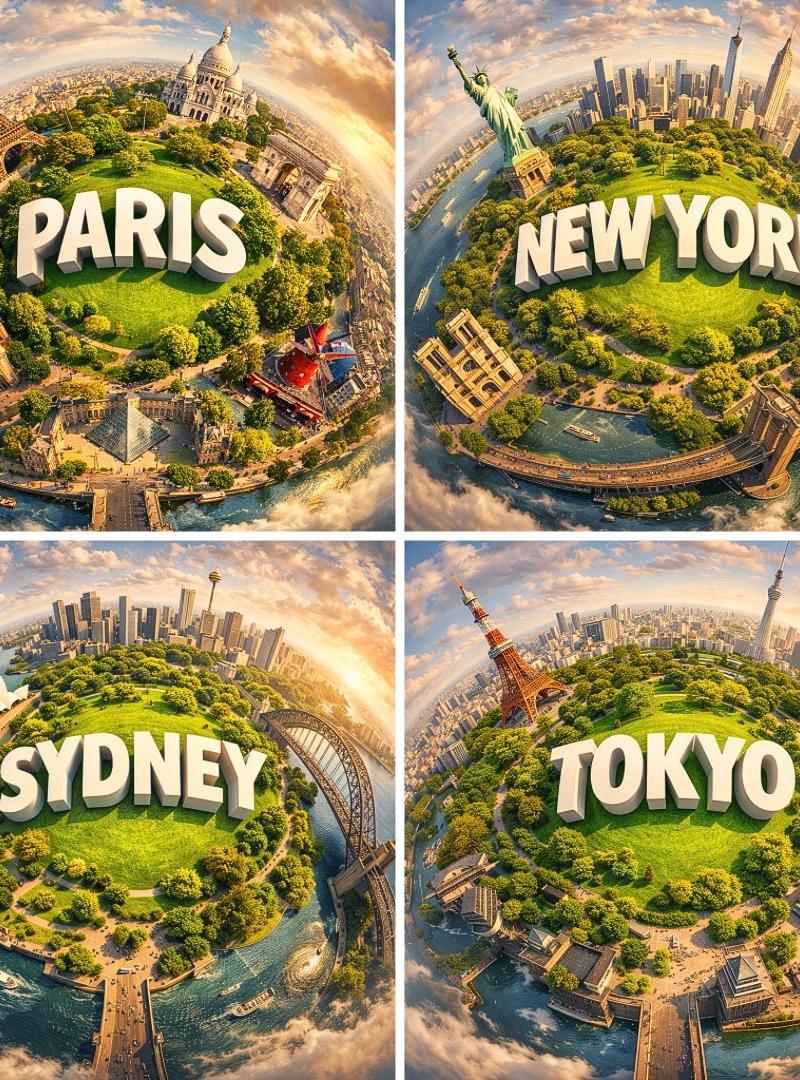
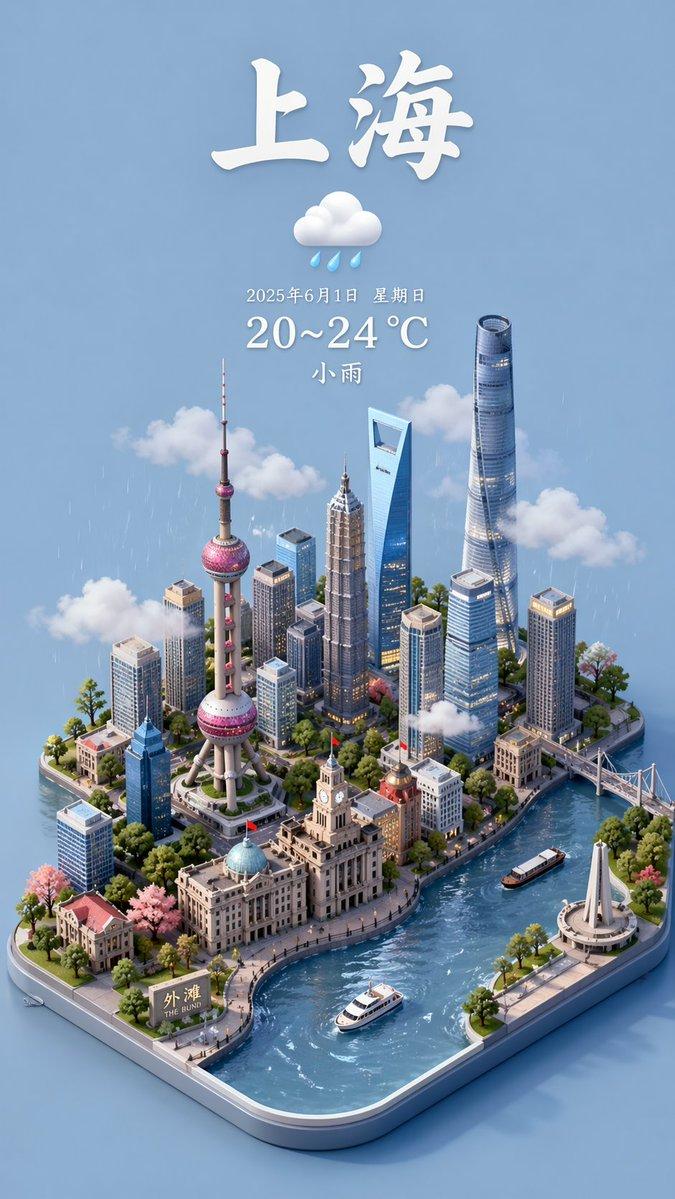
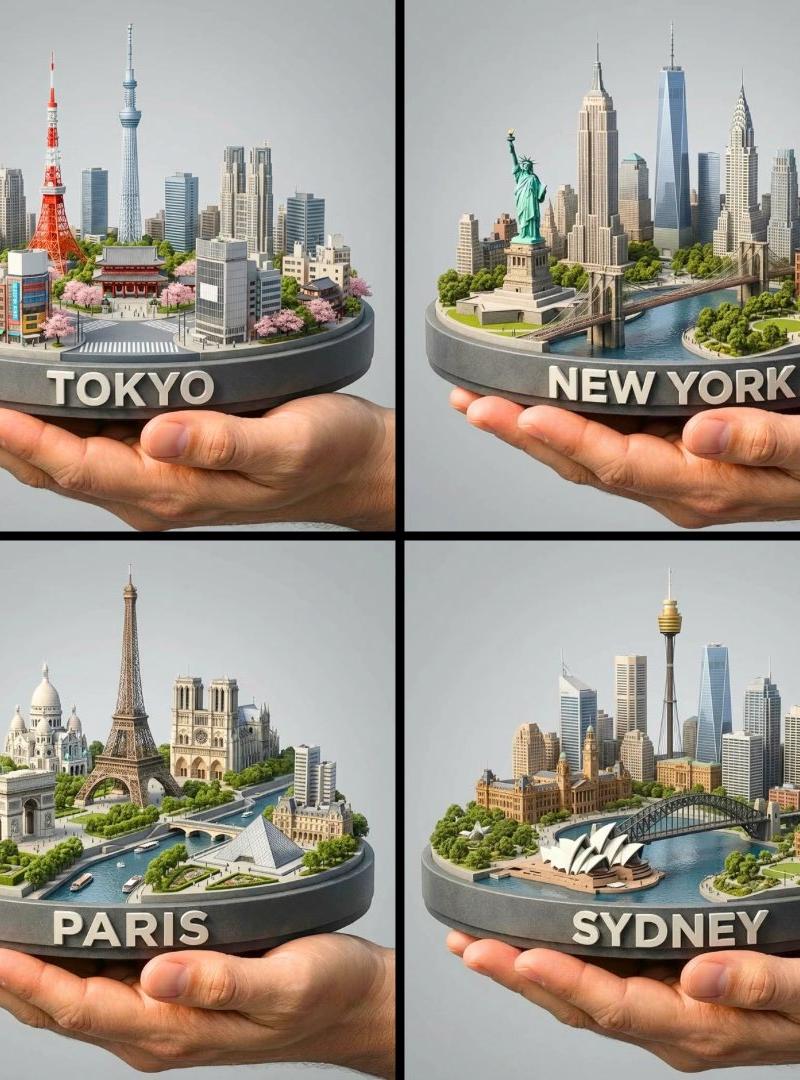
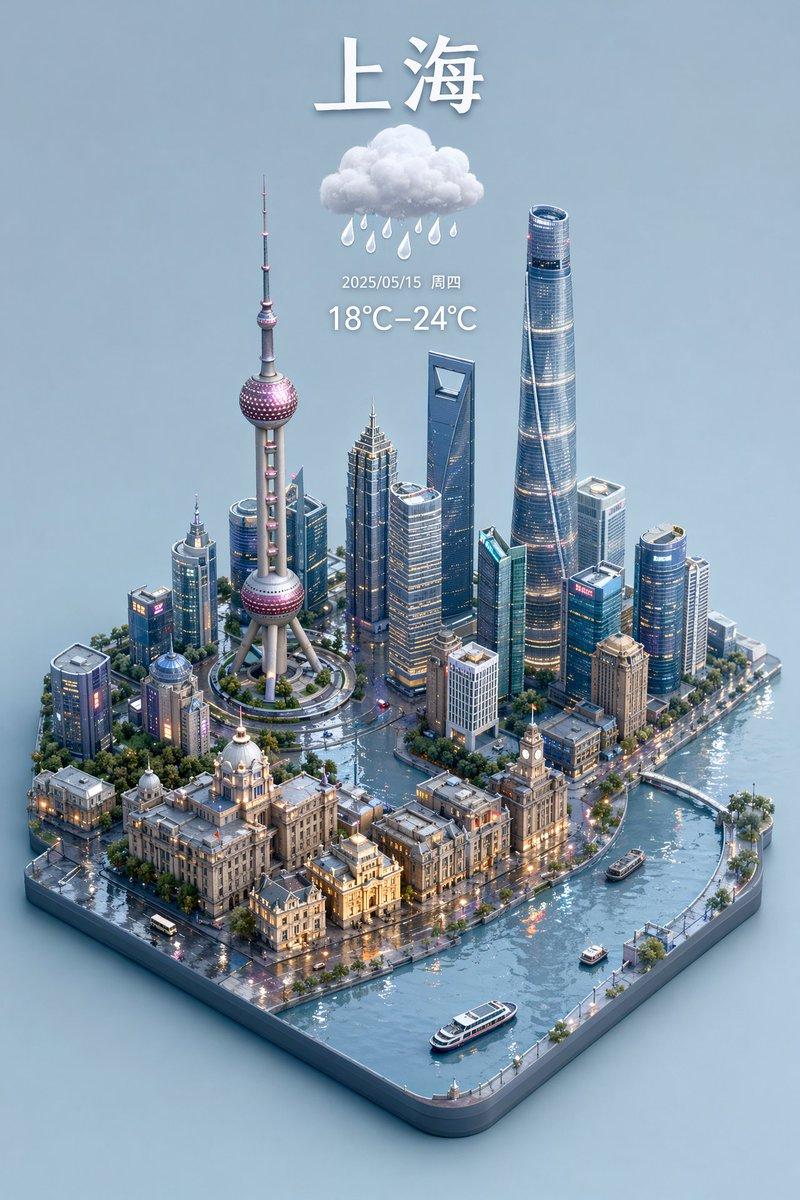
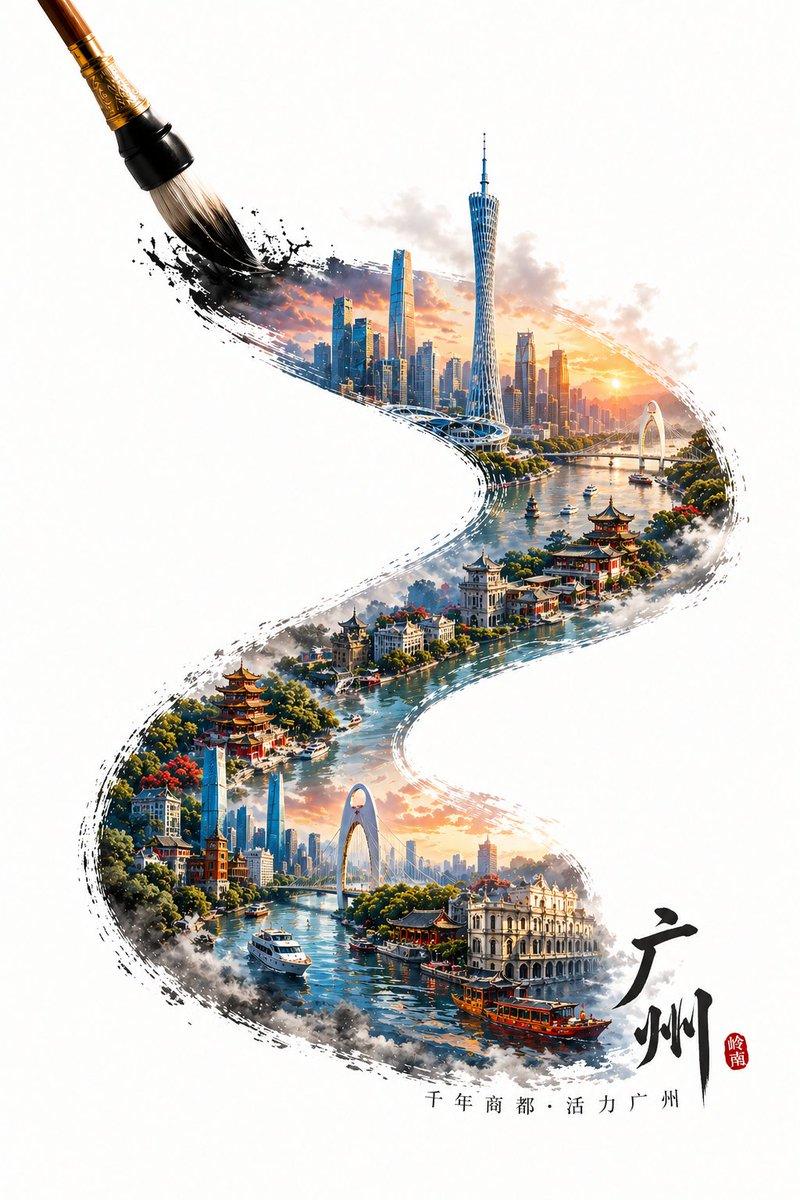
把你的城市变成逼真的微缩星球
Enlarge

Example images

把你的城市变成逼真的微缩星球

Prompt
把你的城市变成逼真的微缩星球
🍌Nano banana Pro Prompt:
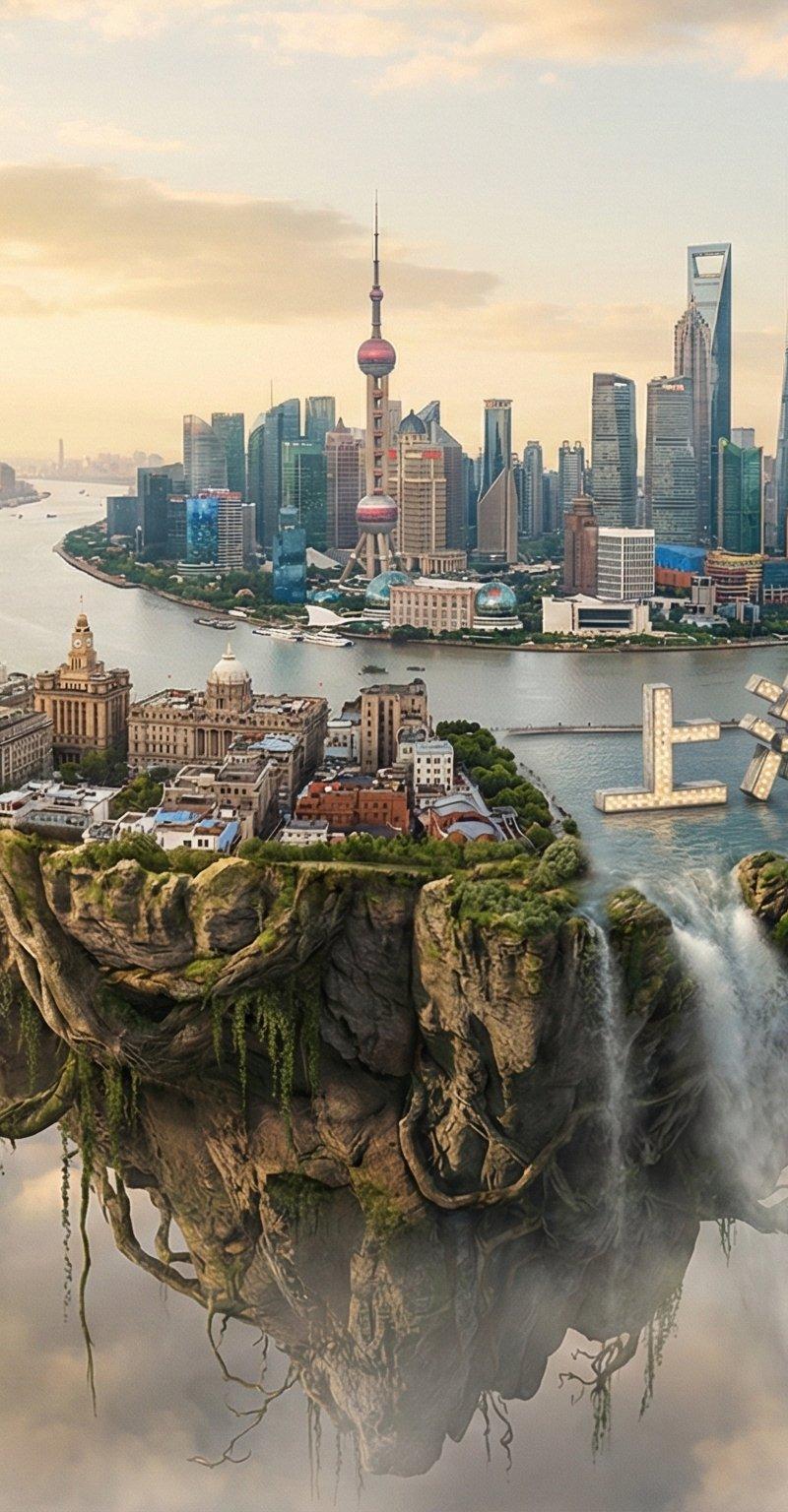
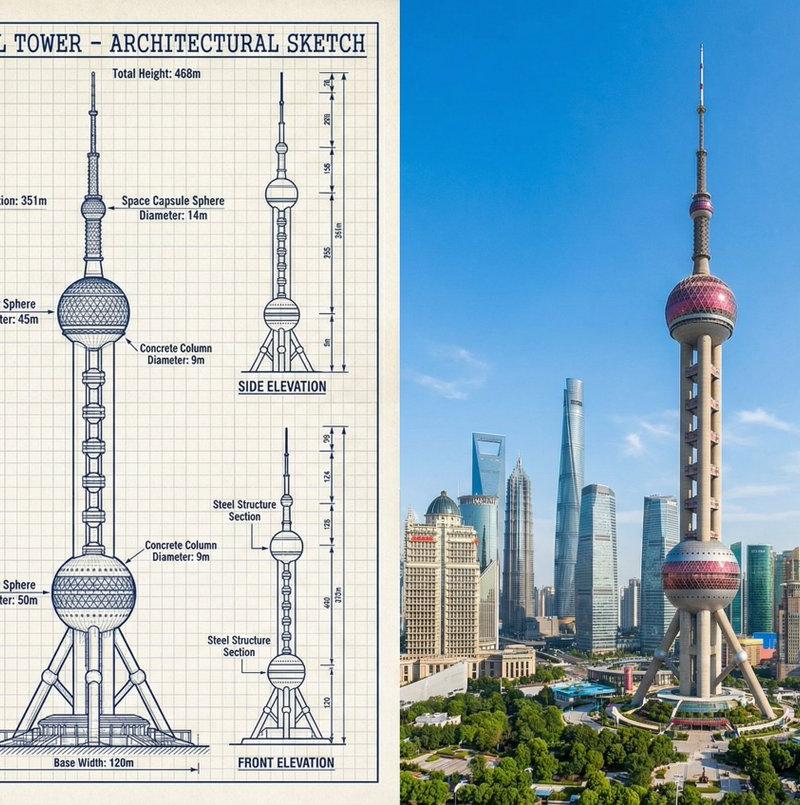
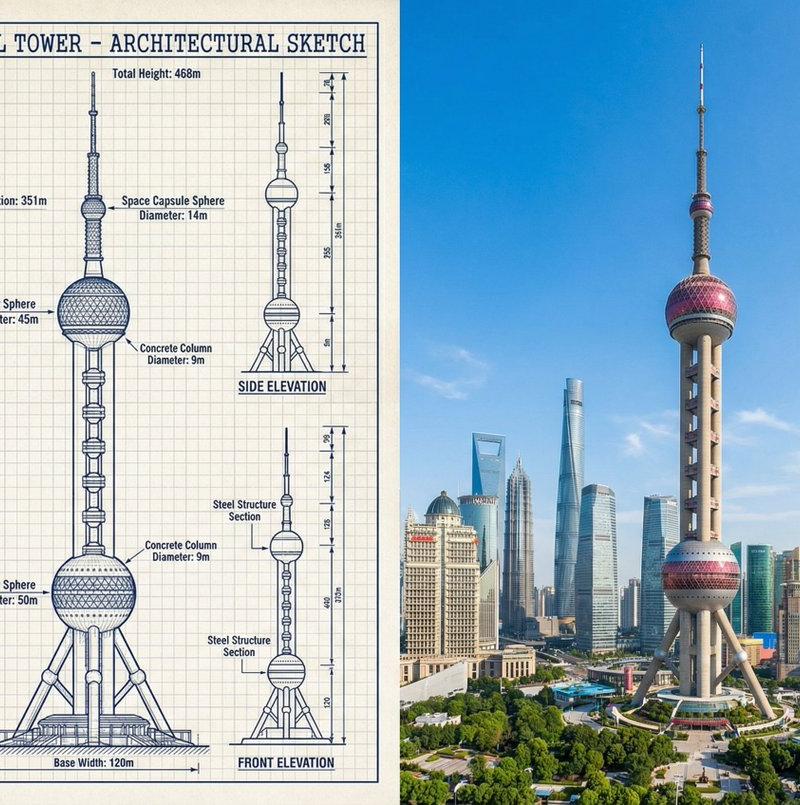
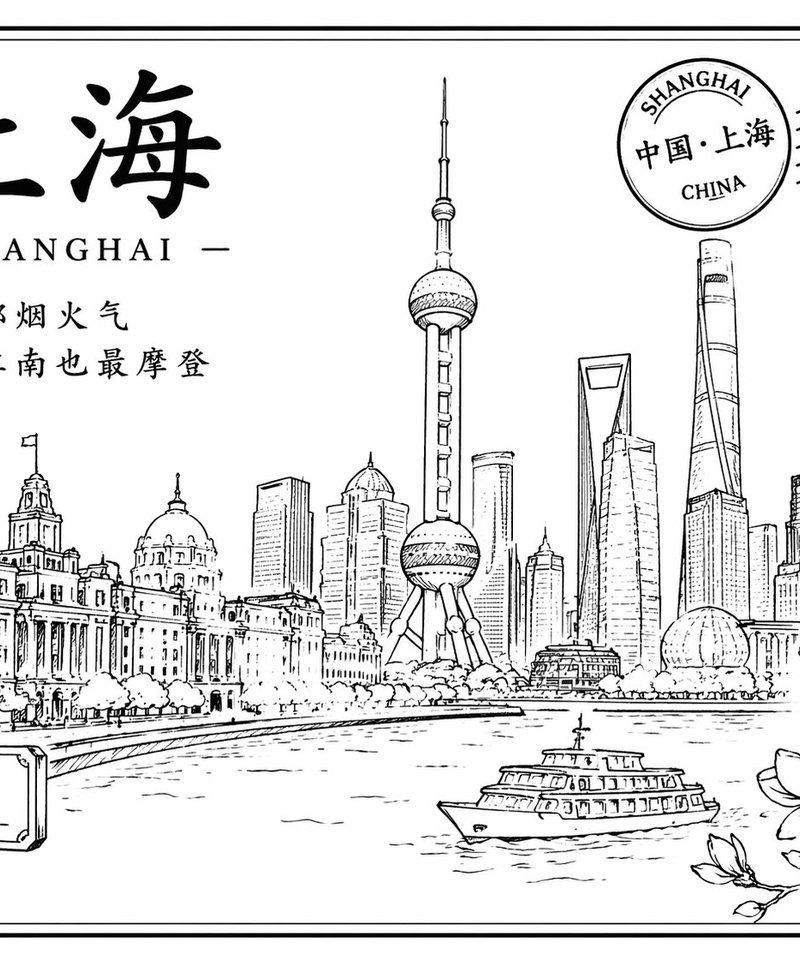
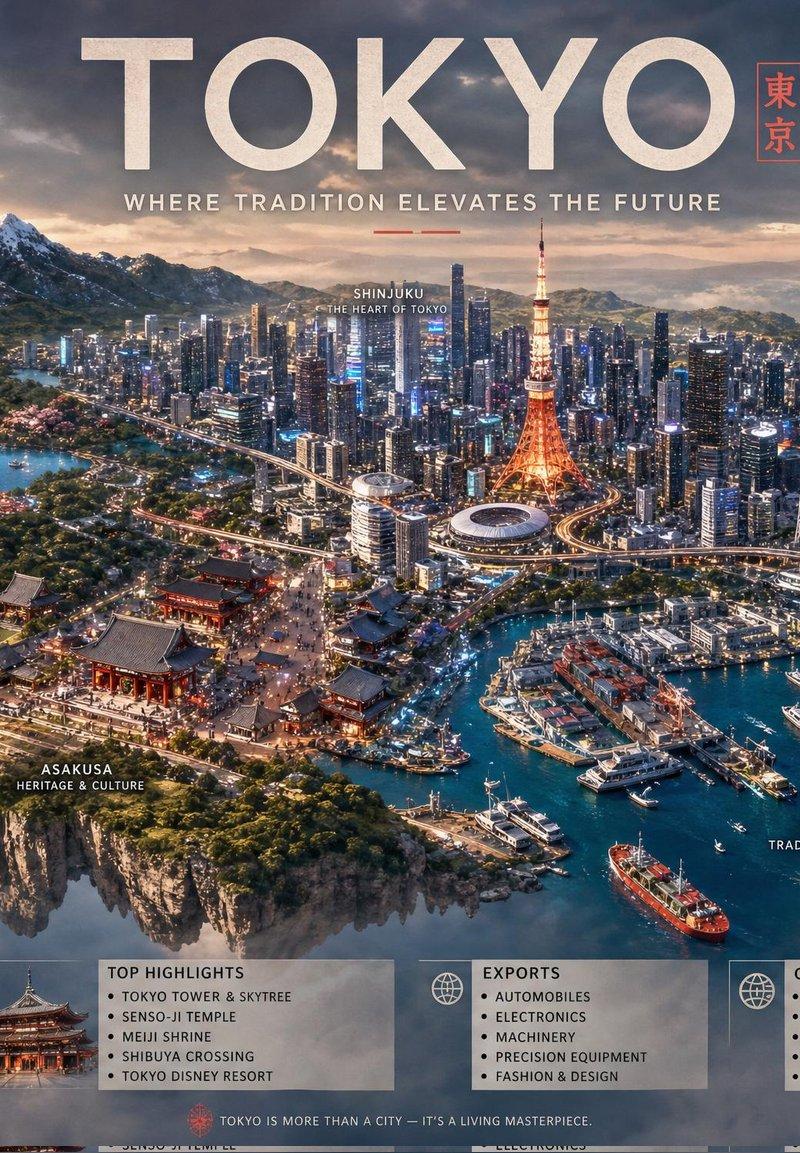
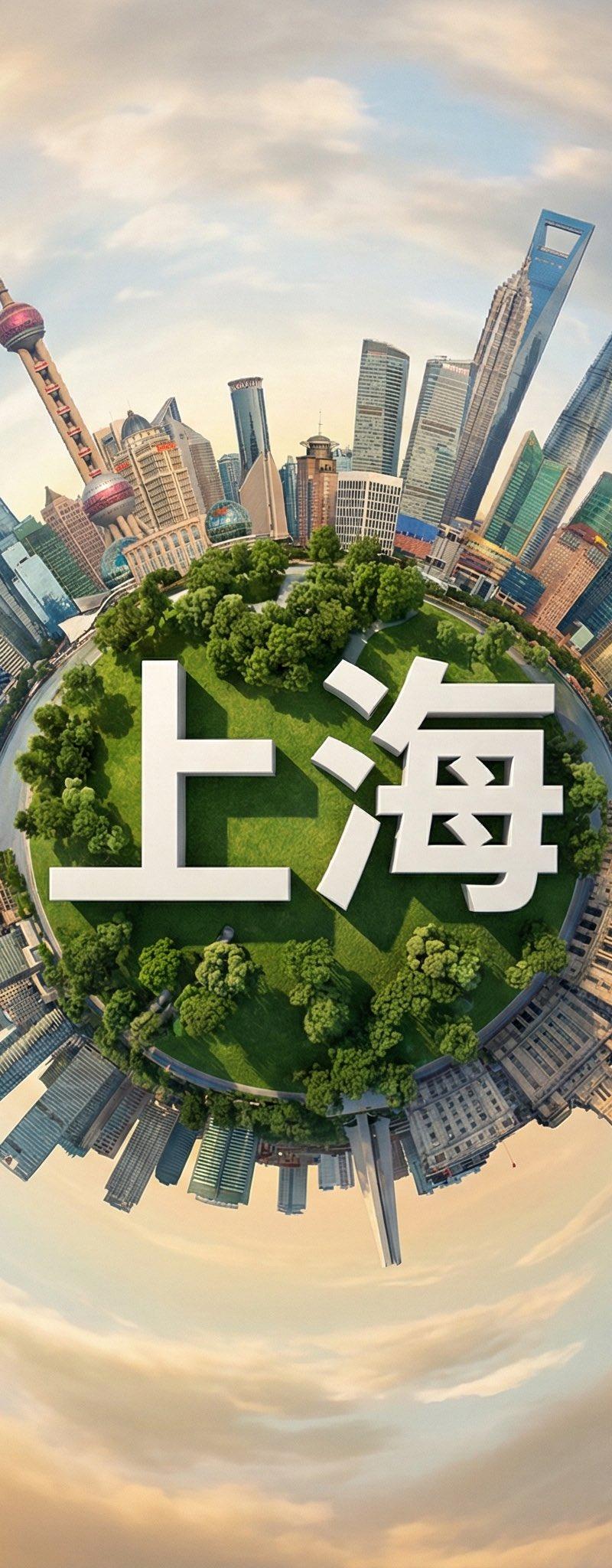
Create a hyperrealistic miniature planet showcasing [CITY] with famous landmarks seamlessly curving around the spherical surface. Position bold 3D white text ”[CITY]” naturally integrated across the lush green central parkland with realistic shadows and dimensional depth. Capture from a top-down orbiting angle that emphasizes the dramatic planet curvature. Use soft golden hour daylight filtering through partly cloudy skies, casting gentle shadows on emerald grass and surrounding trees. The background should blend into a swirling atmospheric sky. Apply vibrant greens, warm earth tones, and soft blues. Render in polished photorealistic style with fine architectural detail. 1080x1080 format.
City:上海
香港🇭🇰 https://t.co/WD1ny2aaIJ
Category
Photography & Realism
Model
Nano Banana Pro
Creator
xiaobeiLin
Source language
zh-CN
Views0
Source ID
transform-your-city-into-a-hyperrealistic-miniature-planet
Studio

Guide

About "把你的城市变成逼真的微缩星球"

What is this prompt for?

"把你的城市变成逼真的微缩星球" AI image prompt for Nano Banana Pro (Photography & Realism). 把你的城市变成逼真的微缩星球 🍌Nano banana Pro Prompt: Create a hyperrealistic miniature planet…

The full copyable prompt and example visuals above are ready for AI image generation or one-click recreate in Picva.

How to use this prompt

  1. Step 1

    Open the prompt detail

    Review the example visuals, category, and full prompt text for "把你的城市变成逼真的微缩星球".

  2. Step 2

    Copy the prompt

    Copy the prompt body from this page, or load it directly in Studio.

  3. Step 3

    Pick a model (Nano Banana Pro)

    Prefer Nano Banana Pro. If you switch models, keep subject and composition and tweak style terms.

  4. Step 4

    Generate and export

    Recreate the look in Picva, or export into your workflow for editing and publishing.

FAQ

What is the "把你的城市变成逼真的微缩星球" prompt?
It is an AI image-generation prompt for Nano Banana Pro in the Photography & Realism category. This page includes the full prompt text, example visuals, and a one-click recreate path in Picva.
How do I use this prompt to generate an image?
Copy the prompt from this page, or use Generate / Studio. Paste it into a compatible image model, or recreate the look in Picva with optional reference images.
Which model is this prompt for?
This page lists Nano Banana Pro. Most descriptive prompts also transfer to nearby image models such as GPT Image, Flux, or Midjourney with light style tweaks.
Can I use the result commercially?
You can usually copy the prompt for creation, but commercial use of the final image depends on the model terms, reference-image rights, and the generated content. Follow the source author and platform rules.