16

透明扭蛋场景模型
Enlarge

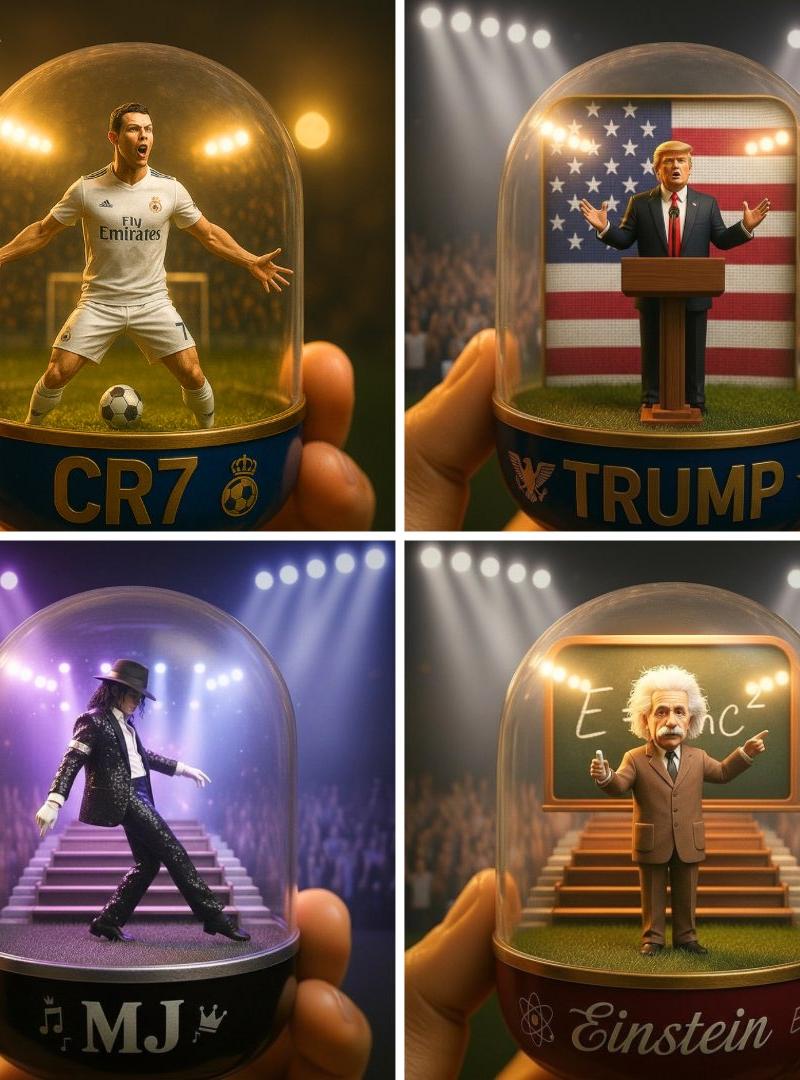
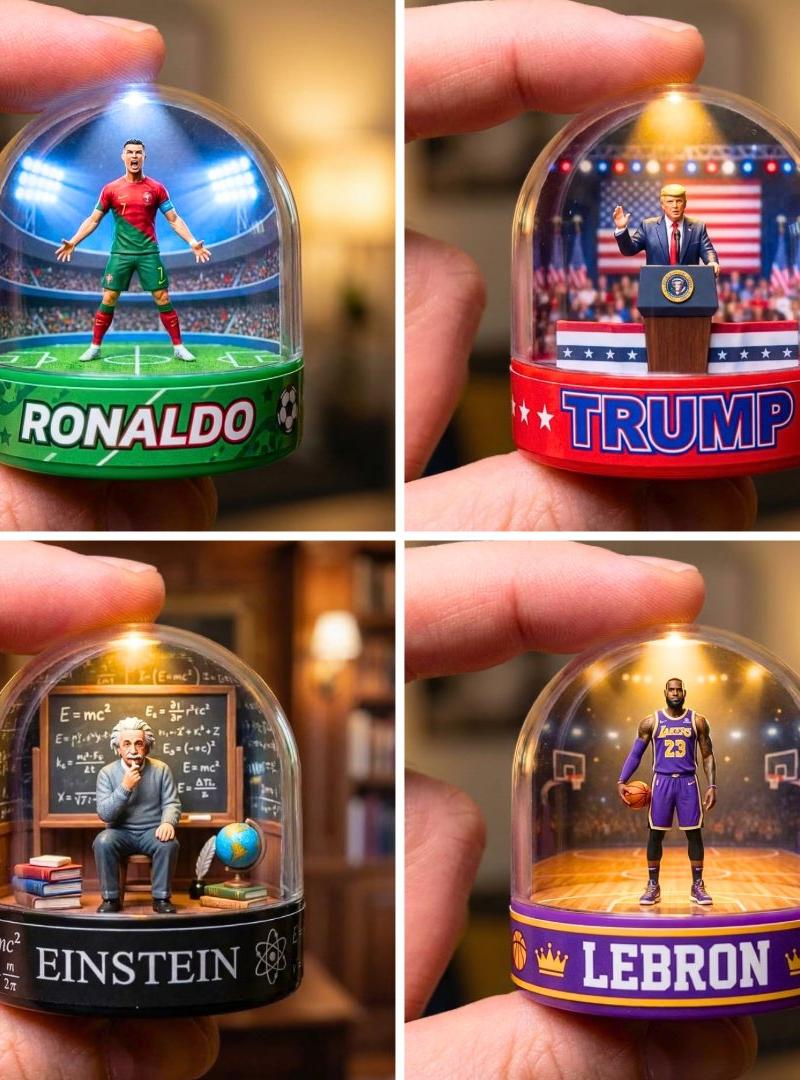
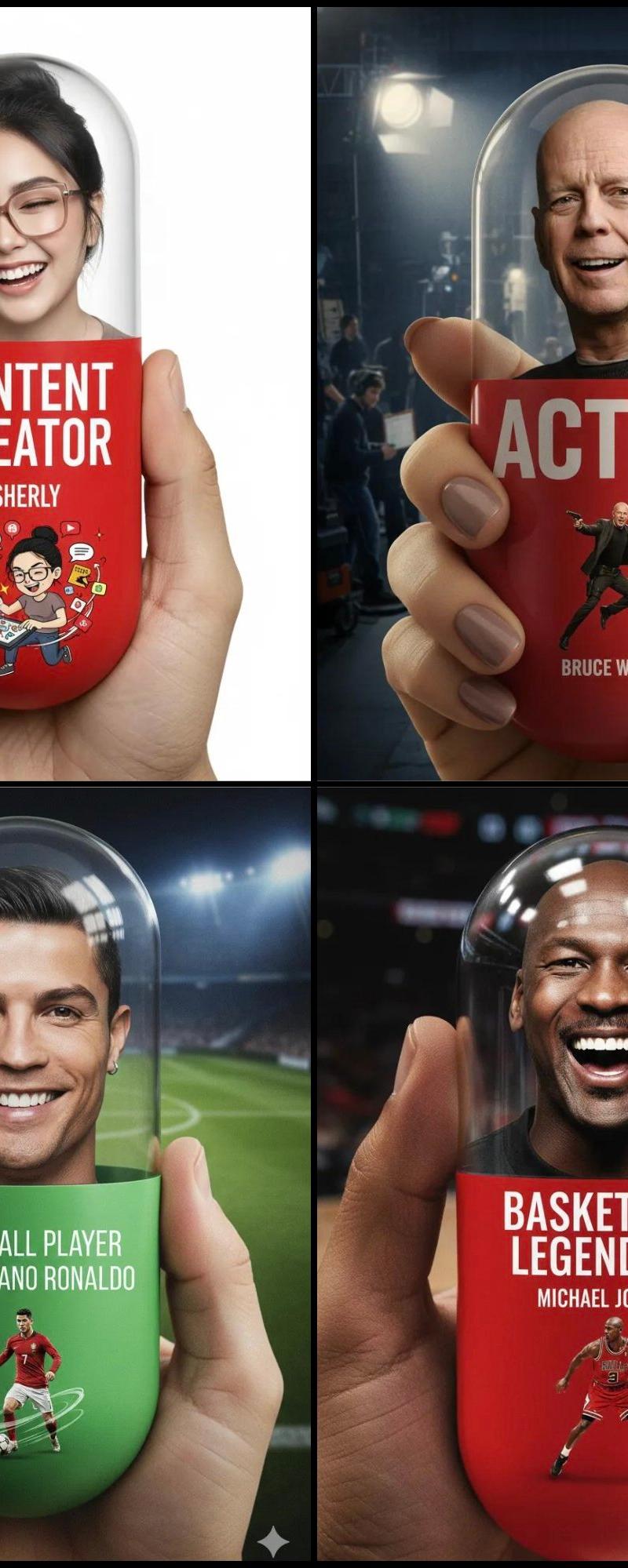
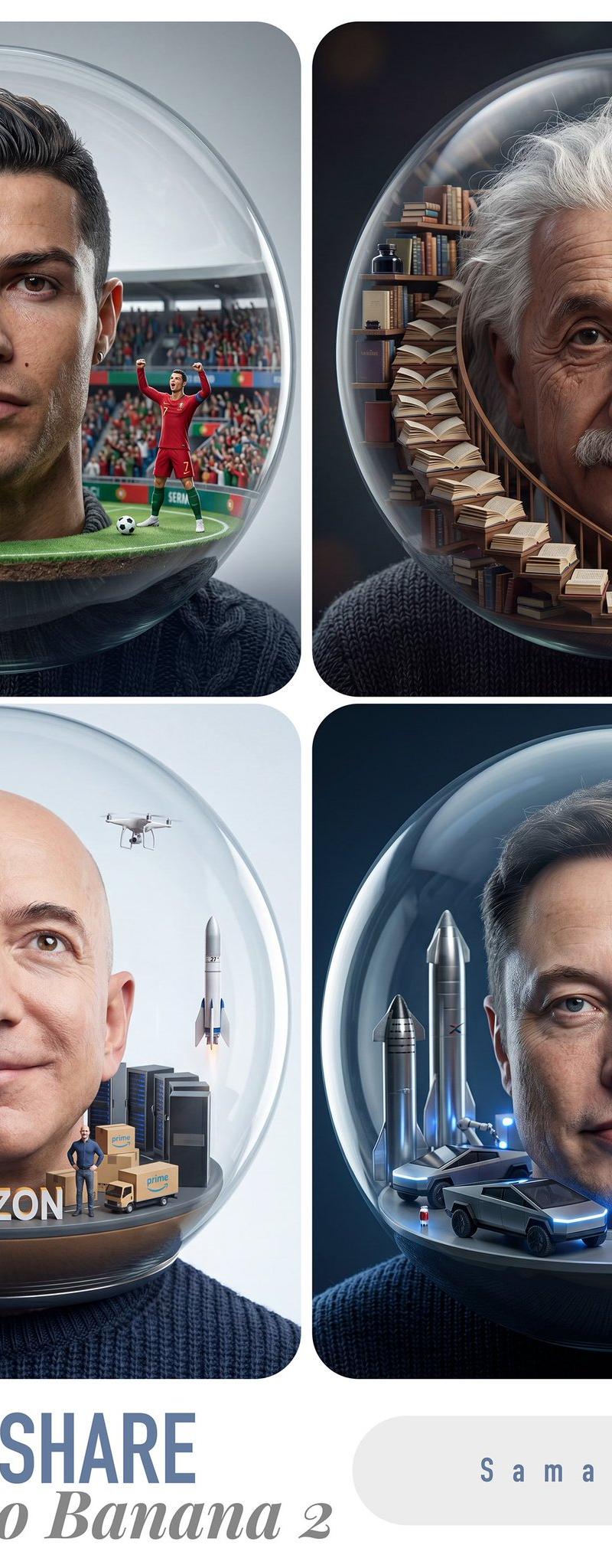
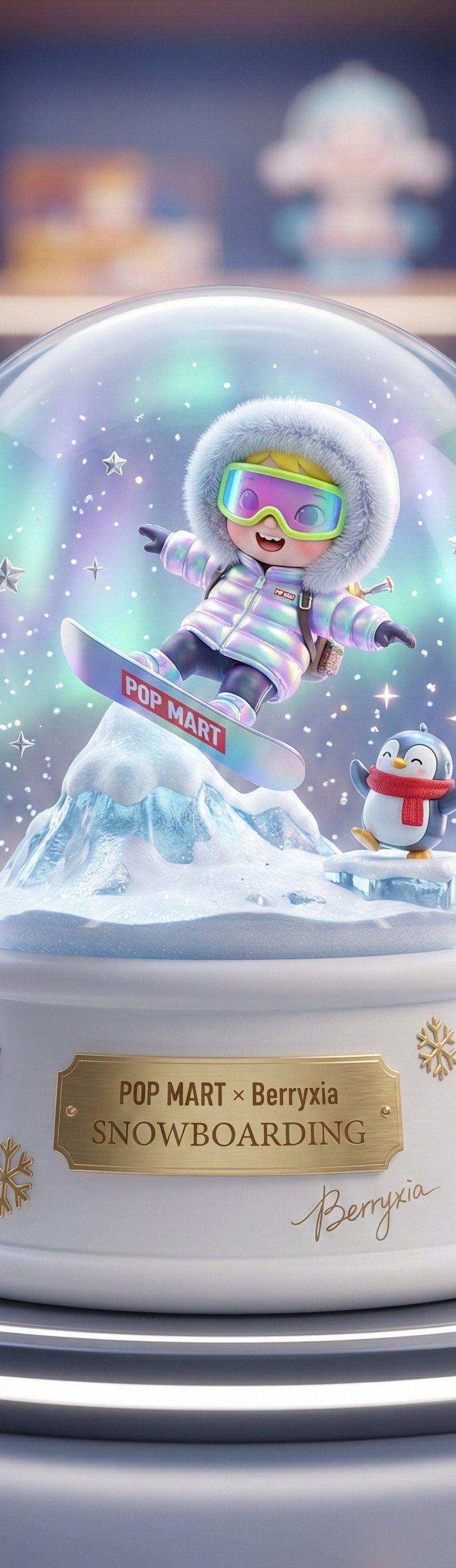
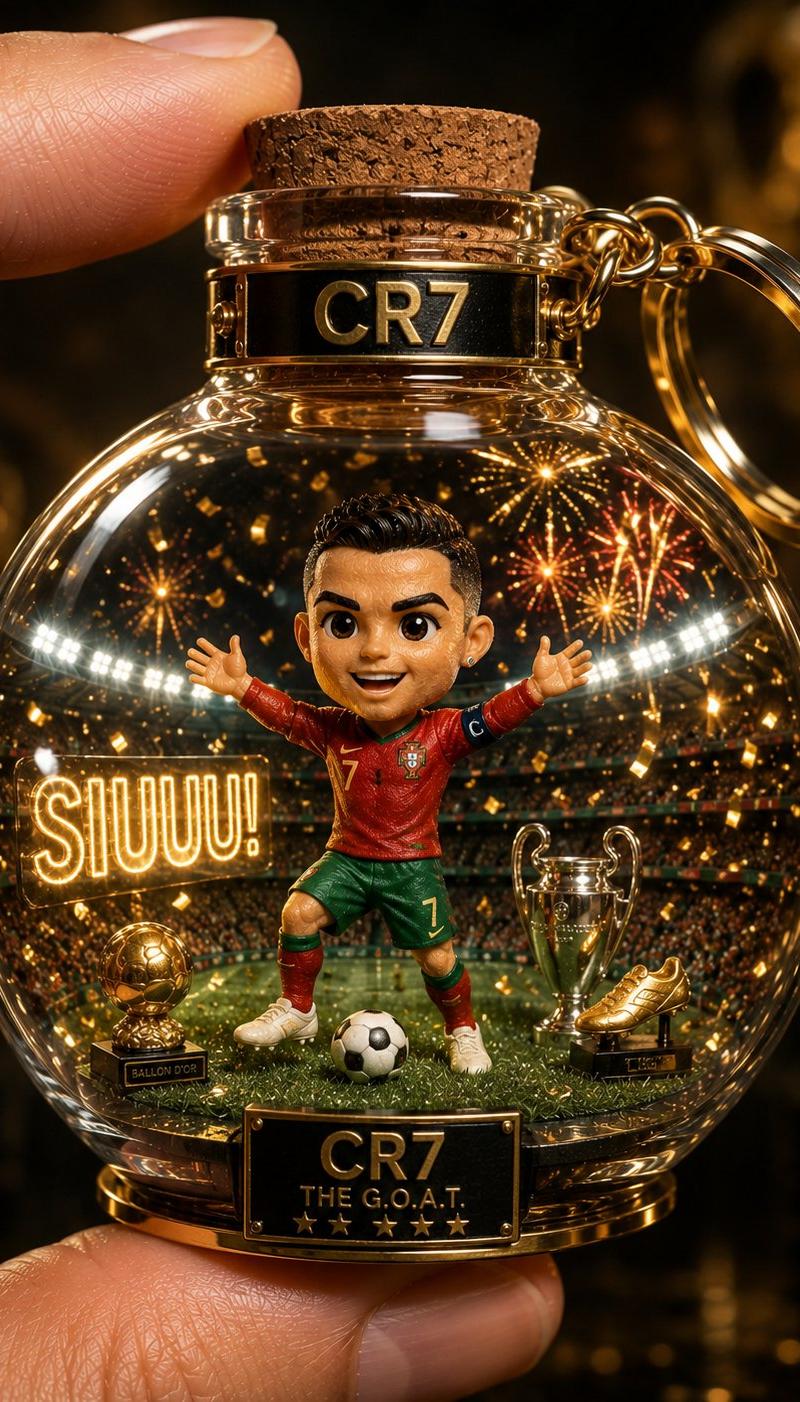
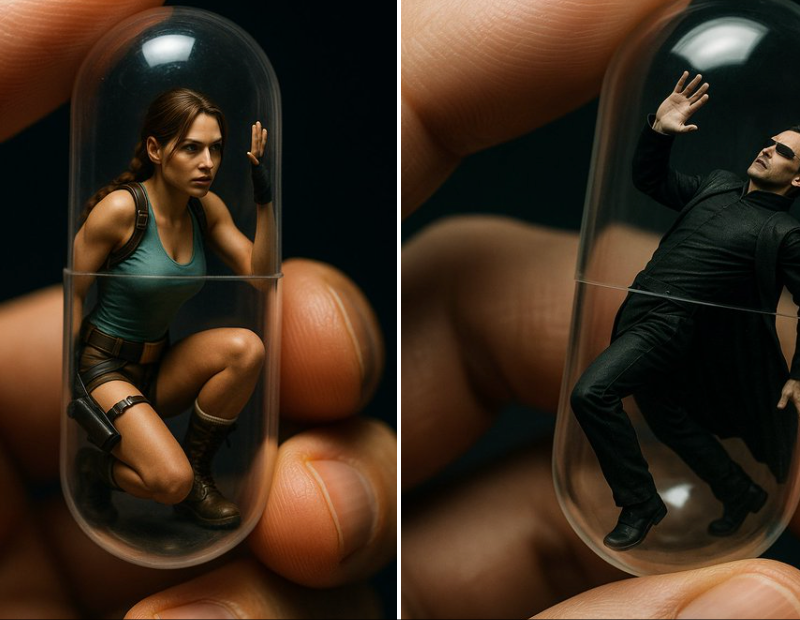
Example images

透明扭蛋场景模型

Prompt
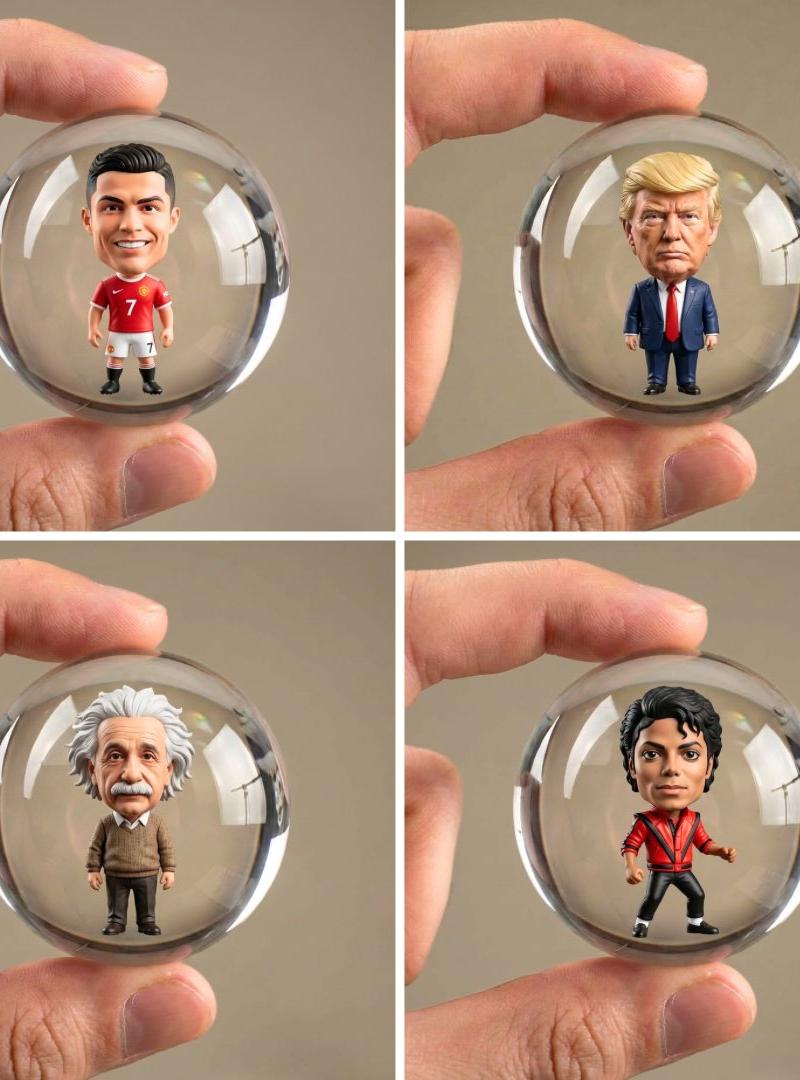
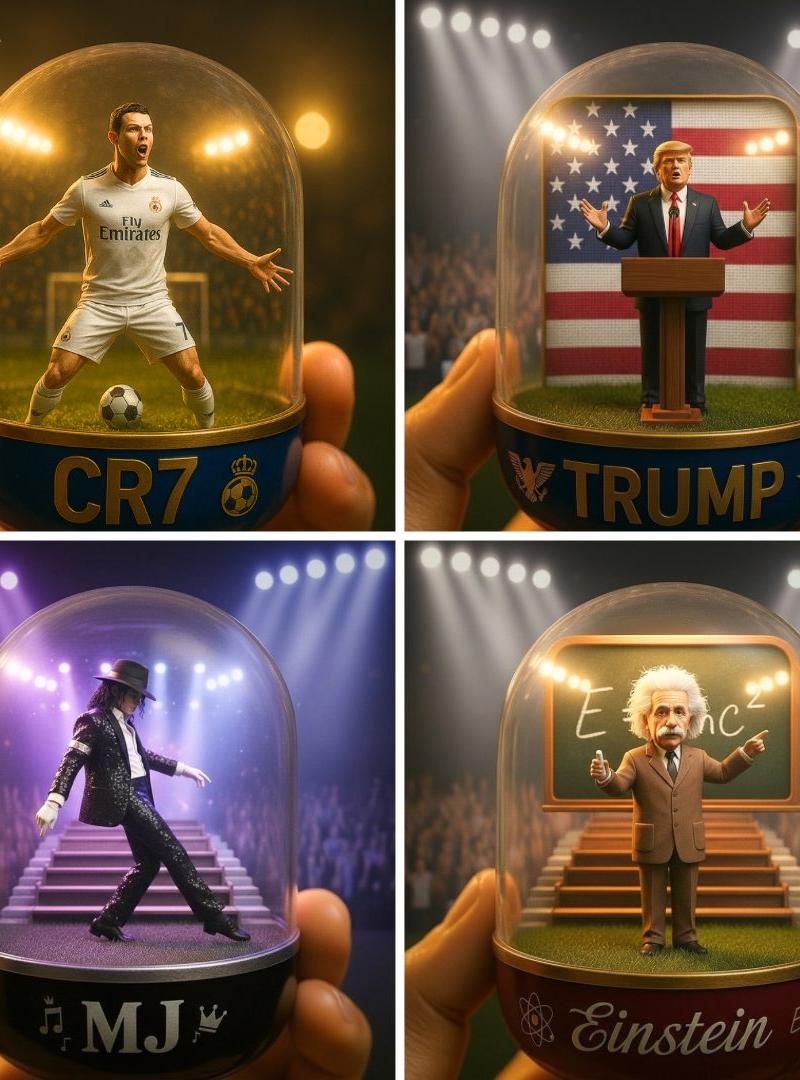
A detailed transparent gashapon capsule diorama, held between fingers, featuring [NAME] in their [ICONIC POSE / STYLE]. Inside: [short description of figure’s look, clothing, and accessories], with background elements such as [relevant setting: stadium, stage, lecture hall, etc.]. Lighting should be dramatic and cinematic, matching their theme (e.g., golden spotlight, concert glow, academic ambience). The capsule has a transparent top and a colored base (choose fitting color: e.g., royal blue, gold, black, red), decorated with [motifs related to the person]. The base is labeled with [NAME or NICKNAME] in a matching font style. The design should look like a miniature collectible, with photorealistic detail, soft bokeh, and a square 1080x1080 composition.
一个详细的透明扭蛋场景模型,由手指捏握,扭蛋内呈现 [人物名称] 的 [标志性姿势 / 风格] 形象。\n扭蛋内部细节:[简要描述人偶的外形、服饰及配饰],背景元素包含 [相关场景:体育场、舞台、讲堂等]。\n光线设计需富有戏剧感与电影质感,并契合人物主题(例如:金色聚光灯、演唱会光影、学术氛围光效)。扭蛋顶部为透明材质,底部为彩色设计(选用契合主题的颜色,如宝蓝色、金色、黑色、红色),底部装饰有 [与该人物相关的图案元素]。\n扭蛋底座以匹配风格的字体标注有 [人物名称或昵称]。整体设计需呈现迷你收藏品的质感,细节超写实,搭配柔和的虚化背景,采用 1080x1080 像素的正方形构图。
Category
Photography & Realism
Model
Unknown
Creator
TechieSA
Source language
zh-CN
Views0
Source ID
transparent-gashapon-scene-model
Studio

Guide

About "透明扭蛋场景模型"

What is this prompt for?

"透明扭蛋场景模型" AI image prompt for Unknown (Photography & Realism). A detailed transparent gashapon capsule diorama, held between fingers, featuring [NAME] in thei…

The full copyable prompt and example visuals above are ready for AI image generation or one-click recreate in Picva.

How to use this prompt

  1. Step 1

    Open the prompt detail

    Review the example visuals, category, and full prompt text for "透明扭蛋场景模型".

  2. Step 2

    Copy the prompt

    Copy the prompt body from this page, or load it directly in Studio.

  3. Step 3

    Pick a model (Unknown)

    Prefer Unknown. If you switch models, keep subject and composition and tweak style terms.

  4. Step 4

    Generate and export

    Recreate the look in Picva, or export into your workflow for editing and publishing.

FAQ

What is the "透明扭蛋场景模型" prompt?
It is an AI image-generation prompt for Unknown in the Photography & Realism category. This page includes the full prompt text, example visuals, and a one-click recreate path in Picva.
How do I use this prompt to generate an image?
Copy the prompt from this page, or use Generate / Studio. Paste it into a compatible image model, or recreate the look in Picva with optional reference images.
Which model is this prompt for?
This page lists Unknown. Most descriptive prompts also transfer to nearby image models such as GPT Image, Flux, or Midjourney with light style tweaks.
Can I use the result commercially?
You can usually copy the prompt for creation, but commercial use of the final image depends on the model terms, reference-image rights, and the generated content. Follow the source author and platform rules.