20

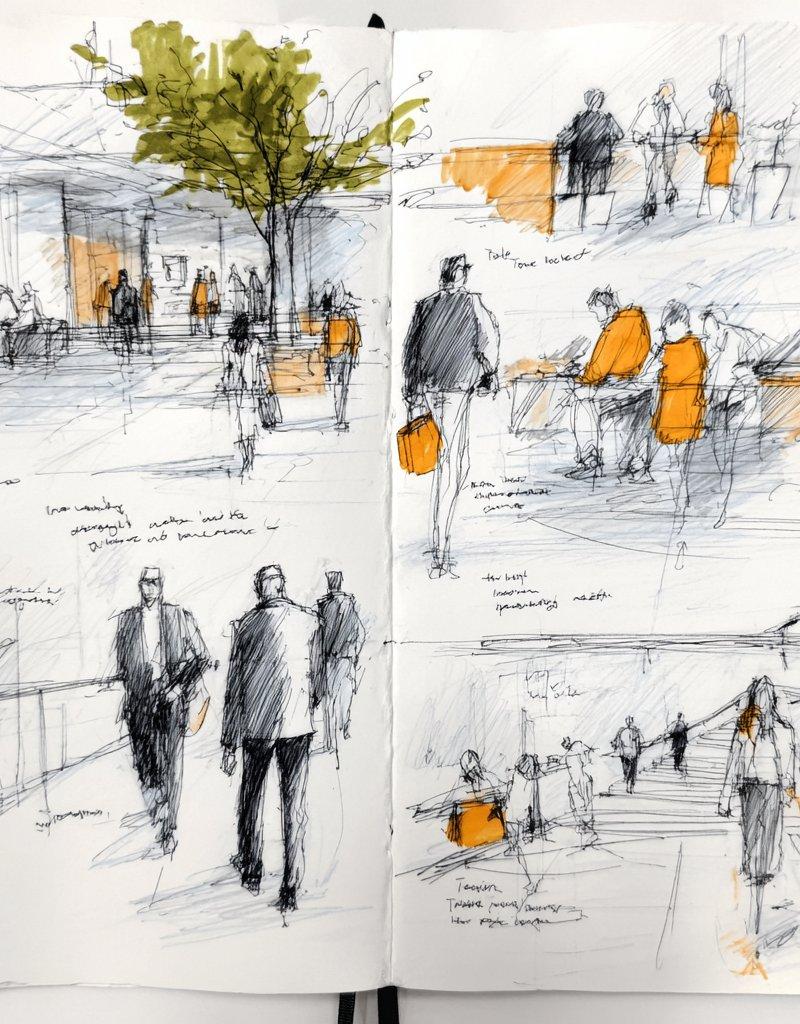
都市速写风格的水彩与墨水画
Enlarge

Example images

都市速写风格的水彩与墨水画

Prompt
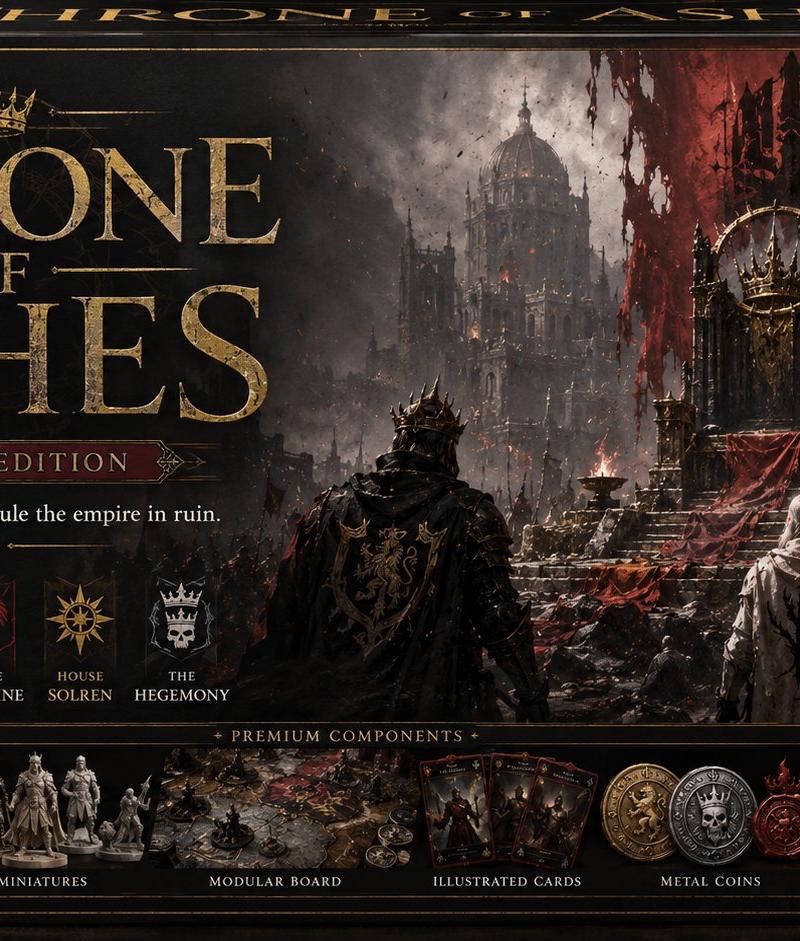
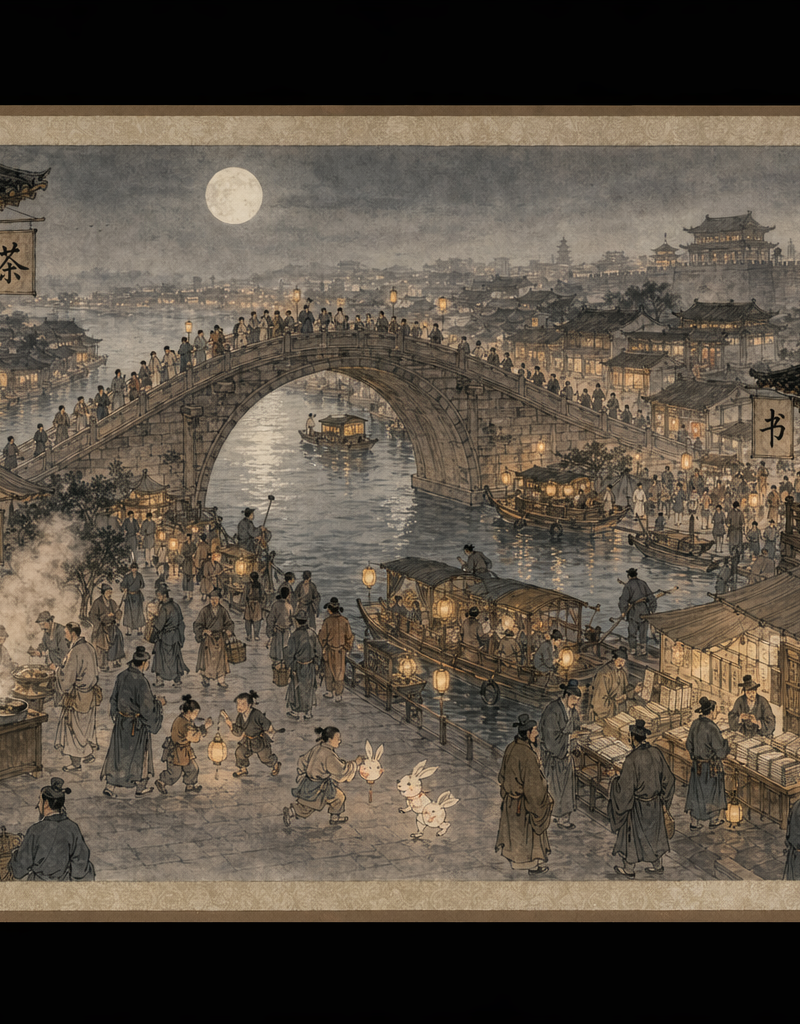
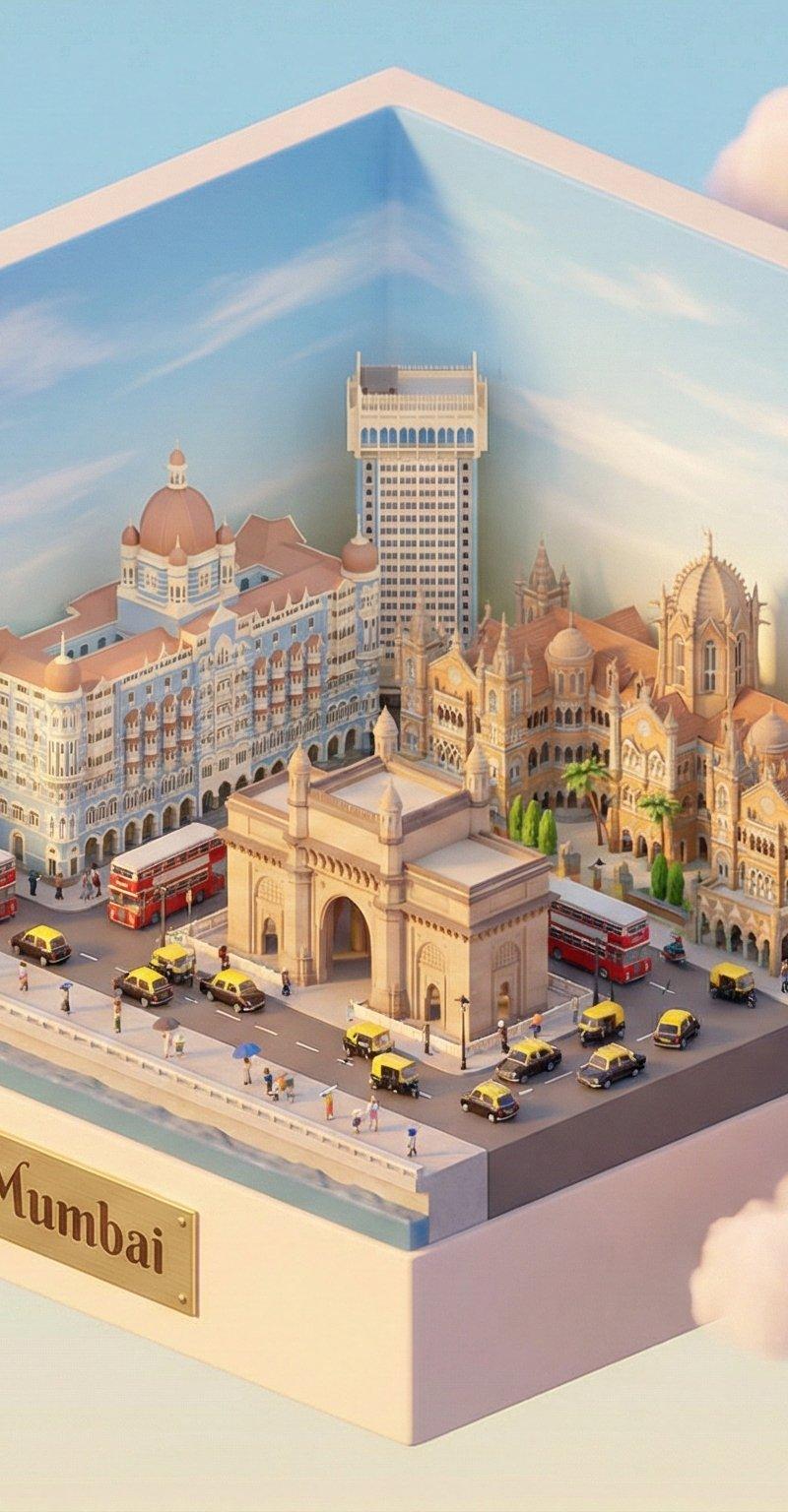
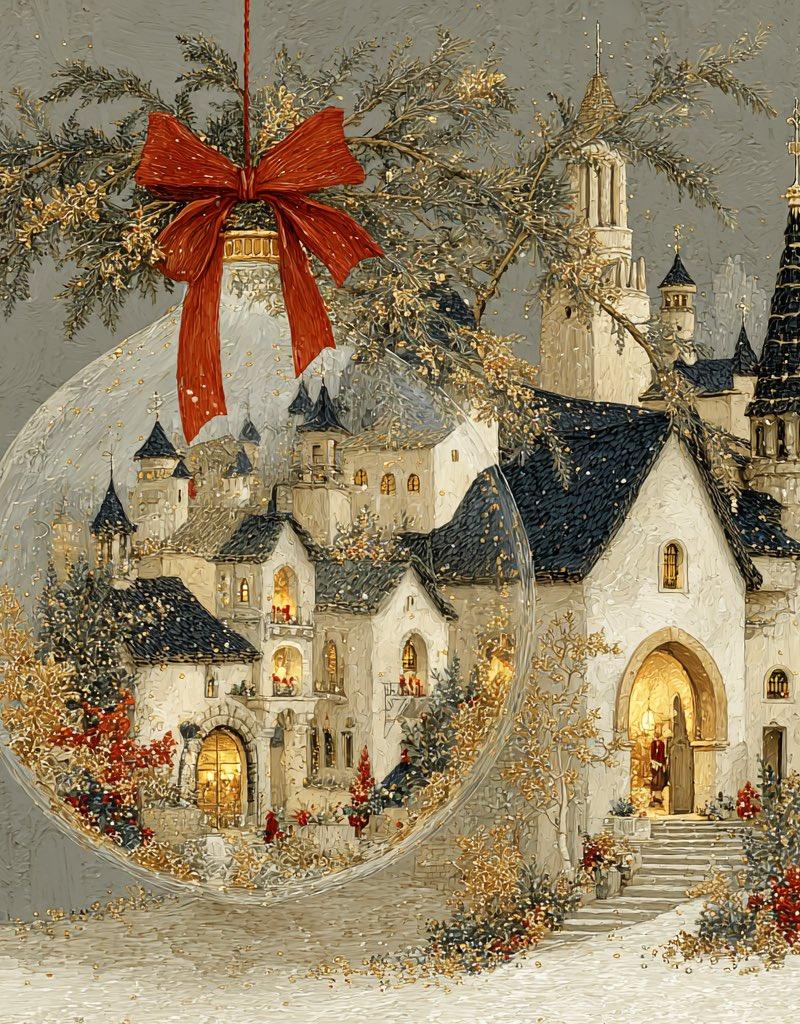
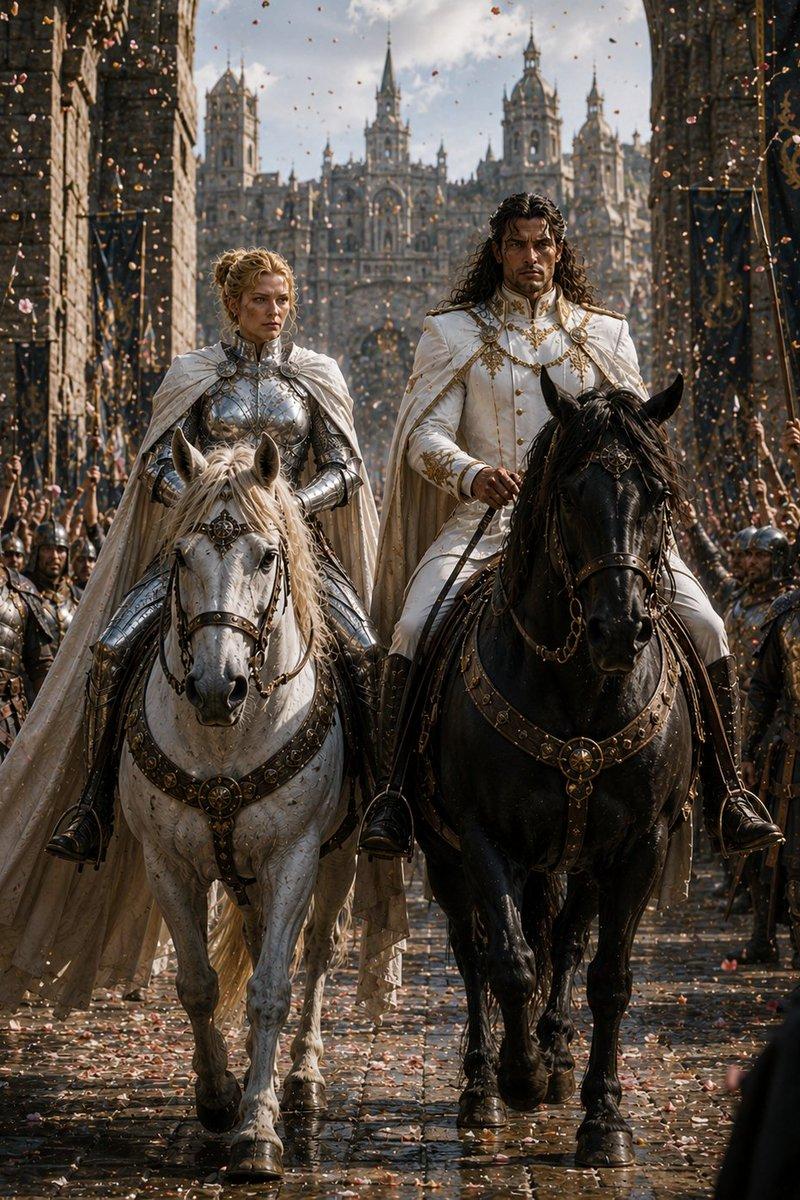
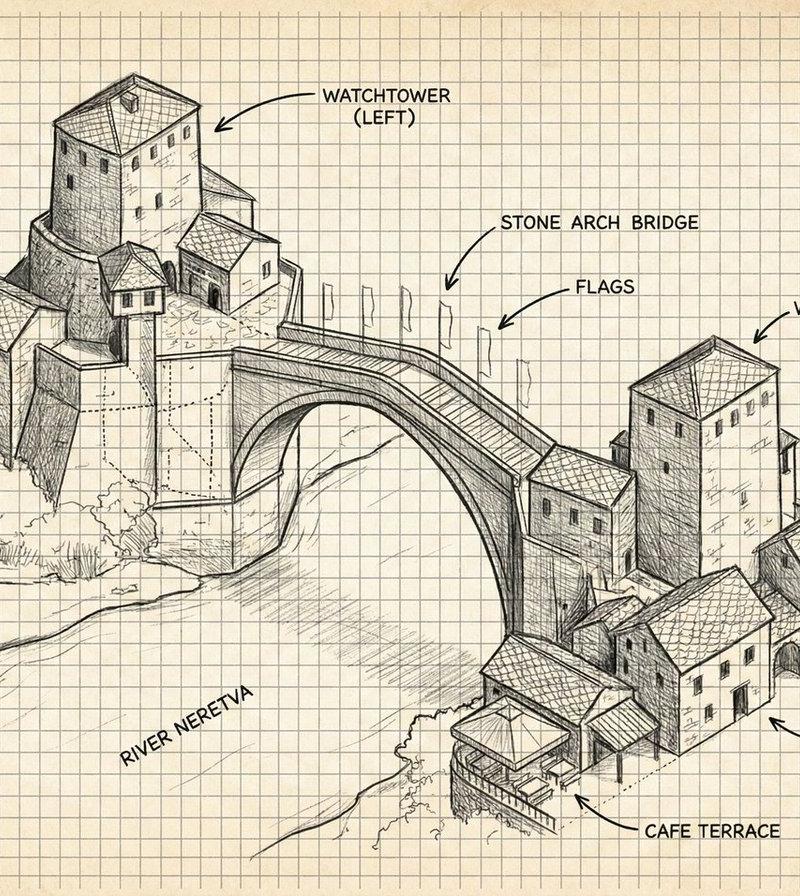
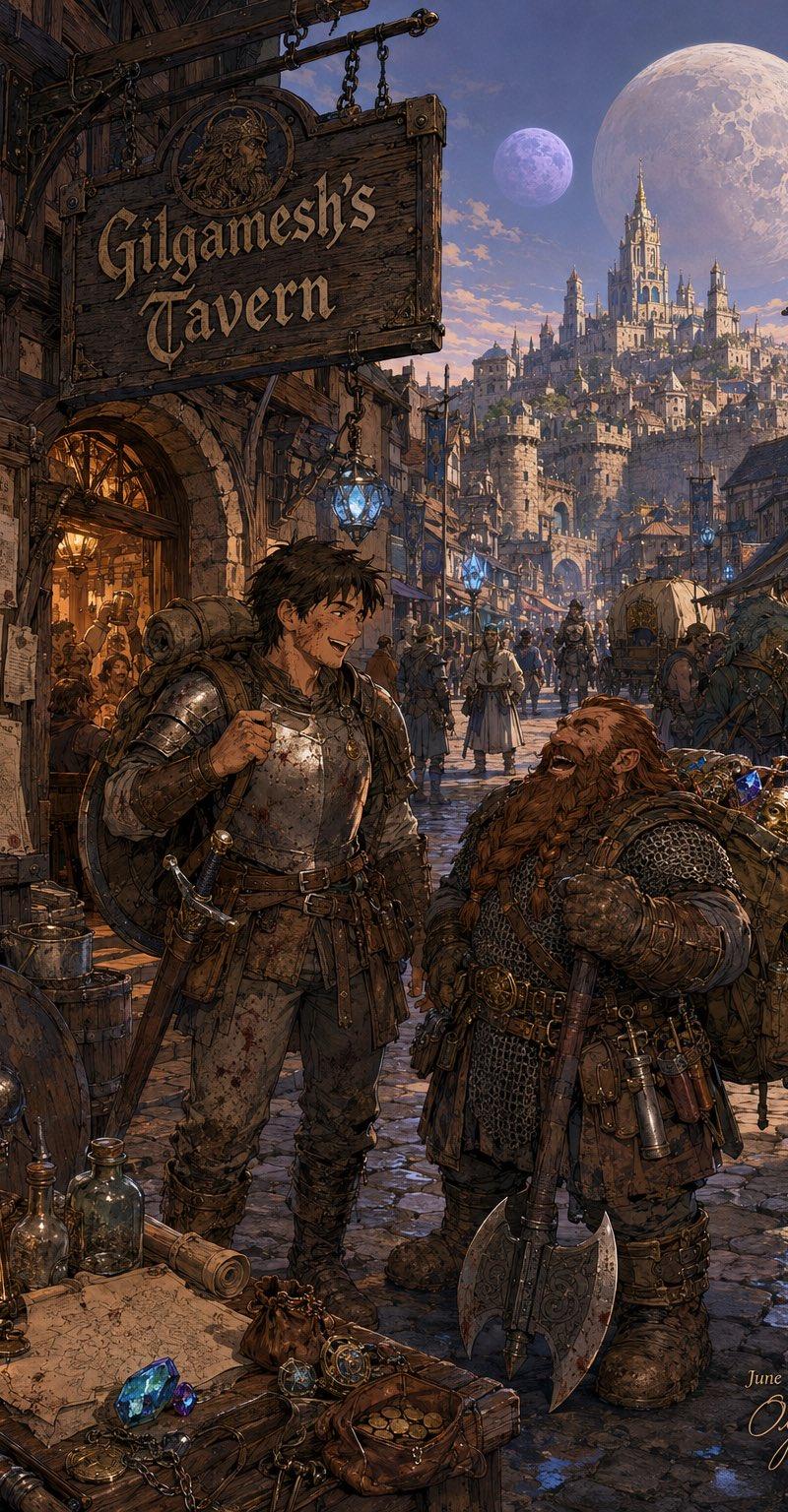
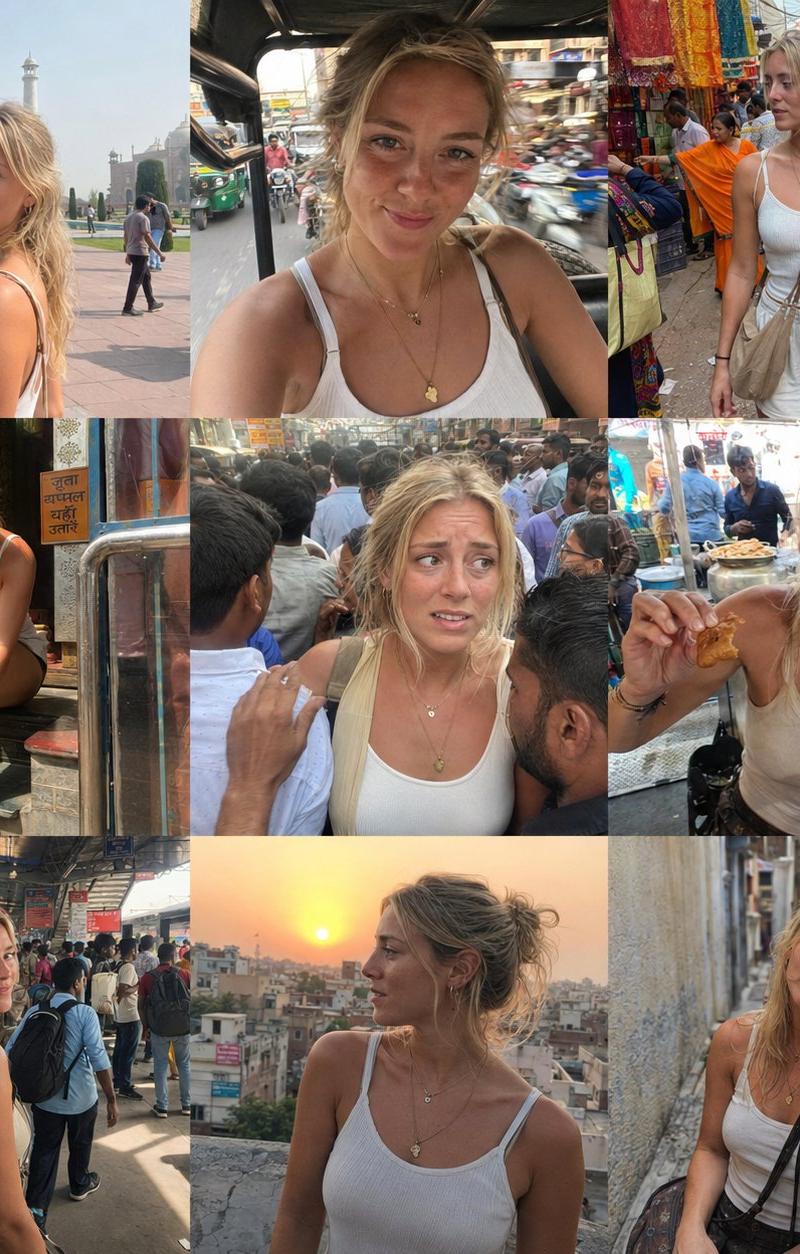
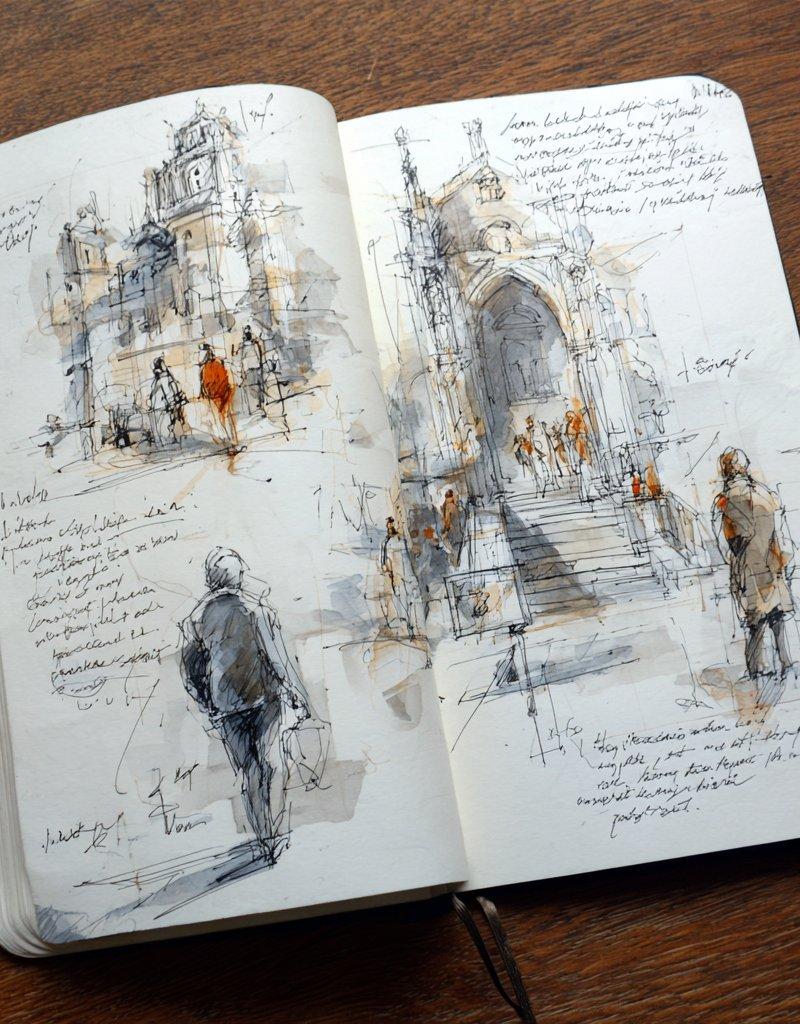
Since I see that many of you loved the urban sketchbook ink & watercolor style, here are several prompts designed for Midjourney V7.
You can find them in the ALT text of each image.
1. open sketchbook page with architectural ink sketches and small human figures, rapid pen strokes, layered linework, minimal watercolor washes, emphasis on process and construction lines, handwritten annotations, white paper, architectural concept sketchbook style --raw
2. architectural sketchbook open page, ink drawings of buildings and interiors, perspective lines visible, construction marks, minimal watercolor shading, warm accent color, handwritten measurements and notes, white paper background, professional design sketchbook aesthetic --raw
3. open sketchbook page combining wide urban scenes and small detail studies, ink line drawings, loose perspective, light watercolor washes, color accents only in orange, handwritten notes, visual rhythm across the page, professional artist sketchbook style --raw
4. open sketchbook page filled with multiple ink sketches, urban scenes, figures and architecture, loose hand-drawn lines, watercolor wash accents, handwritten notes, white paper background, professional artist sketchbook aesthetic --raw
Category
UI & Interfaces
Model
Midjourney
Creator
Artedeingenio
Source language
zh-CN
Views0
Source ID
urban-sketchbook-style-ink-and-watercolor
Studio

Guide

About "都市速写风格的水彩与墨水画"

What is this prompt for?

"都市速写风格的水彩与墨水画" AI image prompt for Midjourney (UI & Interfaces). Since I see that many of you loved the urban sketchbook ink & watercolor style, here are seve…

The full copyable prompt and example visuals above are ready for AI image generation or one-click recreate in Picva.

How to use this prompt

  1. Step 1

    Open the prompt detail

    Review the example visuals, category, and full prompt text for "都市速写风格的水彩与墨水画".

  2. Step 2

    Copy the prompt

    Copy the prompt body from this page, or load it directly in Studio.

  3. Step 3

    Pick a model (Midjourney)

    Prefer Midjourney. If you switch models, keep subject and composition and tweak style terms.

  4. Step 4

    Generate and export

    Recreate the look in Picva, or export into your workflow for editing and publishing.

FAQ

What is the "都市速写风格的水彩与墨水画" prompt?
It is an AI image-generation prompt for Midjourney in the UI & Interfaces category. This page includes the full prompt text, example visuals, and a one-click recreate path in Picva.
How do I use this prompt to generate an image?
Copy the prompt from this page, or use Generate / Studio. Paste it into a compatible image model, or recreate the look in Picva with optional reference images.
Which model is this prompt for?
This page lists Midjourney. Most descriptive prompts also transfer to nearby image models such as GPT Image, Flux, or Midjourney with light style tweaks.
Can I use the result commercially?
You can usually copy the prompt for creation, but commercial use of the final image depends on the model terms, reference-image rights, and the generated content. Follow the source author and platform rules.