20

使用AI合成猫的「いいね」视频教程
Enlarge

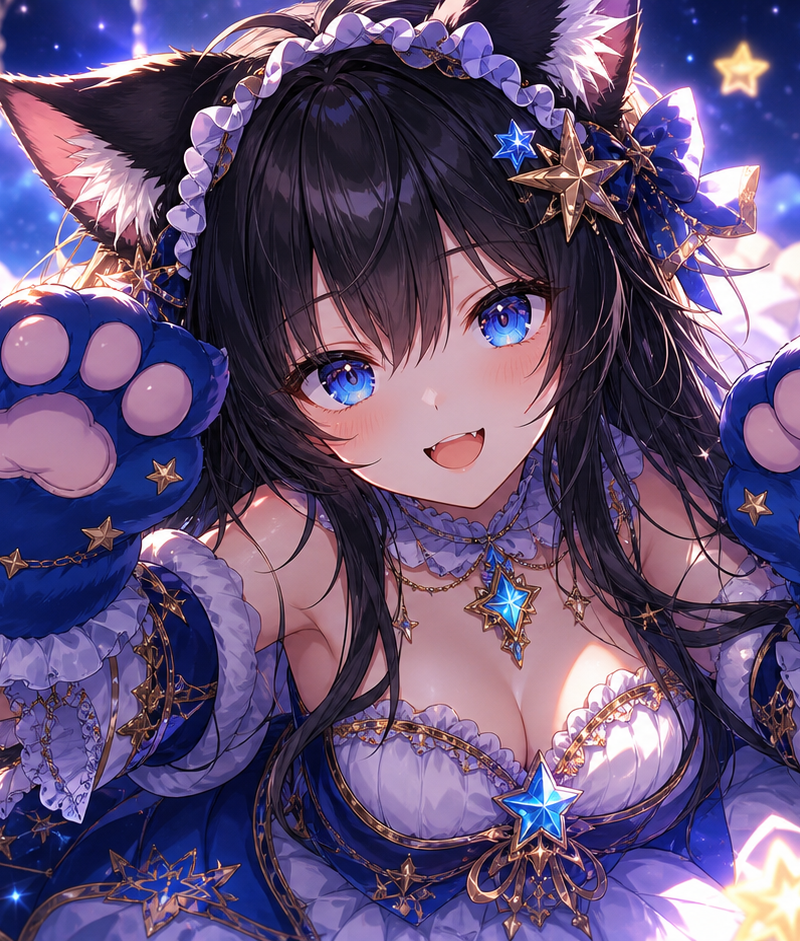
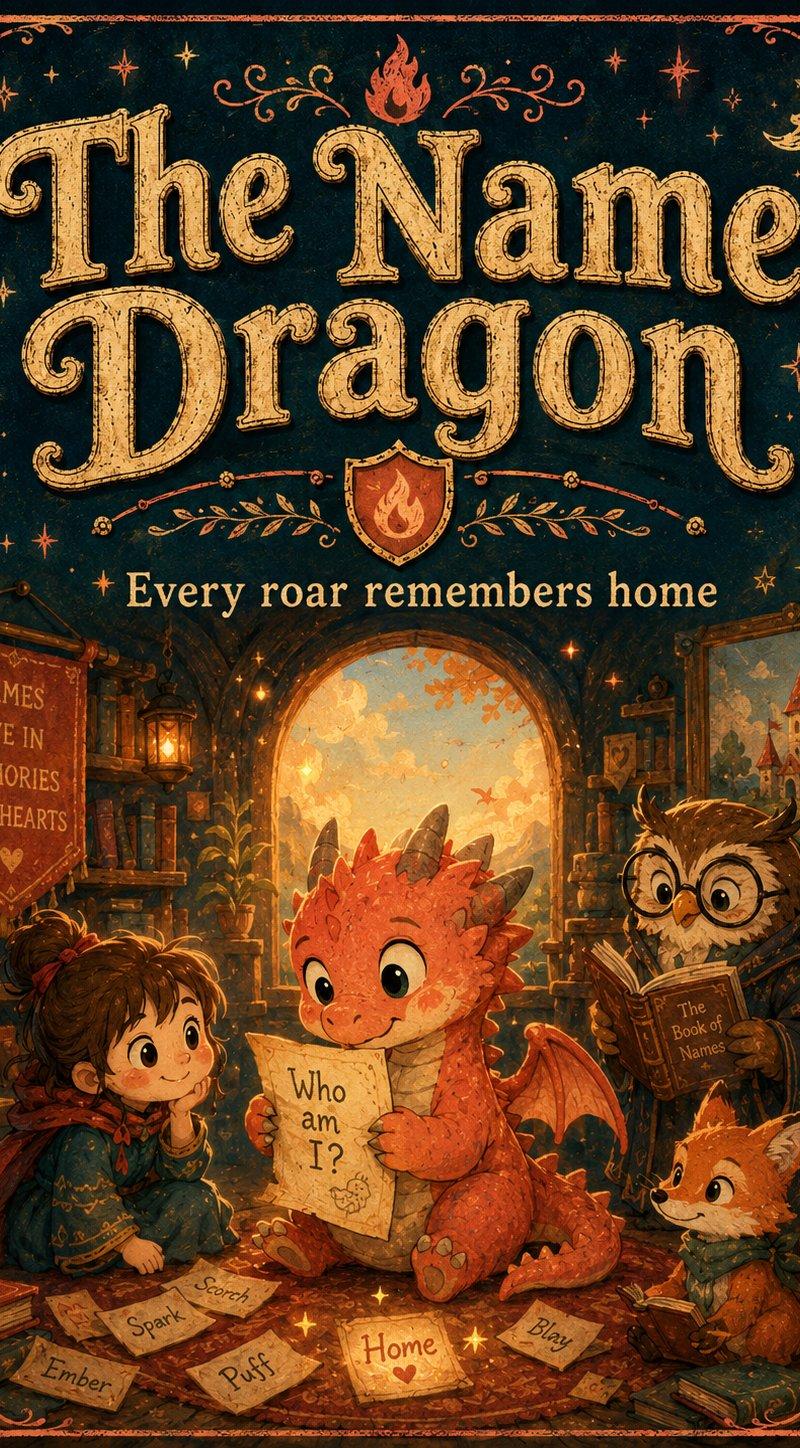
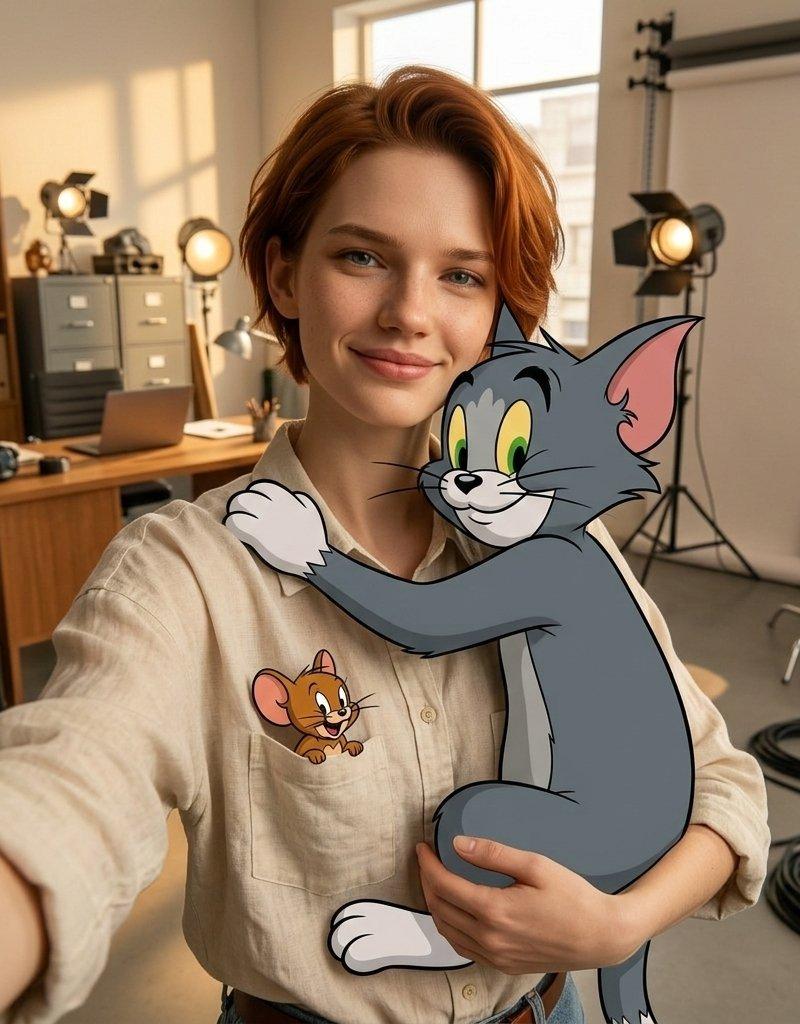
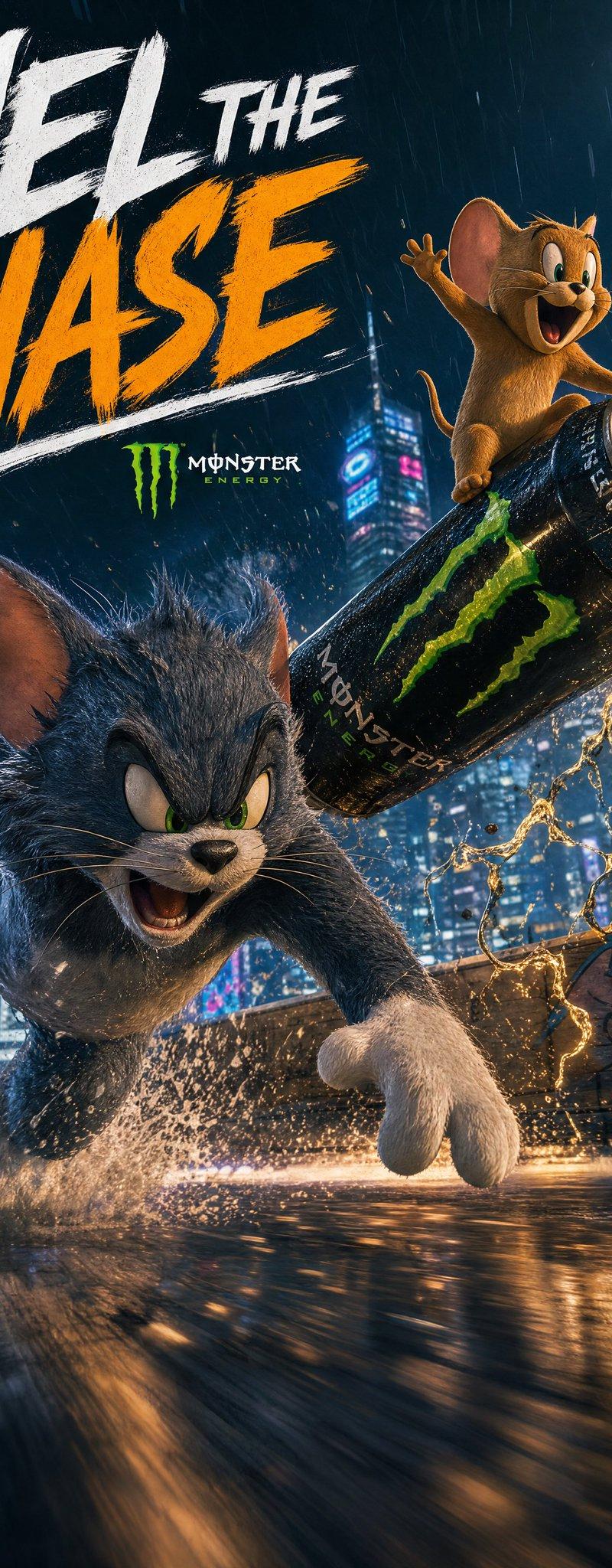
Example images

使用AI合成猫的「いいね」视频教程

Prompt
何かは言いませんが、何かをポチッとしてくれると幸せになれます。私が。
この動画の作り方:
1、Grok Imagineで画像生成
2、Seedream 4.5で画像編集 #SousakuAI
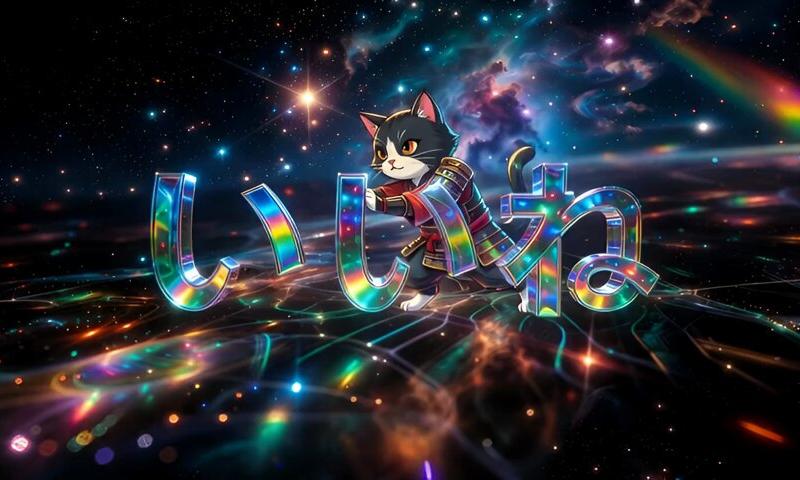
3、Nano Banana Proで猫合成
4、Grok Imagineで動画化
プロンプトは自由にどうぞ〜
1、Grok Imagineでの画像生成プロンプト
「超精緻な煌びやかな数字「1」と「2」と「3」が画面中央に描写された3D空間、宇宙、無限空間、光の反射、高精細、極彩色の、サファイア、エメラルド、ルビー、幻想的な、サイケデリック、マクロ撮影、スタジオライティング、複雑な模様、幾何学的、フラクタル」
2、Seedream 4.5での画像編集プロンプト
「画像を参照に数字の「1」を「い」、「2」を「い」、「3」を「ね」に変更。雰囲気が同じであれば良いので、多少の変更はかまわない。」
3、Nano Banana Proでの画像編集プロンプト
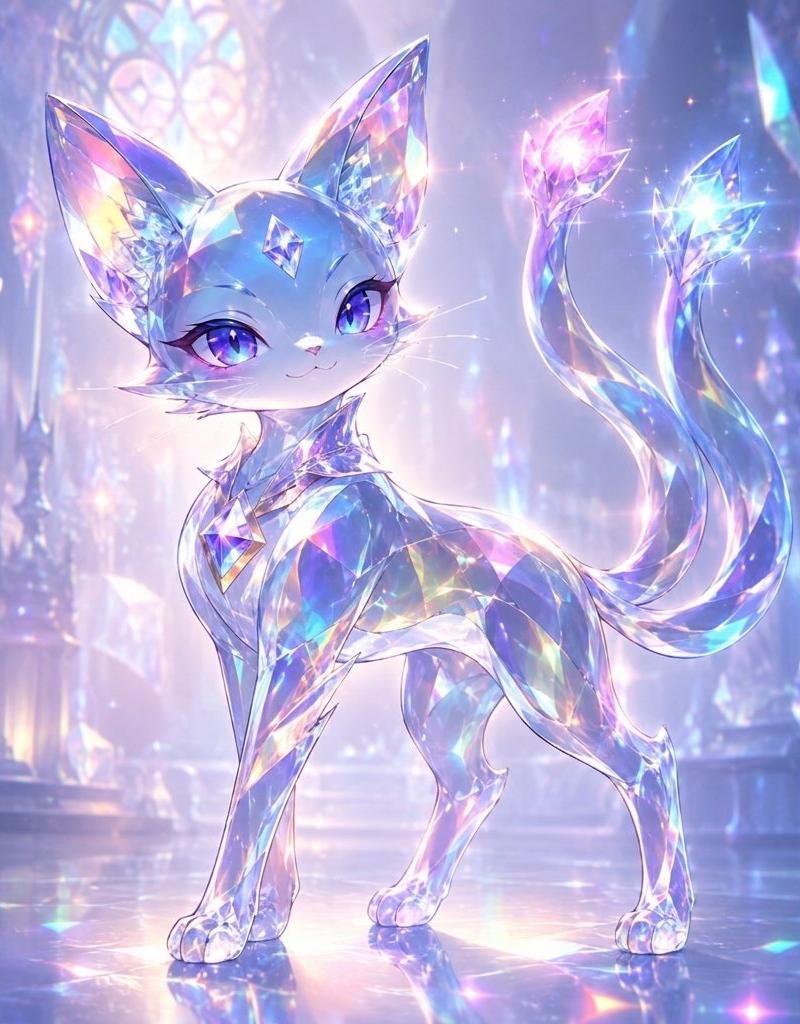
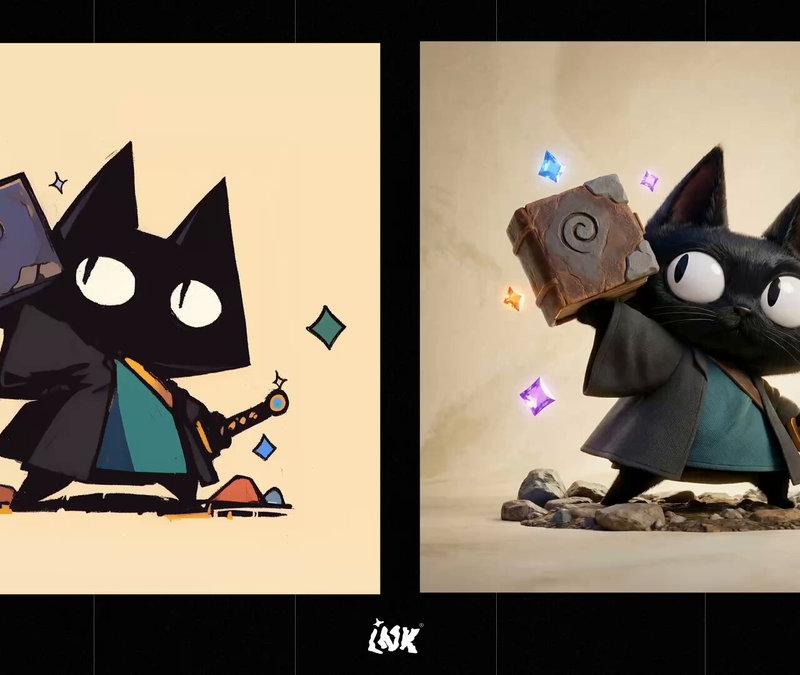
「画像1の文字の「いいね」の背後から画像2の猫が文字を押している画像。背景は画像1を使用。雰囲気が同じであれば良いので、サイズ変更など多少の変更はかまわない。」
4、Grok Imagineで動画化
「文字「いいね」を猫が後ろから押す動画」
Category
Illustration & Art
Model
Nano Banana Pro
Creator
なお
Source language
zh-CN
Views0
Source ID
using-ai-cat-synthesis-like-videos-tutorial
Studio

Guide

About "使用AI合成猫的「いいね」视频教程"

What is this prompt for?

"使用AI合成猫的「いいね」视频教程" AI image prompt for Nano Banana Pro (Illustration & Art). 何かは言いませんが、何かをポチッとしてくれると幸せになれます。私が。 この動画の作り方: 1、Grok Imagineで画像生成 2、Seedream 4.5で画…

The full copyable prompt and example visuals above are ready for AI image generation or one-click recreate in Picva.

How to use this prompt

  1. Step 1

    Open the prompt detail

    Review the example visuals, category, and full prompt text for "使用AI合成猫的「いいね」视频教程".

  2. Step 2

    Copy the prompt

    Copy the prompt body from this page, or load it directly in Studio.

  3. Step 3

    Pick a model (Nano Banana Pro)

    Prefer Nano Banana Pro. If you switch models, keep subject and composition and tweak style terms.

  4. Step 4

    Generate and export

    Recreate the look in Picva, or export into your workflow for editing and publishing.

FAQ

What is the "使用AI合成猫的「いいね」视频教程" prompt?
It is an AI image-generation prompt for Nano Banana Pro in the Illustration & Art category. This page includes the full prompt text, example visuals, and a one-click recreate path in Picva.
How do I use this prompt to generate an image?
Copy the prompt from this page, or use Generate / Studio. Paste it into a compatible image model, or recreate the look in Picva with optional reference images.
Which model is this prompt for?
This page lists Nano Banana Pro. Most descriptive prompts also transfer to nearby image models such as GPT Image, Flux, or Midjourney with light style tweaks.
Can I use the result commercially?
You can usually copy the prompt for creation, but commercial use of the final image depends on the model terms, reference-image rights, and the generated content. Follow the source author and platform rules.