18

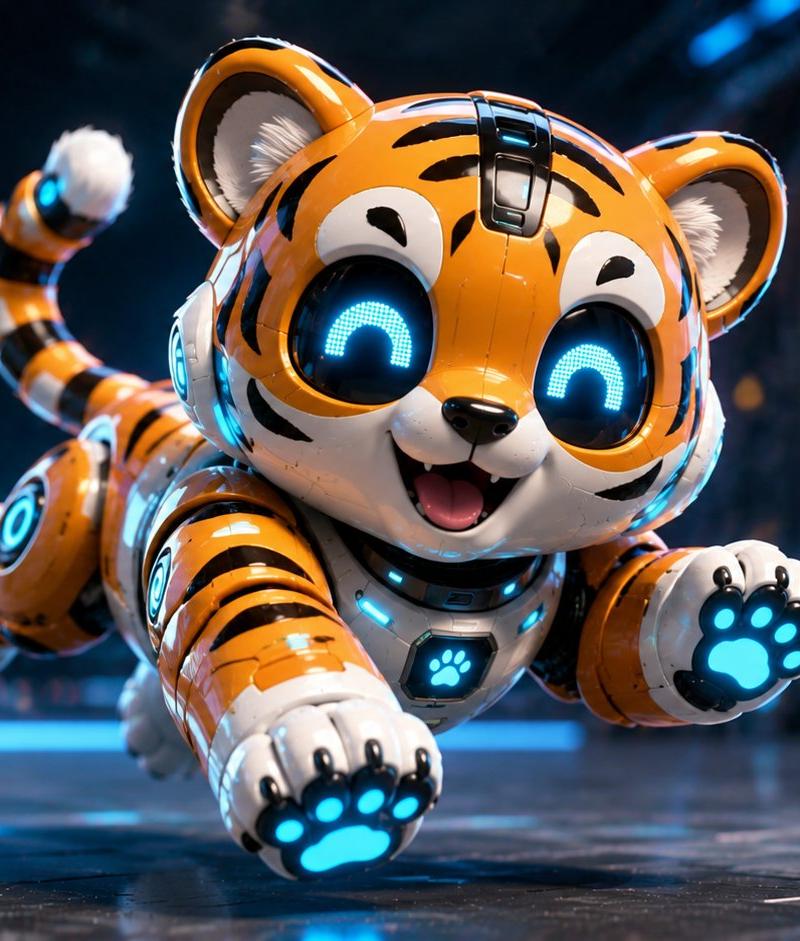
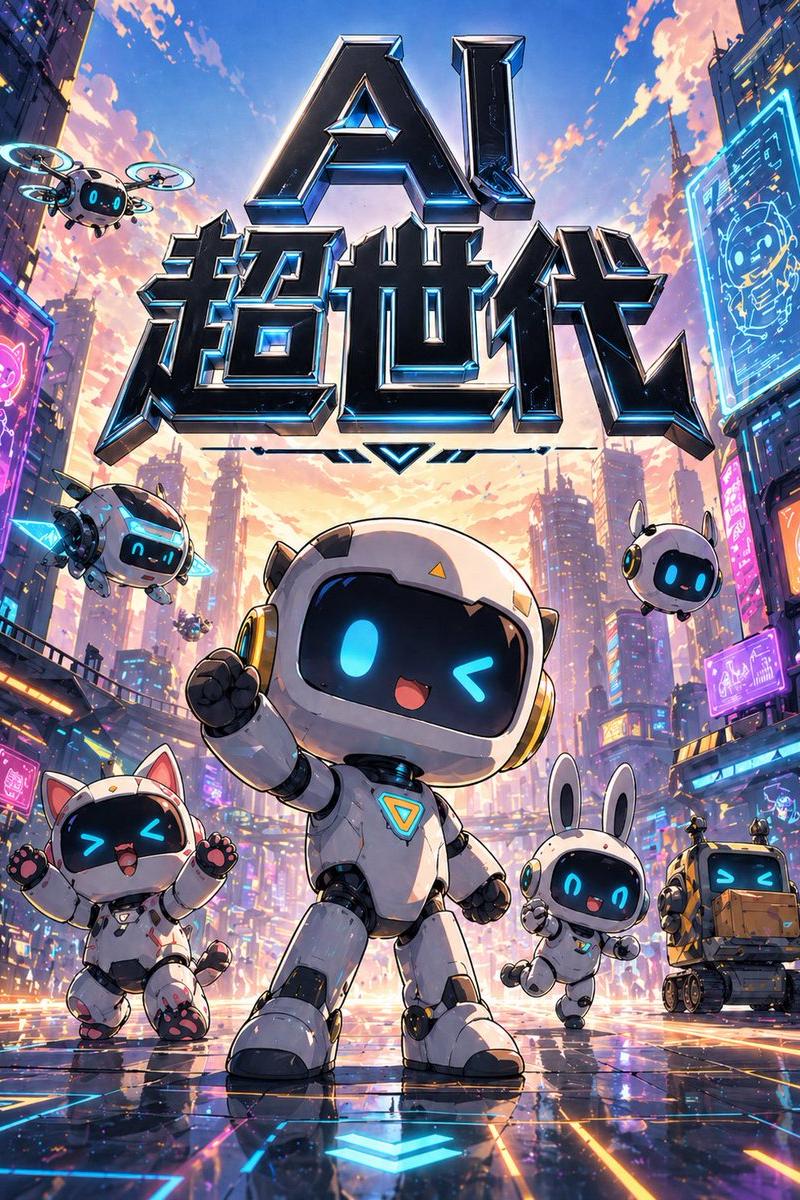
迷你科幻伴侣机器人
Enlarge

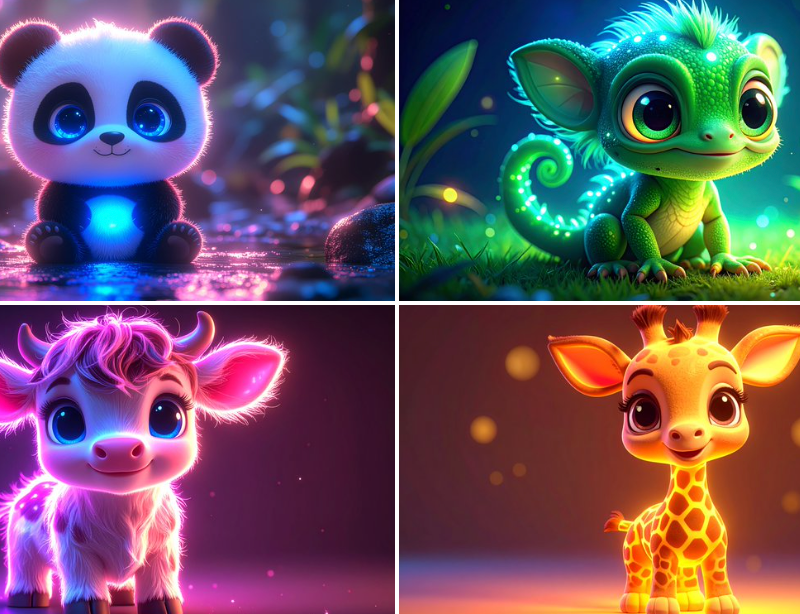
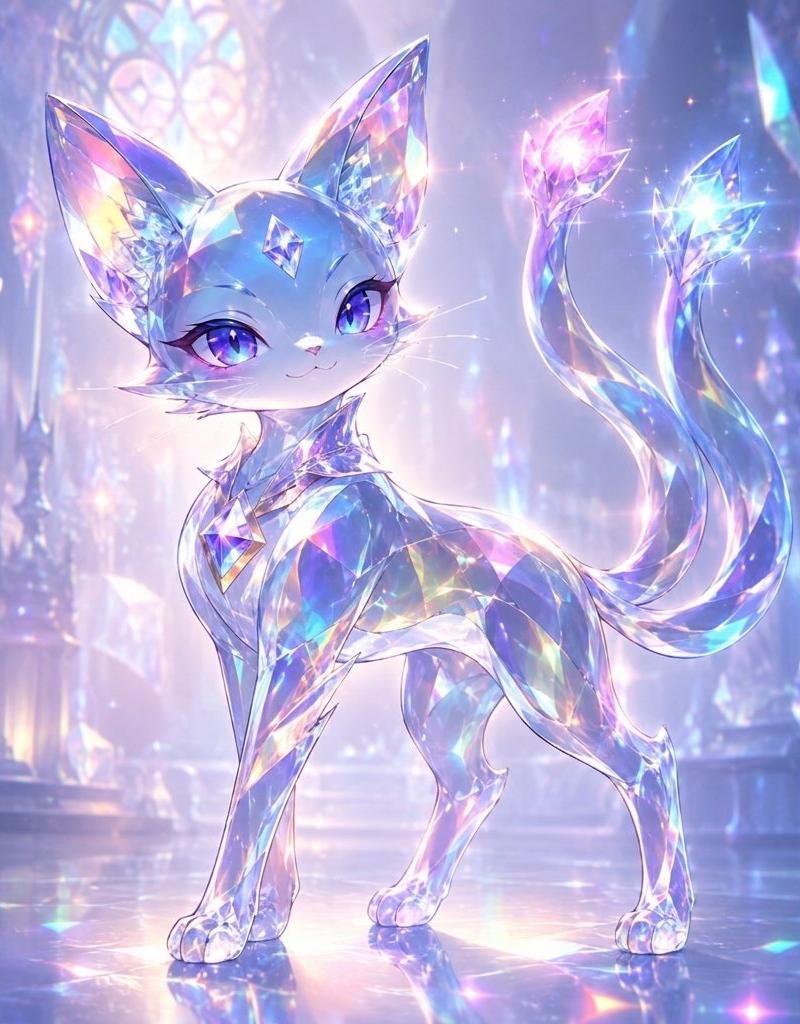
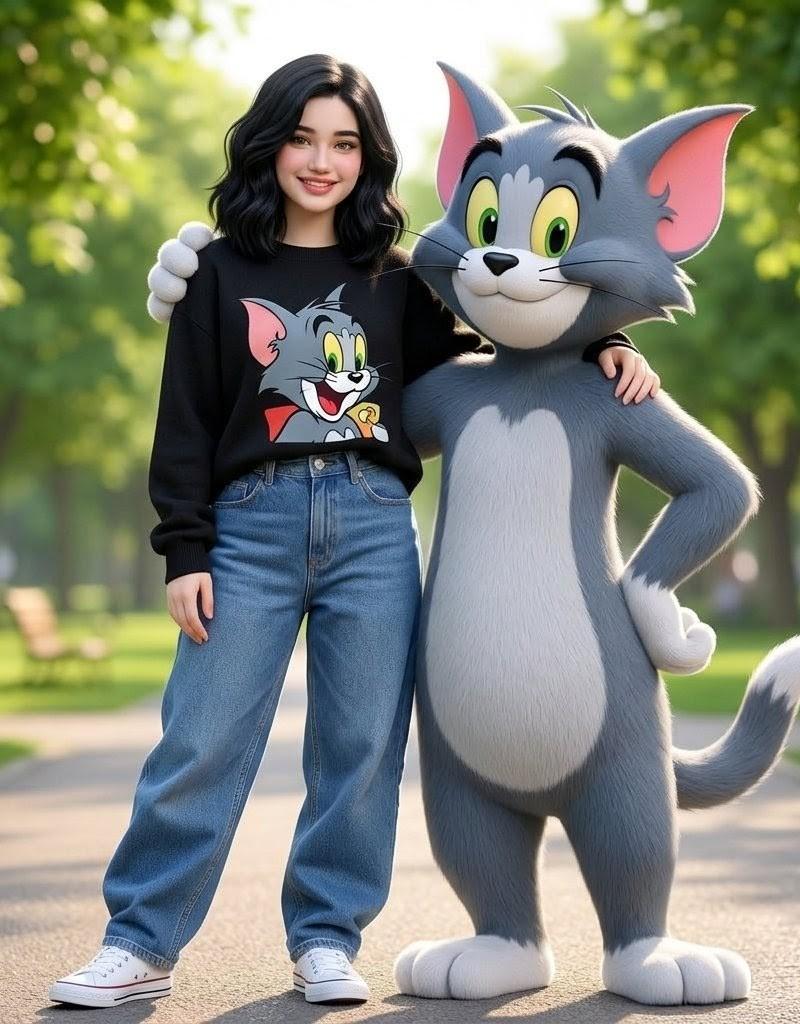
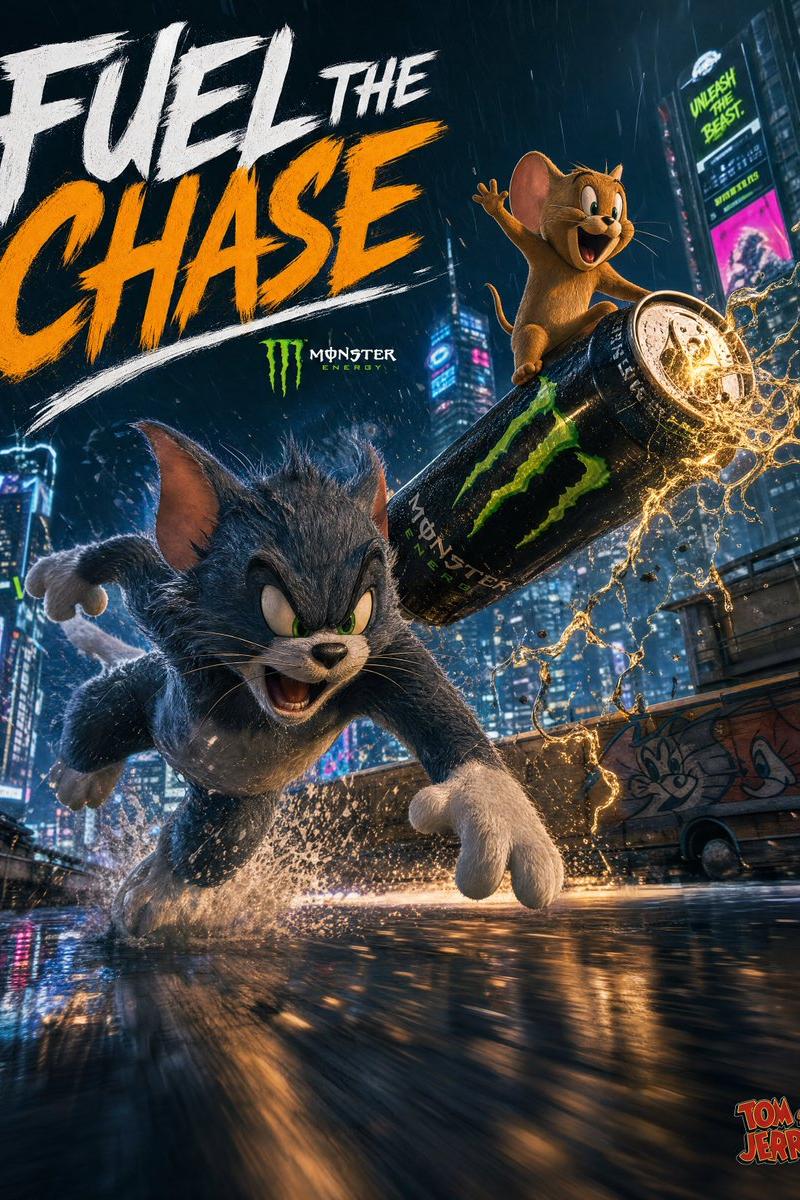
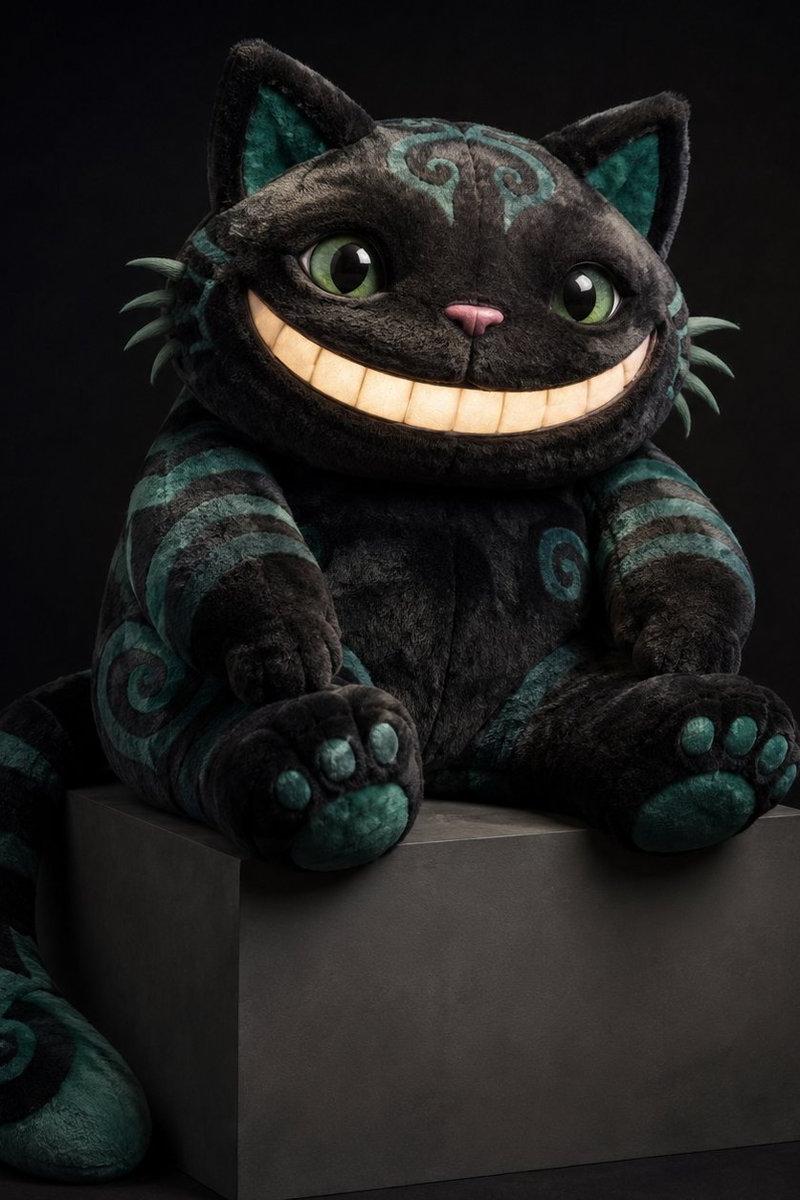
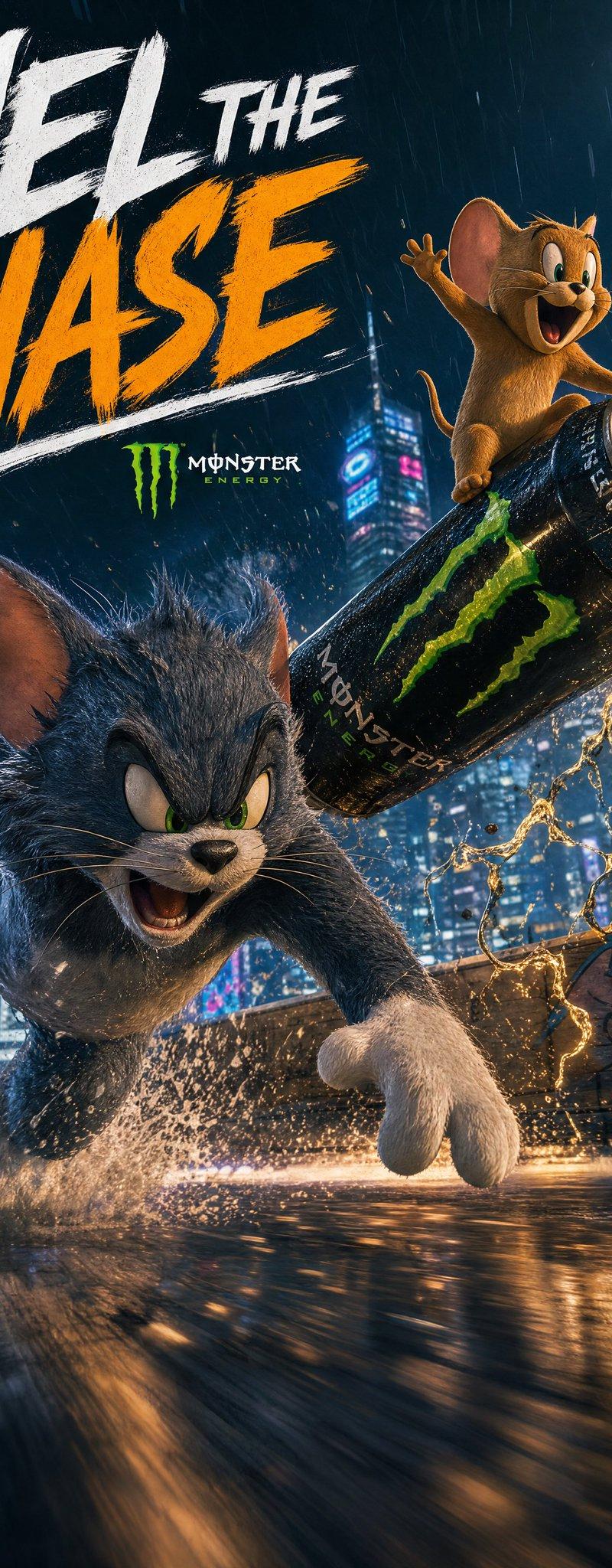
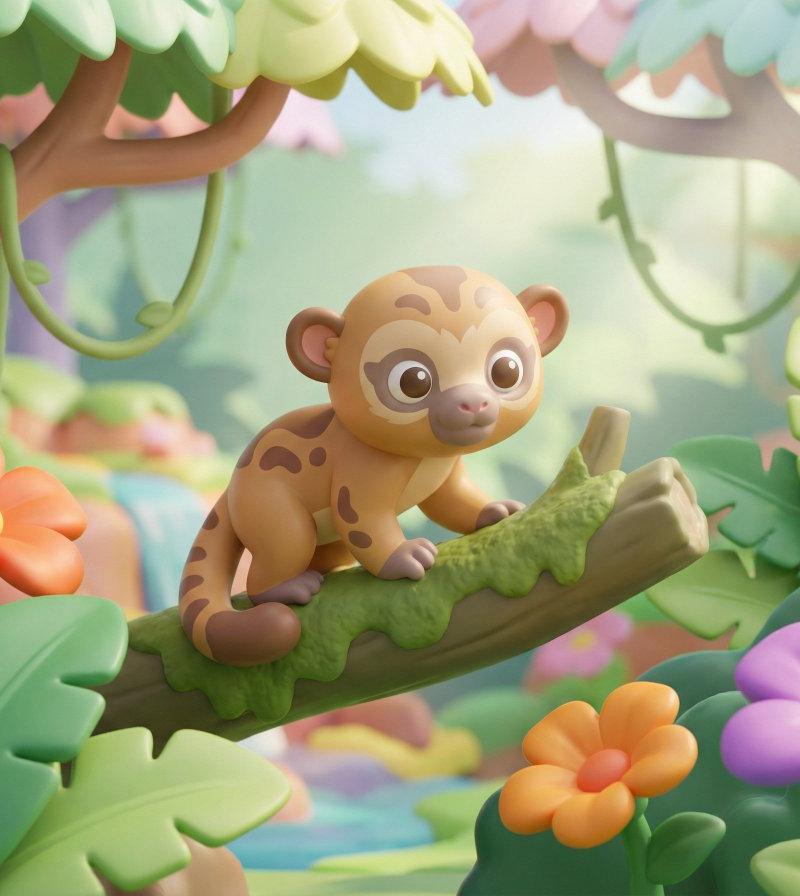
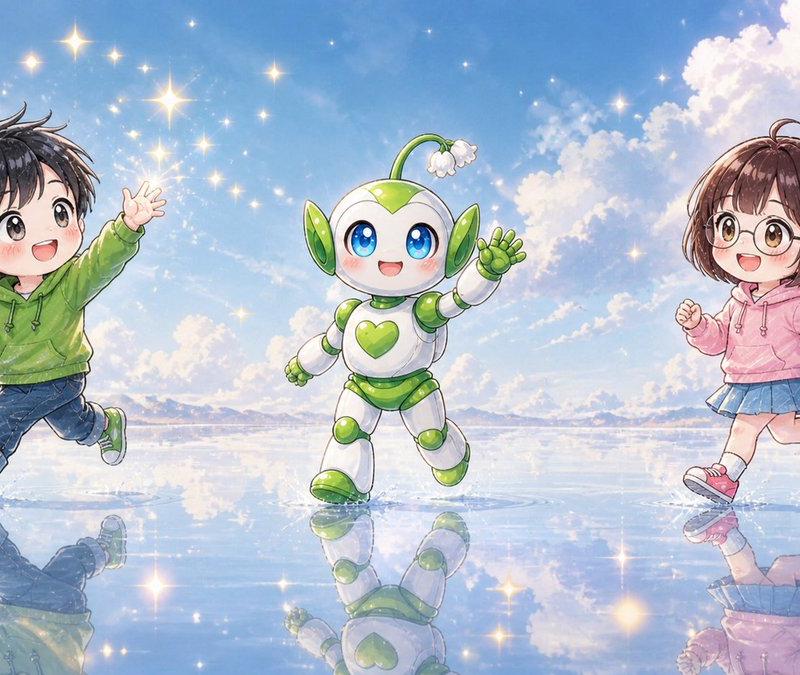
Example images

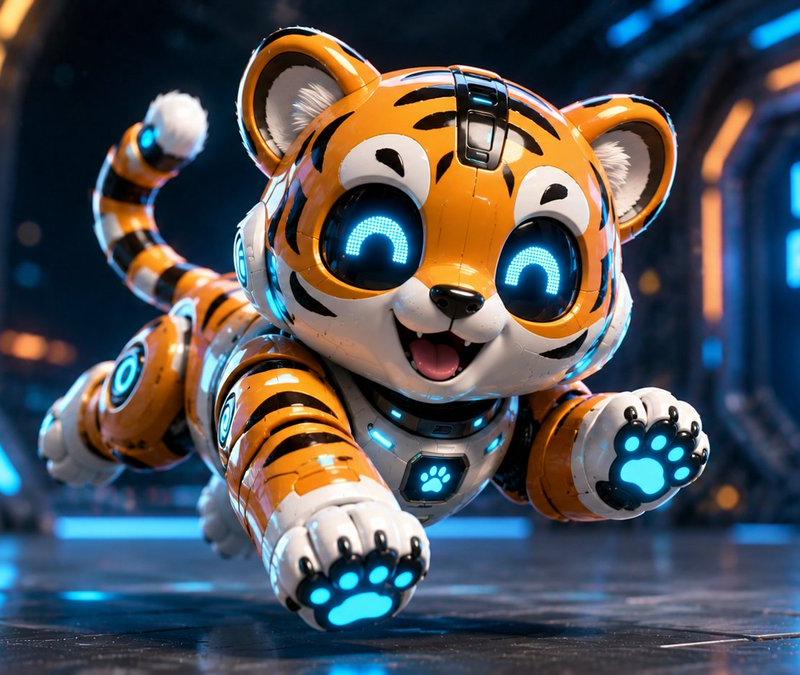
迷你科幻伴侣机器人

Prompt
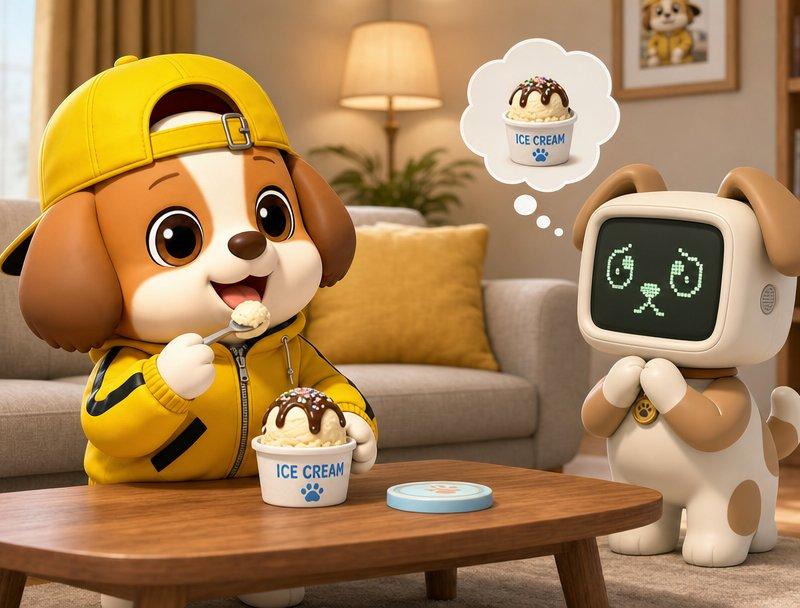
Cute miniature robot version of a {argument name="subject" default="lovable companion from a sci-fi animated film"}, smooth metallic body with rounded edges, friendly mascot design, glowing digital eyes, {argument name="action" default="standing still"}, playful futuristic mood, vibrant {argument name="primary color" default="orange"}, {argument name="secondary color" default="blue"}, and {argument name="accent color" default="white"} LED accents, soft cinematic lighting, clean sci-fi background, polished toy robot aesthetic, high-detail CGI render
Category
Brand & Logos
Model
GPT Image 2
Creator
Zephyra Leigh
Source language
en
Views4
Source ID
23781
Published
Jun 2, 2026
Studio

Guide

About "迷你科幻伴侣机器人"

What is this prompt for?

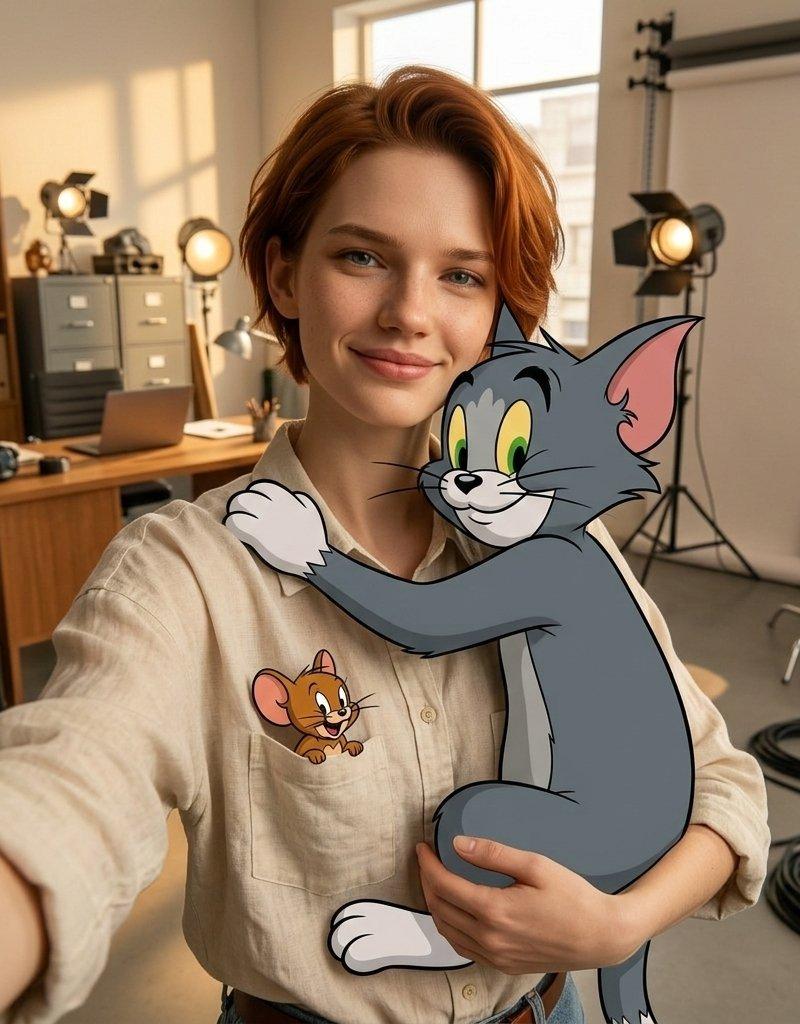
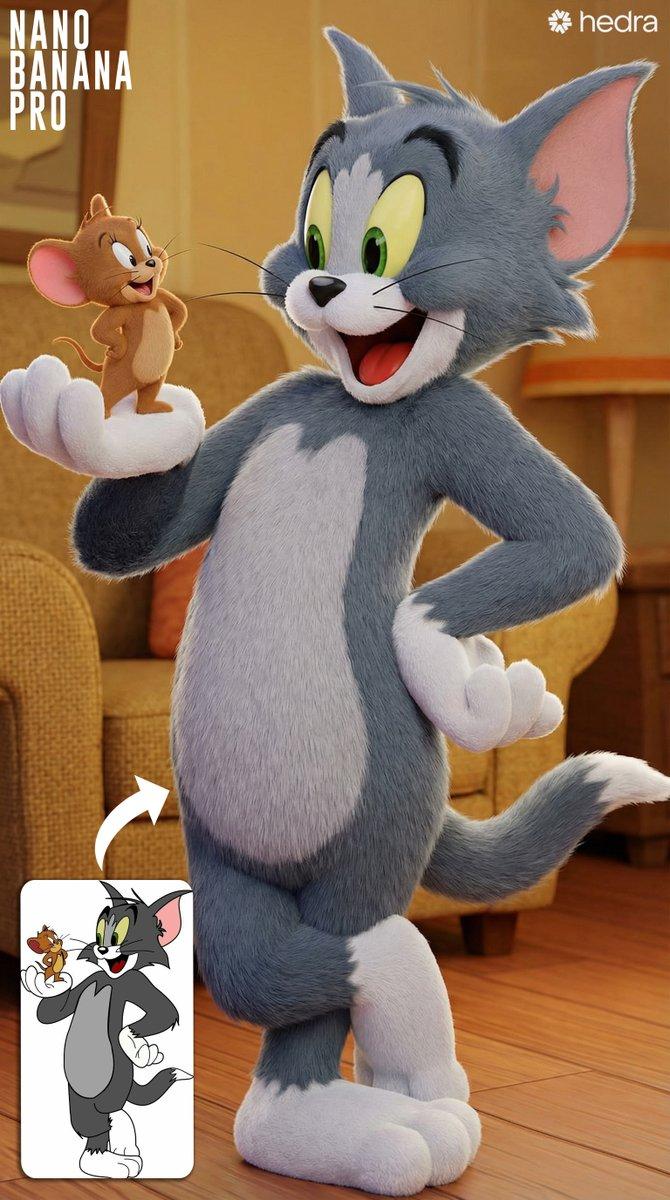
"迷你科幻伴侣机器人" AI image prompt for GPT Image 2 (Brand & Logos). 打造一款可爱、迷你吉祥物风格的机器人,具有精致的 CGI 美学和鲜艳的 LED 点缀。 Copy it on Picva and recreate the look in one click.

The full copyable prompt and example visuals above are ready for AI image generation or one-click recreate in Picva.

How to use this prompt

  1. Step 1

    Open the prompt detail

    Review the example visuals, category, and full prompt text for "迷你科幻伴侣机器人".

  2. Step 2

    Copy the prompt

    Copy the prompt body from this page, or load it directly in Studio.

  3. Step 3

    Pick a model (GPT Image 2)

    Prefer GPT Image 2. If you switch models, keep subject and composition and tweak style terms.

  4. Step 4

    Generate and export

    Recreate the look in Picva, or export into your workflow for editing and publishing.

FAQ

What is the "迷你科幻伴侣机器人" prompt?
It is an AI image-generation prompt for GPT Image 2 in the Brand & Logos category. This page includes the full prompt text, example visuals, and a one-click recreate path in Picva.
How do I use this prompt to generate an image?
Copy the prompt from this page, or use Generate / Studio. Paste it into a compatible image model, or recreate the look in Picva with optional reference images.
Which model is this prompt for?
This page lists GPT Image 2. Most descriptive prompts also transfer to nearby image models such as GPT Image, Flux, or Midjourney with light style tweaks.
Can I use the result commercially?
You can usually copy the prompt for creation, but commercial use of the final image depends on the model terms, reference-image rights, and the generated content. Follow the source author and platform rules.