19

冬日孤战者
Enlarge

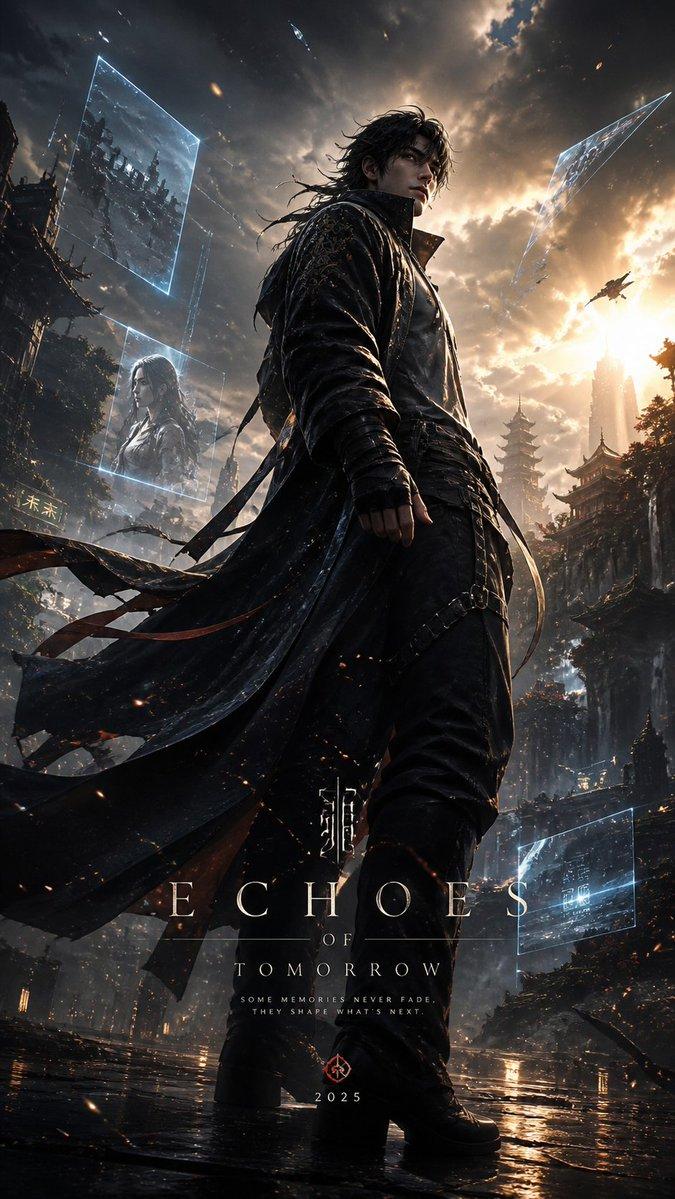
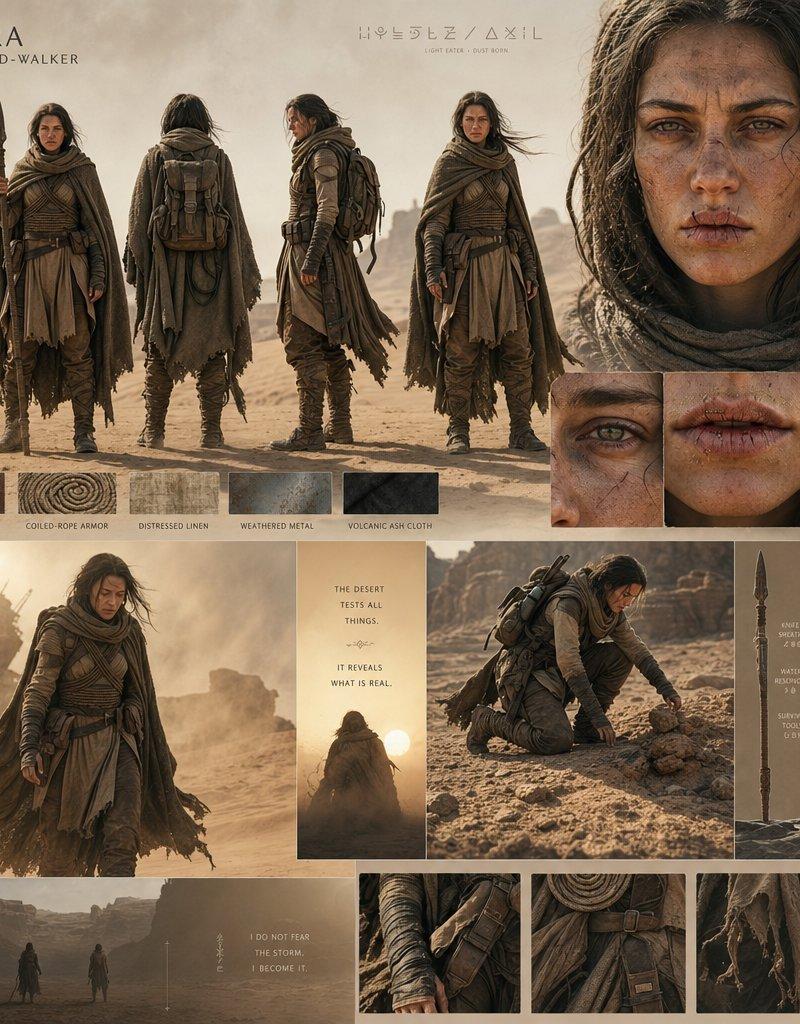
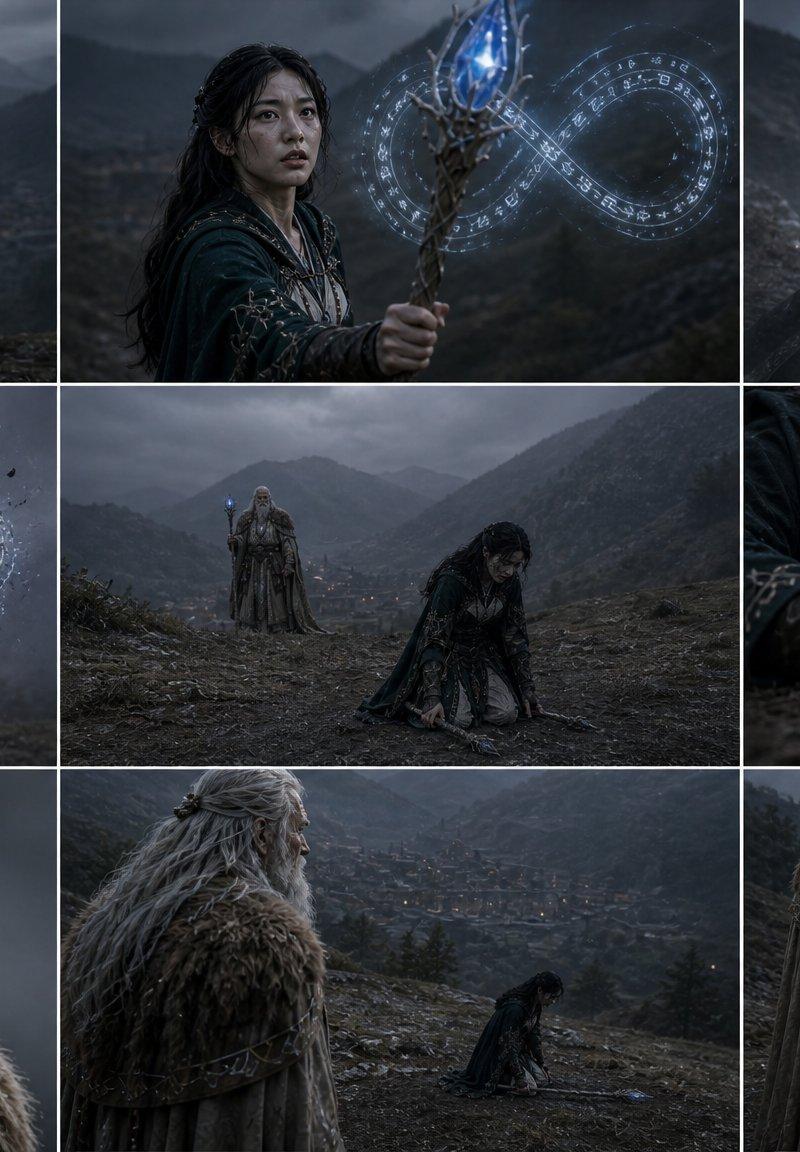
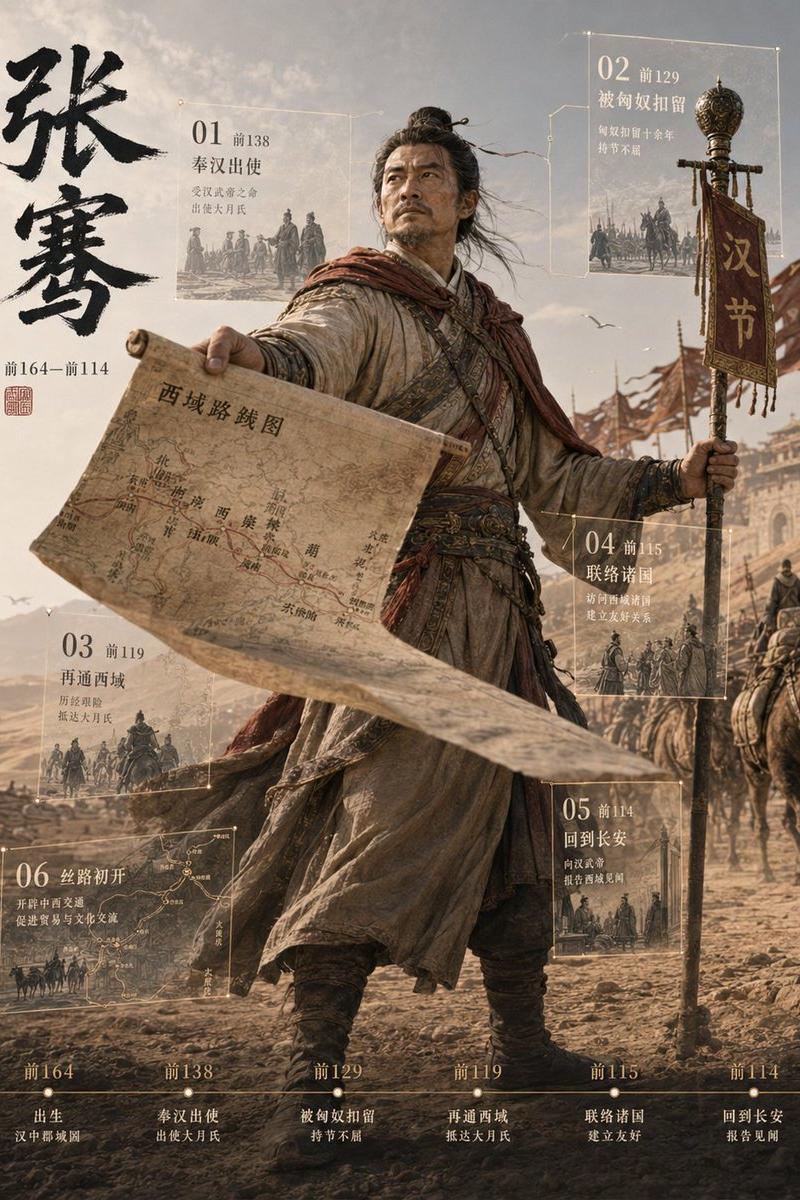
Example images

冬日孤战者

Prompt
Nano Banana Pro on Gemini App:
Prompt:⤵️
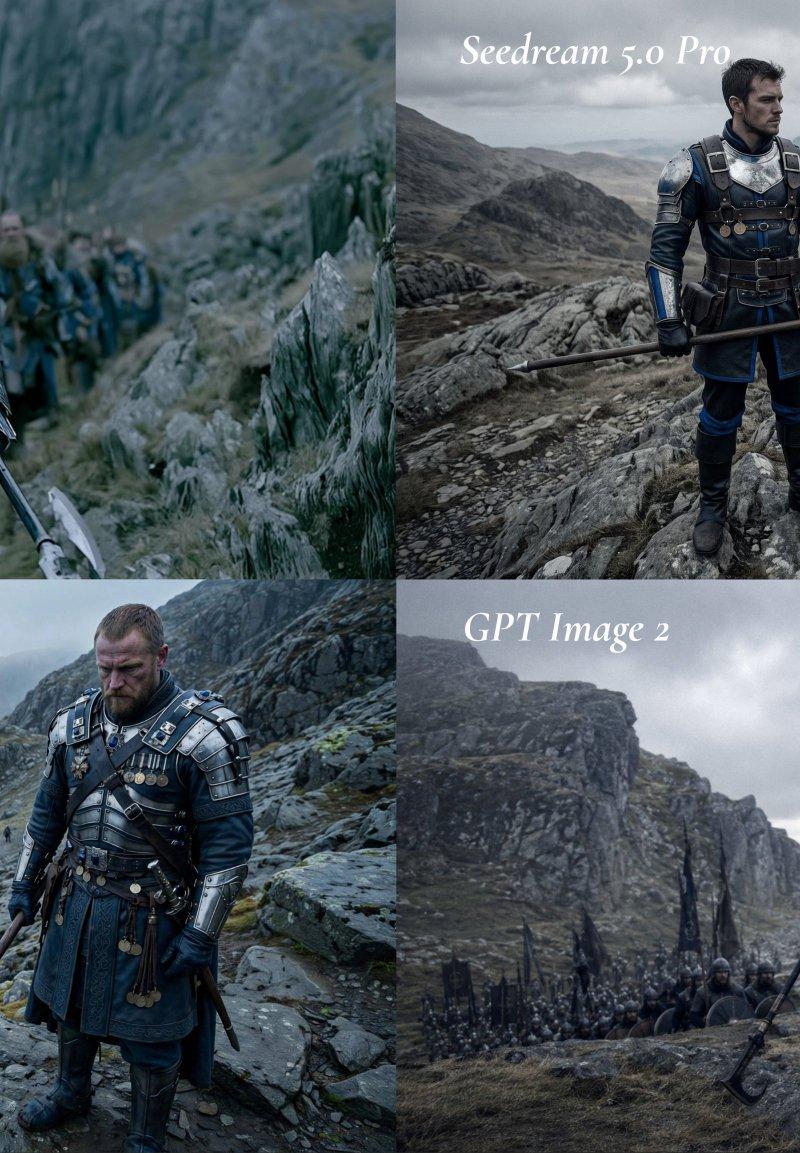
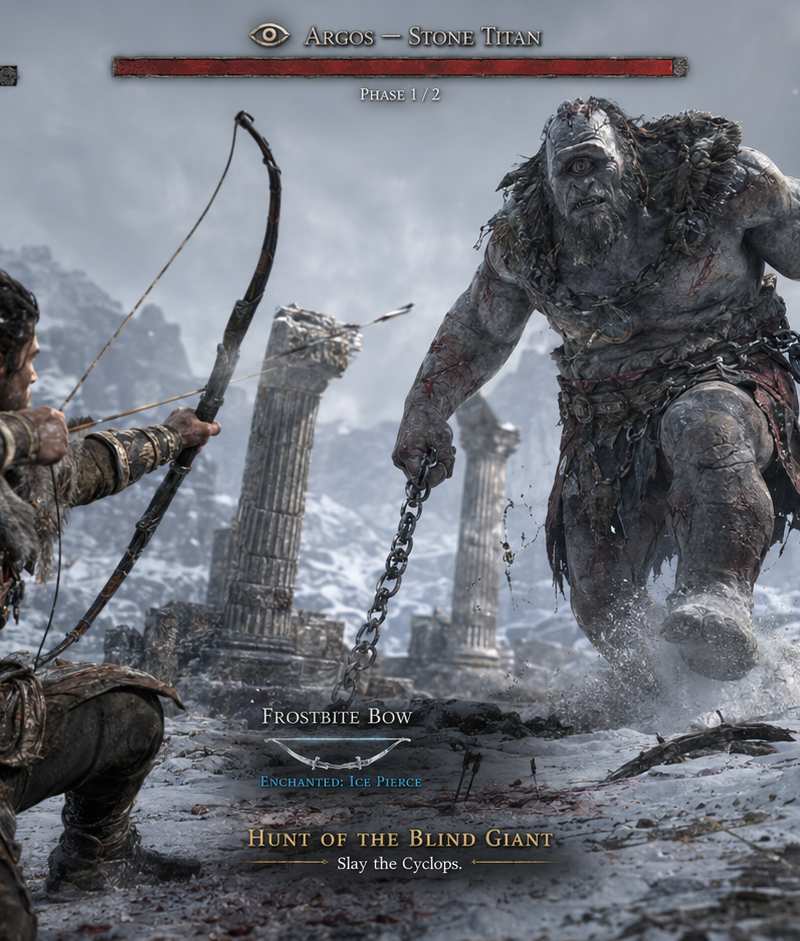
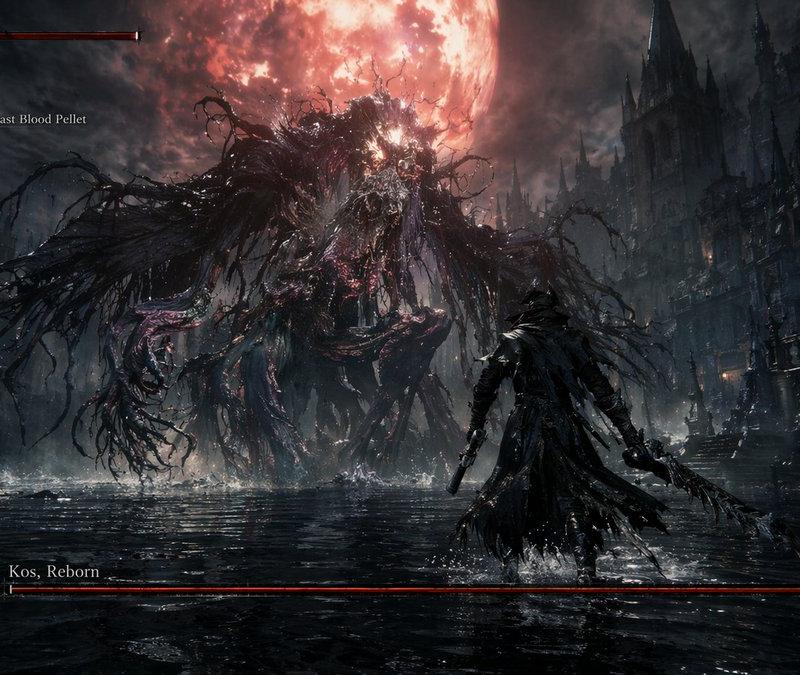
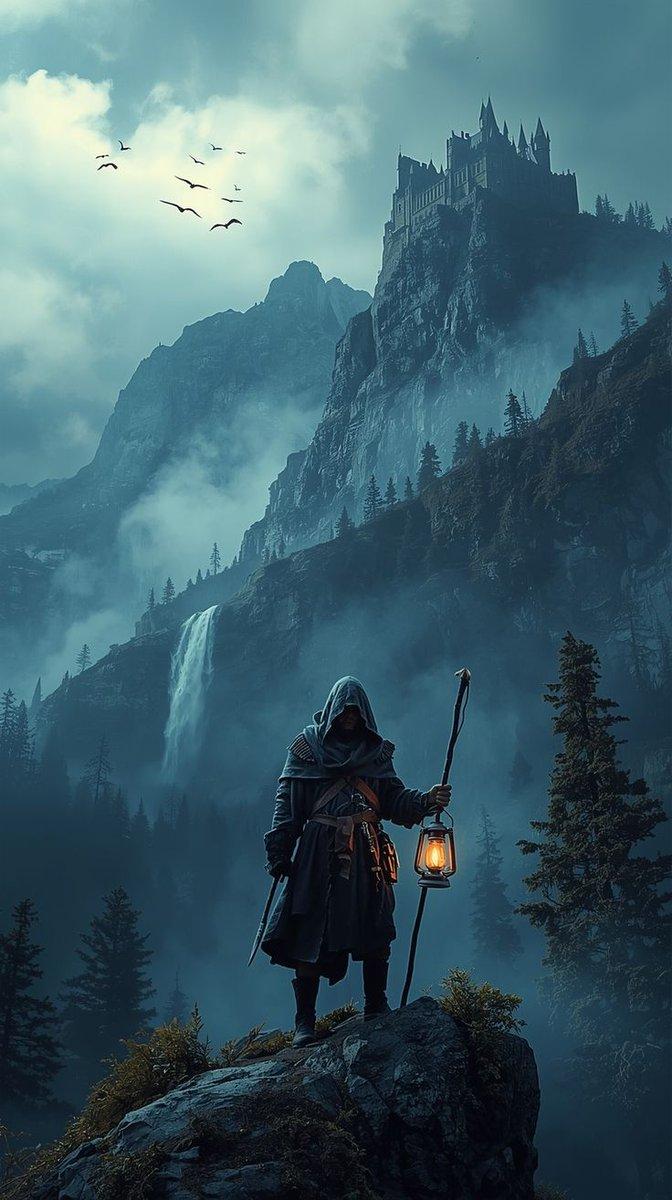
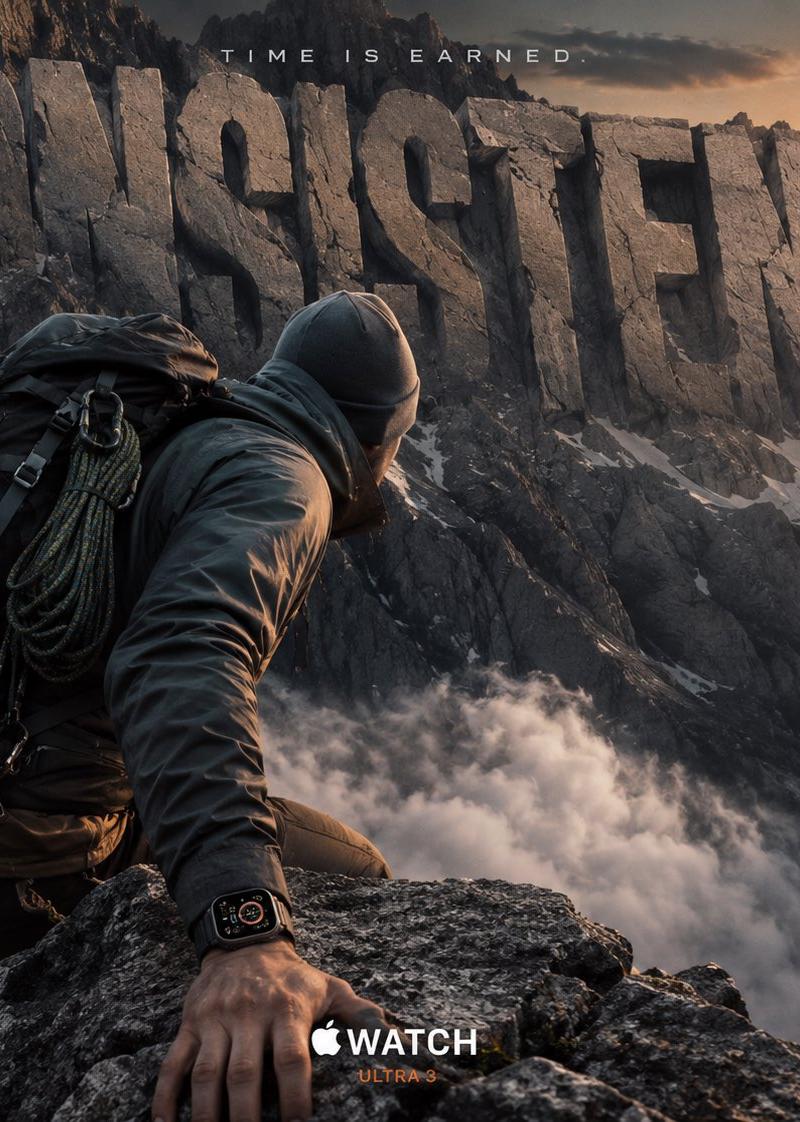
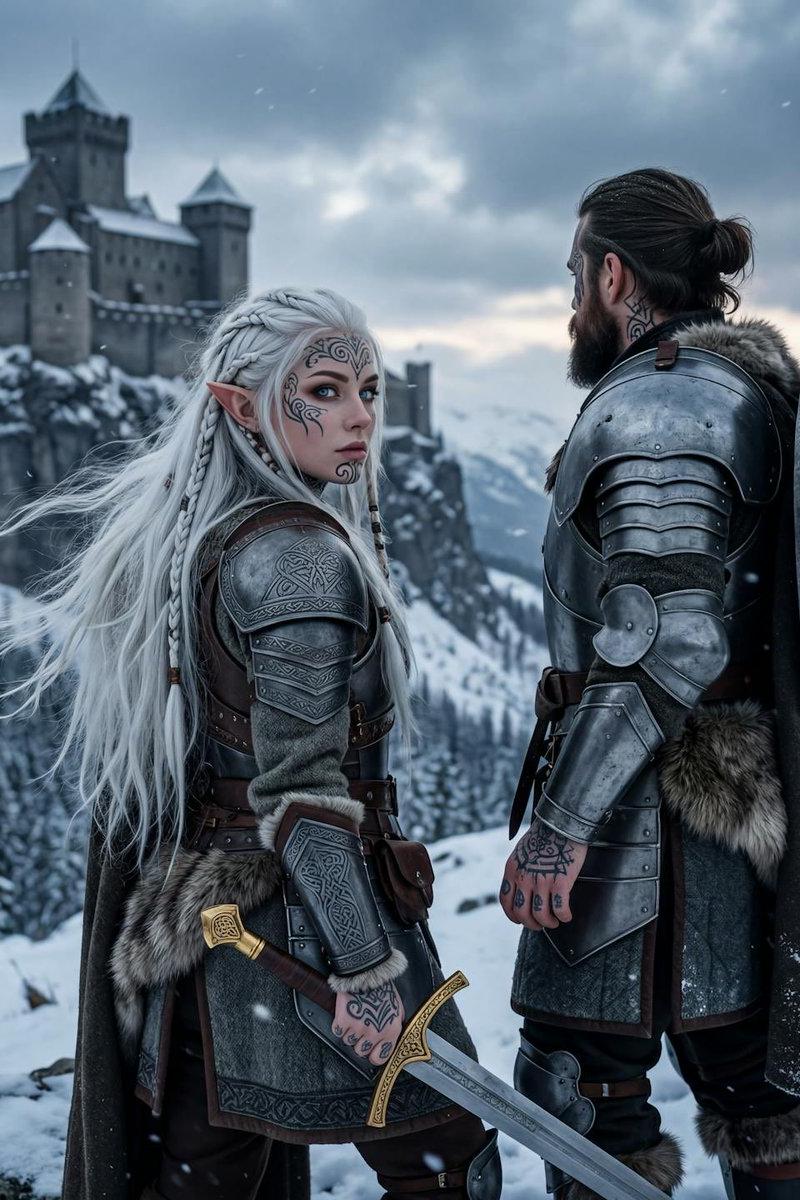
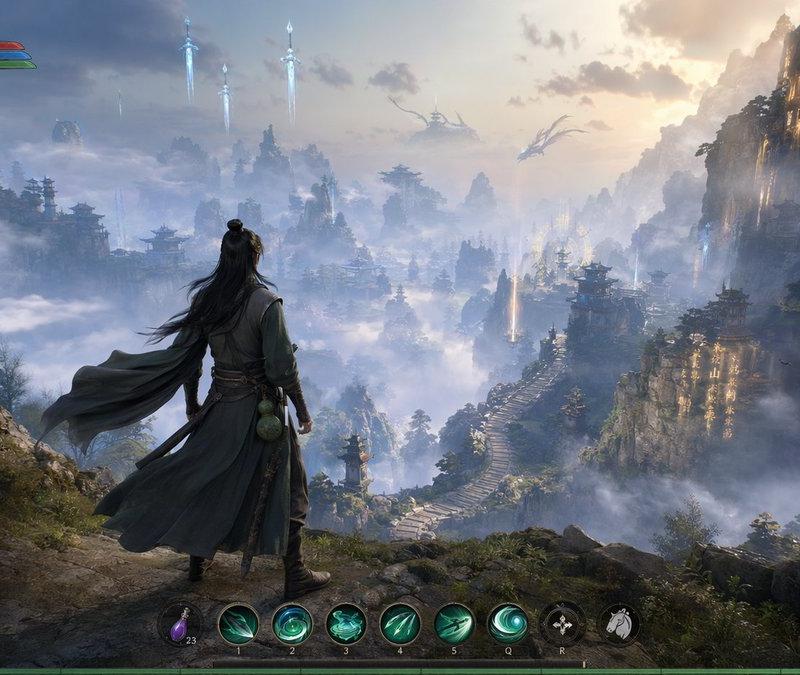
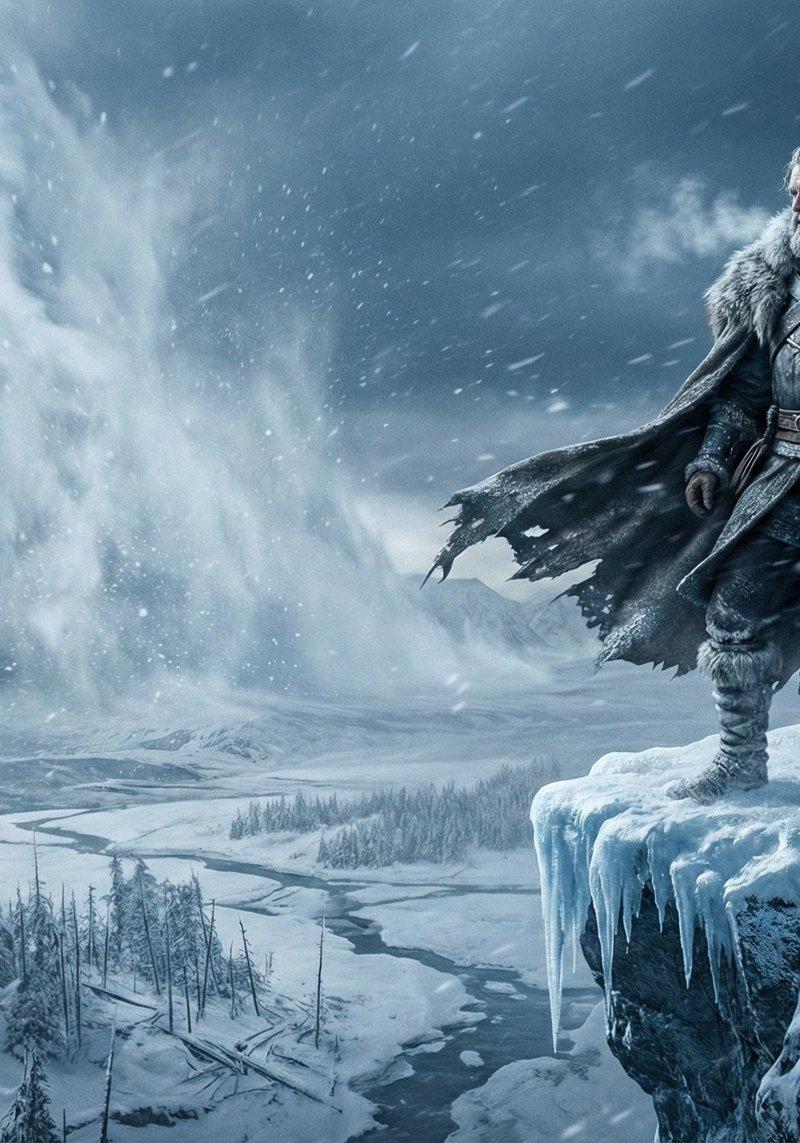
A lone warrior stands at the edge of a frozen cliff as the first storm of winter approaches — icy winds tearing through his cloak, snow swirling violently around him. The sky is a dark steel-grey, heavy with an unstoppable blizzard rolling in like a wall of white fury. Frost clings to his beard, his armor, his breath visible in the freezing air. The landscape below is a vast frozen valley with shattered trees, frozen rivers, and distant mountains disappearing into the storm. Ultra-realistic textures: every snowflake sharp, every gust of wind visible, every crack of ice detailed. Dramatic lighting: cold blue highlights, deep shadows, glowing white reflections off the ice. Atmospheric, epic, heavy mood — the world preparing for something powerful and inevitable. Cinematic realism at its peak.
Category
UI & Interfaces
Model
Nano Banana Pro
Creator
Saul Goodman
Source language
zh-CN
Views0
Source ID
winter-solitary-warrior
Studio

Guide

About "冬日孤战者"

What is this prompt for?

"冬日孤战者" AI image prompt for Nano Banana Pro (UI & Interfaces). Nano Banana Pro on Gemini App: Prompt:⤵️ A lone warrior stands at the edge of a frozen cliff as…

The full copyable prompt and example visuals above are ready for AI image generation or one-click recreate in Picva.

How to use this prompt

  1. Step 1

    Open the prompt detail

    Review the example visuals, category, and full prompt text for "冬日孤战者".

  2. Step 2

    Copy the prompt

    Copy the prompt body from this page, or load it directly in Studio.

  3. Step 3

    Pick a model (Nano Banana Pro)

    Prefer Nano Banana Pro. If you switch models, keep subject and composition and tweak style terms.

  4. Step 4

    Generate and export

    Recreate the look in Picva, or export into your workflow for editing and publishing.

FAQ

What is the "冬日孤战者" prompt?
It is an AI image-generation prompt for Nano Banana Pro in the UI & Interfaces category. This page includes the full prompt text, example visuals, and a one-click recreate path in Picva.
How do I use this prompt to generate an image?
Copy the prompt from this page, or use Generate / Studio. Paste it into a compatible image model, or recreate the look in Picva with optional reference images.
Which model is this prompt for?
This page lists Nano Banana Pro. Most descriptive prompts also transfer to nearby image models such as GPT Image, Flux, or Midjourney with light style tweaks.
Can I use the result commercially?
You can usually copy the prompt for creation, but commercial use of the final image depends on the model terms, reference-image rights, and the generated content. Follow the source author and platform rules.