20

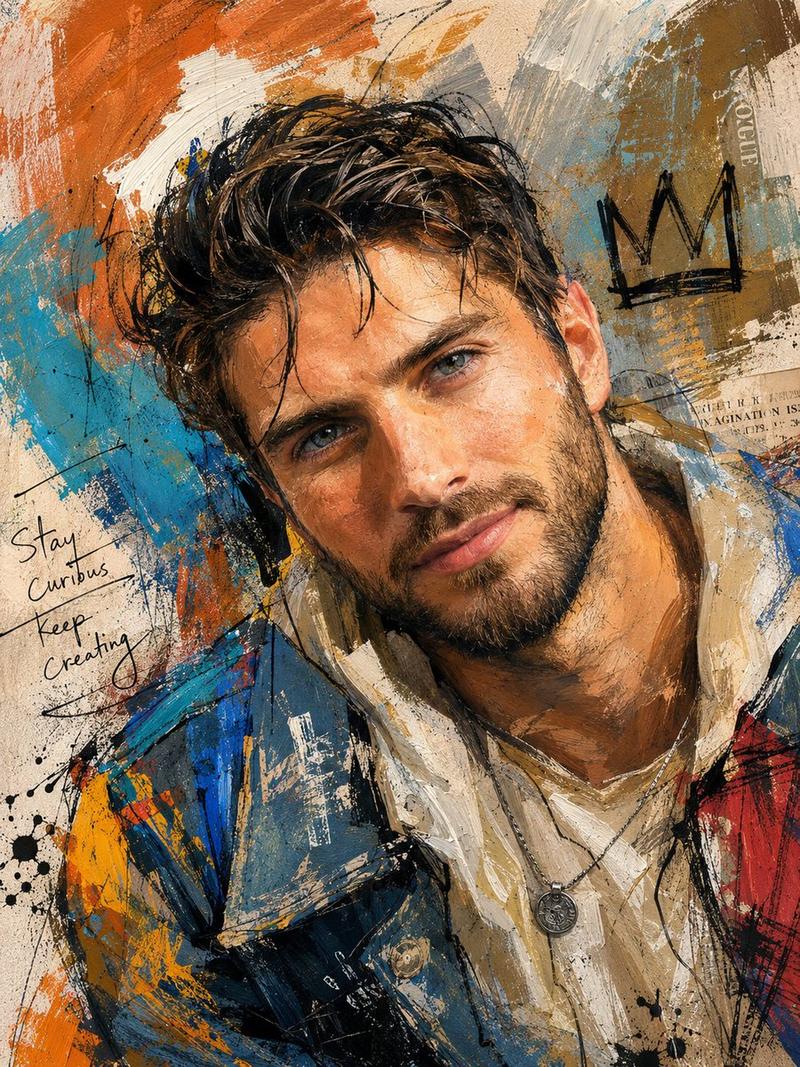
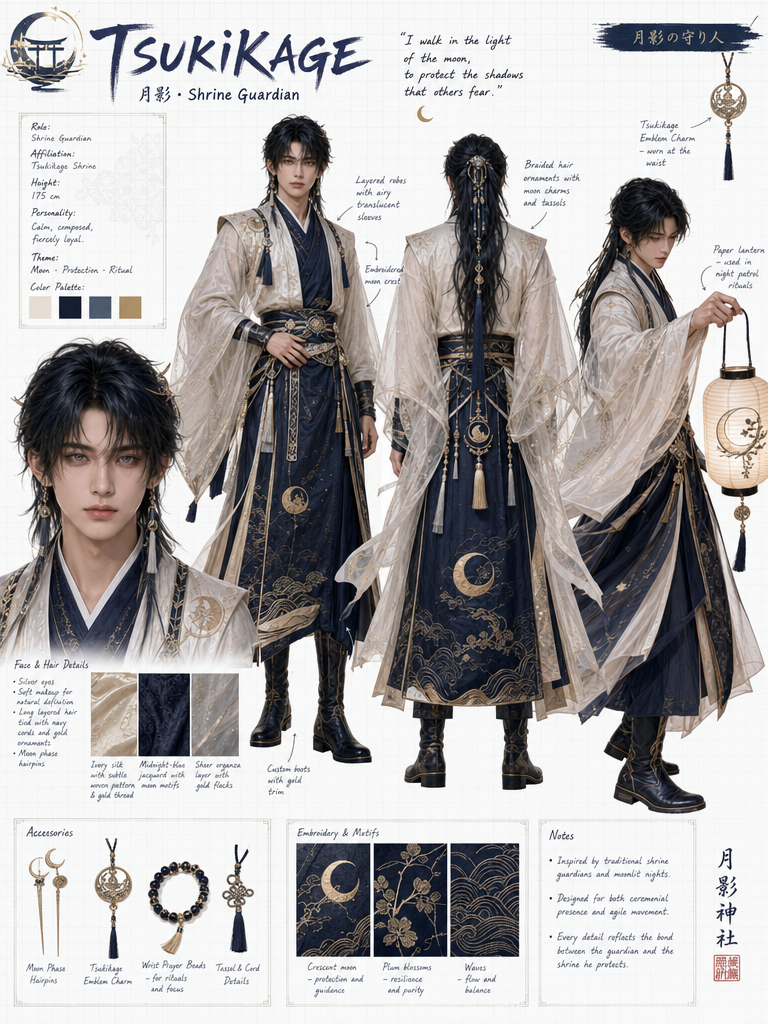
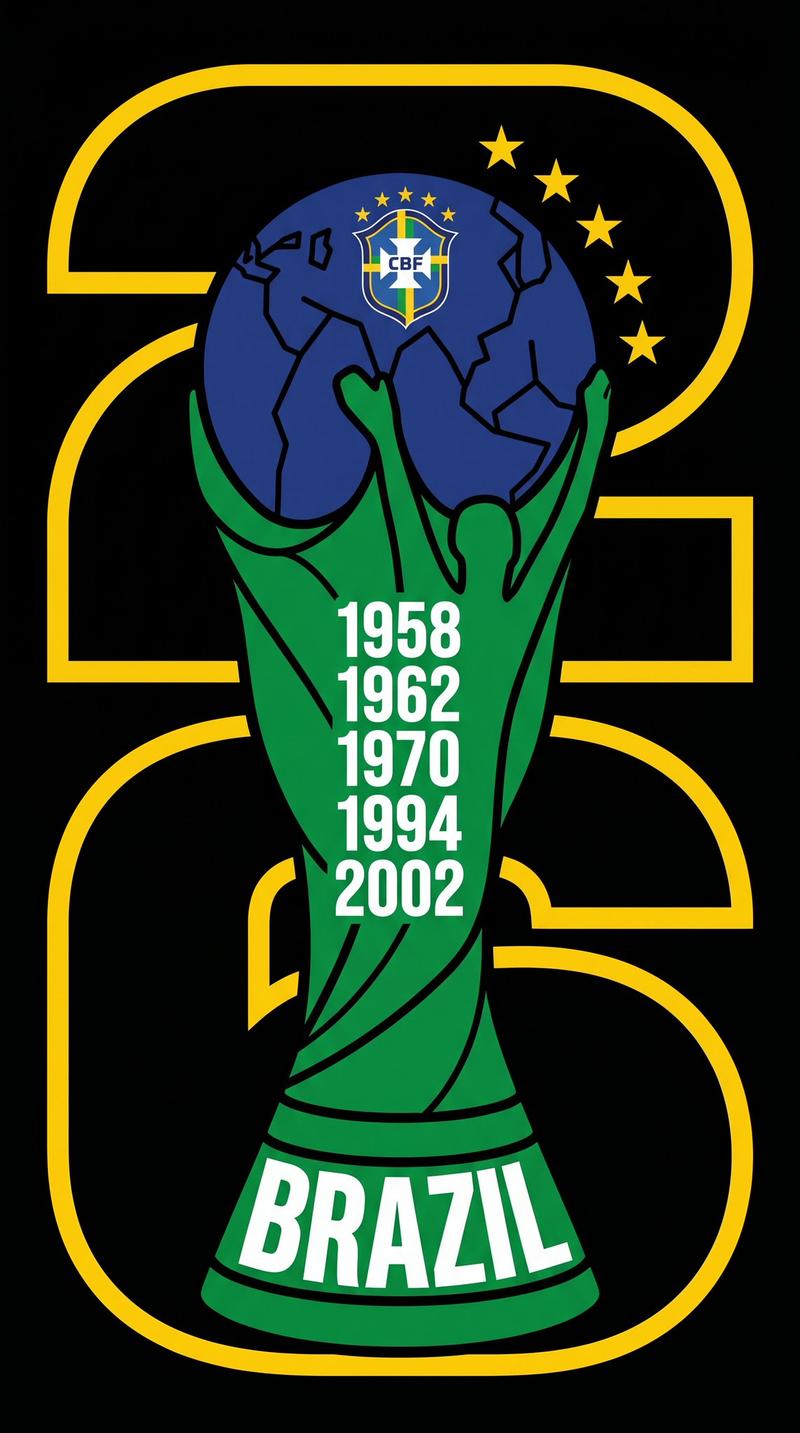
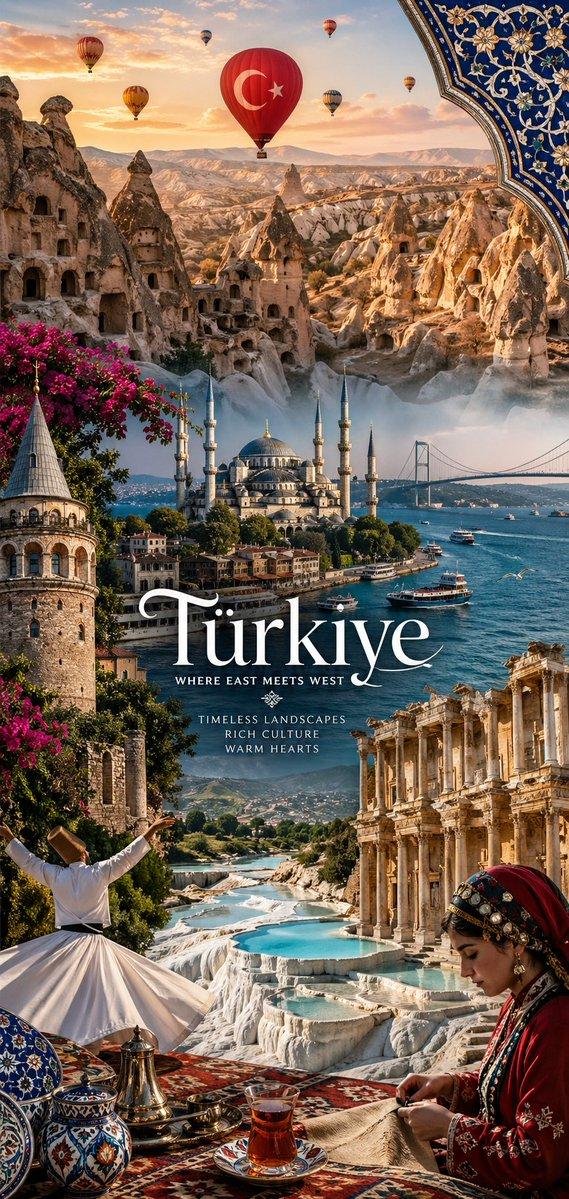
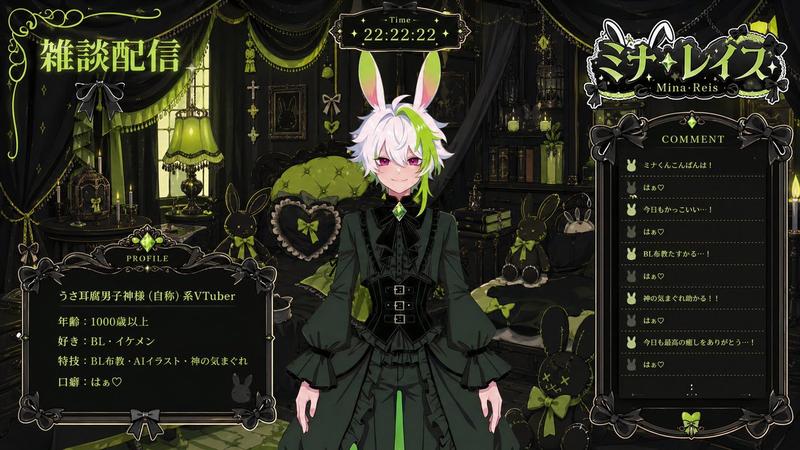
小红书封面设计
Enlarge

小红书封面设计

Prompt
GPT 4O生成封面提示词(要把这个空白图一同发给GPT控制图像大小):
画图:画一个小红书封面。
要求:
有足够的吸引力吸引用户点击;
字体醒目,选择有个性的字体;
文字大小按重要度分级,体现文案的逻辑结构;
标题是普通文字的至少2倍;
文字段落之间留白。
只对要强调的文字用醒目色吸引用户注意;
背景使用吸引眼球的图案(包括不限于纸张,记事本,微信聊天窗口,选择一种)
使用合适的图标或图片增加视觉层次,但要减少干扰。
文案:
Category
Brand & Logos
Model
Unknown
Views0
Source ID
xiaohongshu-cover-design

Guide

About "小红书封面设计"

What is this prompt for?

"小红书封面设计" AI image prompt for Unknown (Brand & Logos). GPT 4O生成封面提示词(要把这个空白图一同发给GPT控制图像大小): 画图:画一个小红书封面。 要求: 有足够的吸引力吸引用户点击; 字体醒目,选择有个性的字体; 文字大小按重要度分级,体现文案的逻辑结构…

The full copyable prompt and example visuals above are ready for AI image generation or one-click recreate in Picva.

How to use this prompt

  1. Step 1

    Open the prompt detail

    Review the example visuals, category, and full prompt text for "小红书封面设计".

  2. Step 2

    Copy the prompt

    Copy the prompt body from this page, or load it directly in Studio.

  3. Step 3

    Pick a model (Unknown)

    Prefer Unknown. If you switch models, keep subject and composition and tweak style terms.

  4. Step 4

    Generate and export

    Recreate the look in Picva, or export into your workflow for editing and publishing.

FAQ

What is the "小红书封面设计" prompt?
It is an AI image-generation prompt for Unknown in the Brand & Logos category. This page includes the full prompt text, example visuals, and a one-click recreate path in Picva.
How do I use this prompt to generate an image?
Copy the prompt from this page, or use Generate / Studio. Paste it into a compatible image model, or recreate the look in Picva with optional reference images.
Which model is this prompt for?
This page lists Unknown. Most descriptive prompts also transfer to nearby image models such as GPT Image, Flux, or Midjourney with light style tweaks.
Can I use the result commercially?
You can usually copy the prompt for creation, but commercial use of the final image depends on the model terms, reference-image rights, and the generated content. Follow the source author and platform rules.