13

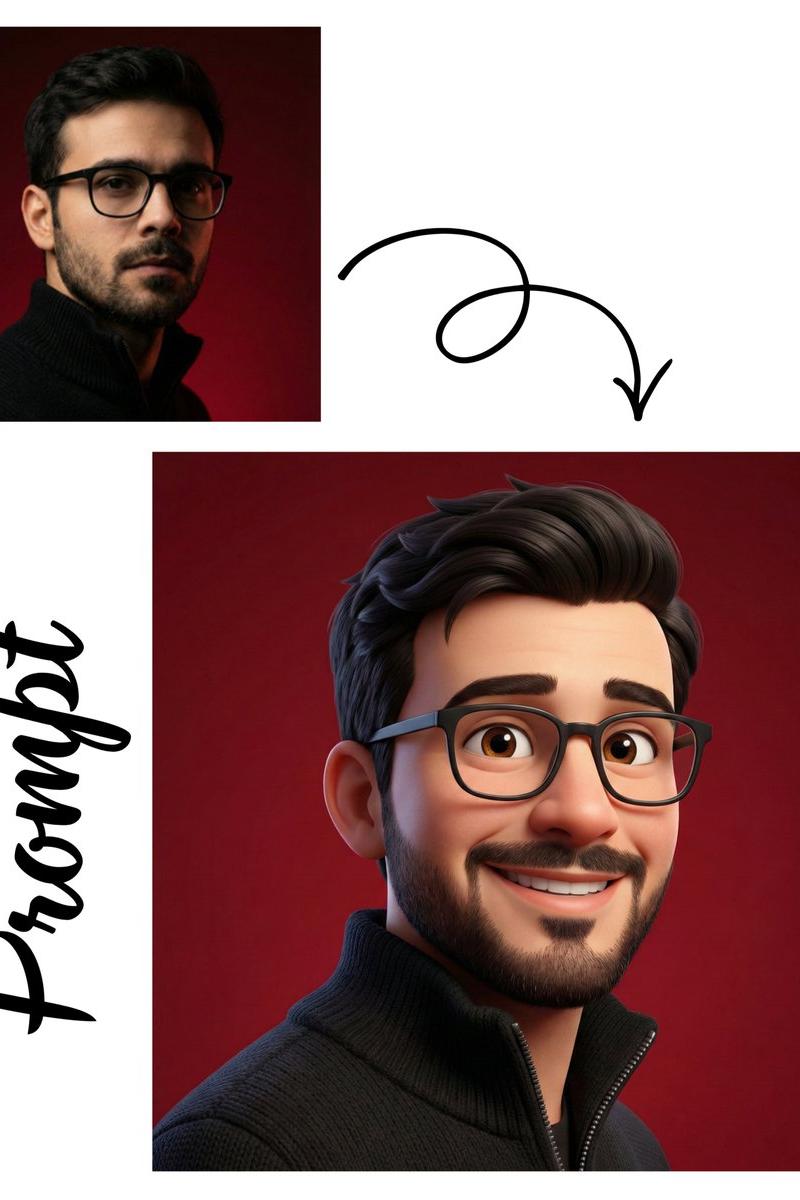
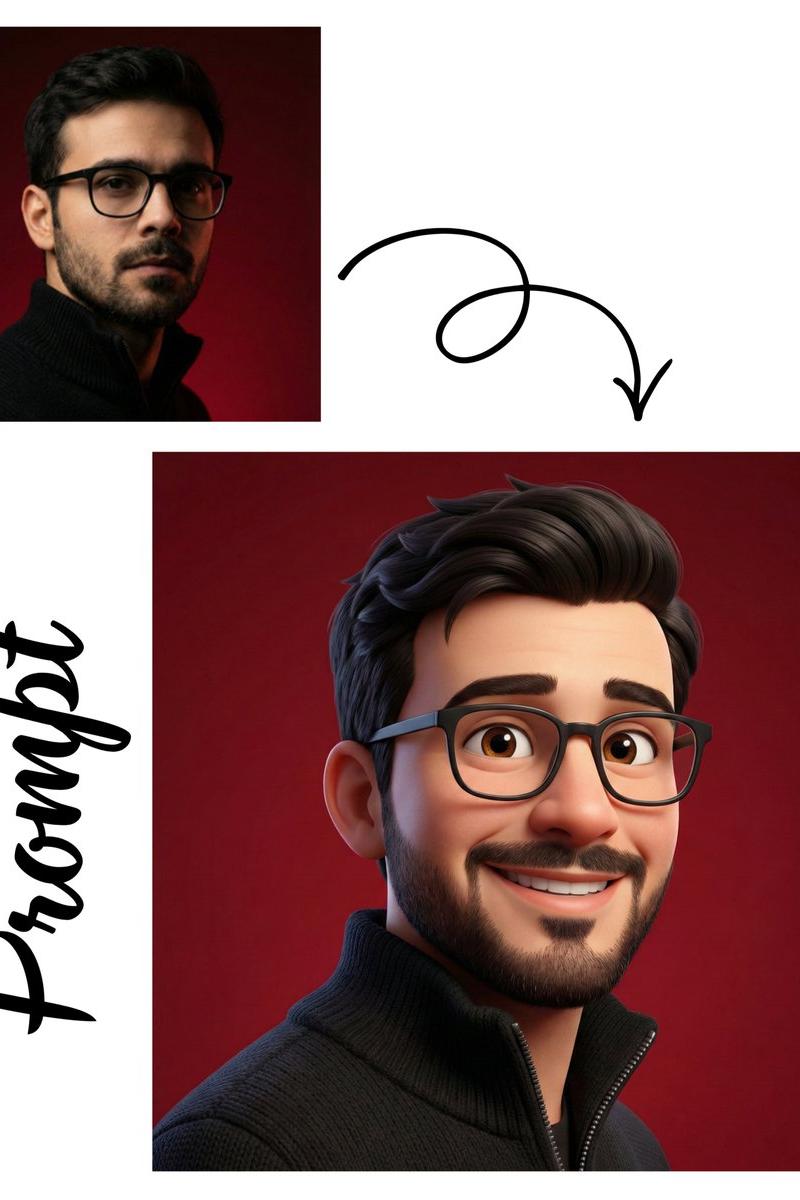
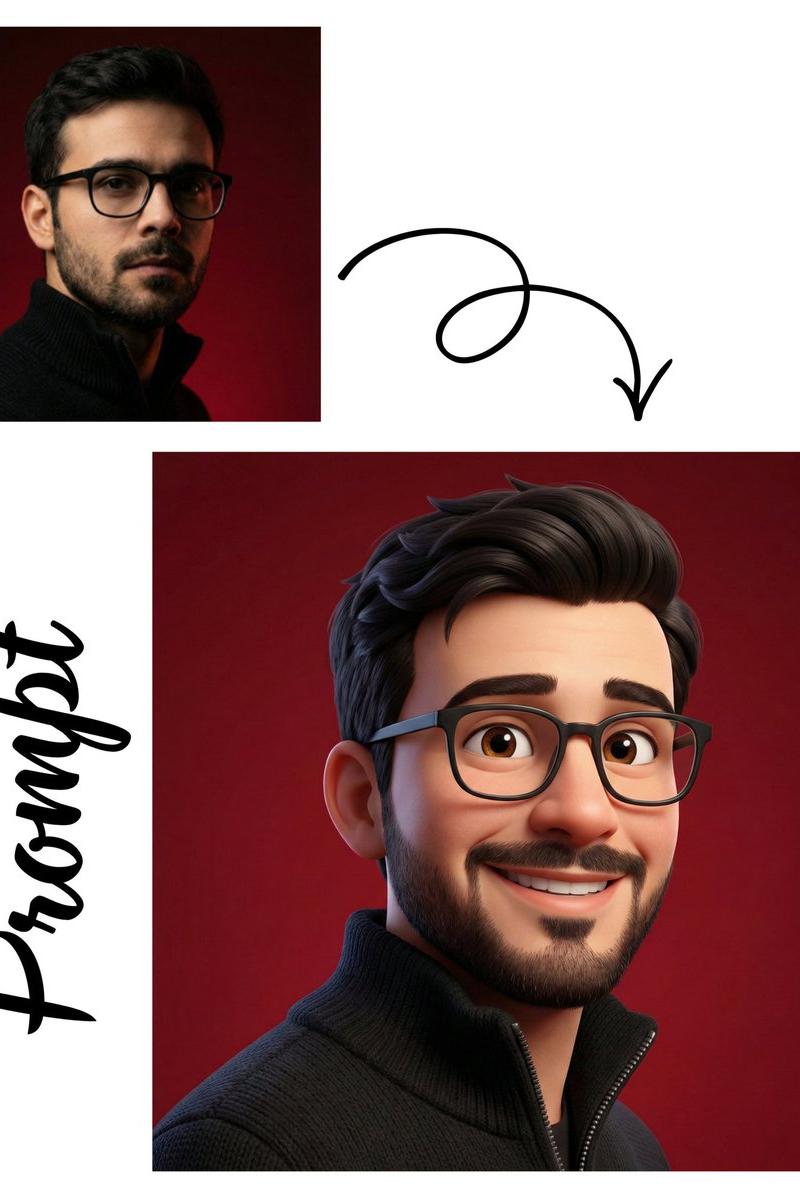
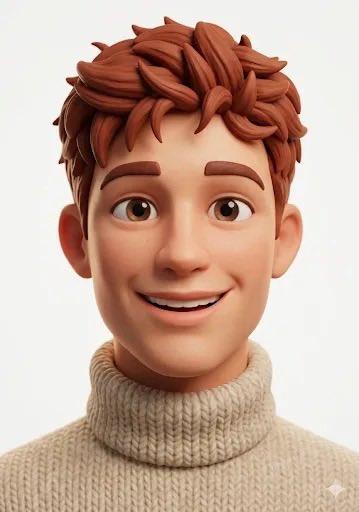
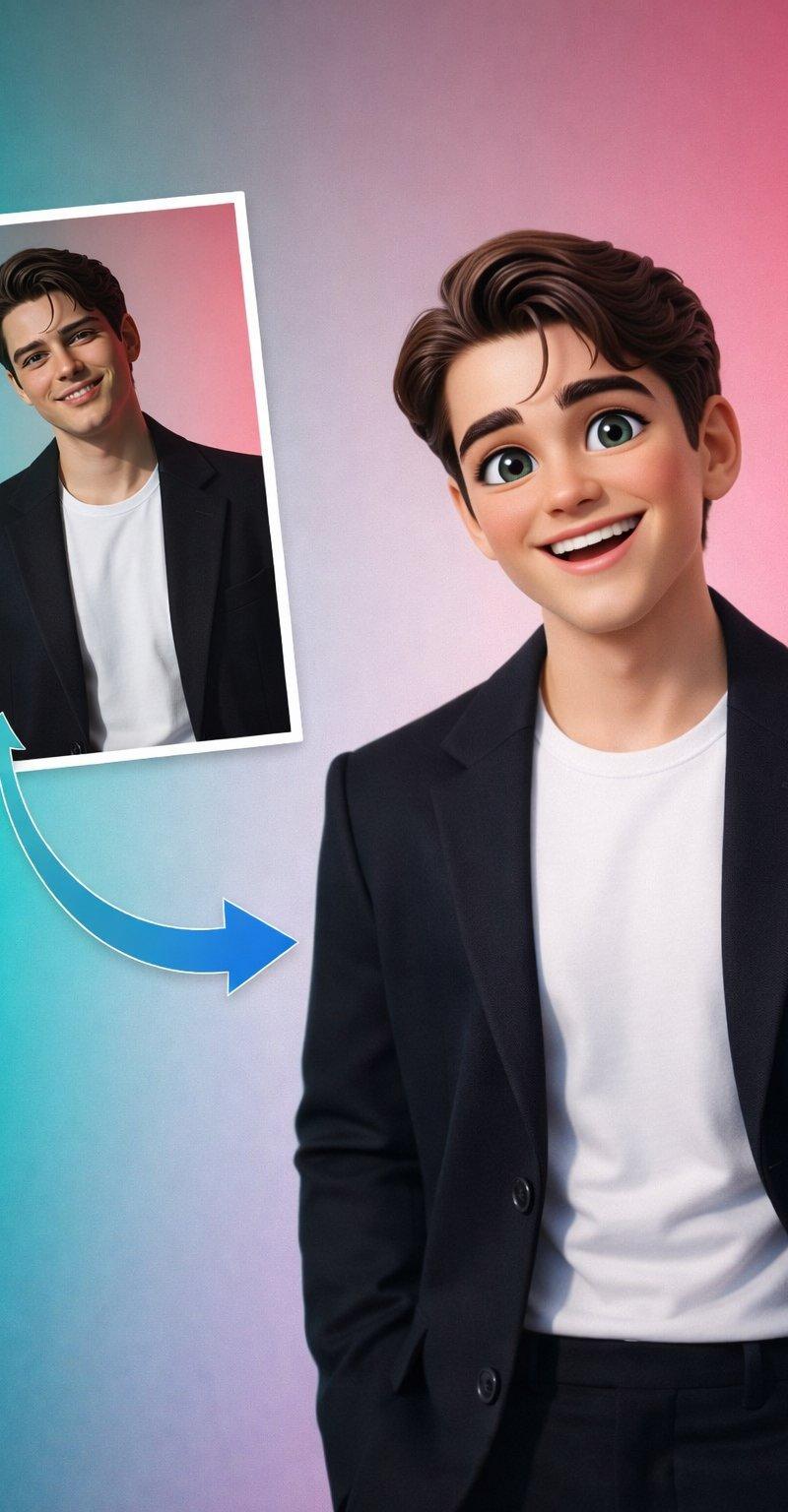
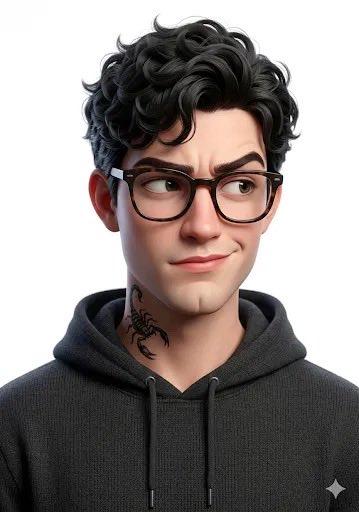
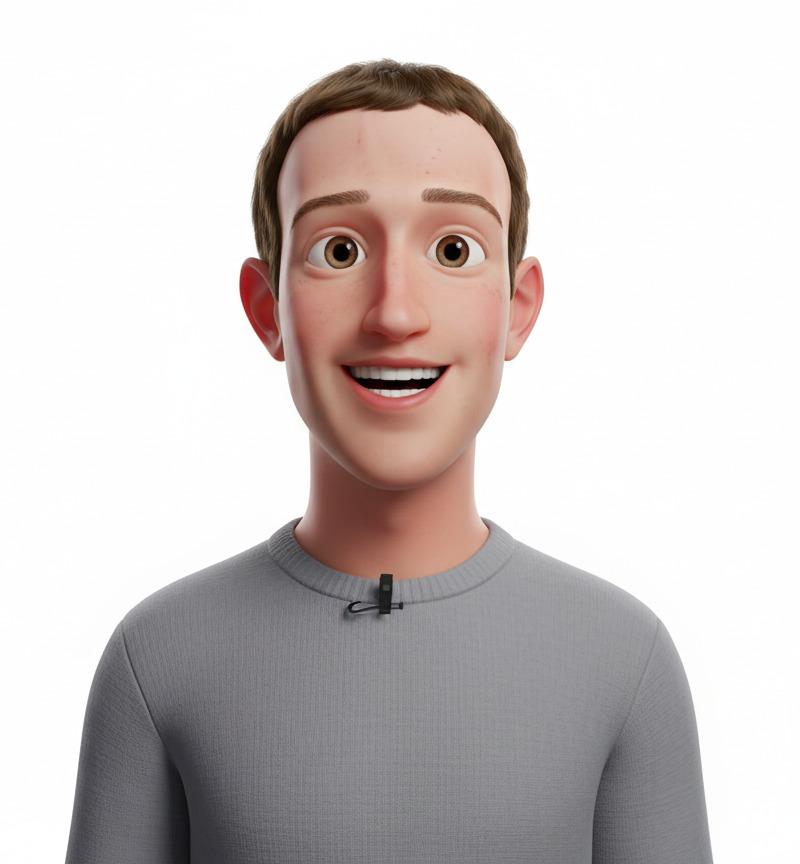
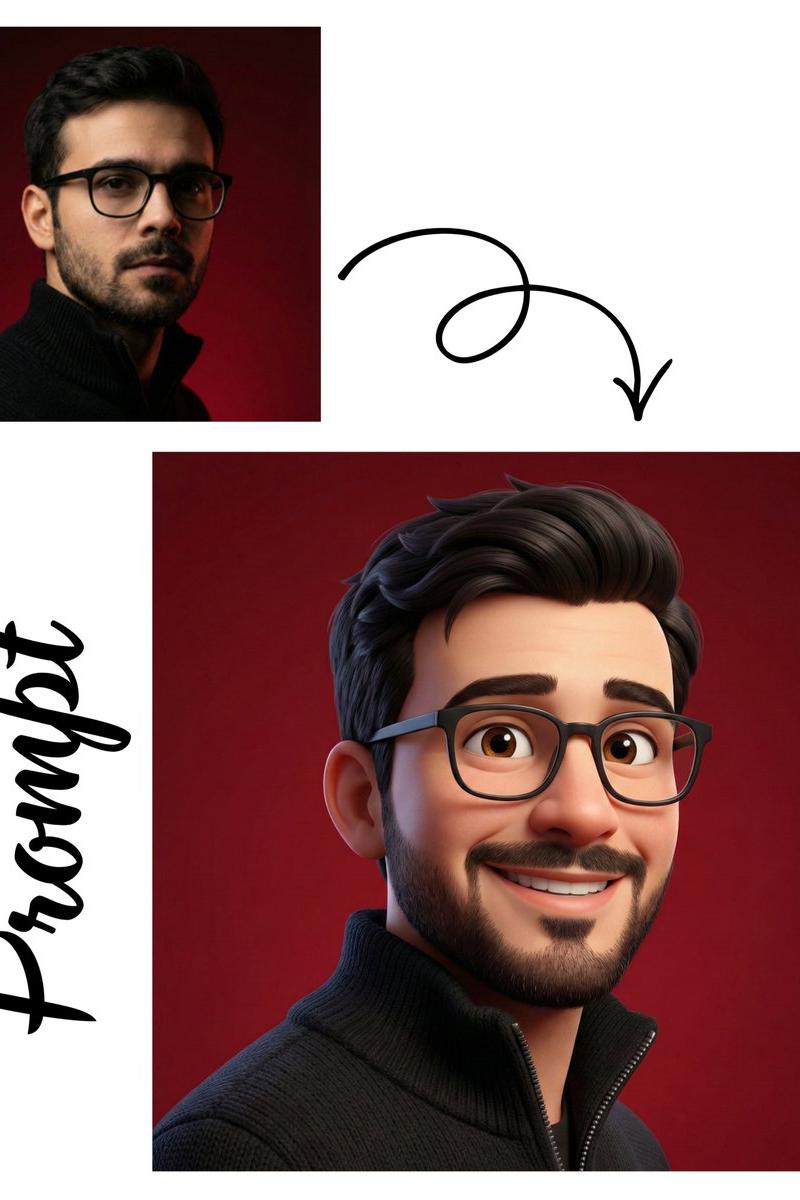
皮克斯风格 3D 头像
Enlarge

Example images

皮克斯风格 3D 头像

Prompt
Generate a high-quality 3D avatar inspired by the person in the uploaded photo, featuring a joyful and expressive face full of personality. The character should wear a {argument name="expression" default="wide warm smile"}, have bright lively eyes, and soft approachable facial features. Style it in a {argument name="style" default="Pixar-inspired"} aesthetic complete with smooth textures, delicate skin shading, and slightly exaggerated proportions that give it that signature cute animated charm. Lighting should be soft and even across the face, producing a clean studio atmosphere with gentle shadows that add natural depth and dimension.
Category
Brand & Logos
Model
GPT Image 2
Creator
PromptLab
Source language
en
Views2
Source ID
23427
Published
May 31, 2026
Studio

Guide

About "皮克斯风格 3D 头像"

What is this prompt for?

"皮克斯风格 3D 头像" AI image prompt for GPT Image 2 (Brand & Logos). 创建具有标志性皮克斯美学的快乐且富有表现力的 3D 角色头像,呈现平滑的纹理和温暖的摄影棚灯光效果。 Copy it on Picva and recreate the look in one…

The full copyable prompt and example visuals above are ready for AI image generation or one-click recreate in Picva.

How to use this prompt

  1. Step 1

    Open the prompt detail

    Review the example visuals, category, and full prompt text for "皮克斯风格 3D 头像".

  2. Step 2

    Copy the prompt

    Copy the prompt body from this page, or load it directly in Studio.

  3. Step 3

    Pick a model (GPT Image 2)

    Prefer GPT Image 2. If you switch models, keep subject and composition and tweak style terms.

  4. Step 4

    Generate and export

    Recreate the look in Picva, or export into your workflow for editing and publishing.

FAQ

What is the "皮克斯风格 3D 头像" prompt?
It is an AI image-generation prompt for GPT Image 2 in the Brand & Logos category. This page includes the full prompt text, example visuals, and a one-click recreate path in Picva.
How do I use this prompt to generate an image?
Copy the prompt from this page, or use Generate / Studio. Paste it into a compatible image model, or recreate the look in Picva with optional reference images.
Which model is this prompt for?
This page lists GPT Image 2. Most descriptive prompts also transfer to nearby image models such as GPT Image, Flux, or Midjourney with light style tweaks.
Can I use the result commercially?
You can usually copy the prompt for creation, but commercial use of the final image depends on the model terms, reference-image rights, and the generated content. Follow the source author and platform rules.