17

动漫角色定制 T 恤设计
Enlarge

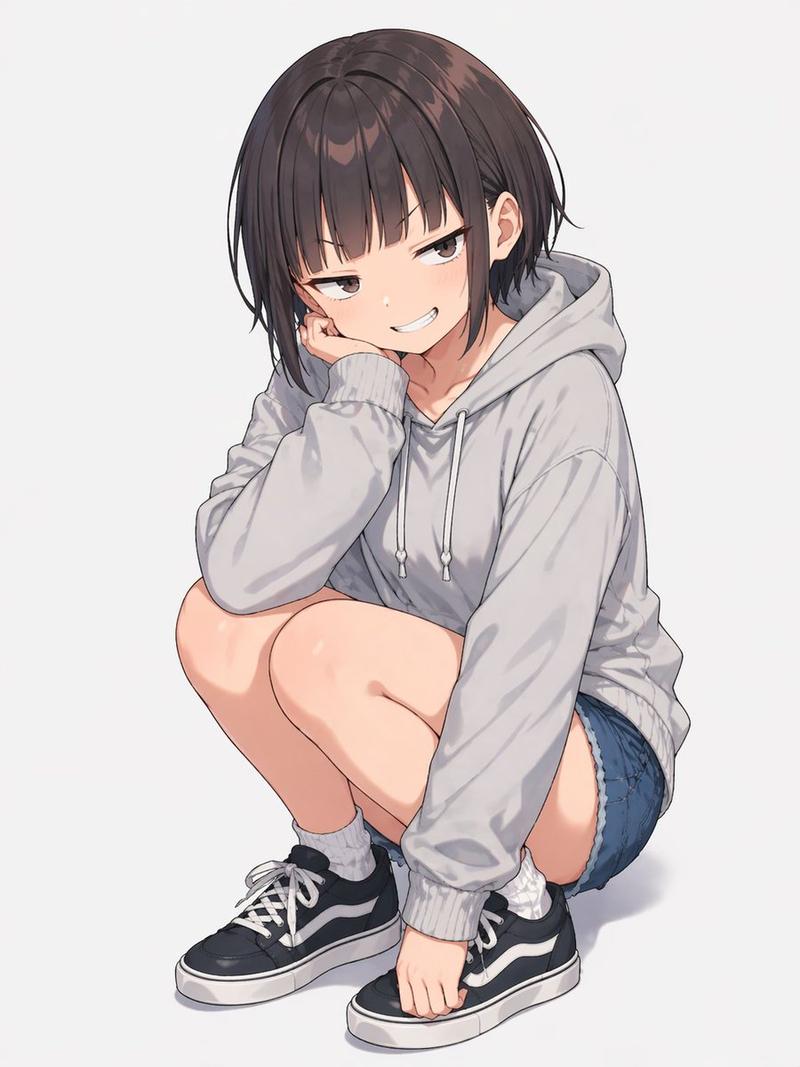
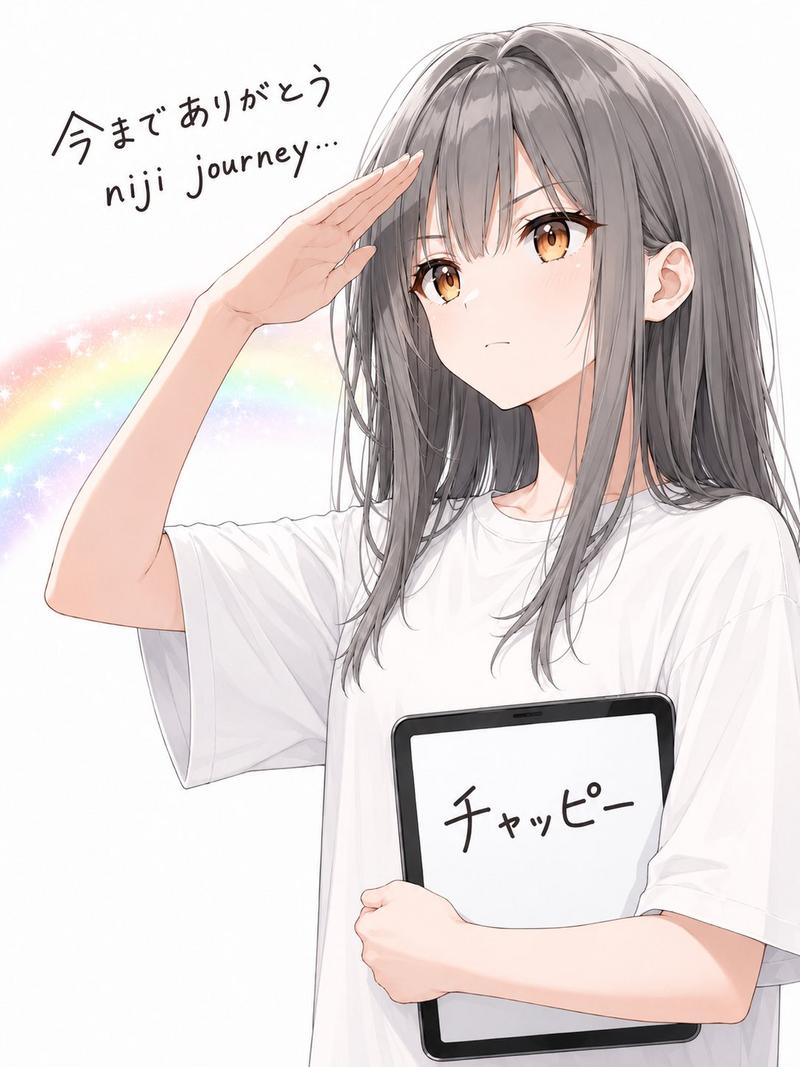
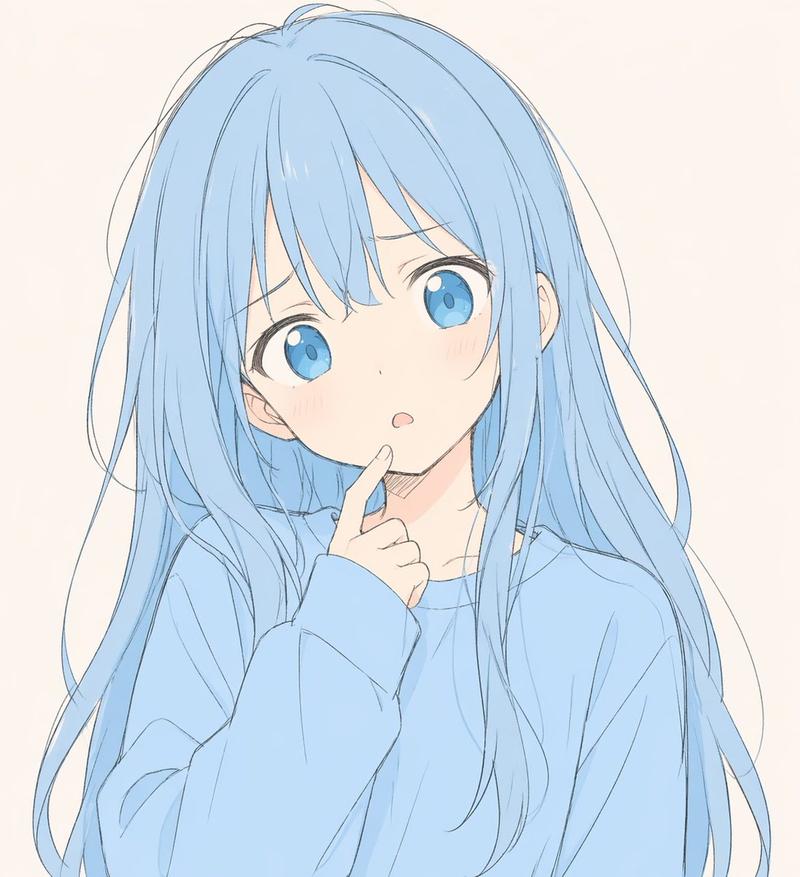
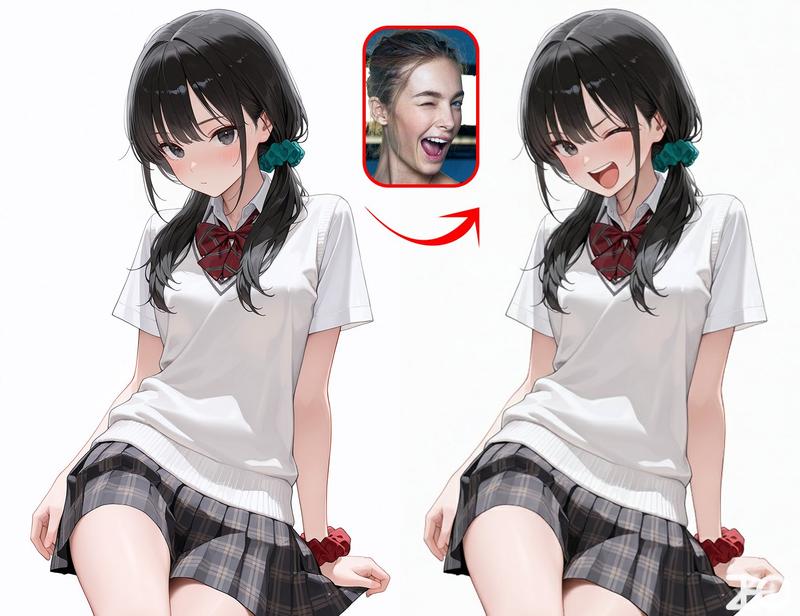
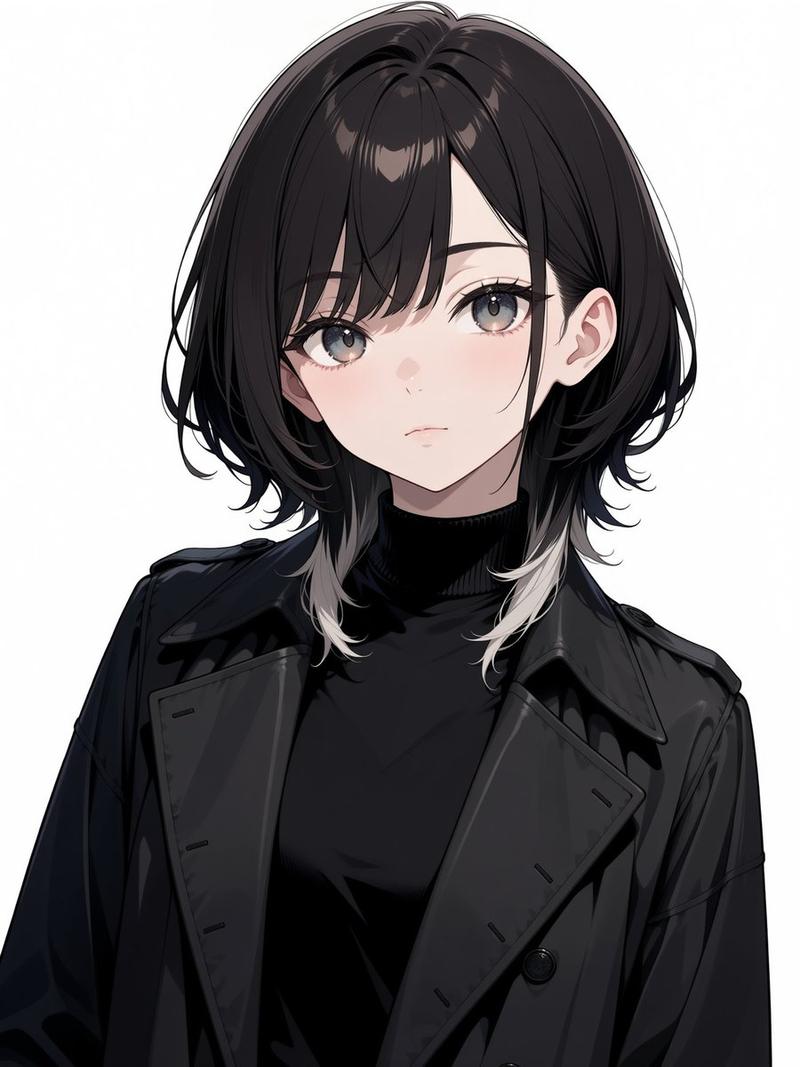
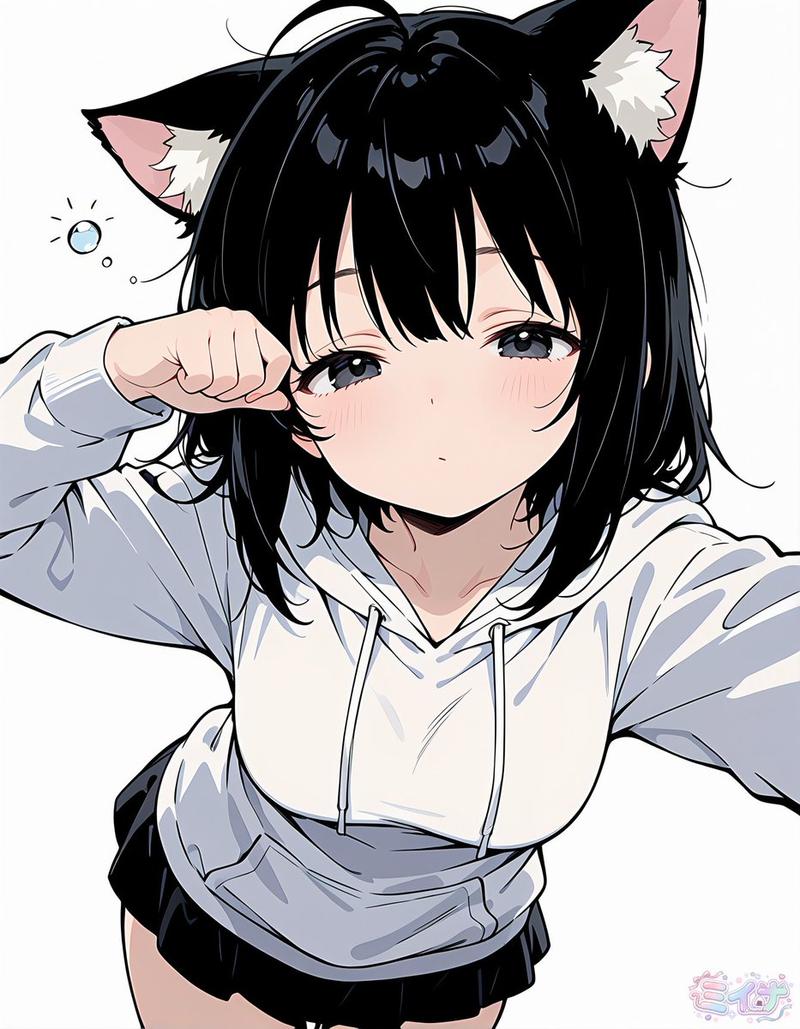
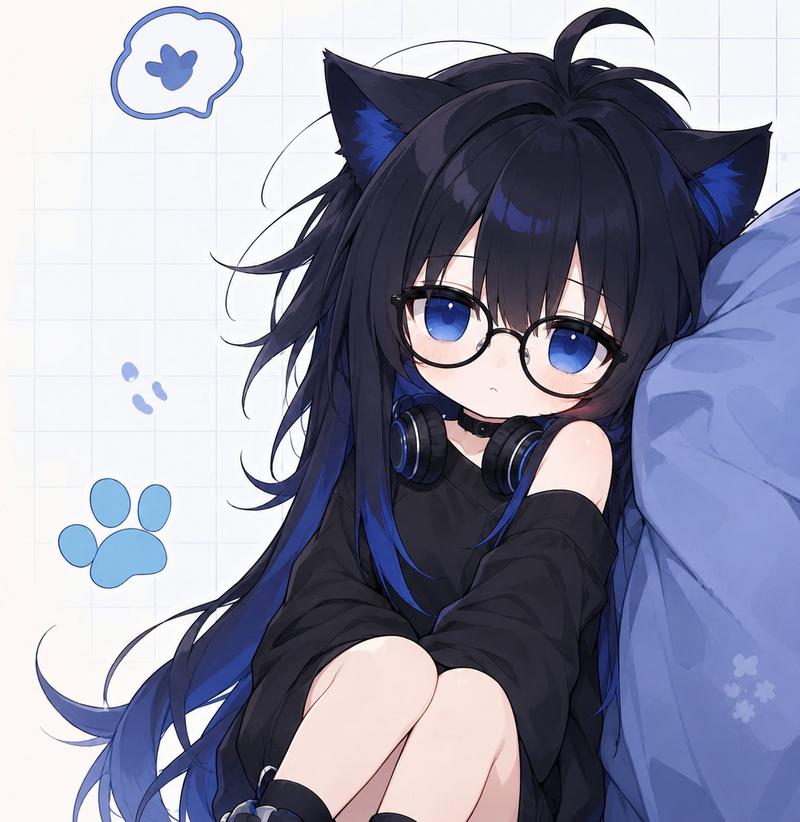
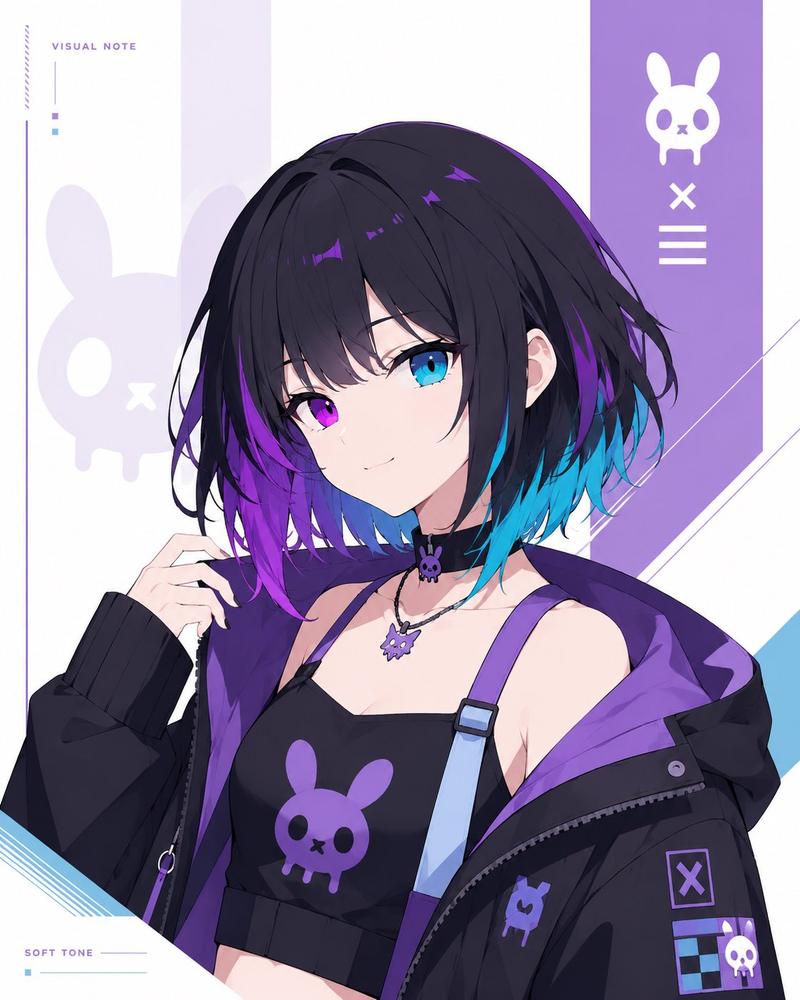
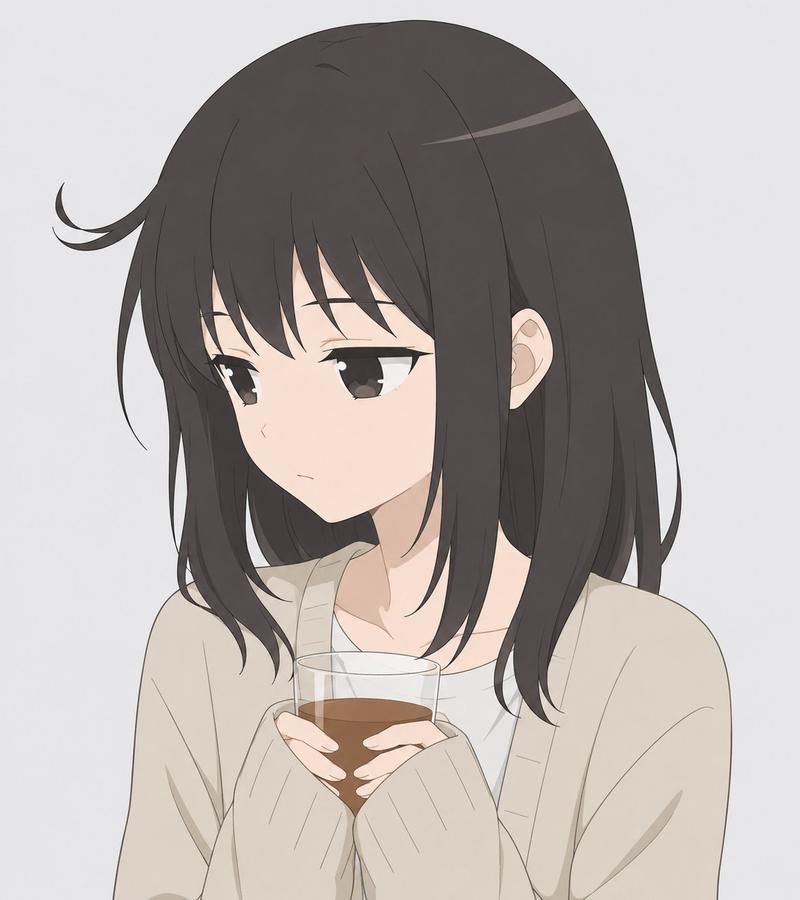
Example images

动漫角色定制 T 恤设计

Prompt
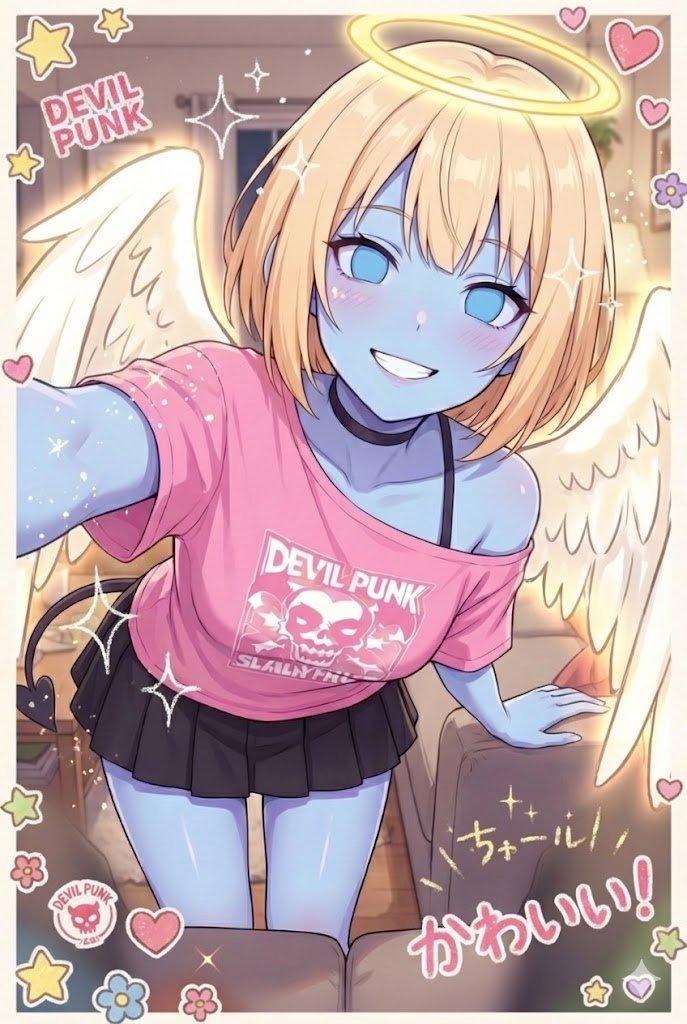
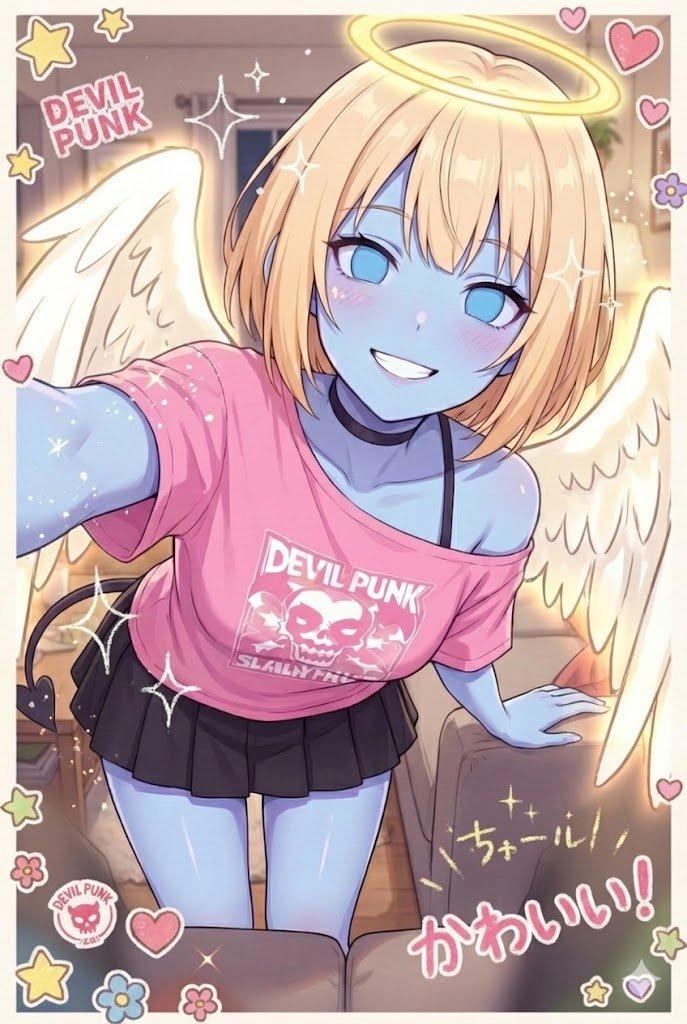
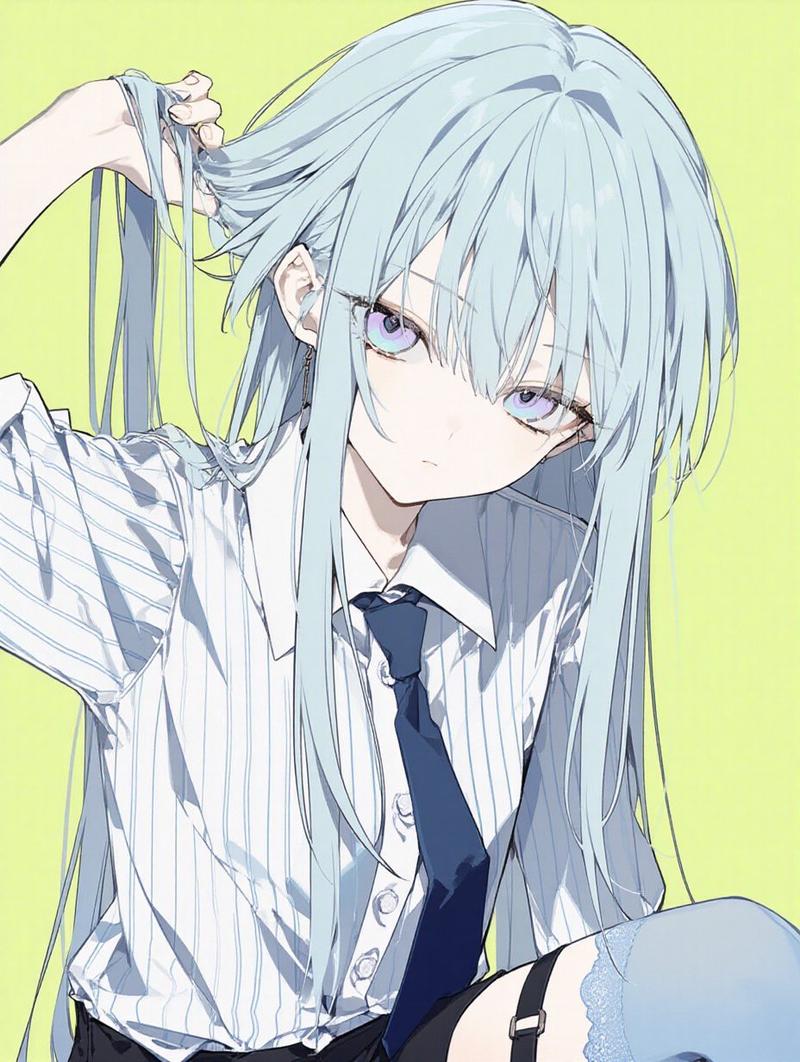
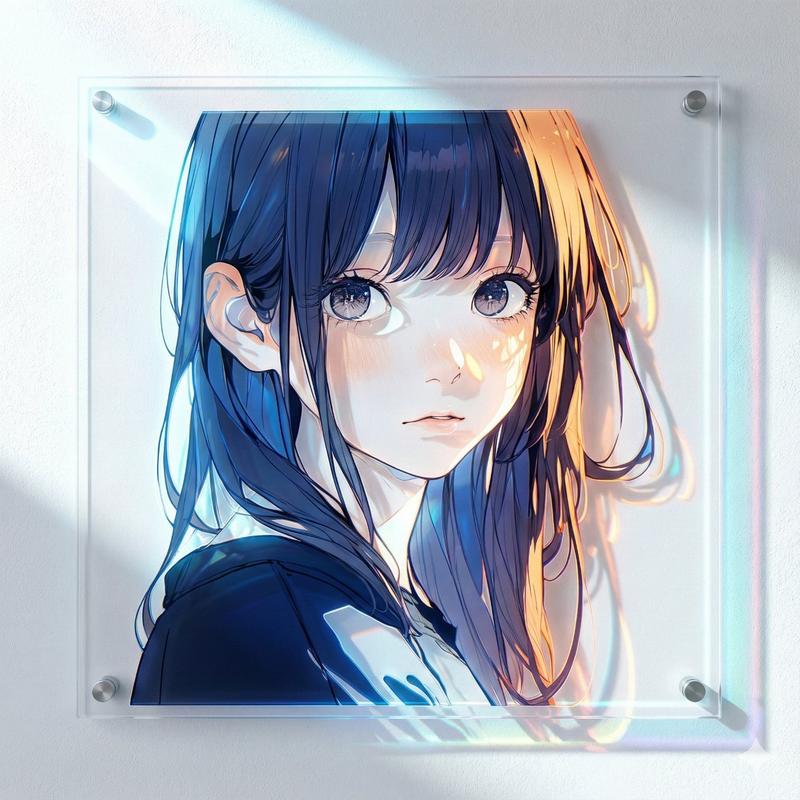
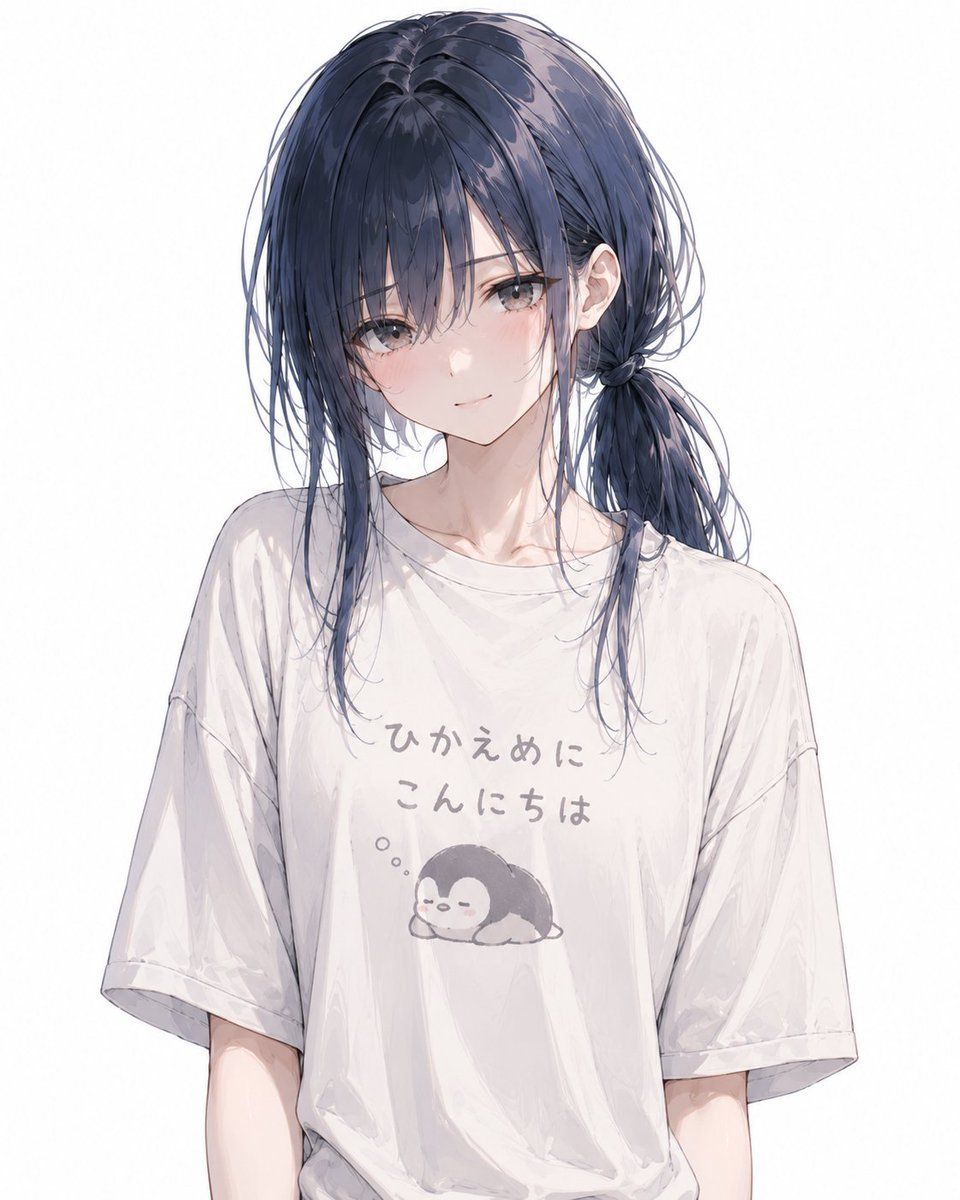
绘制一张角色穿着原创 T 恤的插图,在保持所附角色特征的同时,使其符合角色的氛围。

构图主要为半身像,不要过于靠近面部,范围包括胸部到上腰部左右。
将上半身调整为正面至微侧的角度,以便清晰展示 T 恤正面的设计。
眼睛、表情、颈部角度和姿势可以在适合角色的范围内自然安排,但要避免遮挡 T 恤印花。
不要用头发、手、配饰、外套或小物件遮挡胸前的设计。
避免全身构图或过于靠近面部的构图。

T 恤应包含一句略带无厘头或随性的日文问候语,或是一句能体现角色性格的短语。
不要写成自我介绍的形式。
保持风格的真实感,符合角色实际会选择的款式,不要过于恶搞。
文字应看起来像自然的 T 恤设计,例如手写体、圆润的字体或略显粗糙的印刷风格。
文字应清晰易读,不要过度扭曲,避免拼写错误或难以理解的表达。

印花还应包含与文字相符的小型、随性的插图。
从“动物”或“神秘生物”中自然地选择一个符合角色外貌、个性和氛围的主题。
将其与文字一起放置在胸部中央附近,大小适中。设计不应太小而无法辨认。

确保 T 恤印花看起来是主体部分。
根据布料的褶皱和身体的方向,自然地对文字和插图进行轻微扭曲。
印花不应看起来像贴上去的贴纸,而应是与布料融为一体的自然印刷效果。
T 恤应具有略微磨损的柔软布料质感。

表情方面,根据微笑、脸红或明亮的表情,自然地选择适合角色的神态。
保持面部特征、发型、发色、眼睛、年龄感、体型和氛围的一致性。
整体效果应为高质量,呈现高端商业动漫插画的风格。
线条应锐利,色彩平滑;在保持 T 恤宽松设计带来的休闲感的同时,确保整体画面干净利落。

背景应为白色或简单的抽象背景。不要包含标志、额外的装饰、噪点、颗粒感或纹理。
Category
Brand & Logos
Model
GPT Image 2
Views5
Source ID
24124
Published
Jun 4, 2026

Guide

About "动漫角色定制 T 恤设计"

What is this prompt for?

"动漫角色定制 T 恤设计" AI image prompt for GPT Image 2 (Brand & Logos). 一个用于 GPT Image 2 的详细系统提示词,旨在生成角色穿着带有独特日文文本和吉祥物图案的定制 T 恤的插图,同时保持角色特征。 Copy it on Picva and recre…

The full copyable prompt and example visuals above are ready for AI image generation or one-click recreate in Picva.

How to use this prompt

  1. Step 1

    Open the prompt detail

    Review the example visuals, category, and full prompt text for "动漫角色定制 T 恤设计".

  2. Step 2

    Copy the prompt

    Copy the prompt body from this page, or load it directly in Studio.

  3. Step 3

    Pick a model (GPT Image 2)

    Prefer GPT Image 2. If you switch models, keep subject and composition and tweak style terms.

  4. Step 4

    Generate and export

    Recreate the look in Picva, or export into your workflow for editing and publishing.

FAQ

What is the "动漫角色定制 T 恤设计" prompt?
It is an AI image-generation prompt for GPT Image 2 in the Brand & Logos category. This page includes the full prompt text, example visuals, and a one-click recreate path in Picva.
How do I use this prompt to generate an image?
Copy the prompt from this page, or use Generate / Studio. Paste it into a compatible image model, or recreate the look in Picva with optional reference images.
Which model is this prompt for?
This page lists GPT Image 2. Most descriptive prompts also transfer to nearby image models such as GPT Image, Flux, or Midjourney with light style tweaks.
Can I use the result commercially?
You can usually copy the prompt for creation, but commercial use of the final image depends on the model terms, reference-image rights, and the generated content. Follow the source author and platform rules.