14

Surreal Dark Digital Collage
Enlarge

Example images

Surreal Dark Digital Collage

Prompt
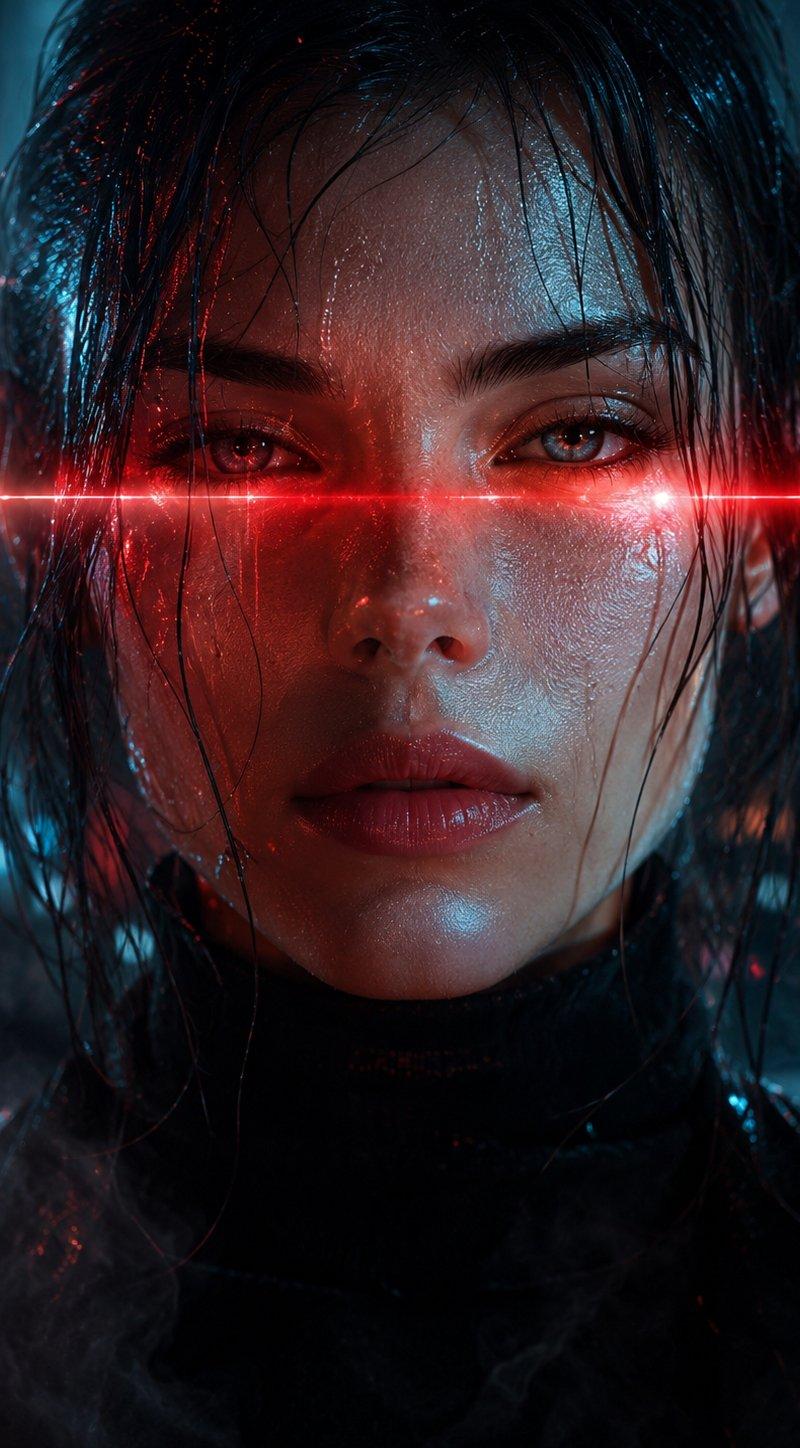
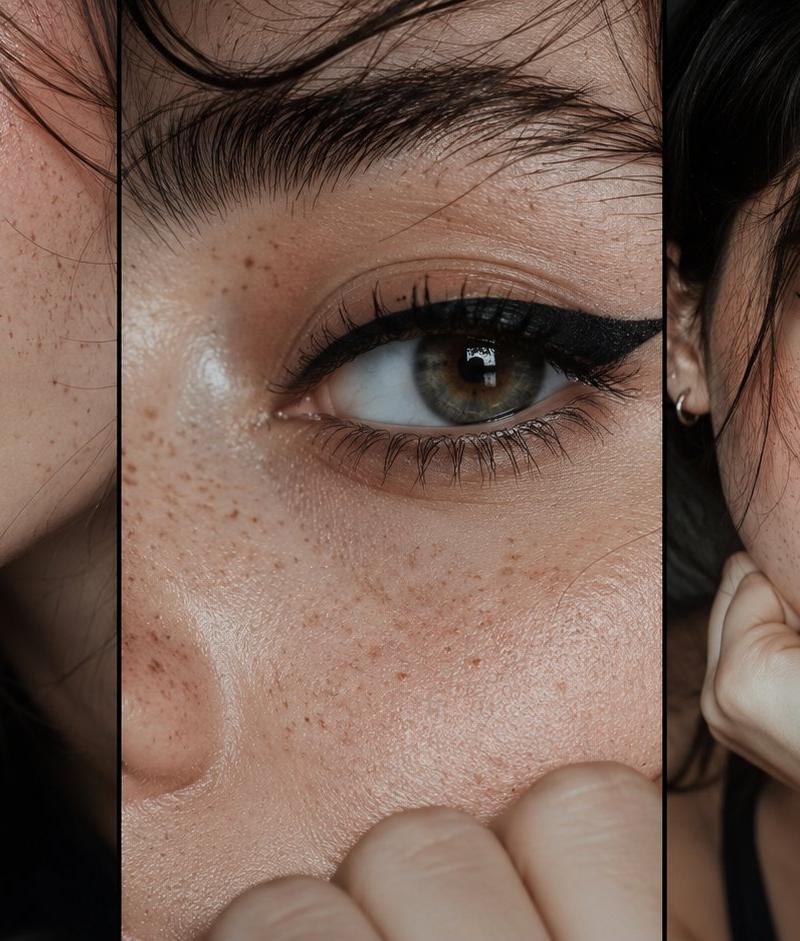
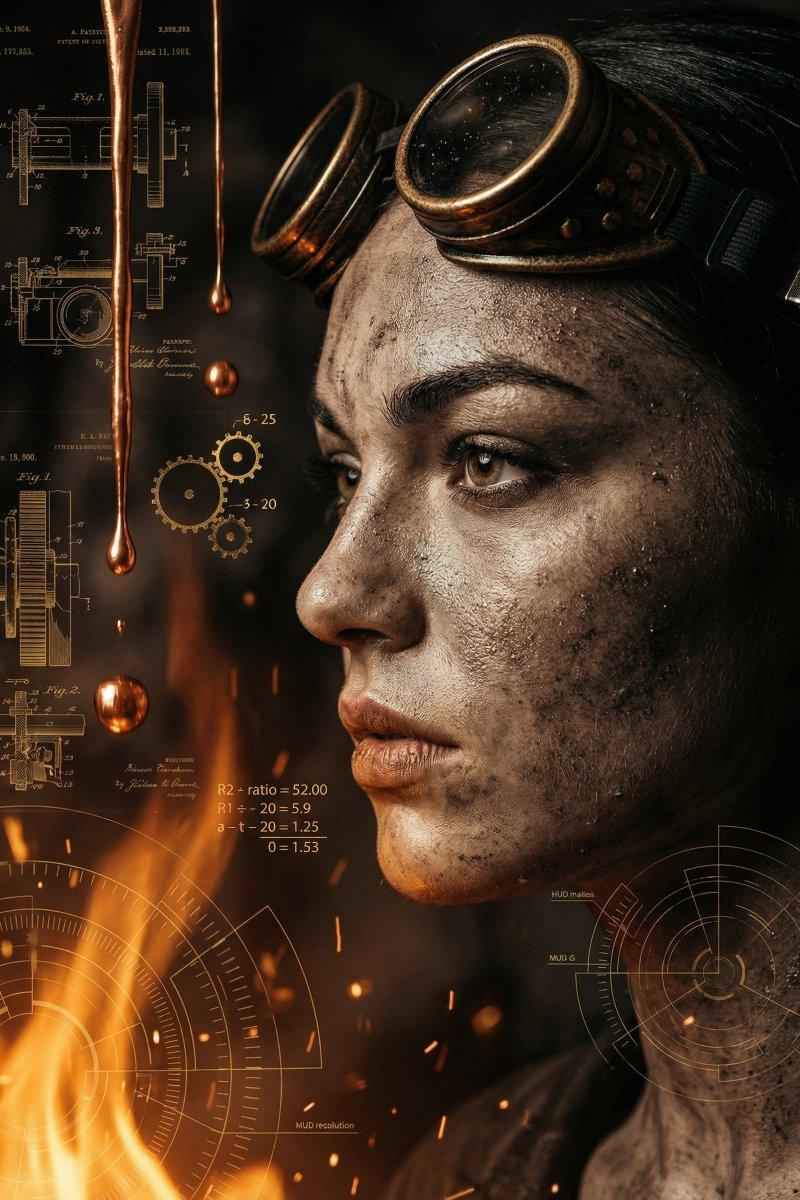
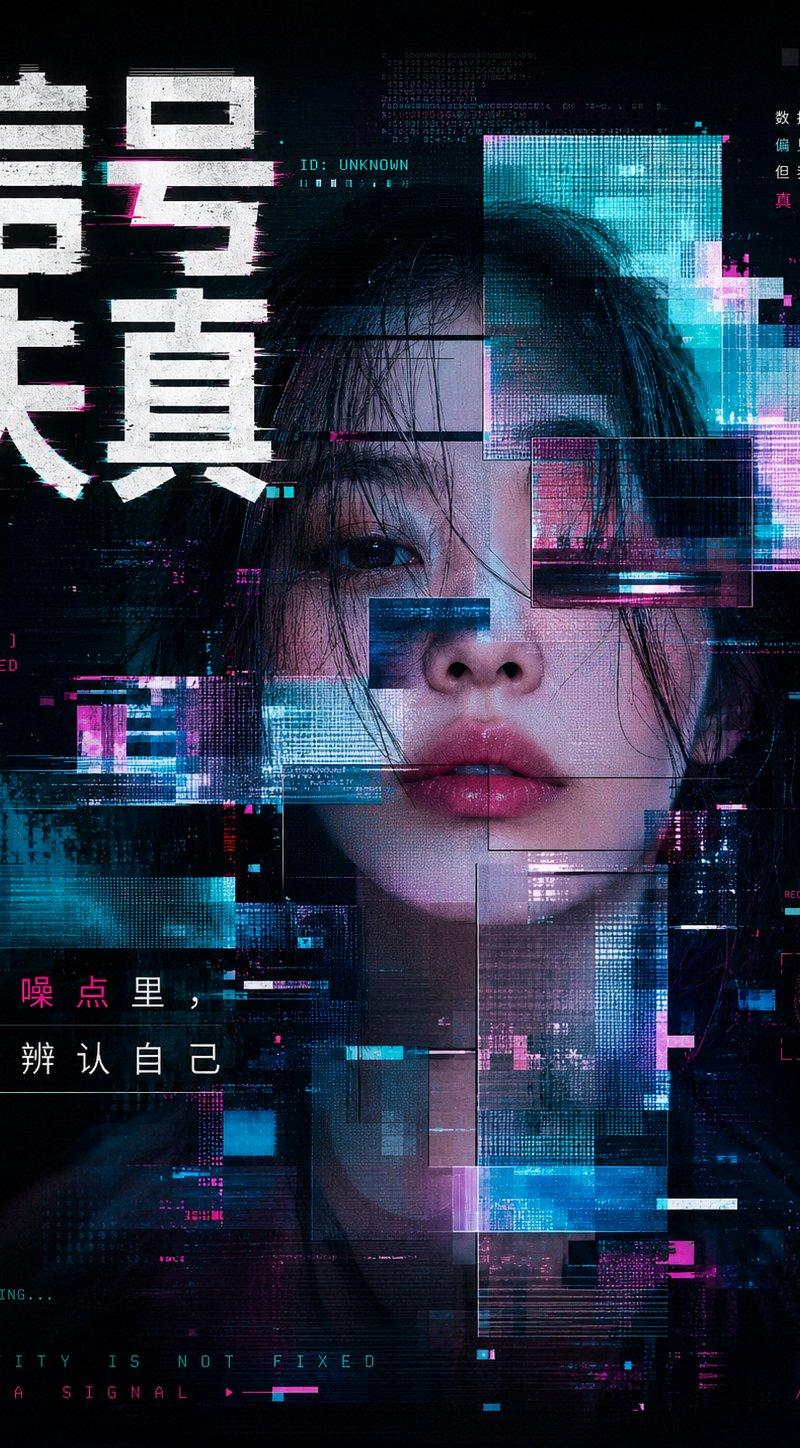
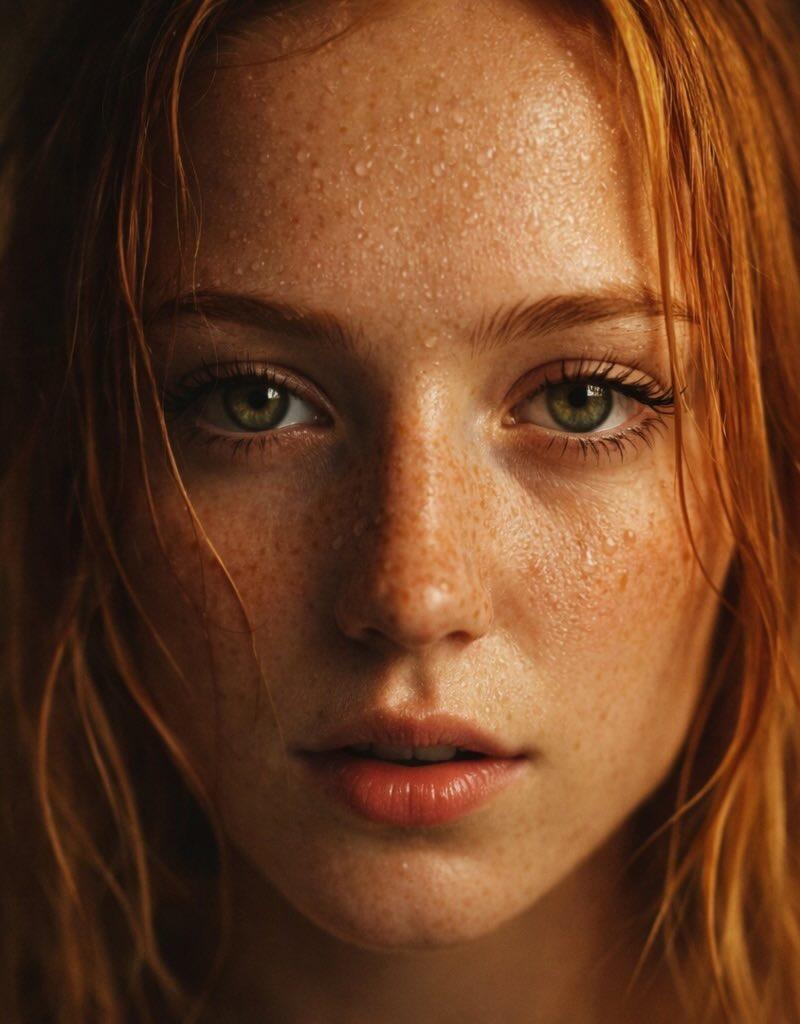
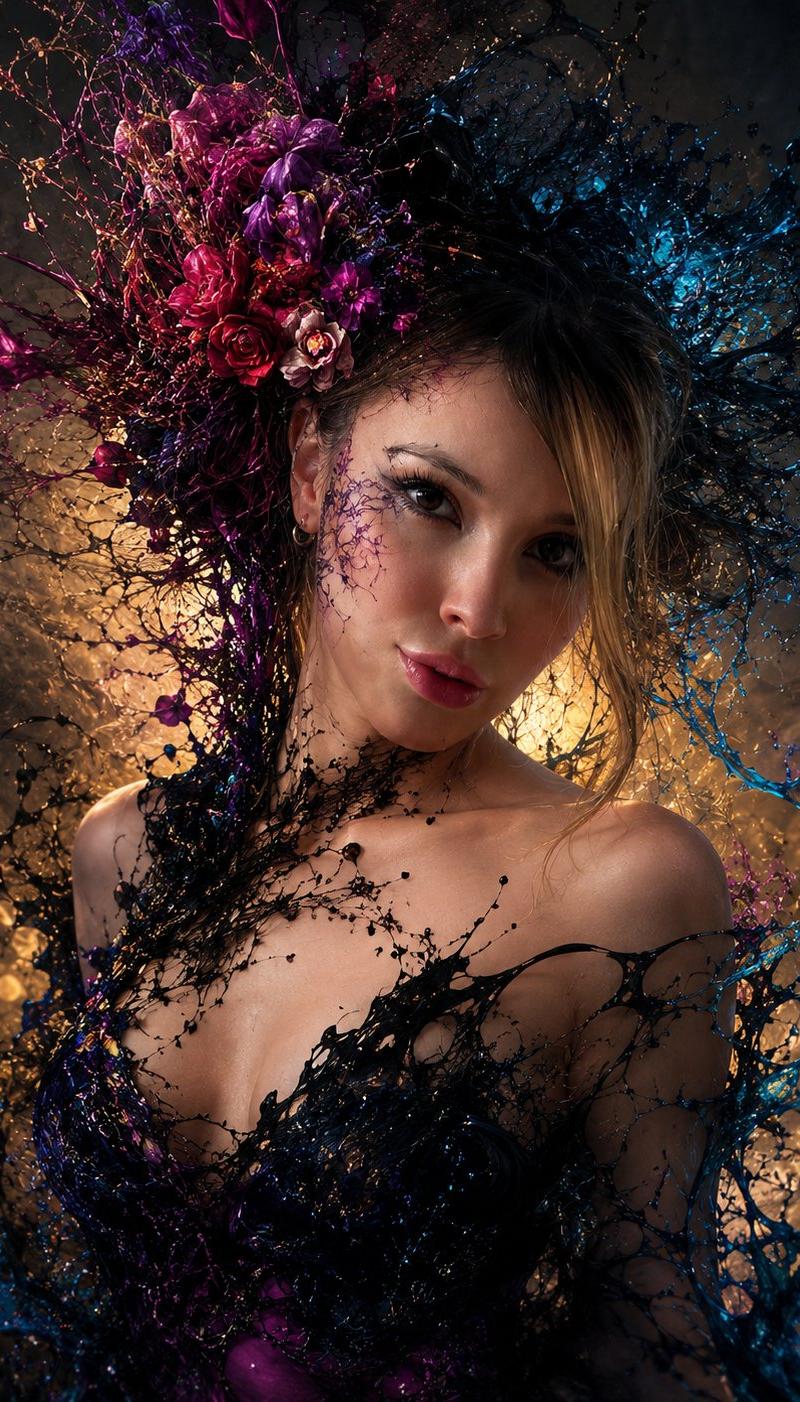
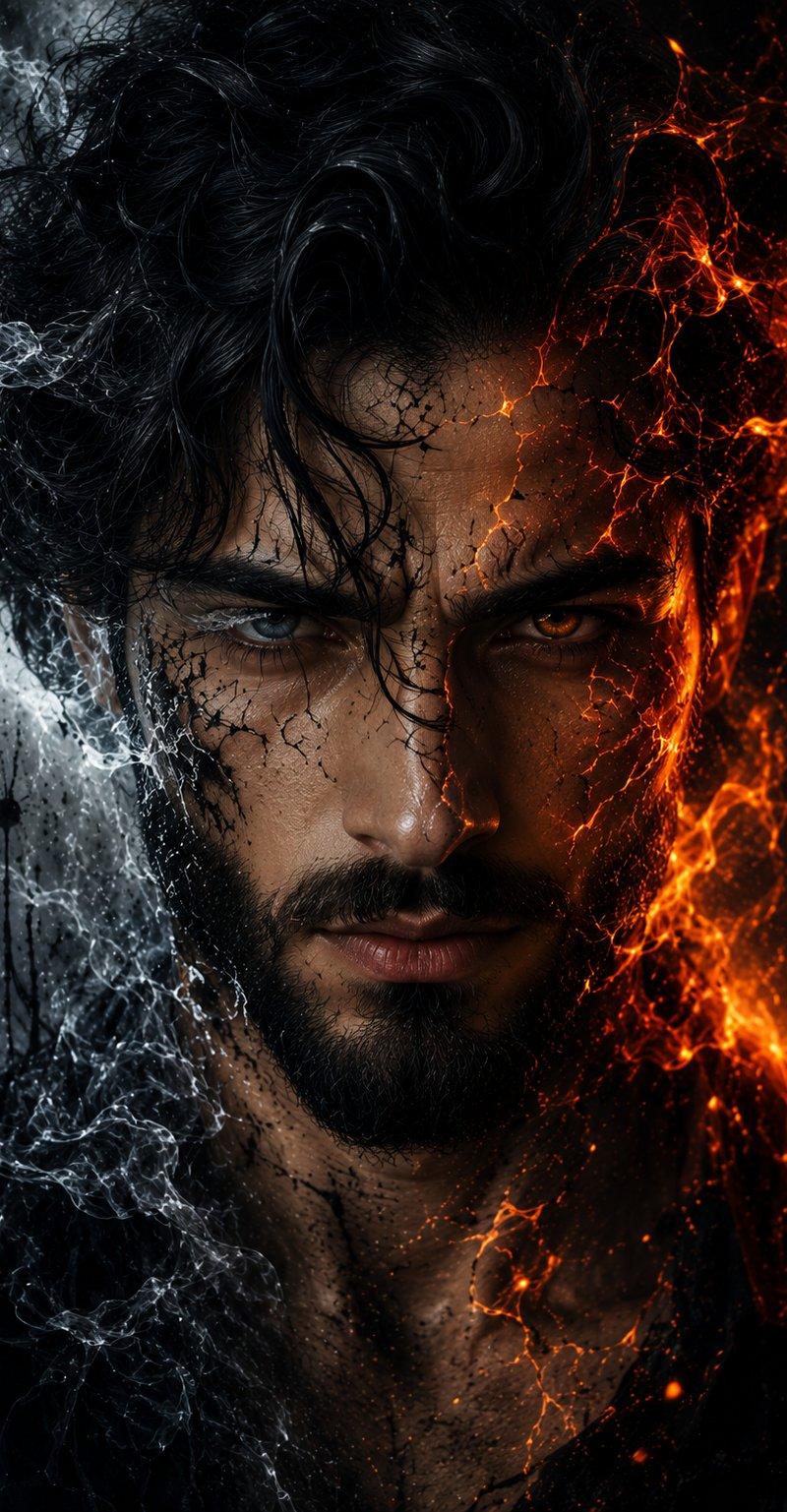
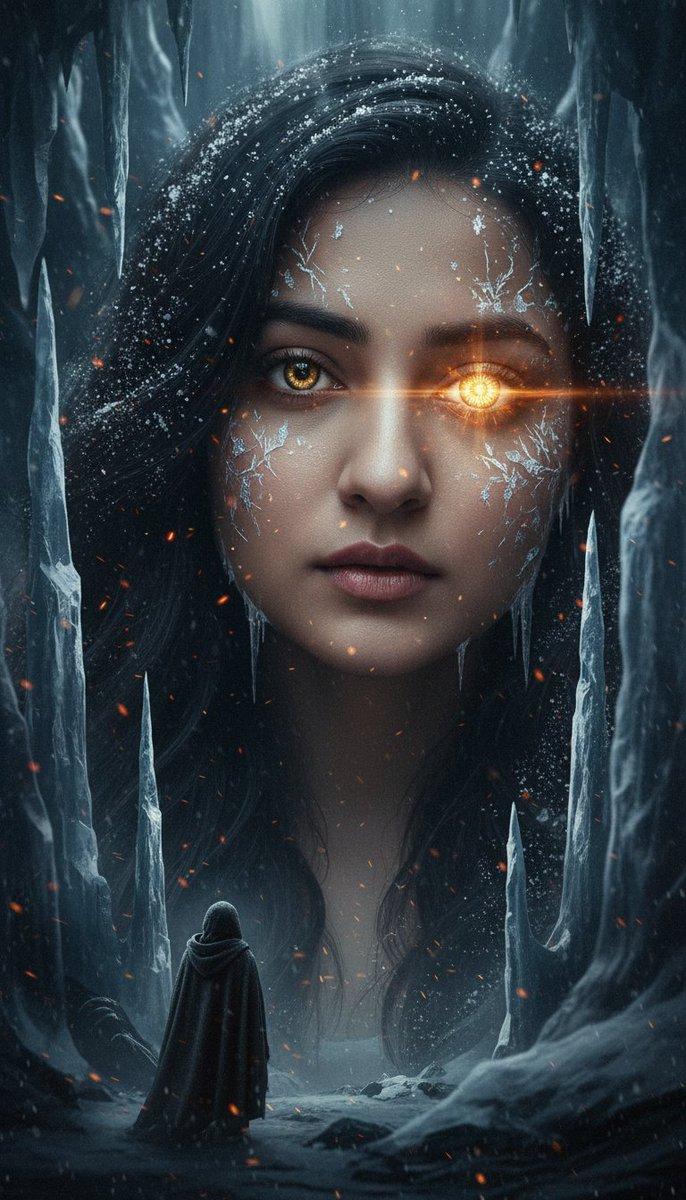
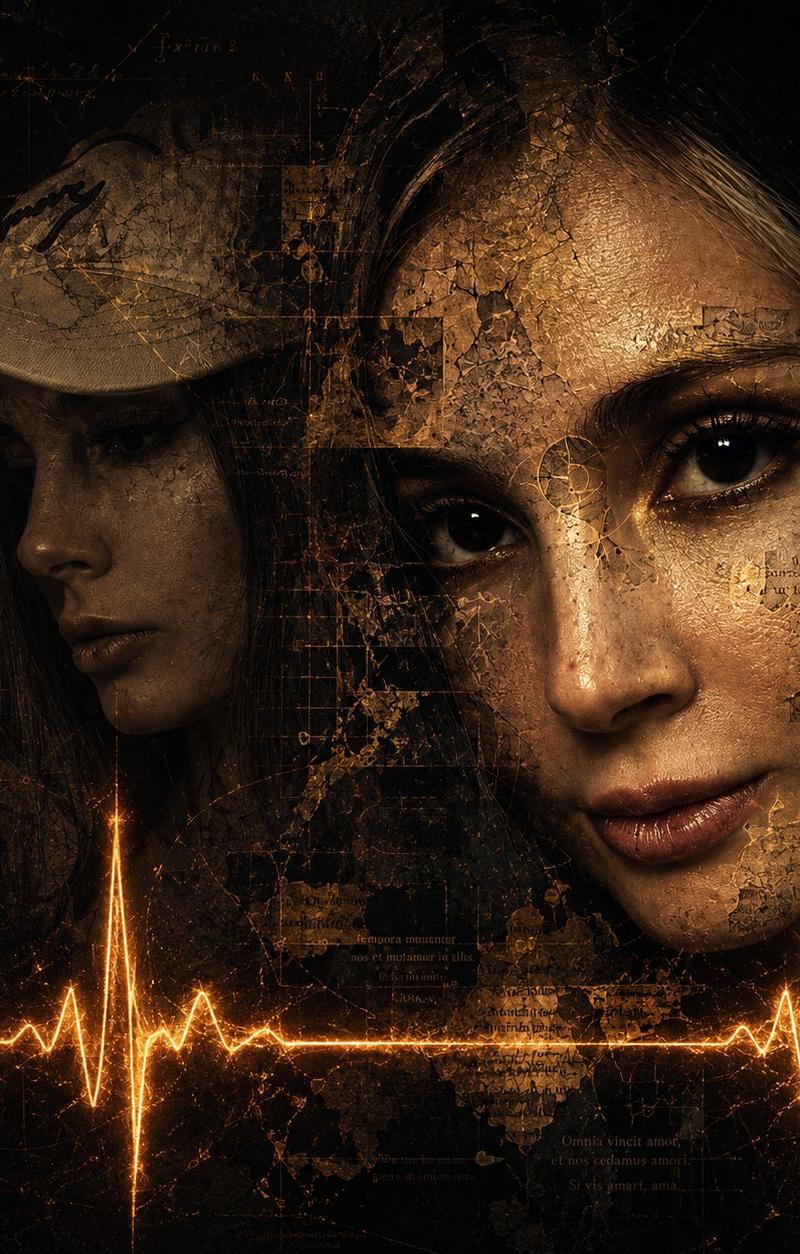
Main Subject and Composition: The image presents a {argument name="artistic style" default="surreal and dark digital collage-style"} artistic composition. In the center right, the face from the {argument name="reference image" default="first attached image"} dominates, fused with complex textures. To its left, ethereally integrated and in shadow, is the profile of another face, that is, the second attached image.

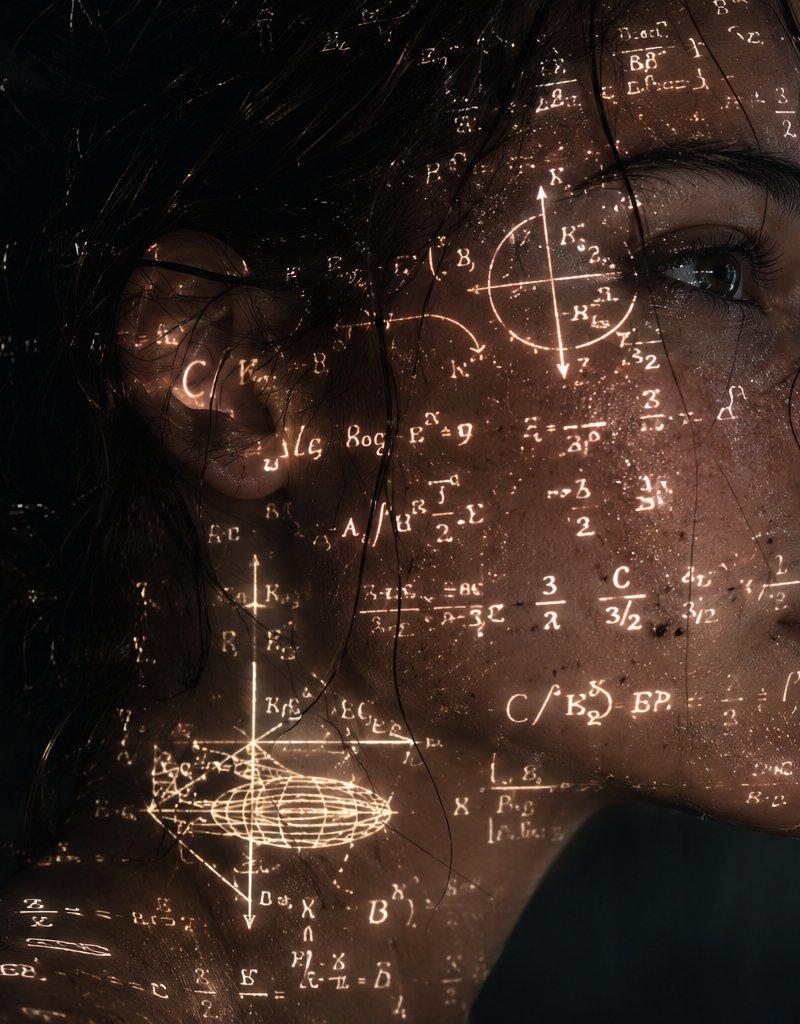
Details of the Frontal Face: The right half of this face (from the viewer's perspective) shows two realistic and expressive eyes, skin with a stone or bronze texture, and superimposed fragments of ancient texts and geometric patterns.

The rest of the face fades away.

Background and Textures: The entire background is predominantly black and textured, imitating an aged, cracked, and dust-spattered canvas. Technical diagrams, abstract mathematical equations, ancient manuscripts, and grids of dots are subtly integrated into the darkness.

Lighting Element: In the lower half, a line of an electrocardiogram (heartbeat or ECG signal) stands out horizontally from side to side, glowing intensely with a golden or liquid fire color. Two of the pulse's highest peaks align vertically with the two halves of the main face.

Color Palette: Extremely minimalist and dramatic, composed almost entirely of dark tones: blacks, earthy browns, aged bronze, and the bright orange/gold flash of the electrocardiogram.

Uses a {argument name="aspect ratio" default="1:1"} aspect ratio.
Category
Charts & Infographics
Model
GPT Image 2
Creator
HER19845
Source language
en
Views150
Source ID
24287
Published
Jun 4, 2026
Studio

Guide

About "Surreal Dark Digital Collage"

What is this prompt for?

"Surreal Dark Digital Collage" AI image prompt for GPT Image 2 (Charts & Infographics). A detailed prompt for creating a dark, surreal digital collage that mer…

The full copyable prompt and example visuals above are ready for AI image generation or one-click recreate in Picva.

How to use this prompt

  1. Step 1

    Open the prompt detail

    Review the example visuals, category, and full prompt text for "Surreal Dark Digital Collage".

  2. Step 2

    Copy the prompt

    Copy the prompt body from this page, or load it directly in Studio.

  3. Step 3

    Pick a model (GPT Image 2)

    Prefer GPT Image 2. If you switch models, keep subject and composition and tweak style terms.

  4. Step 4

    Generate and export

    Recreate the look in Picva, or export into your workflow for editing and publishing.

FAQ

What is the "Surreal Dark Digital Collage" prompt?
It is an AI image-generation prompt for GPT Image 2 in the Charts & Infographics category. This page includes the full prompt text, example visuals, and a one-click recreate path in Picva.
How do I use this prompt to generate an image?
Copy the prompt from this page, or use Generate / Studio. Paste it into a compatible image model, or recreate the look in Picva with optional reference images.
Which model is this prompt for?
This page lists GPT Image 2. Most descriptive prompts also transfer to nearby image models such as GPT Image, Flux, or Midjourney with light style tweaks.
Can I use the result commercially?
You can usually copy the prompt for creation, but commercial use of the final image depends on the model terms, reference-image rights, and the generated content. Follow the source author and platform rules.