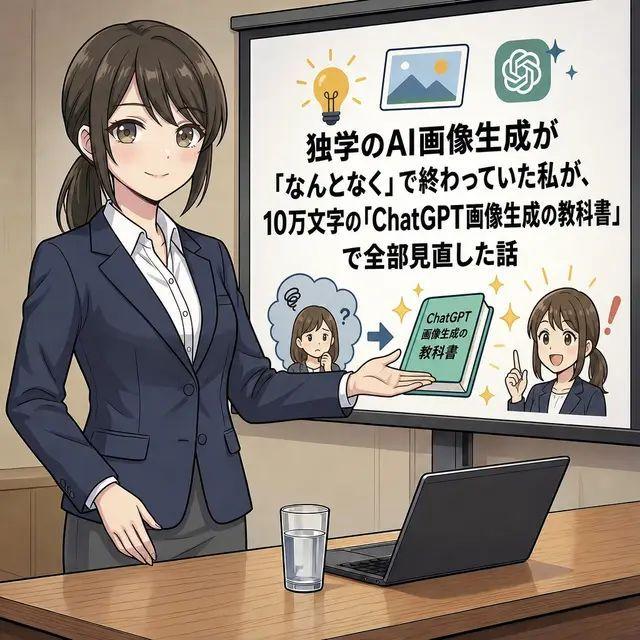
Anime AI Course Presentation Thumbnail
Prompt
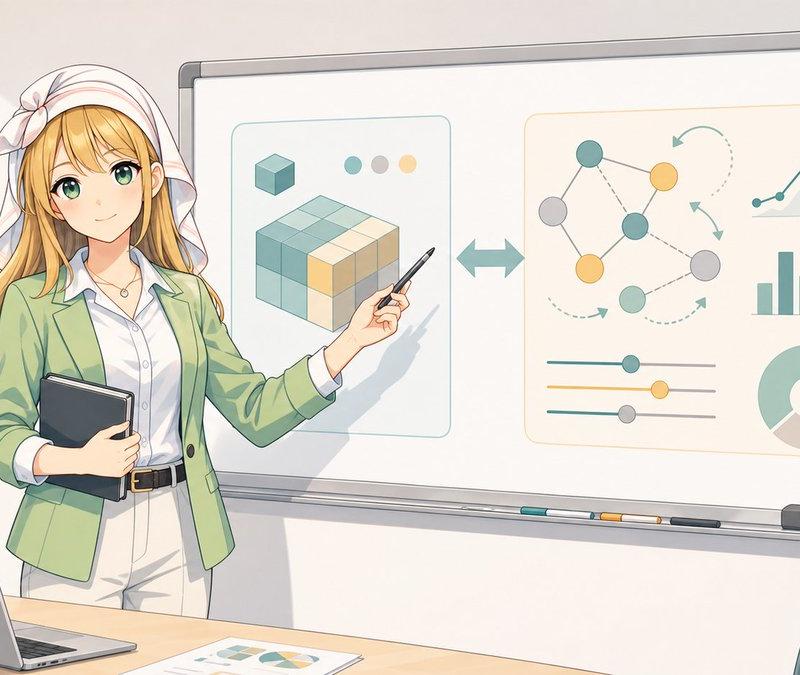
Goal: Create a square anime-style social media illustration about an AI image generation course, showing a business presentation scene with a large Japanese text slide.

Canvas: 1:1 square image, clean polished digital anime illustration, medium-wide shot in a meeting room or classroom. Warm beige walls, wooden conference table in the foreground, subtle line art and soft shading.

Main subject: On the left side, draw one adult Japanese businesswoman presenter, waist-up to thigh-up, wearing a navy blazer, white button-up shirt, and gray skirt or trousers. She has dark brown hair tied in a low ponytail. Her face is intentionally covered by a rectangular soft blur/mosaic privacy block. She stands confidently with one hand lowered and the other arm extended toward the presentation screen.

Foreground objects: On the wooden table, place exactly 2 objects: one clear glass of water near the center-left and one open dark laptop angled on the right.

Presentation screen: On the right side, place a large white projection screen with a black frame and stand. The screen contains a bold Japanese headline in thick black type, centered and stacked. Use this exact text: {argument name="slide headline text" default="独学のAI画像生成が\n「なんとなく」で終わっていた私が、\n10万文字の「ChatGPT画像生成の教科書」\nで全部見直した話"}. Make the text readable and dominant.

Screen graphics: Include exactly 7 decorative/content elements on the slide: 1 yellow lightbulb icon at the top left, 1 framed landscape picture icon near the top center, 1 green ChatGPT logo icon at the top right with 2 small sparkle marks beside it, 1 small confused chibi woman in a blue thought cloud at the lower left with a question mark, 1 blue arrow pointing right in the lower center, 1 green booklet/tablet labeled {argument name="book title" default="ChatGPT\n画像生成の\n教科書"}, and 1 small confident chibi woman at the lower right raising one finger with a red exclamation mark beside her. Both chibi faces should also have soft rectangular privacy blur blocks.

Style: Japanese business manga / anime explainer thumbnail style, crisp ink outlines, soft gradients, professional yet approachable, high contrast readable slide typography, muted corporate colors with small yellow sparkle accents. The overall composition should resemble an X/Twitter article thumbnail about learning practical AI image generation.

Constraints: Use exactly 1 main presenter, exactly 2 table objects, exactly 7 slide graphic elements as listed, and 3 blurred faces total. Do not add extra people, extra charts, watermarks, logos outside the slide, or additional text beyond the specified Japanese slide and booklet labels.- Category
- Charts & Infographics
- Model
- GPT Image 2
- Creator
- ジャバ・ザ・ハットリ🇩🇪←🇸🇬←🇯🇵
- Source language
- en
- Source ID
- 24336
- Published
- Jun 5, 2026
Views1.6K