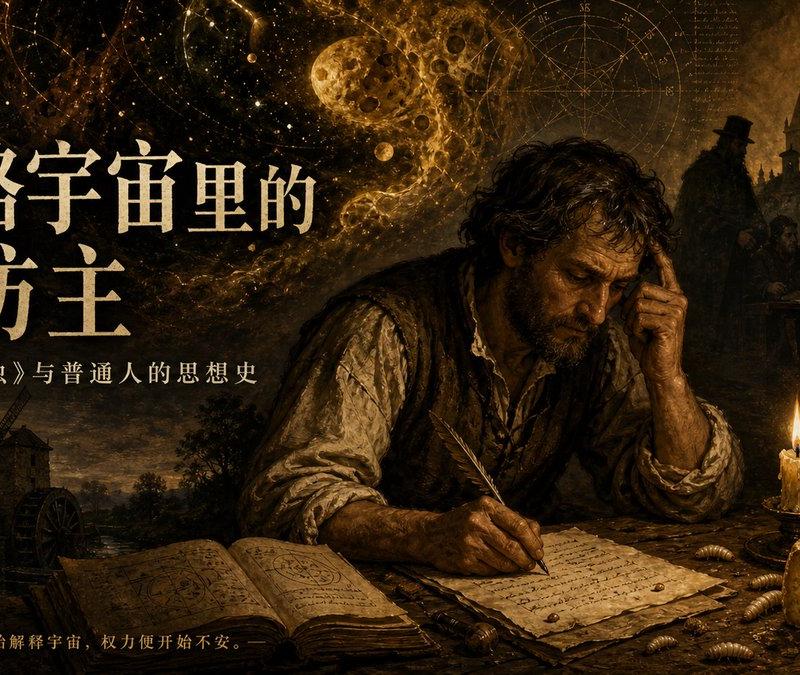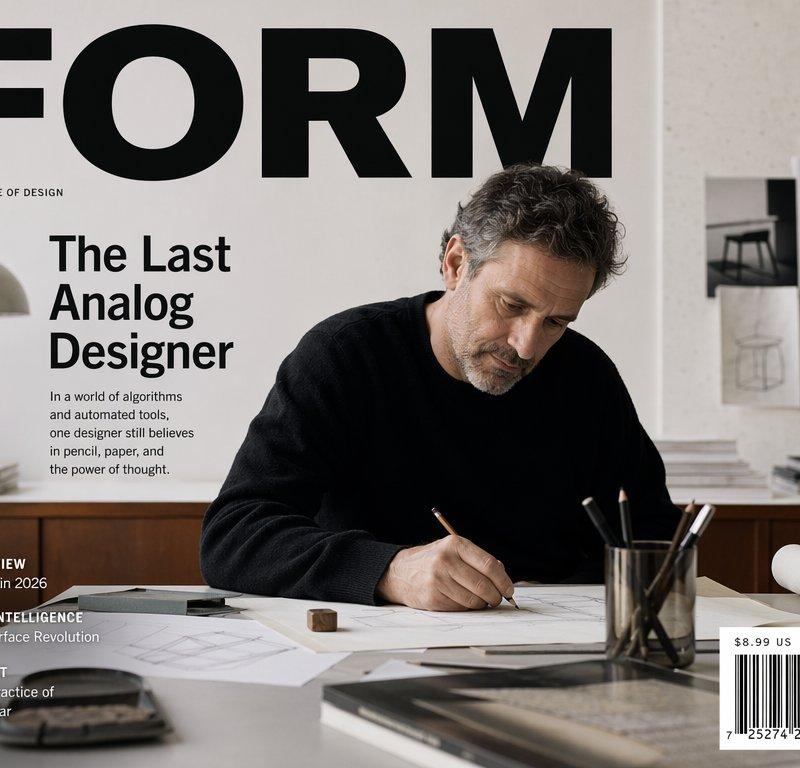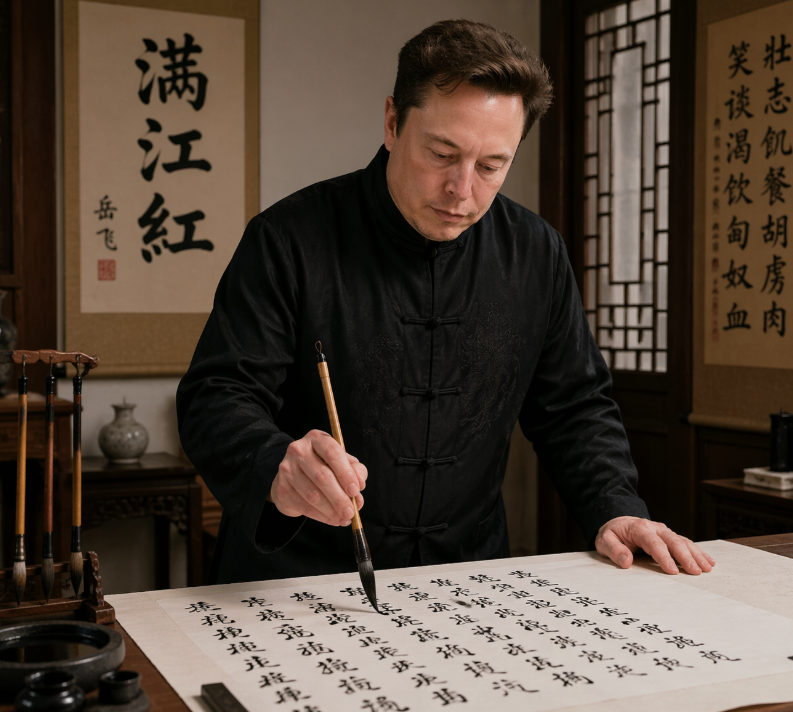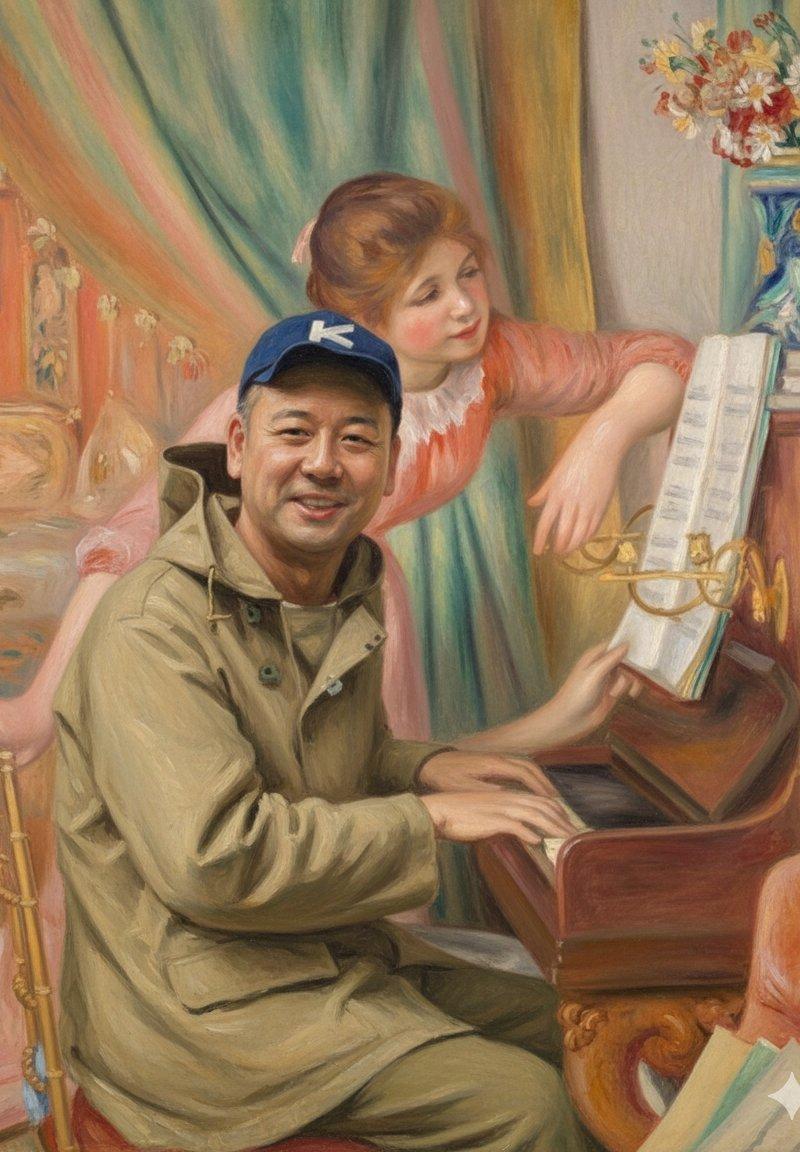
Beethoven Writing Symphonies
Prompt
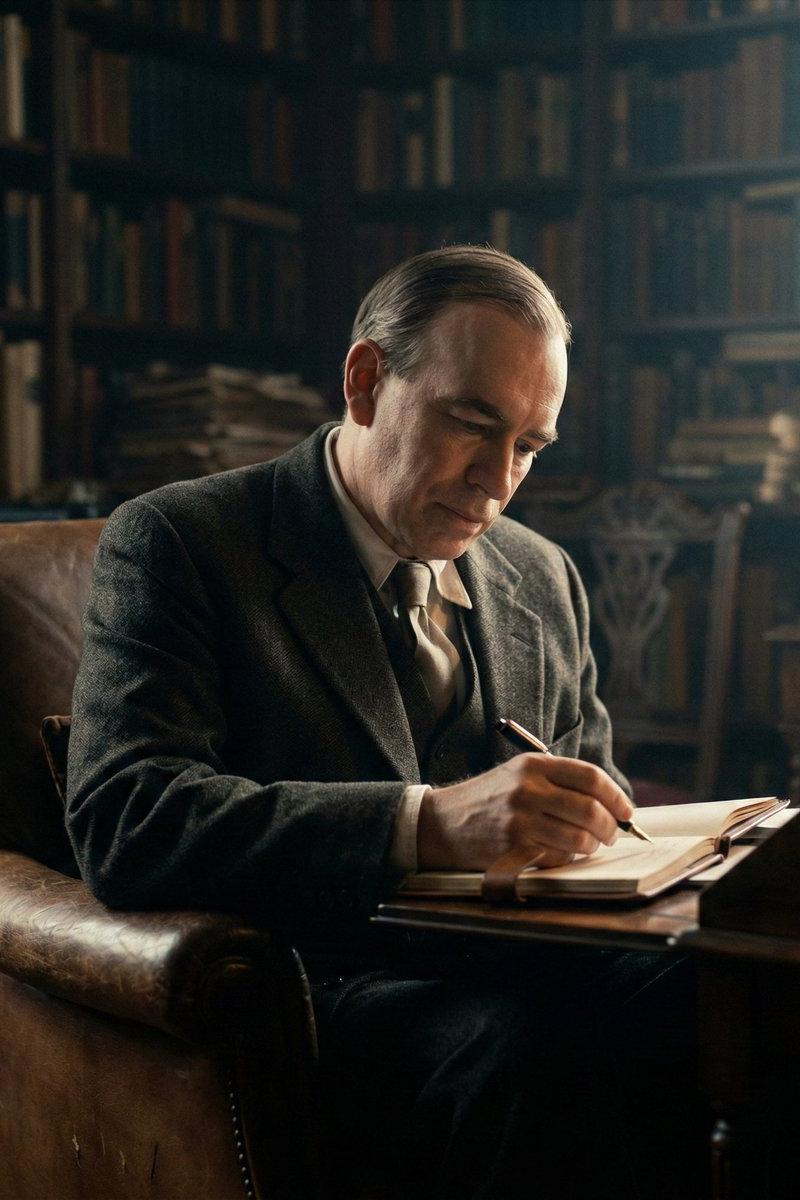
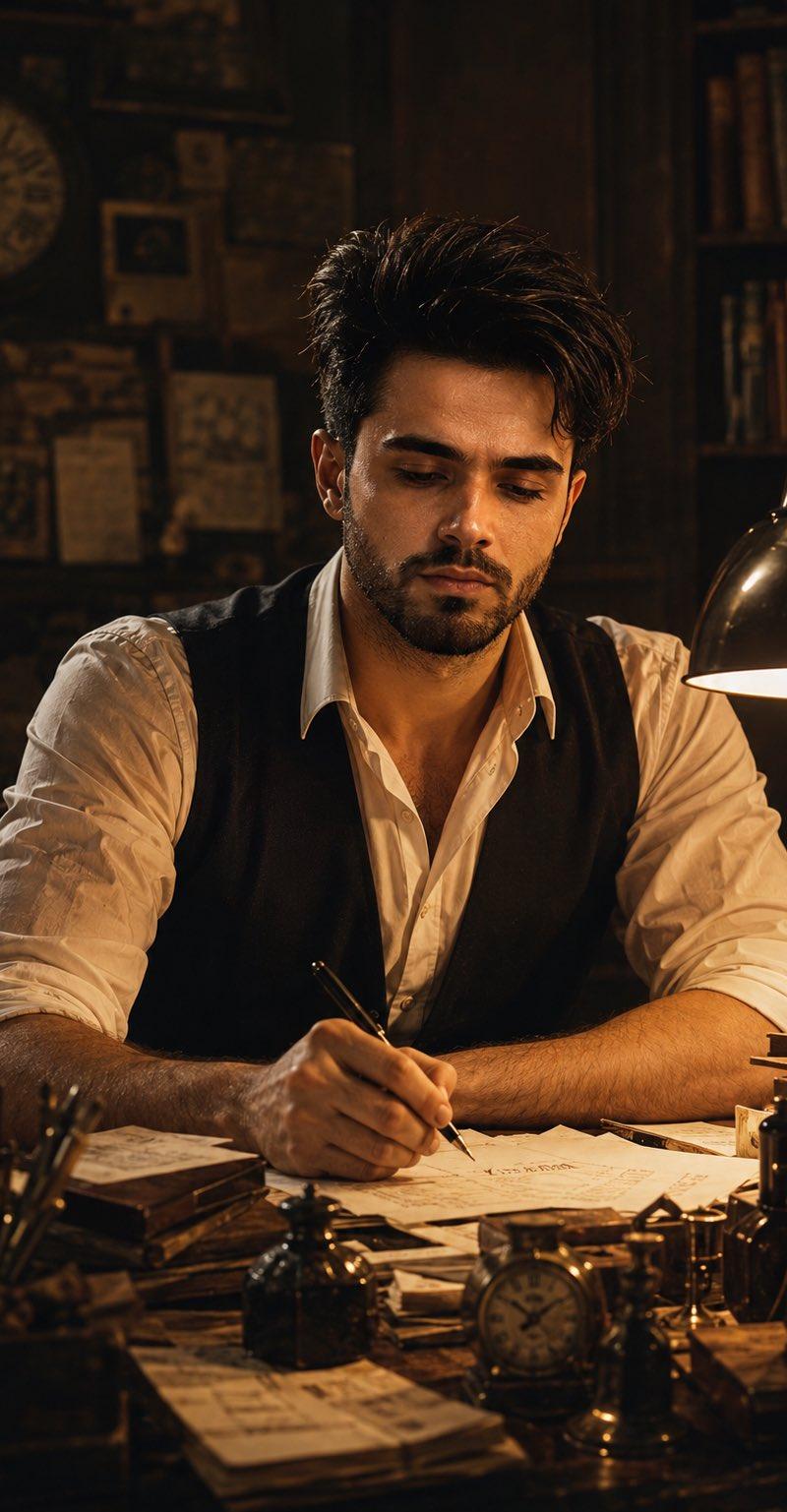
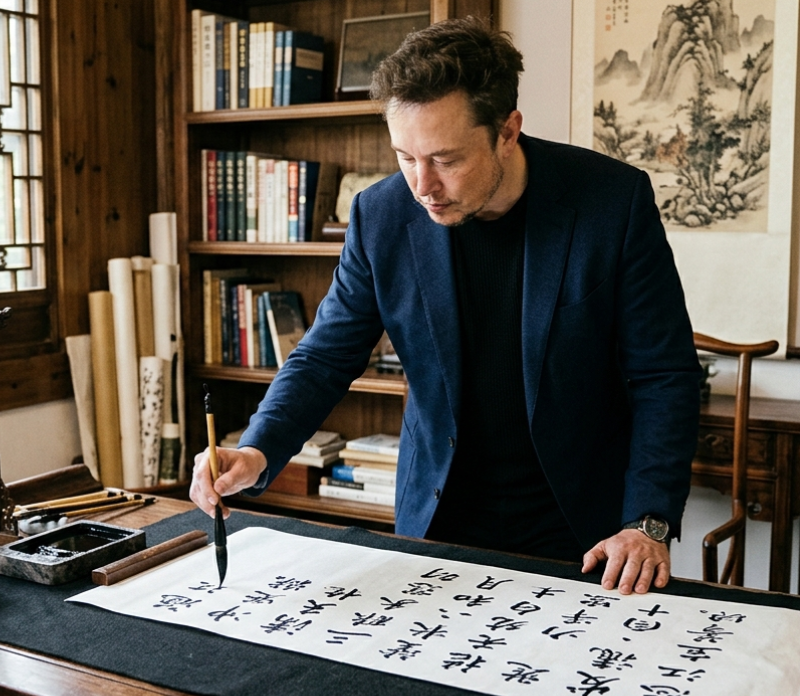
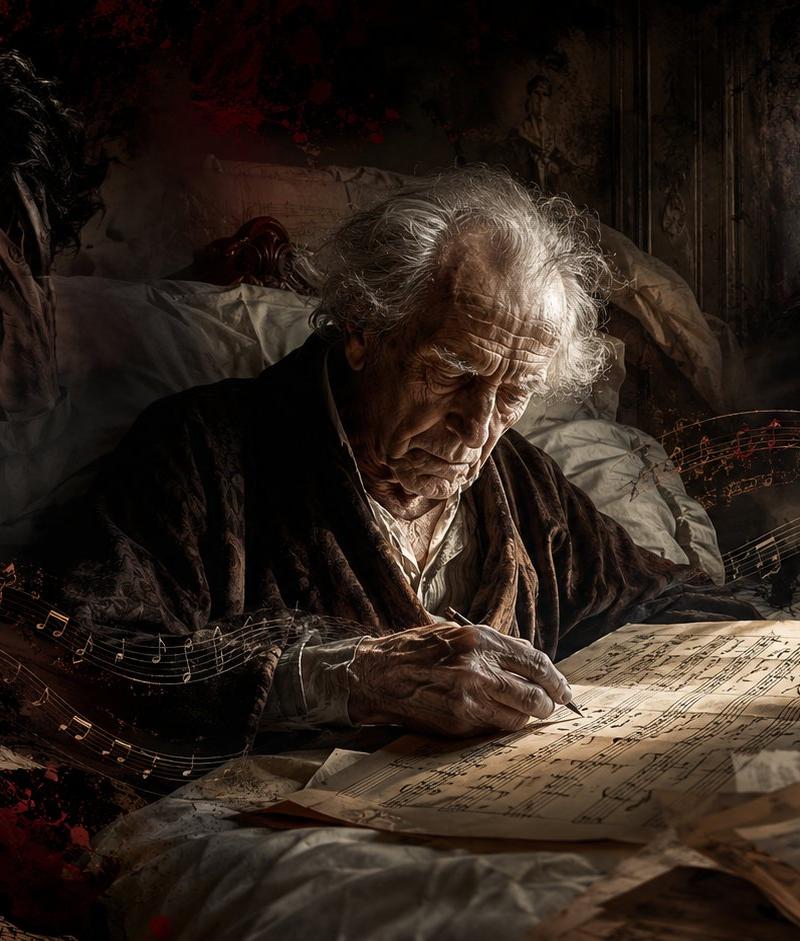
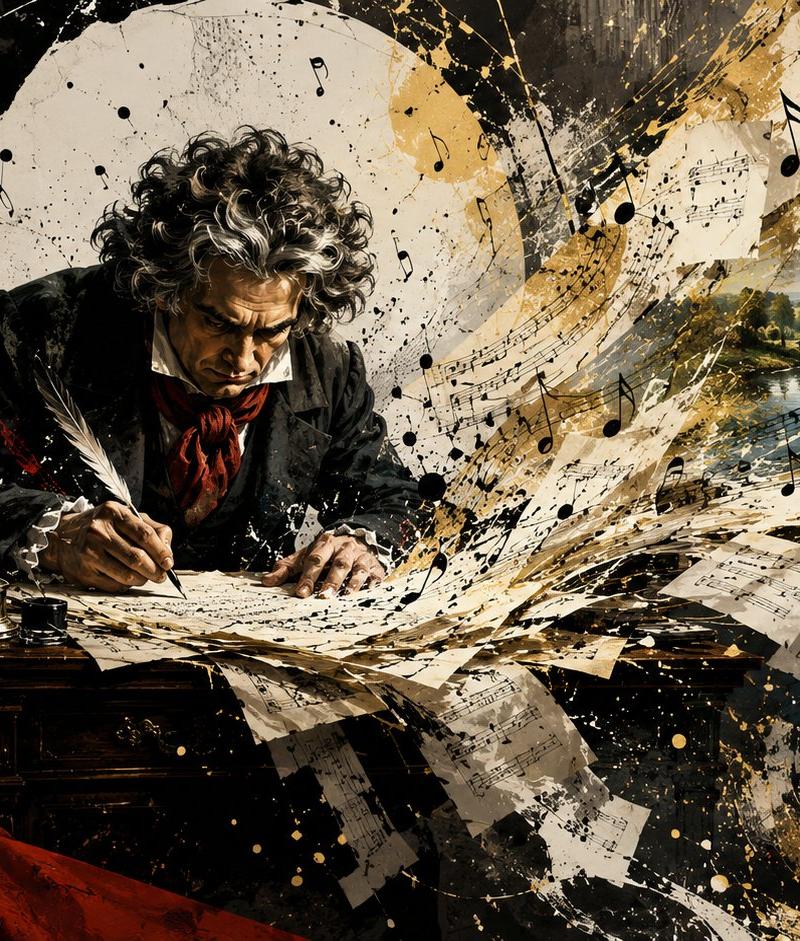
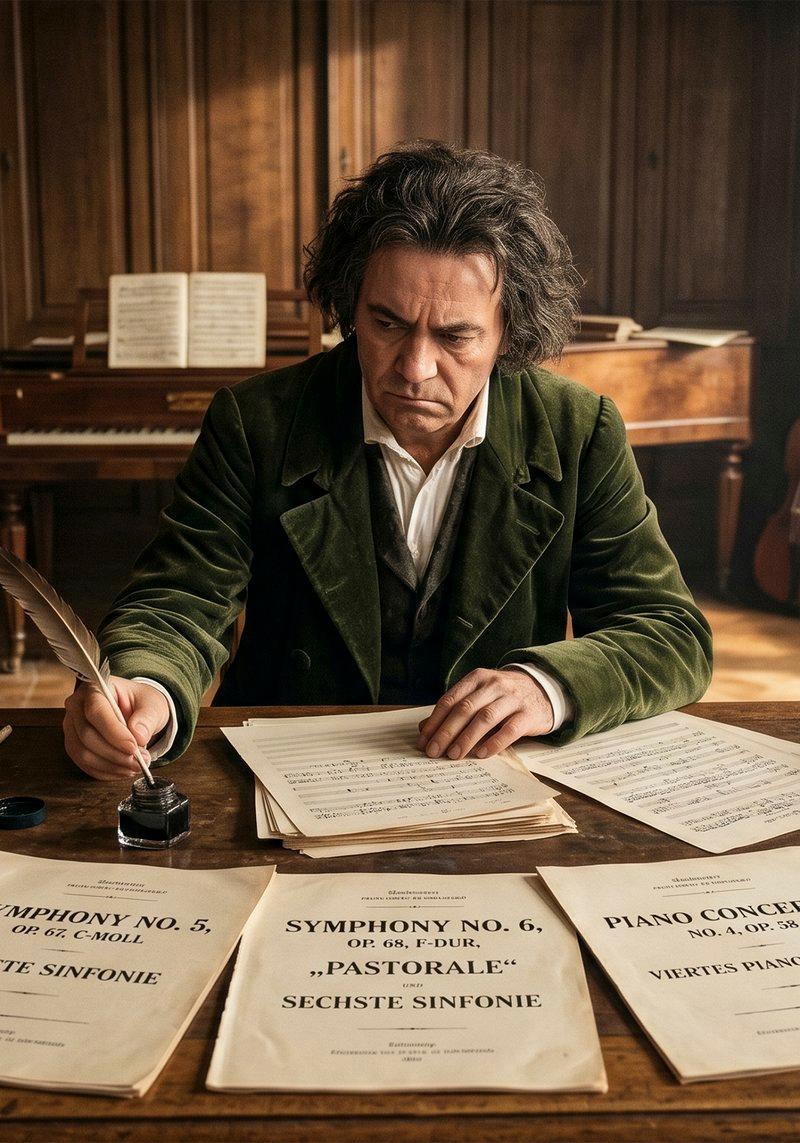
Create a cinematic photorealistic historical scene of {argument name="character name" default="Ludwig van Beethoven"} seated at a large worn wooden writing desk in a warm 19th-century Viennese music room, writing with a feather quill on handwritten musical manuscript pages. The camera is wide and frontal at desk height, with shallow depth of field, golden afternoon sunlight entering from tall windows on the right, soft dust in the air, dark carved wood wall panels, parquet floor, and a sacred, reverent atmosphere of genius in silence. The composer has wild dark-gray curly hair, wears a dark green velvet coat over a white shirt and waistcoat, and his face is intentionally obscured by a centered square blur. On the foreground desk show exactly 5 large visible printed score title pages, arranged left to right: 1) “SONATA NO. 3” for violoncello and pianoforte, 2) “SYMPHONY NO. 5” in C minor, 3) “SYMPHONY NO. 6” “PASTORALE” “SECHSTE SINFONIE”, 4) “PIANO CONCERTO” with smaller concerto text, 5) “TRIOS” for clavier, violin and violoncello. Also include exactly 3 prominent musical instruments in the room: 1 upright double bass leaning at the far left, 1 piano in the back center with open sheet music, and 1 cello leaning near the right window. Add period props: stacked leather-bound books on both sides of the desk, loose manuscript sheets, an open inkwell, a quill in the composer’s hand, a brass candleholder, and scattered papers on side tables. Use warm amber and brown tones, realistic textures, historically accurate early-1800s interior, dramatic natural light, high detail, 16:9 horizontal composition, no modern objects, no watermark.- Category
- Charts & Infographics
- Model
- GPT Image 2
- Creator
- Juan José Arango E.
- Source language
- en
- Source ID
- 24529
- Published
- Jun 6, 2026
Views60