霓虹涂鸦画廊快照
Prompt
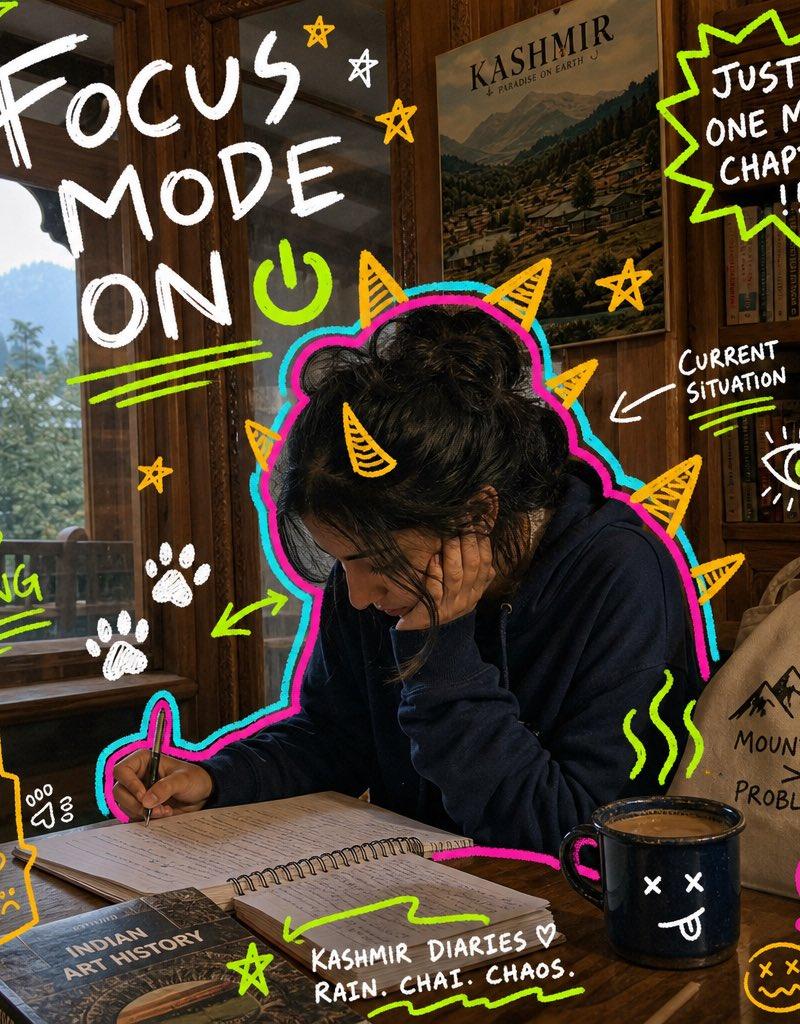
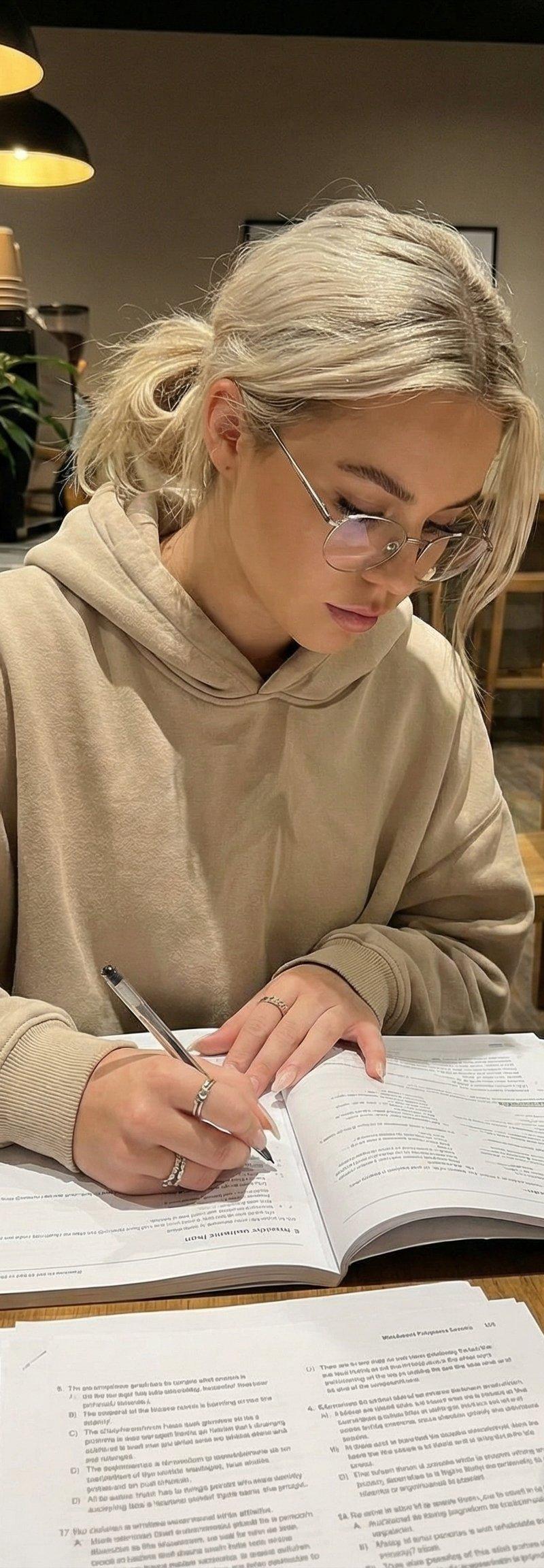
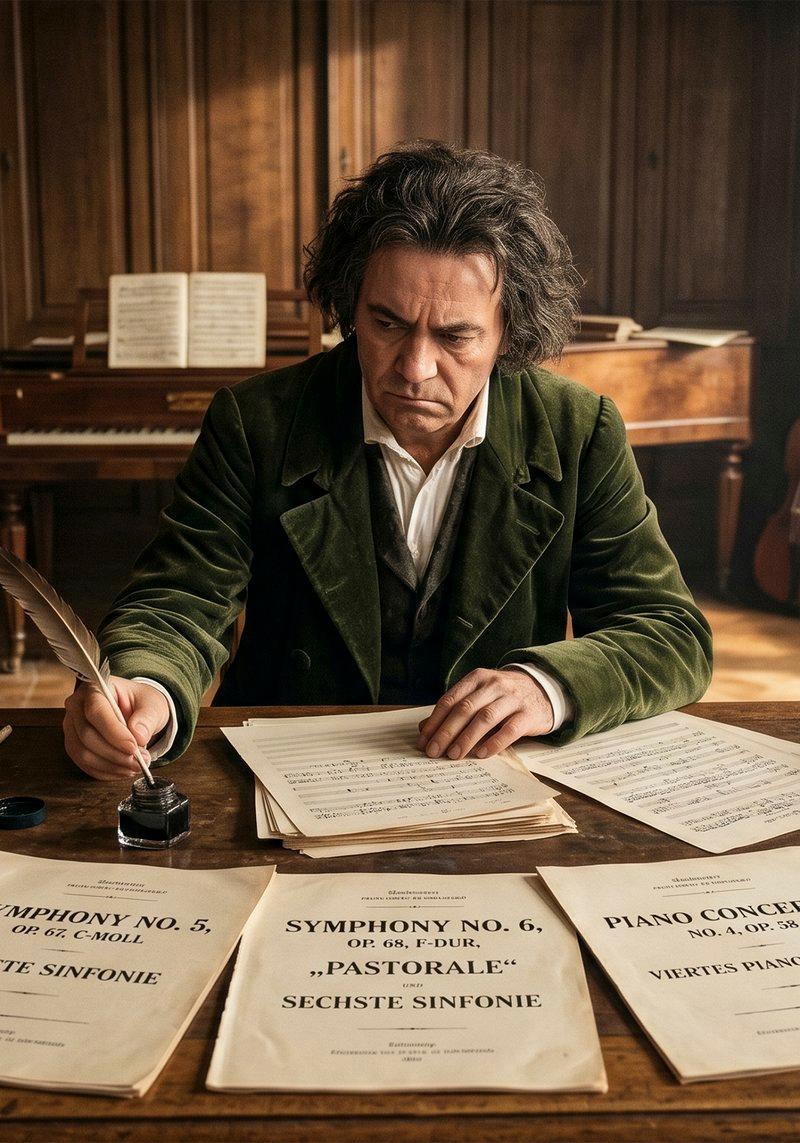
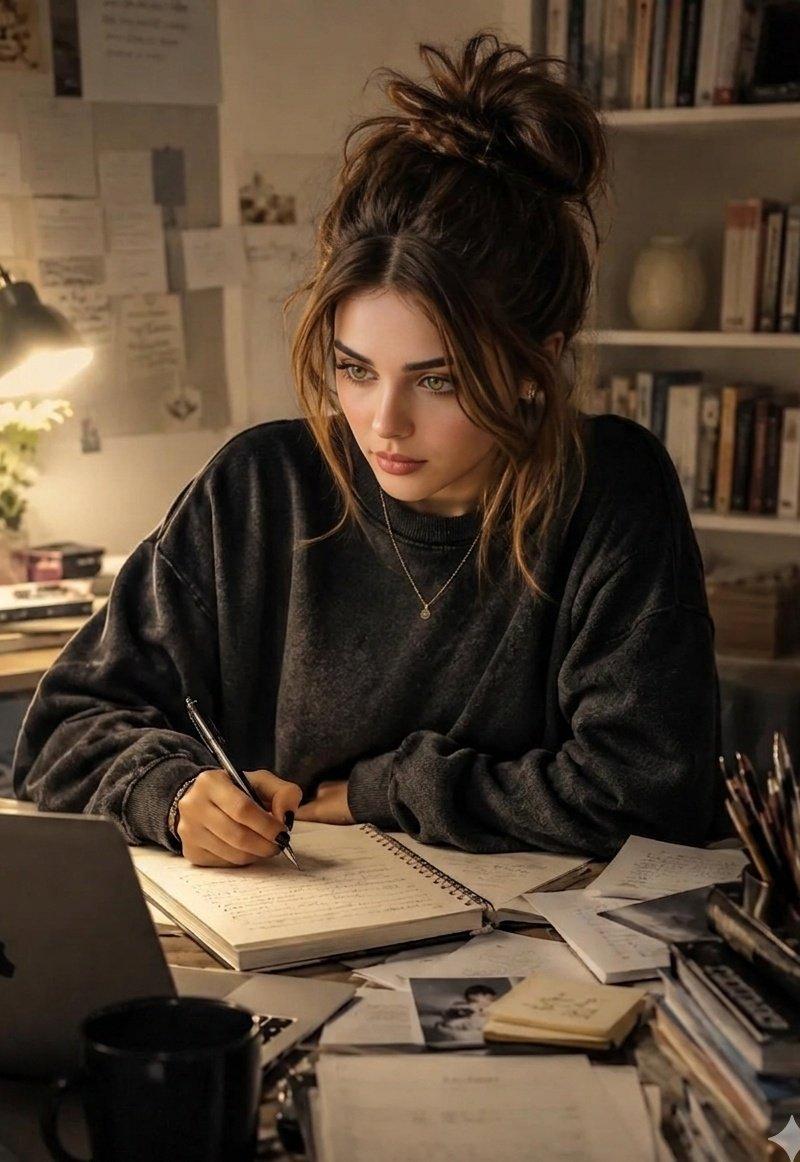
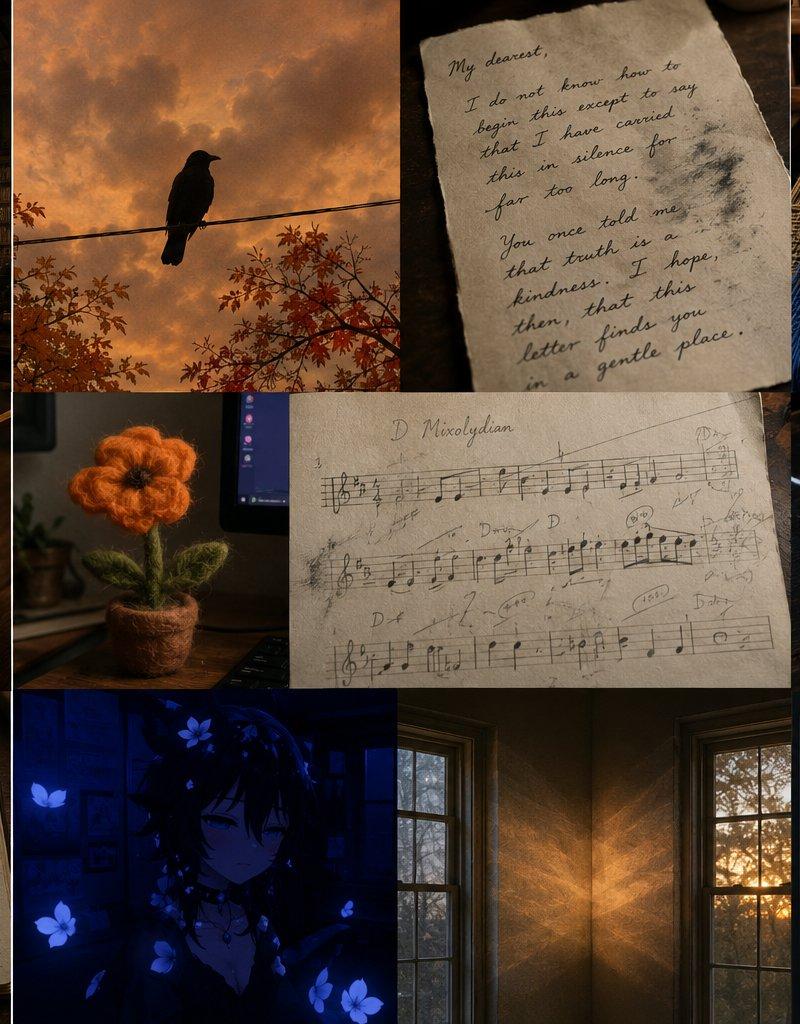
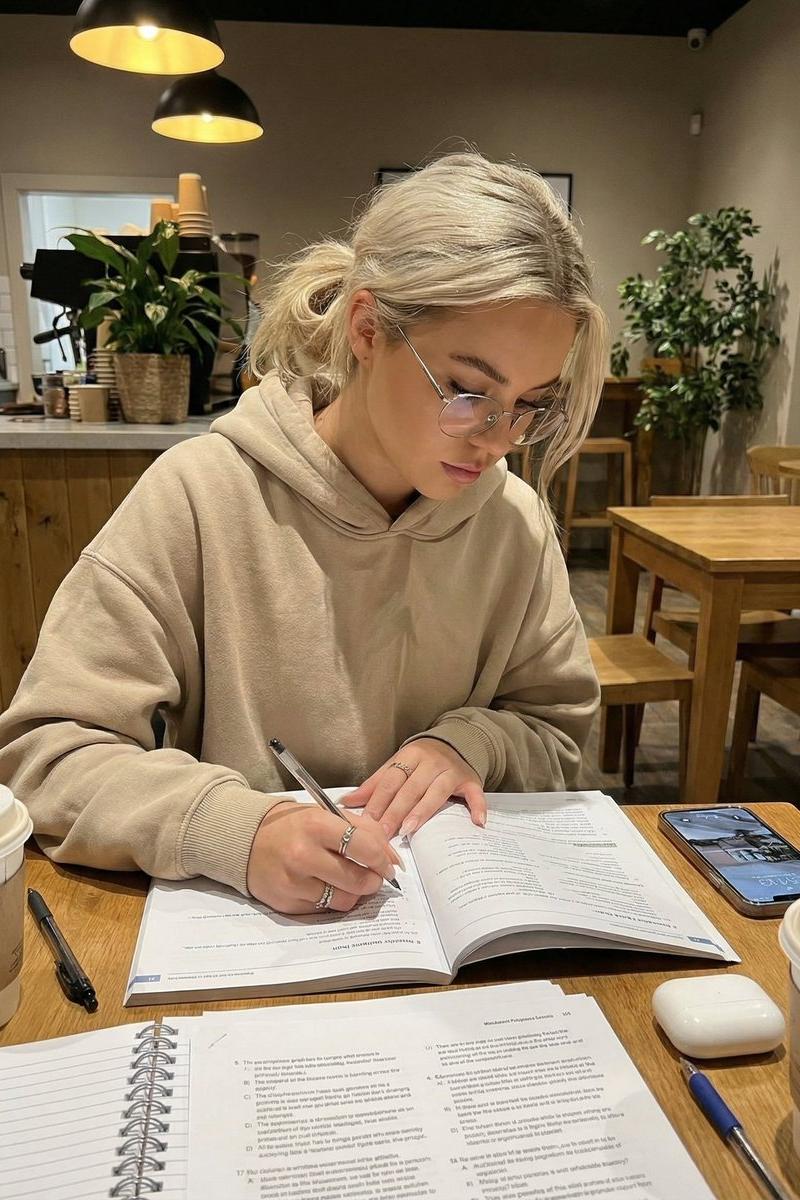
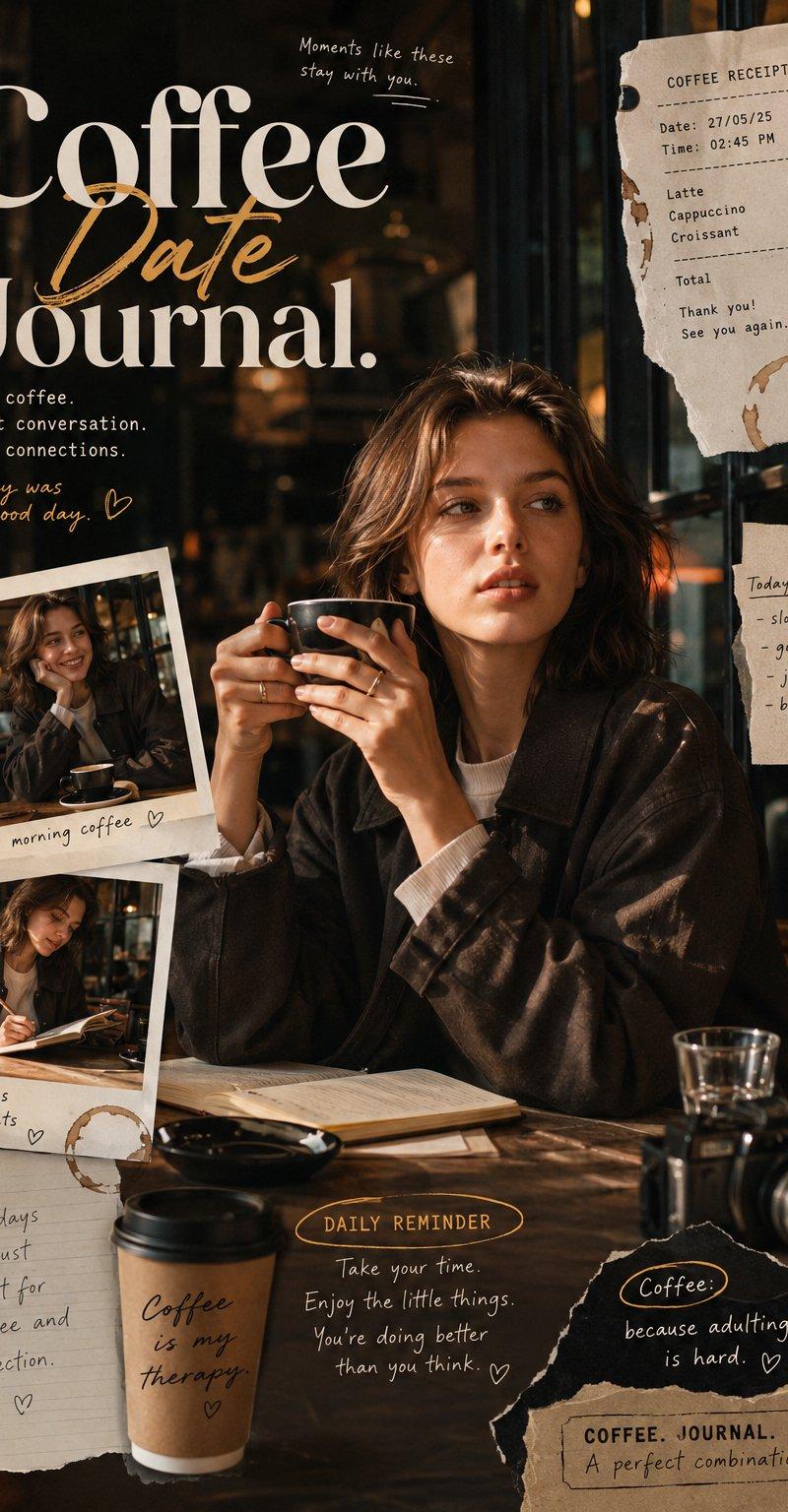
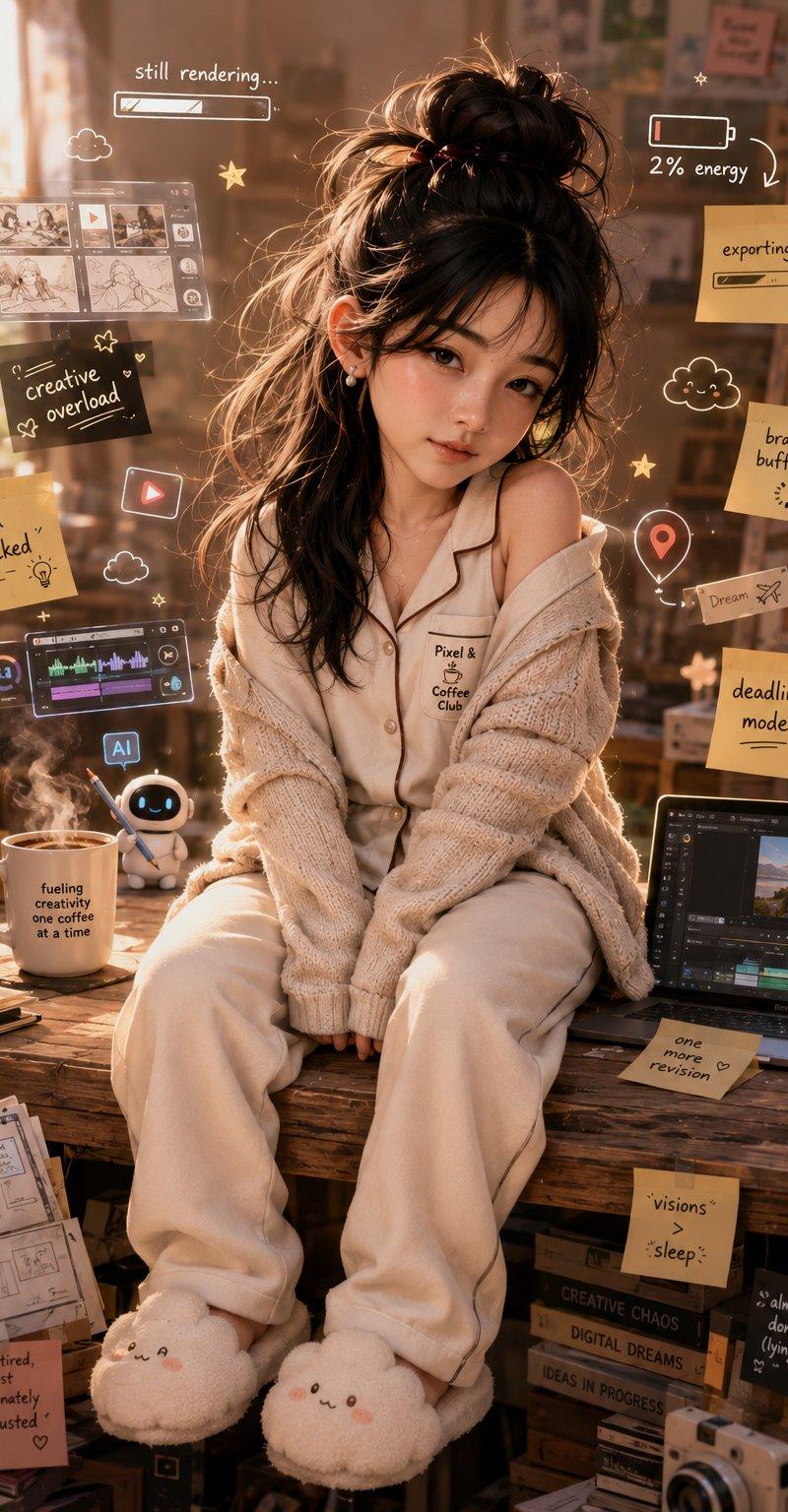
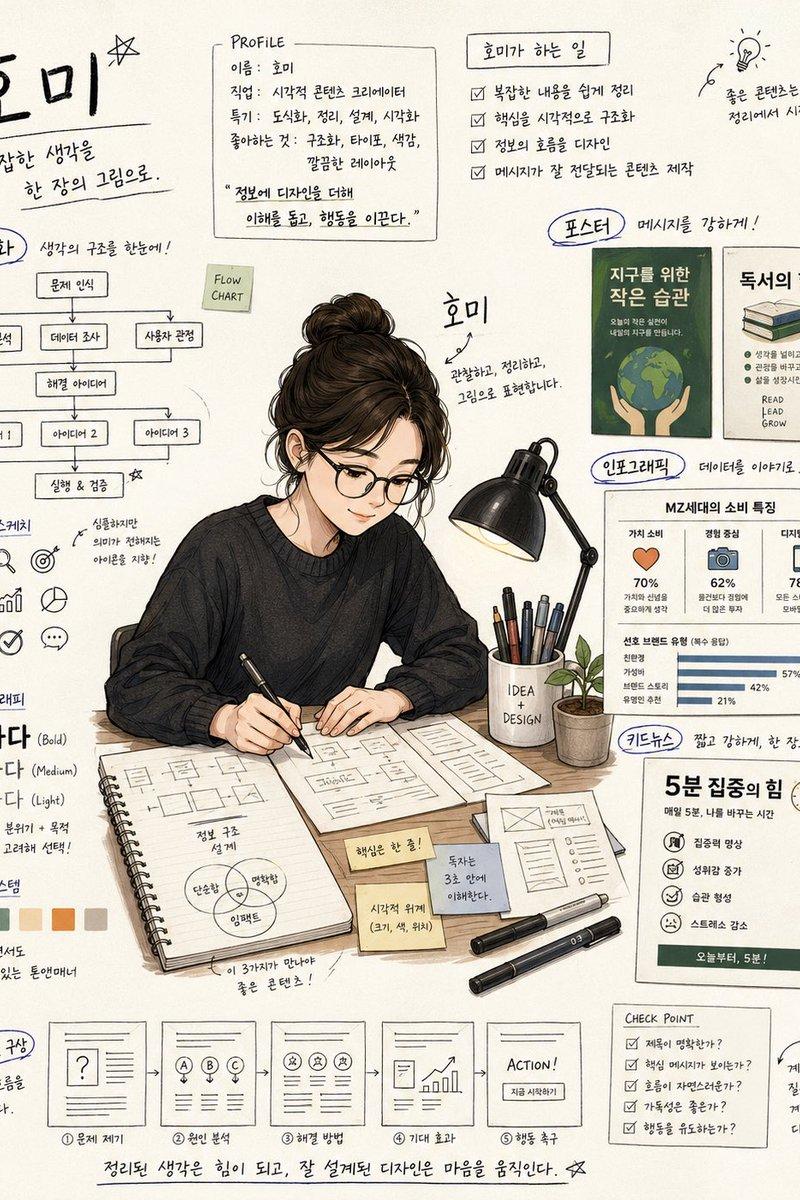
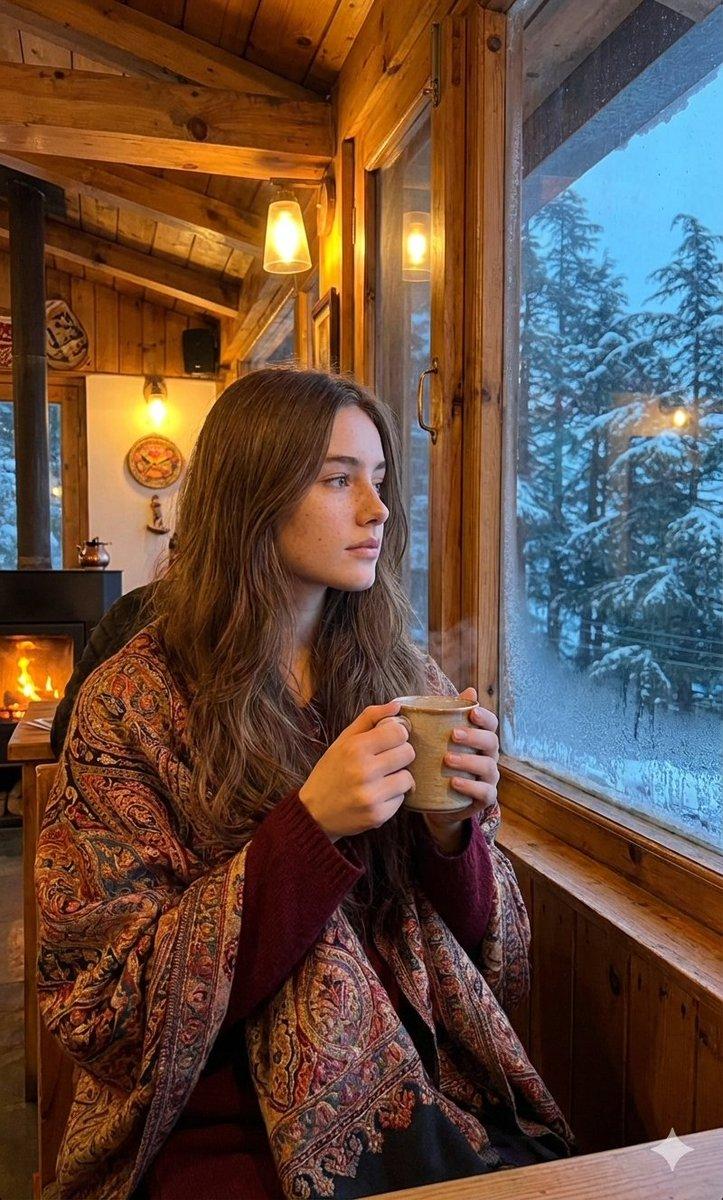
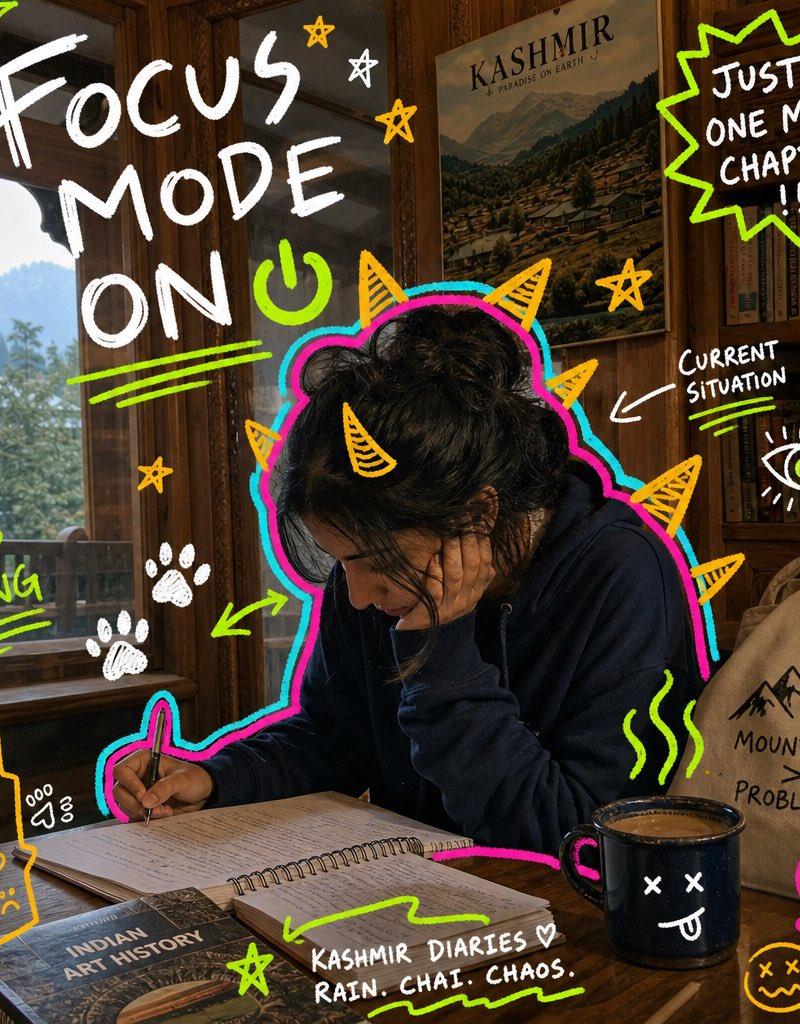
Create a 9:16 image in the "Neon Doodle Gallery Snapshot" style. Subject: [SUBJECT]. Subject action: [SUBJECT_ACTION]. Prop or product: [PRODUCT_OR_PROP]. Location: [kashmir]. Background elements: [wooden interior ]. Main handwritten text: "[Focus mode on]". Secondary handwritten text: "[keep going]". Accent symbol: [ACCENT_SYMBOL]. Wardrobe style: [WARDROBE_STYLE]. Use a realistic candid phone-photo as the base layer. The setting should feel specific and ordinary: visible walls, art, shelves, labels, tables, lamps, posters, people, bags, shadows, grain, and imperfect handheld framing. Draw a loud digital marker layer directly on top of the photo. Wrap the main subject with a thick hot-pink contour and a cyan offset glow. Add yellow-orange monster spikes, horns, rays, fins, or sunburst shapes around the silhouette. Scatter rough hand-drawn symbols around the frame: stars, paw prints, spiderweb corners, halos, abstract eyes, plants, flowers, scribble underlines, tally marks, arrows, hearts, and sticker-like blobs. Place rough uppercase handwritten marker text in open areas, using white, yellow, or lime green. The text should feel funny, personal, distracted, and student-made. Preserve the contrast between a real candid photo and chaotic handmade doodles. Avoid watermarks, usernames, platform logos, creator IDs, app marks, QR codes, clean vector-only illustration, fully illustrated backgrounds, polished ad layout, luxury editorial styling, perfect typography, empty sterile locations, identifiable celebrities, and tiny unreadable text. --- VARIABLES --- [ACCENT_SYMBOL] — star, paw print, spiderweb, halo, abstract eye, plant, flower, underline, arrow, tally mark, or scribble [BACKGROUND_ELEMENTS] — real photo details such as wall art, labels, shelves, posters, tables, lamps, signage, crowds, fabric, shadows, and phone-camera grain [LOCATION] — art gallery, campus hallway, library, studio critique room, classroom, night market, cafe, bookstore, museum, or city wall [MAIN_TEXT] — large hand-drawn caption or emotional headline [PRODUCT_OR_PROP] — notebook, tote bag, coffee, phone, headphones, sketchbook, jacket, snack, poster, camera, book, or exhibition card [SECONDARY_TEXT] — small handwritten notes, repeated words, short joke, date-like label, or study annotation [SUBJECT] — main person, group, student, artist, friend, commuter, shopper, or quiet candid figure [SUBJECT_ACTION] — looking at art, studying, walking, waiting, browsing, reacting, hiding, laughing, or holding a prop [WARDROBE_STYLE] — casual student streetwear, oversized shirt, hoodie, tote bag, loose trousers, jacket, headphones, sneakers, or art-school layers --- NEGATIVE PROMPT --- watermark, username, creator ID, platform logo, app mark, QR code, clean vector poster, fully illustrated scene, polished advertising layout, luxury editorial shoot, sterile studio, perfect typography, perfect sticker sheet, subtle doodles, empty background, corporate mascot, identifiable celebrity, real public figure, tiny unreadable text
- Category
- UI & Interfaces
- Model
- GPT Image 2
- Creator
- Al-Shamus
- Source language
- en
- Source ID
- 25170
- Published
- Jun 11, 2026
Views0