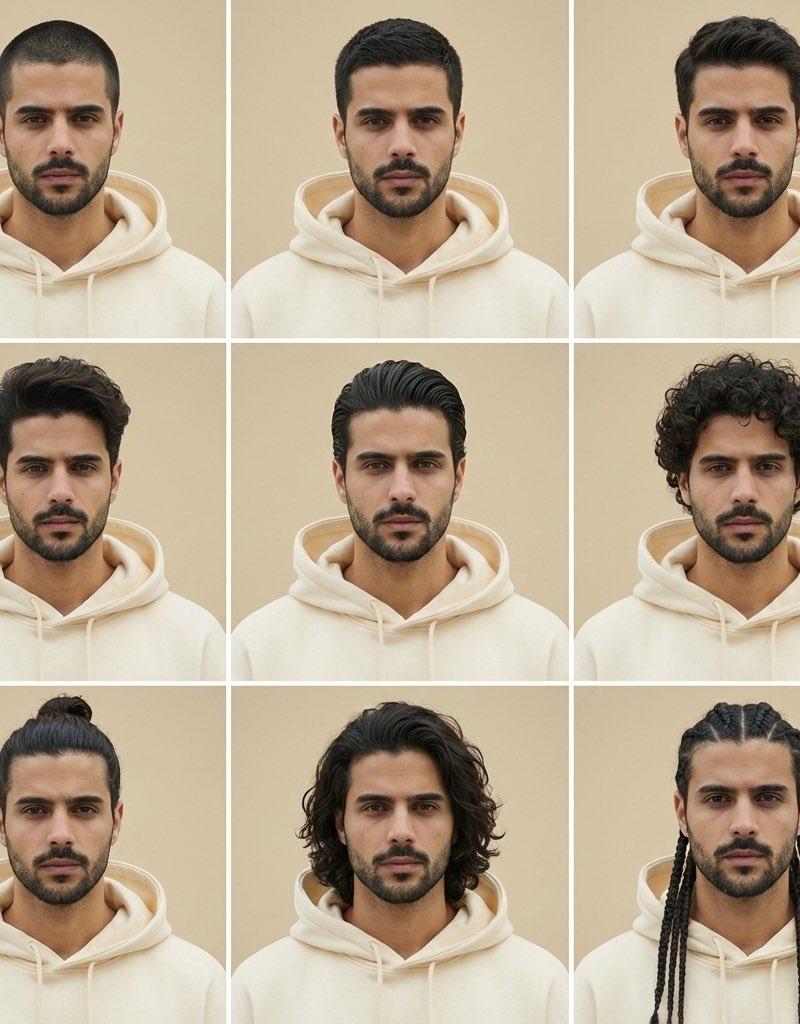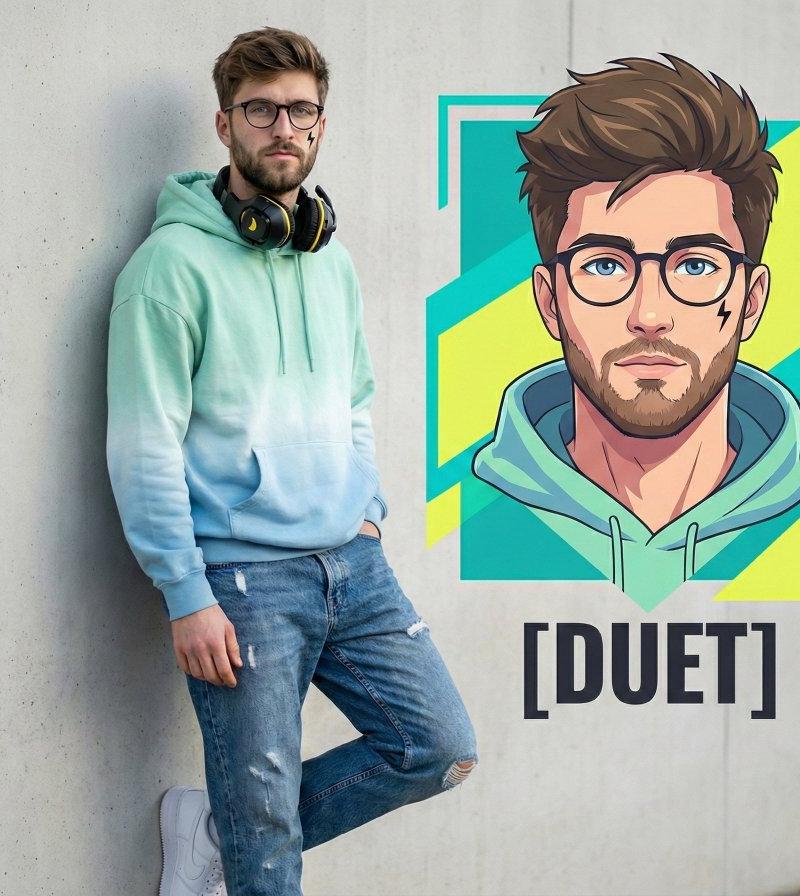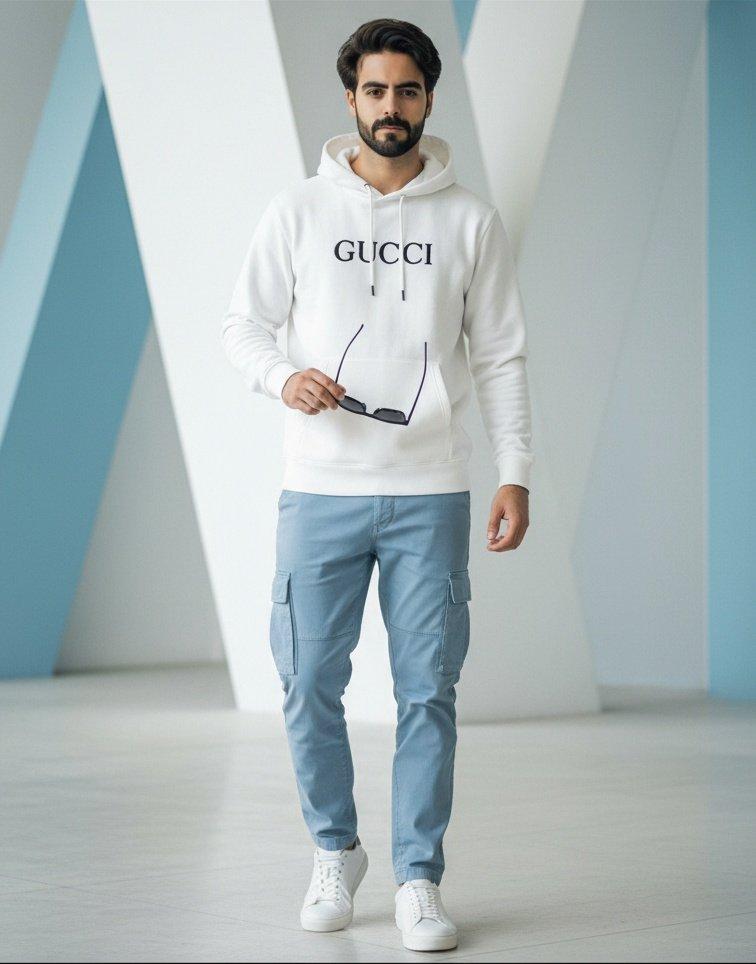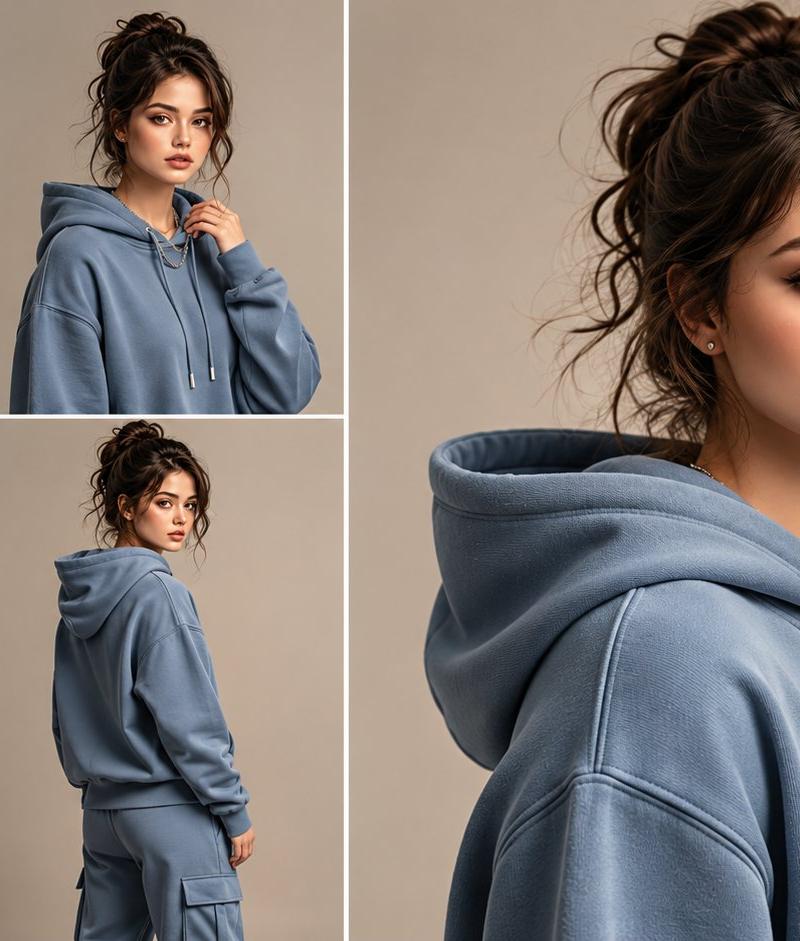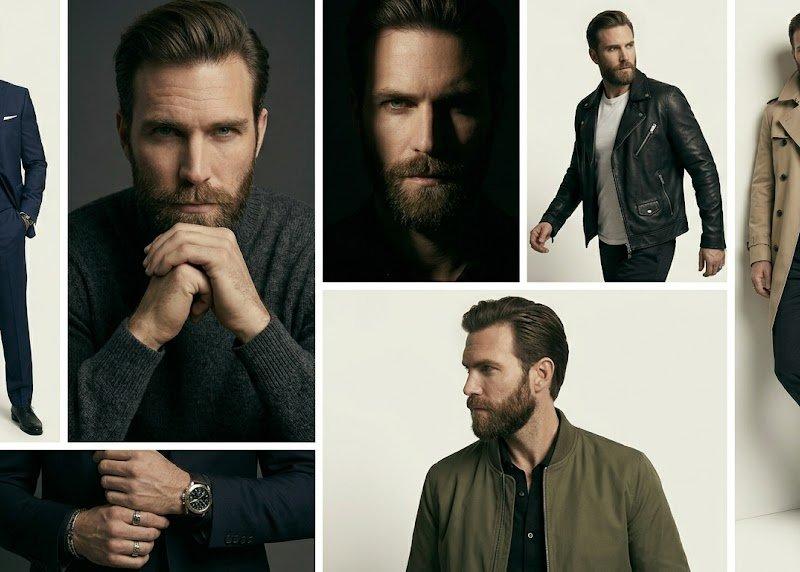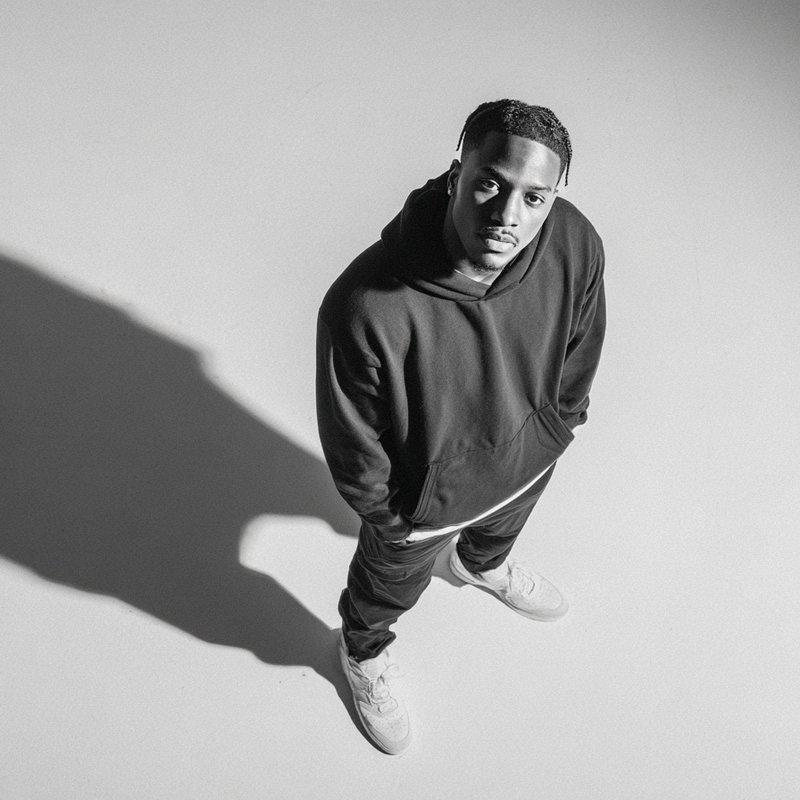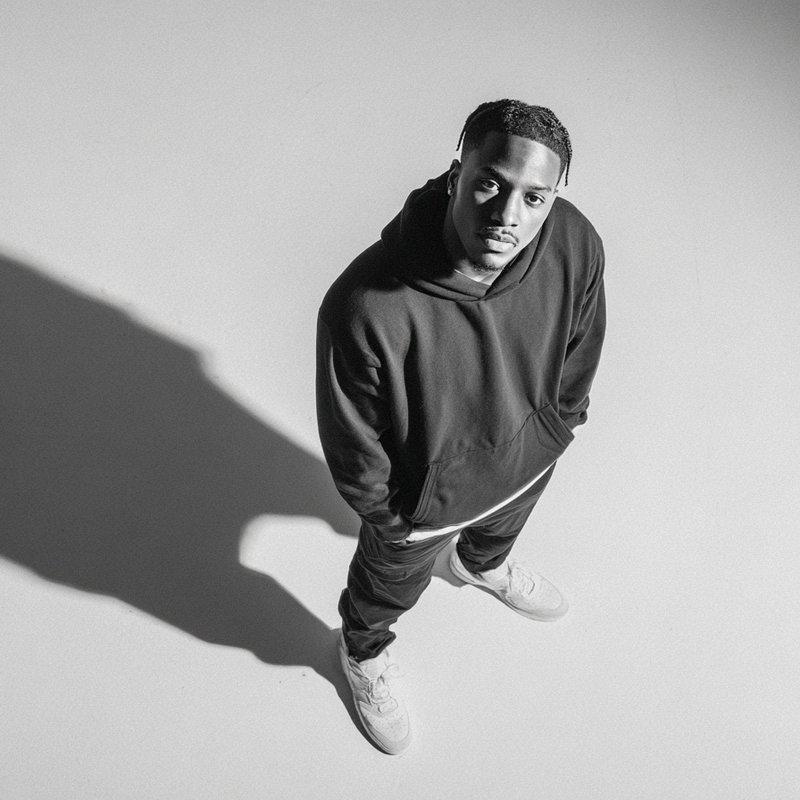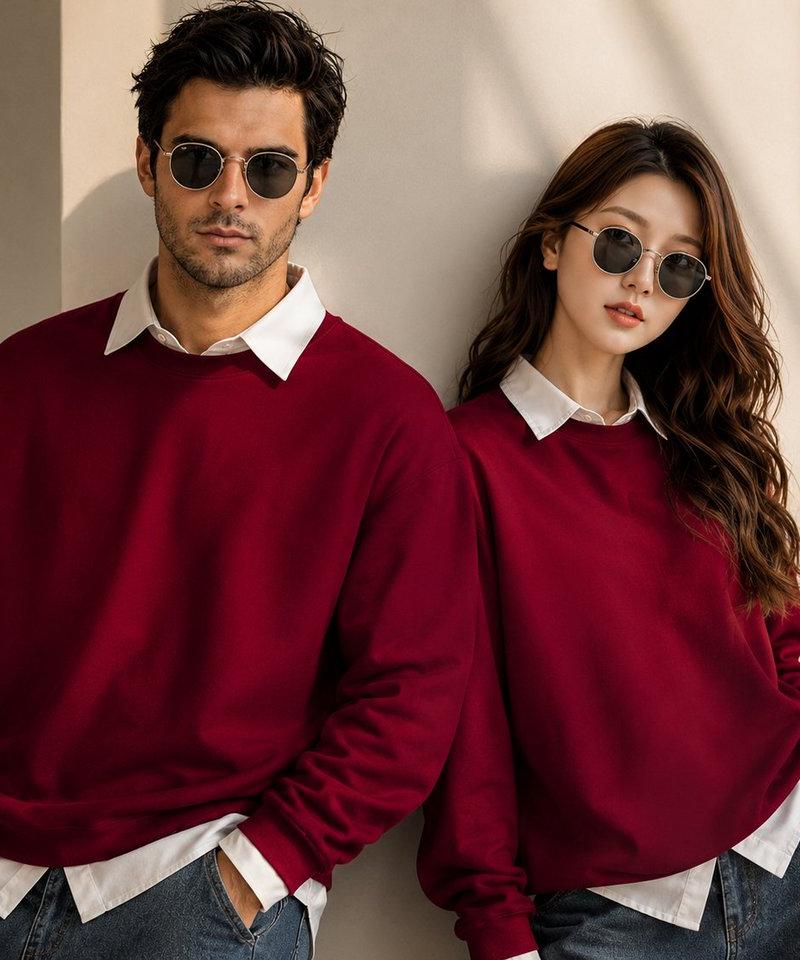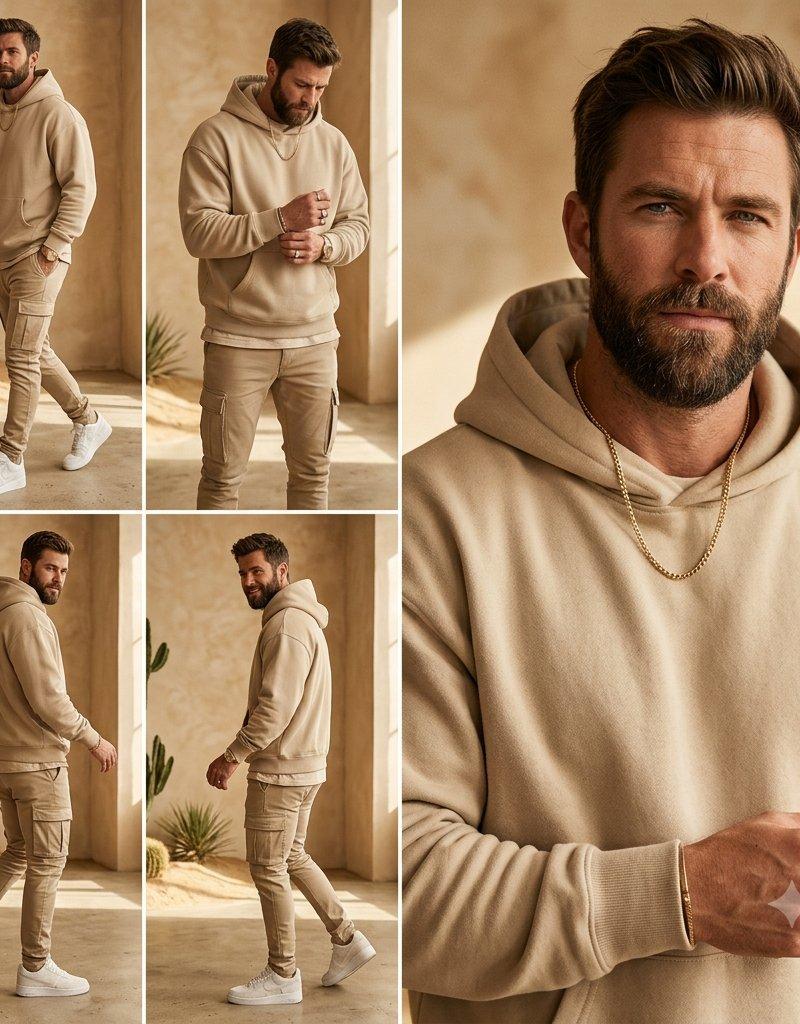
Beige Menswear Lookbook Collage
Prompt
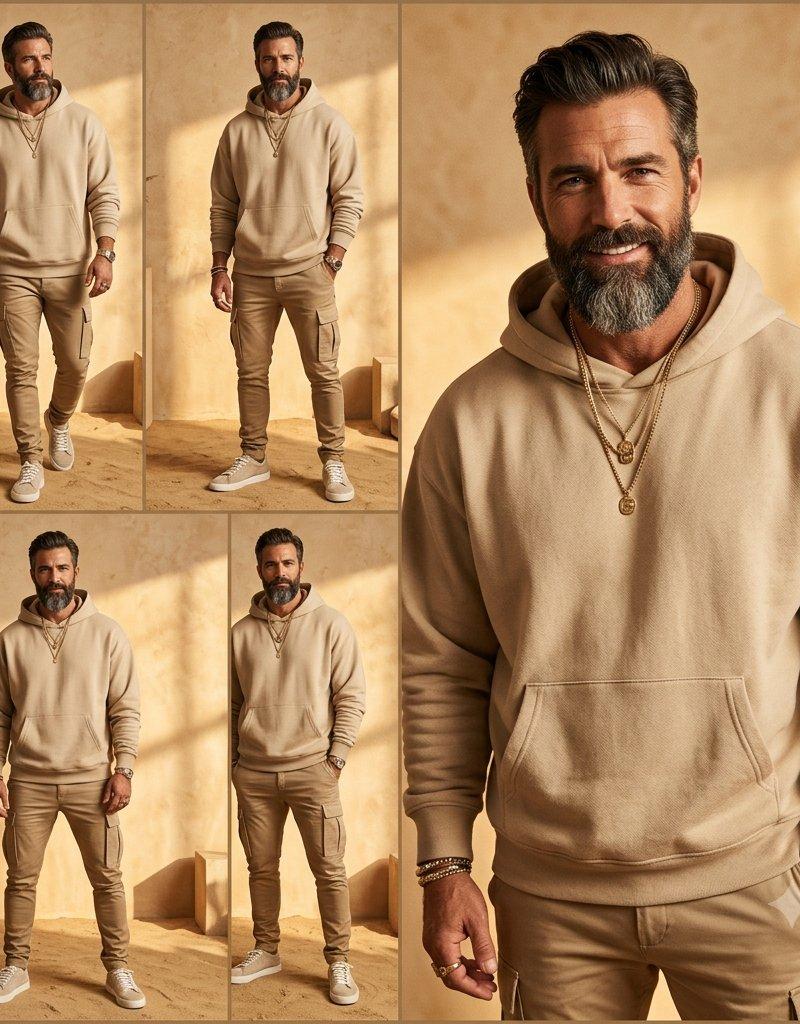
Goal: Create a square men's fashion lookbook collage featuring {argument name="model description" default="a fit adult man with short dark hair and trimmed beard"} wearing a monochrome beige streetwear outfit, with the face anonymized by a soft rectangular blur or solid skin-tone privacy block in every view.

Canvas: 1:1 square image, warm editorial fashion photography, high resolution, natural sunlight, beige and sand color palette.

Layout: Use exactly 5 photo panels separated by clean white gutters. The left half is a 2-by-2 grid of four smaller full-body outfit shots. The right half is one large vertical close-up portrait panel spanning the full height.

Panel count and contents:
1. Top-left panel: full-body walking pose angled slightly forward, hands relaxed, white sneakers visible, cactus and desert plants in the background.
2. Top-middle/upper-left grid panel: front-facing three-quarter pose, model looking down slightly, hands clasped near chest, hoodie details visible.
3. Bottom-left panel: side/back walking pose from the left, hoodie hood and cargo pants silhouette visible.
4. Bottom-middle/lower-left grid panel: side walking pose from the right, one foot lifted, showing the tapered cargo pants and white sneakers.
5. Right large panel: close cropped upper-body portrait from chest to head, oversized face privacy rectangle centered over the face, beige hoodie fabric texture prominent, gold chain necklace visible, hand raised near chest with a ring.

Subject details: Outfit consists of exactly 4 main visible fashion pieces: {argument name="hoodie color" default="sand beige"} pullover hoodie, matching slim cargo jogger pants with side pockets, clean white low-top sneakers, and a gold chain necklace. Add a watch or bracelet subtly on one wrist and a ring on one finger. Keep the styling minimal, expensive casual, neutral-toned, and coordinated.

Environment: Minimal desert-inspired indoor studio with textured tan plaster walls, concrete floor, warm sunlight casting soft shadows, narrow architectural openings, and sparse cacti or succulent plants placed near the left panels.

Visual style: Photorealistic fashion editorial, warm golden-hour lighting, shallow depth of field in the close-up, crisp clothing texture, muted beige monochrome grading, clean Instagram lookbook composition.

Constraints: No text, no logos, no watermark. Preserve the five-panel collage exactly. The face must remain obscured in all panels. Do not add extra people or extra clothing colors beyond the beige, white, gold, and natural desert tones.- Category
- Charts & Infographics
- Model
- GPT Image 2
- Creator
- Cherry 2.O
- Source language
- en
- Source ID
- 24545
- Published
- Jun 6, 2026
Views3.2K