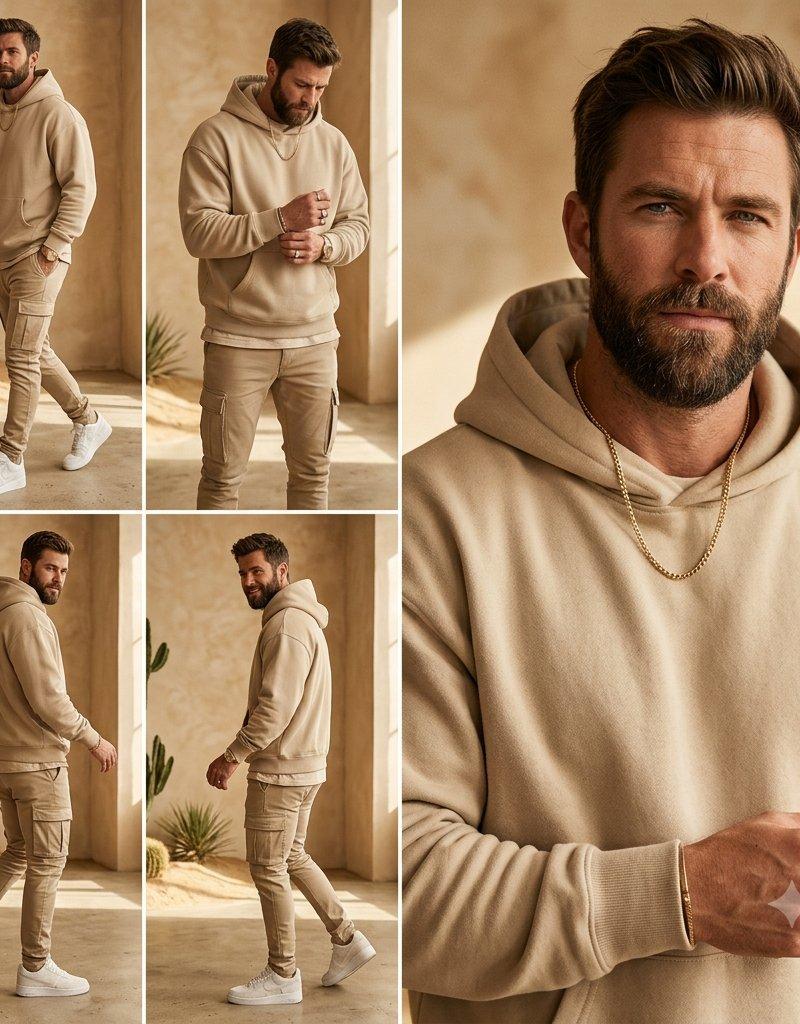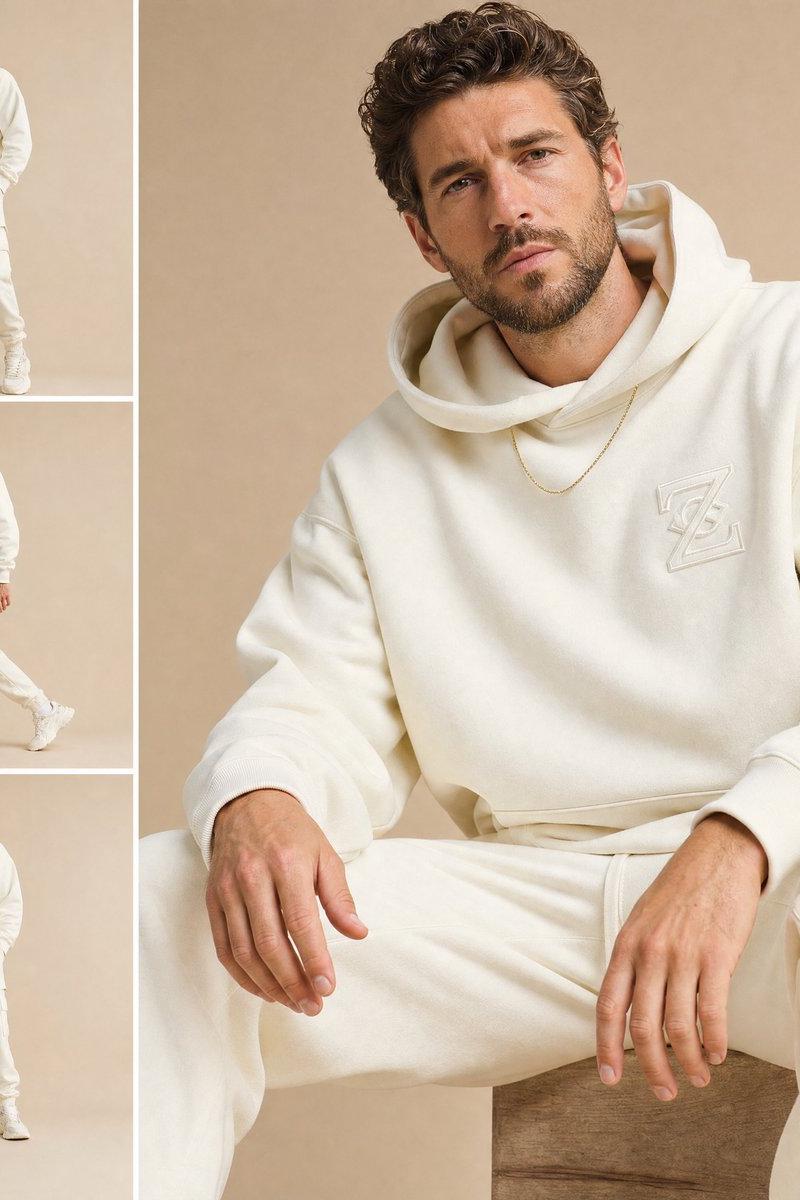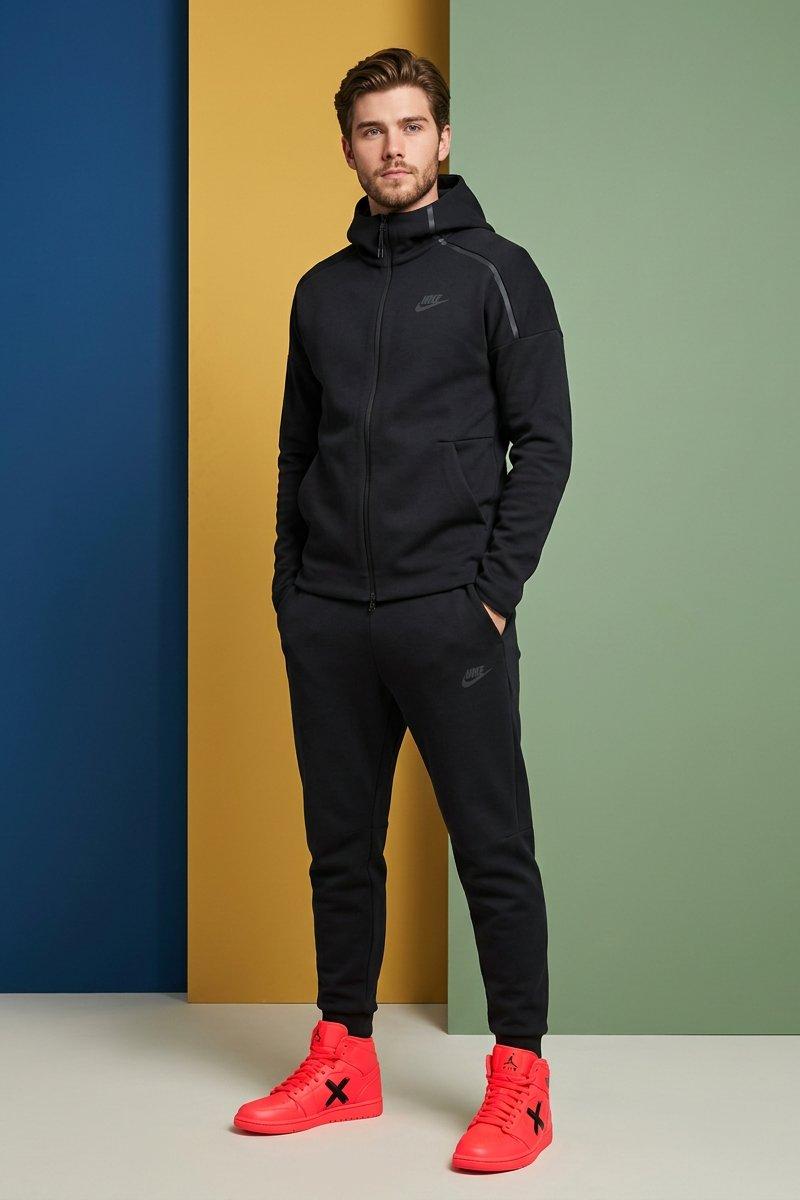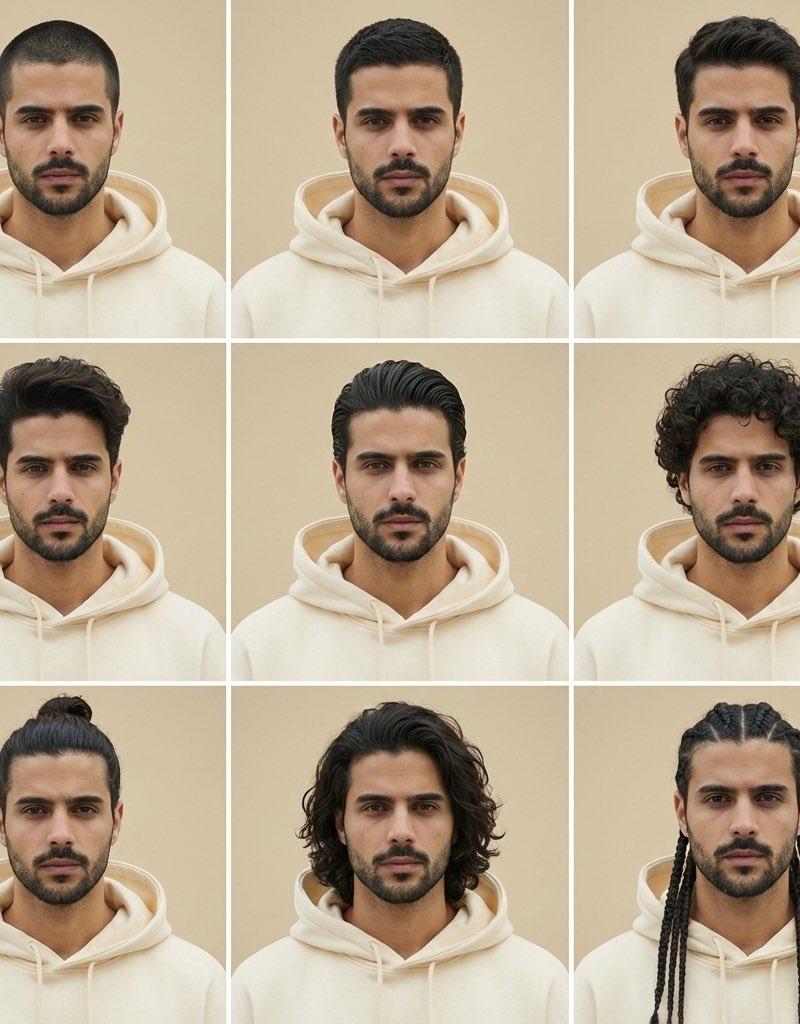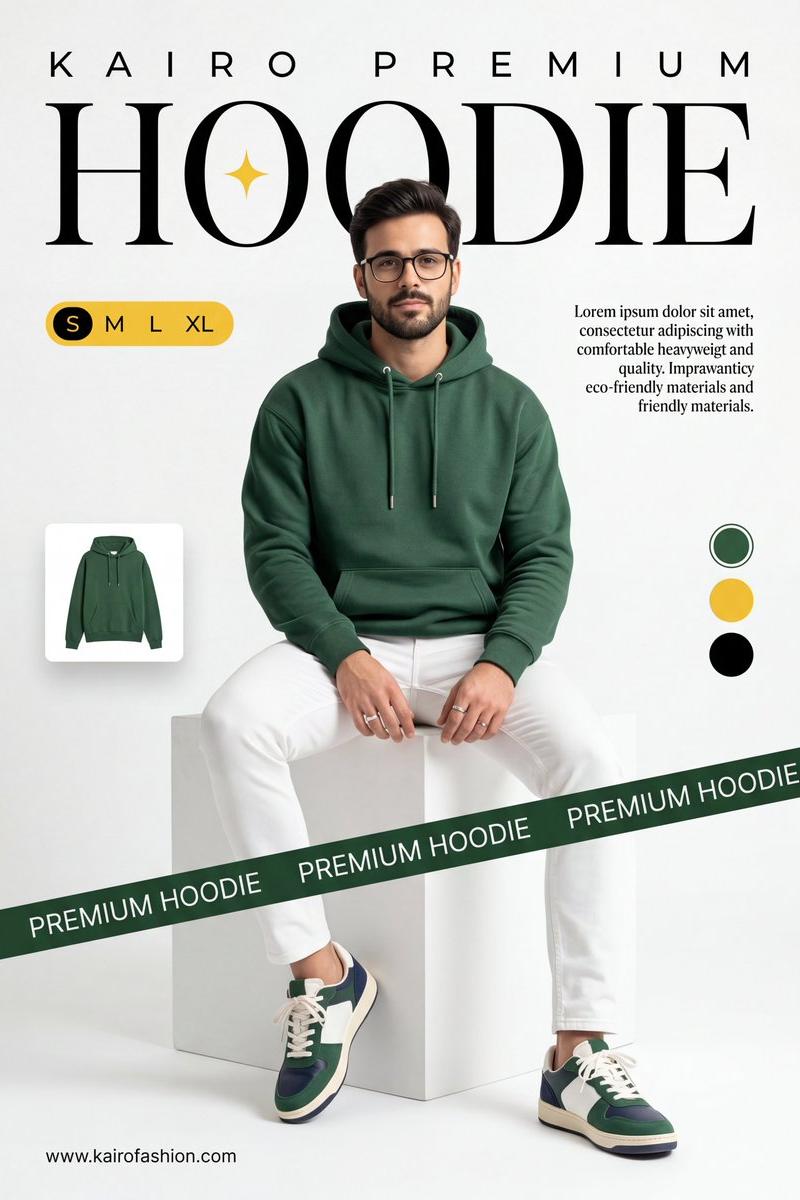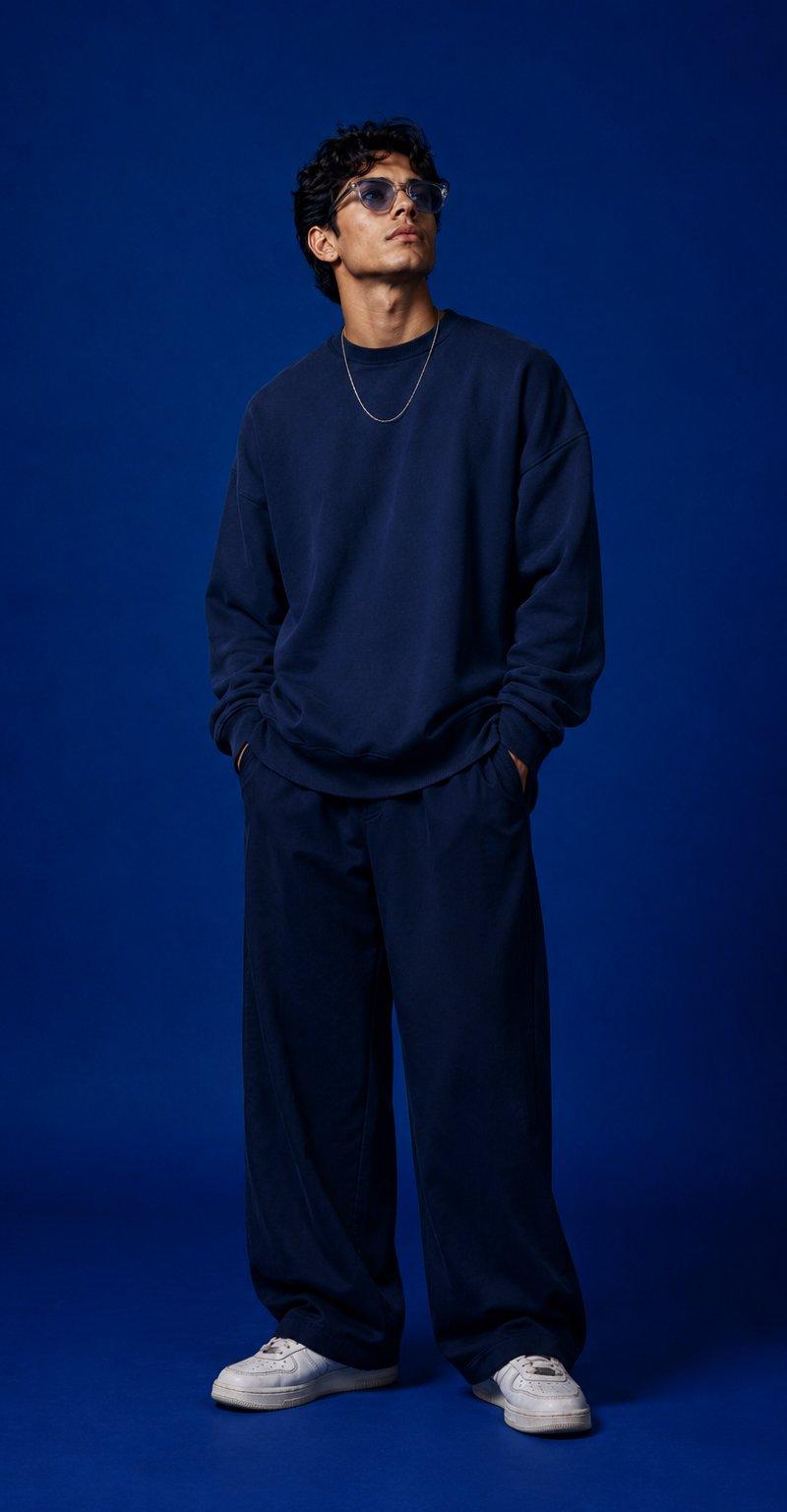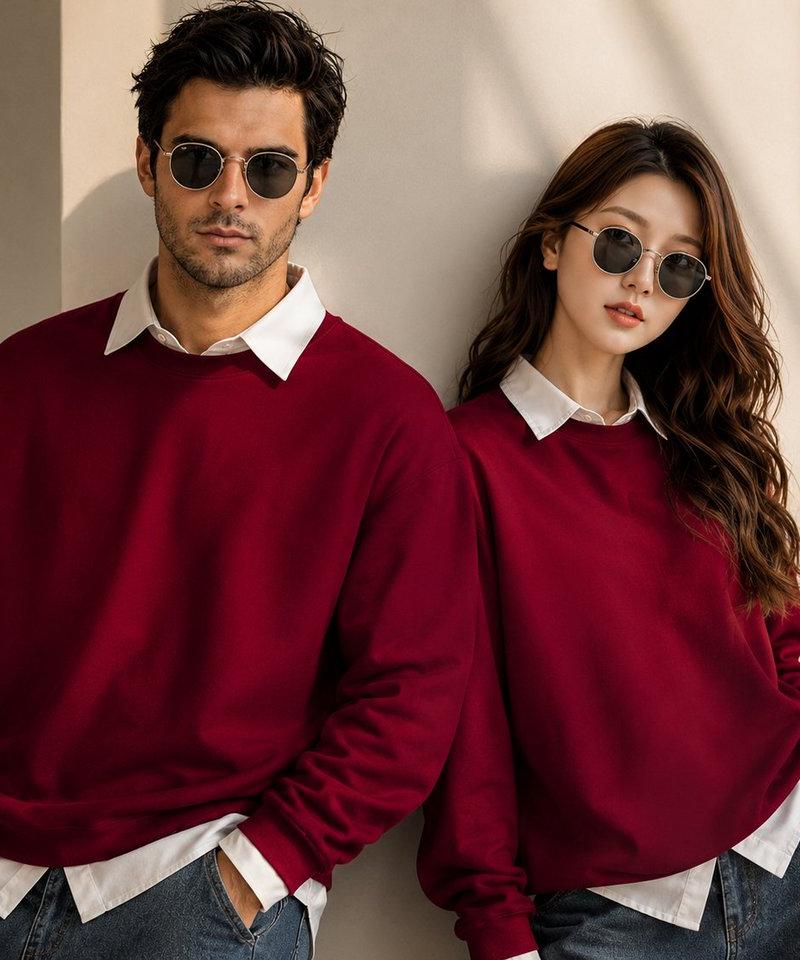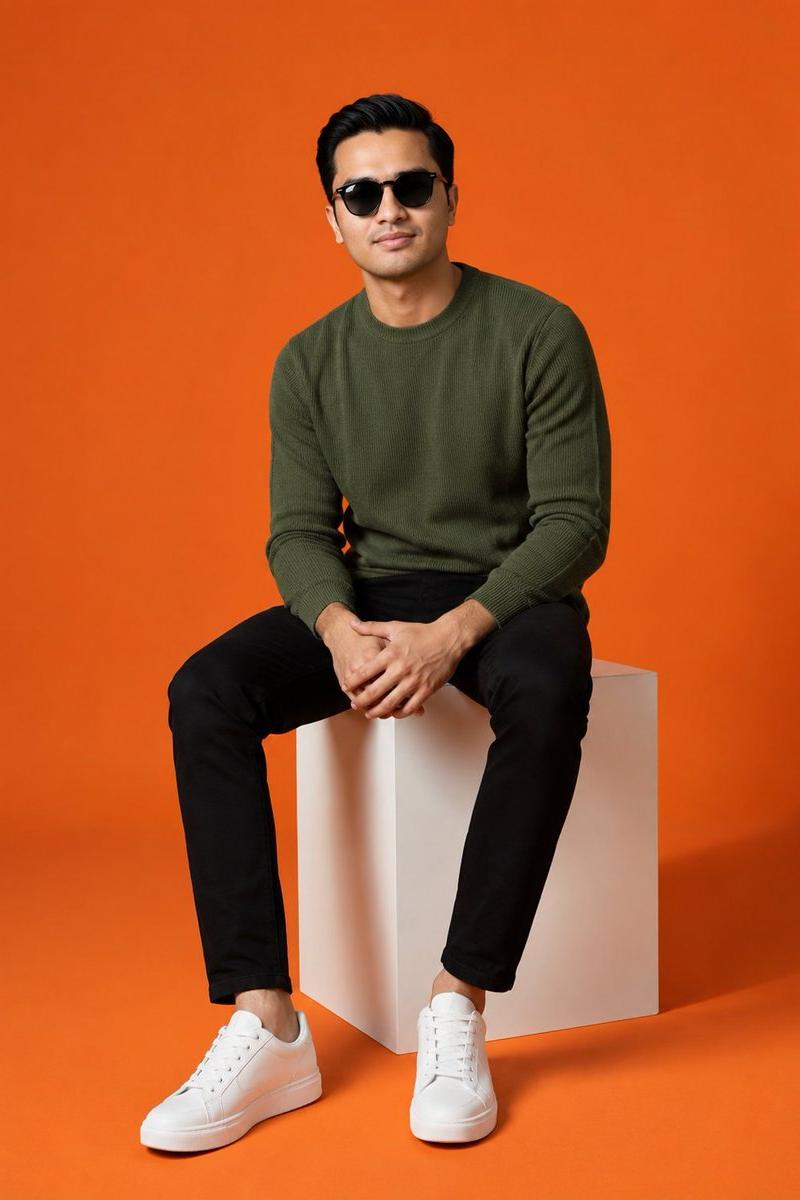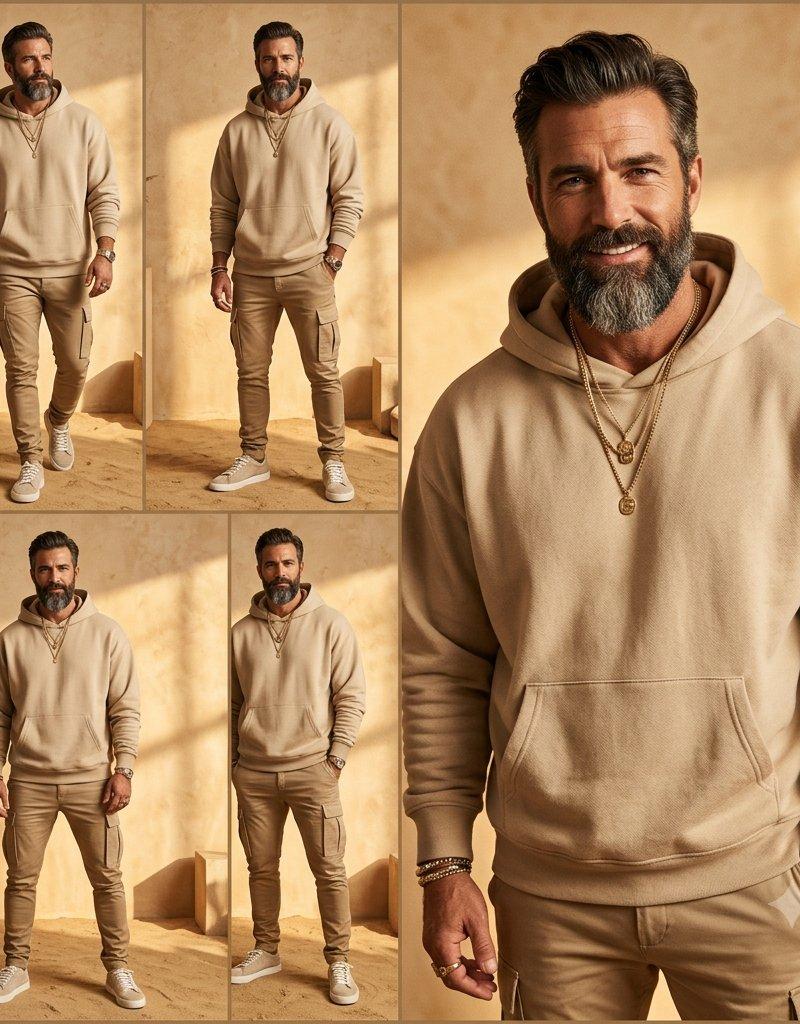
Beige Menswear Lookbook Collage
Prompt
Goal: Create a warm editorial menswear collage showing one stylish adult man modeling a monochrome beige streetwear outfit in a sunlit desert-studio setting, with his face intentionally covered by a soft rectangular privacy blur.

Canvas: Square 1:1 image, approximately 1024 x 1024, arranged as a fashion lookbook contact sheet with thin tan dividers between panels.

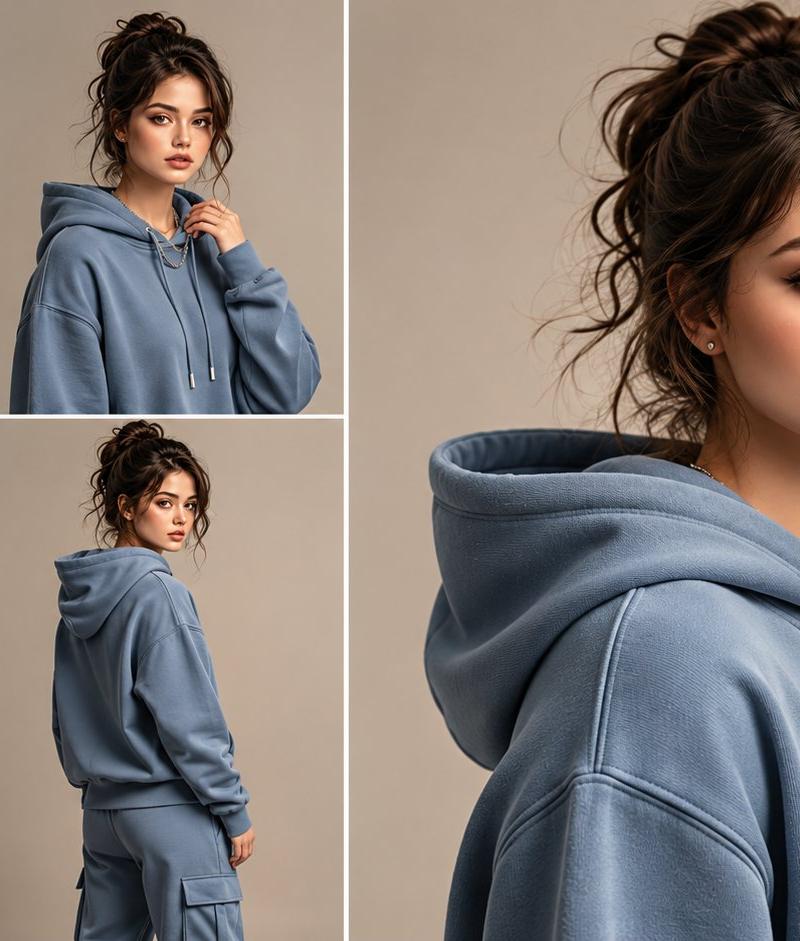
Layout: Use exactly 5 image panels. The left half is a 2 x 2 grid of four full-body outfit shots. The right half is one large vertical close-up portrait panel occupying the full height. In the four smaller panels, show the same man in slightly different standing and walking poses. In the large right panel, crop from the top of the hair to mid-thigh, emphasizing the hoodie, jewelry, watch, and cargo pants.

Subject details: The model is a fit middle-aged man with tanned skin, dark slicked-back hair, and a short salt-and-pepper beard visible below the face blur. He wears a {argument name="outfit color" default="sand beige"} oversized pullover hoodie with a kangaroo pocket, matching slim cargo jogger pants with side pockets, and light beige low-top sneakers. Add visible accessories: exactly 2 layered gold necklaces with round pendants, exactly 1 wristwatch, exactly 3 stacked bracelets, and exactly 1 ring. The model should look relaxed and confident, hands sometimes in pockets, sometimes by his sides.

Environment: Minimal Mediterranean/desert interior with textured beige plaster walls, sandy floor, soft architectural blocks, arched niche details, dried pampas grass in a vase, and strong golden sunlight casting diagonal shadows across the wall. Keep the palette monochrome tan, camel, cream, and warm gold.

Visual style: High-end fashion editorial photography, realistic, warm cinematic lighting, shallow depth of field in the close-up panel, crisp fabric texture, premium lifestyle catalog mood, clean composition, no visible brand logos.

Privacy blur: Cover the face in every panel with a smooth vertical rectangular blur/mosaic matching the skin-tone colors underneath; the blur should hide facial identity while leaving hair, beard edges, neck, clothing, and accessories visible.

Constraints: Show exactly 5 panels, exactly 4 full-body views on the left and exactly 1 large close-up on the right. No text, no watermark, no extra models, no logos, no hats, no sunglasses.- Category
- Charts & Infographics
- Model
- GPT Image 2
- Creator
- Cherry 2.O
- Source language
- en
- Source ID
- 24544
- Published
- Jun 6, 2026
Views3.2K