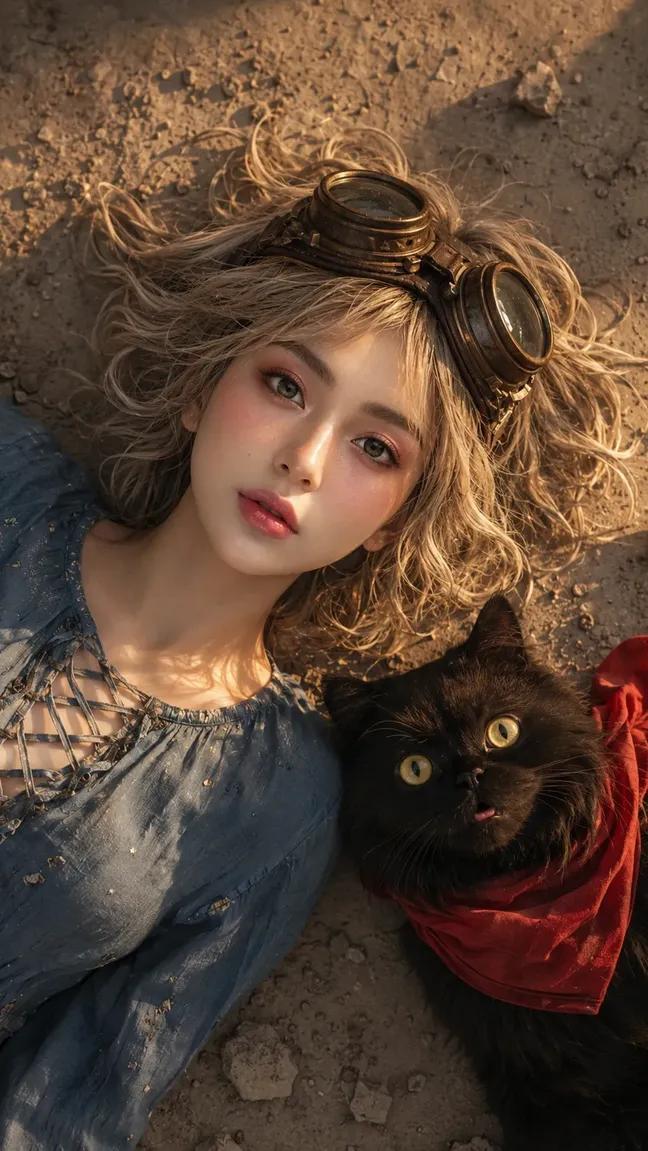
Face-Locked Image Edit with Cat
Prompt
EDIT THE PROVIDED IMAGE.
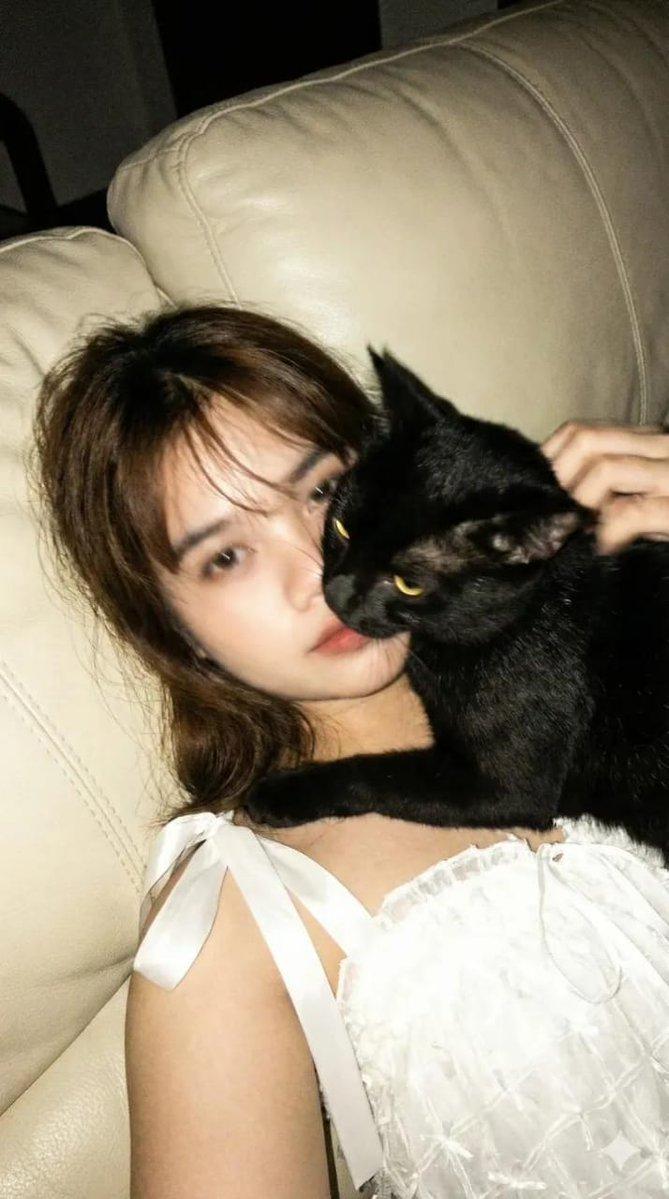
ABSOLUTE FACE PRESERVATION MODE — USE MY UPLOADED FACE PHOTO AS THE ONLY PRIMARY FACIAL IDENTITY REFERENCE.
STRICT FACE LOCK MODE:
Maintain 95–100% facial similarity.
DO NOT change identity.
DO NOT beautify into another person.
DO NOT blend identities.
Preserve EXACT:
face shape, eyes, eyelids, eyebrows, nose, lips, jawline, cheekbones, forehead, skin tone, ethnicity, natural asymmetry, real skin texture.
PRIORITY:
FACE > pose > lighting > environment > outfit > accessories
SUBJECT:
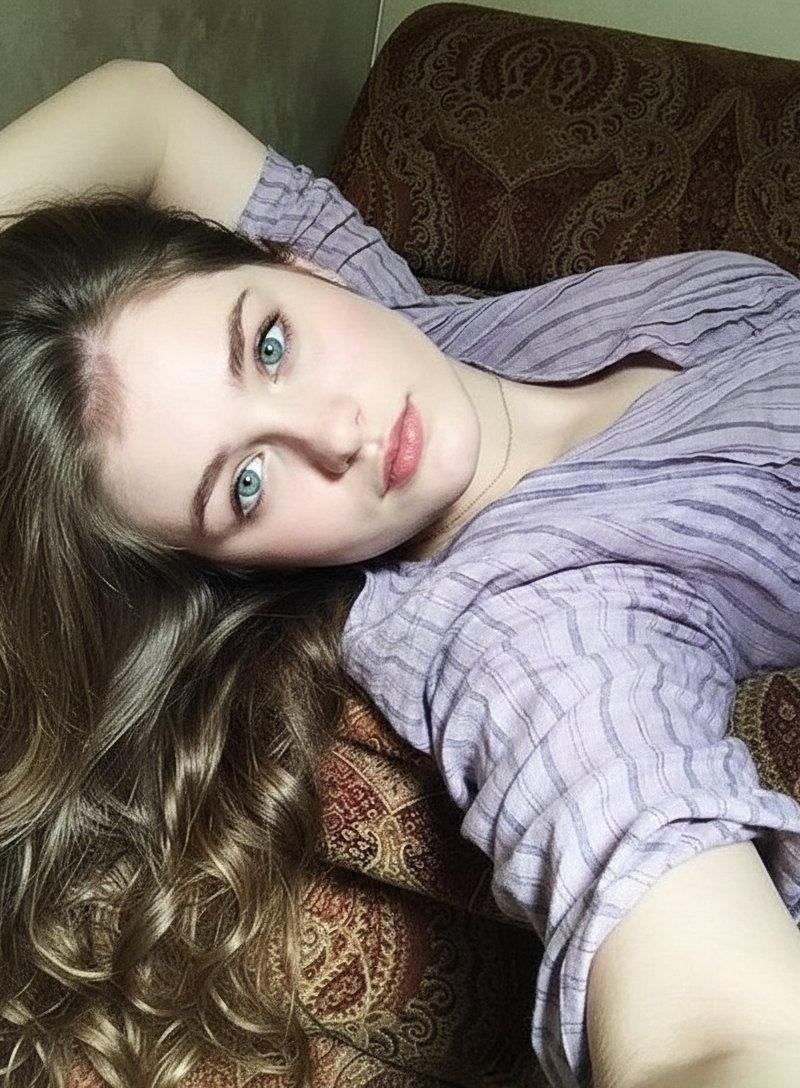
young woman, age ~23, ideal realistic feminine proportions, lying on the ground, expressive surprised / curious facial expression, eyes wide open, slightly parted lips
MAKEUP — MATCH REFERENCE STYLE:
subtle glossy natural makeup, luminous skin, soft blush, minimal warm eyeshadow, thin eyeliner, natural lashes, soft glossy lips, NO heavy glam
HAIRSTYLE — MATCH REFERENCE EXACTLY:
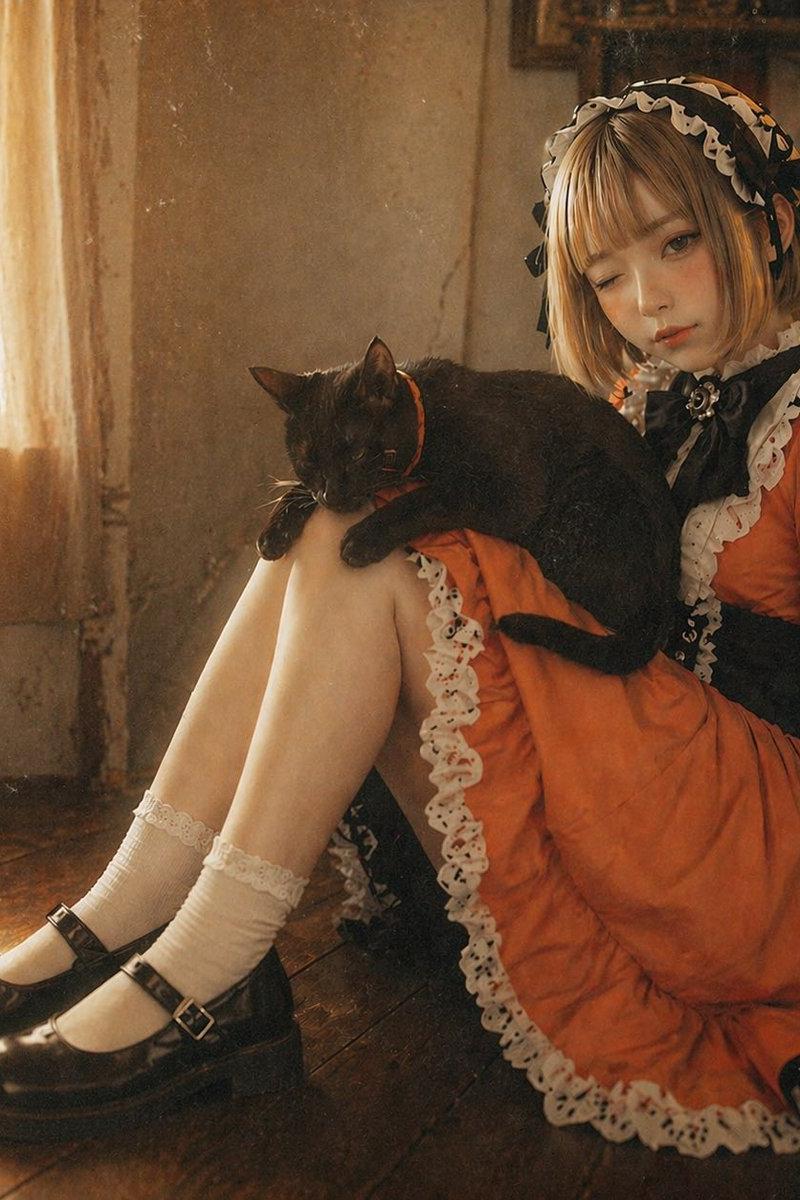
short messy bob haircut, slightly wavy, light blonde / ash tone, natural volume, scattered strands on ground, slightly wind-swept texture, realistic individual hair strand
OUTFIT — MATCH REFERENCE EXACTLY:
vintage casual outfit, soft blue blouse with lace-up neckline detail, slightly worn fabric texture, natural folds, relaxed fit ACCESSORIES — MAXIMIZED:
vintage aviator goggles on head (metal + leather detail)
subtle small accessories (light fabric stitching details, minor wear marks)SECOND SUBJECT (IMPORTANT — CAT):
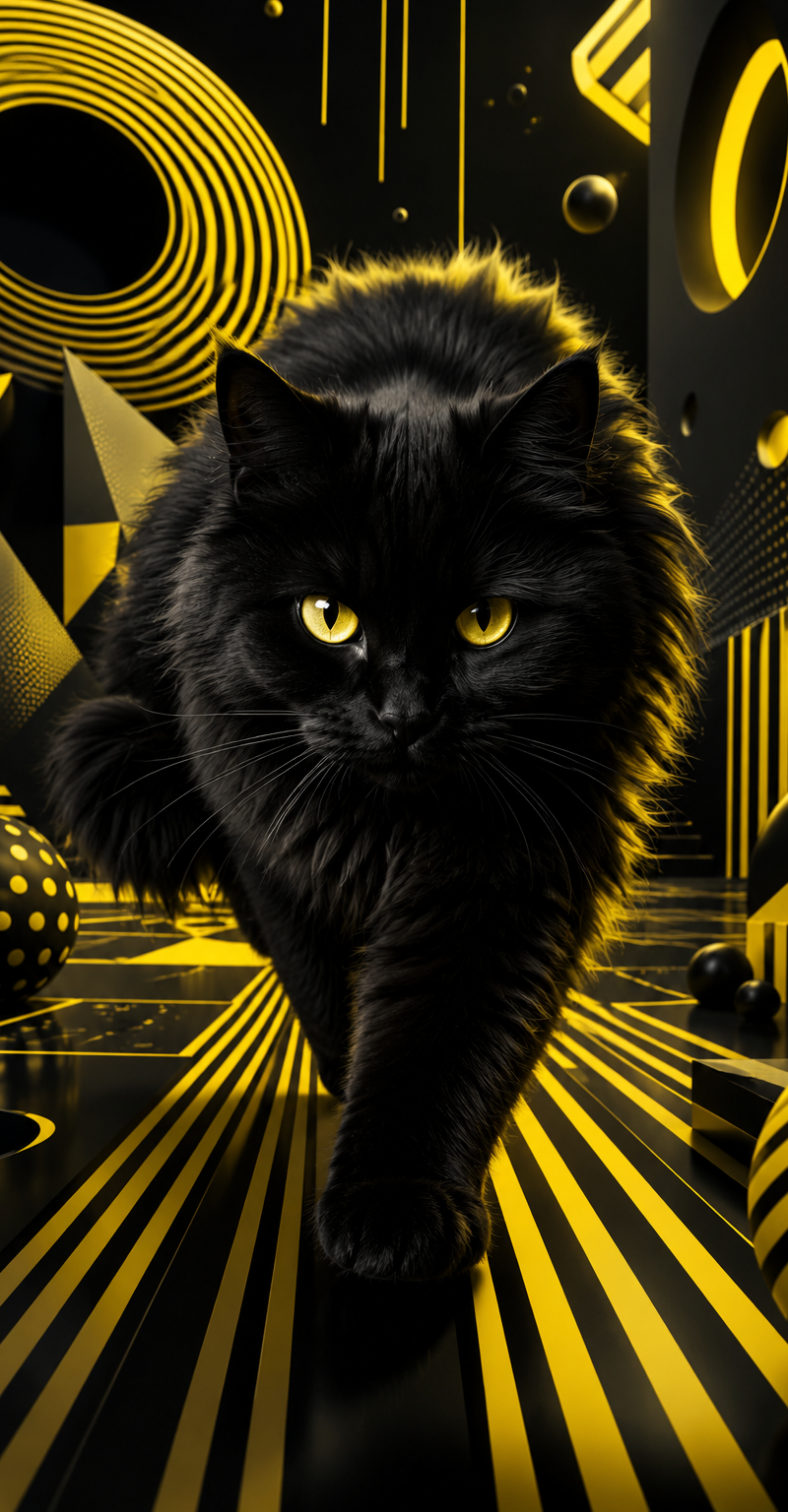
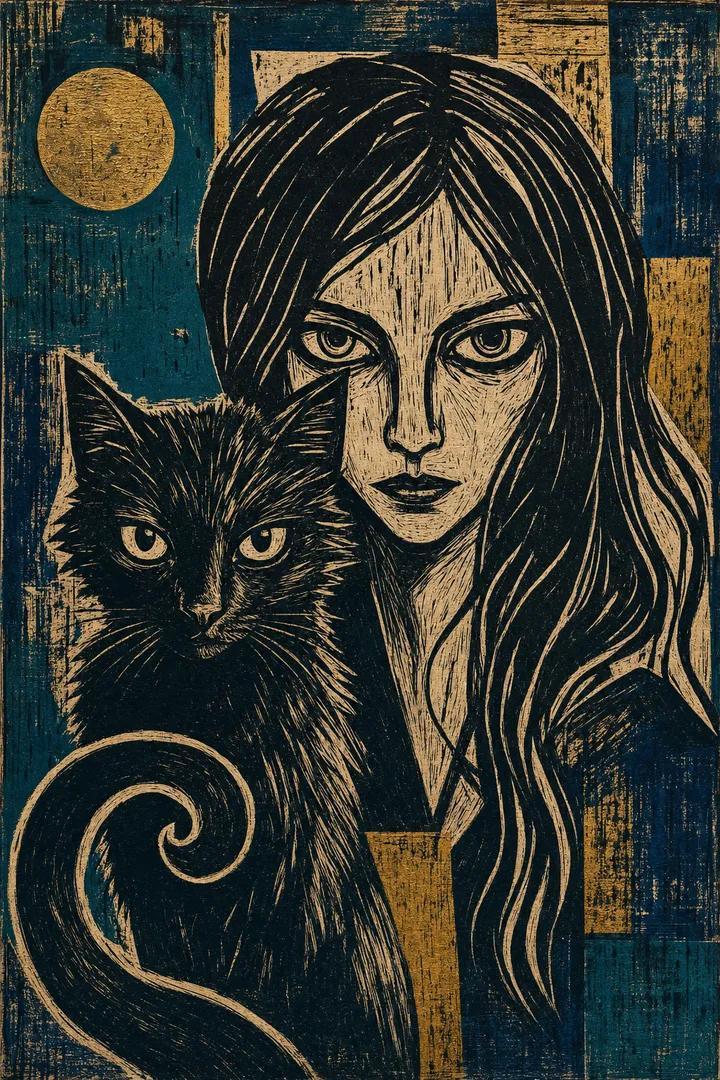
{argument name="animal" default="black fluffy cat"} beside subject
large round yellow eyes
wearing {argument name="accessory" default="red scarf"}
lying close next to woman
same direction gaze upward
highly detailed fur texture POSE & COMPOSITION — STRICT MATCH:
TOP VIEW (camera directly above subject)
both woman and cat lying on ground
heads close together
both looking upward toward camera
symmetrical composition
close framing (head + upper torso)
cinematic vertical 9:16
ENVIRONMENT — MATCH EXACT:
dusty ground / stone surface
small scattered rocks
slightly textured earth surface
soft natural outdoor setting
LIGHTING — CRITICAL:
strong warm sunlight from side (golden tone)
light hitting face diagonally
half face illuminated, half soft shadow
glossy skin highlights
natural light falloff
SHADOW:
soft directional shadow
subtle depth contrast
realistic sunlight behavior
CAMERA:
DSLR photography
top-down angle
50mm lens equivalent
sharp facial focus
slight depth falloff
RAW realism
COLOR GRADING:
warm cinematic tone
soft golden highlights
slightly muted earthy colors
natural skin tone balance
film-like color grading
REALISM BOOST:
real skin pores
micro texture
natural imperfections
realistic hair strands
detailed fabric texture
realistic cat fur detail
NO smooth skin
NO plastic look
NEGATIVE PROMPT:
anime, manga, illustration, cartoon, CGI, stylized eyes, unrealistic proportions, beauty filter, identity change, wrong pose, standing pose, wrong camera angle, no cat, wrong animal, wrong outfit, indoor scene, bad anatomy, watermark, logo, text
QUALITY:
ULTRA-PHOTOREALISTIC
RAW DSLR realism- Category
- Charts & Infographics
- Model
- GPT Image 2
- Creator
- Zyrella
- Source language
- en
- Source ID
- 24617
- Published
- Jun 7, 2026
Views11.5K
![18-22 years old, [body temperament], black long straight hair, straight bangs, [](https://whqgdndlpxjbwosvipip.supabase.co/storage/v1/render/image/public/prompt-source-media/promptsref/work-1493/image-1-7c413f8d7217f133.png?width=800&quality=75)